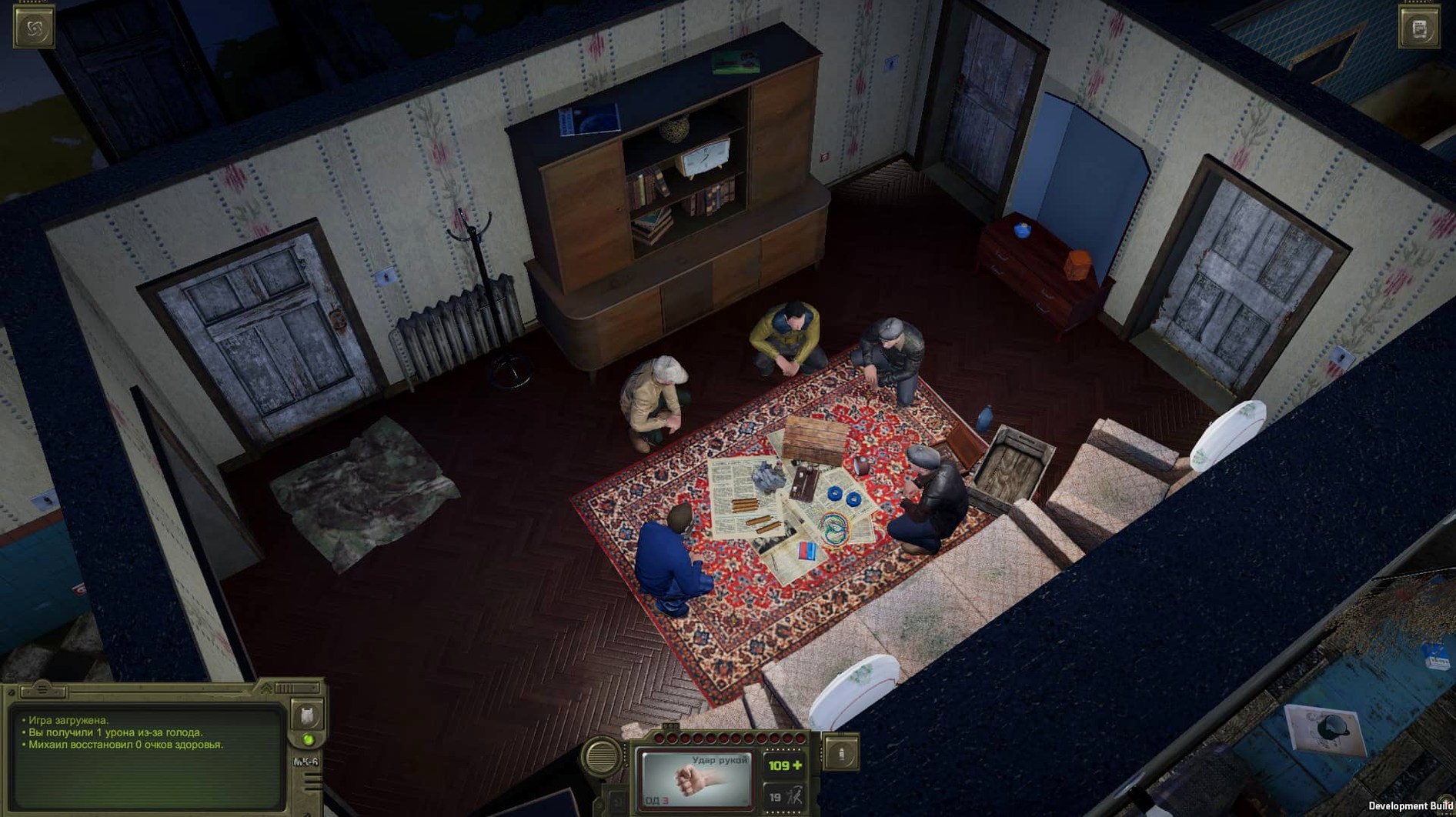
Trudograd boots natively on Intel-based Macs running macOS 10.13 or newer. There is no official Apple Silicon build, though Rosetta 2 handles it without complaint on M-series machines. The game arrived on September 13, 2021, and sits at version 1.056 — a self-contained chunk of Soviet apocalypse fiction that needs no prior save file, though importing one from the original ATOM RPG will carry your old character into the snow.
Starting conditions
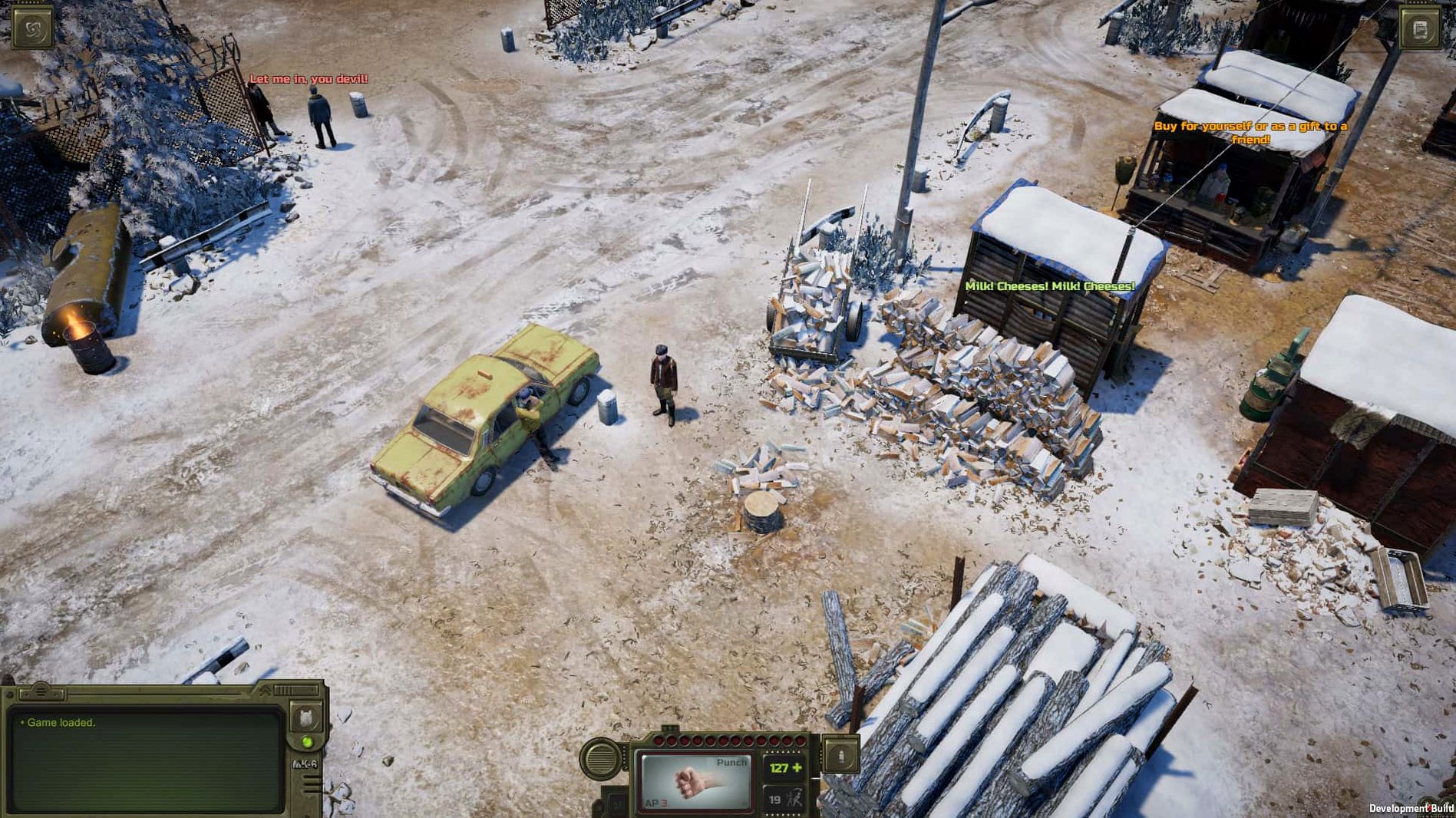
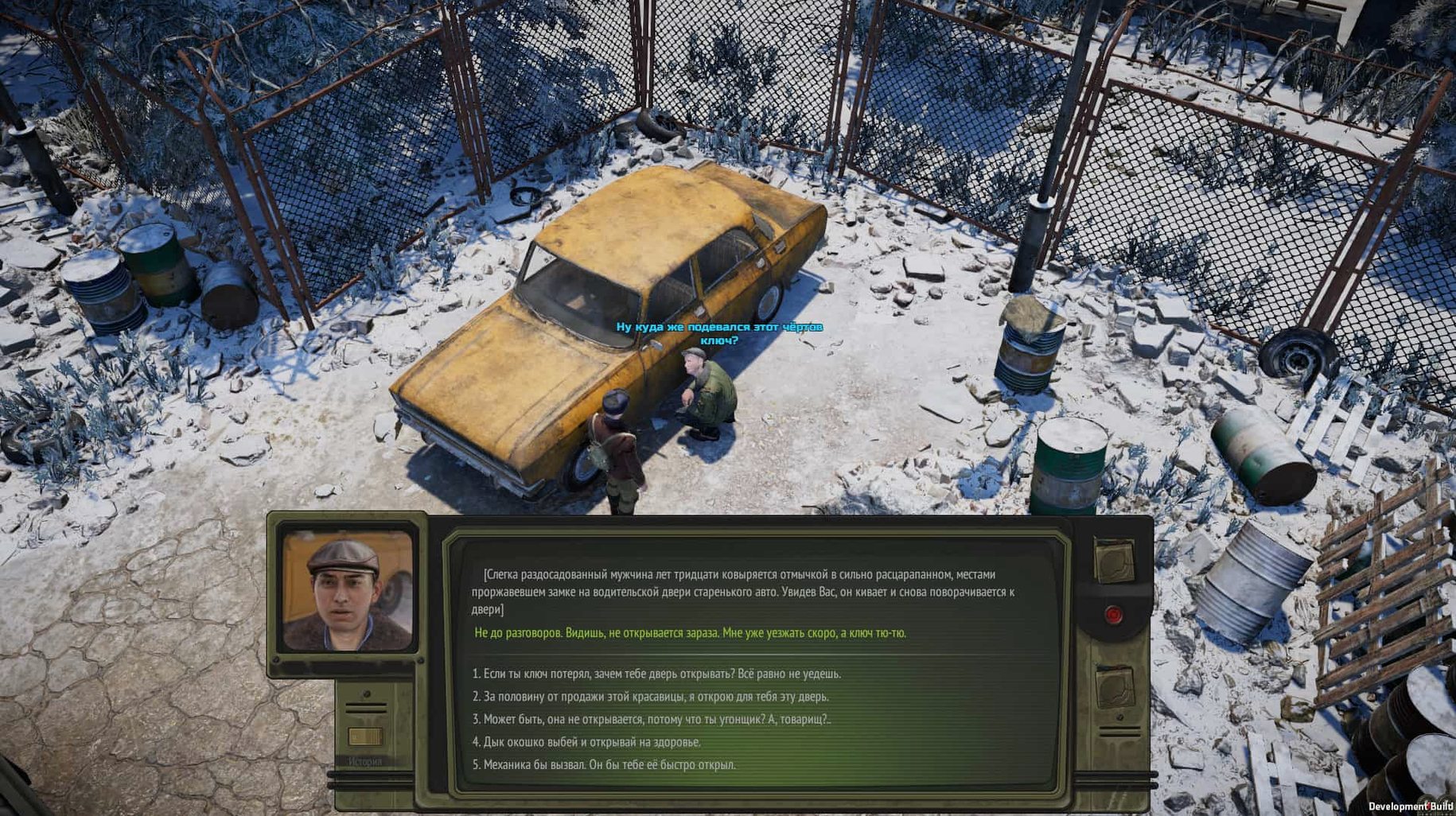
It helps to think of Trudograd as a frozen second act. Two years have passed since the first game. The story moves to a crumbling metropolis where heating pipes still rattle and factions have carved the city into uneasy territories. You can start fresh with a new cadet or bring a weathered veteran across — the choice only changes the opening hour. Either way, the rhythm is pure turn-based RPG: hex-grid fights, barter with merchants who have seen too many winters, and dialogue trees that remember what you said. Quests rarely have a single solution. A locked door might open to a bribe, a threat, a screwdriver, or a conversation you overheard three streets away.
What the port expects from your Mac
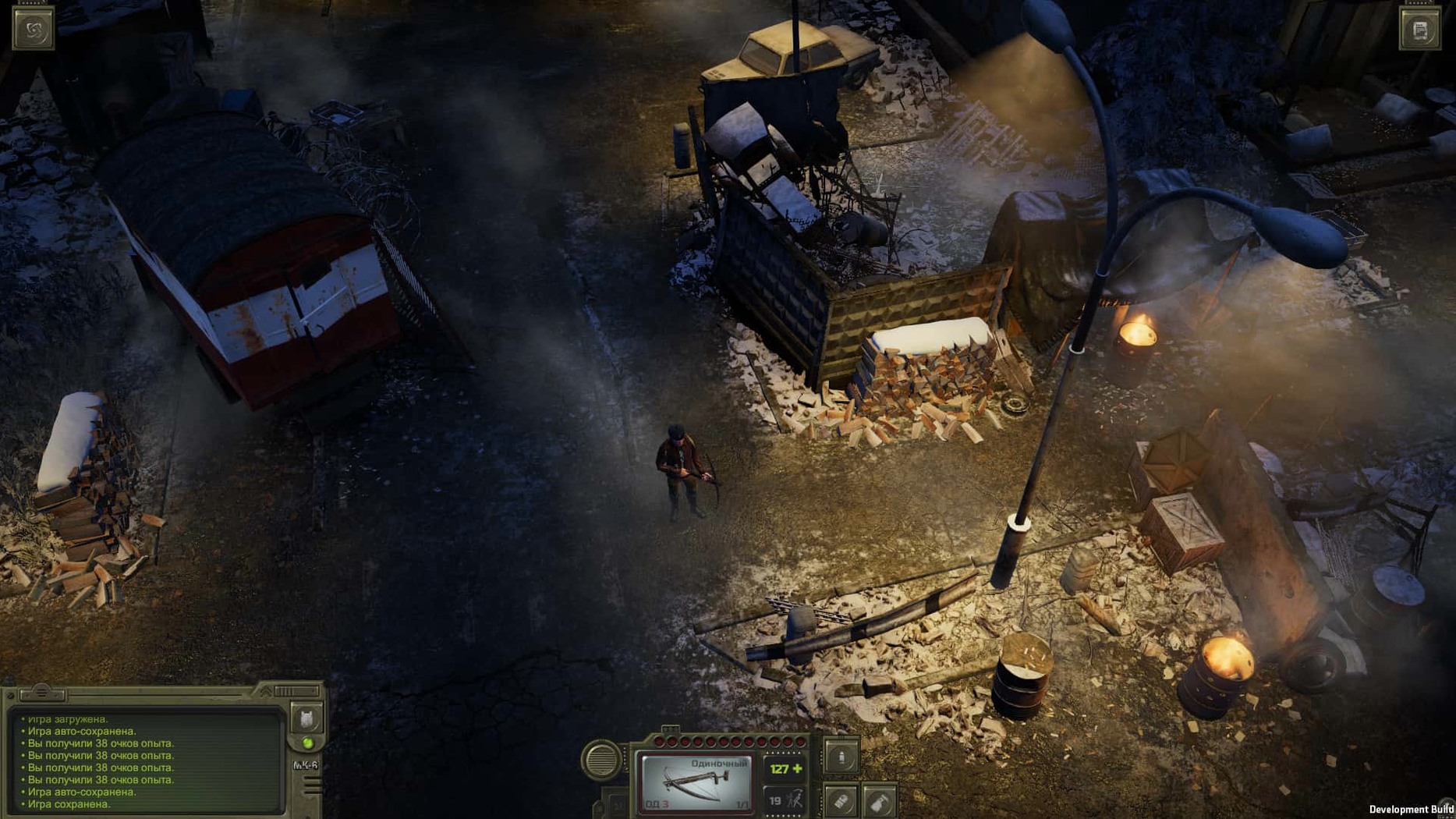
The interface was built for mouse and keyboard, and the Mac version mirrors that without compromise. You point, click, and drag through inventory tiles. No trackpad gestures, no controller mapping to wrestle with — just a cursor moving across a cold, hand-drawn city. Performance is steady on any Intel Mac that meets the minimum OS; on Apple Silicon, the Rosetta translation layer introduces a faint stutter during weather-heavy scenes but nothing that tears the mood. The game is fully voiced in Russian and English, and the sound design leans hard into wind, creaking metal, and the kind of silence that settles over a frozen ruin. It is a game that asks you to read, to listen, and to sit with the consequences of a bad roll — exactly the kind of thing a Mac laptop was built for on a long train ride through winter.
Why you don't need to play the first ATOM RPG before jumping in
People often ask whether Trudograd stands on its own. It does — the opening chapter re-establishes the world and its stakes clearly enough that you will not feel lost. The bigger question is whether a turn-based game from a small Russian studio actually runs on an older Mac without collapsing. The answer is yes, provided you meet that macOS 10.13 floor. The engine is not demanding; the city loads district by district, and the hex-grid combat never asks more of your GPU than some modest particle effects and a dusting of snow. Another quiet concern is the English voice acting. It is functional and characterful in a rough-edged way, though many players switch to Russian voices with English subtitles for a more grounded feel. You can change this at any point from the sound menu, no restart required.
Someone always asks about save imports, usually after losing a seventy-hour ATOM RPG file years ago. The import process looks for a completed save in a specific location, and if the game cannot find it, the option simply greys out. You lose nothing by skipping it. A fresh character starts with enough skill points and equipment to feel capable, not coddled. On the technical side, the download is a standard package installer — no launchers, no online checks. Once it is on your drive, it stays there.
Right-click containers to loot them without the interaction menu
Right-clicking a container during scavenging opens it instantly instead of cycling through the interaction menu. It saves a surprising amount of time when you are looting a collapsed apartment block floor by floor. Holding Shift highlights every interactive object on screen — doors, loose floorboards, corpses half-buried in drifts — which the tutorial never mentions. The journal tracks quest stages but also logs background rumours overheard in taverns and train stations; scrolling back through old entries sometimes reveals a thread you missed. Companions can be ordered to move to a specific hex in combat by holding Ctrl and clicking, a small tactical gift when you need someone blocking a doorway right now. And the barter screen has a hidden equalise button — dump a stack of rusty ammunition into the trade window, press it, and the merchant adds enough caps or goods to balance the deal without the usual back-and-forth.
Crank the camera scroll speed to stop Trudograd feeling sluggish
Out of the box, the game defaults to a camera scroll speed that feels sluggish, especially on a trackpad. Dialling it up to about three-quarters in the gameplay settings makes navigating Trudograd’s broad avenues feel less like wading through snow. Text size can be bumped up a notch without breaking the UI; the dialogue font is small on Retina displays, and the extra point makes long conversations easier on the eyes during evening sessions. Auto-save slots are capped at five by default — raising that to ten costs nothing and gives you more fallback points before a difficult skill check. If you are playing on a MacBook that runs warm, dropping shadow quality to medium cuts the thermal load noticeably while keeping the city’s overcast gloom intact. And for anyone who finds the hex-grid overlay visually noisy, it can be toggled off entirely with G, leaving only the soft snowfall and the ruined skyline.
- macOS 10.13 or later
- Intel processor (Apple Silicon runs via Rosetta 2)
Questions from the booth
No. It is a stand-alone expansion that lets you create a new character, though importing an ATOM RPG save carries your old decisions forward.
The voice acting is available in Russian and English, with interface text in both languages.