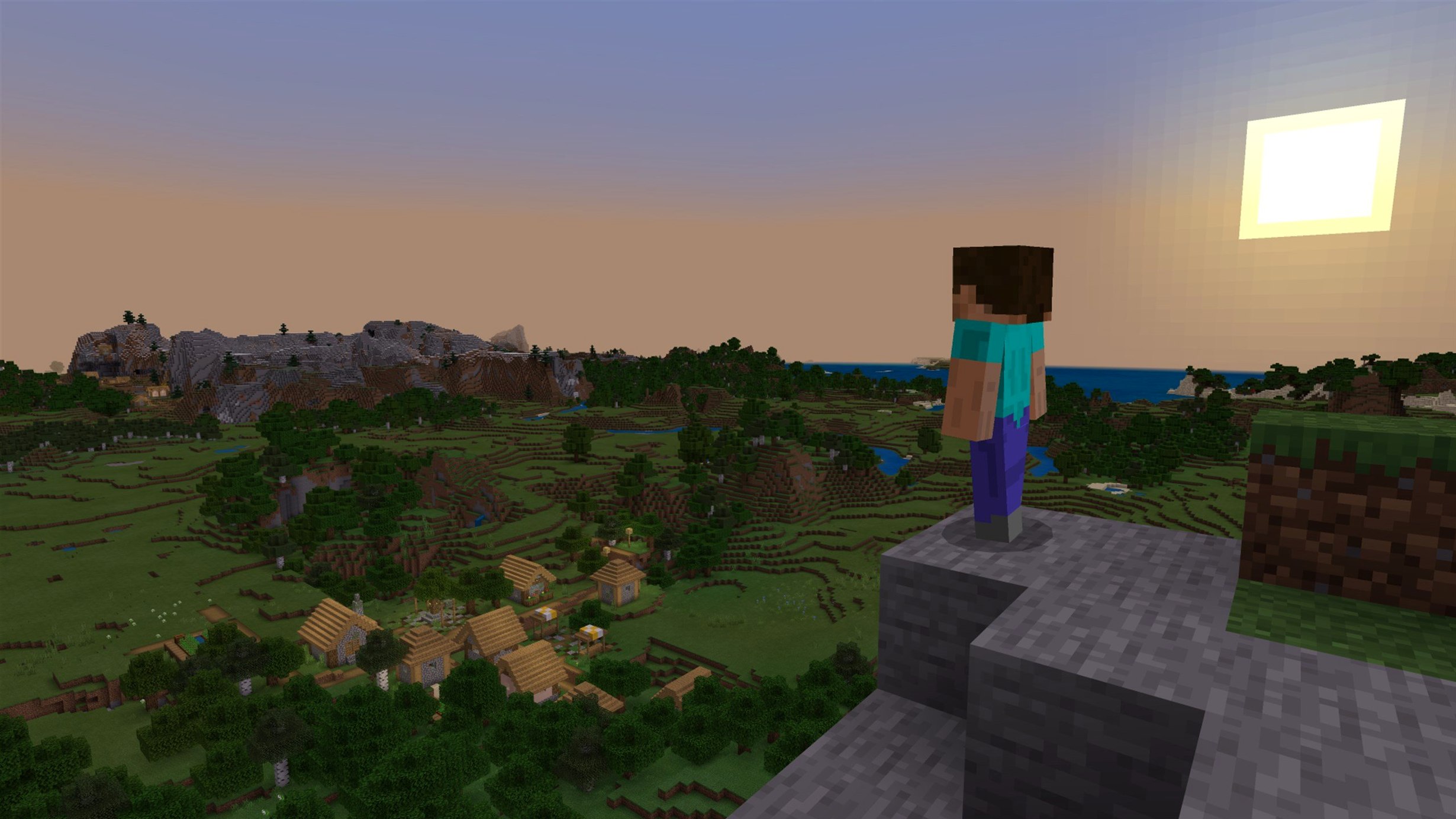
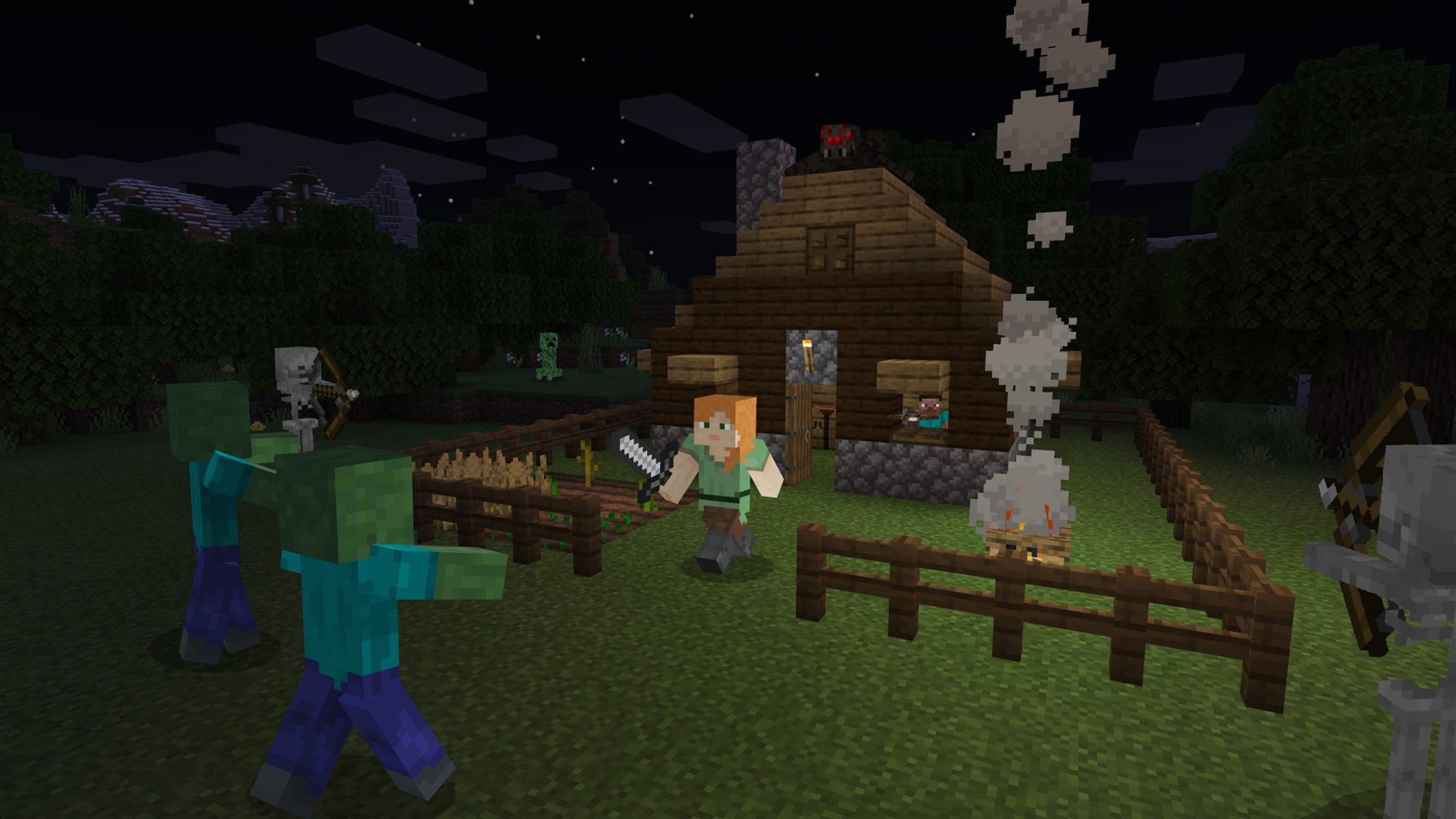
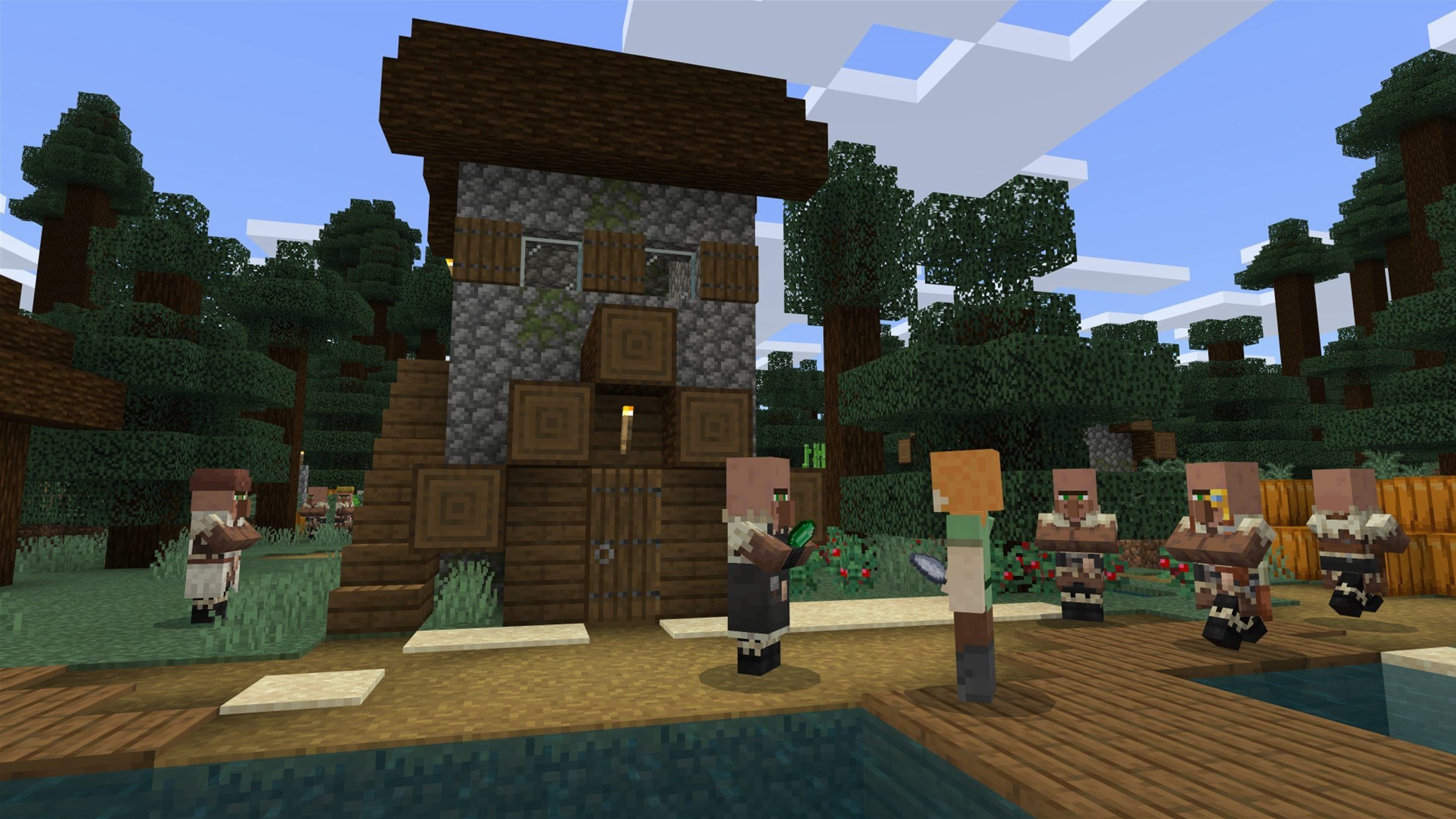
If you have ever tracked an edit in DaVinci Resolve or nudged a keyframe in After Effects, you already understand the quiet satisfaction of building something frame by frame. Minecraft operates on a similar rhythm, only the timeline is infinite and the canvas is a procedurally generated wilderness rendered in blocks. The Java Edition runs natively on macOS, and version 1.21.7 arrived on June 30, 2025, bringing a handful of small but welcome additions alongside a round of stability fixes.
Compatibility is straightforward: the game requires a 64-bit Mac and runs on both Intel and Apple Silicon machines. It was tested on macOS Tahoe with a 2024 M4 Mac mini, where it had no trouble holding a steady frame rate even when the view distance stretched toward the horizon. The launcher handles architecture selection automatically, so there is no wrestling with Rosetta settings or obscure launch flags.
What you get is the full Minecraft sandbox — exploration, construction, crafting, and combat — wrapped in the Java Edition's particular feel. This is the version that has sustained a modding community for over a decade, and it remains the one to reach for if you care about custom resource packs, shaders, or the peculiar chaos of a well-run multiplayer server. The latest patch fixes startup crashes on some AMD graphics, a texture leak after resource reloads, and a few resource-pack loading snags that had lingered through earlier revisions.
The update also slips in a new 3×3 painting and a music disc called Lava Chicken, the kind of modest detail that reminds you Mojang still tinkers with the world's texture even after all these years. Interface languages include English, Russian, and Ukrainian.
Building a beacon from a fresh world — a short workflow
Most players drop into a new seed with a rough plan, then get distracted by terrain. That is half the pleasure, but a beacon demands focus. The workflow I use on the Mac starts the same way every time: generate a world, punch a tree, craft a wooden pickaxe, and keep moving until I have stone tools. From there I dig a staircase down to Y-level 11 — the sweet spot for diamond ore, well above lava pools but deep enough for the good veins.
Strip-mining a 2×1 tunnel with branches every three blocks is the dullest hour of the process. I mute the in-game music and play something long-form through the Mac's speakers — Minecraft's own soundtrack returns when I surface, which makes the contrast feel earned. Once I have three diamonds I craft a pickaxe, mine obsidian from a surface pool, and build a Nether portal. The Java Edition's chunk loading on Apple Silicon stays smooth through all of this, even with the render distance pushed to 24 chunks while I spot a suitable fortress across the lava sea.
Wither skeleton skulls are the choke point. Clearing fortress corridors with a Looting III sword takes patience, and I burn through stone swords faster than expected. When three skulls drop, I head back through the portal, place soul sand in a T-shape in a cleared plains biome, and summon the Wither. The fight on macOS feels responsive in a way I used to associate with dedicated gaming hardware; key presses translate to sword swings without the half-beat delay that plagued older Java Edition builds on integrated graphics. Once the Wither drops a Nether star, I combine it with glass and obsidian at a crafting table, place the beacon on a pyramid of iron blocks, and stand in its beam as the sky lightens. The whole chain — from first tree to active beacon — runs about four hours if no major detours happen, and the M4 Mac mini handled every chunk load and particle storm without a hitch.
M4 memory use settles at 2.4 GB with 16-chunk render distance
Minecraft Java Edition has never been a lightweight application, but the current launcher bundle manages its resources more carefully than I remember from the mid-2010s builds. On the M4 Mac mini, memory use settled around 2.4 GB with a 16-chunk render distance and a modest resource pack active. The fan stayed silent through an hour of Nether traversal, which is the real test — the Nether's layered fog and lava animation tax the renderer more than the Overworld ever does.
Intel Macs benefit from the same optimisation pass. On an older 2020 iMac with AMD graphics, the 1.21.7 patch specifically addressed a startup crash that had plagued Radeon configurations since the spring snapshots. Loading a world with shaders enabled still pushes the GPU, but the texture leaks after resource reloads are finally gone. That particular bug had been an annoyance during mod development sessions, where you reload assets dozens of times in an evening and watch the memory graph climb until a restart became necessary.
Disk reads are the quiet bottleneck. The game streams chunks from storage constantly, and an external mechanical drive introduces micro-stutters when sprint-flying across newly generated terrain. I keep the launcher and .minecraft folder on the internal SSD; the difference is night and day, especially with a Minecraft Java Edition torrent sourced multi-world archive that spans several gigabytes of terrain data. CPU core utilisation stays modest — the Java Edition still leans heavily on a single thread for world simulation, so raw clock speed matters more than core count.
Data pack version 81 breaks custom server compatibility
The move from 1.21.5 to 1.21.7 may read as a minor increment, but the data pack version bumped to 81 and the resource pack version to 64. For anyone maintaining a custom server or a curated mod list, those numbers are the real changelog. They mean existing data packs need updates, and resource pack authors had to verify their texture atlases against the new loading rules. The 3×3 painting is a nice addition for interior builds — it fills a wall space that previously required awkward frame arrangements — and the Lava Chicken disc joins the roster of rare jukebox tracks with a playful, slightly off-kilter melody that suits a base carved into a basalt delta.
Bug fixes are less glamorous but more consequential. Qualcomm graphics fixes in this build hint at the cross-platform nature of the Java codebase, and the text rendering patch resolved a kerning issue that had made sign text look cramped on certain GUI scales. AMD users on macOS who had been locked out since the previous snapshot can launch again, and that alone makes the update essential for a slice of the player base that had resorted to older launcher profiles. The Minecraft torrent community has already folded these fixes into their bundled launchers, which is why version parity matters even for offline play.
Crank render distance to 24 chunks on Apple Silicon immediately
Fresh installs default to a render distance of 12 chunks and a simulation distance of 8. On Apple Silicon, push render distance to 20 or 24 immediately — the GPU can handle it, and the extra visual range transforms how you navigate. Simulation distance controls how far from the player crops grow, furnaces smelt, and mobs move; I set it to 10 for single-player so that iron farms and villager breeders keep working while I mine nearby.
Turn off VSync in the video settings and cap the frame rate to 120 fps instead. The Java Edition's VSync implementation adds a subtle input lag on macOS that becomes noticeable during PvP or delicate bridging over the void. Clouds, set to Fast rather than Fancy, recover a surprising number of frames without changing the sky's character much. Entity shadows can stay on — they contribute to the atmosphere — but the shadow quality slider at half prevents the renderer from tracing every blade of tall grass at dusk.
Keybinds deserve attention too. The default inventory toggle is E, which pulls fingers away from movement keys. I remap inventory to a mouse side button and leave the off-hand swap on F. Pick Block defaults to middle mouse click, but remapping it to Q — with drop moved to P — saves time when building with a reference palette in the hotbar. For players who acquired the game through a Minecraft Mac torrent, the launcher profile editor under “Installations” lets you set JVM arguments like -Xmx4G to allocate more memory, which is essential for heavy mod packs and shader combinations that would otherwise stutter or crash during garbage collection cycles.
Version 1.21.7 adds a new 3×3 painting and the Lava Chicken music disc to the game. Under the hood, the data pack version moves to 81 and the resource pack version to 64, while a spread of bug fixes resolves startup crashes on certain AMD graphics, texture leaks after resource reloads, and several resource-pack loading quirks.
- macOS (64-bit)
- Intel or Apple Silicon processor
Questions from the booth
Yes, it runs natively on Apple Silicon and was tested on macOS Tahoe with a 2024 M4 Mac mini. The launcher automatically selects the correct architecture.
The update addressed startup crashes on some AMD graphics, a texture leak after resource reloads, resource-pack loading issues, and text rendering bugs.
No, the Java Edition is a separate version that runs on Mac, Windows, and Linux and supports the long-standing modding ecosystem and community servers.