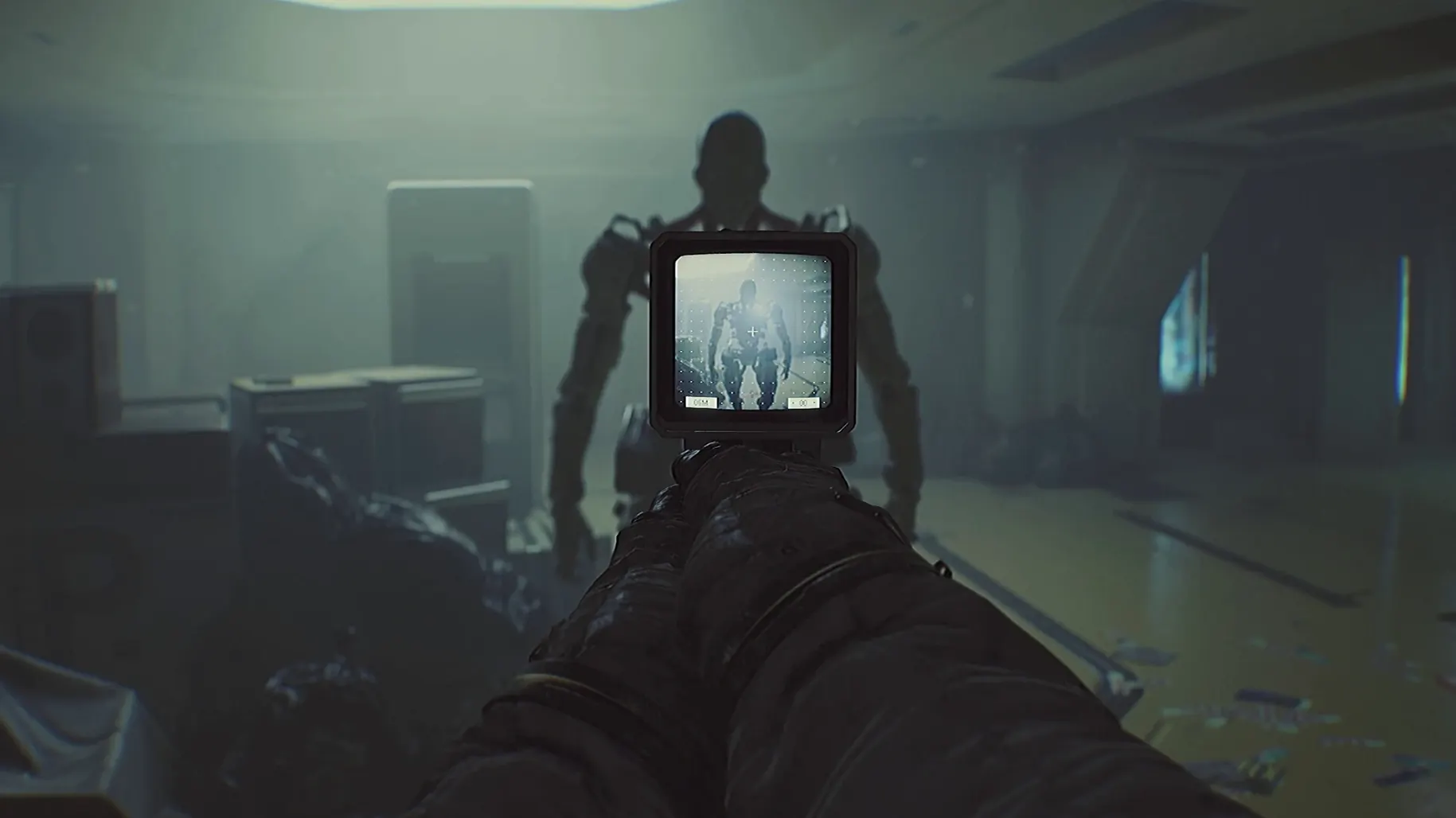
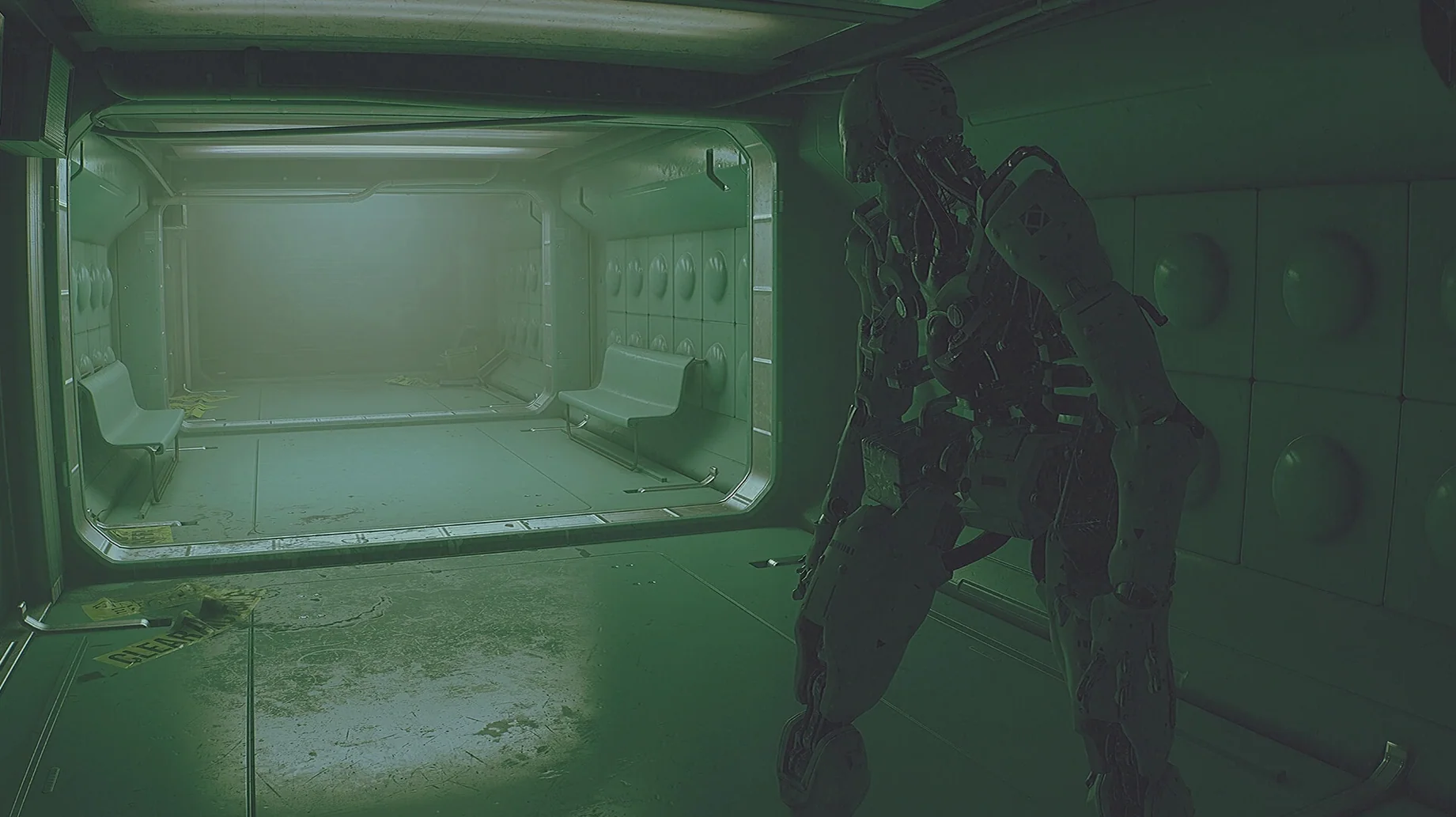
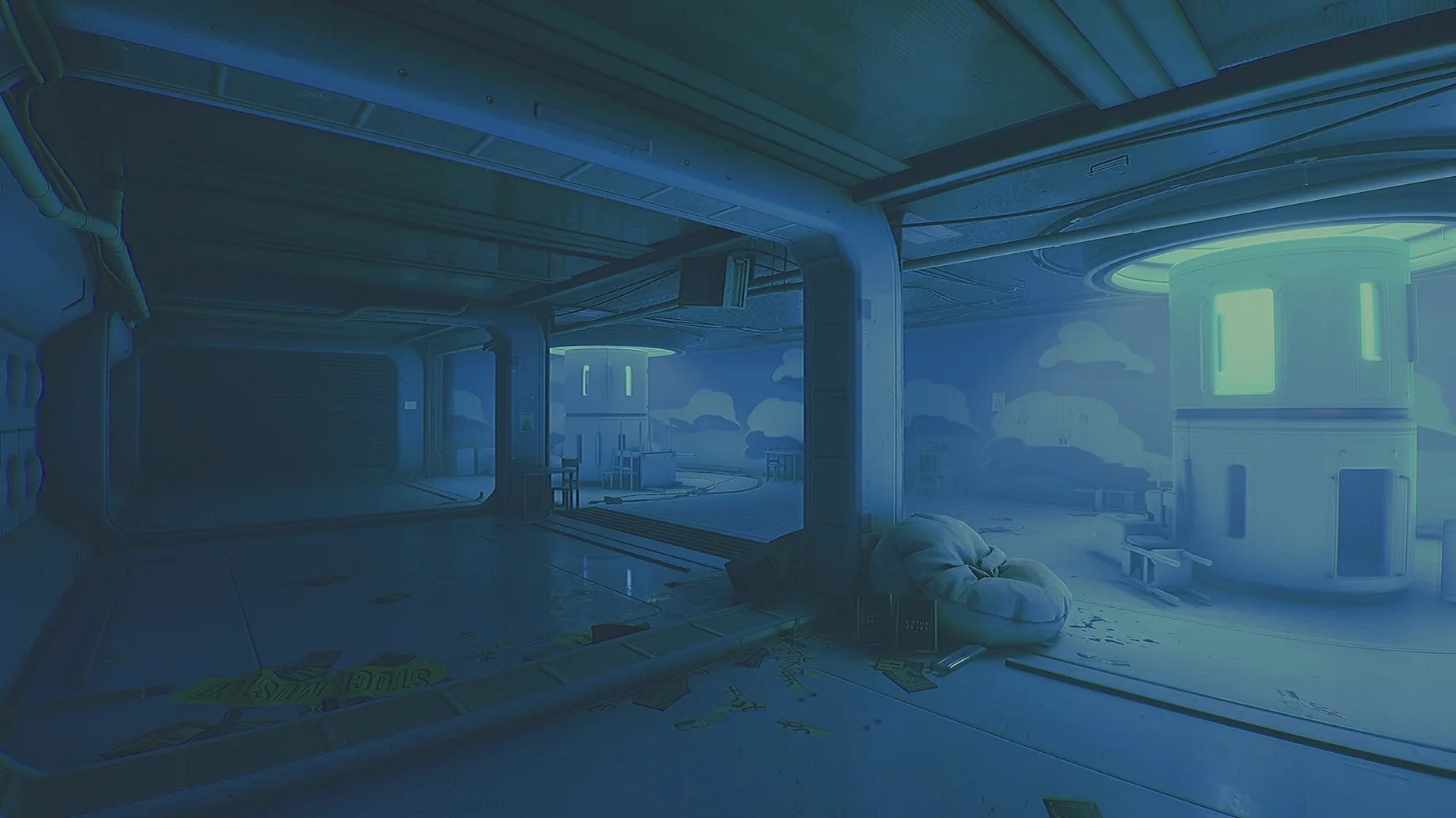
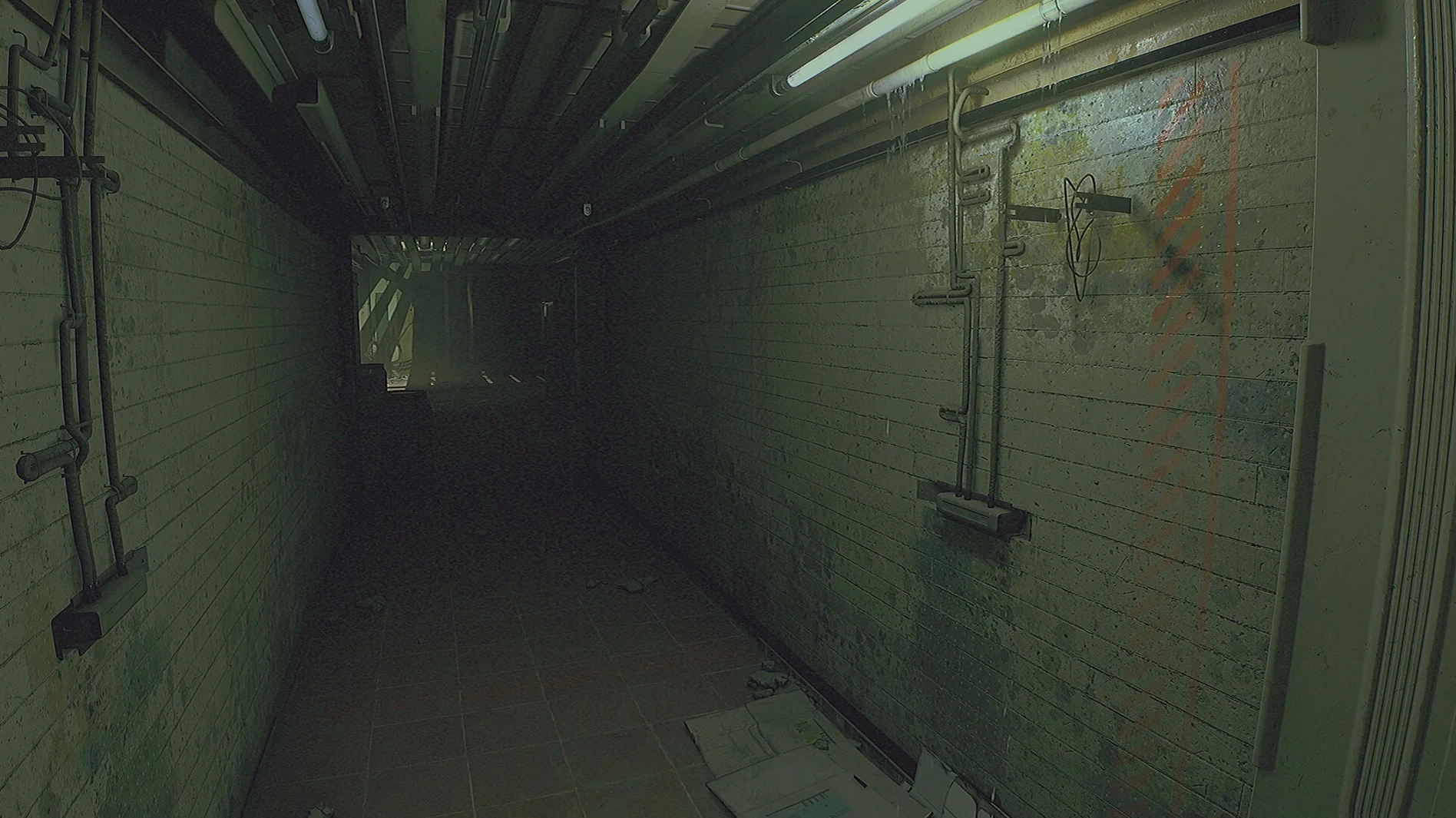
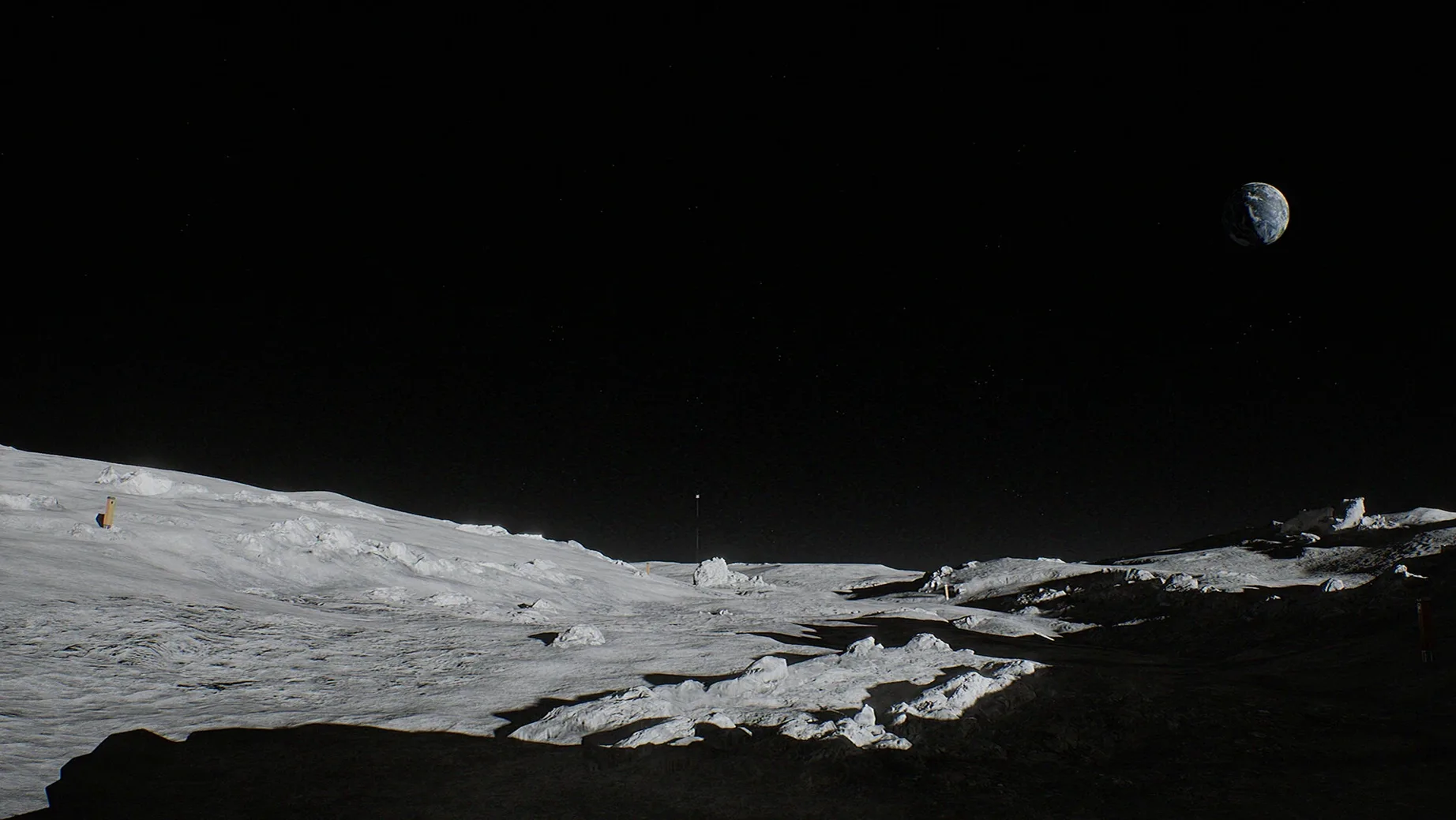
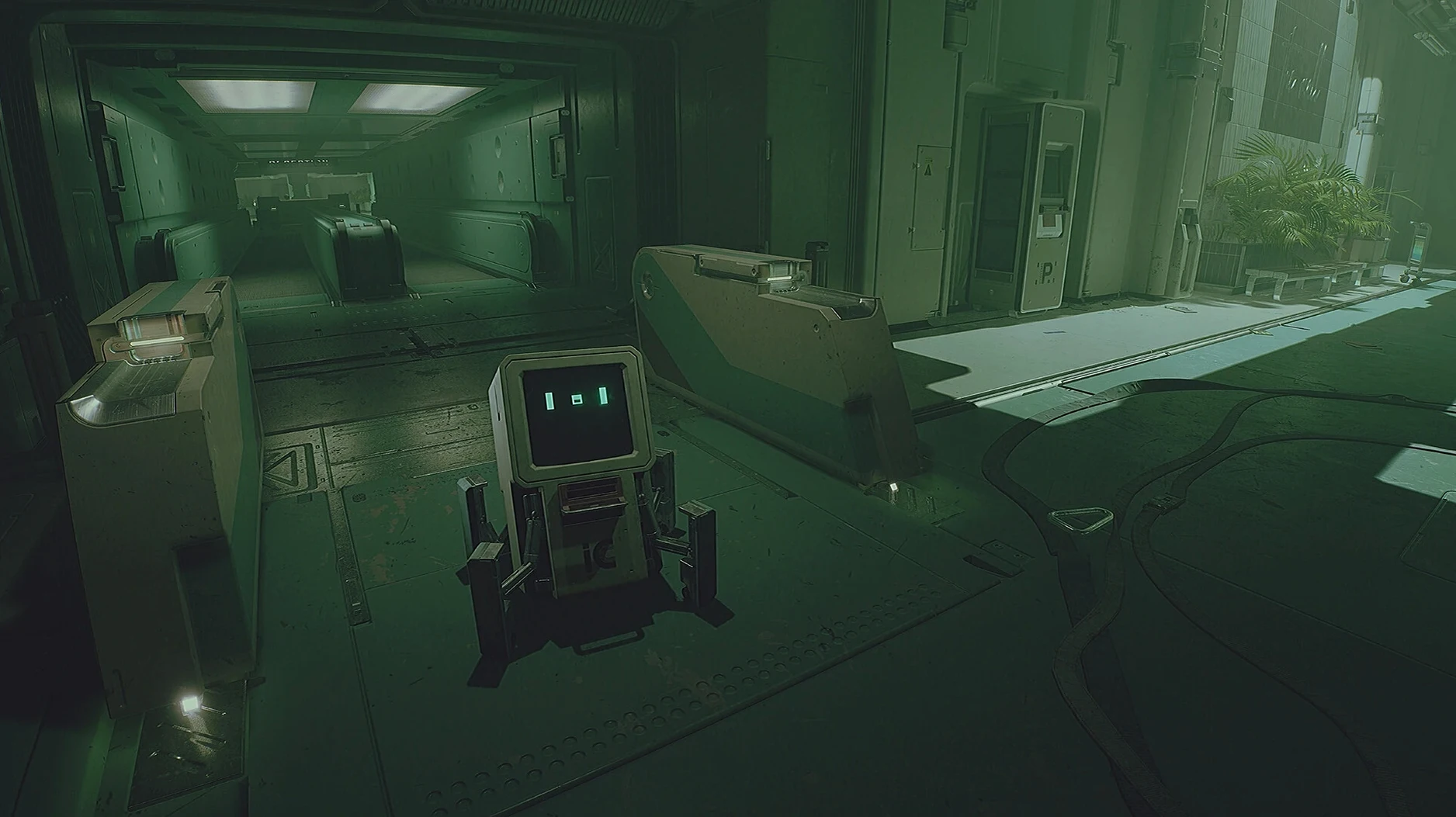
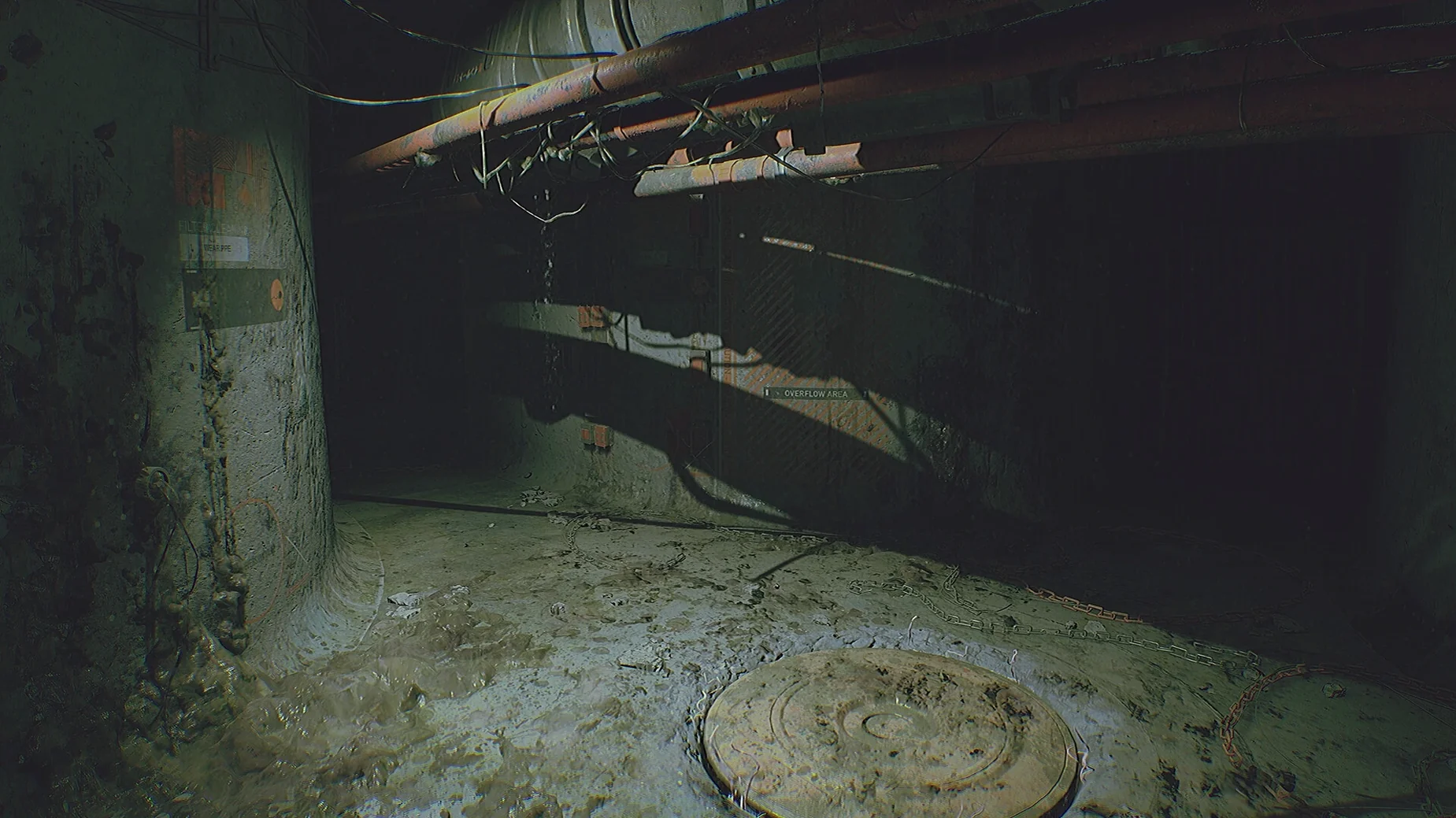
If you've spent evenings inside the claustrophobic corridors of Alien: Isolation, the abandoned lunar base of Routine will feel like a natural next step. It trades the flickering CRT monitors of Sevastopol for the retro-future cassette-punk of a 1980s moonbase, but the sense of being stalked through a place that was never meant to be empty is just as thick.
What kind of horror is it?
Routine leans on atmosphere and tension rather than jump scares. The audio does a lot of the heavy lifting, with detailed off-screen sounds that make the station feel alive in the worst way. Something is following you, and you can choose to run, hide, or fight back with limited tools.
How do you navigate the base?
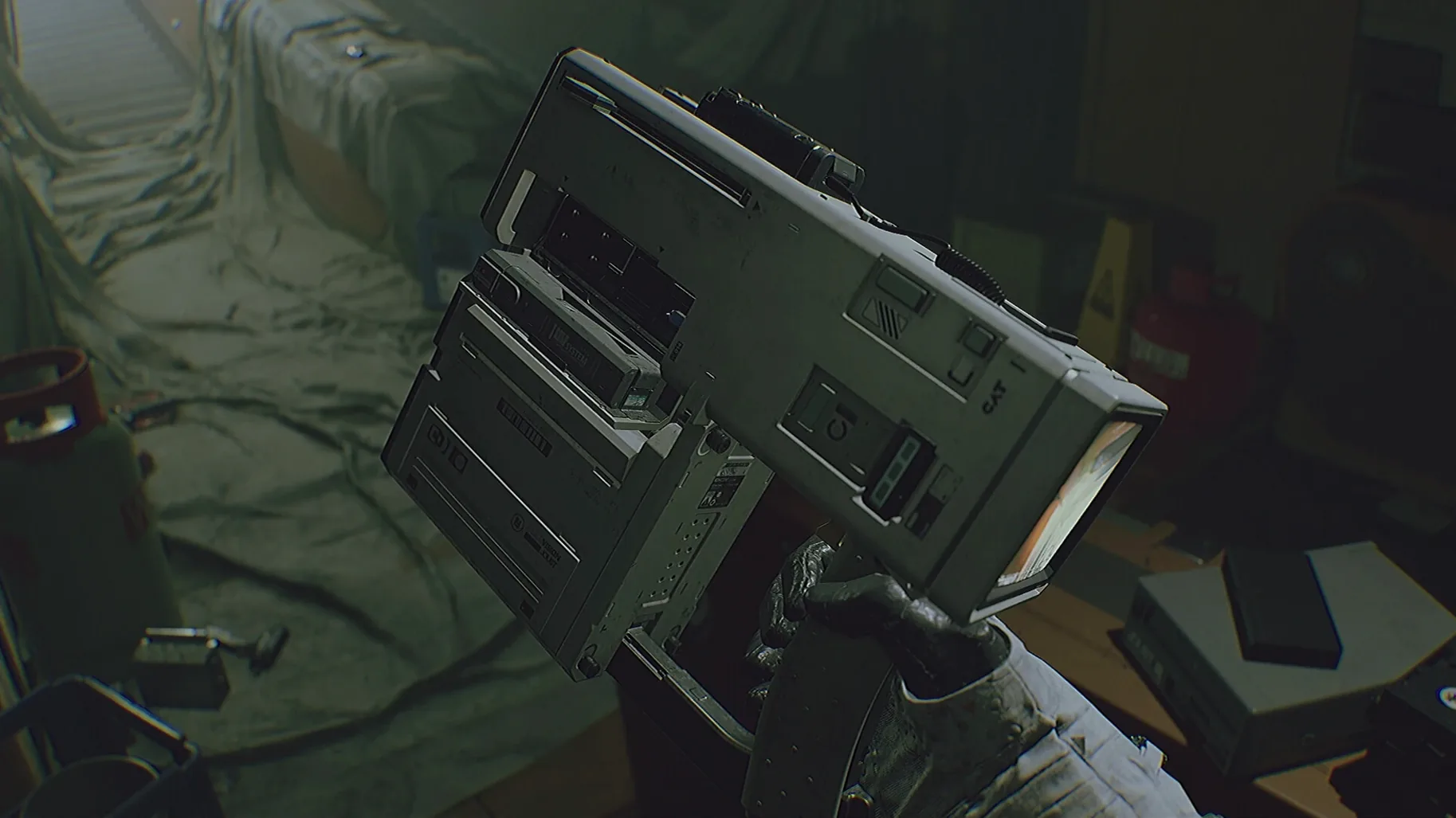
Orientation is part of the challenge. You use a personal assistant tool to access terminals, read clues, and slowly piece together the layout. The interface stays minimal, so finding your way is a deliberate act, not a waypoint chase.
What should Mac players expect for performance?
The game is built for Apple Silicon and runs natively. Expect smooth frame pacing on any M-series chip, with the stark, cassette-future architecture rendering cleanly on Mac displays. The minimalist UI translates well to keyboard and mouse, keeping the screen uncluttered.
A routine for the Routine player
Start a new run by stepping into the airlock and waiting for the pressure cycle to finish — those few seconds of hissing valves are your last quiet moment. Once inside, ignore the impulse to sprint. The base rewards methodical players. Walk to the nearest terminal and use the Cosmonaut Assistance Tool to pull up a station schematic. The map is incomplete, but it marks crew quarters and life support, two sections you’ll need early.
Head for crew quarters first. The corridors are dim and the signage is in Russian and English, so read carefully. Listen for the sound of metal shifting in the vents — that’s your cue to stop and find a locker or a low console to crouch behind. The enemy patrols on a loop that shifts if you make noise, so close doors behind you and avoid breaking glass. When you reach the quarters, scan every terminal for personal logs. They fill in the story but also drop door codes you can’t find any other way.
From there, move to life support. This is where the run tightens. You’ll need to reroute power while the enemy is drawn to the sound of the generator spooling up. Use the assistant tool to time the sequence, commit to your path, and don’t look back. If you hear footsteps accelerate, hide. Fighting is a last resort — ammunition is scarce and the encounter doesn’t end cleanly. Completing this loop teaches you the rhythm the whole game follows: observe, plan, move, listen, hide.
No emulation layer between you and the lunar surface
One of the first things Mac players wonder is whether the game feels like a port. Routine was tested on macOS Tahoe with Apple Silicon and runs natively on ARM, so there’s no translation layer getting in the way. Frame pacing is steady and the minimalist interface doesn’t fight the Mac’s windowing behaviour. Another common question is about difficulty. There are no checkpoints — the station is one continuous space and death sends you back to the beginning. That’s intimidating on paper, but in practice each run teaches you the layout more deeply, and the tension comes from knowledge earned, not lost.
People also ask if the horror relies on gore. It doesn’t. The fear is built out of sound design and the slow realisation that you’re never alone. The enemy is persistent but not cheap — it follows cues in the environment and your own noise, so every creaking door you open is a small risk you weigh yourself. Lastly, some players searching for a Routine for Mac cracked version ask about activation. There is none. Once installed, the game launches directly.
Reading a station's wounds with the Cosmonaut Assistance Tool
Players who enjoy piecing together a story from environmental clues will find Routine deeply satisfying. The Cosmonaut Assistance Tool is not a quest log — it’s a piece of diegetic equipment that you learn to rely on the same way you might rely on a compass in a survival sim. If you’re the kind of person who reads every terminal entry in a System Shock game or maps out the Spencer Mansion by hand, the lunar base will feel like it was built for you.
It also suits Mac users who want a focused horror experience that doesn’t demand a sprawling graphics configuration. The retro-future aesthetic looks sharp on Mac displays and the audio is detailed enough that a good pair of headphones reveals layers of mechanical groans and distant alarms that tell you more than any HUD marker could. If you’re coming from immersive sims or first-person adventures where the environment is the main character, Routine fits that same shelf — and it doesn’t need an internet connection or any online service to deliver its best moments.
Routine launched on December 4, 2025, bringing its abandoned lunar base to Mac for the first time.
- Apple Silicon Mac