If you spent years in iTunes as a catch-all for music, video, and device backups, Catalina is where that relationship ends. The 10.15 installer quietly replaces it with three focused apps — Apple Music, Apple TV, and Apple Podcasts — while the Finder takes over iPhone and iPad sync, including local backups. For anyone who kept a dedicated backup drive and a cable on the desk, the workflow moves but the ritual survives.
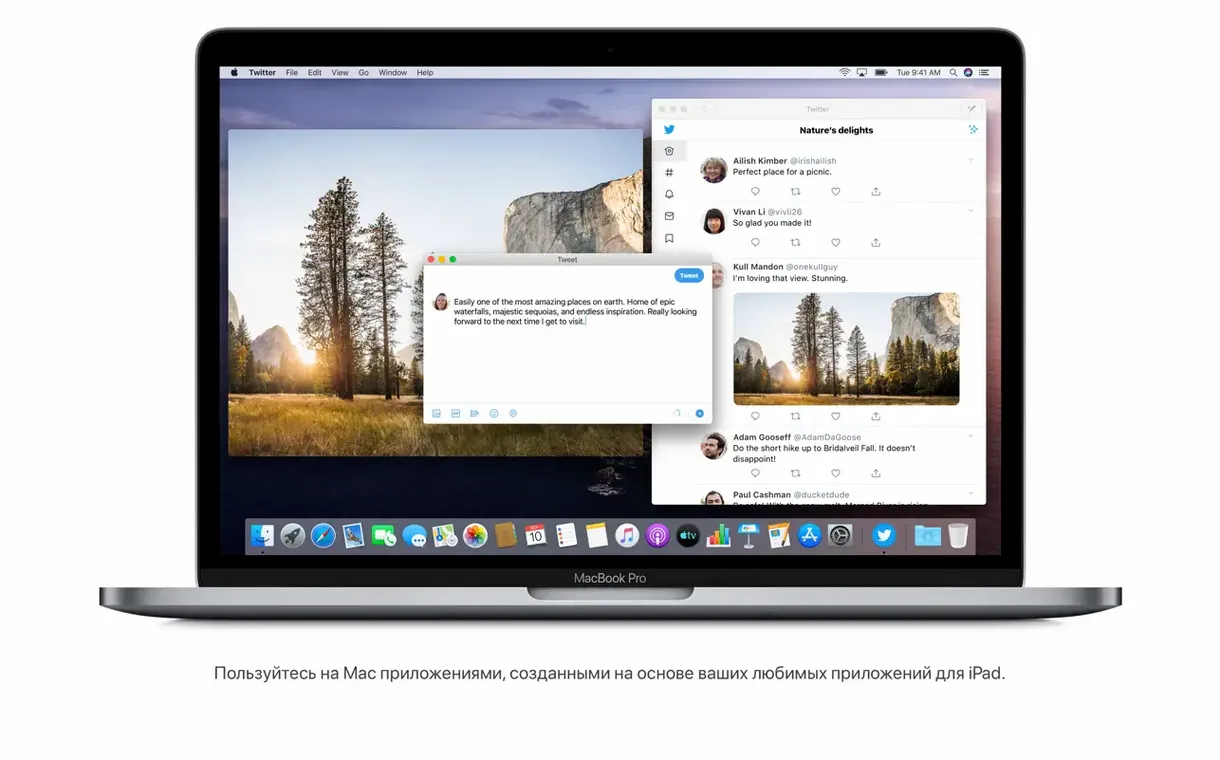
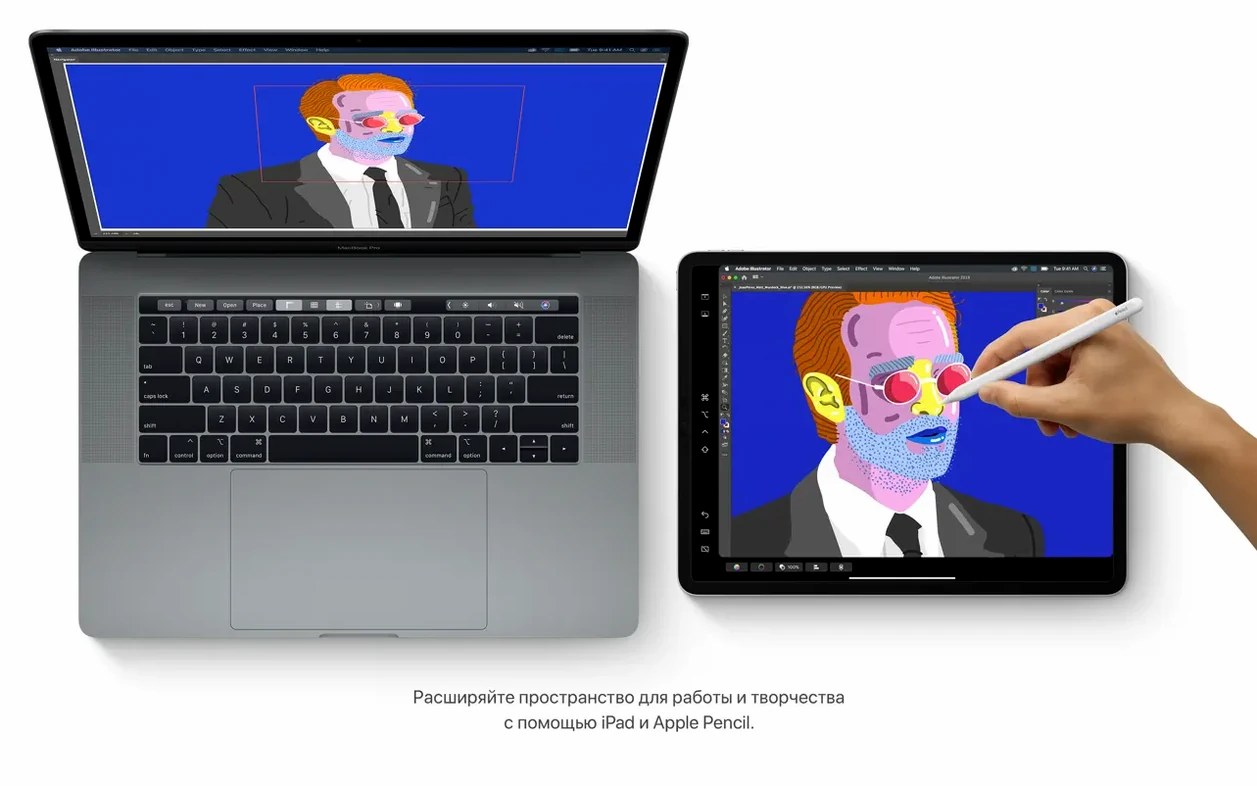
Sidecar is the feature that lingers. A Late 2012 MacBook Pro or newer can push its desktop onto a compatible iPad, and for a machine that old, that second display is genuinely useful in a colour grading pass or a long editing timeline. Catalina also opens the door to running certain iPad apps natively on Intel Macs — nothing that replaces a proper desktop tool, but occasionally the right small utility.
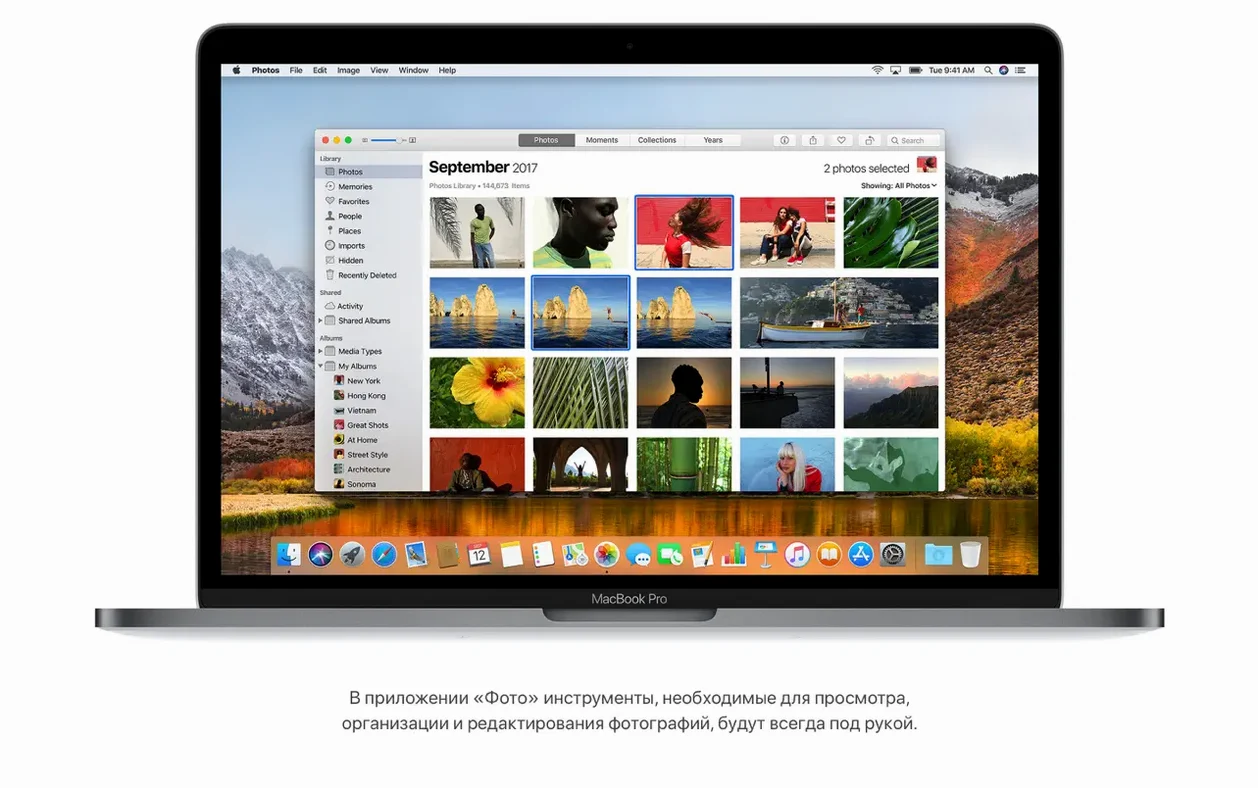
Notes gains gallery view with visual thumbnails, which matters more than it sounds when you use the app as a location scout or storyboard holder. Safari's start page becomes a proper jumping-off point, surfacing iCloud tabs alongside Reading List and Messages links.
Version 10.15.7 is the final word for most Intel machines that can't move to Big Sur. It resolves a Wi-Fi auto-connect bug, an iCloud Drive sync failure, and a graphics fault on the 2020 Retina 5K iMac with the Radeon Pro 5700 XT. It needs 4 GB of memory and 12.5 GB of space to upgrade from El Capitan or later.
Who feels it most
Developers maintaining older app builds get the most from Catalina. They need a stable Intel environment where 32-bit compilation history and certain SDK behaviours are still reachable — not through emulation but on the metal. A Mac mini Late 2012 running 10.15.7 makes a quiet, headless build server that costs nothing to keep around.
Writers and editors who treat the Mac as a text-and-research machine often stay here deliberately. The Notes app alone, with its gallery view and scanner-aware search, turns a decade-old MacBook Air into a capable research cabinet. Someone assembling a documentary proposal can toss location photos, script fragments, and voice memos into Notes and pull them up later by searching for an object inside a photo — a church steeple, a café sign — without remembering which note it landed in.
Musicians with FireWire audio interfaces are another quiet constituency. Many of those interfaces lost driver support in Big Sur and beyond. A Mid 2012 MacBook Pro running Catalina keeps an eight-channel rackmount interface alive indefinitely, and Apple Music inherits enough of the old iTunes library structure that carefully tagged collections of field recordings don't disintegrate.
One evening in a cutting room
A documentary editor is assembling a rough cut on an iMac Pro from 2017. The footage lives on a Thunderbolt RAID, but the production stills and handwritten script notes are scattered across an iPad that's been on location for three weeks. She connects the iPad via Sidecar and drags the Photos app onto the iPad display. Now the timeline fills the iMac's 27-inch panel while a grid of location stills sits to the left, visible without alt-tabbing. She taps a still, checks a detail against a clip, and marks the timeline with a named marker in Final Cut. The iPad stays on a stand for the rest of the session, showing the script supervisor's notes in Notes in gallery view — every scanned page a thumbnail she can glance at mid-scrub.
When the session ends, she plugs in an iPhone via USB-C to Lightning. Finder opens a sync panel that looks unfamiliar but works the same way: local backup, encrypted, to an external drive. The muscle memory is different — no iTunes sidebar — but the safety net is the same.
Under 20 seconds to desktop and barely 2 GB of memory used
On an SSD-equipped Mac, Catalina boots in under twenty seconds and settles into about 2.1 GB of memory usage with a handful of background agents. Launching Apple Music, Safari, and Notes together pushes that toward 3 GB, leaving comfortable room on a 4 GB machine if you keep browser tabs sane. The system's graphics compositor feels slightly lighter than Mojave on the same hardware — fewer translucency passes, a flatter window stack — which helps older Intel integrated graphics keep up during Mission Control swipes.
Crashes are rare on 10.15.7. The known pain points — the Wi-Fi auto-connect bug and the iCloud Drive sync stall — are patched. The graphics fix for the Radeon Pro 5700 XT on the 2020 Retina 5K iMac matters if you're grading or doing any GPU-accelerated render: before the patch, certain Metal calls would produce a flickering magenta fringe on high-contrast edges. After, it's clean.
Resource-wise, the system's appetite for storage grows slowly. A fresh install with the media apps and a modest Photo library sits around 18 GB. Time Machine local snapshots can balloon that if you're working off a small internal drive, so anyone keeping a 128 GB MacBook Air alive learns to plug in the backup disk regularly. The system never punishes you for ignoring it — it just quietly fills the space and then prunes when it must.
Lid opens straight into four restored tabs and a forgotten search
The MacBook Air opens from sleep before the lid is fully up. A researcher working from home clicks Safari, which restores four tabs: a museum archive, a Google Doc, a mac os catalina dmg search she forgot to close, and a podcast episode page. The redesigned start page shows two iCloud tabs from her iMac at the office — a library catalogue and a scanned letter — so she opens those instead.
She switches to Notes. A gallery of scanned pages fills the window, each thumbnail a handwritten research card. She types "signature" into the search field and Notes pulls up a photograph of a signed document, the search having recognized the cursive in the image without any manual tagging. She copies a date from the note into the Google Doc.
Apple Music has been playing a lo-fi stream for an hour; she hasn't touched it. The memory pressure stays green. She opens Reminders to add a task with a location trigger — when she arrives at the library tomorrow, it'll nudge her to request the archival box she noted earlier. The new editing controls in Reminders let her attach a photo of the request slip, so when the reminder fires she'll have the reference number in view.
An iPhone sits tethered to the Air, charging over USB. Finder shows it in the sidebar. She clicks it and starts a local backup to an external SSD — encrypted, because the research involves unpublished manuscripts. The progress bar inches across the Finder window with the quiet confidence of a feature that was once buried inside iTunes and now has a clearer home. When it finishes, she ejects the phone, closes the lid, and the Air writes the session to disk.
The 10.15.7 update fixes a Wi-Fi auto-connect issue, resolves an iCloud Drive sync problem, and addresses a graphics fault on the iMac (Retina 5K, 27-inch, 2020) with the Radeon Pro 5700 XT.
- macOS 10.9 or later
- Intel-based Mac
- 4 GB of memory
- 12.5 GB of available storage when upgrading from OS X El Capitan 10.11.5 or later