An operating system is the quiet foundation every other tool depends on. When your editing suite stutters during a render or an external drive isn't recognized mid-export, the problem rarely stays contained to one application. High Sierra addressed this by rethinking the file system underneath everything you do, moving the Mac to the Apple File System with native encryption, which means the drive holding your dailies is protected without a performance penalty that might trip up playback.
How does the new file system affect a working project drive?
APFS is designed around solid-state storage and handles things like duplicate files and directory sizing instantly, so cloning a project folder before a major edit happens much faster than it did on the old HFS+ scheme.
Can the built-in apps actually pull weight in a creative workflow?
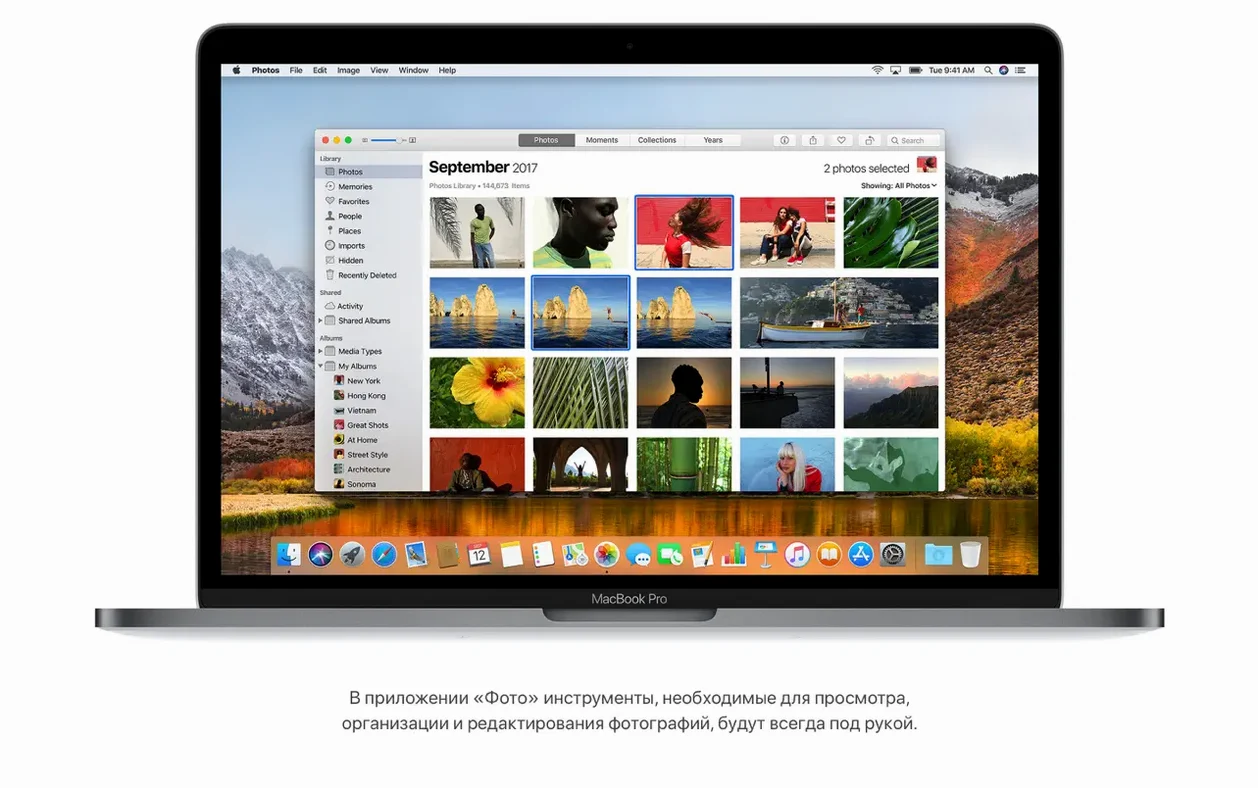
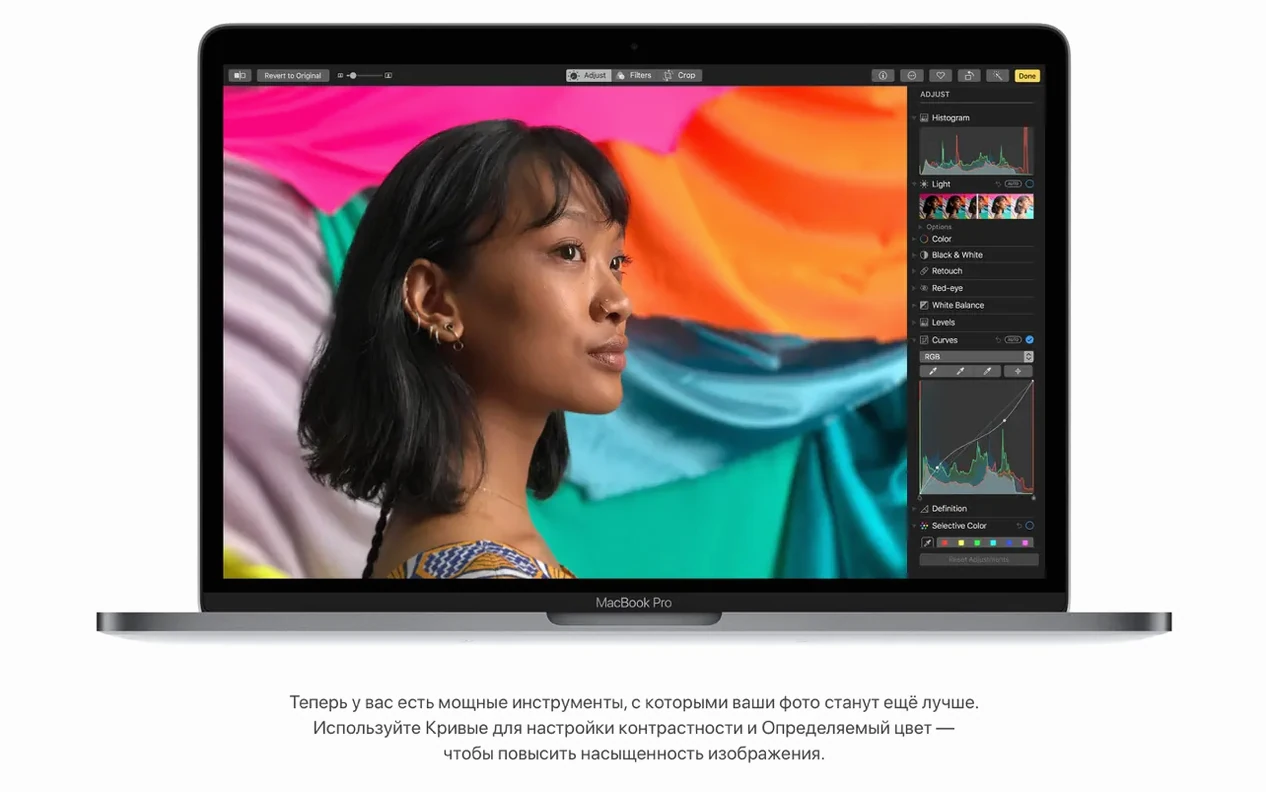
Photos gained proper Curves and Selective Color tools alongside a persistent sidebar for organizing albums, making it a viable light table for location scouts and reference stills without leaving the system.
What about the software you already rely on?
Support for Metal 2 gave apps like Final Cut Pro X a clearer path to the graphics hardware, and Safari's automatic Reader mode kept research tabs legible during long pre-production nights.
A routine for grading location stills without leaving the desktop
Start in Photos, not your grading suite. Open the shot you want to reference and create a duplicate from the Image menu — this leaves the original untouched while giving you a frame to push around. Switch to the Edit panel and pull up Curves first. Lower the black point slightly until the shadows lose that milky digital haze, then place a single point in the lower third of the luminance curve and nudge it down. After that, move to the Selective Color tool: pick the blue range and slide luminance left to deepen a sky, then jump into the yellow range and shift hue just a few degrees toward orange if skin tones feel sickly under mixed light.
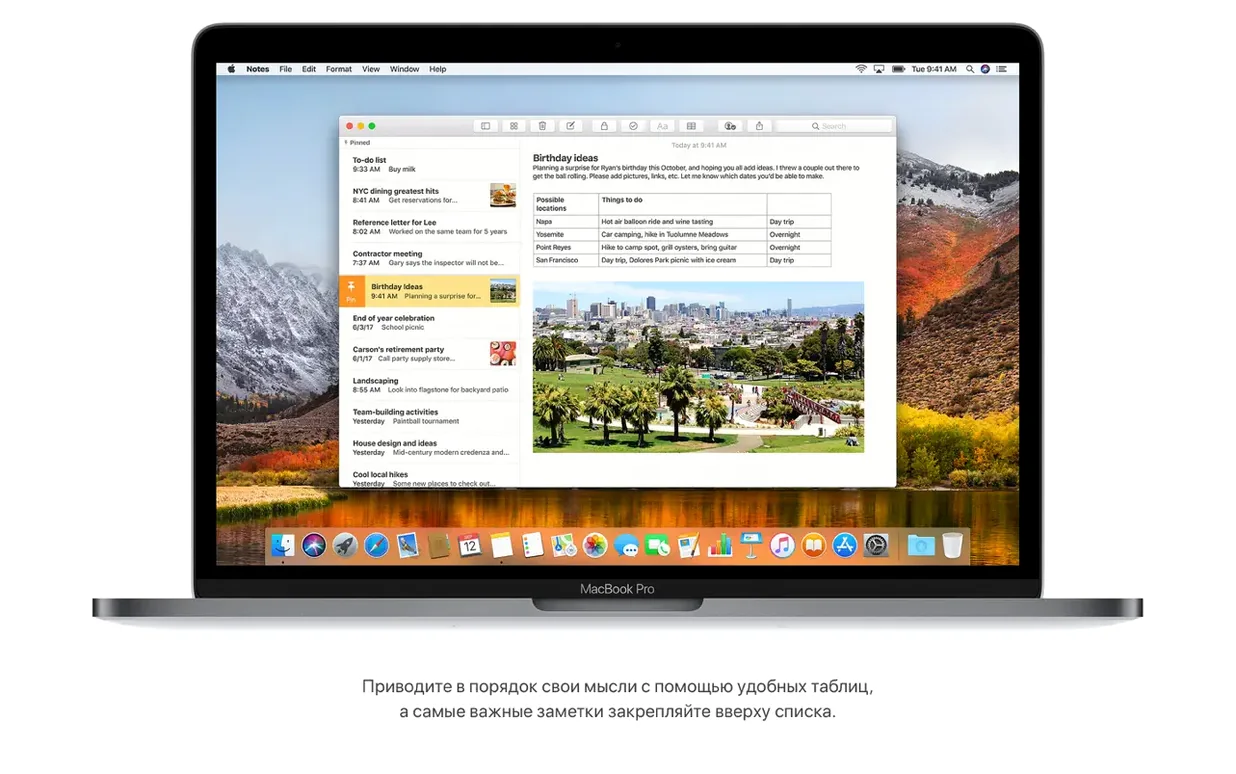
Add a simple table in Notes — command to create a new note, then click the table button in the toolbar — and drop the image in alongside your curve values and colour shifts. A two-column table with Range on the left and Adjustment on the right keeps things legible when you return to this note weeks later. The table rows expand as you type, and you can drag the image in from Photos without exporting a file first. Spotlight can find that note later by any range name or camera model you mentioned in the text.
Silence auto-playing video in Safari
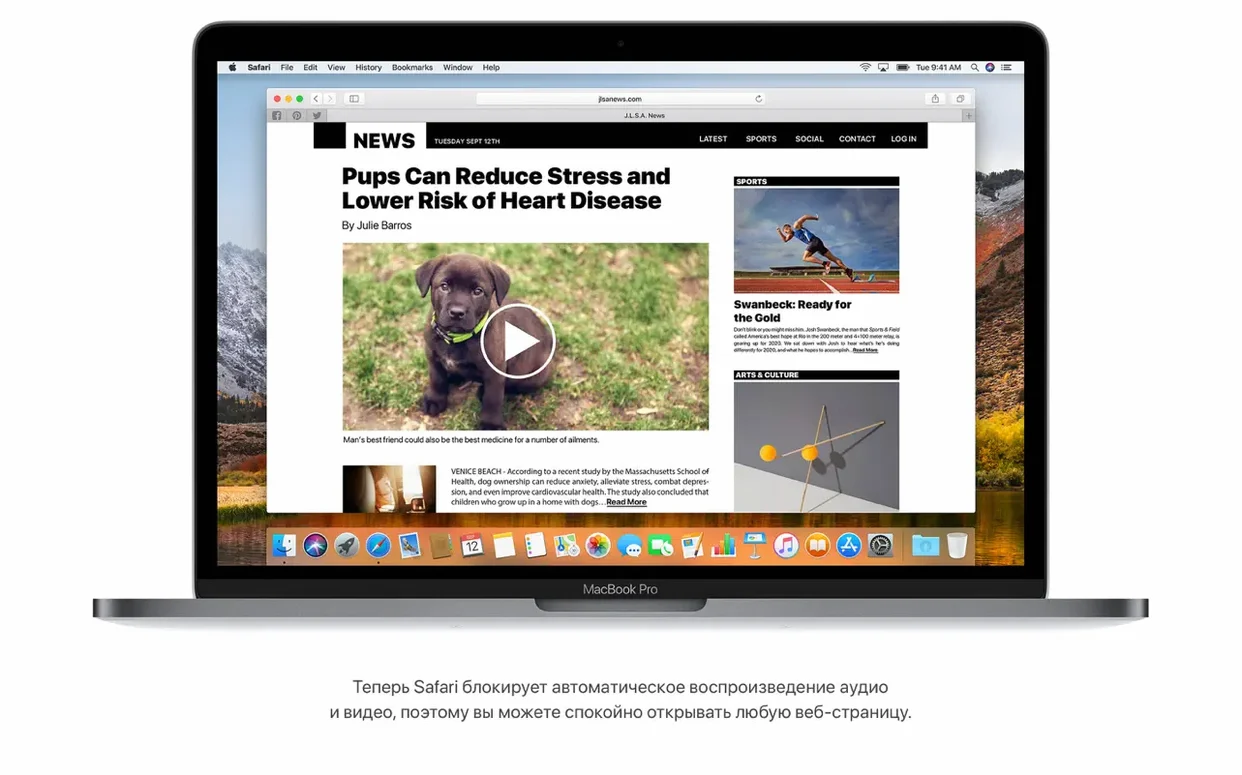
Safari ships with autoplay audio blocking off by default on some installs. Open Safari's preferences, move to the Websites tab, scroll to Auto-Play in the sidebar, and set the bottom-right pop-up to "Never Auto-Play" for all sites. While you are in preferences, turn on "Automatically open articles in Reader mode" under the Reader section of Websites — pages load clean of sidebar clutter and ad frames, which matters when you have seven tabs of location research open and just want to read the text.
Finder's APFS behaviour changes how file duplication works, but the interface does not advertise it. A practical adjustment: open a Finder window, choose Show View Options from the View menu, and turn on "Show Library Folder" — the local Library becomes visible again after Apple hid it, and you will need access for clearing application caches as drive fills. Leave the window open, press shift-command-G, and type ~/.Trash to confirm the hidden Trash folder is accessible from any app that lets you navigate paths directly.
What the first few days teach you
Let Spotlight index the entire drive overnight. Do not interrupt it or exclude folders unless you have a specific external volume with raw camera media you never want to search. By morning, typing flight numbers into the Spotlight field returns departure times, gate numbers, and a tiny route map — useful if you are coordinating a shoot that involves crew travel, and faster than opening a browser to check an airline site.
Mail's Top Hits feature learns slowly. On day one it offers generic results, but after you reply to a few threaded conversations and mark a handful of messages as important, the same search terms start surfacing the right threads first. If a Gmail message refuses to move between mailboxes, switch to the web client briefly — the 10.13.6 update fixed a known bug that locked Gmail messages in place during drag-and-drop moves.
When you clone a project folder for a safety copy before a heavy editing session, select the folder, press command-D, and watch the copy appear almost instantly. The space savings from APFS snapshots mean you can leave that duplicate on the same volume without anxiety about storage — the system only writes new blocks when a file actually diverges from the original. Days later, when you finish the cut and delete the clone, the freed space returns immediately rather than after a background cleanup task.
Keep an eye on any HEVC footage you import. High Sierra handles hardware-accelerated playback of HEVC content, so scrubbing through 4K clips shot on a recent camera body feels fluid even on older Intel hardware. If Photos refuses to recognize AVCHD media from a specific camera, the 10.13.6 build includes a fix that resolves the import hang — no workaround needed as long as you applied the update after the initial install.
The 10.13.6 update brought AirPlay 2 multi-room audio to iTunes and patched a frustrating bug that stopped Photos from recognizing AVCHD media from certain cameras. Mail also received a fix for moving Gmail messages between accounts, while general stability and security improvements tightened things across the board.
- macOS 10.13.5 or later
- Intel 64-bit processor
- 2GB of memory
- 14.3GB of available storage for the upgrade