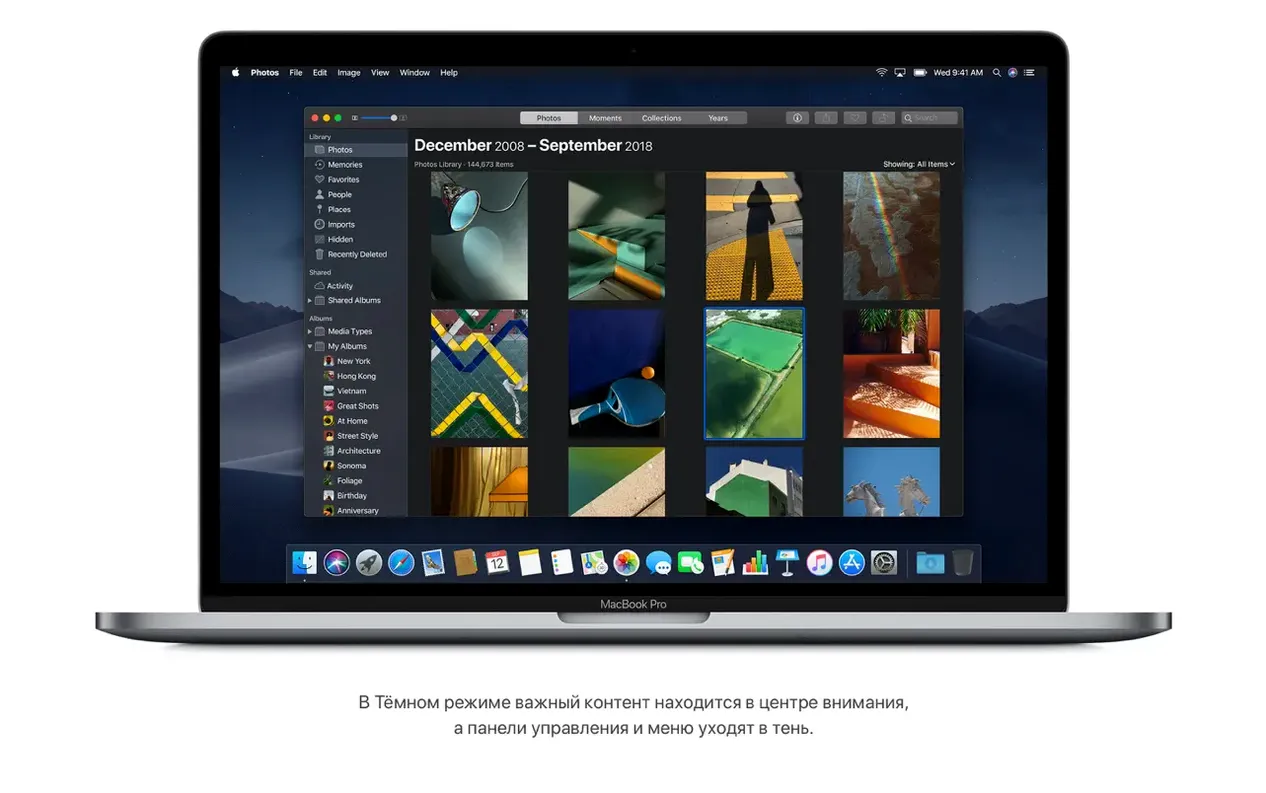
Version 10.14.6 arrived as a tightening of screws. The core work had been done in earlier Mojave releases, but this final update improved the system's stability and reliability across Intel-based Macs—the kind of refinement that matters most when a project is due and the machine can't falter. Dark Mode had already settled into the interface, desktop Stacks had become second nature for wrangling stray files into neat piles, and FaceTime group calls with up to 32 participants meant a production meeting could happen without anyone leaving their edit bay.
What you're really wondering before you begin
Most questions I hear aren't about features. They're quieter, more practical. Will my machine even run it? Is the installer straightforward? Does Safari's Intelligent Tracking Prevention actually keep things private enough for research-heavy pre-production? The answers start with your hardware, and that list is surprisingly generous.
- MacBook (Early 2015 or later)
- MacBook Air (Mid 2012 or later)
- MacBook Pro (Mid 2012 or later)
- Mac mini (Late 2012 or later)
- iMac (Late 2012 or later)
- iMac Pro (2017)
- Mac Pro (Late 2013, plus Mid 2010 and Mid 2012 models with a recommended Metal-capable graphics card)
A stable foundation for the tools you rely on
For a filmmaker, an operating system is never the star. It's the floor everything else stands on. Mojave's built-in Safari browser, with its improved tracking prevention, made location scouting and script research feel less like being followed across the web. The Stocks app was a curious addition, but having it quietly update in the background meant I noticed when a gear manufacturer's price dipped. None of this is flashy. It's the kind of quiet dependability that keeps a machine humming through long renders and late-night sound design sessions.
Gallery View’s Quick Look now handles markup without leaving the keyboard
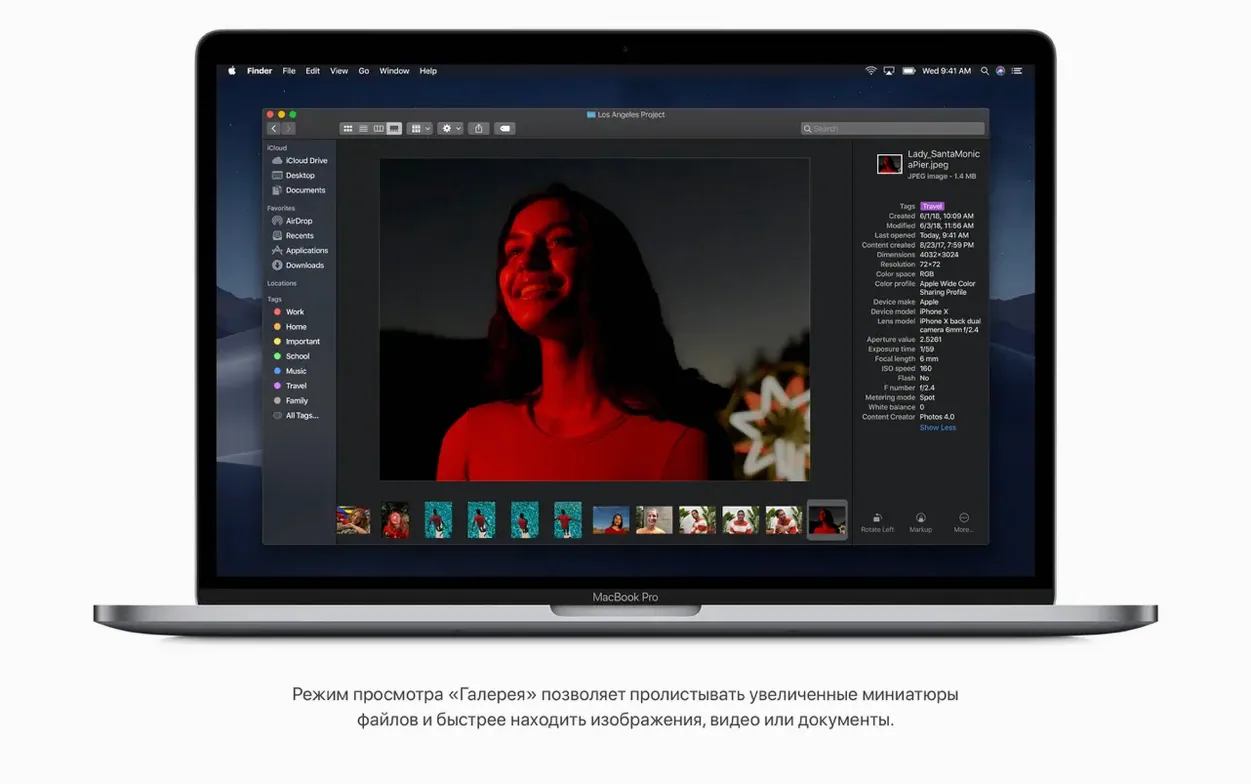
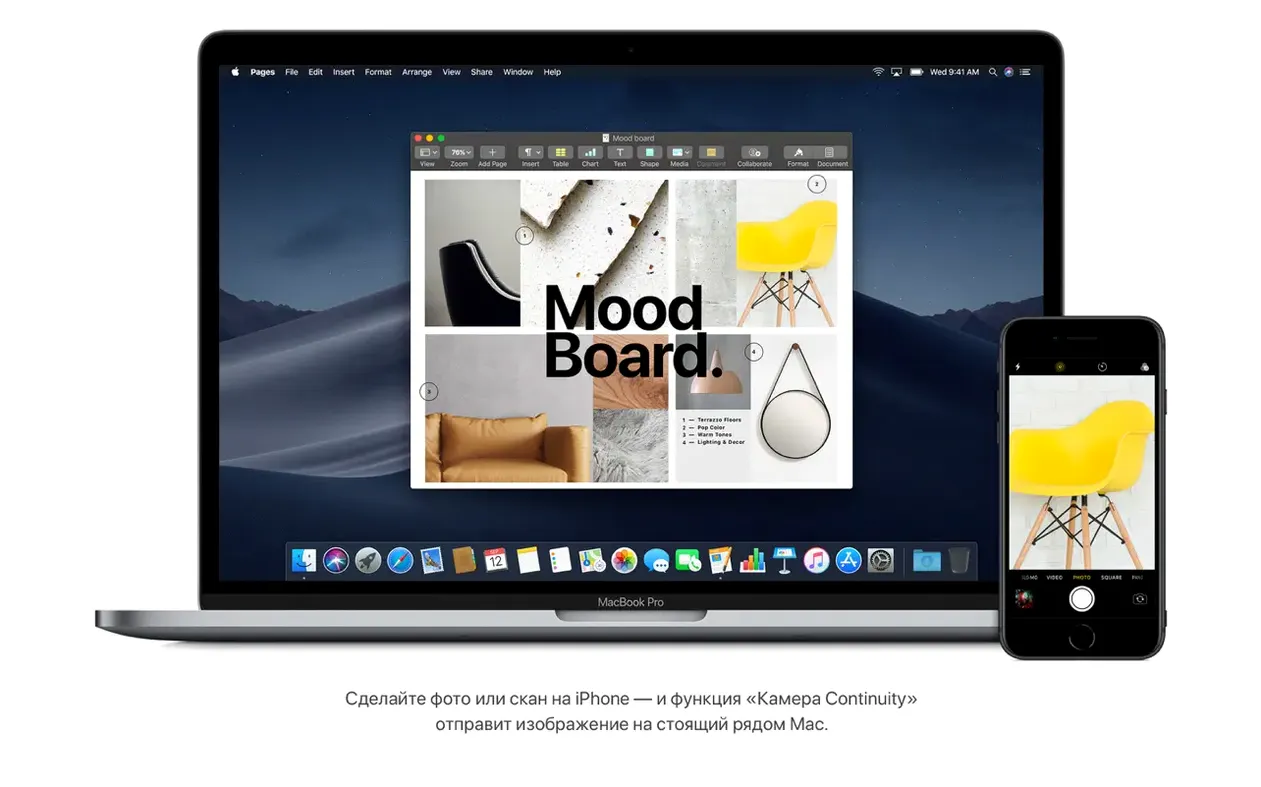
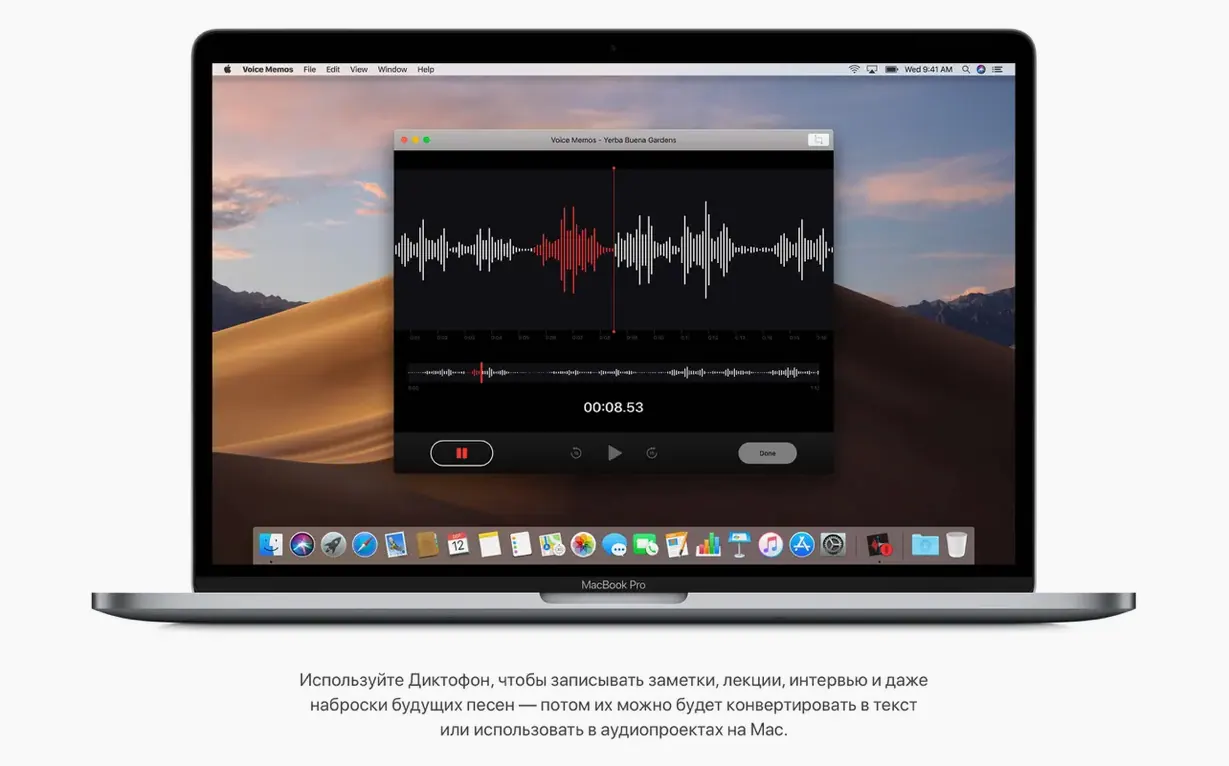
Dark Mode and Stacks grabbed the launch-day attention, but the features I reach for most are the ones nobody demoed on stage. In Gallery View, selecting an image or video and pressing Space still triggers Quick Look, but now the sidebar shows full metadata without opening a separate inspector. More useful still: you can rotate an image or trim a clip right there in the Finder preview pane, with no app launch, no import dialog, no friction. In Voice Memos I found a quiet kind of elegance—record a scratch voiceover on the Mac, and it appears on the iPhone through iCloud, ready to drop into a rough cut. Group FaceTime supports up to 32 people, but what the spec sheet doesn't tell you is that the interface automatically floats the speaker's tile forward, so a distributed table read feels oddly natural. Continuity Camera lets you right-click in Notes or Pages and choose "Take Photo" or "Scan Documents" from the iPhone in your pocket; the scan arrives cropped and perspective-corrected before you've set the phone down. And the redesigned Mac App Store editorial pages, for all their visual overhaul, also introduced a quietly useful detail: video previews autoplay without sound, which made browsing creative tools while an export ran in the background far less disruptive.
Right-click Stacks turned a messy desktop into type-sorted groups
Last Thursday began with a Finder window. I'd dumped location stills, a drone reel, and three takes of room tone onto the desktop the night before. A right-click, Use Stacks, and everything snapped into tidy groups by file type—JPEGs in one pile, .wav files in another, a lone PDF peeking out from a third. The desktop stopped looking like a ransom note. I switched to Gallery View and flicked through the stills with the arrow keys; the preview pane was large enough to judge composition, and the metadata column confirmed which shots were 24mm versus 35mm before I even touched Lightroom.
By mid-morning I needed a quick voice note for the editor—a timing note about a cutaway in reel two. Voice Memos opened in under a second. I spoke for maybe forty seconds, then dragged the .m4a file straight from the sidebar into a shared folder. No export step, no naming ritual, just the file, ready. Later, while Safari held open a dozen tabs of reference frames and weather data, Intelligent Tracking Prevention kept the ad-tech scripts at bay—I could feel it in the page load times, the absence of eerily targeted banners following me from a location scout on one site to a weather radar on another.
The Home app sat in the Dock because I'd added it on a whim months ago. Around four in the afternoon, with a render churning and the MacBook Pro's fans audible, I said "Hey Siri, turn on the office fan" without leaving the timeline. The fan clicked on. A small thing, but these small things accumulate into a working rhythm that feels less like operating a computer and more like the room itself responding.
Two gigabytes of RAM is a floor, not a promise of transformation
The most common stumble I see is installing Mojave on a machine that barely meets the minimums and expecting Dark Mode alone to feel transformative. Two gigabytes of memory and twelve-and-a-half gigs of free storage are the floor, not a recipe for comfort. On older spinning hard drives, the system will boot and run, but Gallery View's live previews and the overhead of Stacks redrawing on a cluttered desktop can turn the Finder sluggish. A clean install onto an SSD is the unspoken prerequisite for the experience Apple designed.
Another early misstep: overlooking the security model's new posture. When an app requests access to the camera, microphone, or a folder full of scripts, Mojave asks. Many new users click "Don't Allow" reflexively, then spend an afternoon puzzling over why their audio interface isn't showing up in their DAW or why Screen Recording is blank. The remedy lives in System Preferences under Security & Privacy, on the Privacy tab—a list of permissions that quietly grows as software makes requests. It's worth visiting once a month, not in a panic at deadline.
Finally, there's the temptation to treat Stacks as folders. They aren't. Dragging a file from a stack to an app works perfectly; assuming you've organized your working directory just because the desktop looks clean is a trap. Stacks are a visual grouping, not a file-system structure. When you eventually plug in an external drive and the desktop refreshes, those piles re-sort themselves by the new volume's contents. The solution is the same as it's always been: actual folders, named and dated, living in your home directory, with Stacks as the cosmetic layer that keeps the desktop from descending into chaos between archiving sessions.
The current 10.14.6 update focuses on stability and reliability for Intel-based Macs, a quiet polish to the foundation rather than a headline addition.
- macOS 10.8 or later
- 2 GB of memory
- 12.5 GB of available storage
- Intel processor
Questions from the booth
It supports MacBook Air from mid 2012 or later, MacBook Pro from mid 2012 or later, and the standard MacBook from early 2015 onward.
Yes, it adds support for FaceTime group calls with up to 32 participants, which is useful for distributed creative teams.