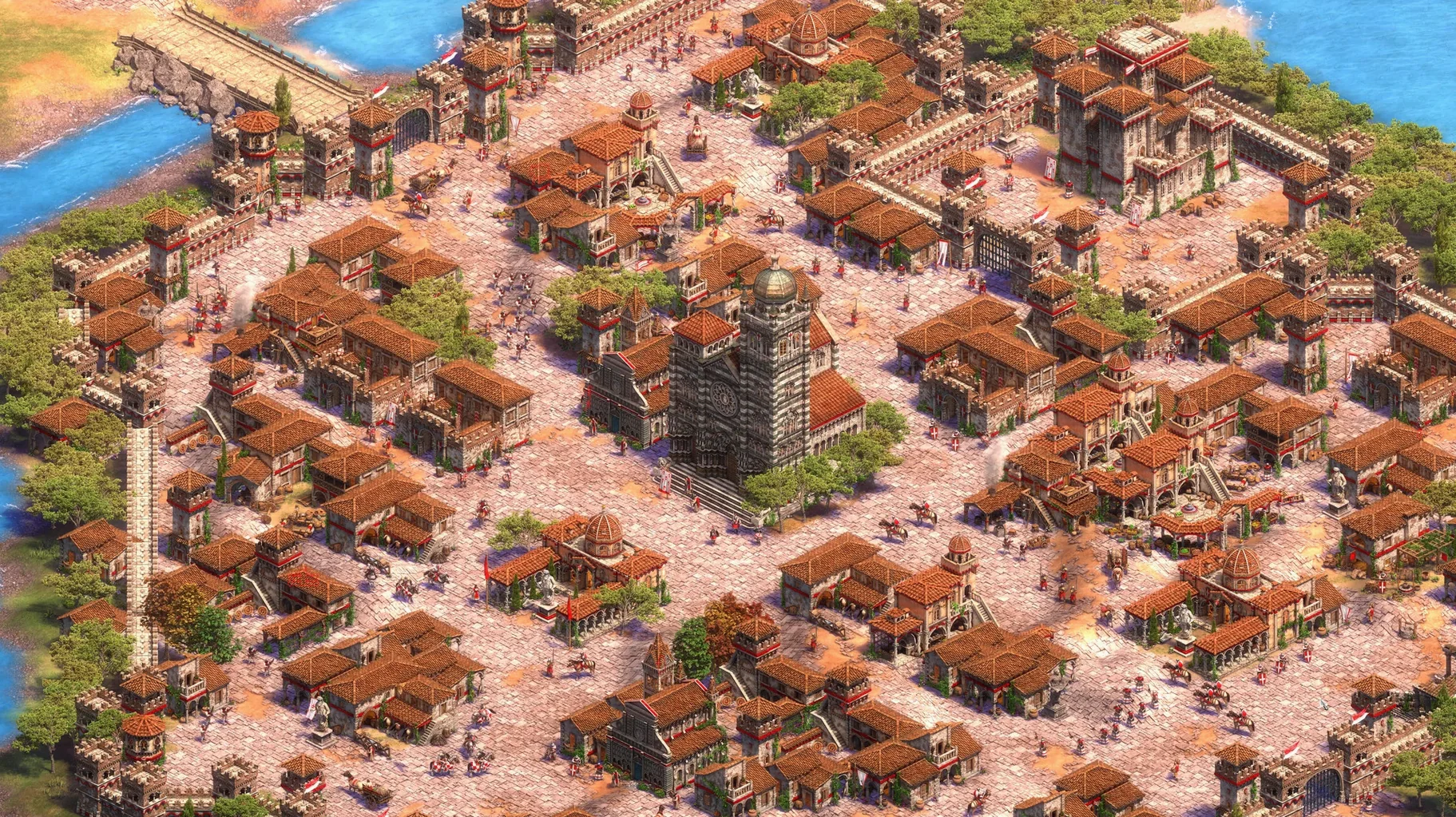
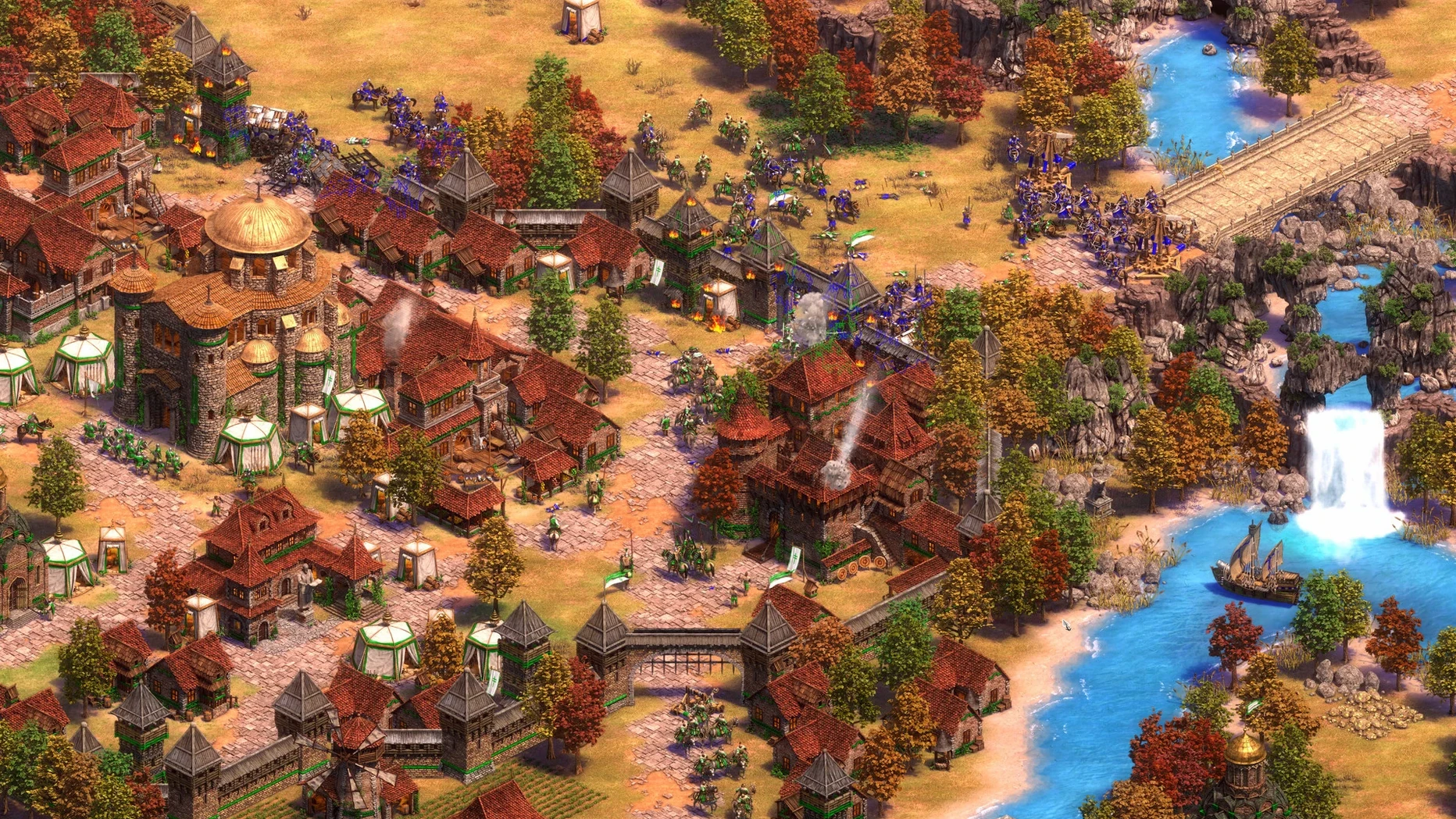
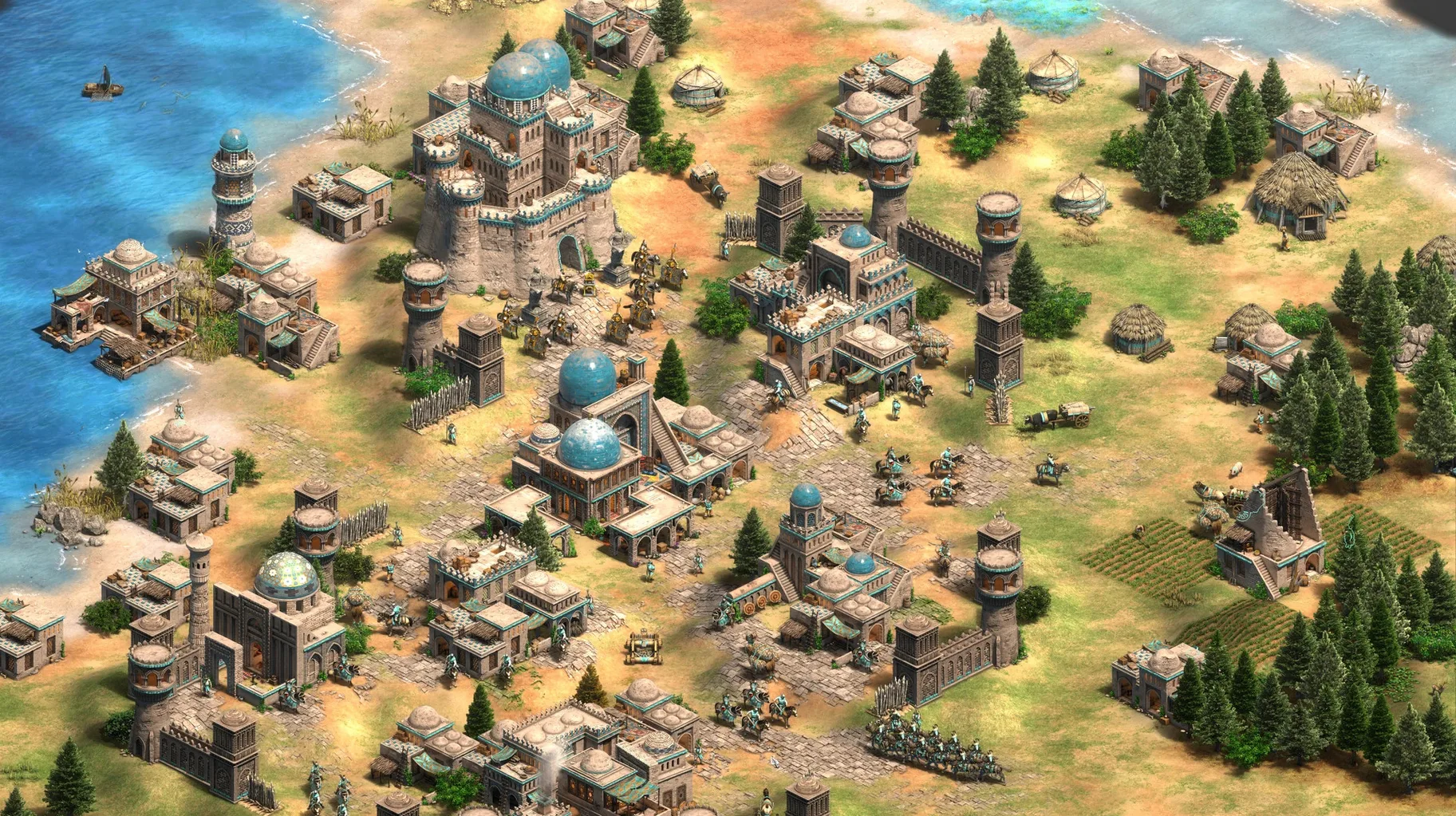
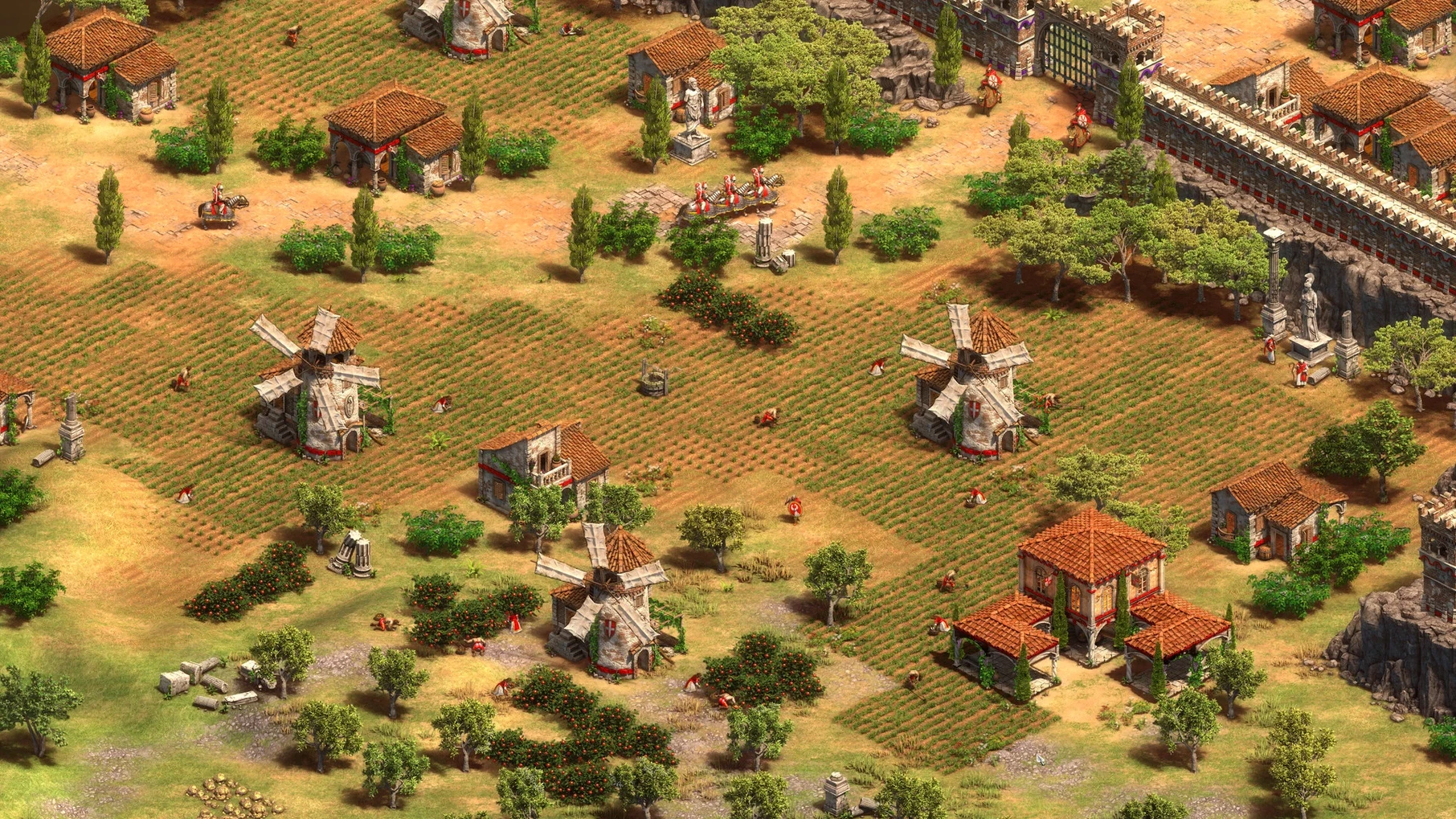
Age of Empires II: Definitive Edition is the 4K remaster of the landmark real-time strategy game, now running natively on modern Macs through a collaboration with Feral Interactive. The macOS version bundles four expansions — The Last Khans, Lords of the West, Dawn of the Dukes, and Dynasties of India — alongside a remastered soundtrack and a fully rebuilt interface. It’s the complete package for building empires across a thousand years of history.
- Native Apple Silicon code keeps frame rates smooth even in late-game clashes with hundreds of units on screen, tested on a Mac mini M4 under macOS Tahoe.
- Thirty-five civilizations are available for online play, each with distinct tech trees, unique units, and voice lines in nine languages including English, German, French, and Korean.
- The scenario editor returns with recent updates, letting you script your own campaigns or recreate historical battles down to individual triggers and terrain tiles.
- A recent battle royale mode shuffles the rules entirely — last player standing on a shrinking map, no town centre to rebuild from.
- Quick play mode trims the lobby wait, dropping you into a standard ruleset match against a similarly ranked opponent.
Playing on a Mac means keyboard and mouse are still the way to go — trackpad gestures don’t replace hotkey precision — but the port expects that and responds with the same sharp input the game has relied on since 1999. The interface scaling holds up on Retina displays, and the orchestral score lands with full dynamic range.
App-swiping mid-match for a Portuguese Feitoria rush guide
Because the game runs as a standard Mac app, it behaves the way you’d expect when bouncing between windows. Swipe to a desktop with Safari open, look up a build order for the Portuguese Feitoria rush, then swipe back — the engine pauses politely in the background without chewing through CPU cycles. On the M4 Mac mini I tested, leaving a skirmish running while switching to DaVinci Resolve for a quick render didn’t produce a stutter when I returned. The game doesn’t demand full-screen exclusivity, though it’s happier there; windowed mode works at odd resolutions if you’re the type who likes a documentary playing in the corner.
The scenario editor is where the macOS fit gets interesting. You can script a campaign, export the file, and hand it off to someone else — the folder structure lives inside ~/Library/Application Support, which means Time Machine backs up your half-finished scenarios without any extra thought. If you’re recording footage for a breakdown video, the app coexists with OBS without the capture quirks some full-screen Windows ports bring over. Audio routing through Loopback or BlackHole works as expected, so grabbing clean game sound for a reel is straightforward.
Late-game bombard-tower slugfests hold their frame pace
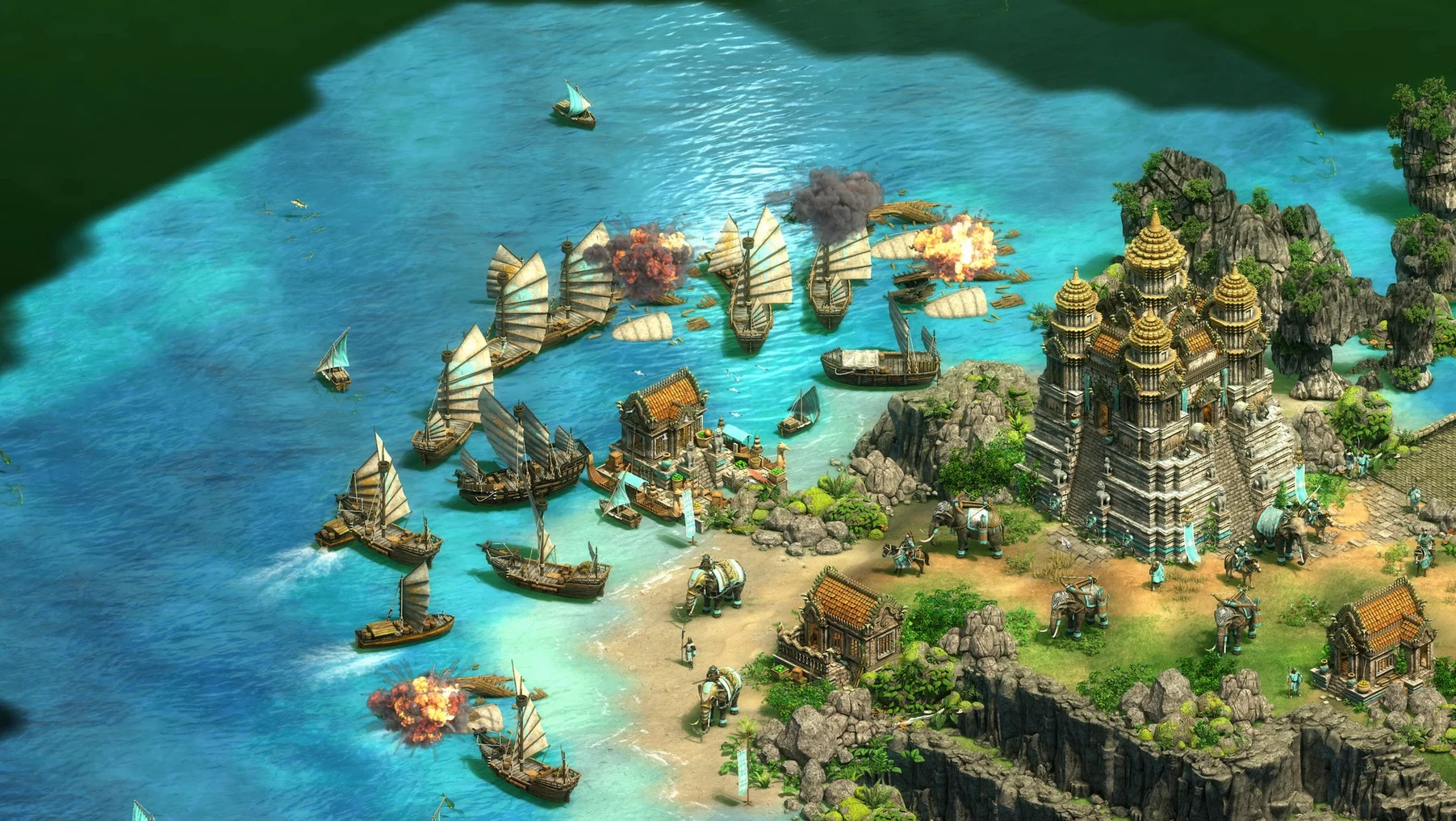
The native Apple Silicon build is the quiet star here. Late-game eight-player matches with trade carts clogging the Silk Road and bombard towers trading shots across a river don’t drag the way they once did under Rosetta hacks. Frame pacing stays consistent; I noticed a dip only when I zoomed out on a fully populated 500-unit custom scenario while simultaneously opening the tech tree overlay — and even then it was a momentary hitch, not a slide show. The Mac mini’s fans stayed inaudible through a two-hour campaign session, which isn’t always true of older strategy ports that lean heavily on single-thread CPU bursts.
Memory use sits around 3.5 GB in a typical skirmish and climbs modestly with map size and unit count. On a machine with 16 GB of unified memory, there’s plenty of room for Discord, a browser with a dozen tabs of unit stat tables, and the game running concurrently. Load times from the internal SSD are brief — under ten seconds from clicking a save to commanding villagers again. Multiplayer stability held up across several cross-continent matches, though your mileage depends more on the host’s connection than on the port itself.
Lift the Gatekeeper flag when the app won’t open
The most frequent hiccup is the app refusing to launch after dragging it from the disk image — almost always a Gatekeeper quarantine flag. Running xattr -cr /Applications/Age\ of\ Empires\ II.app in Terminal clears it, and the app starts without further protest. A few players report that the game defaults to a tiny window on first launch; toggling to full screen in the graphics options and restarting settles the scaling permanently.
Multiplayer matchmaking only pairs you with other macOS players on the same version, so the pool is smaller than the Windows ecosystem. If you’re staring at a long queue, switching to a more popular game mode or hosting a lobby manually often gets a match going faster. Hotkey profiles occasionally reset after an update — keeping a copy of your custom profile file in Documents before patching saves you from re-binding every control group from memory. For those who pick up the game via an age of empires 2 torrent download, the disk image occasionally ships without executable permissions set; a quick trip to the file’s “Get Info” panel to adjust ownership fixes it.
All thirty-five civilizations, from Burgundians to Gurjaras, are here
Does the Mac version have all the same civilizations as the Windows Definitive Edition? Yes. All thirty-five civs shipped over, including the newer additions from the bundled expansions like the Burgundians, Sicilians, Bohemians, and Gurjaras. The balance patches track the same update cadence, so no civ is stuck in an older state.
Can I play with friends who own the game on Steam or the Windows Store? Cross-play with Windows or Xbox versions isn’t supported — the multiplayer pool is Mac-to-Mac. The networking stack is the same underneath, but matchmaking and lobby services are separate.
Does it work on an external drive? Yes. Moving the app bundle to an external SSD and launching from there works fine. Campaign cinematics stream without stutter, and save files remain in the Library folder on the system drive, which keeps them small and fast to read regardless of where the app lives.
Will an age of empires 2 mac download from an older version break my save files? Saves from the same major version carry over without issue. If you’re jumping from version 1.0 to 1.2, campaign progress persists. Skirmish saves are tied to the map generation seed, so a patch that tweaks map scripts might make an old save load with slightly different terrain.
The current release brings Ultra HD 4K visuals and a digitally remastered soundtrack, anchoring the game firmly on high-resolution displays. It ships with The Last Khans expansion and four new civilizations. Recent updates layered in a battle royale mode, full scenario editor support, and a quick play option that cuts straight to ranked matchmaking.
- Tested on macOS Tahoe
- Apple Silicon or Intel Mac
- Tested on a Mac mini 2024 M4 with macOS Tahoe