
It's the tool a video editor opens on the second display while a render bar crawls across the first. Football Manager 2026 lives alongside Final Cut Pro project libraries and REAPER session files, a strategy layer that asks for sustained attention but never punishes you for looking away. The Unity rebuild gives it a visual clarity that feels at home on a modern Mac desktop, and the reworked interface cuts through the sprawl of data that used to send you hunting through nested menus.
New tactics, new stories
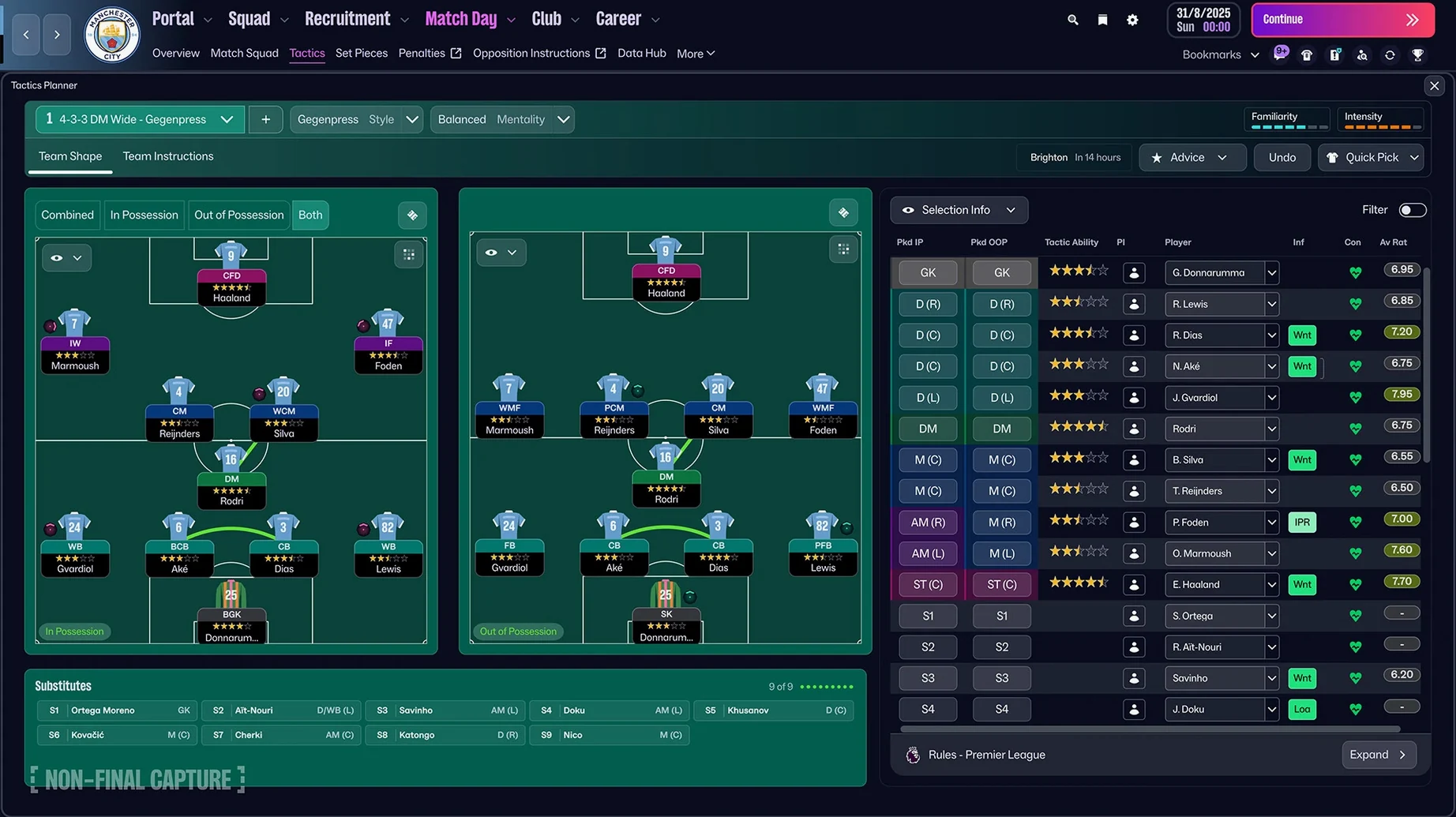
The addition of separate attacking and defensive shapes changes how a season unfolds. You can now set a compact 4-4-2 out of possession and shift into a lopsided 3-2-5 when the ball is won — the kind of tactical detail that lets you build a squad with a distinct identity rather than chasing the meta. And for the first time, the women's game is fully integrated. Fourteen leagues across eleven countries, including the WSL and NWSL, sit alongside the men's pyramid with their own player models, scouting networks, and financial dynamics. A manager created through the improved career setup can move between both worlds, which opens narrative threads the series has never had before. The Premier League finally arrives with full licensing too — club badges, official kits, and player photos that ground the simulation in something recognisable.
Checking scout reports in your video export gaps
Between Logic Pro bounces and colour grades, FM26 runs quietly. The improved search and quick bookmarks mean you can check a scout report or adjust training workloads in the time it takes a video to export. The information portal pulls football news, stats, and league updates into one place, so the game doubles as a background pulse you dip into throughout a working day. It's fully native on Apple Silicon and Intel Macs, and if you want a lighter touch, Football Manager 26 Touch on Apple Arcade trims the experience down for a MacBook Air and shorter sessions.
Unity makes every panel snap cleanly on a Mac display
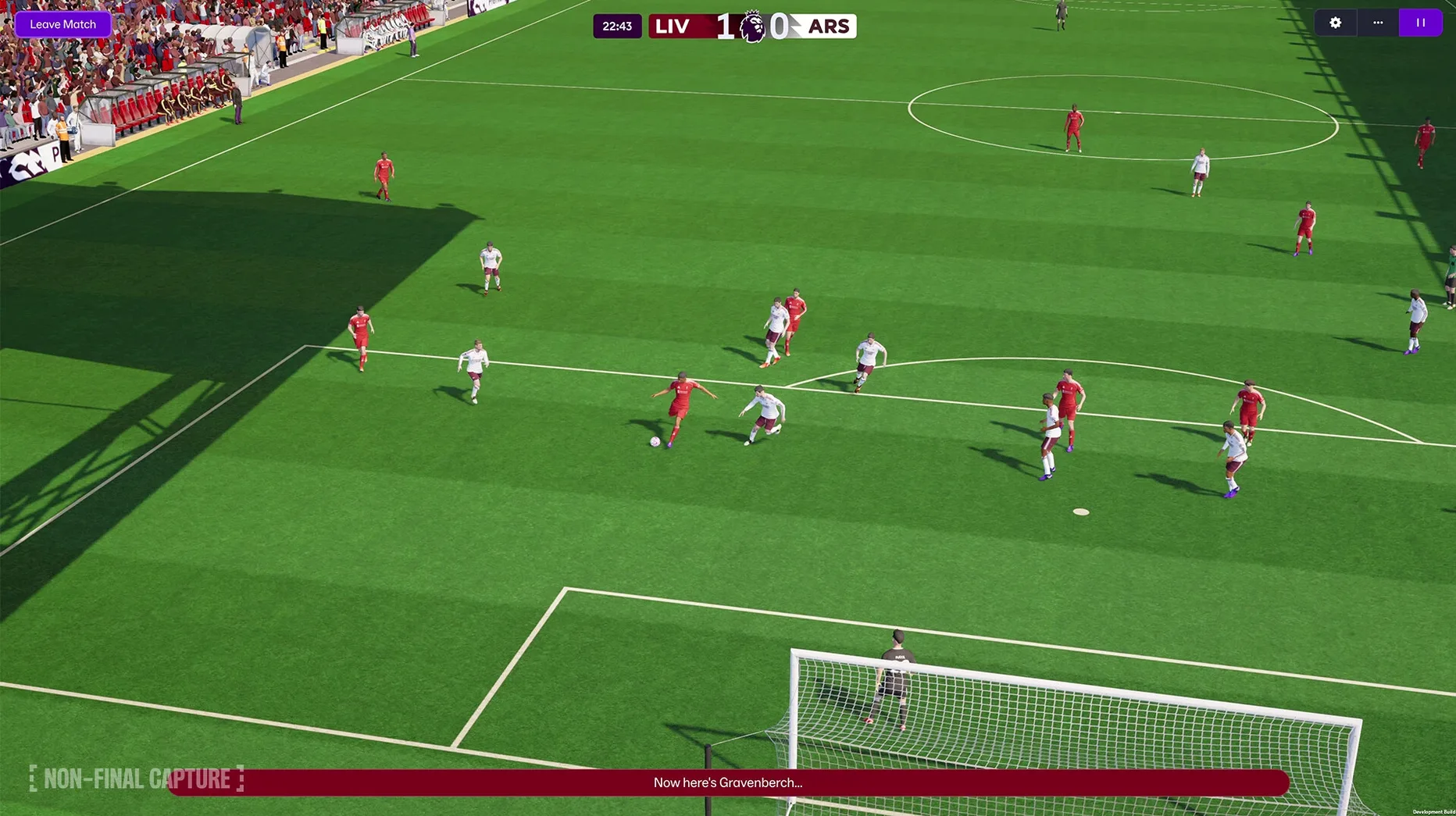
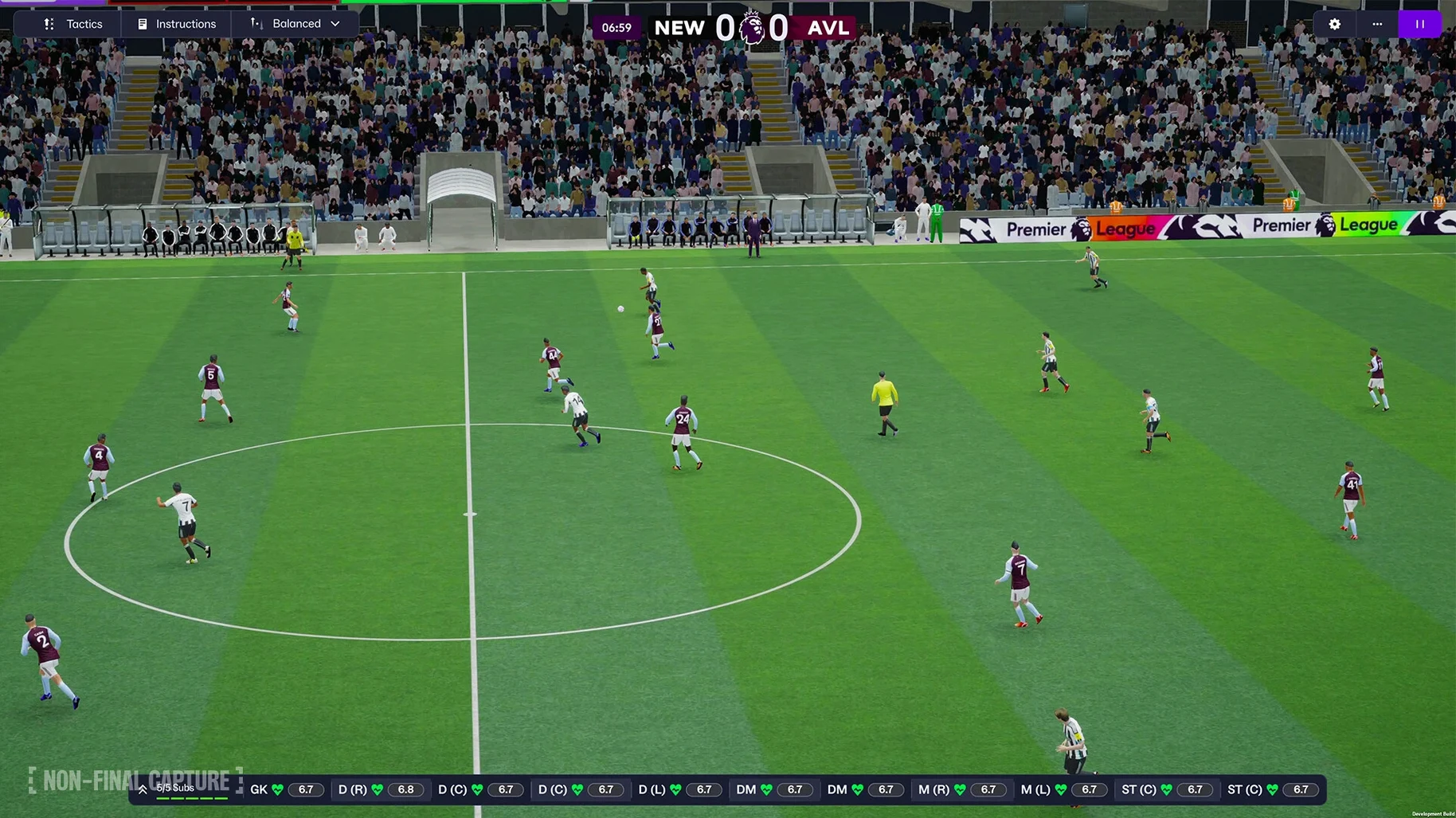
The shift to Unity isn't a bullet point you notice once and forget. It reshapes how the game feels on a Mac display — text renders more cleanly at scaled resolutions, panels snap into place without the fractional lag that used to accumulate during long evening sessions, and the match engine holds its frame pacing even when the camera cuts between thirty-two player animations at once. On a Mac mini M4 running at 1440p, the interface scrolls through squad lists and scouting reports with the kind of immediacy that makes you stop noticing the tool and start noticing the decision in front of you.
Separating attacking and defensive tactics was the change that rewired how people actually play. Before FM26, a single formation had to serve both phases, so you were always compromising — your pressing shape was your build-up shape. Now you can sketch a 4-2-3-1 that condenses into a 4-4-2 mid-block when possession is lost, which means your wingers have two different jobs and your recruitment has to account for both. In practice, this turns the summer transfer window from a stat-chasing exercise into a genuine architectural problem. You start asking whether your left-sided inverted winger can also hold a defensive line, and the answer often sends you back to the scouting pool.
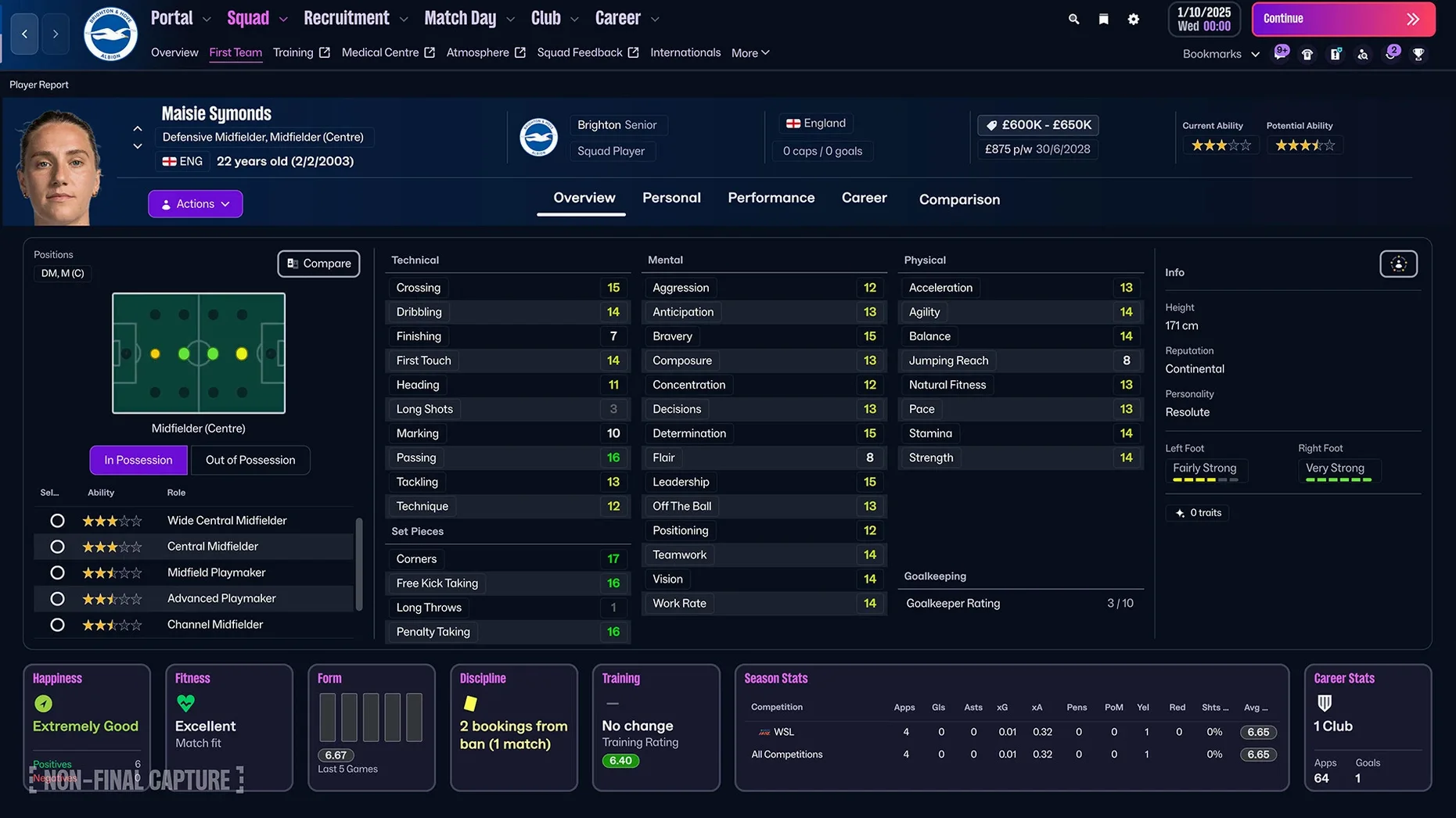
Women's football integration landed fully formed rather than as a token addition. The WSL and NWSL feel distinct — different wage structures, different squad registration rules, different tactical rhythms — and the player models carry their own animation data rather than repurposing the men's rigs. Moving a manager between the two pyramids mid-career creates the kind of save-game that sustains itself for months, because the challenges shift in ways that aren't simply about budget scaling. A relegation battle in the Frauen-Bundesliga asks different questions than a promotion push from the Championship, and the game respects that.
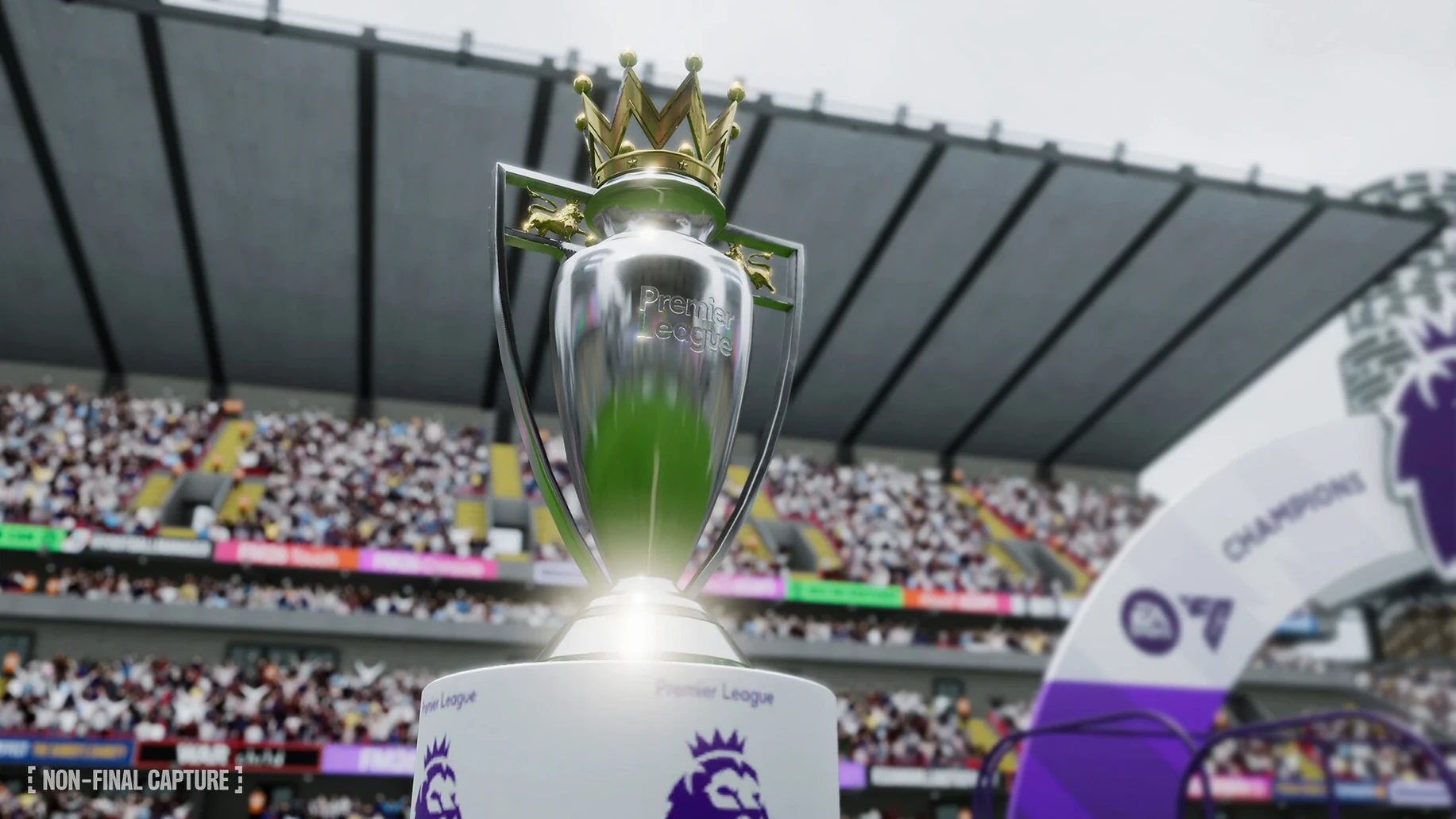
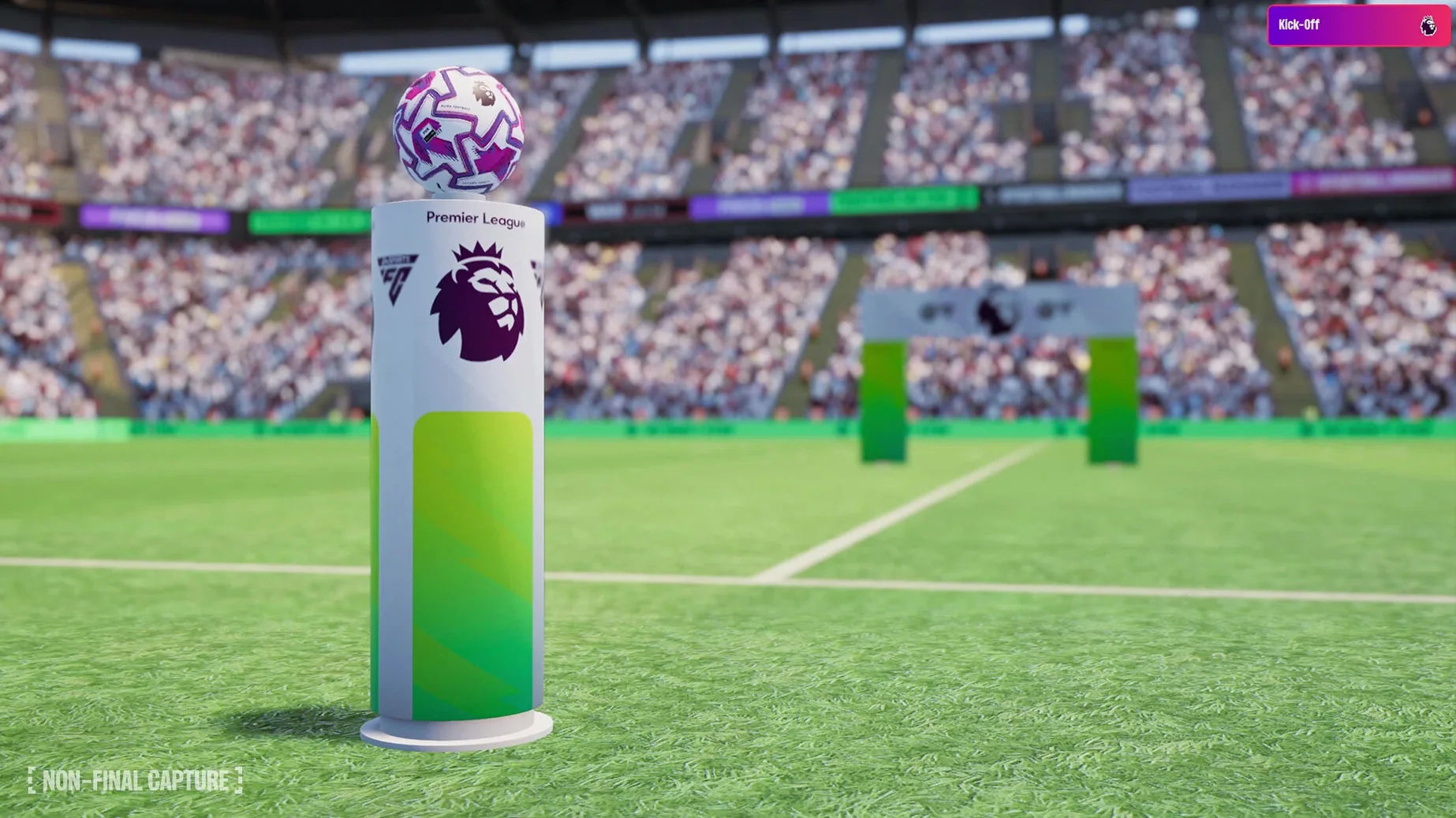
The Premier League licensing does more than cosmetic work. Having actual club badges, kit textures, and player portraits means the news feed and matchday presentation feel grounded rather than generic. When a late winner goes in at Anfield and the celebration cutaway shows your striker in the actual home strip, the moment lands harder. It's a small thing that accumulates over hundreds of in-game days.
Spend forty minutes crafting a persona before any save
Resist the urge to start a save on day one. Spend forty minutes in the new manager creation tool instead — the character editor has enough granularity to build a persona that colours how the game talks back to you, and your coaching badges, playing history, and languages all shape the early job offers you receive. Someone with continental reputation and three languages gets a different inbox from someone starting unemployed with Sunday league credentials. The quick bookmarks feature becomes indispensable once you set it up properly. Pin your shortlist, your development squad, the league table, and one specific scouting assignment to the sidebar. In the time it takes a video to export, you can cycle through all four and make three decisions. Without bookmarks, you'll spend those minutes clicking through menus and losing the thread.
Set your scouting assignments before you touch training. The TransferRoom-based recruitment tools give you direct access to player availability data that previous versions buried, and assigning your scouts to specific regions and roles early means you'll have reports flowing in by the time pre-season friendlies start. The improved search syntax also rewards experimentation — typing contract:expiring plus a tactical role filters the database in ways that used to require building a custom view from scratch. Learn five or six search operators in the first week and they become muscle memory.
With women's leagues enabled, decide early whether your save spans both pyramids. If it does, your scouting budget needs to stretch further, and your staff recruitment should include coaches with experience in the women's game — their attributes actually differ, and the game models it. If you're only managing in the men's pyramid, you can still follow the women's leagues through the information portal without committing resources to them.
Leaving defensive shape untouched ruins your attacking setup
The most common one is treating the separate attack and defense shapes as optional depth rather than a core design problem. New players often set an attacking formation and leave the defensive shape untouched, which means the team drops into a flat 4-4-2 they haven't recruited for and gets pulled apart by anyone running a midfield three. The fix is simple: spend ten minutes on the tactics screen matching your defensive shape to your actual squad composition, even if it's just mirroring the attacking setup. The game won't warn you about the mismatch, but the match engine will punish it.
Another trap is overloading scouting assignments during the first transfer window. The improved search makes it tempting to request reports on forty players simultaneously, but your analysts have limited bandwidth and the reports that come back will be thin. Pick five positions and three regions, and let the recruitment team build knowledge gradually. Depth over breadth, especially when you're still learning your squad's actual weaknesses rather than the ones the attribute screen suggests.
Ignoring the FMPedia glossary is a quiet mistake that compounds. FM26 introduces enough new tactical roles and player traits that even returning players hit terms they don't recognise. The glossary sits one click away from any highlighted term and explains what a "wide centre-back" or "raumdeuter" actually does in the match engine. Skipping it means setting roles based on name recognition rather than function, and the tactic screen won't correct you.
Fifteen leagues process a full week in forty-five seconds
On a Mac mini M4 with 16GB of RAM, the full simulation with fifteen leagues loaded across both pyramids processes a week of in-game time in roughly forty-five seconds. That's with the match engine set to full detail and the database including around sixty thousand players. The Unity rebuild seems to have tightened the simulation loop — previous versions on comparable hardware could drift past a minute for the same workload. Memory usage sits around 6GB during matches and drops to 3.5GB when the game is idling on the inbox screen, which leaves room for a browser, a DAW, and a reference video without the system leaning into swap. On Intel Macs, the gap is wider: the game runs, but matchday stutters appear during set-piece animations and the processing bar lingers a beat longer between days. Apple Silicon is the clear preference here, not a marginal gain.
Stability across a fifty-hour save has been uneventful. No crashes during match engine transitions, no save corruption after system sleep, and the autosave rolling backup caught the one occasion where a crash-to-desktop occurred during a team meeting screen. The game writes to disk frequently enough that losing progress usually means losing a single match rather than a full session. macOS Tahoe handles the Unity runtime without the graphics driver quirks that plagued earlier FM versions on Monterey-era systems, and the windowed mode plays nicely with Spaces — you can flick the game to a separate desktop and the simulation continues processing in the background without the UI freezing when you return.
Twenty-three unread scout reports waiting between calls
The session starts in the gap between a colour grade and a client call. The game is already open on the third desktop, paused on an inbox screen from the previous evening. Twenty-three unread items: scout reports from South America, a contract renewal request from the second-choice left-back, a press conference preview, and a batch of training performance data. The quick bookmarks sidebar has the shortlist pinned at the top, so I check that first — an Argentine centre-back my chief scout flagged three in-game weeks ago has had his asking price drop, and the recruitment meeting notes suggest he'd accept a squad rotation role. I add him to a transfer shortlist and set a reminder to revisit after the next match.
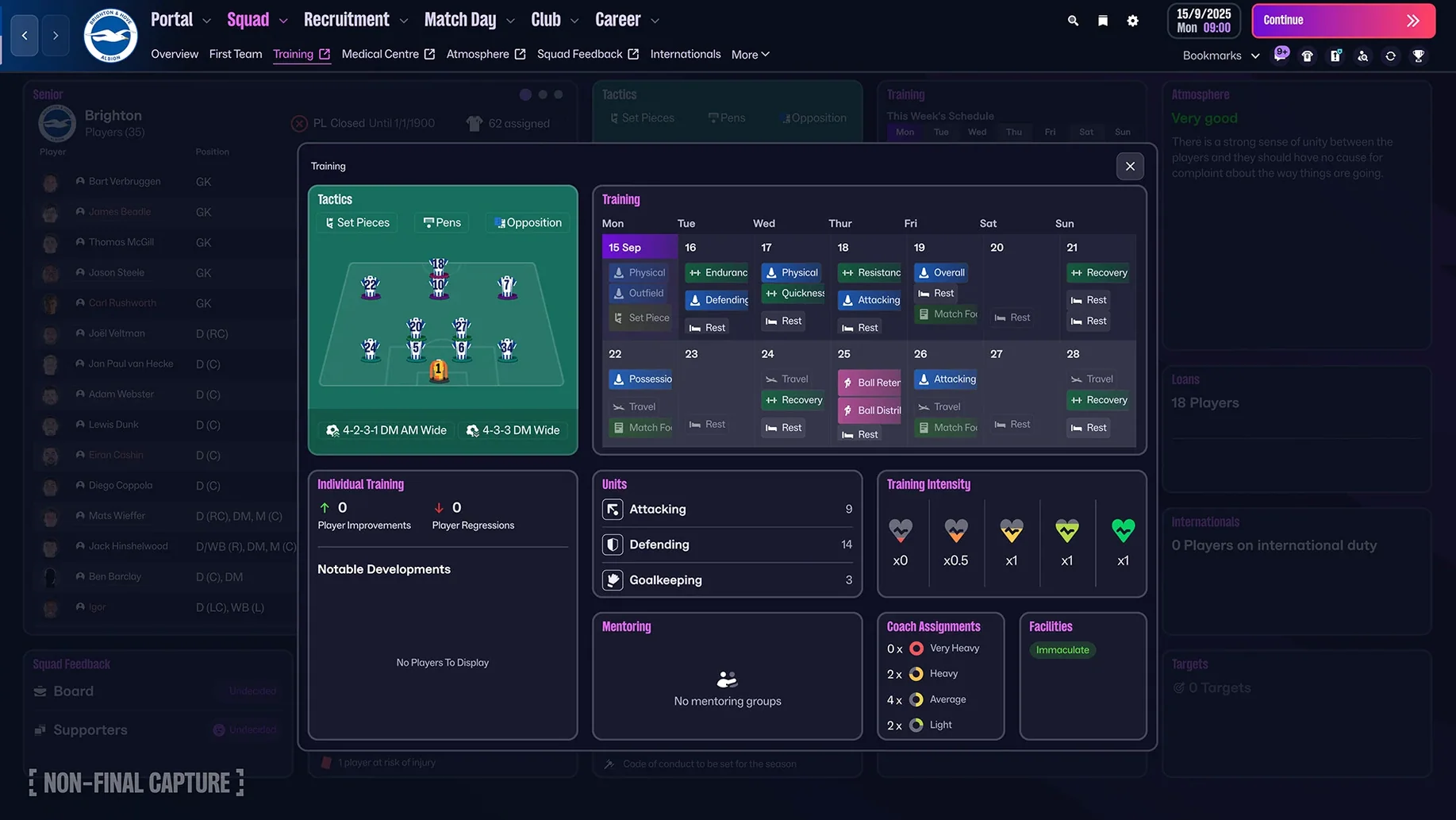
The scouting centre gets ten minutes of attention. Three assignments are running: one in Brazil, one covering the Frauen-Bundesliga, and one sweeping the Championship for players with expiring contracts. The Brazilian scout has returned five reports, two of which are interesting enough to warrant full analysis. I request those and move on. Training feedback shows the squad's tactical familiarity with the defensive 4-4-2 shape is still at "awkward," so I add a match preparation session focused on defensive shape for the next two days. The game warns that this cuts into attacking movement work, and I accept the trade-off.
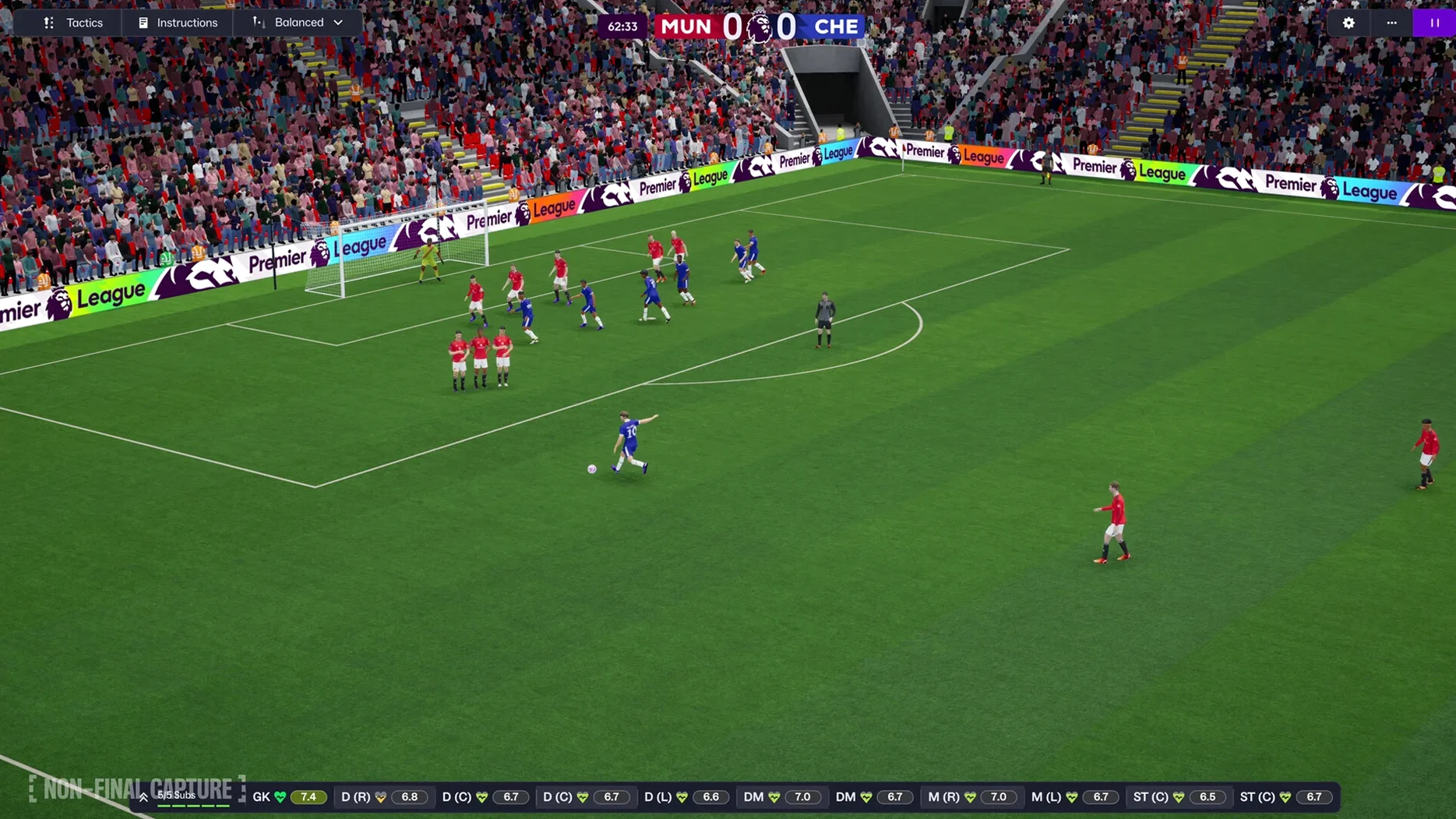
A match against a mid-table side kicks off twenty minutes later. The new match presentation layers in pitch-level camera cuts and bench reactions that make the tactical adjustments feel more reactive — when their right winger starts finding space between my left-back and centre-back, the visual feedback is immediate enough that I drop the defensive line by two metres before the next highlight plays. The adjustment works. My shape contracts, the space disappears, and the possession turnover rate climbs. The match ends 2–0, and the post-match analytics confirm what the eye saw: their expected goals dried up after the tactical change, and my pressing forward's defensive work rate triggered three counter-attacks that should have been finished better.
After the result, the inbox fills with the usual post-match rhythm: player condition updates, a board confidence tick, a journalist asking about squad rotation. The information portal surfaces a story about a managerial sacking in Serie A that has no bearing on my save but adds texture, the kind of ambient detail that keeps the world feeling lived-in. I bookmark a scouting priority for the next session — a deep-lying playmaker for the women's team, whose current starter is attracting transfer interest from Lyon — and save. The whole session lasted forty-one minutes, long enough to feel like progress but short enough to slot between two pieces of actual work. The game returns to its desktop, paused and waiting.
The switch to Unity is the headline change, giving the match engine and interface a visual overhaul that feels sharper on a Mac display. Women's football arrives with full integration across fourteen leagues, and the Premier League finally gets official licensing for kits, badges, and player photos. Tactically, the split between attacking and defensive shapes lets you build two distinct systems within a single match plan, while the reworked interface and portal pull scouting, news, and squad management into a cleaner workflow.
- Tested on macOS Tahoe
- Supports both Apple Silicon and 64-bit Intel processors
- Interface languages: English, French, German, Spanish, Italian, Dutch, Portuguese, Russian, Polish, Greek, Danish, Swedish, Norwegian, Korean, Japanese, Chinese (Simplified), Thai
Questions from the booth
The women's side launches with 14 leagues from 11 countries, headlined by the Women's Super League in England and the National Women's Soccer League in the United States.
The Unity-based engine brings enhanced match presentation and, crucially, separate attacking and defensive tactics so your team can hold one shape without the ball and a completely different one with it.