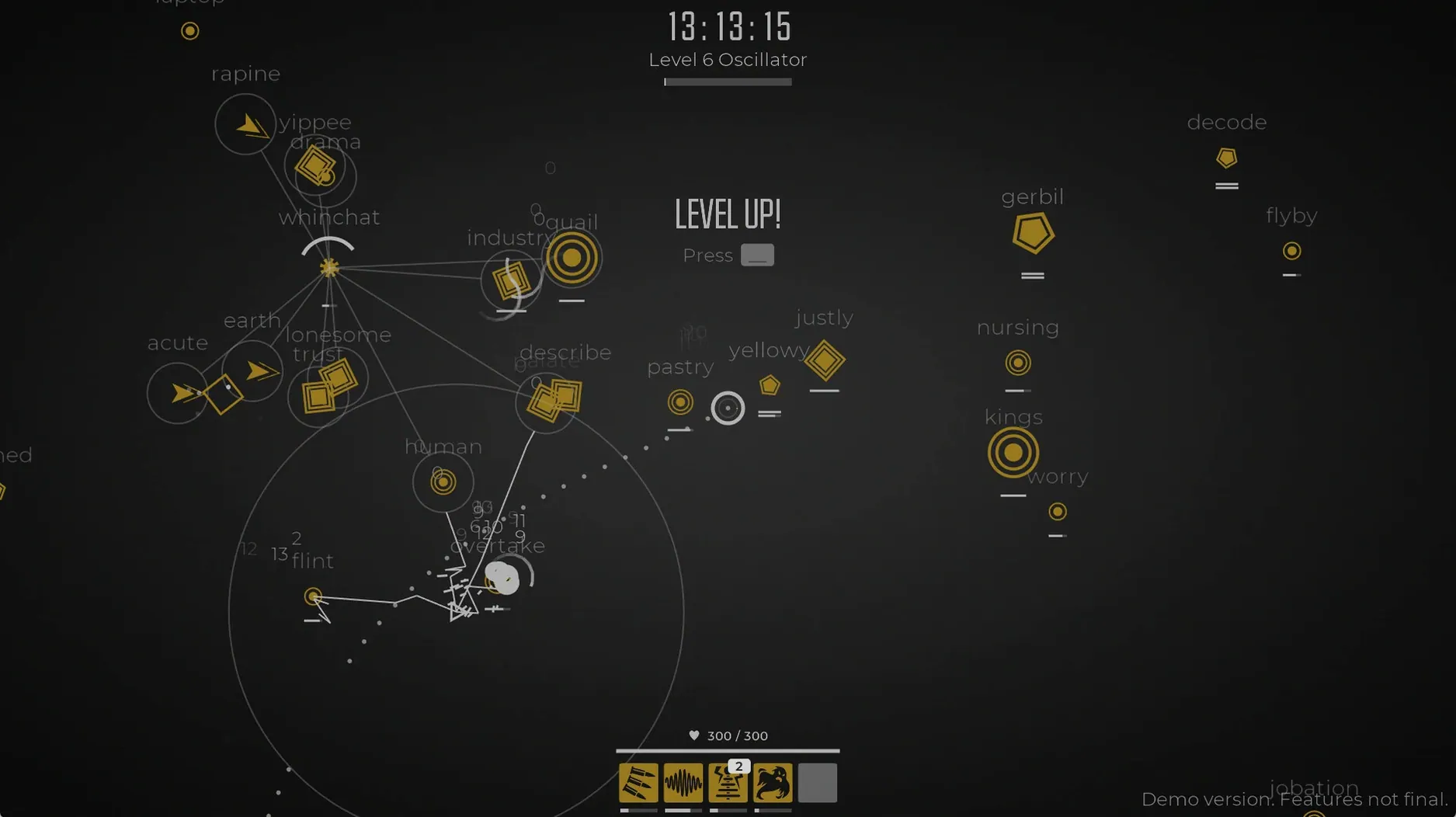
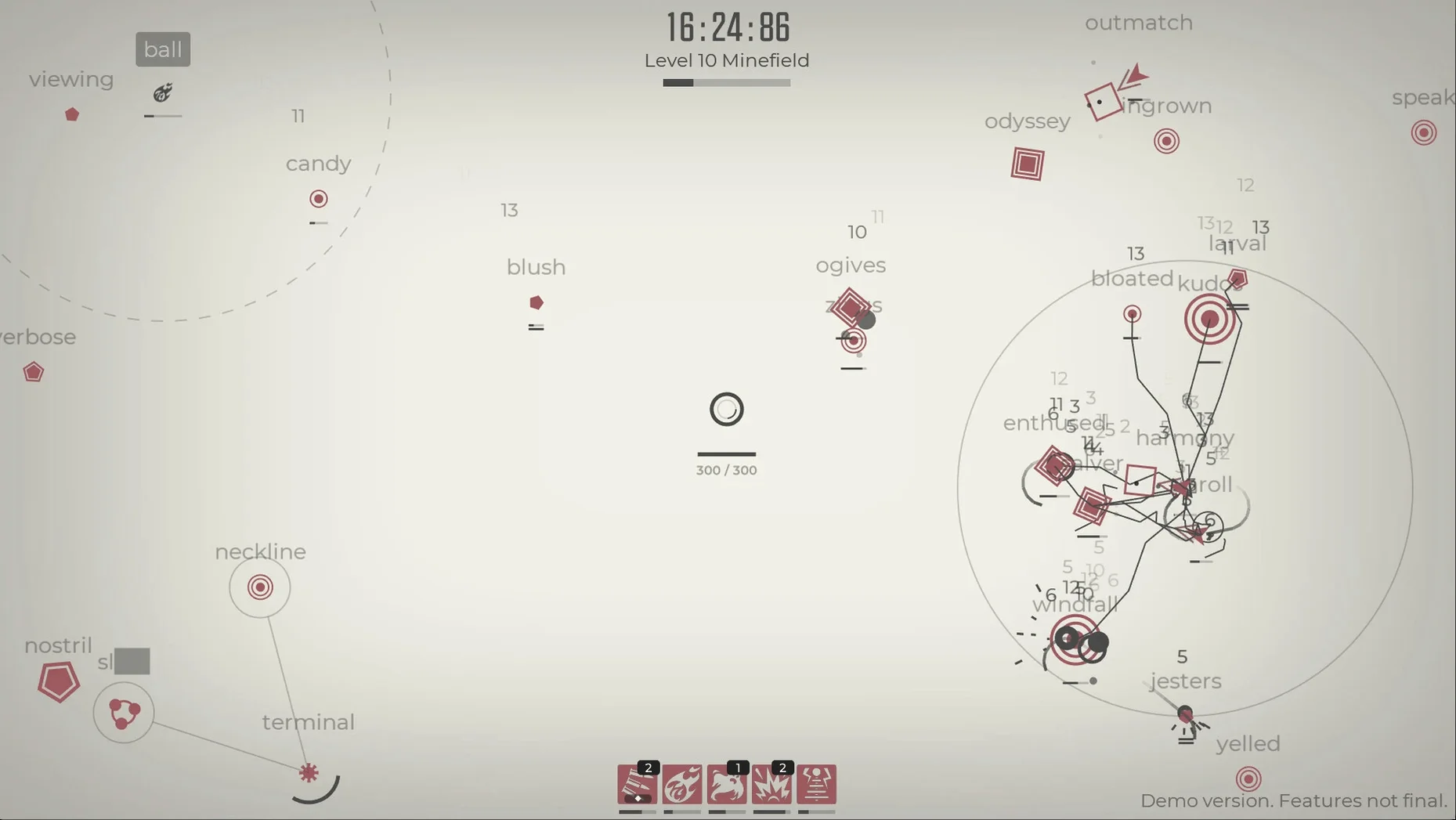
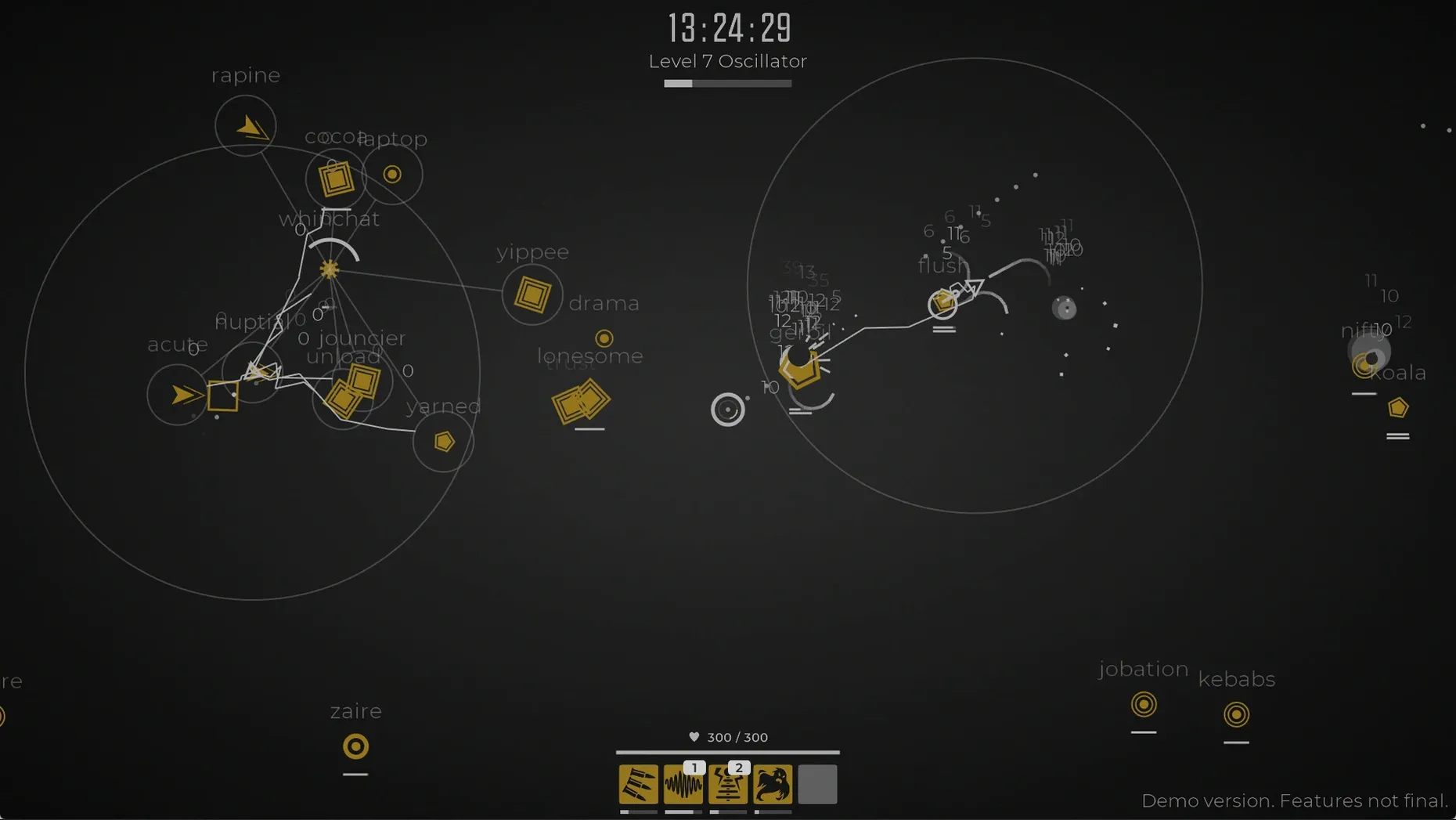
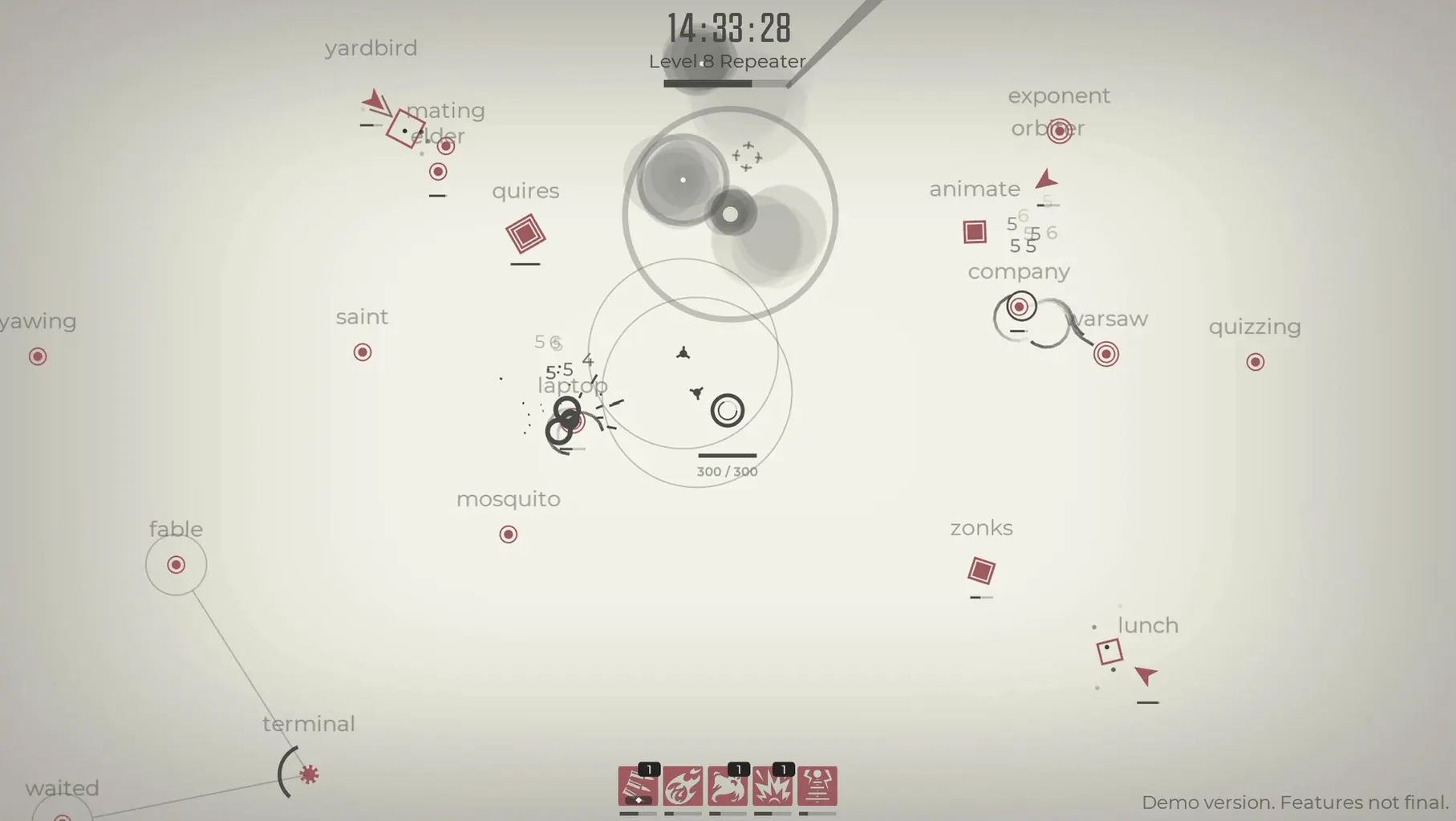
Sixty seconds. That's how long a run can last when a swarm of enemies breaches your defences because your fingers stumbled on a tricky word. Glyphica: Typing Survival takes the quiet skill of touch-typing and threads it through the tense, looping structure of a roguelite. You stand at the centre of a dark arena, words appearing above advancing creatures, and every correct keystroke fires a shot. It strips the genre down to a single, immediate mechanic: type or be overrun.
The player who thrives here
This game will click with anyone whose fingers already know the keyboard without looking. If you've spent hours in typing tutors or old-school text adventures, Glyphica turns that fluency into a satisfying flow state. Between waves, you choose weapons and upgrades that subtly shift how damage works, letting you build toward a setup that suits your rhythm. The soundtrack pushes you forward without pulling focus, and character progression carries a sense of weight across failed runs. It's a single-player experience through and through—no leaderboards, no multiplayer pressure—just you and the words. The roguelite structure means each death teaches you something about positioning, priority, and which weapon selection complements your typing cadence.
When typing feels like a chore instead of a skill
If typing doesn't feel like a skill but a chore, the core loop may grate. The game doesn't offer alternative input methods; it's built entirely around the keyboard, and its difficulty scales with your accuracy and speed. Someone seeking narrative depth or exploration won't find it here—the story is the run itself. It also asks for a tolerance of repetition, as early waves can feel slow once you've mastered the basics. But for the right person, that repetition becomes a warm-up for the chaos ahead, and the satisfaction of clearing a screen with nothing but well-timed keystrokes is hard to find anywhere else.
Enemy spawn pacing tightens in the mid-game
The jump to version 2026.08.21 arrived quietly—no flashy overhaul, just a set of adjustments that experienced players will feel in the first ten minutes of a new session. Enemy spawn pacing in the mid-game feels tighter, with fewer lulls between waves, so the rhythm of typing never quite settles into autopilot. Several weapon combinations that used to trivialize later stages now require more deliberate targeting, nudging you away from memorized patterns and back toward reading each word as it appears. On Apple Silicon, frame timing during dense swarms is smoother than earlier builds, which matters when a single dropped frame can break your concentration mid-word. The developer also refined how the Japanese and German word pools scale in difficulty—compound words in German arrive slightly later, and kanji-heavy Japanese terms no longer cluster unfairly in the first few waves.
Turn off screen shake before a twelve-letter word kills you
A few quick adjustments sharpen the experience considerably. First, disable screen shake—it's on by default and adds a cinematic wobble to each hit, but when three enemies close in and you're parsing a twelve-letter word, the motion becomes a liability. Next, check the keyboard layout setting; the game defaults to QWERTY, and switching it to match your actual muscle memory prevents the kind of mis-timed keystroke that ends promising runs. Under audio, pull the hit confirmation chime up a notch while keeping the ambient backdrop at seventy percent—this makes each correct letter land with a crisp, tactile presence that helps sustain flow. If you're playing on a laptop keyboard with shallow travel, the input buffer option (set to short) forgives the occasional ghosted key without making the game feel loose. These aren't buried secrets, but skipping them means fighting the interface before you even face the first wave.
- Apple Silicon or Intel 64-bit Mac