
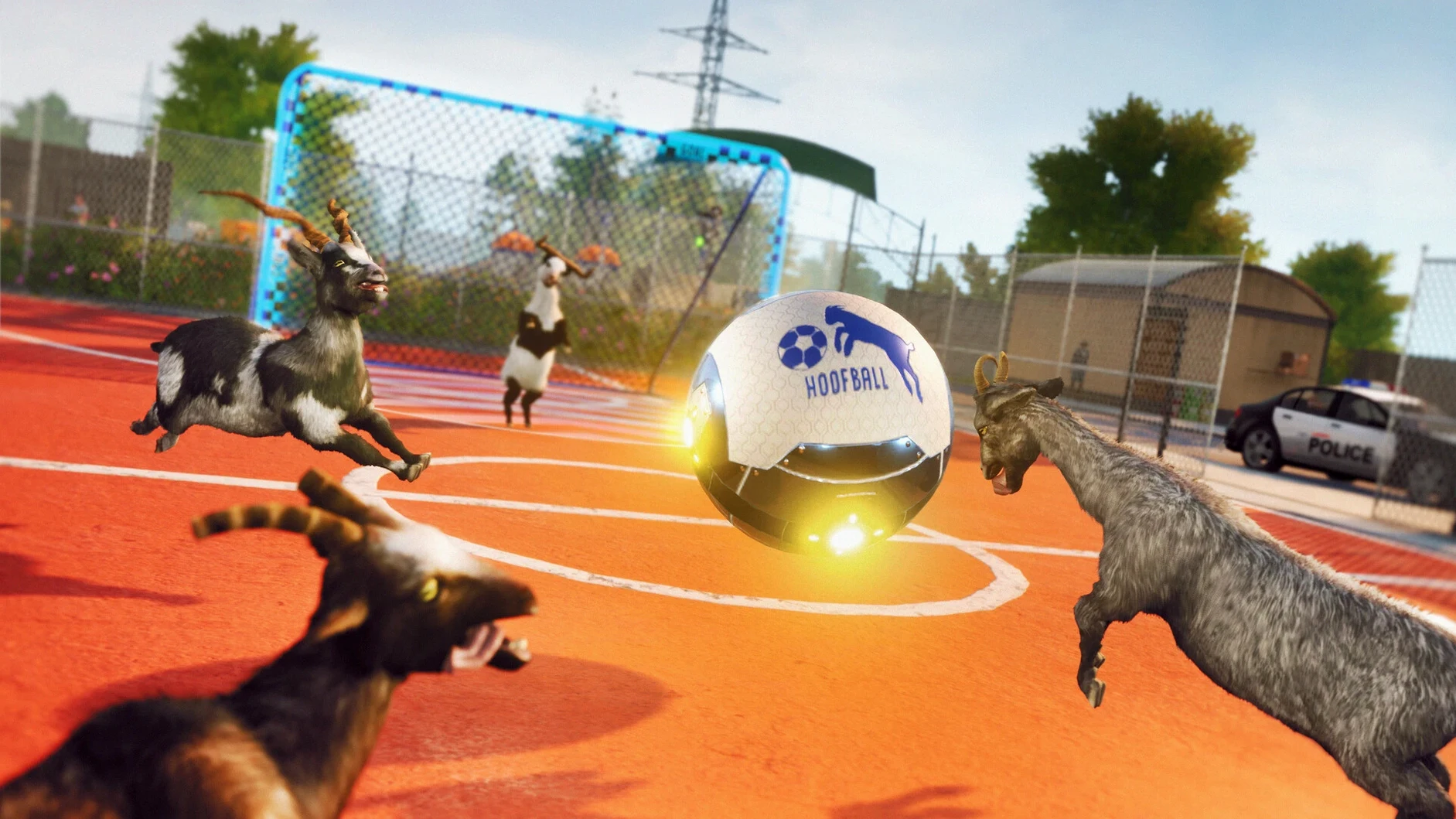

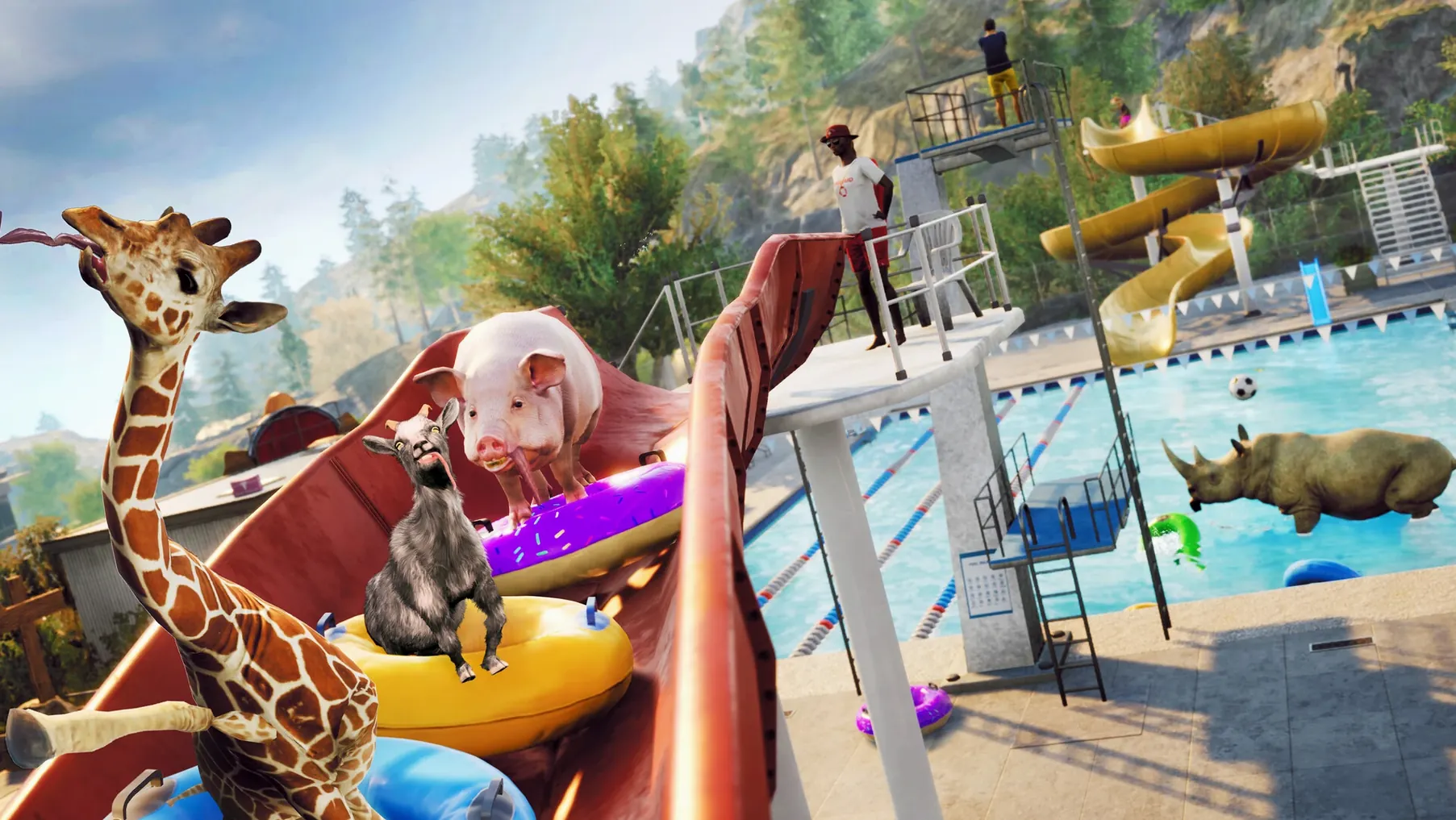
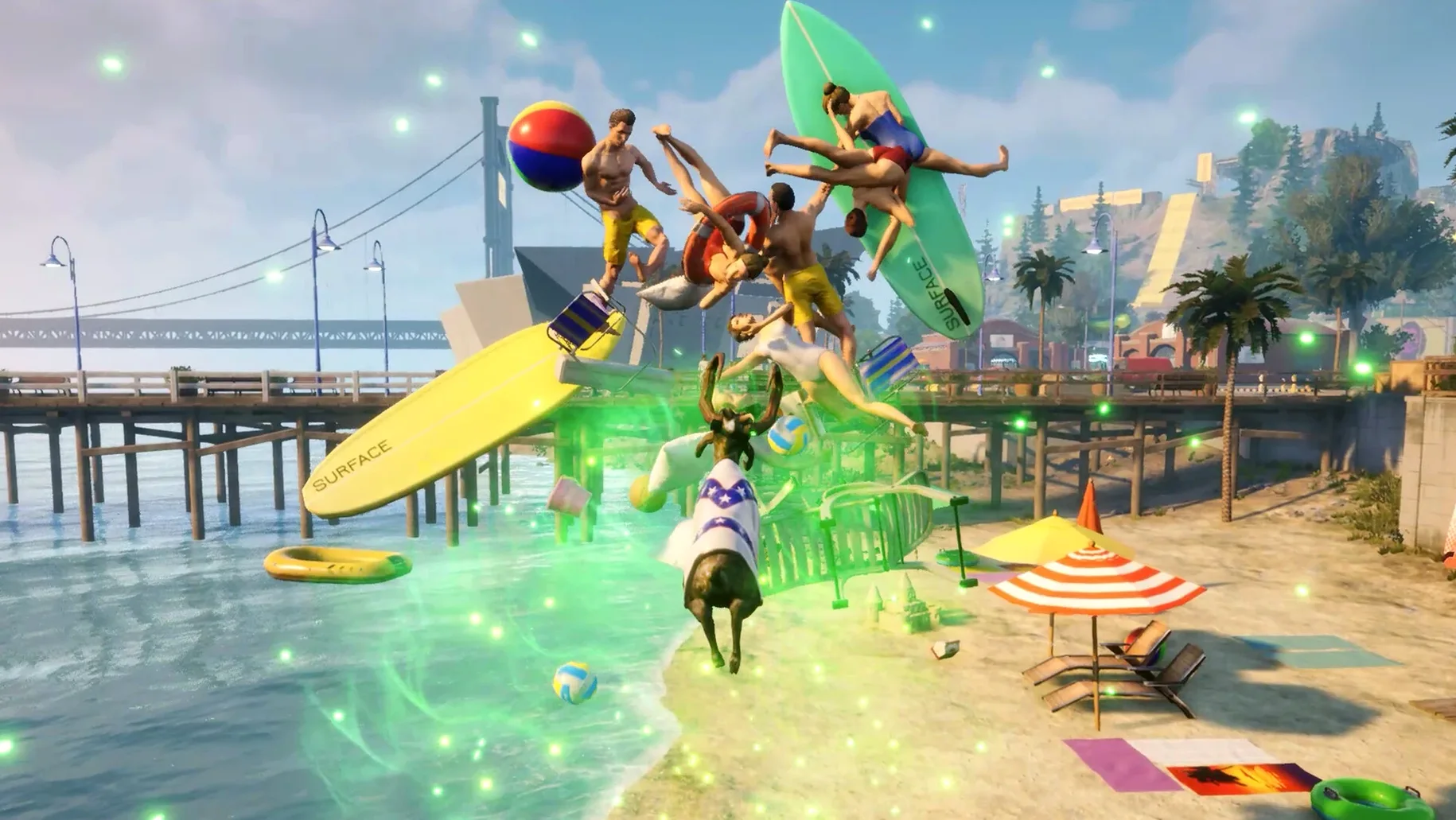
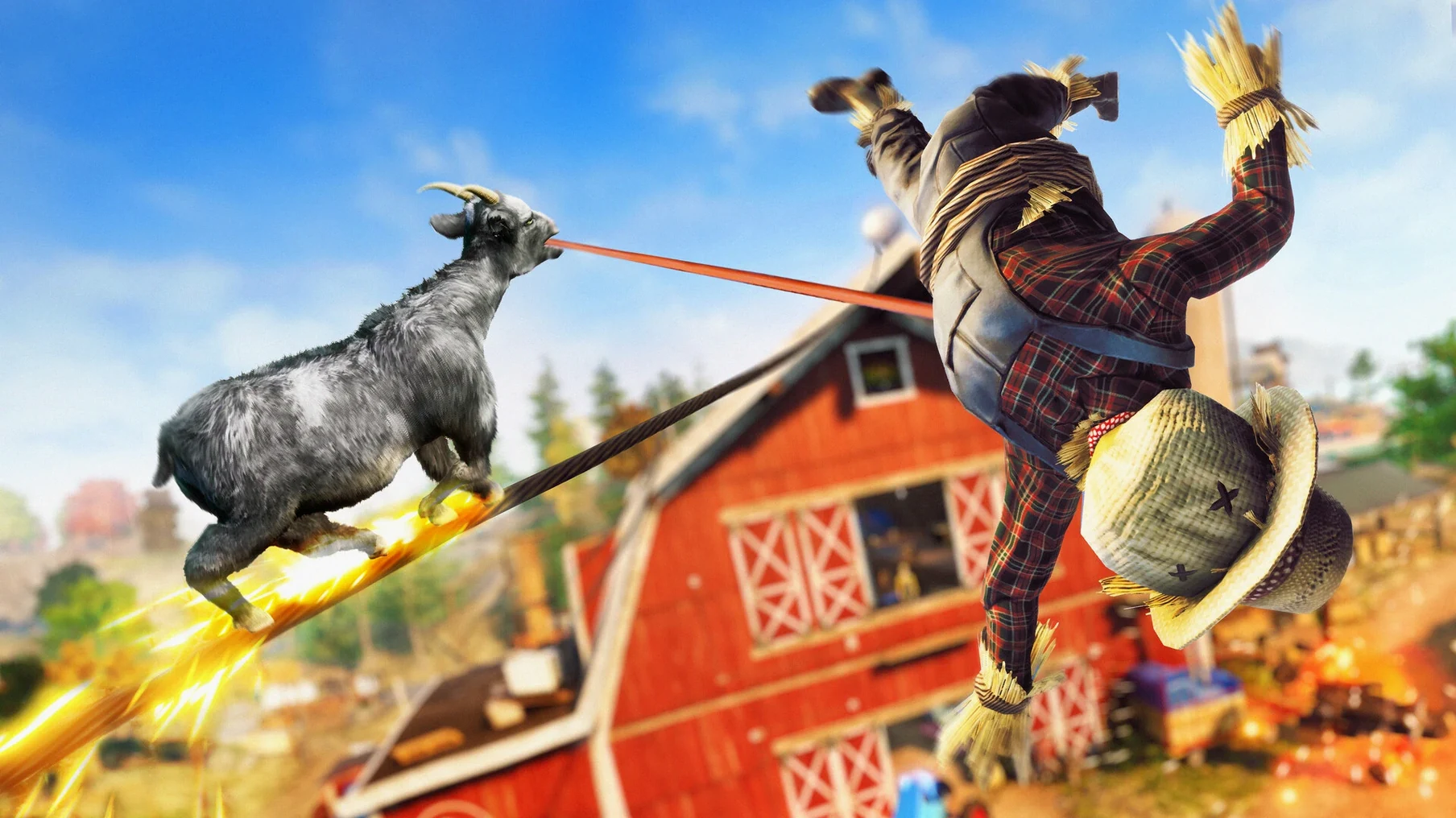

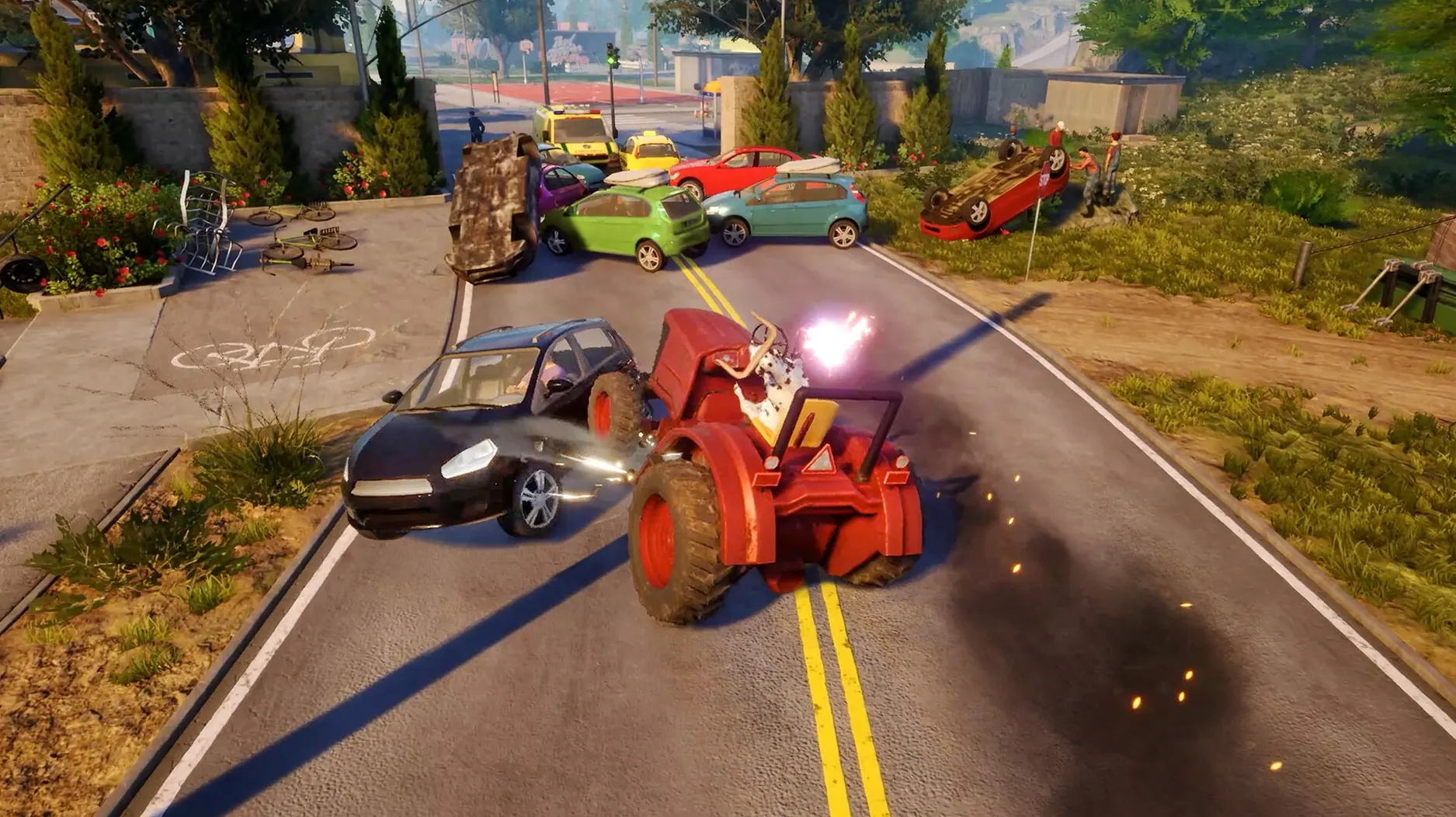
Goat Simulator 3 is a third-person sandbox adventure that sets Pilgor loose on the island of San Angora. The build labelled 1.2.0.0 (451194) runs on Apple Silicon through a Wineskin wrapper, tested on macOS Sequoia with a 2023 MacBook Pro and an M3 Pro chip. The world opens with a brief tutorial, then steps back and lets the physics engine do the rest—headbutting, licking, and breaking objects across a landscape dotted with collectibles and absurd mini-games.
Controls and performance on an M3 Pro
The ARM-native wrapper translates inputs cleanly, mapping movement and camera to a controller or keyboard without perceptible latency. On the M3 Pro, the frame rate stays fluid even when the screen fills with ragdoll pedestrians and chain-reaction explosions. Voice audio comes through in English by default, though the interface offers Russian, German, Spanish, Italian, Traditional Chinese, Simplified Chinese, Korean, Polish, Portuguese, French, and Japanese—switchable in the settings menu.
A physics playground where Pilgor’s headbutt unravels everything
This is not a game about objectives. The goat, Pilgor, exists to prod at the seams of a simulated world where every car, fence, and gas canister reacts to a well-placed headbutt. Mini-games appear as optional setpieces tucked into alleyways and rooftops, while collectibles reward the kind of wandering that leads to discovering a trampoline hidden behind a supermarket. The Wineskin build holds steady during extended sessions, and the only setup wrinkle is a rare startup error resolved by running the Fix file from the disk image—after that, it launches from the Applications folder like any native app.
Day-to-day feel and system footprint
The Wineskin layer adds roughly 8 GB to the install size, which is worth knowing if you are working off a smaller internal drive. During an afternoon session with the M3 Pro, the fans stayed quiet and the chassis barely warmed—resource monitor showed a steady draw around 30–40% GPU usage with the occasional spike during physics-heavy setpieces. The wrapper handles sleep and resume gracefully; I have left the game paused mid-explosion, closed the lid, and come back hours later without a crash or audio desync. Load times from an internal SSD hit the main menu in under fifteen seconds, and fast-travel hops between districts are nearly instant. The only persistent quirk is that switching between fullscreen and windowed mode sometimes requires a quick alt-tab to redraw the desktop properly—minor, but consistent across sessions.
The black-screen launch hiccup and the one-click disk-image fix
The most common hiccup people report is a black screen on first launch. Running the Fix utility from the mounted disk image resolves this in almost every case; it regenerates a few Wine prefix files that occasionally fail to initialise on a fresh copy. If the game stutters after resuming from sleep, toggling the graphics preset down and back up in the settings menu usually clears the frame pacing. Controller recognition can be fussy—if your DualSense or Xbox pad is not picked up, plugging it in before launching the app, rather than after, makes the wrapper detect it reliably. Some players exploring Goat Simulator 3 for Mac cracked builds may notice a missing save-game folder after moving the app bundle—simply ensure the wrapper's internal path is intact. The actual directory lives deep inside the wrapper at Goat Simulator 3.app/Contents/SharedSupport/prefix/drive_c/users/Sikarugir/AppData/Local/Goat2/Saved/SaveGames—backing that up before reinstalling preserves progress without fuss.
The current build, version 1.2.0.0 (451194), arrives as a Wineskin-wrapped third-person sandbox adventure set on the island of San Angora.
- macOS: tested on Sequoia
- Architecture: Apple Silicon
Questions from the booth
This build runs on Apple Silicon architecture and was tested on an M3 Pro chip with macOS Sequoia.