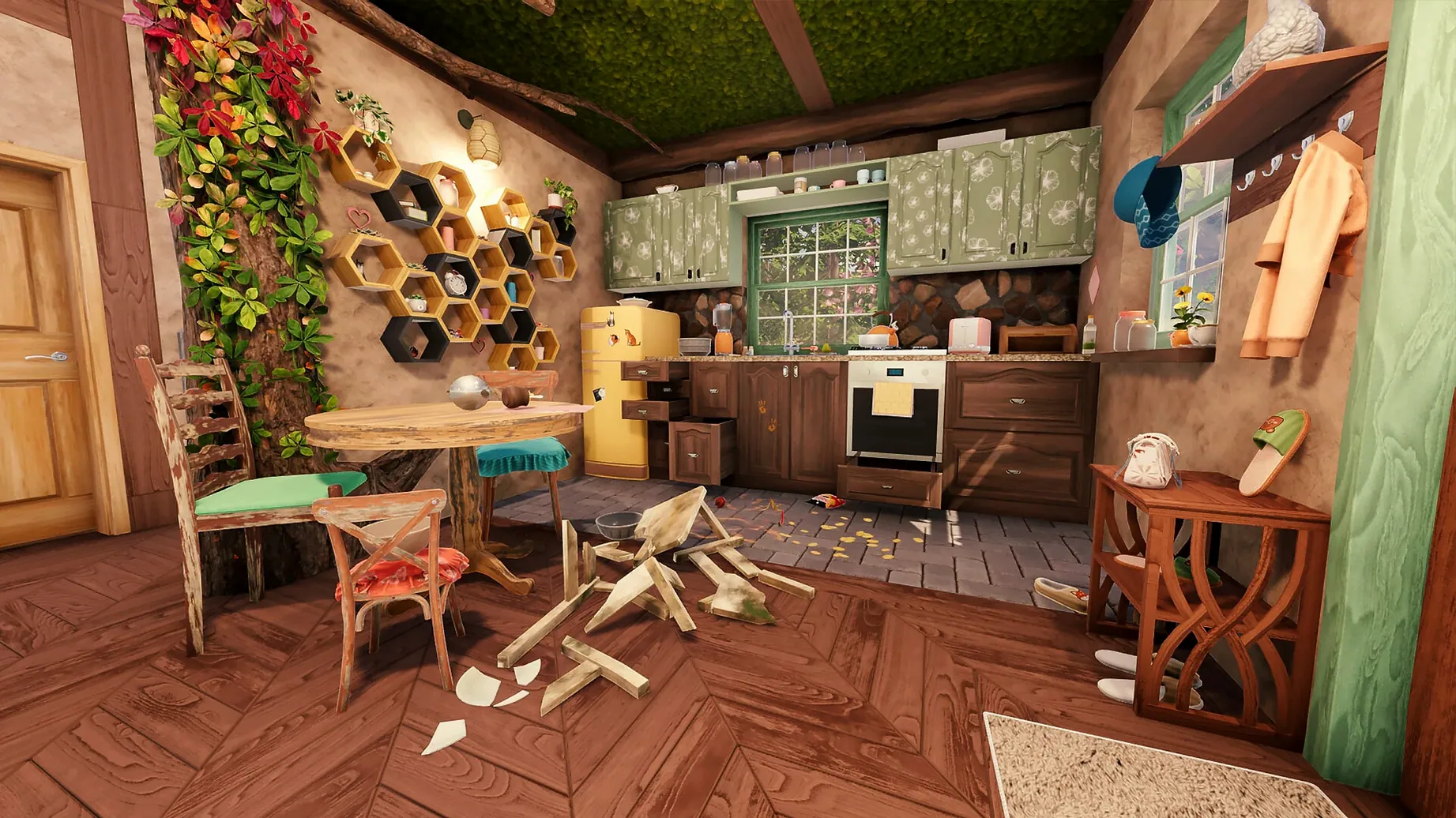
There's a particular kind of calm that comes from clearing rubble and watching a stripped room slowly become a home. House Flipper 2 leans into that satisfaction, but it also knows when to step back and let someone else do the measuring. The problem it solves is a restless, unfocused creative itch — the one where you want to build something personal without wrestling a CAD program or a spreadsheet of material costs.
Clear the rubble in someone else's story
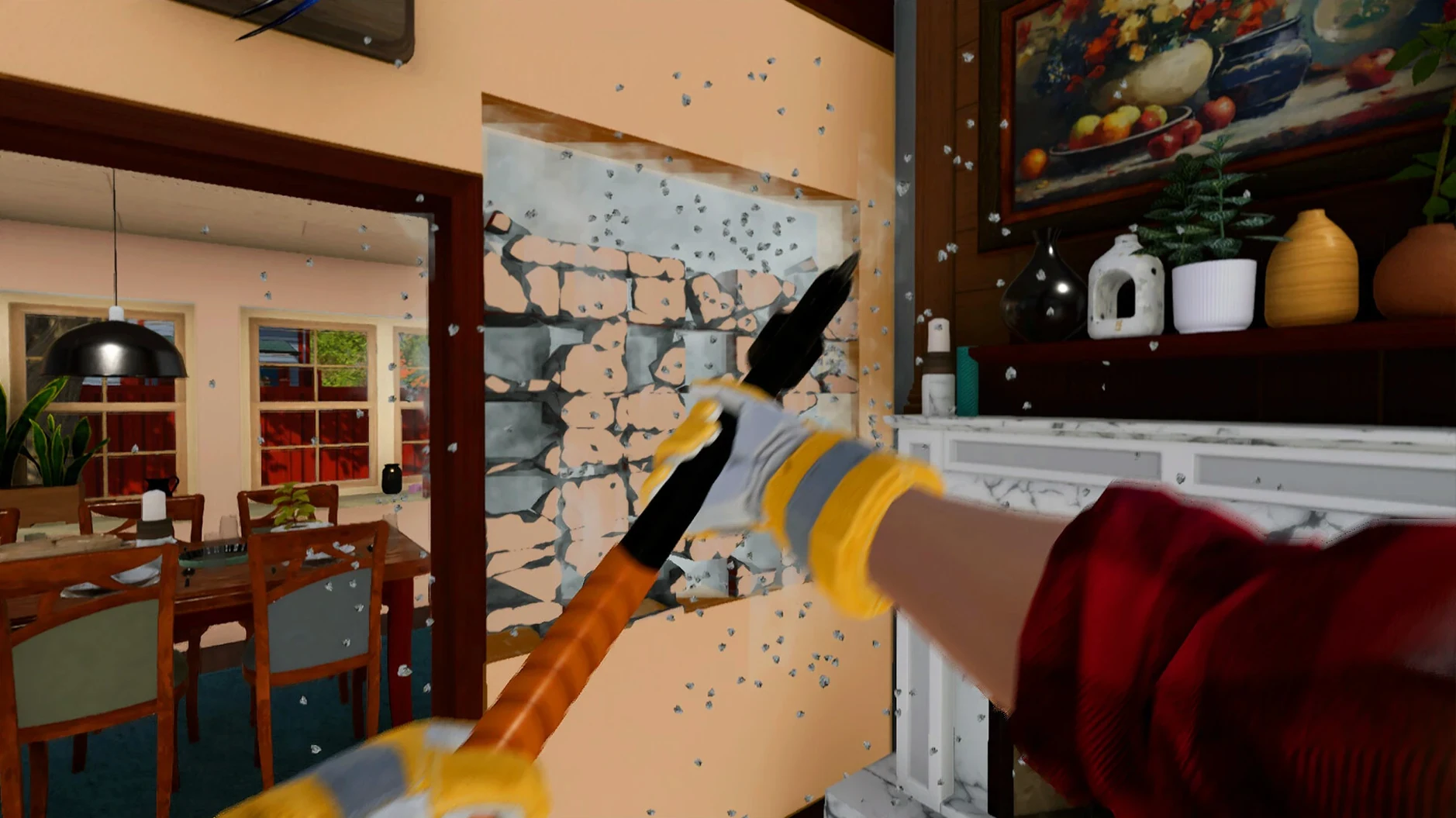
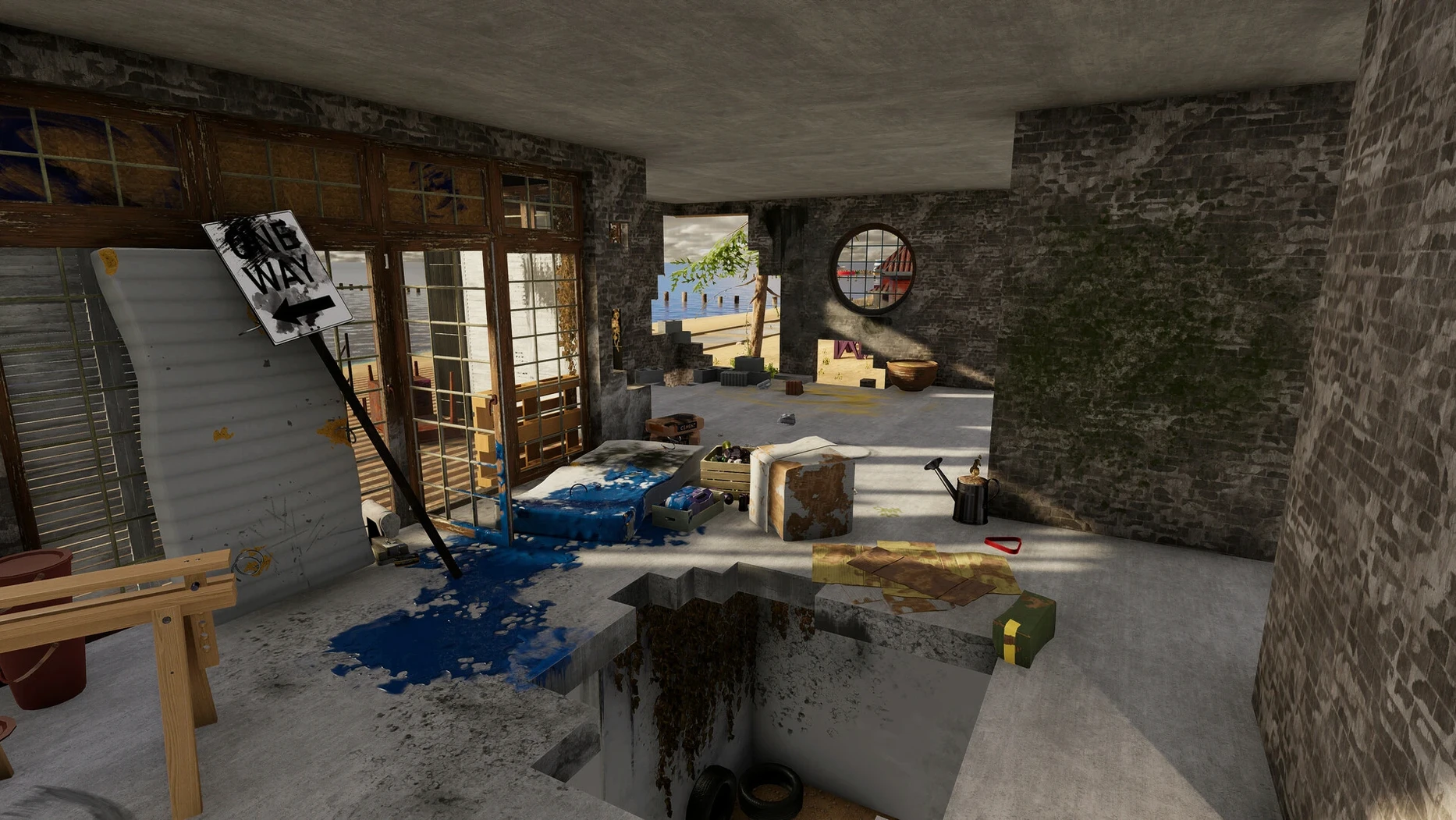
The Story Mode sends you through a string of renovation projects in a small, lived-in town. Tom, a longtime friend who knows the neighbours, feeds you local knowledge and smaller tasks that tie the work to the place itself.
Build a house from nothing but an idea
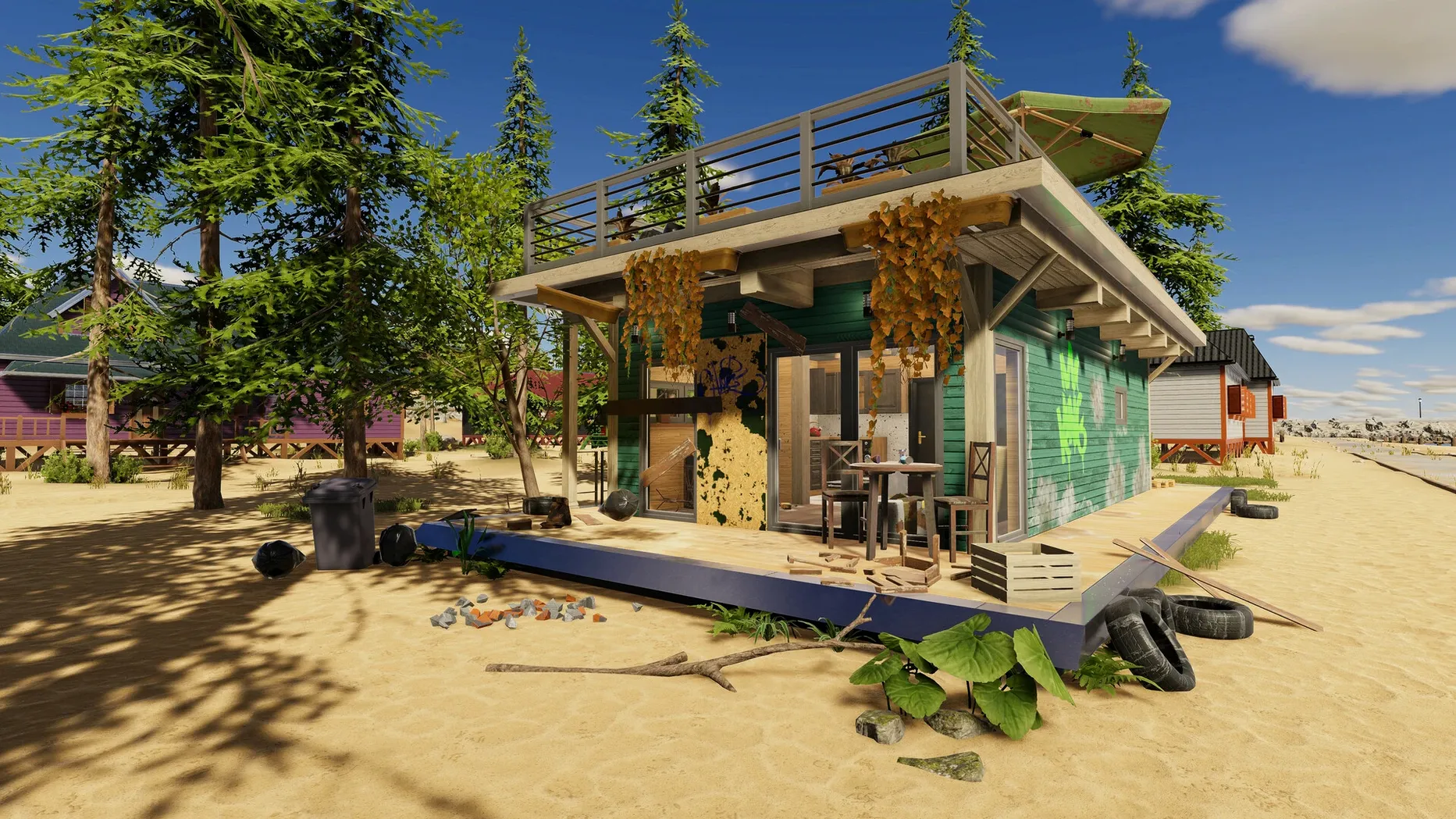
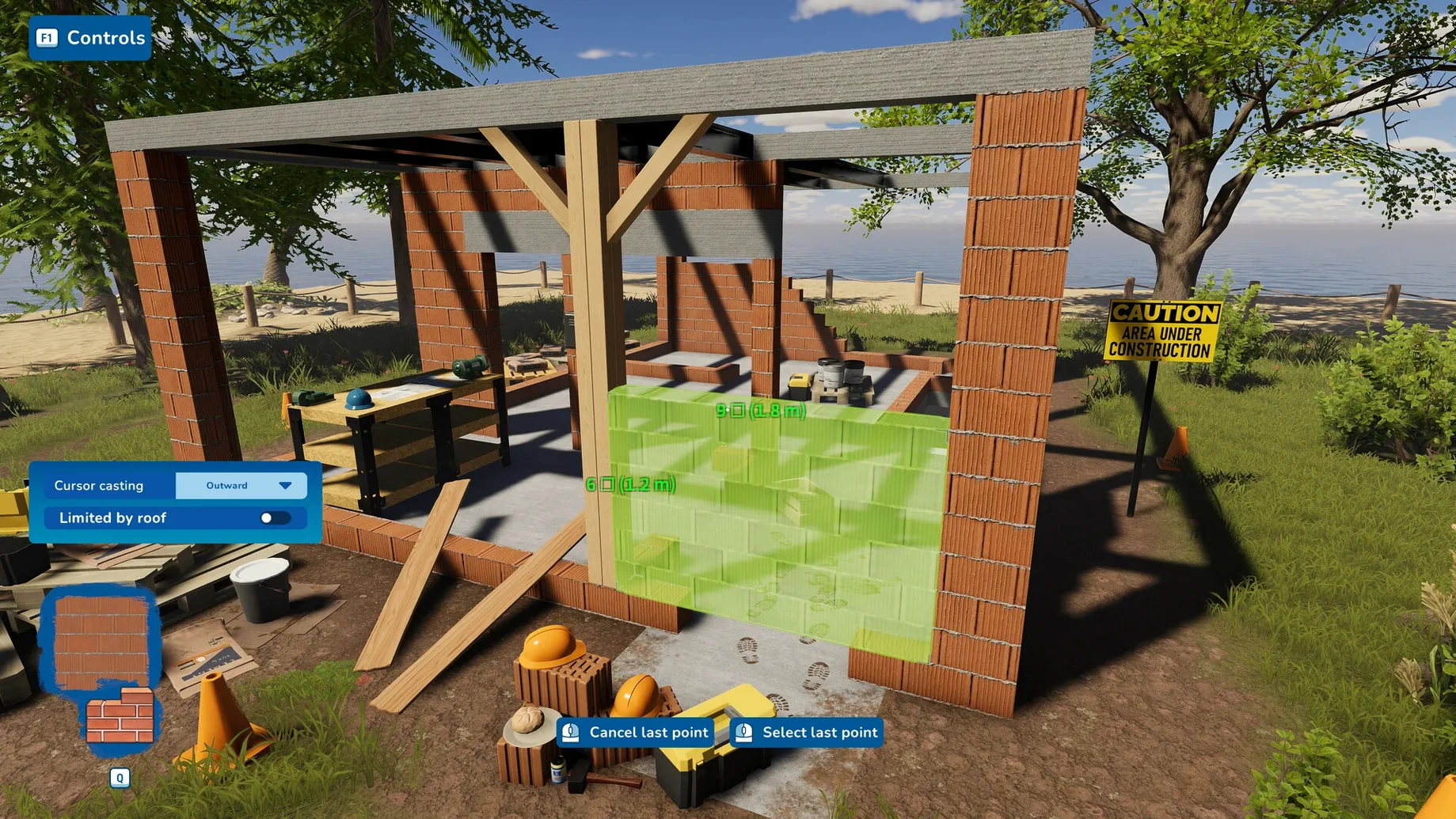
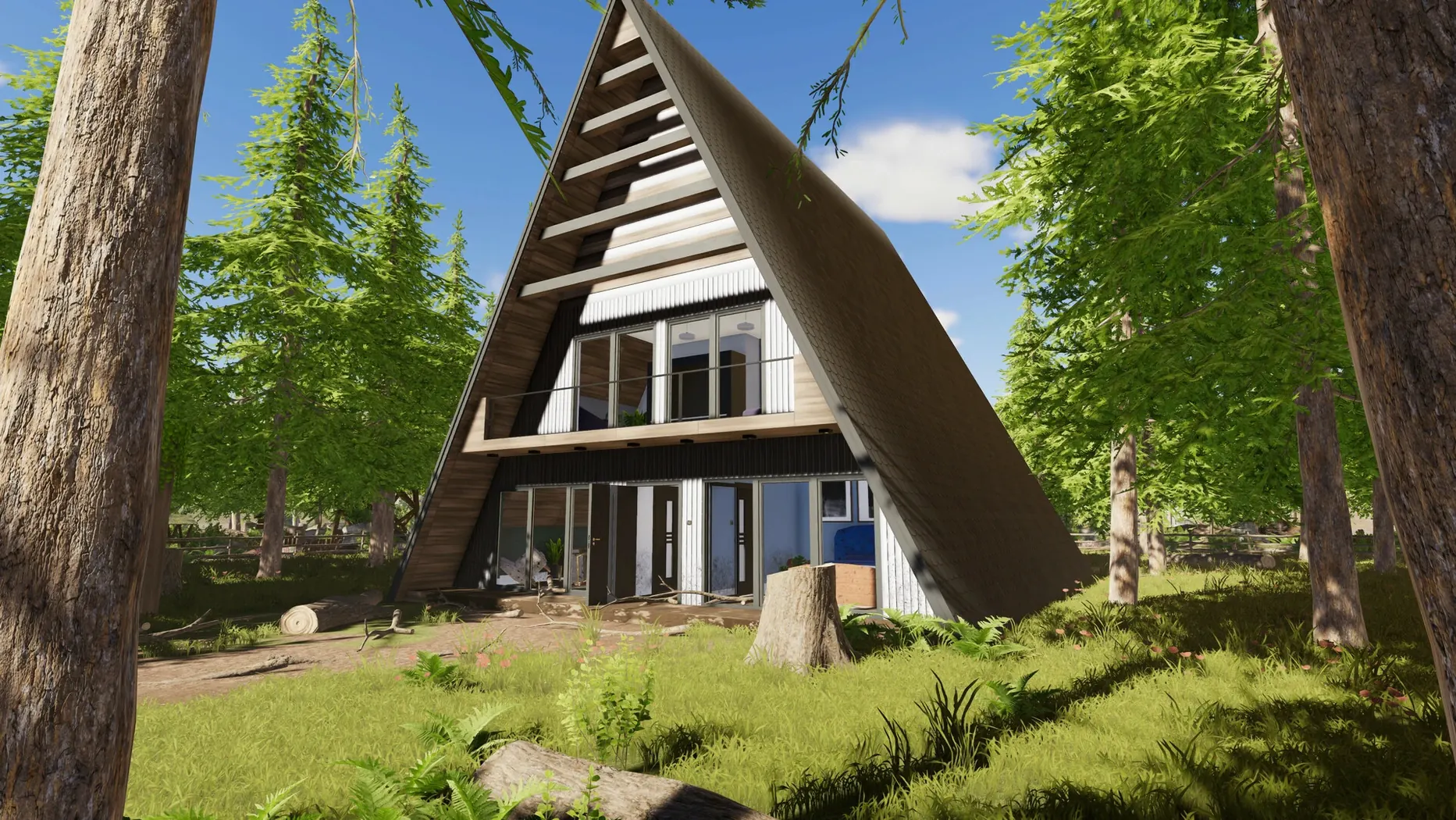
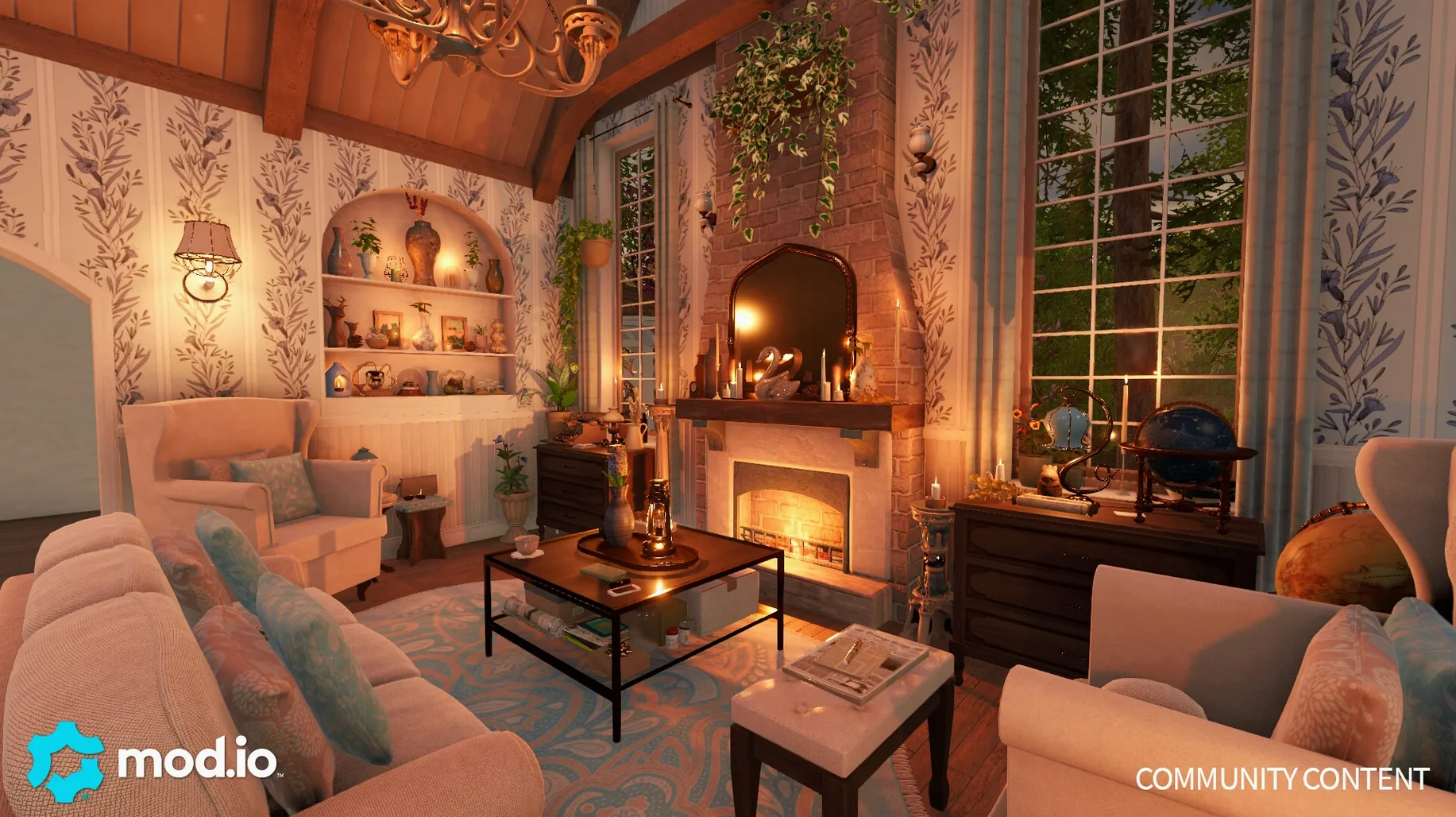
Sandbox Mode hands you an empty plot and a full toolbox. You can design a house from the ground up, then publish the creation through mod.io for other players to walk through.
Invite a crew to share the dust
Online co-op for two to four players works across story jobs and sandbox builds alike. The cross-platform play means your Mac won't fence you off from friends on other systems — though the slow, quiet pleasure of painting a wall alone is still there when you want it.
Let the story jobs teach you the rhythm before you bulldoze
Resist the urge to bulldoze everything on day one. The early story jobs teach you the rhythm — clean, repair, paint, furnish — and the tools unlock in an order that makes sense if you let them. Watch for Tom's offhand remarks about a neighbour's taste; they're not filler. He'll mention that Mrs. Chen hates floral wallpaper or that the old bakery kitchen needs more counter space, and following those hints usually means fewer revisions later. In Sandbox Mode, start with a single-room cabin, not a three-storey fantasy. Learning how the roof tool snaps and where the game places default doorframes will save you from tearing half a build apart at midnight.
Also worth knowing: your saved games live under the LocalLow/Frozen District/House Flipper 2/Profiles path inside the app bundle. Make a habit of backing that folder up before any big sandbox experiment. The game doesn't hold your hand about this, and rebuilding a lost custom house stings.
Fix the single-bounce crash when dragging the app to Applications
The most frequent headache is a launch error right after dragging the app into Applications. If the icon bounces once and quits, or the screen flashes dark and dumps you back to the Finder, the fix is usually straightforward: open the disk image you mounted during installation and run the file named Fix. It patches whatever the Wineskin wrapper needs to settle on Apple Silicon, and the game should start normally afterward. Some people try reinstalling first, but running the Fix script is faster and almost always enough.
Another snag: co-op invites not connecting. Check that both players are on the same version — cross-platform play works, but version mismatches quietly block the handshake. If you've just updated, your friends need to update too. A small thing that causes a lot of staring at a spinning connection wheel.
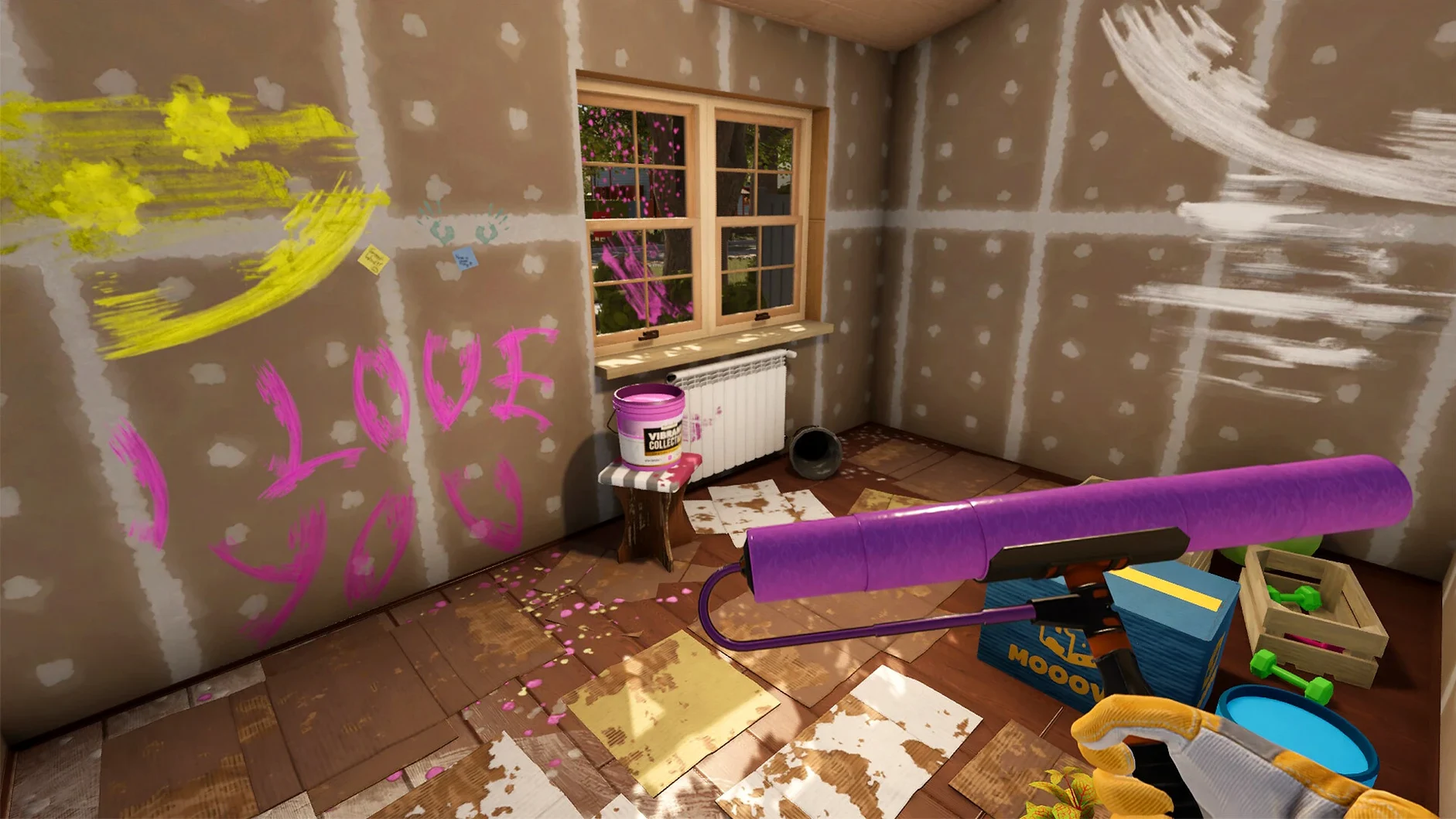
Paint edging can feel imprecise on a trackpad. The default sensitivity works well with a mouse, but on a MacBook trackpad the brush sometimes overshoots. Lowering the look sensitivity a notch in settings makes a real difference for fine trim work. You'll still get paint on the ceiling occasionally — everyone does — but you'll curse less.
Workflow: turning a wreck into a calm bedroom, start to finish
Take a story job that hands you a neglected guest room — stained walls, broken window, random junk on the floor. The task list says clean, repair, paint, furnish. Here's the order that actually flows.
First pass: grab the trash bag and sweep every scrap of debris. Don't paint yet. You'll just grind dirt into the fresh coat. Second pass: the repair tool. Fix the window glass, patch the holes in the drywall, replace the missing baseboard section. Now the room is blank and stable. Third pass: paint. Pick a colour that fits the client's taste — Tom dropped a hint about warm neutrals, so a soft beige with a single accent wall in sage green reads as personal without being loud. Use the roller for large walls and switch to the brush for edges around the window frame. Fourth pass: flooring. Lay down light oak planks to pull warmth into the room. Finally, furniture. A low bedframe, two bedside tables, a reading chair by the window, a floor lamp with a warm bulb. Stand in the doorway and scan for anything that breaks the line — a crooked rug, a picture hung too high. Adjust, then mark the job complete.
That sequence — clean, repair, paint, floor, furnish — works for nearly every single-room job in the game. Skipping steps or rearranging them usually means scrubbing paint splatters off a floor you just laid, and nobody wants to be that renovator.
Questions from the booth
Yes, the game supports cross-platform play and online co-op for 2 to 4 players, so Mac users can join friends on other systems.
Sandbox Mode lets you design and construct a house from the ground up, and you can share your finished projects through mod.io.