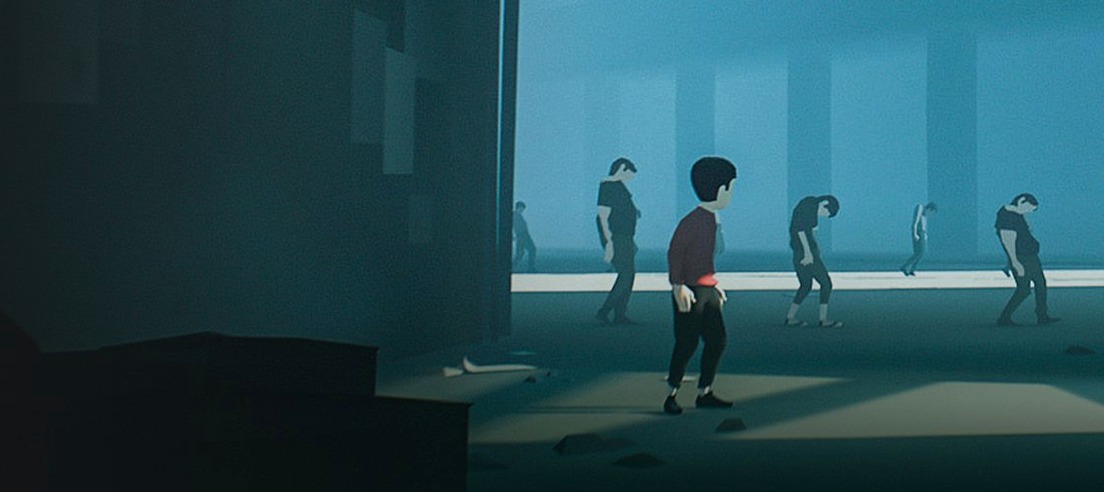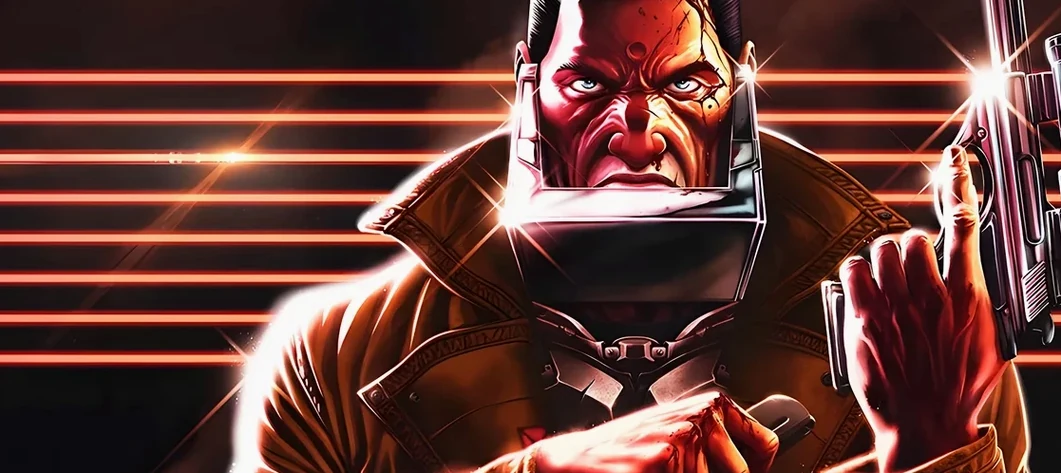
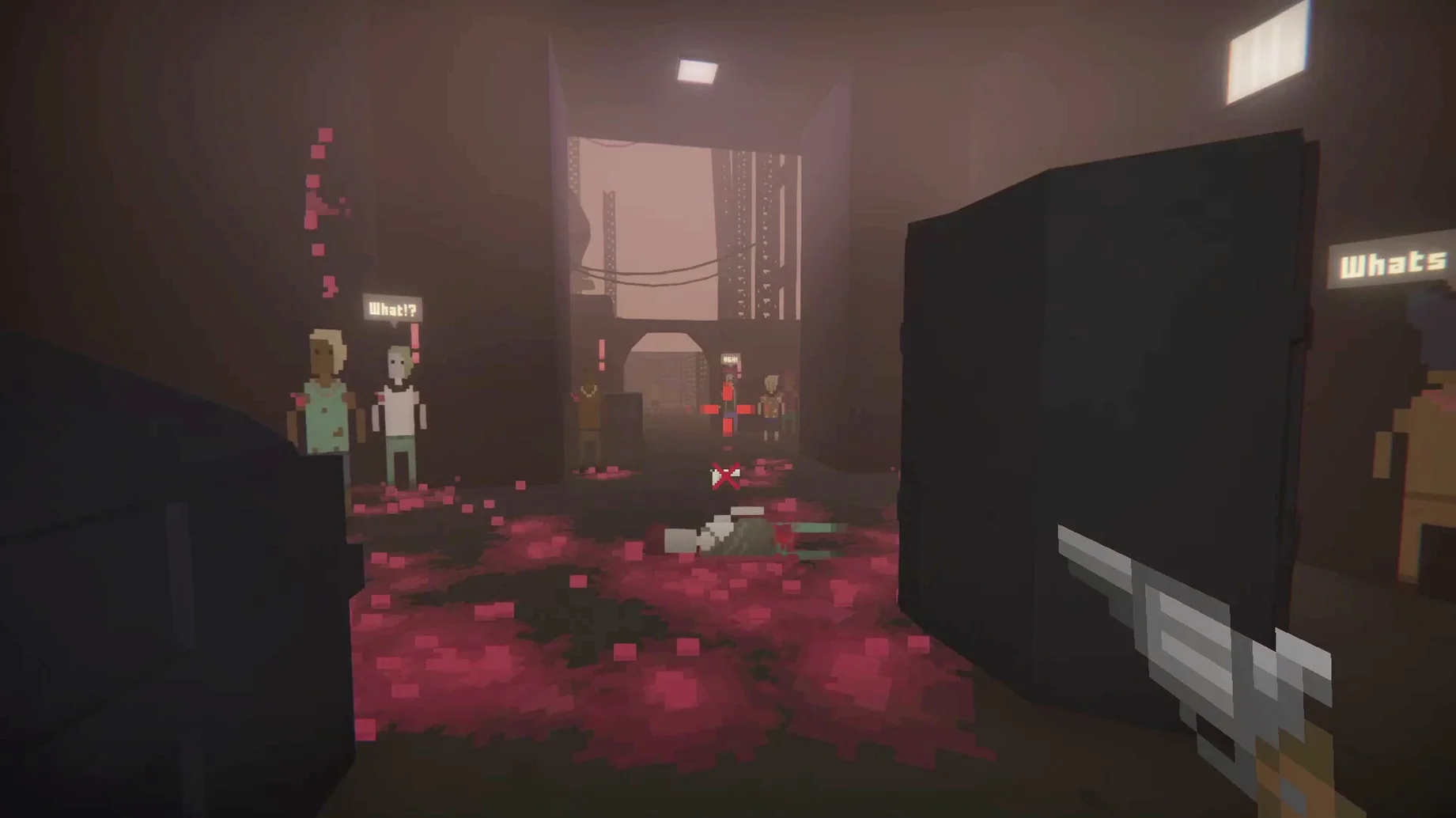
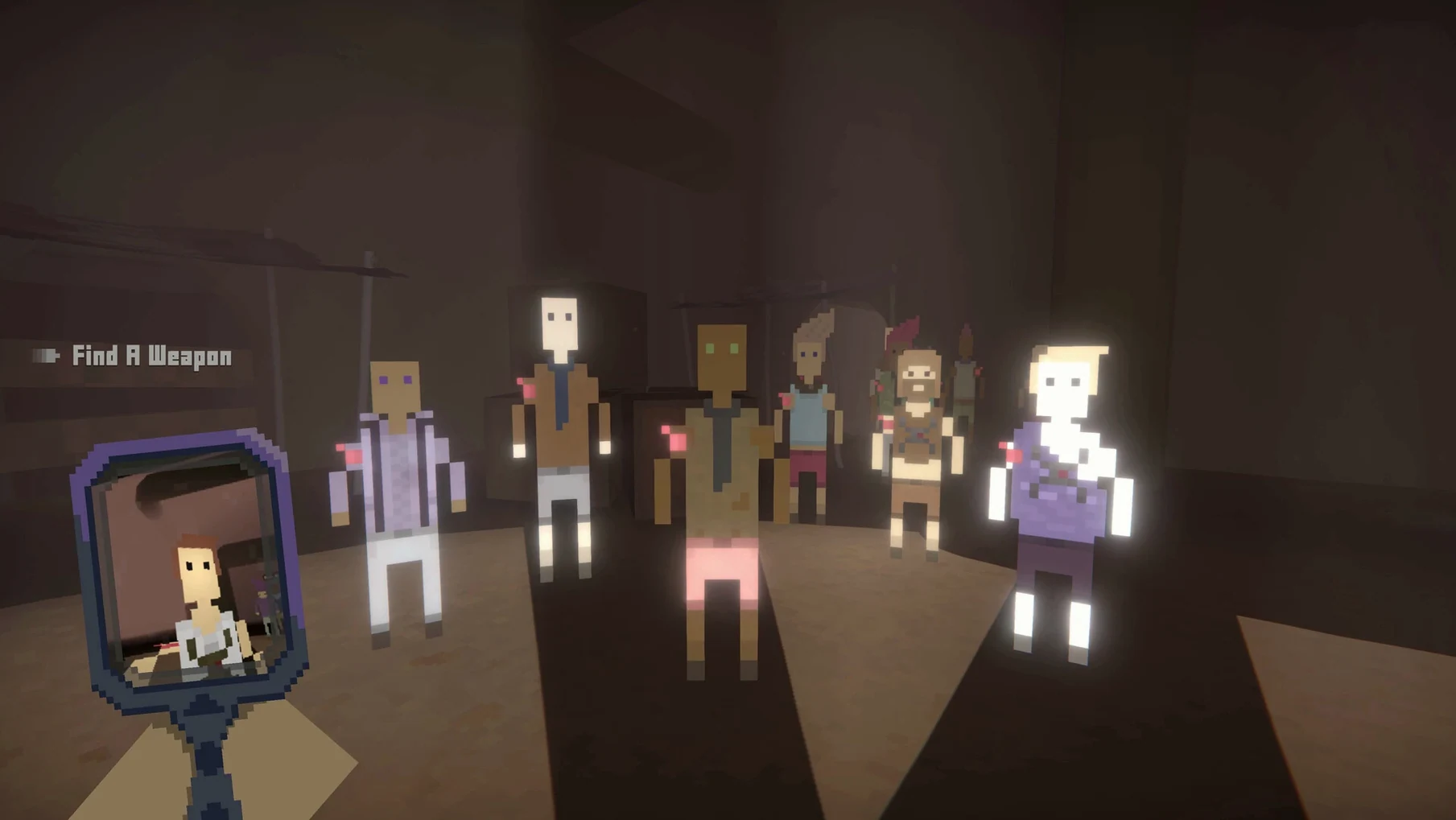
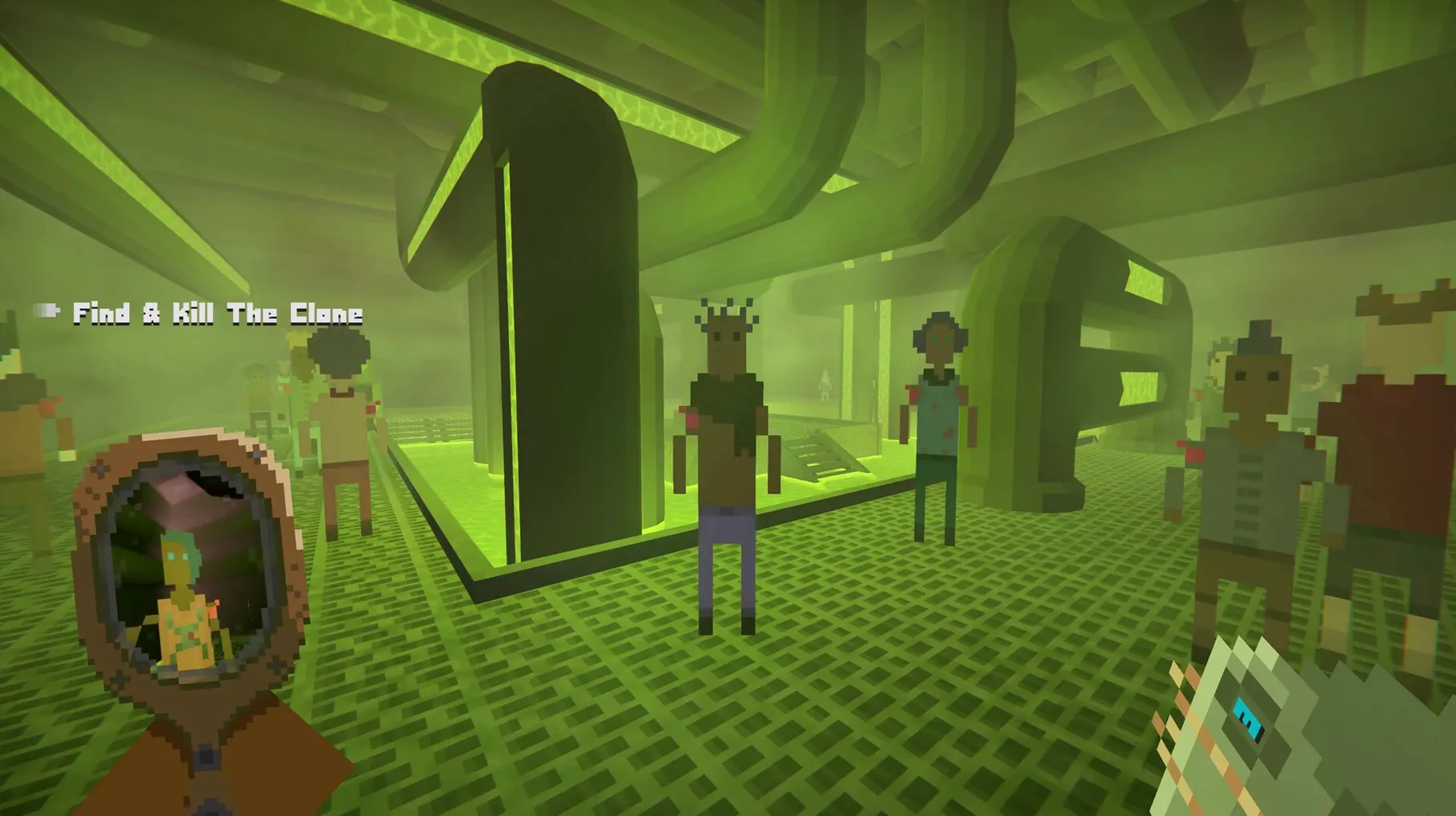
This is for the player who savours tension over jump scares, and who wants each failed run to mean something. It Has My Face builds its horror around a single, awful premise.
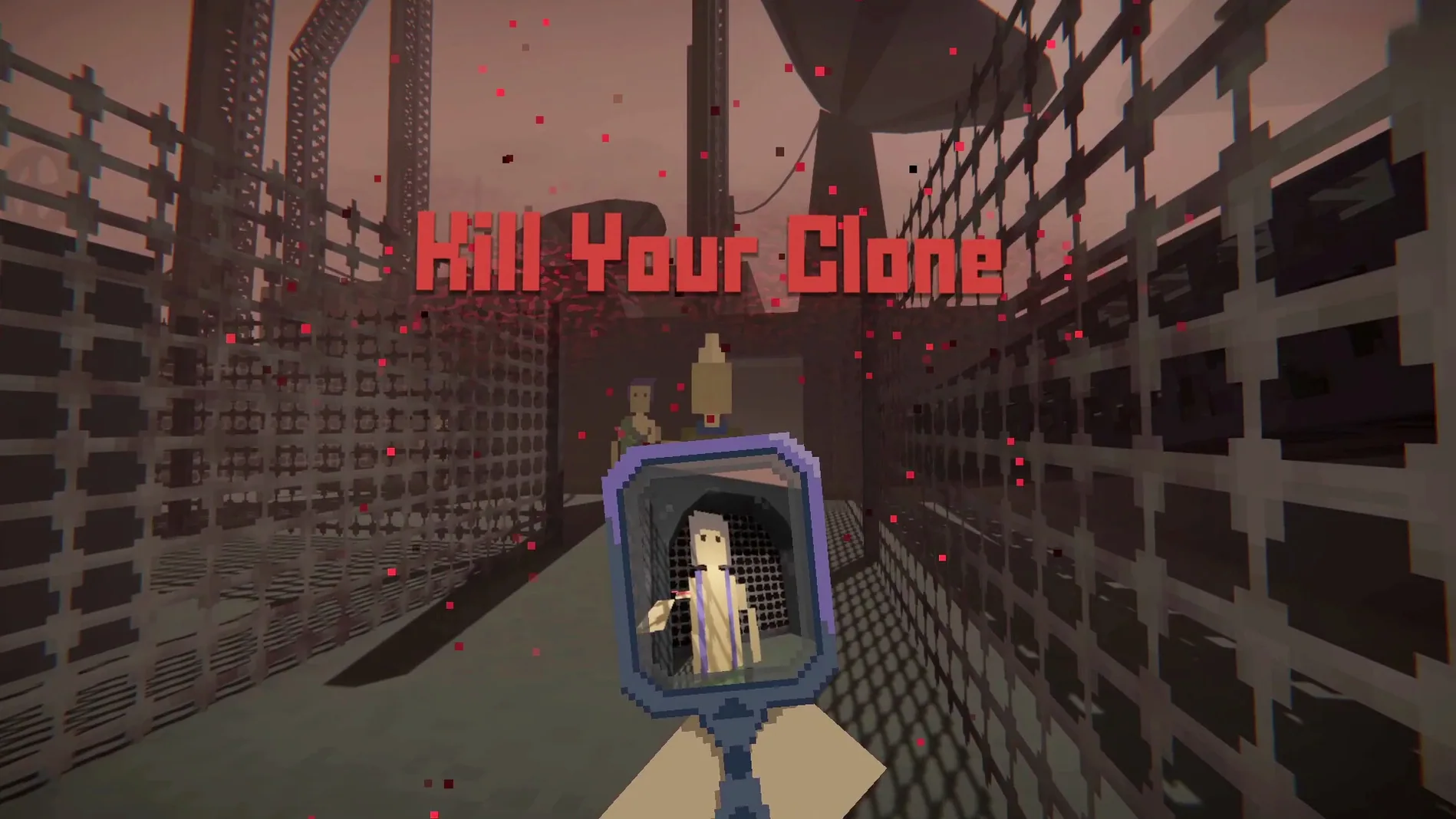
Hunt your clone — Somewhere in a shifting crowd, a copy of you moves with your face and your memories. You must find and kill it before it does the same to you. The clone doesn't announce itself; it hides among strangers, watching.
Roguelite progression — Death rewinds the attempt, not the knowledge. Between runs, upgrades carry forward, reshaping how you approach the next hunt. A failed attack early on teaches you to read body language more carefully, to wait for the crowd to thin, to strike from shadow rather than impulse.
Scavenged weapons — You enter with nothing. What you find in the environment decides whether you get close or keep distance. The wrong tool at the wrong moment ends the run.
Biological horror — The game's dread is wet and organic. The clone isn't a robotic duplicate; it breathes, bleeds, and understands you in ways that feel invasive. The horror is in recognition, not revulsion.
What version 1.0.12 settled into
Since the full release, runs feel tighter in ways that are hard to pin down on a changelog but obvious after a few hours. Crowd behaviour has a more believable ebb — NPCs linger near exits longer, turn their heads at sounds you didn't think you made, and occasionally freeze when they catch your stare. That last detail is devastating when you're scanning faces and one of them holds still a beat too long. The clone's decision-making also feels sharper; it now uses the same hiding spots you favour, which means a corner that felt safe last week might already be occupied by something wearing your expression.
Performance on Apple Silicon is a quiet strength. On an M4 Mac mini the game holds a steady frame rate even during the denser market scenes, and the load time between a death and the next run is short enough that you're back inside the paranoia before the tension fades. The disk image install is straightforward — drag, drop, launch from Launchpad — and the build runs natively on both ARM and Intel Macs without Rosetta overhead.
Fitting into a macOS workflow
The game plays well with system-level features in ways that suit its atmosphere. Mission Control lets you swipe away from the horror instantly when real life interrupts, and the app remembers its full-screen state when you return. If you use Focus modes, enabling a gaming Focus silences notifications so a calendar alert doesn't undercut a moment of dread. VoiceOver isn't supported, but the audio mix is detailed enough that headphone players can navigate by sound alone — footsteps, breathing, the wet click of a weapon being readied nearby.
Because the game stores its save data locally, Time Machine catches your progression automatically. If you move between a desktop Mac and a MacBook, copying the preference file by hand keeps your upgrades in sync — though most players will simply start fresh runs on a second machine and let the roguelite loop do its work.
Walking before the hunt teaches you crowd rhythms
Spend the first few runs walking, not hunting. Learn how the crowd pulses through each level — where it bunches up, where sightlines break, and how long a gap between strangers lasts before someone fills it. The clone watches your habits, so varying your route early pays off later.
Turn off the music. The score is serviceable, but the environmental audio carries more information. Footstep echoes tell you whether a room is tiled or carpeted; breathing changes pitch when you're being observed. With good headphones, you can often locate the clone by sound before you ever see it.
A failed attack in the first minutes of a run still teaches you something if you let it. Note which face in the crowd turned toward you first. Loadouts found in the opening rooms are deliberately awkward — a heavy blunt object, a single-use blade, something noisy. Practise switching between scavenged weapons under pressure, because the clone doesn't pause while you fumble through inventory. The control for dropping an empty weapon is unbound by default; bind it early.
- Apple Silicon or Intel 64-bit Mac
Questions from the booth
A failed attack on someone who isn't your clone blows your cover and stops you from hunting from the shadows, making the rest of that run far more dangerous.
Yes, the game supports both ARM (Apple Silicon) and 64-bit x86 architectures, and it's been tested on a 2024 Mac mini with an M4 chip.
The interface is available in English, Russian, Spanish, Simplified Chinese, Turkish, French, and Japanese.