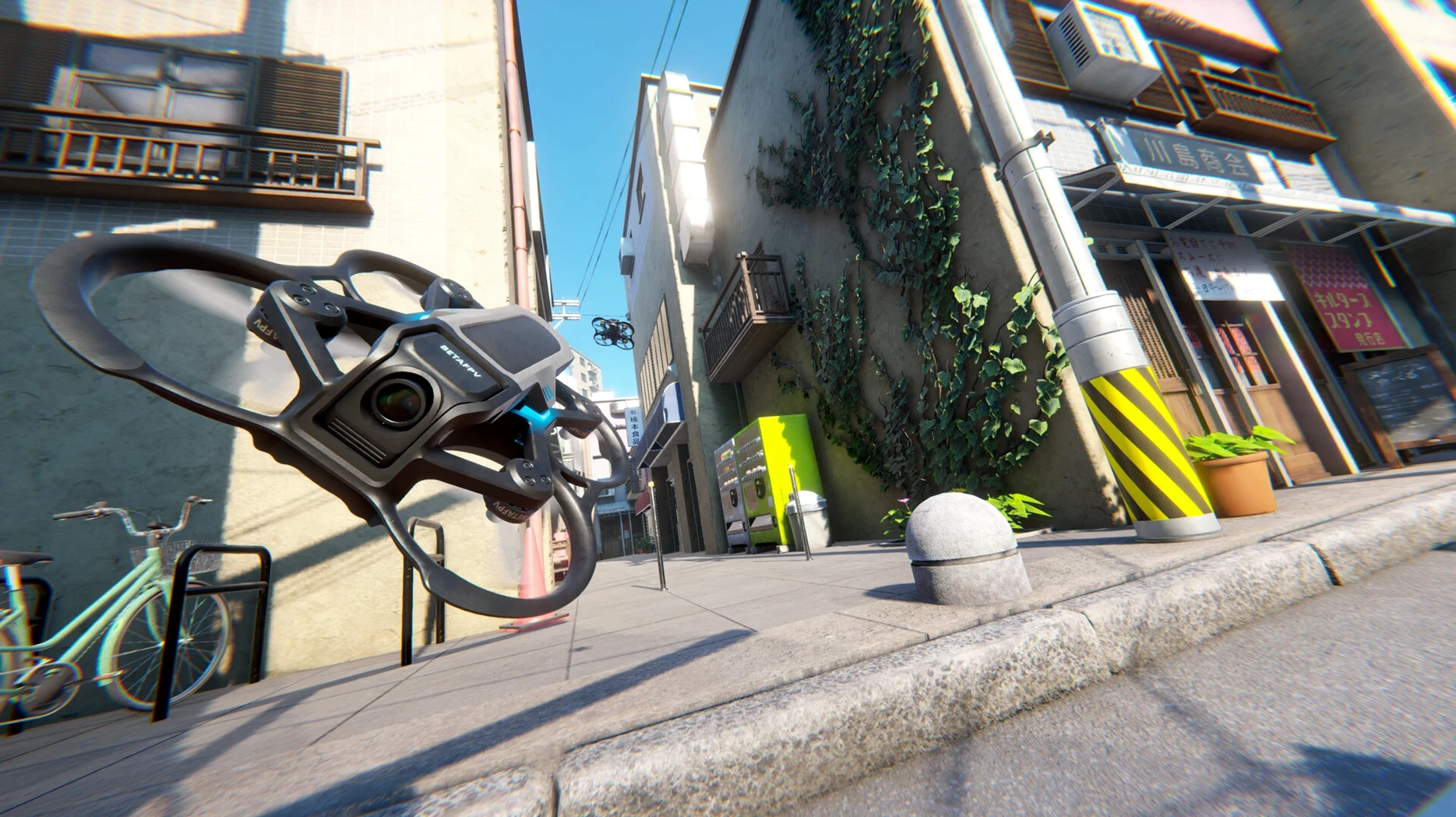
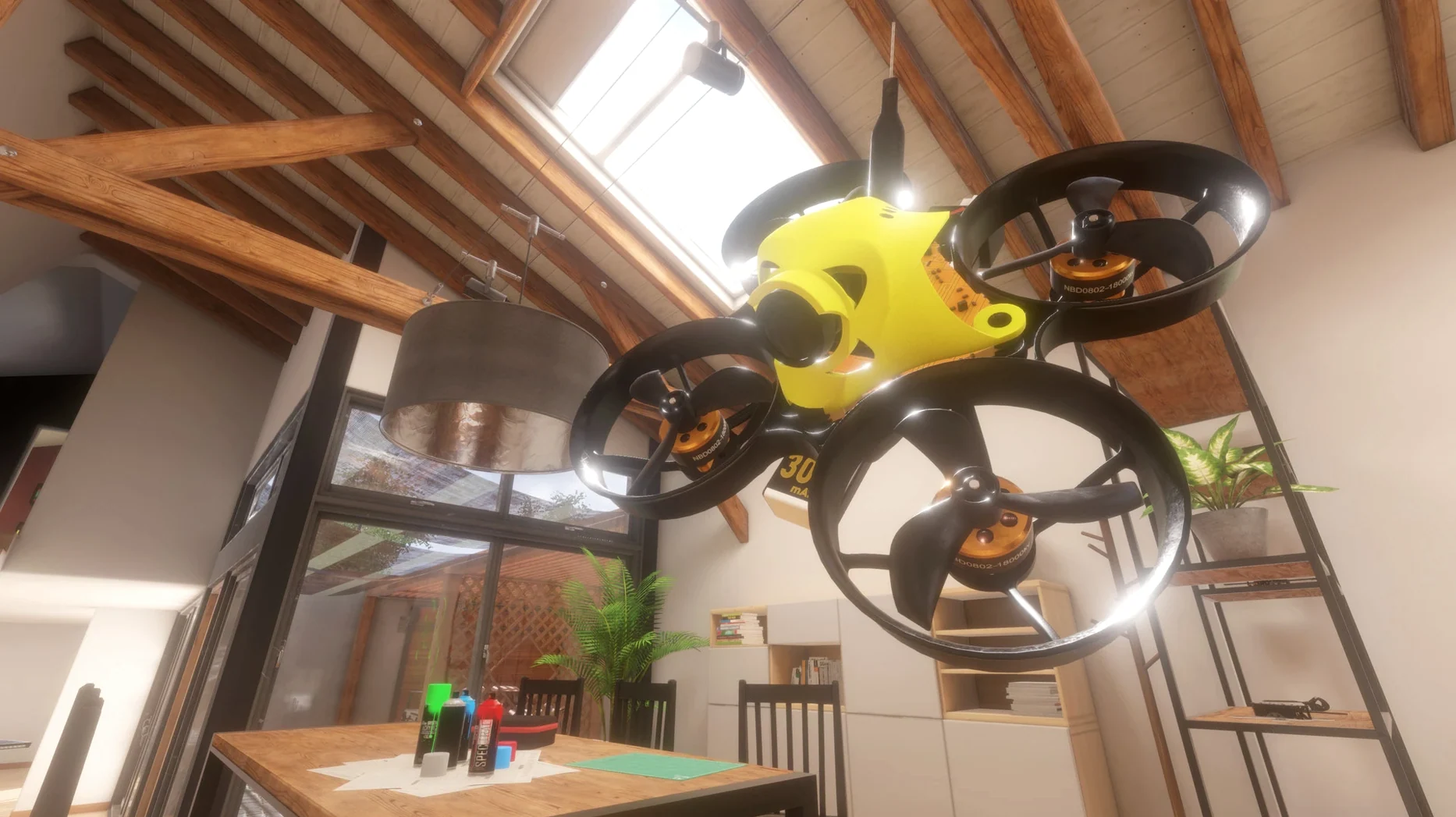
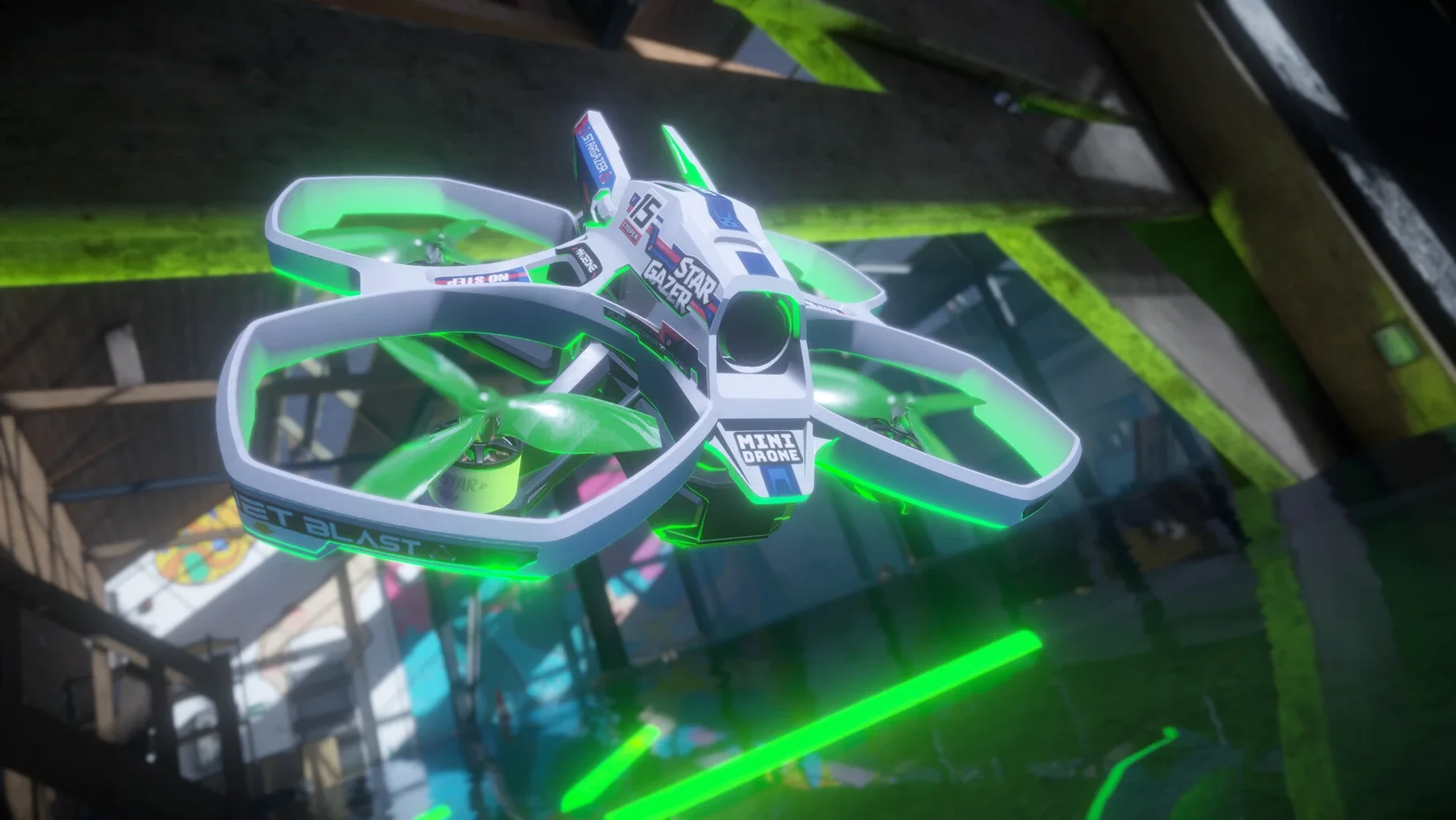
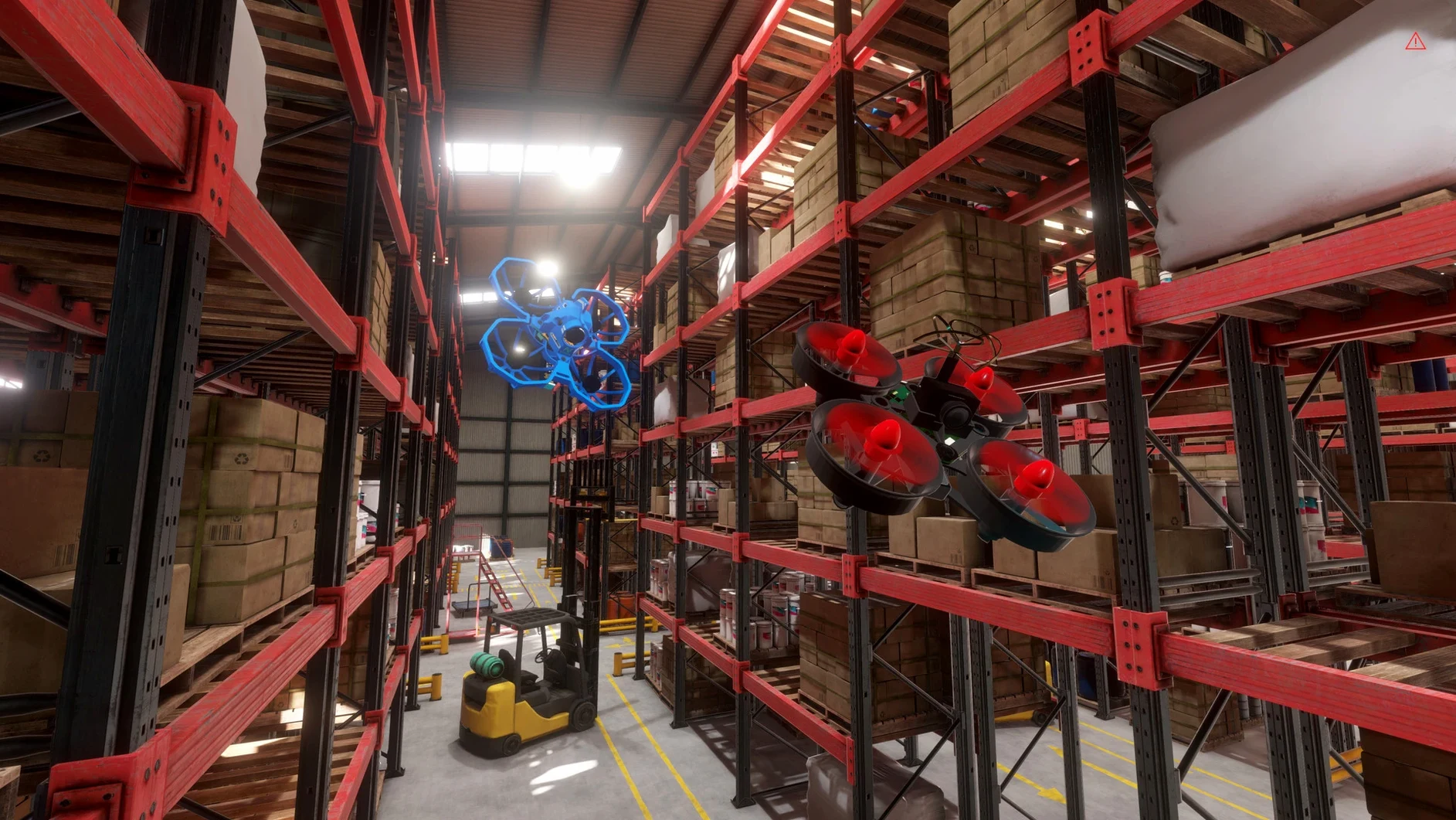
Version 1.1.2 doesn't add a headline feature; it tightens what was already there. The result is a more settled version of the micro-drone sandbox, running on both Apple Silicon and Intel 64-bit Macs.
Learning the hover
This is where newcomers should begin. Micro drones react differently than larger quads, and the game treats every room as a place to practise throttle control, cornering and landing without a timer running.
Building a course
The track editor gives patient players a reason to stay. You can turn a kitchen, hallway or office into a route, then fly it repeatedly to shave off seconds. It suits people who enjoy making challenges as much as completing them.
Finding your pace
Players who want constant unlocks, missions or voice guidance may drift away; the game offers music-only audio and mostly self-directed play. If you like the FPV community's quieter side — tinkering, exploring, refining a line — that's where this sits.
Staying light on the machine
On a Mac mini M4, Liftoff: Micro Drones barely registers. The frame graph stays flat even with a full indoor course loaded and particle effects from a clipped gate scattering across the floor. Memory use hovers in modest territory, leaving plenty of headroom for OBS if you are recording flights, or a browser full of drone-part tabs on the second screen. The Apple Silicon build starts cold in under four seconds, and I have yet to provoke a stutter during rapid scene switches between the workshop and a custom apartment layout. Intel Macs may run the fans a little sooner, but the game scales its rendering cleanly — lower the shadow resolution by one notch and you can keep the same responsive feel without sacrificing the sense of enclosed space that makes micro-drones compelling.
Respects Mission Control and stays silent when minimized
The game plays well with macOS conventions that sims often ignore. It respects Mission Control, stays quiet when minimized, and does not fight you over screen recording permissions if you want to capture a clean lap. Audio ducks politely when a system alert fires, which matters more than it sounds when you are deep in a session and a calendar notification barges in. Drag-and-drop works for custom content in the drone editor, and the interface uses standard file dialogues instead of burying texture folders in obscure library paths. That small courtesy means you can keep a shared folder of community tracks in iCloud and load them without thinking about it.
For those hunting down liftoff micro drones torrent mac links, the experience once installed is refreshingly self-contained — no launcher, no always-online check, no activation steps to trip over. It behaves like a local app should.
A tiny whoop evening
Imagine a fixed-wing pilot who has never touched a quad. She spends twenty minutes in the hover tutorial, mostly crashing into a sofa rendered with surprisingly good fabric normal maps. Frustrated, she opens the workshop, strips a stock drone down to its frame, and rebuilds it with lower rates and a heavier virtual battery. That calmer setup lets her thread through a dining-room track she built earlier — chair legs as gates, the tabletop as a no-fly zone. By the end of the hour she is flying figure-eights around two lamp cords, the muscle memory starting to stick. No leaderboard, no commentary, just the sound of tiny props echoing off a virtual ceiling and the quiet satisfaction of a clean line held.
- macOS (Apple Silicon and Intel 64-bit supported)
- Interface languages: English, French