
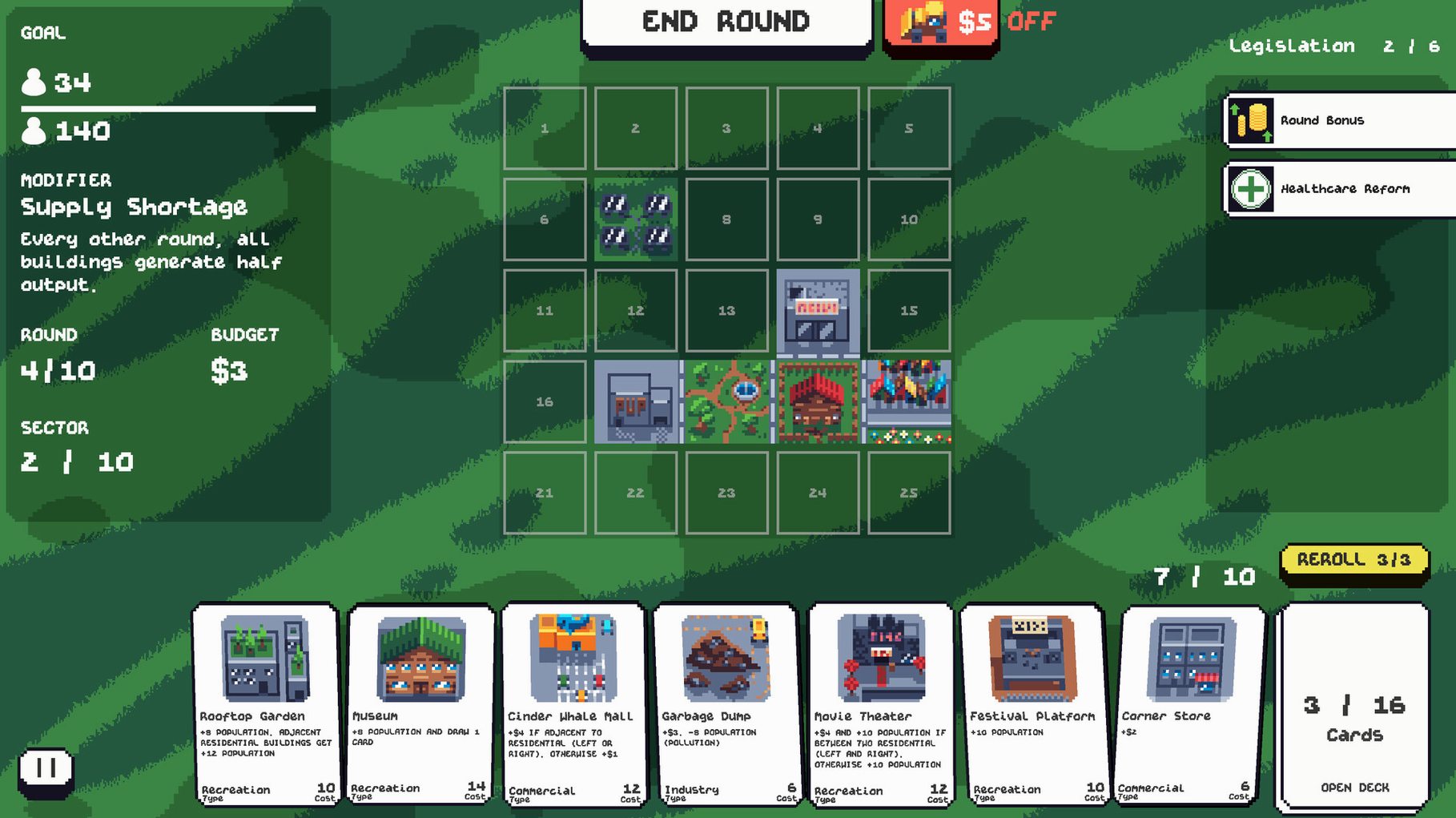
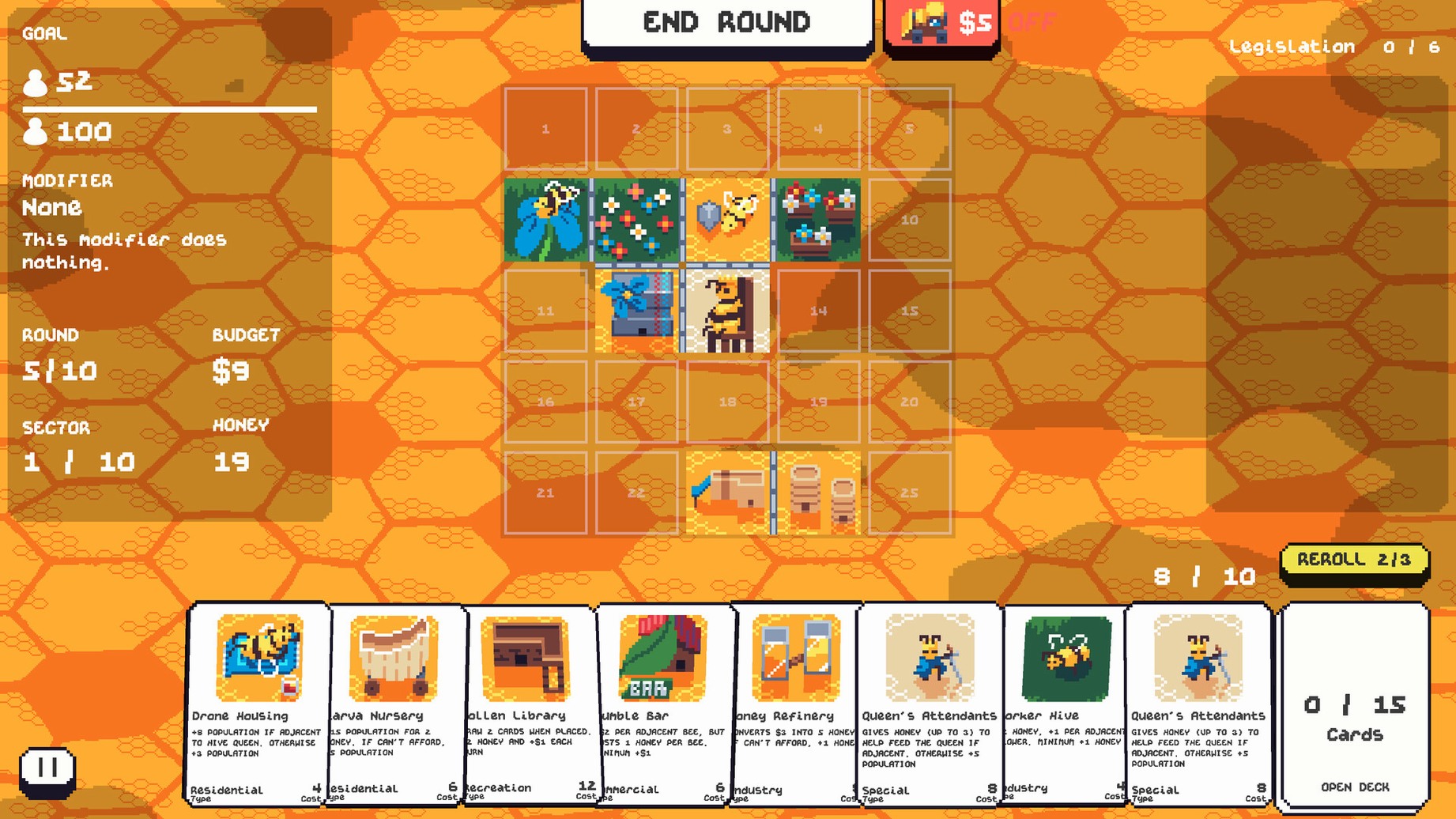
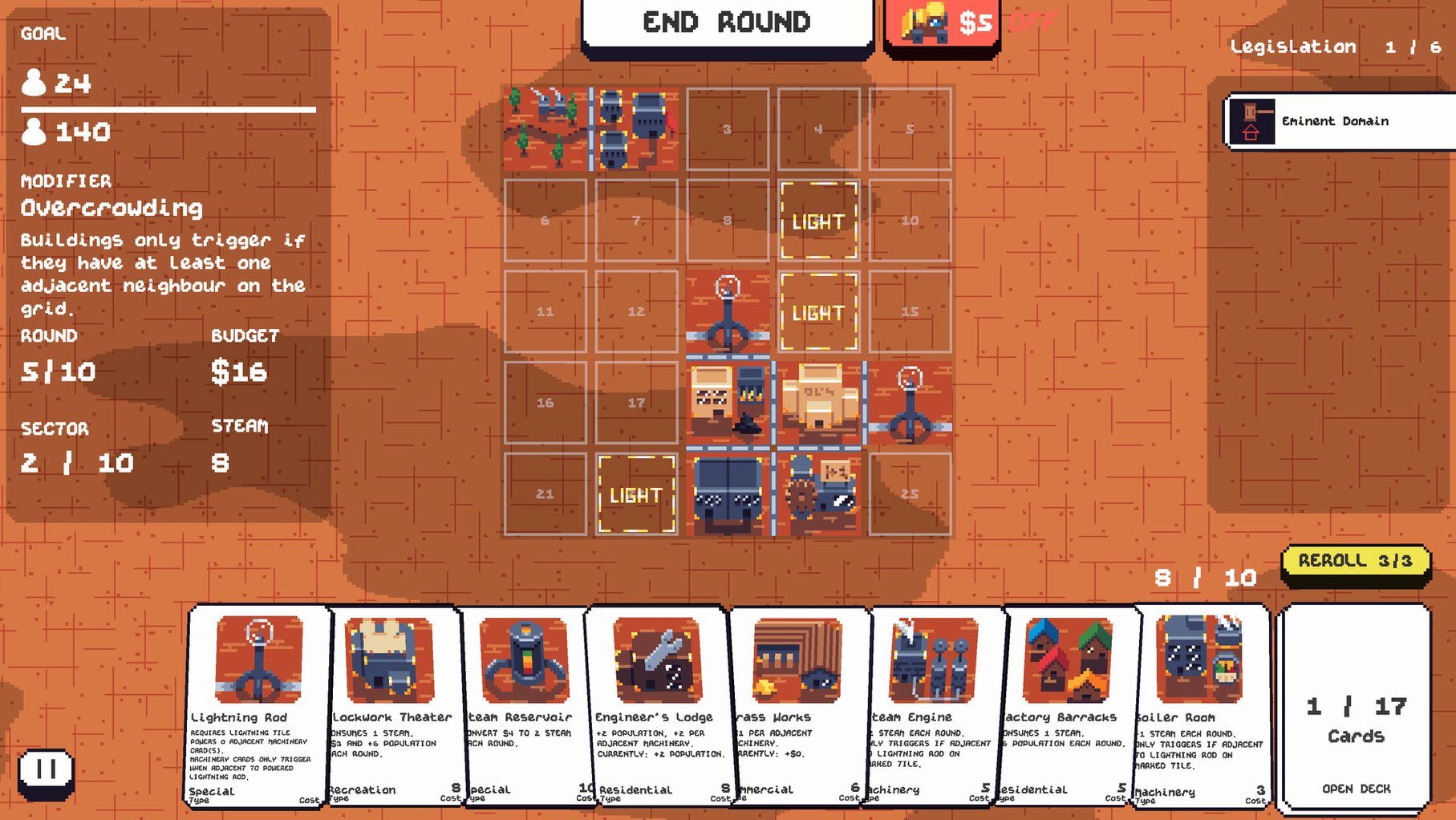
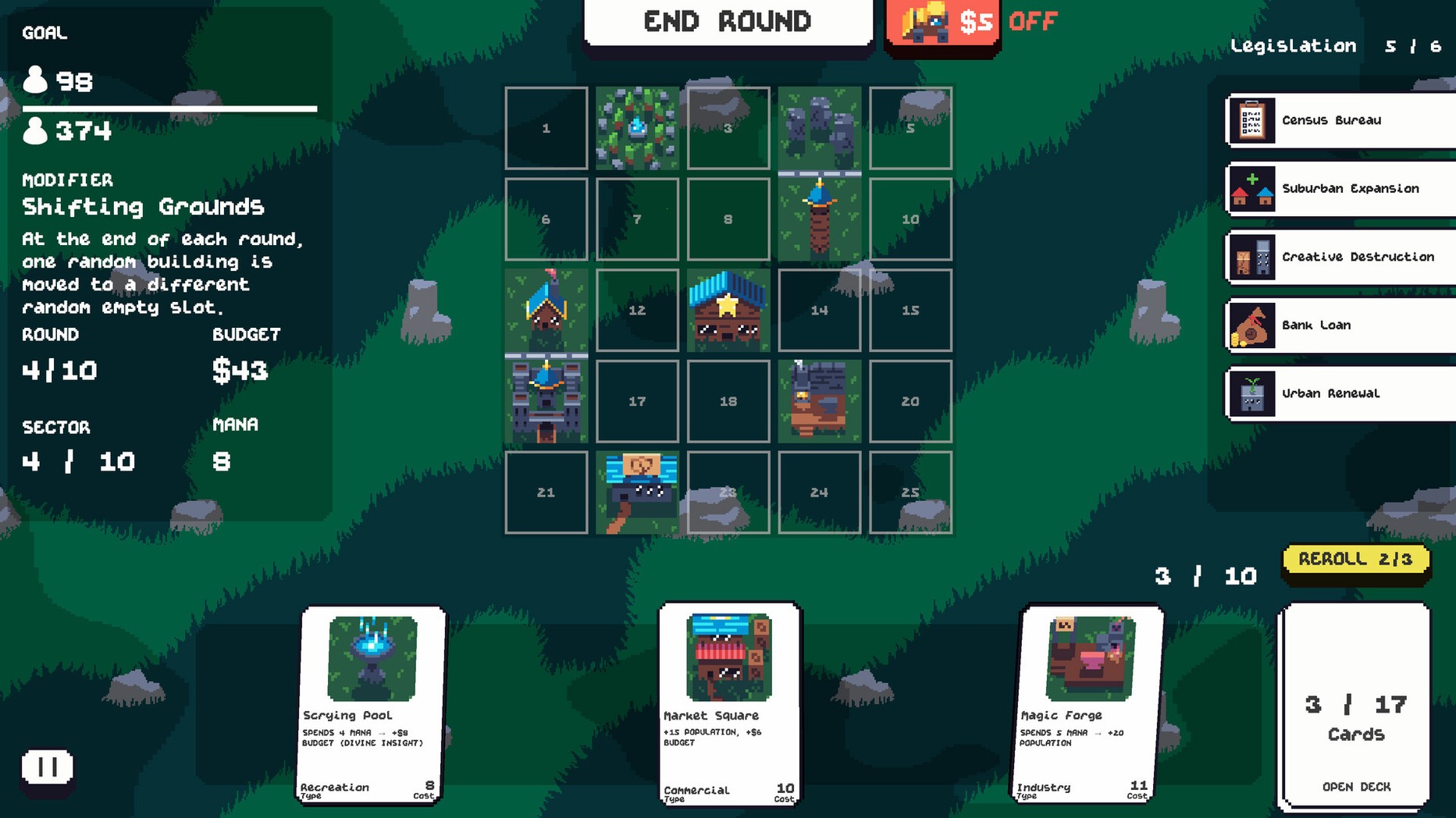
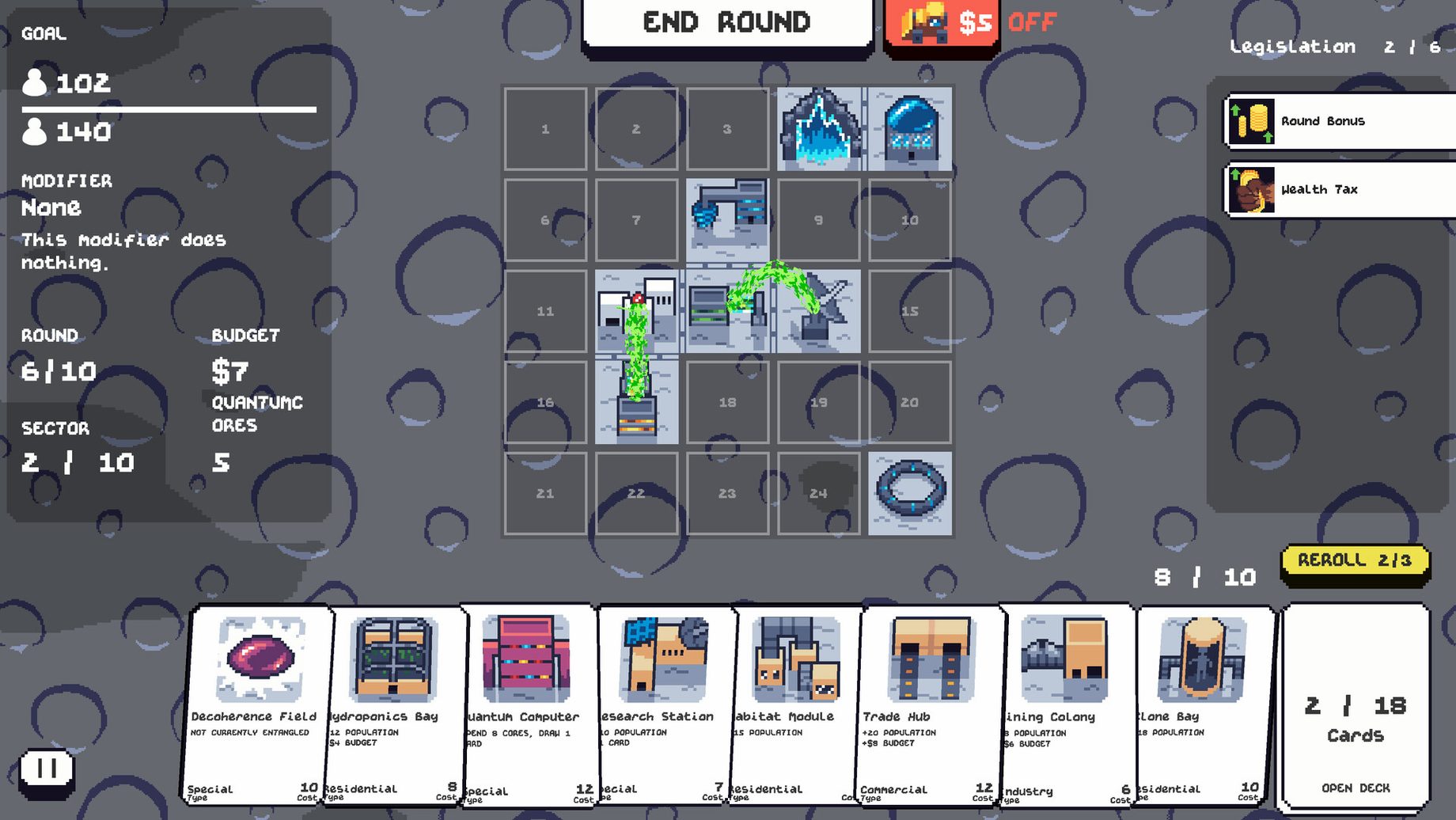
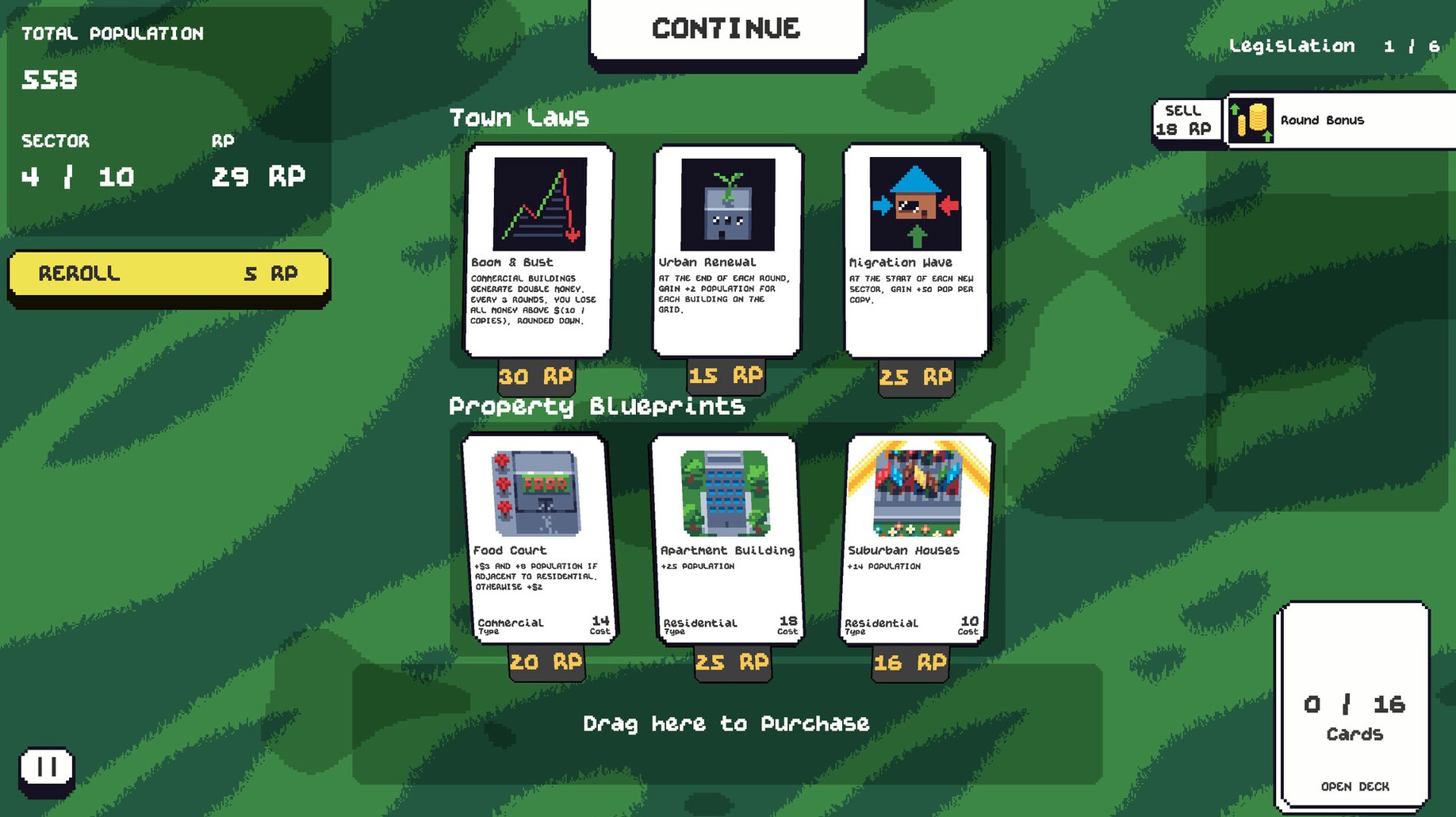
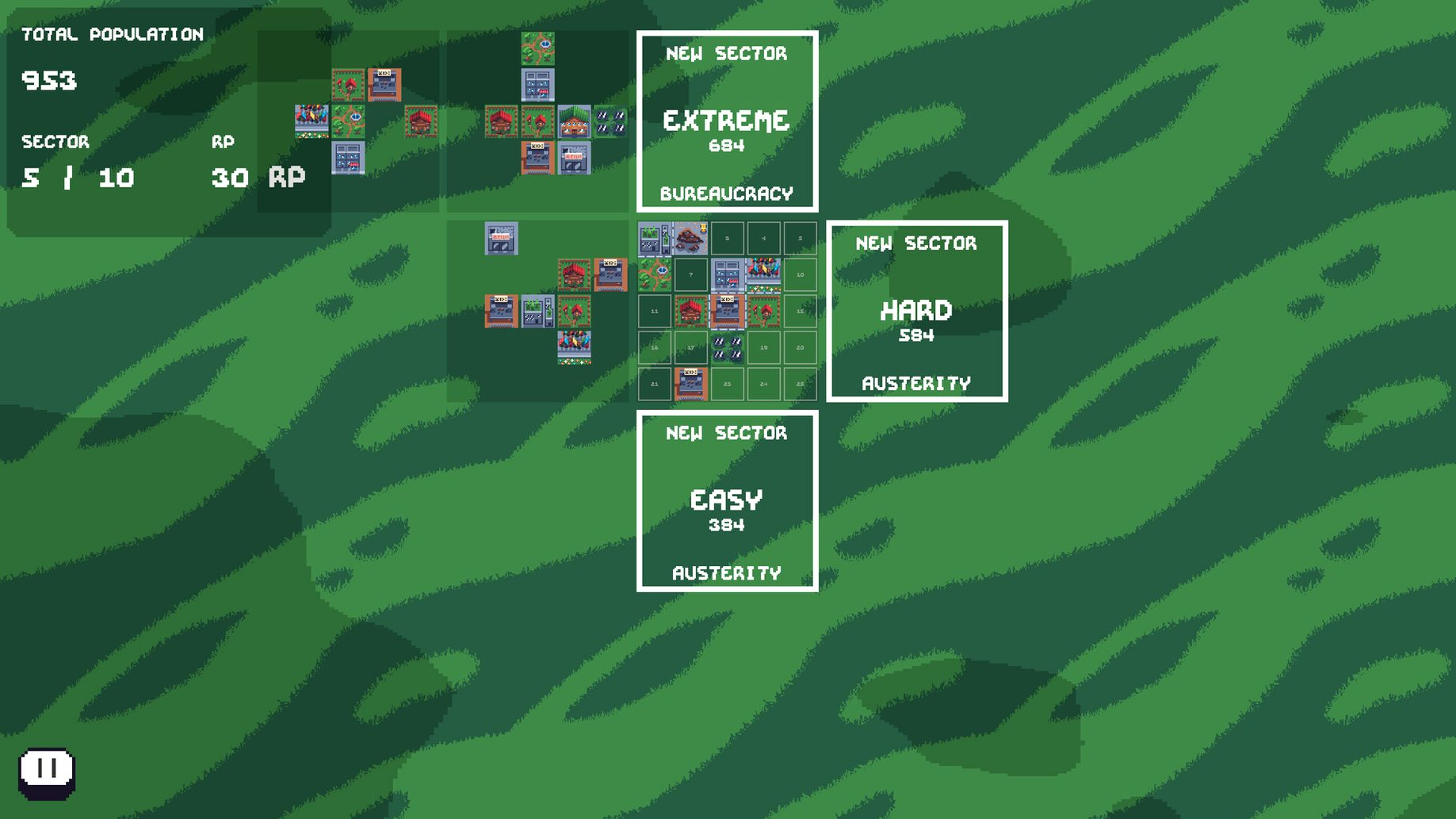
Cardopolis is a card-based city builder where you act as mayor, building your city card by card, law by law, and sector by sector. Before you download, here is what you need to know about running it on your Mac and what the game actually delivers.
Runs on Intel and Apple Silicon Macs
Cardopolis version 1.0 supports both Intel and Apple Silicon Macs, so it will run on nearly any modern Mac. The developers tested it on macOS Golden Gate using a Mac mini 2024 M4, which suggests the game is comfortable on current hardware. Interface languages include English, Russian, German, Spanish, Traditional and Simplified Chinese, Korean, Polish, Portuguese, Turkish, French, and Japanese — a solid range for a small indie title.
What you get as mayor
The game gives you up to 150 building cards spread across five themed building decks. You choose which sectors grow and which laws pass, shaping the city as you draw and play each card. The soundtrack is listed as the audio language — music carries the atmosphere while you build. It is a quiet, thoughtful take on city management, one card at a time.
A typical session, from first card to population goal
I start most sessions by pulling up the card hand and scanning the opening options. The first few turns are about infrastructure — laying down a residential sector and a basic commercial block so the population ticks upward before the timer becomes a concern. Cardopolis gives you a small initial hand, and I usually play every card I can in the first round just to see what the deck offers. One session began with a market square and a small park, which gave me enough population growth to unlock a second district before the first time check.
From there, the game becomes a balancing act between legislation and construction. I find myself holding onto a few law cards for the moment when a sector starts to stall. The legislation deck includes up to fifty cards, and some of them grant bonuses to specific building types. In one game, I played a zoning amendment that doubled the output of every industrial building for three turns, which let me catch up on a population target I had been lagging behind. The trick is knowing when to play a law and when to save it for a later crisis. I usually keep at least one emergency card in reserve.
As the city grows, the building decks start to matter more. Each of the five themed decks has its own flavour. I gravitate toward the cultural deck because its buildings generate slow, steady population growth rather than spikes. But there are sessions where I go all-in on industry for a fast rush, then scramble to balance it with residential zones before happiness drops. The game never punishes you for a specific strategy, but it does ask you to adapt as the deck shuffles. I have lost a few games by sticking too long to one plan after the draw stopped cooperating.
Endless mode is where I go when I want to build without the pressure of a timer. The population goals fade away, and I can experiment with legislation combinations I would never risk in a timed run. One endless session turned into a quiet evening of placing parks and libraries while the music looped in the background. It is not a flashy mode, but it is the one that keeps me coming back between projects.
Switch languages before your first city
Before you start your first city, open the settings menu and take a look at the language options. The game defaults to English, but if you prefer another language from the twelve on offer, switching it early saves you restarting a session later. I also check the audio settings — the soundtrack is listed as the audio language, and there is a volume slider that lets you balance it against the interface sounds. I tend to drop the music a notch so the card-placing clicks come through clearly.
There is a display setting for card size that I adjust depending on my screen. On a larger monitor, I bump it up so I can read the flavour text without squinting. On a laptop screen, the default size works fine, but the option is there if you need it. The game also lets you toggle tooltip delays. I set mine to a longer delay because I like to read the full card description before I play it. The shorter default felt rushed during my first few games.
Plays entirely offline after install
People often ask whether Cardopolis needs an internet connection to work. It does not. Once the game is installed, it runs entirely offline, so you can play it on a plane or in a cabin without worrying about a dropped connection. Another common question is whether the game saves automatically. It does, at the end of each turn, so you can close the window and come back to the same city later. I have tested this by deliberately quitting mid-session, and the game restored my progress without complaint.
Some players wonder if the card mechanics are random or if there is a strategy layer underneath. The deck shuffles each game, so the order of cards changes, but the distribution stays consistent across the five building decks. You cannot predict the exact draw, but you can plan around the types of cards you know are in each deck. It is not pure luck, and a thoughtful mayor can work around a bad hand. A few people have asked if the game supports modding or custom decks. The current version does not include mod support, but the five themed decks offer enough variety for a long stretch of play.
Avoid the slow-building card timer trap
The most frequent snag I have hit is forgetting to check the timer before playing a slow-building card. In timed mode, each turn costs a set amount of time, and if you play a card that takes multiple turns to finish, you might not meet the population goal before the clock runs out. The fix is simple: always check the turn counter before committing to a long-term building. I keep a mental note of how many turns remain and only play slow cards early in a round.
Another snag involves legislation cards that conflict with active buildings. If you play a law that bans a certain building type, any existing buildings of that type stop contributing to population growth. I have done this by accident more than once. The solution is to read the legislation card text carefully before playing it. The card tells you exactly what it affects, and the game highlights the buildings that would be impacted. It is not a bug; it is a design choice that rewards attention.
On the technical side, I have seen the game hesitate briefly when drawing from a large deck late in a session. This is not a crash — it is just the deck shuffling in the background. If the game seems slow, try closing other applications to free up memory. If the game does not launch at all, check that you have mounted the disk image and dragged the app into the Applications folder as described in the install steps. A direct launch from the disk image can cause issues on some macOS versions, but copying it to the Applications folder solves that every time.
- macOS: not specified, but tested on macOS Golden Gate
- Architecture: Intel and Apple Silicon
Questions from the booth
Cardopolis supports both Intel and Apple Silicon Macs, so it runs on nearly any modern Mac.