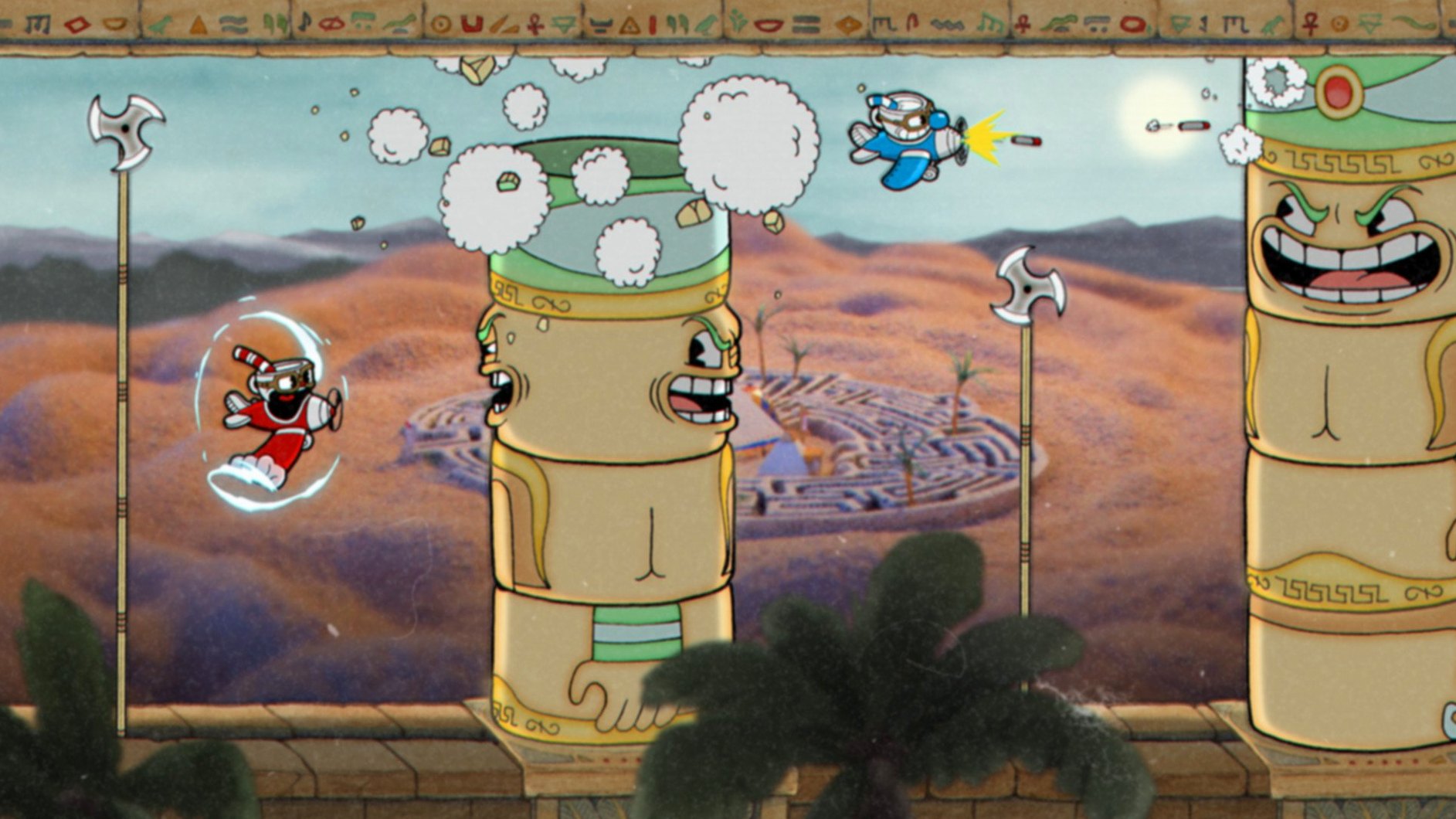
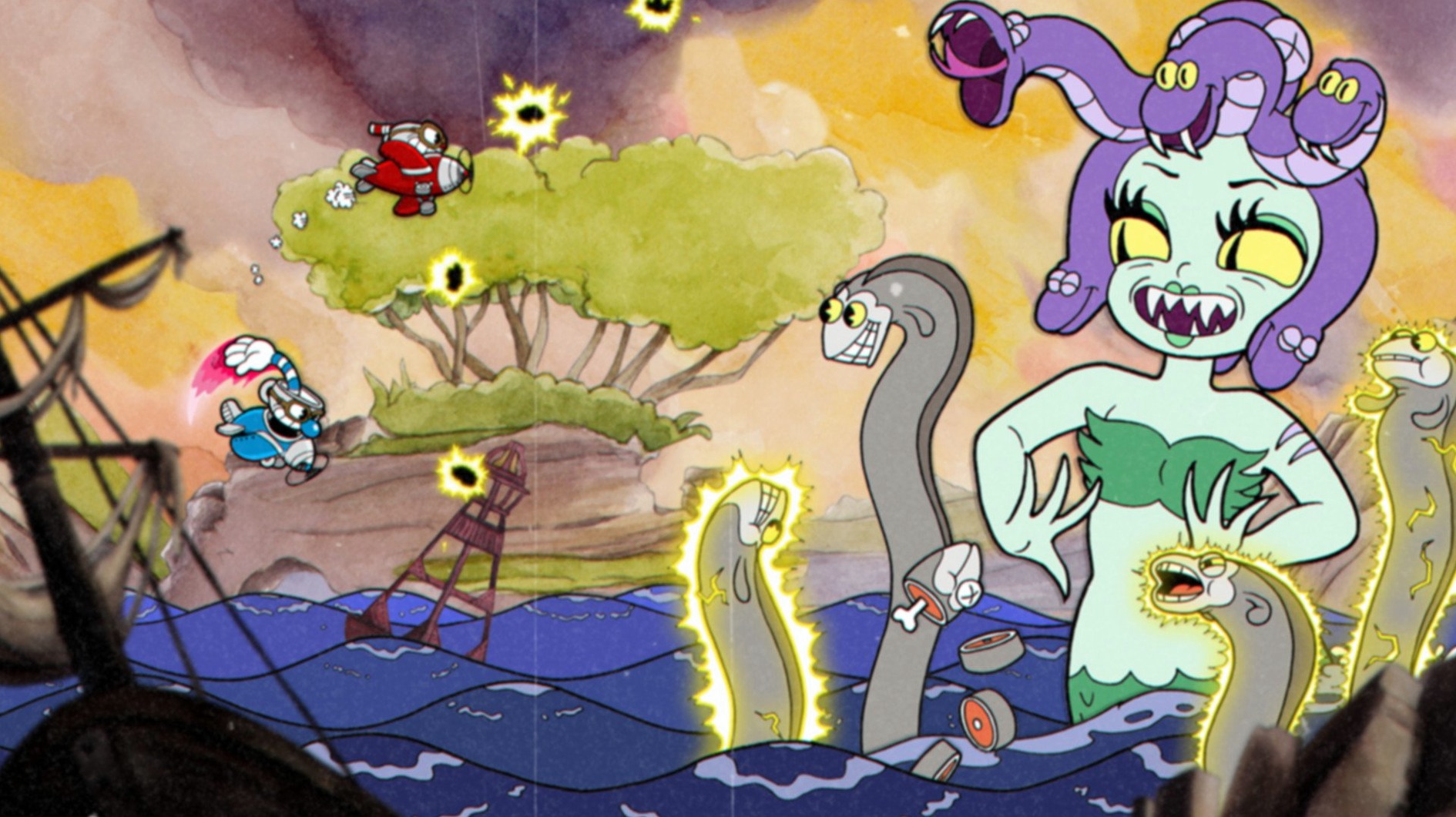
What changed in Cuphead 1.3.3
The 1.3.3 update is a targeted DLC Fix, tidying up behaviour tied to The Delicious Last Course content for players who have it installed. No new weapons or moves arrive with this revision — it is housekeeping for an already tightly animated world.
How Cuphead lands on a Mac
- Unpack the archive and launch the installer. The process is a standard one, no terminal wrangling required.
- Follow the setup prompts until you reach the destination selection screen.
- Choose the Applications folder as the install location. It keeps the build where macOS expects it and sidesteps permissions tangles later.
- Finish the installation and launch from your Applications directory. The game needs no workarounds to recognise an external controller if you plug one in before starting.
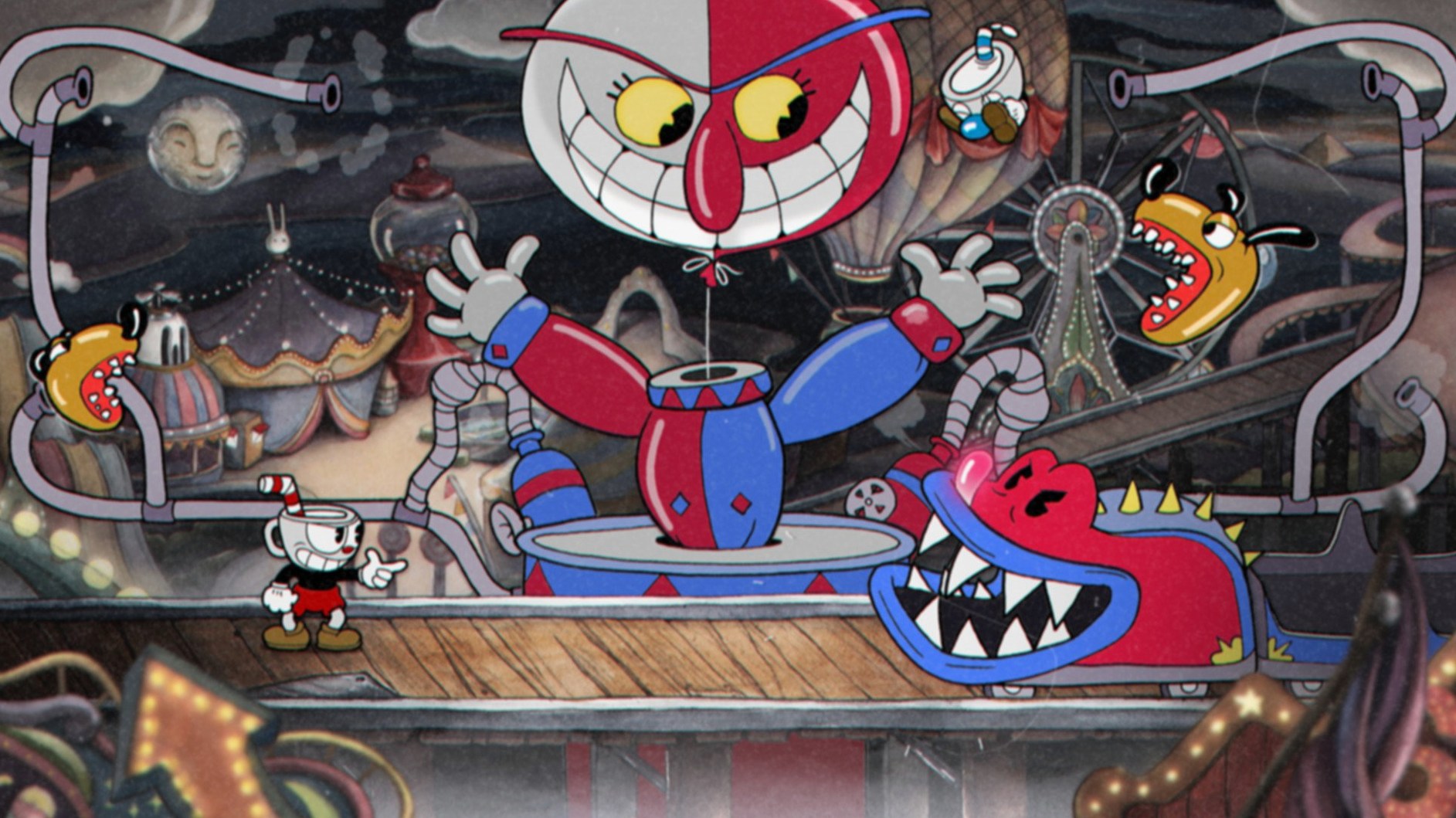
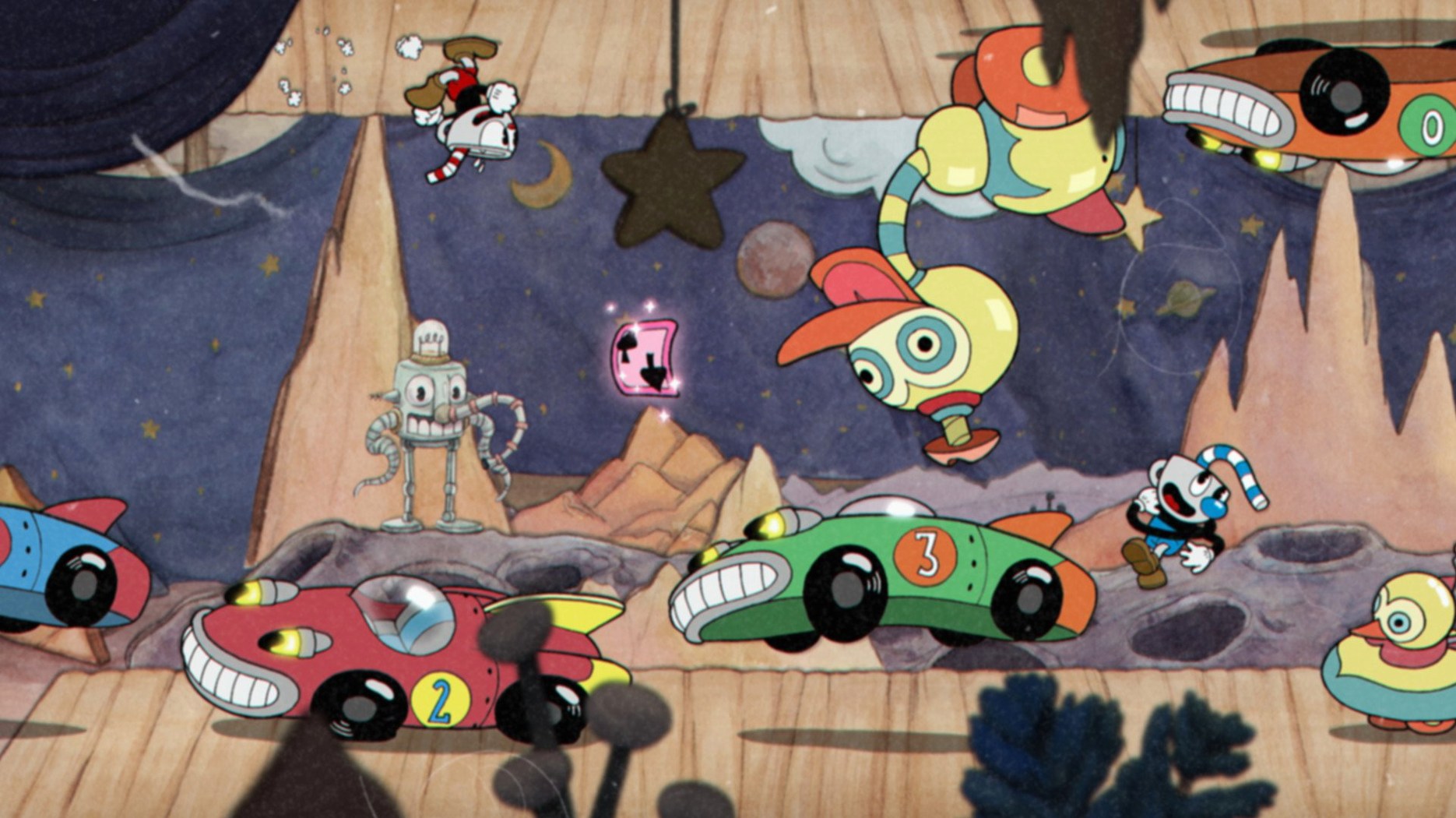
Because this is a 64-bit Intel build, Apple Silicon Macs run it through Rosetta 2. Performance holds steady at 60 fps on any recent machine, which matters for a game that punishes split-second hesitation. The watercolour backdrops and hand-drawn cels scale cleanly, so you lose none of the rubber-hose charm on a larger display. Keyboard controls are serviceable, but the boss patterns were designed around a gamepad — parrying a pink projectile with a well-timed jump feels far more natural with a controller in hand. Across Inkwell Isle's three worlds, the debt to the Devil doesn't get easier; it just looks better with every frame.
Frame pacing stutters often come from fullscreen display scaling
Frame pacing stutters are the most frequent headache, and they often trace back to a single culprit: the game’s default fullscreen mode fighting with macOS’s built-in display scaling. Switching to a standard 1920×1080 resolution inside the video settings clears this up for nearly every setup. If you are on a Retina display and the image looks soft, that is the trade-off — Cuphead renders its hand-drawn frames at a fixed internal resolution, and macOS blurring is just the system trying to fill pixels that were never there.
Controller recognition can be stubborn. The game polls for input devices at launch, not mid-session. If your gamepad does not respond, quit to desktop completely, connect the controller, give it a moment to settle, then start the game fresh. Wireless Xbox and PlayStation pads over Bluetooth work once paired, but wired connections are more reliable for parry timing — latency is the real boss in this game. The keyboard works in a pinch, though binding dash to Shift and weapon swap to Tab early on saves your left hand from cramping during the longer run-and-gun stages.
A black screen on launch almost always means the game opened on a display that has since been disconnected or on a virtual desktop that no longer exists. Hold Option while clicking the Cuphead icon in the Dock, or delete the preferences file buried in ~/Library/Application Support/ to reset video output to the default monitor. The game rebuilds it cleanly on next launch.
Turn V-Sync off so the internal frame cap runs clean
The defaults are not unkind, but they are not optimal either. Open the video menu and set V-Sync to Off. The game’s internal frame cap holds 60 fps on its own, and the extra buffering layer V-Sync adds can introduce a slight input lag that turns a successful parry into a mistimed jump. If screen tearing bothers you more than a missed parry, leave it on — but most players will feel the difference.
Audio deserves a moment of attention. The Music Volume slider defaults to 100%, which is lovely until you need to hear the audio cues that telegraph boss attacks. Dropping it to around 80% while leaving SFX Volume at full lets the jazz recordings breathe without masking the sharp click of a parry-ready projectile or the wind-up sound before a phase transition. The original big-band score is one of the game’s best achievements — you will still hear every horn stab.
In the controls tab, remap Lock to a shoulder button if your controller has one. The default mapping places it on a face button that also handles firing, meaning you cannot aim independently while locked in place. Moving it to R1 or L1 frees your right thumb for jump and dash, which keeps your movement fluid during the aerial bosses that demand constant repositioning.
Beginners’ mistakes that cost runs
Hoarding the EX meter for a super art is the most common trap. A single-card EX shot, fired as soon as it fills, does more damage over the course of a fight than waiting through two full phases for the five-card super. Against bosses like Hilda Berg or Cagney Carnation, where small damage windows open frequently, firing EX moves the moment they are ready shaves an entire phase cycle off the timer. The super arts have their place — especially the invincibility frames on the first one — but beginners treat them as a goal rather than a tool.
Ignoring the Dash button outside of platforming sections is the second mistake. Dash is not just a movement ability; it is the only way to parry pink objects, and parrying builds EX meter faster than shooting. New players often jump over pink projectiles thinking they are hazards, when they are really free meter flying across the screen. Every pink ring, bullet, and laser is an invitation.
Sticking with the Peashooter for an entire fight because it “feels balanced” is a quiet killer. The first few Inkwell Isle I bosses are forgiving enough that you never learn to swap weapons mid-fight, and then Baroness Von Bon Bon arrives and punishes that habit hard. The weapon loadout screen is not a pre-fight ritual — it is an active part of combat. Switching to Spread for close-range damage windows and back to Chaser for phases where dodging takes priority is the difference between scraping by and earning an A-rank.
Overlooked shortcuts and small mercies
The world map lets you equip different charms and weapons without returning to the hub area. Pressing the equipment button while standing on a boss entrance marker swaps your loadout for that specific fight, and the game remembers it on retries. You can tailor your kit per boss without trudging back to Elder Kettle’s house every time, shaving seconds off the loop between attempts that add up over an evening.
Holding the pause button during a boss fight freezes the action but lets you read the phase list on the results screen of your previous attempt. The game tracks which phases killed you, and that information sits one menu layer deep. Checking it mid-fight — after a death but before restarting — tells you exactly which attack pattern needs practice. Most players skip past it in frustration and repeat the same mistakes blind.
The D-pad inputs for weapon switching are faster than cycling with a shoulder button, but only if you set the toggle behaviour to Three-Button Quick Switch in the controls menu. This binds each weapon slot to a separate input, so you jump from Peashooter to Spread in a single press rather than cycling through a slot you are not using. It takes an hour to retrain your thumbs and then it becomes second nature.
Version 1.3.3 ships as a DLC Fix, correcting a few rough edges related to The Delicious Last Course content for owners of the expansion. The core game remains the same hand-animated gauntlet it has been since 2017.
- macOS Catalina or later
- 64-bit Intel processor (Apple Silicon supported via Rosetta 2)
Questions from the booth
Yes, it runs through Rosetta 2 translation since the game is a 64-bit Intel application. Frame rates stay locked and fluid on M-series hardware.
You can, though the run-and-gun bosses are tuned for a controller. Parrying and special moves feel more deliberate with a gamepad.
The interface supports Russian, English, German, Spanish, Italian, Simplified Chinese, Korean, Polish, Portuguese, French, and Japanese.