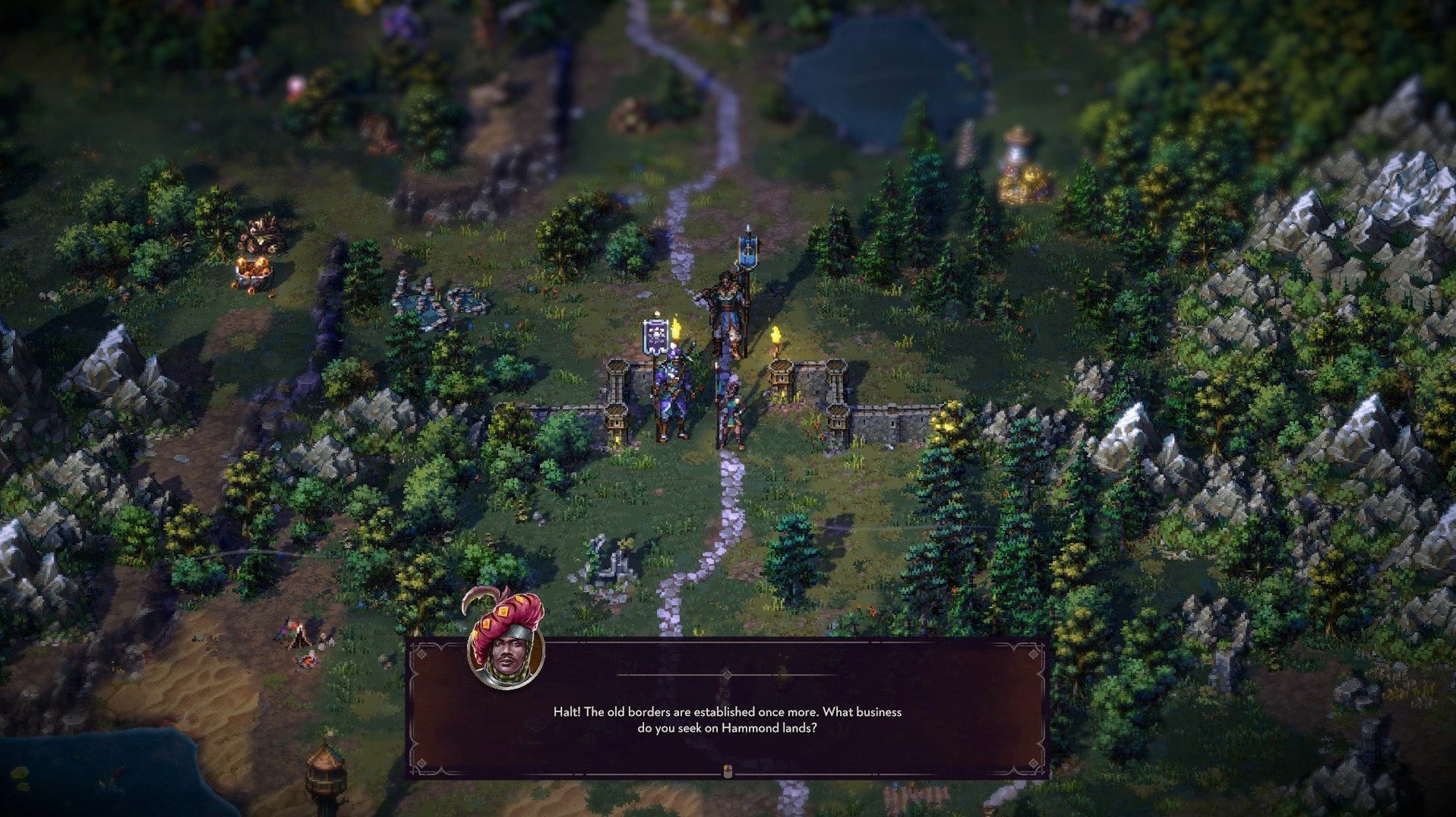
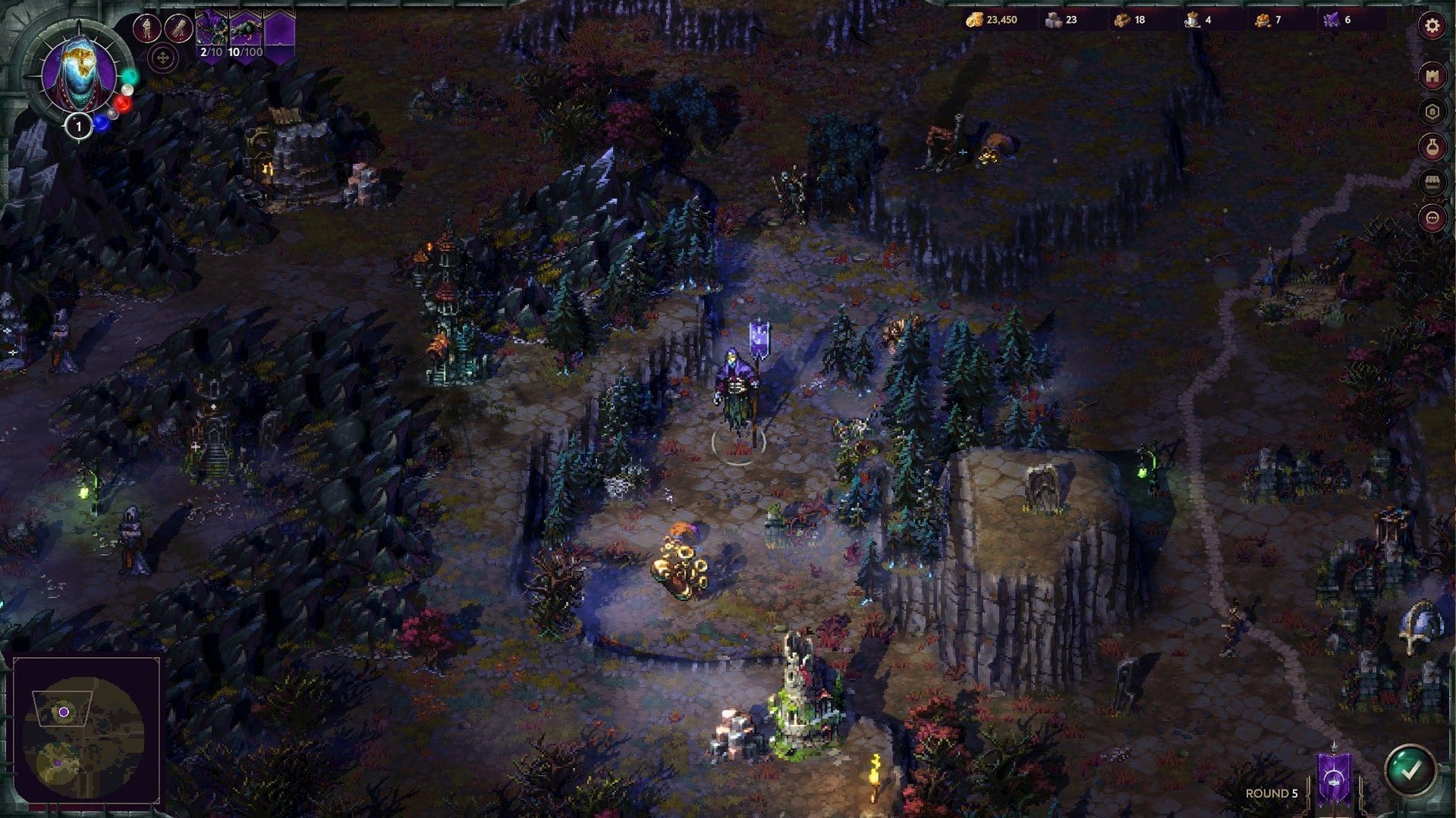
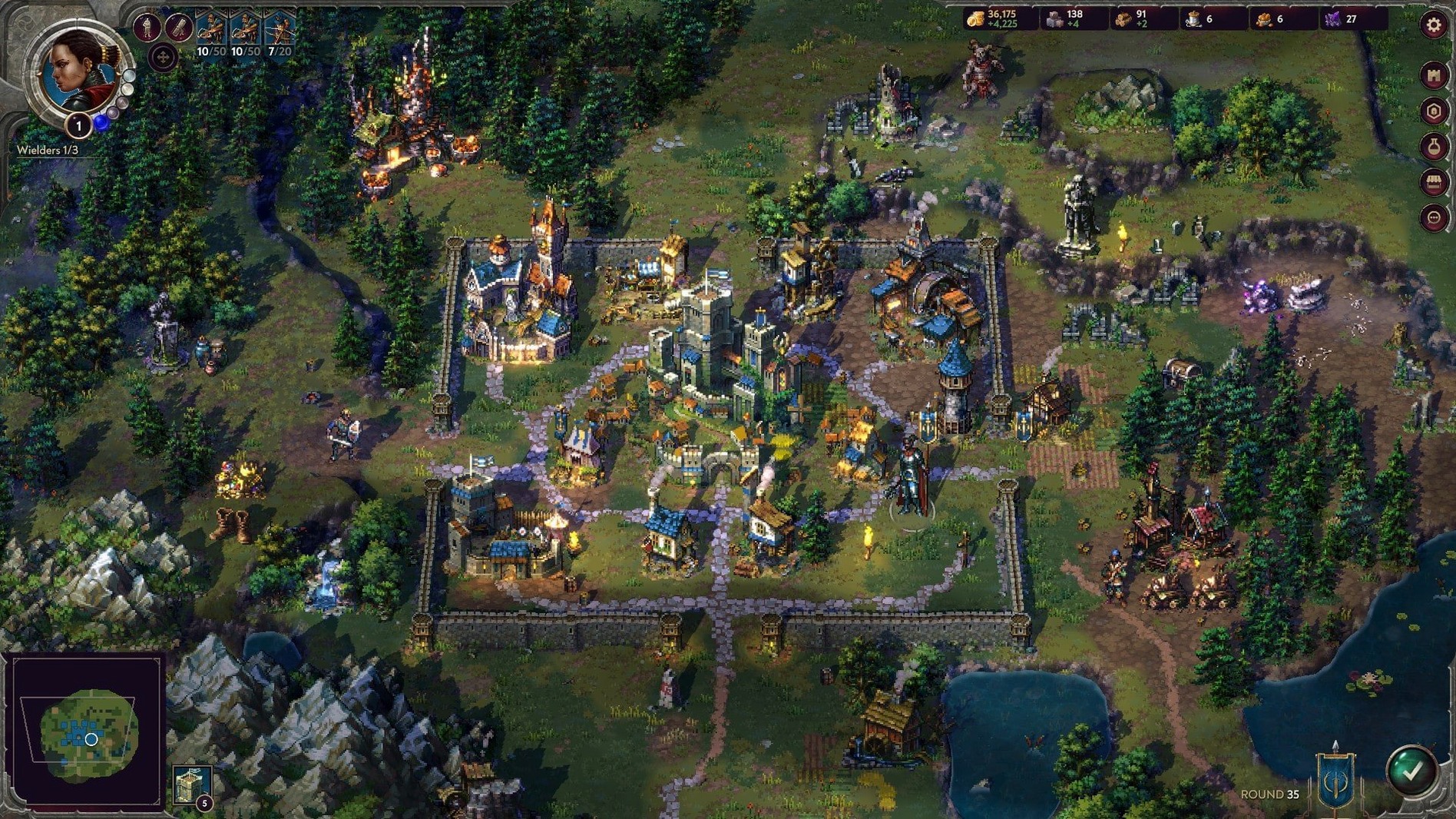
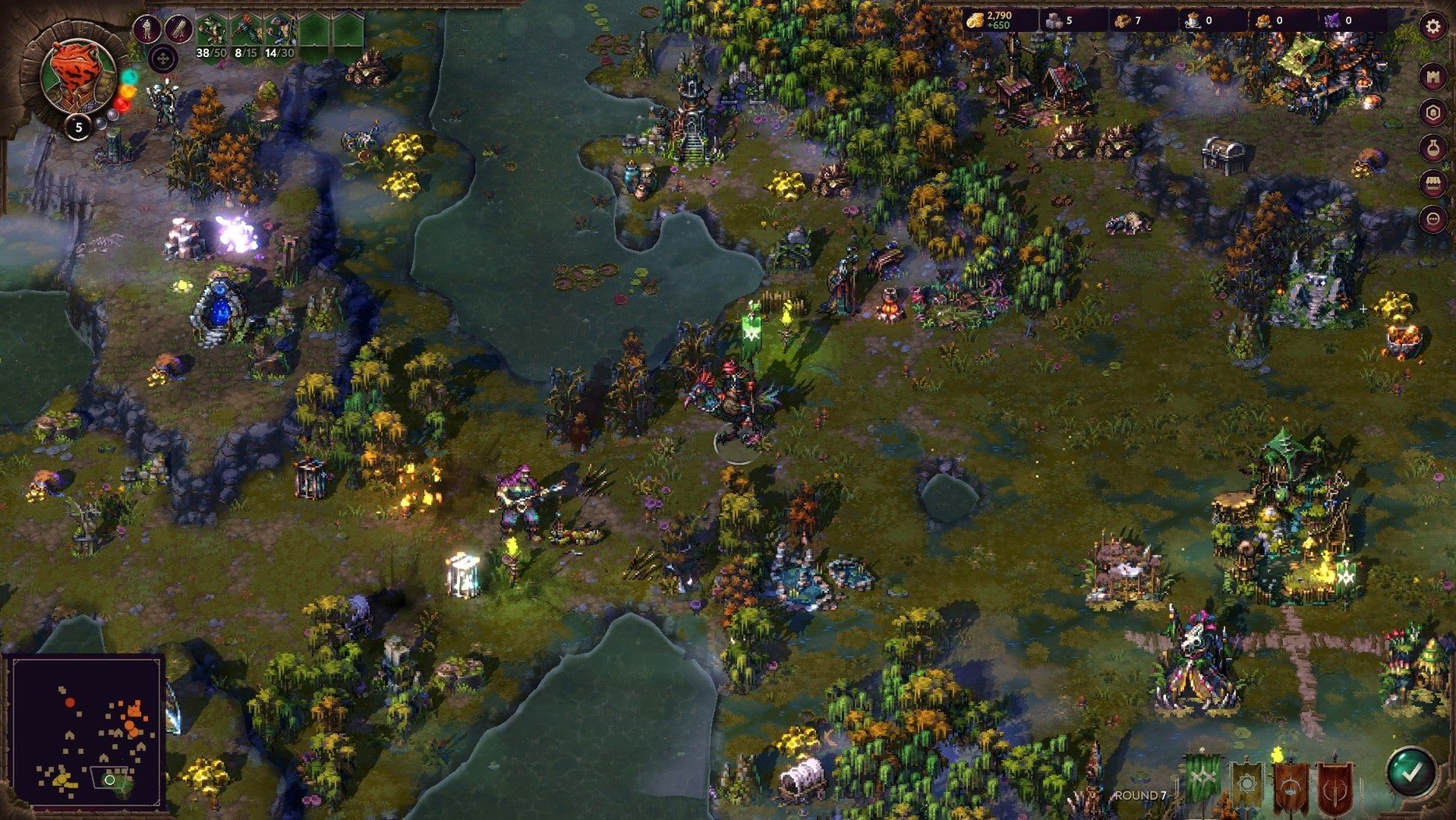
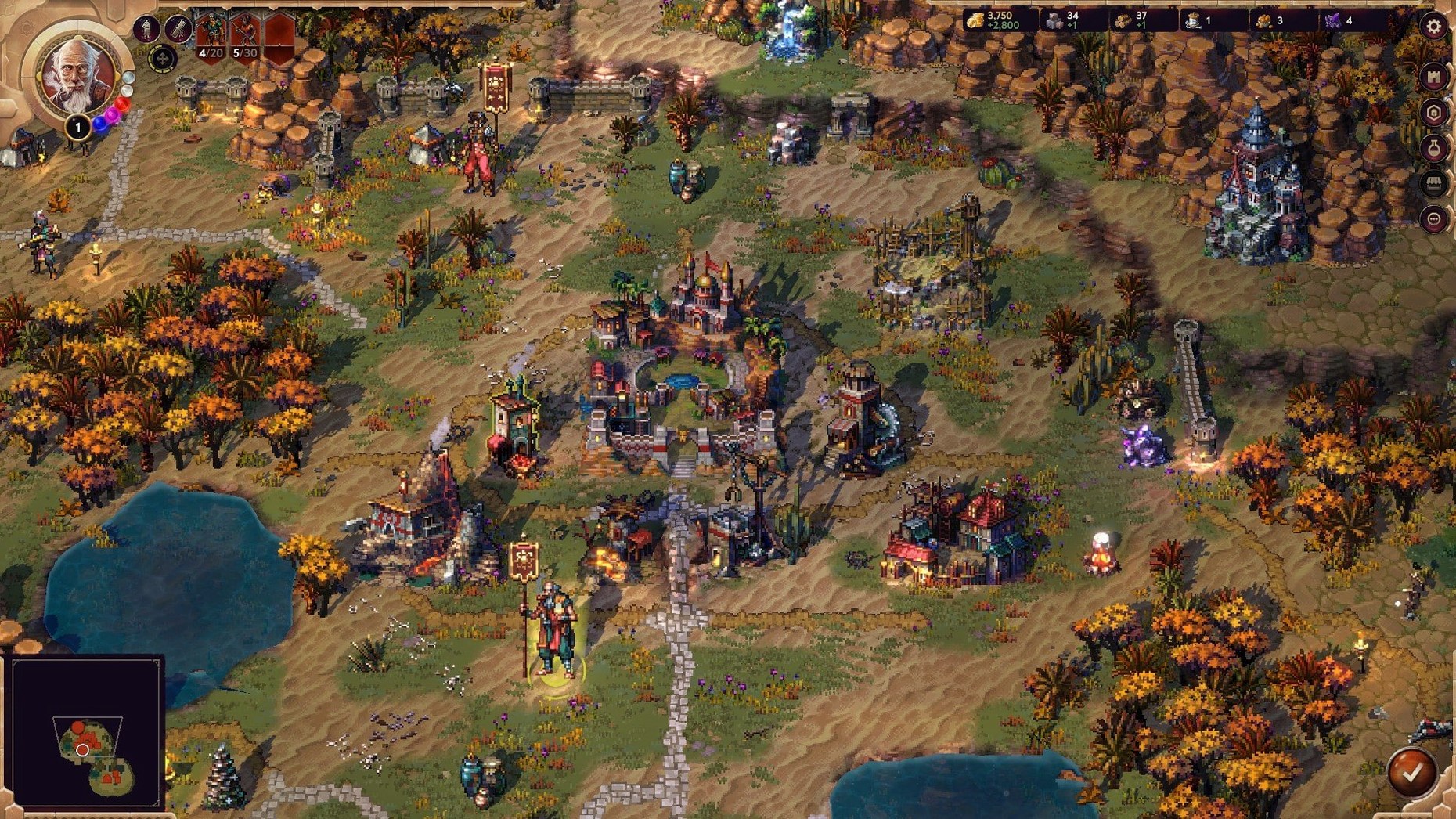
Songs of Conquest is a turn-based strategy game where you command a Wielder across a map of uncharted territories, raising armies and constructing settlements in a low-fantasy world scored with distinct campaign music. The 1.10.4 build runs on macOS Tahoe without a hitch on a Mac mini M4, and the package supports both ARM and 64-bit x86 architectures, so Apple Silicon owners get a native experience.
Four factions define the strategic landscape. Arleon leans into feudal knights and fae alliances, Rana marshals swamp tribes and ancient spirits, Loth raises the dead with a necromancer’s precision, and Barya fields mercenaries with gunpowder and coin. Each faction’s campaign carries its own songs, and the soundtrack threads through exploration and battle in ways that nudge the mood without pulling you out of the tactical view.
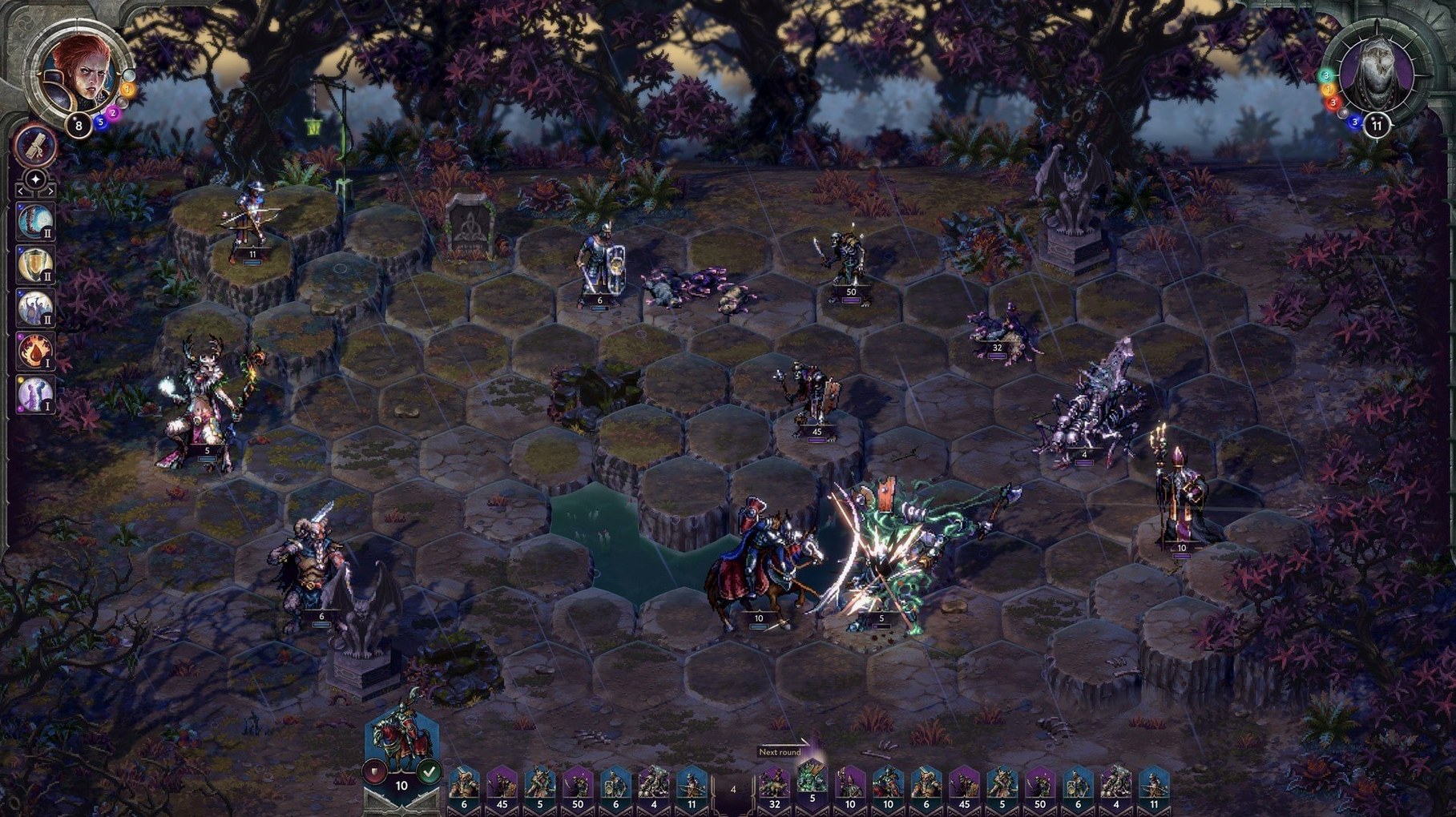
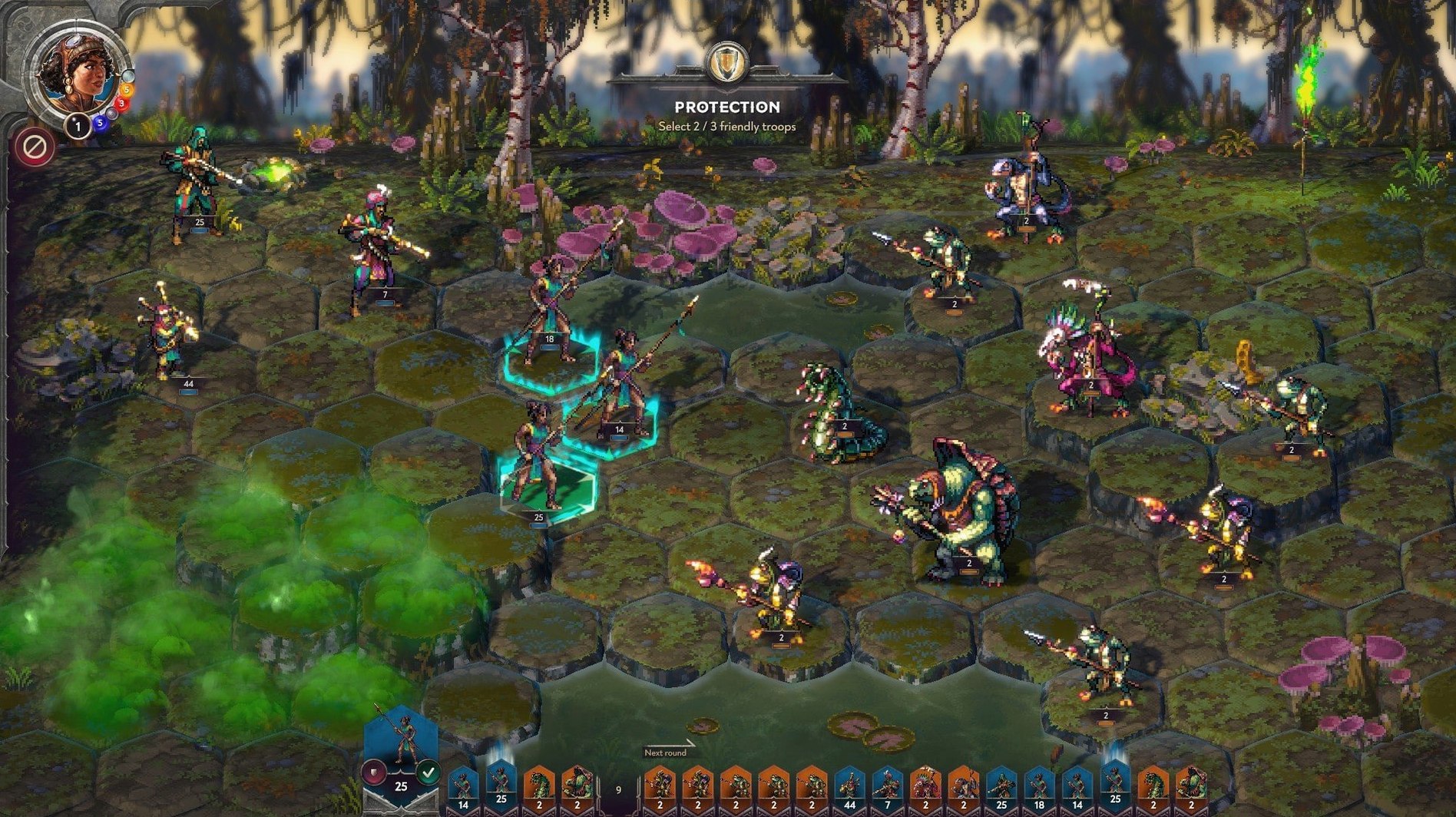
Combat plays out on hex-grid battlefields where unit abilities and spellcasting shape every encounter. Positioning matters, and the magic system lets Wielders tip a fight with a well-timed essence blast or a damage-over-time spell. Between battles, you manage resources and build structures that unlock new troop types, which keeps the kingdom layer feeling connected to the skirmishes.
The built-in level editor rounds out the package. It handles event scripting, dialogue writing, and map design with the same tools the developers used, so custom campaigns can lean into narrative or pure tactical puzzles depending on what you build.
The first hours with Songs of Conquest can feel like drinking from a firehose. Do yourself a favour and start with the Arleon campaign — not because it is the easiest faction, but because their troop roster teaches pacing. Knights and fae creatures reward you for holding formation, and the early missions ease you into the settlement loop without drowning you in unit types. Leave Barya and Loth for a second run, once you know what a stack of upgraded troops actually costs in turns and resources.
One thing the tutorial skims over: your Wielder’s command stat determines how many troop stacks you can field, and levelling it early pays off faster than chasing damage spells. I spent my first two level-ups on command and suddenly had room for a dedicated ranged stack behind my frontline. That single change turned a string of Pyrrhic victories into clean sweeps.
The settlement screen rewards patience. Hover over every building slot and read the tooltips before committing stone and wood, because the build tree has forks you cannot undo without demolishing. A common mistake is rushing the troop-producing structures before you have the income to sustain recruitment — you end up with a barracks and no gold, staring at a recruitment queue you cannot afford.
A map-making session, start to finish
Suppose you want a single-map scenario where a Barya mercenary company ambushes a Loth supply caravan in a mountain pass. Open the level editor from the main menu, choose a medium grass-and-rock tileset, and paint a winding canyon with two chokepoints. Drop a neutral settlement at the canyon mouth and place a small Loth garrison inside — three skeleton stacks and a wraith, nothing heroic.
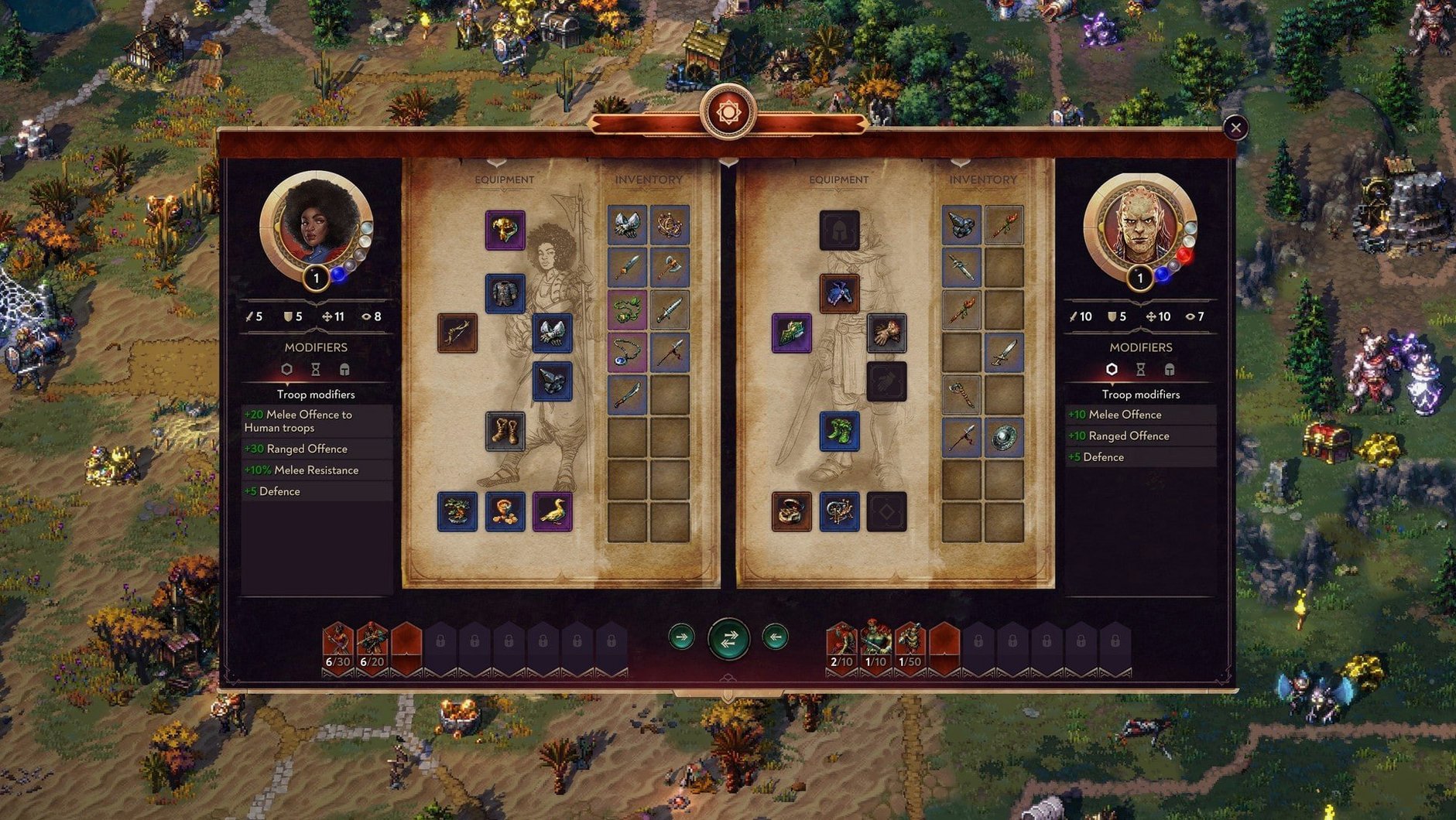
Now drop a script trigger on the tile where the player’s Wielder enters the pass. The event system uses a node-based logic that feels closer to a visual novel tool than a map editor. You set a condition: player faction equals Barya, and player Wielder steps on trigger tile. The action fires a dialogue box. I wrote three lines of terse mercenary banter, locked the camera for a beat, then spawned the ambush party behind the Loth formation. The editor lets you set unit experience and artifact loadouts per stack, so the ambushers feel like veterans.
Playtest it once from the enemy side to check pathfinding around the canyon walls — AI troops sometimes bunch up on narrow terrain, which ruins the ambush tension. A quick fix is widening the pass by two hexes and adding a scatter of boulders for partial cover. Export the map into your custom scenarios folder, and it appears in the skirmish menu without restarting the game.
DLC vanishes until you toggle Rosetta
The most frequent headache on Mac is the DLC not showing up. The fix is straightforward: quit the game, right-click the app bundle, check Open with Rosetta, and relaunch. That single toggle restores access to the extra content, and you can switch back to native ARM once you have loaded the DLC once. The performance difference under Rosetta is negligible for a turn-based game, so leaving it on is fine.
Another occasional snag: saved games from older versions sometimes refuse to load after a patch. The developer posts changelogs that flag save compatibility, so if you are mid-campaign, hold off updating until you finish that run — or back up your save folder before applying the new build.
The map editor logs errors silently. If a custom scenario crashes on load, open the editor, run the validation tool from the debug menu, and check for orphaned triggers or missing faction assignments on neutral towns. Nine times out of ten, the crash traces back to a script referencing a unit that was deleted from the map but not from the event node. Clean the reference, resave, and the map loads.
- macOS 10.13 or later
- Apple Silicon (ARM) or 64-bit Intel processor
- English voice acting; interface available in Russian, English, German, Spanish, Italian, Simplified Chinese, Polish, Portuguese, and French
- No activation required
Questions from the booth
Yes, the 1.10.4 build includes native ARM support and was tested on a Mac mini M4 running macOS Tahoe without issues.