
The Synaptic Lathe hums in a corner of your empire, its ownership recently clarified in a hotfix, while a fleet moves on its own somewhere in the void — version 4.5.1 has taught it to follow your selected actions more faithfully, which means fewer distractions when a diplomatic incident flares near the core worlds. That clock in the upper corner of the screen tracks centuries, not hours, as you leave Earth behind to establish a colony that will one day build its own industrial facilities and bases.
On a Mac with an Intel processor, the galaxy runs smoothly once the map fills with objects — star systems, nebulae, ancient ruins — and the budget allocation screen stays legible even when a dozen autonomous regions, each with its own governor, start making demands. The interface renders cleanly in English, Russian, German, Spanish, Simplified Chinese, Polish, Portuguese, or French, and the classic 4X loop of research, expansion, and diplomacy is all here, shaped by the studio that gave us Crusader Kings and Europa Universalis.
Delegating sectors to AI governors while you pause and read
- Long, story-rich campaigns where an AI governor manages a sector while you handle galactic diplomacy.
- Players who enjoy pausing to read event text — the real-time clock can always be stopped.
- Setting autonomous regions to reduce micromanagement as the empire grows.
No native Apple Silicon — late-game fleets push Intel Macs hard
- Intel Macs only; no native Apple Silicon support is listed for the current version.
- Late-game maps with many colonies and fleets will test older hardware.
- Multiplayer out-of-sync issues were addressed in 4.5.1, but large sessions still benefit from a wired connection.
How Stellaris fits with your other tools and macOS
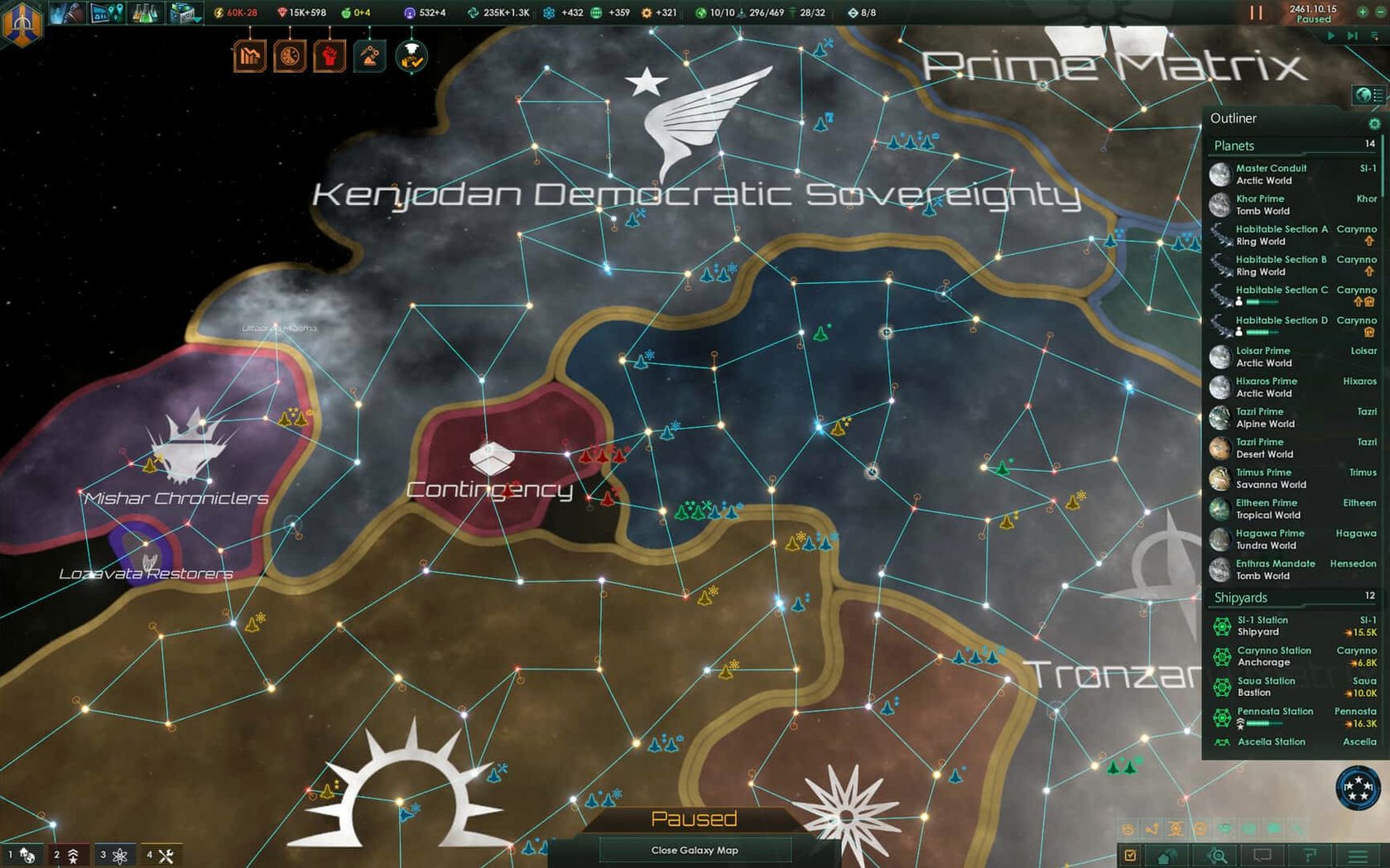
I keep Stellaris pinned to the dock alongside a few text editors and screen-capture utilities, because the game generates narratives I want to remember. The built-in screenshot shortcut — Shift-Command-5 on recent macOS releases — grabs clean frames of the galaxy map, and I drop those into a running timeline in Final Cut Pro when I am storyboarding a short. The colour palette of the nebula backgrounds has influenced more than one sound-design session in Logic Pro, where I pull up a reverb tail that matches the slow drift of a science ship through an uncharted system.
On the writing side, I leave Bear open on a second desktop. When an event chain takes an unexpected turn — a federation law vote collapsing into a war, or a first-contact protocol going wrong — I pause the clock and type a few lines. Some of those notes have become voiceover drafts. Stellaris respects Spaces and multiple monitors on my Mac mini without complaint, and the real-time clock stays paused when I swipe away, which means a crisis does not escalate while I am tracking down a synth patch.
A research-rush colony, from flag to frontier
Here is a workflow I have used for a tall, technology-focused empire — one where I skip the early-game land grab and concentrate on a handful of systems.
- Generate a small elliptical galaxy with minimal habitable worlds, turning off advanced AI starts so the early game feels quieter.
- In empire creation, pick traits that boost research output and leader experience gain; set policies toward materialist ethics for the academic living standard.
- Send the starting science ship to survey only systems with a high chance of anomalies. Let the construction ship build mining stations on any energy-rich body it passes, but do not claim territory beyond the first two chokepoints.
- As soon as the first alien civilization appears, open the diplomacy screen and check their relative power. If they are equivalent or stronger, send an envoy to improve relations while I keep the fleet docked at a starbase with crew quarters to reduce upkeep.
- Unlock the first research lab upgrade before expanding to a third planet. The real-time clock matters here — I pause whenever a technology completes, so I can queue the next one without the months slipping by.
- When an autonomous sector unlocks, assign a governor with the intellectual trait and hand over the least strategic system. The AI handles housing and amenities, and I check back only when the sector report flags a deficit.
- Once the Synaptic Lathe appears in my megastructure options — ownership behaviour fixed in 4.5.1 — I place it in a system with a neutron star for the research bonus and set fleet automation to aggressive stance in that sector only.
A session that grew a diplomatic incident
Last Thursday evening, I booted the game around nine with a plan to test the fleet changes in the new hotfix. I had downloaded the stellaris mac torrent build and mounted the disk image earlier in the day — the standard install ran without a hitch, and I chose the Applications folder when prompted. The startup crash fix in 4.5.1 was immediately relevant; an earlier version had stalled during galaxy generation on this machine, but now the nebula backdrop appeared within seconds.
I loaded a mid-game save from the Paradox Interactive folder inside Documents, where I had already edited settings.txt to switch the interface language back to English after experimenting with the Russian localization. A neighbouring empire — a fanatic purifier — had closed its borders two decades earlier, and I had been ignoring them while I terraformed a string of ocean worlds. At the ten-minute mark, the purifier declared war. The fleet auto-disengagement fix meant my patrol ships did not linger in a losing fight; they retreated after I gave a single move order, following the selected behaviour instead of the old fifteen-day inertia.
By eleven, I had paused the real-time clock maybe forty times, scrolling between the budget screen and the diplomacy tab. An ally proposed a federation law vote that triggered a crash on the previous build, but the session held steady. I let the AI governor handle the core sector amenities while I micro-managed a science vessel that had stumbled onto a derelict megastructure. The event text was worth the detour. I took a screenshot, saved the game, and closed the application — no crash on exit, no out-of-sync message waiting in the log. For a late-night session on an Intel Mac, the galaxy stayed generous and stable.
- Intel 64-bit Mac
Questions from the booth
Yes, regions can become autonomous units with their own governors, and the artificial intelligence handles construction and development for those sectors.
The supported interface languages include English, Russian, German, Spanish, Simplified Chinese, Polish, Portuguese, and French.