
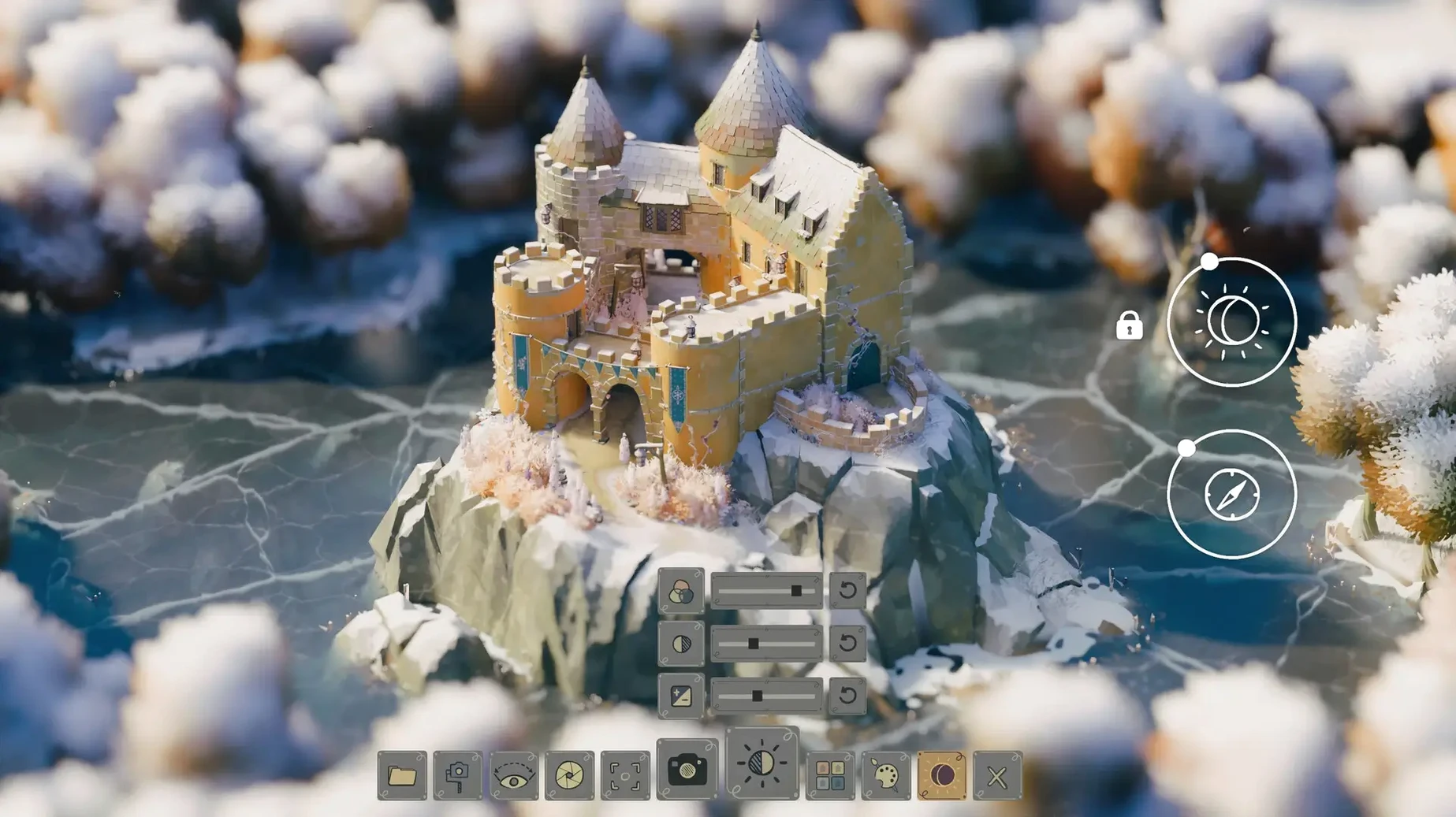
Tiny Glade runs on Apple silicon Macs, tested on macOS Tahoe with a Mac mini M4. There is no Intel build, so older machines need to sit this one out.
Walls become arches the moment a path cuts through
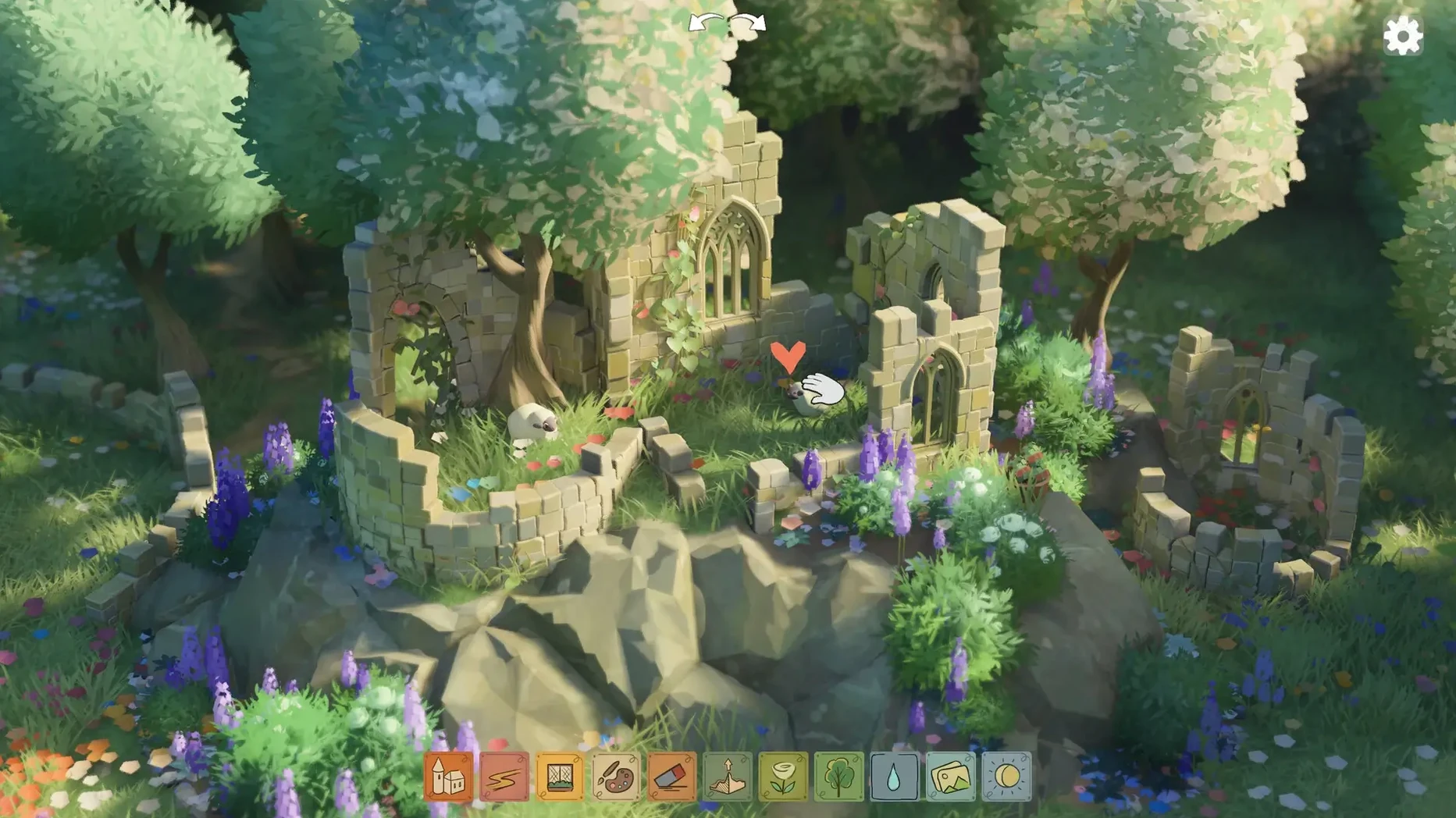
You draw walls, raise towers, and cut paths through meadows. The game has no grid, so every structure sits exactly where your cursor lands. Drag a path into a stone wall and the game opens an arch for you. Widen that arch and extra columns appear on either side, as if the building understood what you meant.
Is there any danger or time pressure?
None at all. There are no battles, no resources to gather, no way to fail. Sheep wander across the grass. At night the fireflies come out and the music shifts. You can knock down half a tower, start over, or leave a ruin unfinished and the game never punishes you for it.
What limits what you can build?
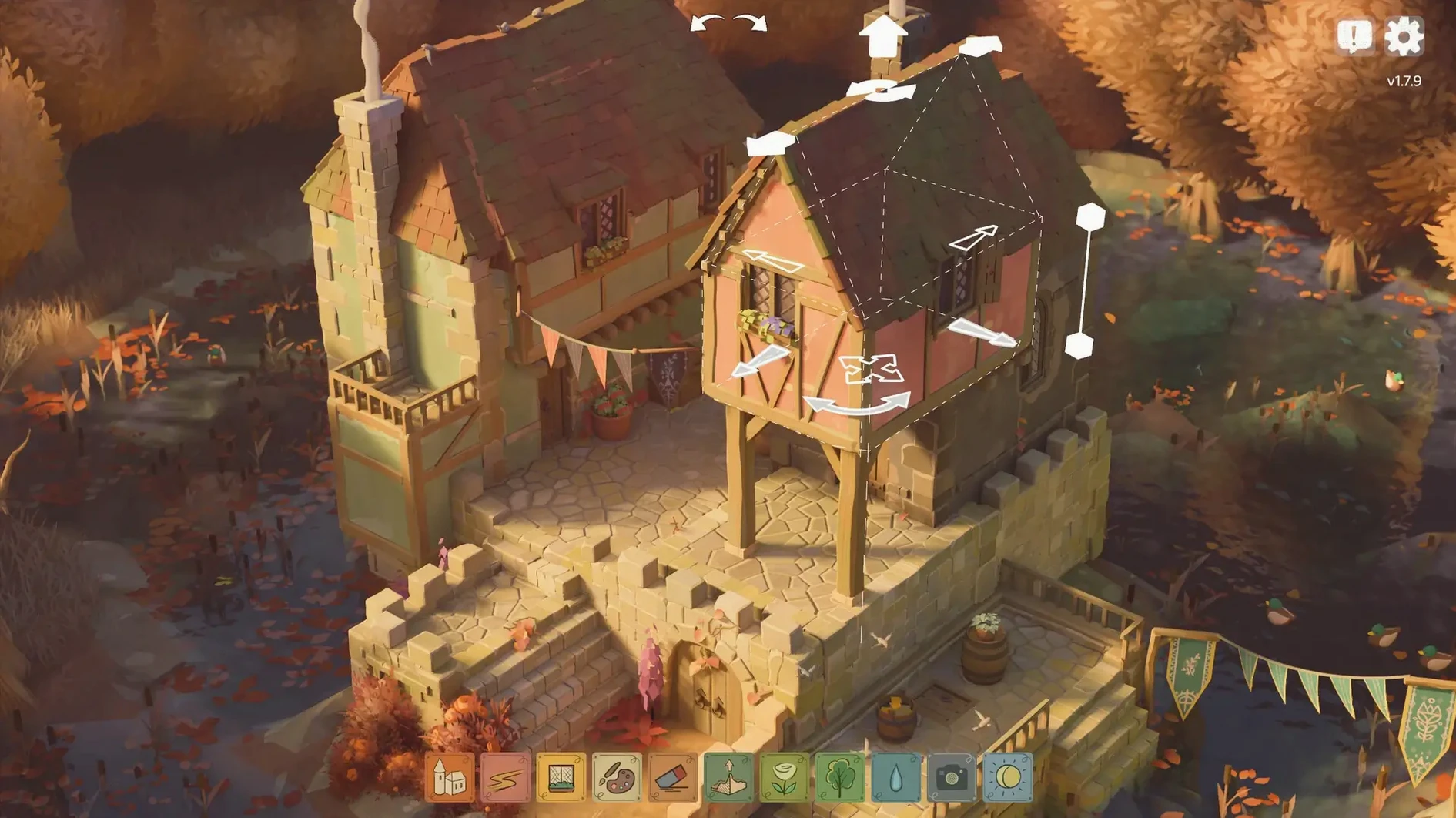
Only the glade itself. It is a small, enclosed meadow and everything you make fits inside it. The building tools adapt as you go — pulling a roof higher changes its pitch, dragging a wall along the ground spawns ivy and windows. The game listens more than it instructs.
Building a gatehouse at dusk — a quiet workflow
I start a new glade in late afternoon, when the light angles low across the grass. The idea is a gatehouse with a courtyard, something small that feels lived-in but not fortified. First move: draw a rectangle of low stone walls, roughly the footprint of the structure. No grid means I just trace the shape with the mouse, adjusting corners by nudging the wall ends until the proportions feel right.
Next, I pull the front wall upward. The roof materialises automatically — steep, dark timber — and windows appear where the wall rises above a certain height. I drag the centre of that wall down just slightly, and the engine turns the gap into an archway, stonework curving inward. Widening the arch with a sideways pull adds a pillar on each side. Now it reads as an entrance rather than a hole.
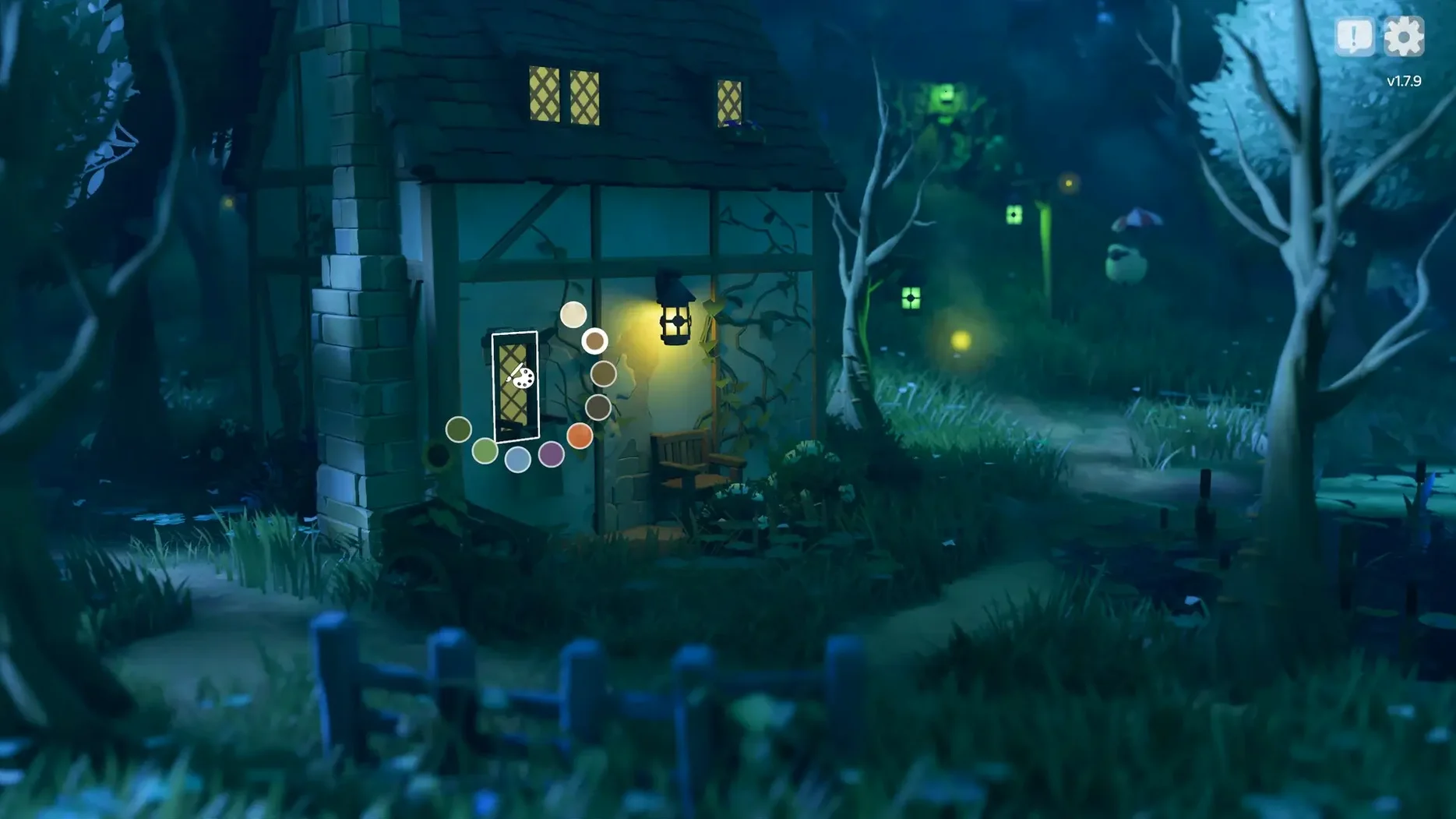
Inside the courtyard I lower the back wall until it becomes a hedge. That single gesture changes the whole tone: what was a defensive barrier is now a garden boundary. I add a second tower in the far corner, taller this time, and the roof tiles shift from dark grey to a mossy green because of the adjacent trees. The game makes these calls on its own. I place a path through the gatehouse and out the hedge, and the ground textures follow — packed earth inside, worn grass beyond.
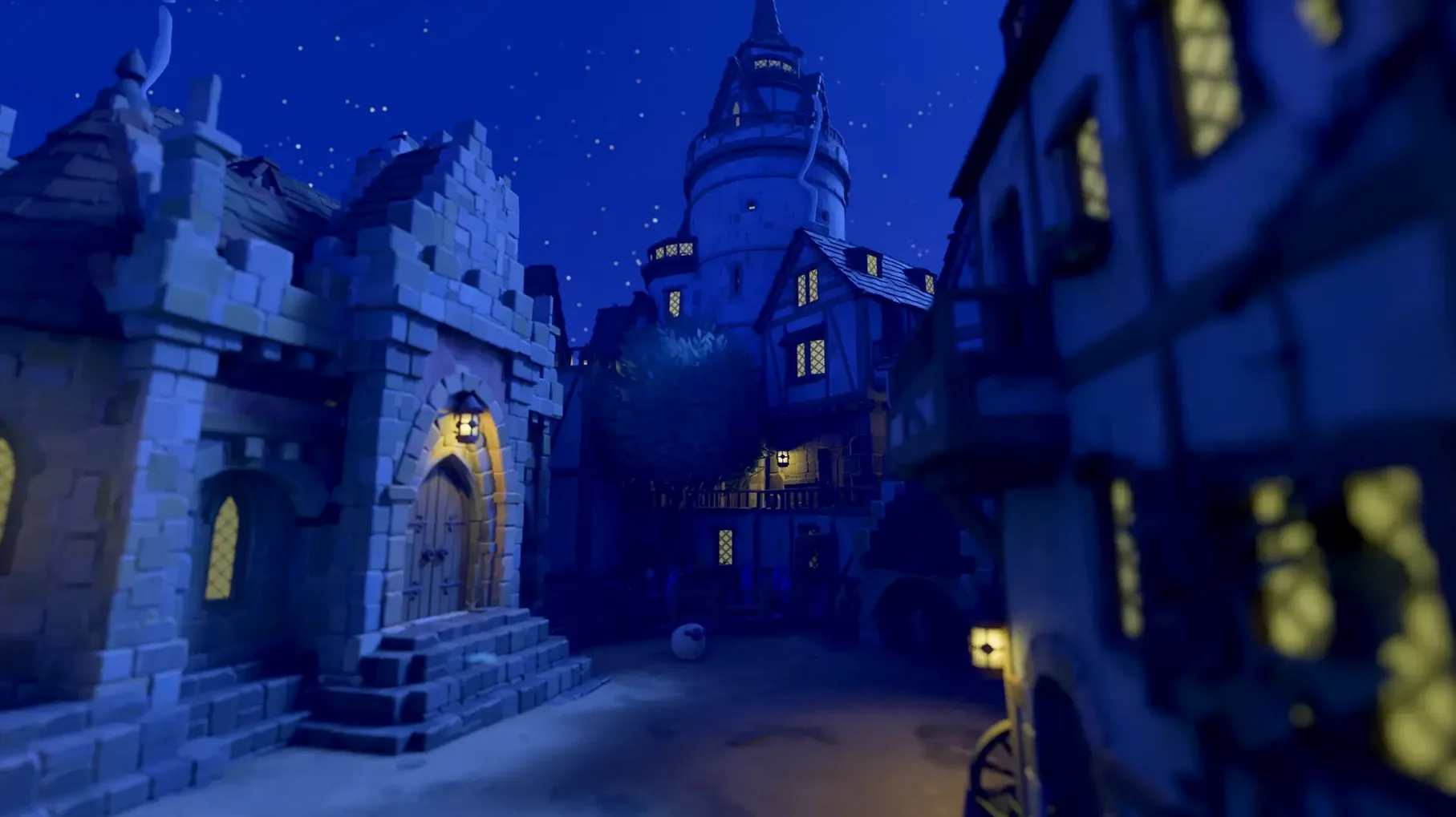
I rotate the time-of-day slider into night. Fireflies drift up from the hedgerow. The music thins to a few piano notes. The ivy that crept up the tower during building is now backlit by lantern glow. I save nothing — the glade stays as you left it — and close the lid of the laptop.
The fan never spins up on an M4 Mac mini
On a Mac mini M4 the game stays quiet. The fan never spun up during any session I spent with it, and memory pressure stayed green even with several other apps open. Frame pacing is smooth enough that the camera pans feel liquid, though I did notice a brief hitch once when the season changed and the foliage shaders recalculated. That moment passed in under a second.
Resource use is modest for what the engine is doing. The procedural systems — ivy placement, roof tile variation, wall decay — run continuously as you edit, yet the app rarely pushes the GPU beyond what feels like a gentle cruise. This is not a lightweight game, but it acts like one in daily work, which matters when you are the kind of person who leaves a building session open in the background between other tasks. If you find a Tiny Glade crack Mac build floating around, the same efficiency holds because the underlying renderer is unchanged.
What the latest patches fixed in everyday use
Version 1.16.3 addressed a camera clipping bug that occurred in one specific glade corner. I had bumped into that corner once before the fix — the viewpoint would sink into the terrain and you had to wiggle the camera to escape. After the patch, that spot behaves like the rest of the map. It is a small fix, but it removes the only visual glitch I had ever noticed.
The earlier 1.16.2a hotfix solved a more frequent annoyance: the key for disabling snapping was colliding with the group-select input. Before the fix, trying to place a wall freely while holding that modifier could accidentally grab a cluster of nearby objects. Now the two inputs no longer trip over each other. For anyone building detailed dioramas where precise placement matters — aligning a fence flush against a tower base, say — this change makes the tool feel more obedient.
This release brings the native 1.16.5a build to macOS, folding in the developer's latest round of fixes and under-the-hood improvements.
- Apple Silicon or Intel 64-bit Mac
Questions from the booth
It is a single-player building game with no combat, no enemies, and no resource management.