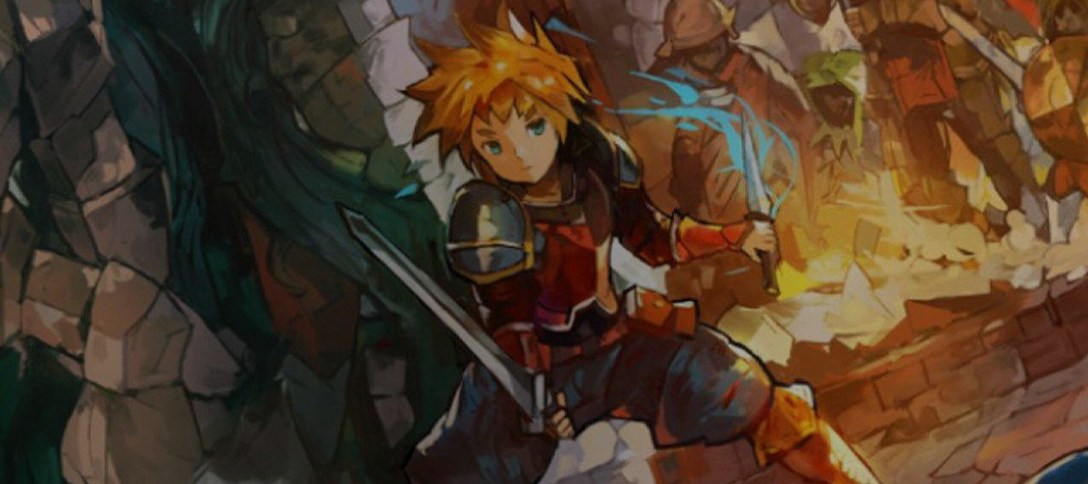
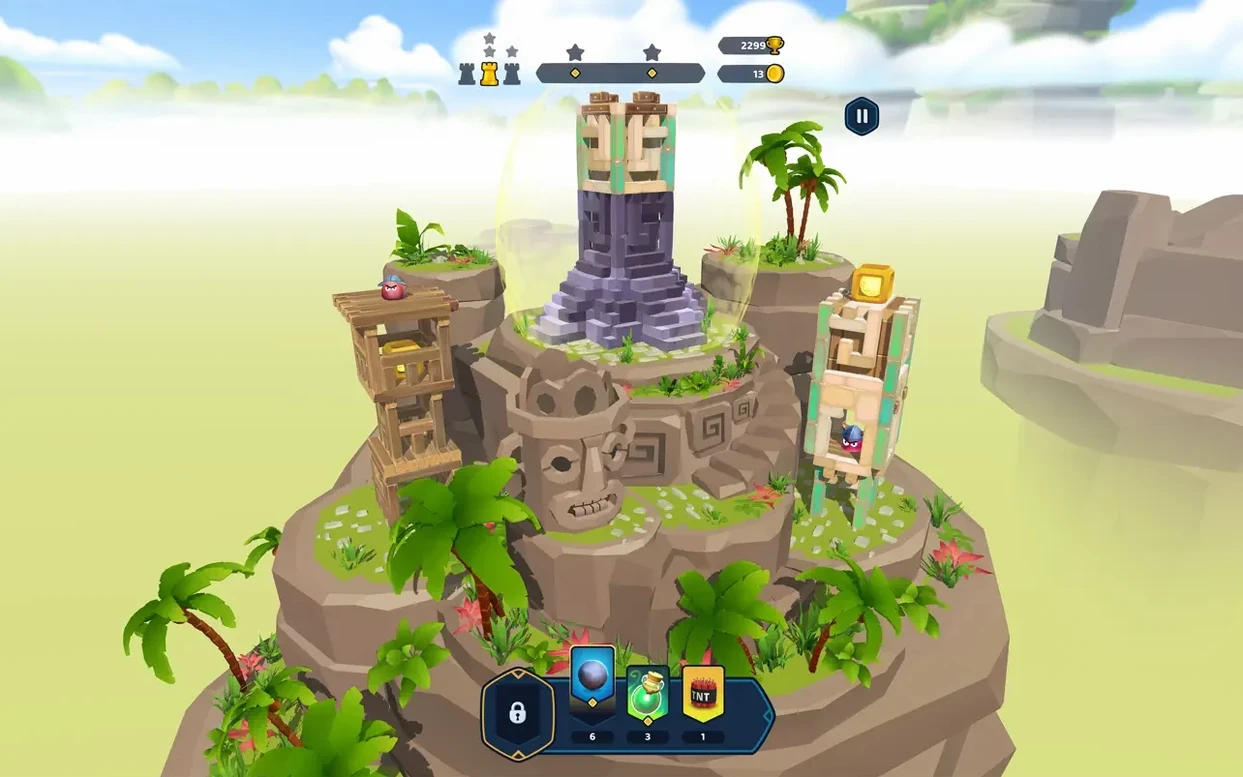
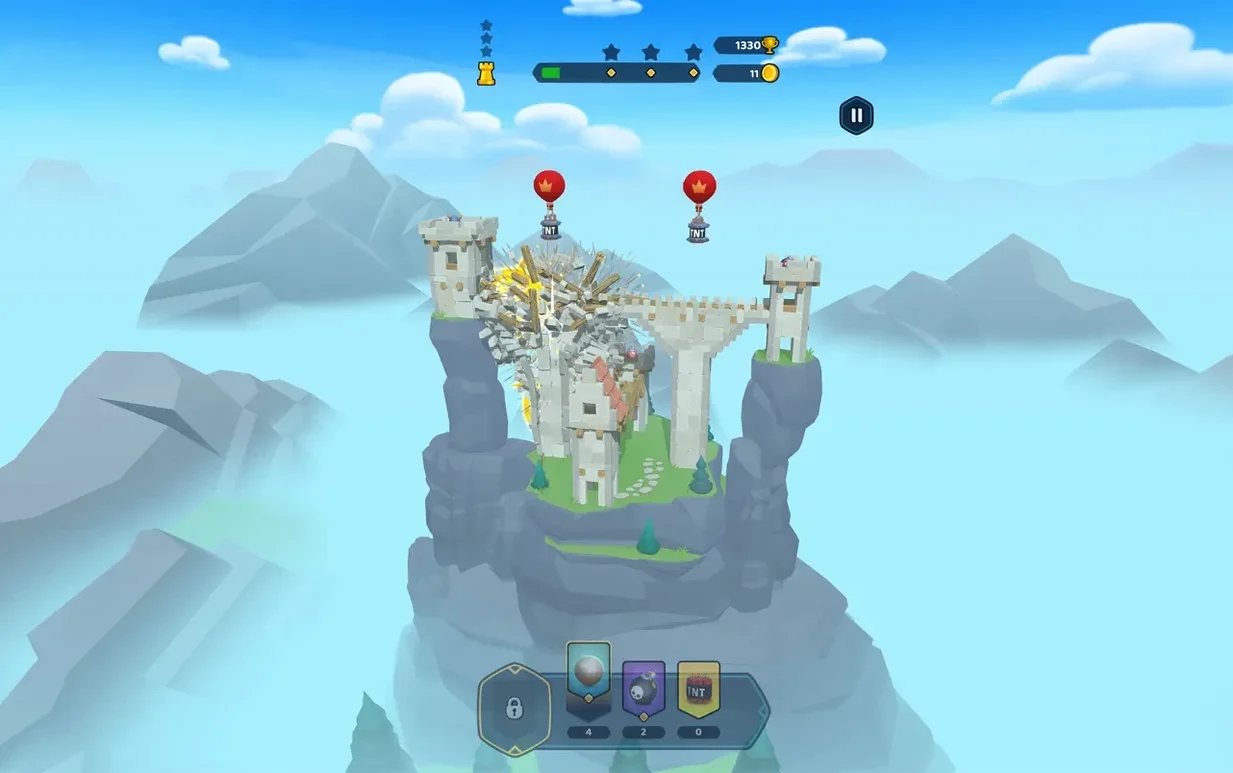
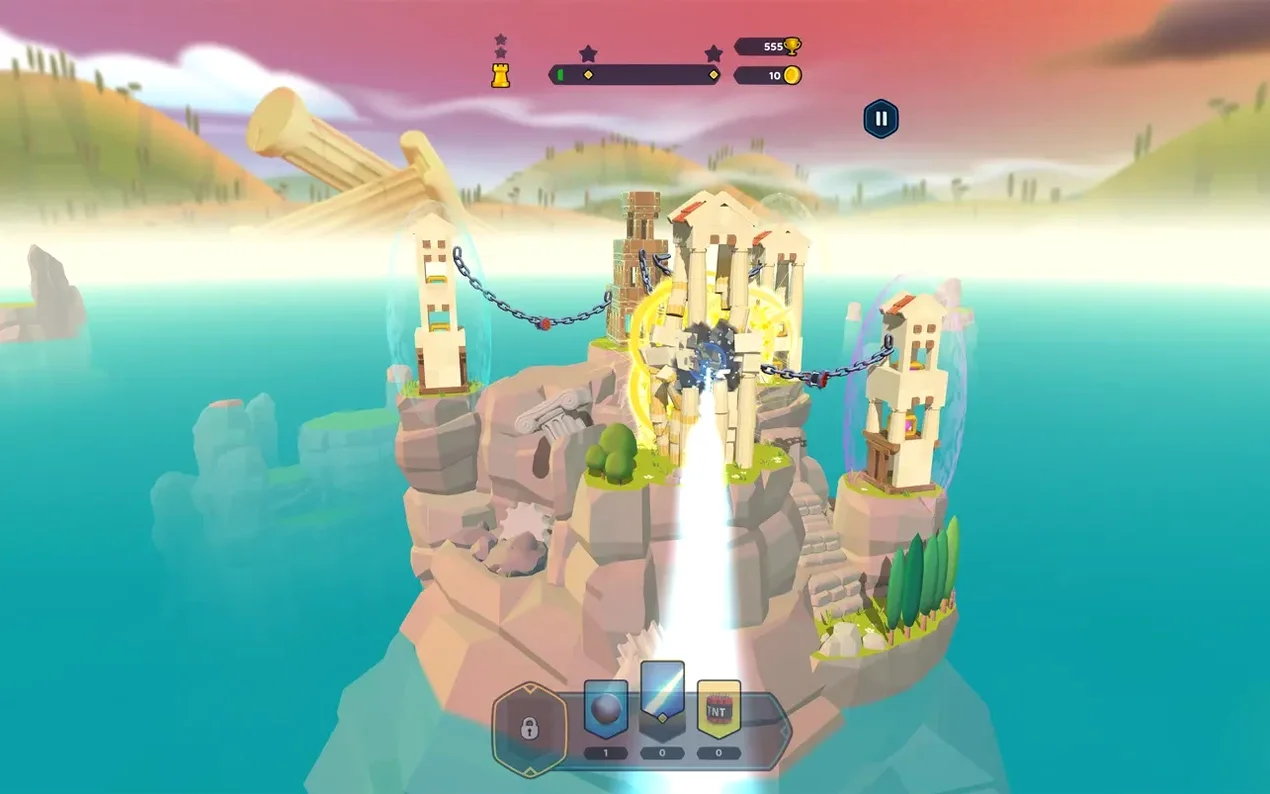
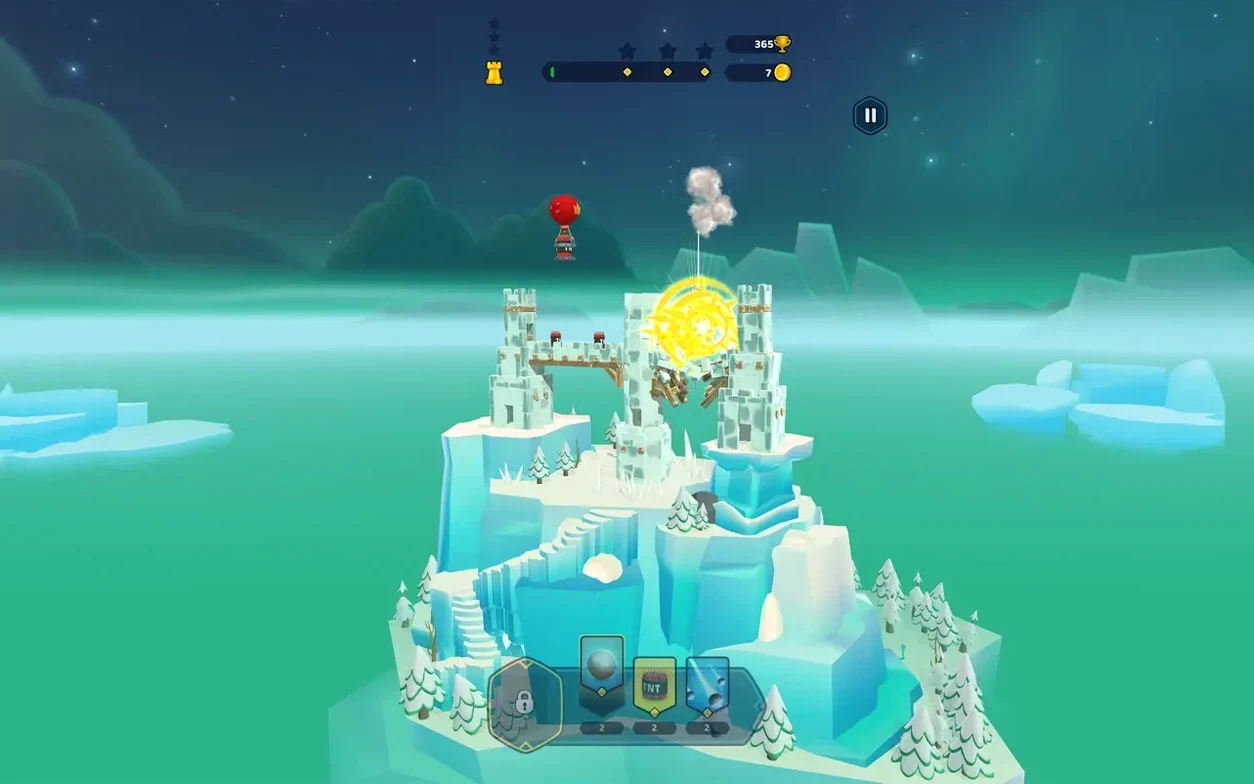
Castle Crumble is for the player who treats a puzzle like a tiny demolition contract. You're not building anything here. Each level hands you a structure—a feudal keep, an Aztec temple, a frozen medieval spire—and a limited set of tools to bring it down. The joy is in finding the single explosive charge or well-aimed spell that turns the whole thing into a chain reaction of tumbling stone.
The physics model does the heavy lifting. Wood splinters, stone blocks slide and topple against each other, and a tower's collapse feels genuinely earned because the simulation, not a scripted animation, decides the outcome. That tactile quality makes a successful hit deeply satisfying, especially on the later kingdoms where fortifications grow complex and your arsenal stays deliberately sparse. A handful of magical abilities—a gravity shift, a spectral blast—add just enough variety without cluttering the premise.
This is a game that thrives in short bursts. Ten minutes on a MacBook Air is enough to clear a few stages, and the straightforward drag-and-release controls don't demand the precision of a mouse. Where it won't land is with anyone looking for narrative momentum or character progression. The kingdoms have distinct visual themes, but they're backdrops, not worlds you inhabit. There's no story tying the conquests together, and the loop—while polished—doesn't evolve dramatically over time. If you need a reason to care beyond the next collapse, Castle Crumble might feel like a well-crafted fidget toy rather than a full meal.
Several small conveniences sit just beneath the surface, and skipping them makes the back half of the game harder than it needs to be. The first is the tap-to-reset gesture: a quick two-finger tap anywhere on the screen instantly restarts the current puzzle without reaching for a menu. On trackpad-driven Macs, it becomes second nature after a few failed attempts. Another is the camera bookmark. Pinching out to a wide view then double-tapping a structural weak point snaps the camera back to that exact spot on your next shot, which proves essential on sprawling Aztec levels where the target zone is a single stone joint three storeys up. The game never surfaces either of these in a tutorial prompt, so plenty of players finish the first kingdom without knowing they exist.
Explosive placement isn't truly freeform—there's a hidden snap grid that activates when you drag a charge near an obvious seam between blocks. Learning to feel for that magnetic tug turns imprecise taps into deliberate sabotage. And on any level involving a swinging counterweight or a braced arch, waiting a full second after the first block shifts before firing a second shot lets the physics simulation propagate stress through the structure, often collapsing a wall that would otherwise shrug off the blast.
Cool, quiet play even on an M1 MacBook Air
A handful of questions come up repeatedly. The game runs natively on both Intel and Apple Silicon Macs without Rosetta, and on an M1 MacBook Air it stays cool even through extended sessions. If you've grabbed a castle crumble mac torrent and the app freezes on the loading screen, the fix is consistently a temporary network disconnect—turn off Wi-Fi, launch the game, then re-enable it once the kingdom map appears. Voice acting isn't something to hunt for in the settings; the soundtrack is the only audio language included, so there's no dialogue to worry about missing. The interface itself supports thirteen written languages, and switching your system language in macOS is enough to change the in-game text without a separate download. Because activation isn't required, moving the app to a different Mac or an external drive works without re-entering credentials, and saved progress lives inside the app bundle, so dragging it to a new machine carries your kingdoms with it.
- macOS 11.0 or later
- Apple Silicon or Intel Mac
Questions from the booth
Yes, the game supports both ARM and x86 64-bit architectures and runs smoothly on an M1 MacBook Air with macOS Sequoia.
A known fix for loading freezes is to temporarily disable your internet connection before launching the app.