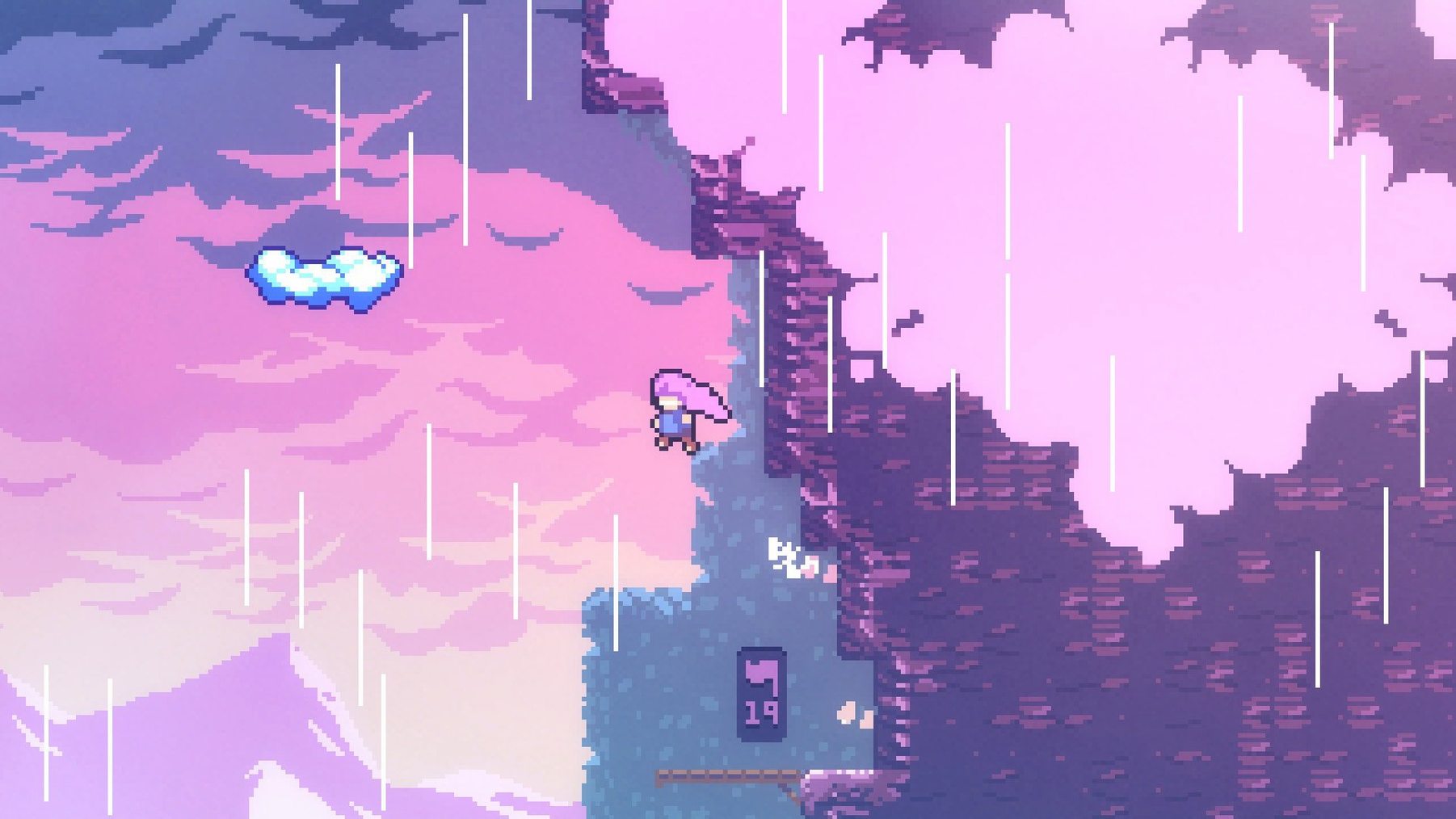
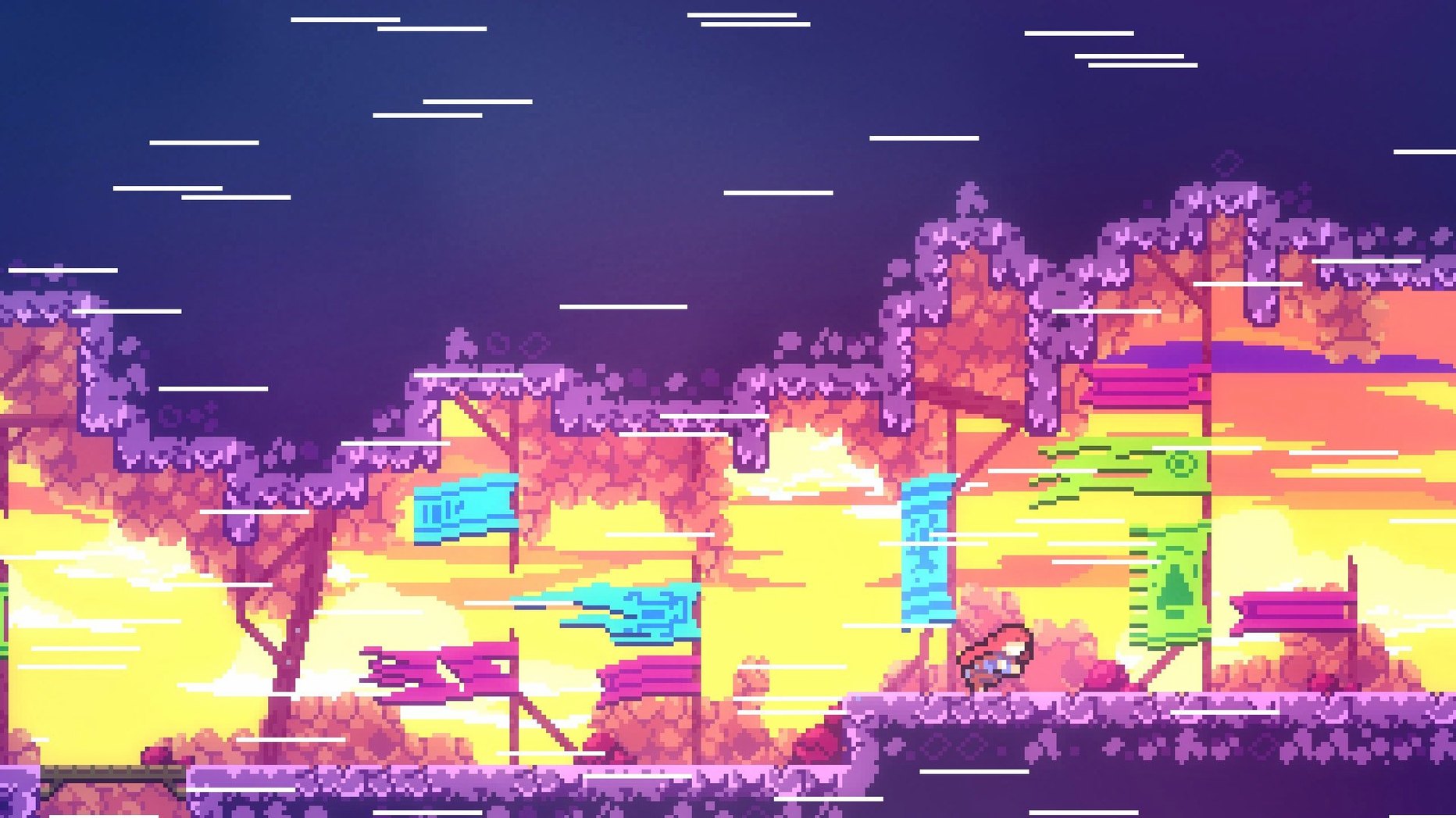
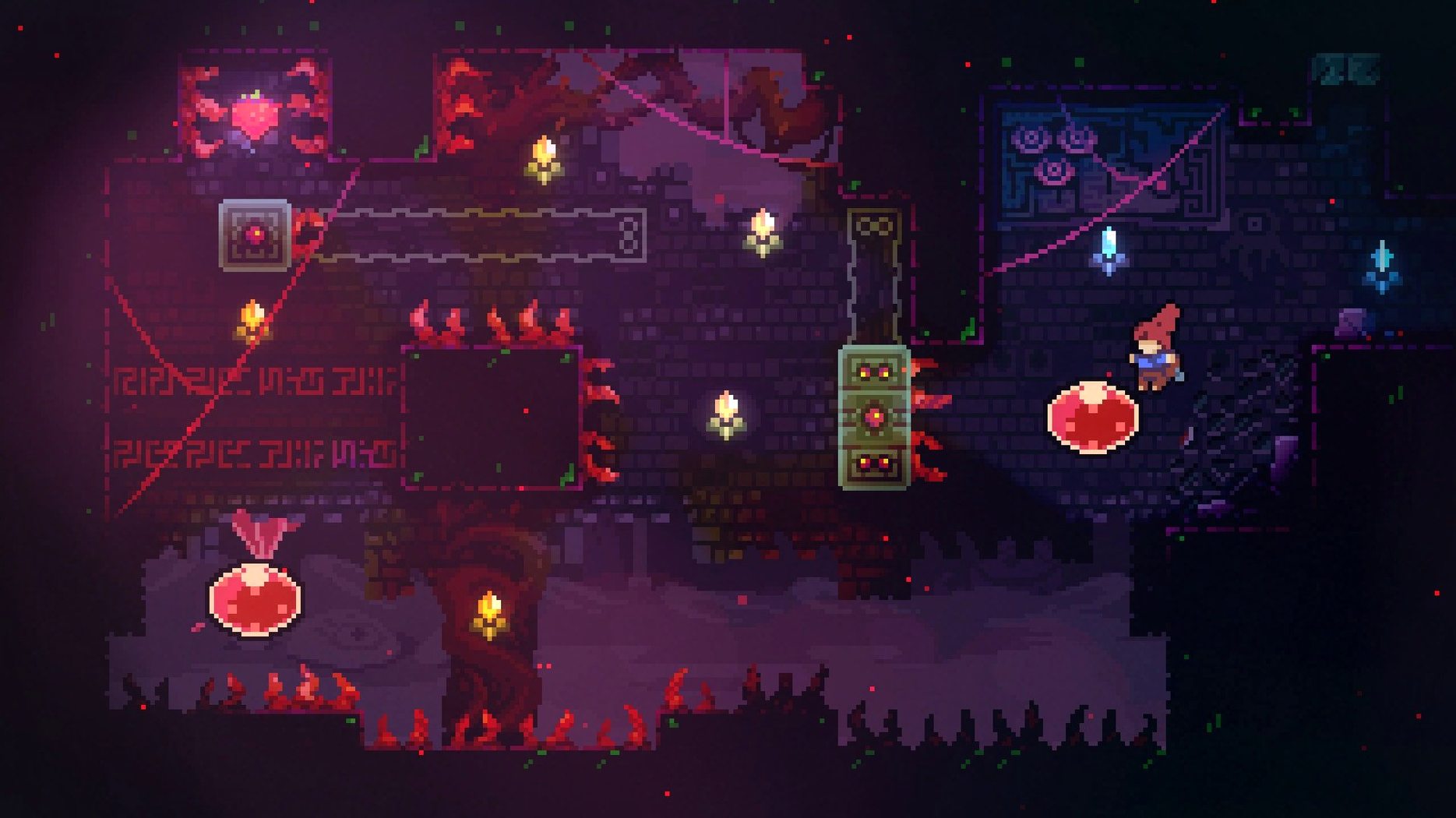
The core of Celeste hasn't changed since 2018 — it remains Madeline's ascent of a mountain that pushes back with the same force she uses against herself. The climb plays out across more than 700 screens, each a compact puzzle of spikes, crumbling ledges and air dashes. Responsive controls make the difference between a clean run and a hundred retries feel like your own doing, not the game's.
Climb through the main story
Madeline's journey to the summit threads platforming gauntlets through conversations with the strangers she meets and the voice she can't outrun.
Return for bonus chapters
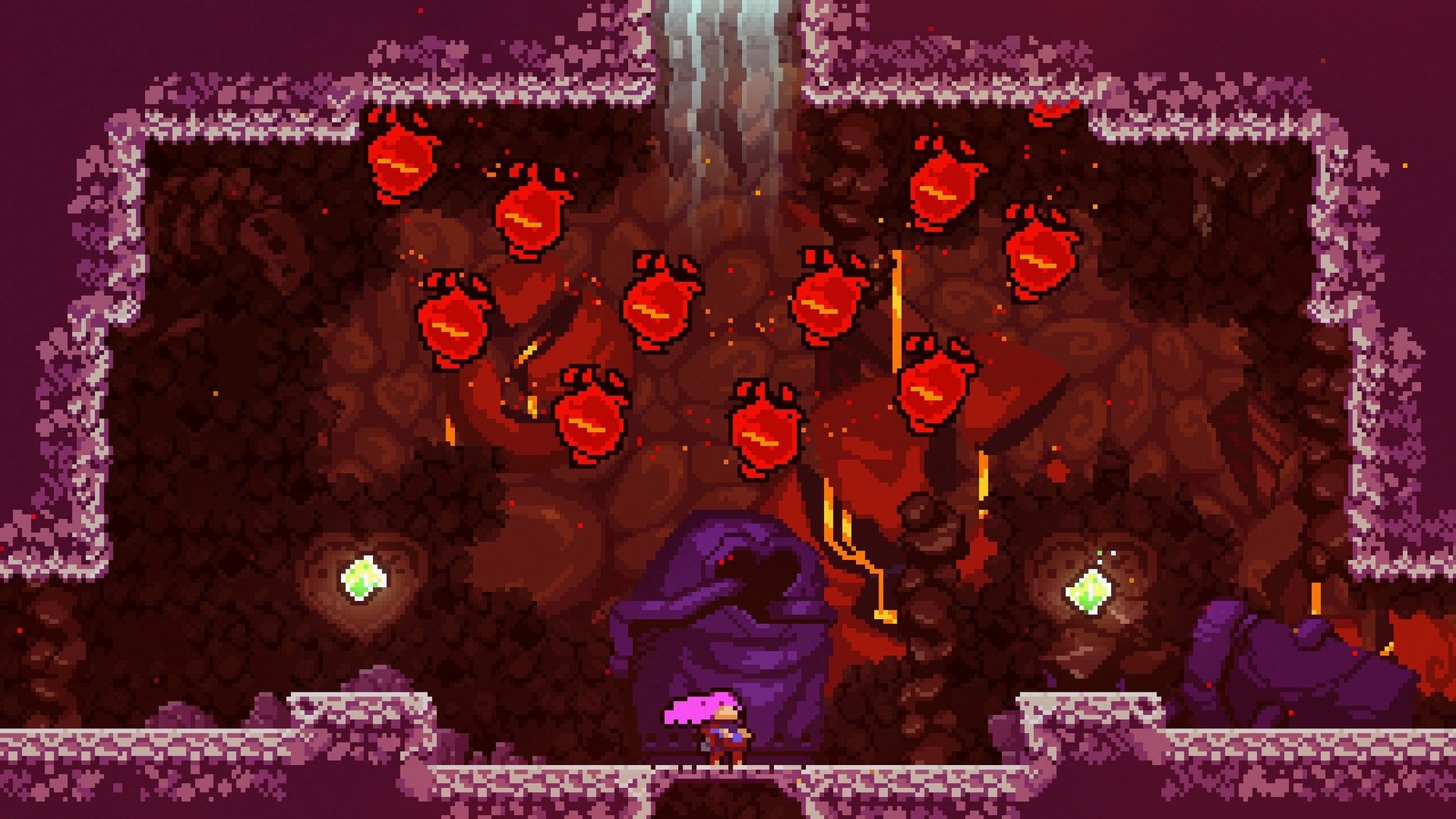
After the credits, the mountain opens sideways — extra chapters that push the mechanics into harder, stranger territory with new music and colder winds.
Let the soundtrack carry the altitude
Give the dash and climb an hour to click
Give the controls an hour before judging them. The dash, climb and jump read as simple on paper, but Celeste's levels are built for a player who is still discovering how those three verbs interact. On a fresh install, I start with the game's own pacing: complete the opening chapter without chasing strawberries, then replay the first few screens to feel how the dash cooldown resets when you touch ground. That single rule — dash refreshes on landing — is the thread that holds the whole climb together.
Keyboard players should keep a US layout active for the first launch, as the game expects it. If you use a non-US layout daily, switching to US before starting prevents keys from landing in the wrong place during that first nervous climb. A controller also works, and some players prefer the analogue stick for the feather sections that arrive later. Either way, the first sessions are less about progress and more about letting your hands learn the rhythm of failure, respawn and immediate retry.
A quiet launch with nothing between you and the mountain
The latest build, 1.4.0.0, is the version that has settled after years of smaller refinements. In ordinary play it is quiet — no launcher, no online checks, nothing between you and the mountain. The game runs on Intel Macs, and on an M1 MacBook Air under Rosetta it holds its frame rate without the fan making itself known. Load times from the Applications folder are short enough that the respawn screen barely registers between attempts, which matters in a game built around hundreds of deaths.
Stability has never been a concern in my time with this build. The game starts, plays and quits without fuss. Memory use stays modest, and background apps don't seem to disturb it. That predictability suits the material: when a run ends, it ends because of your hands, not because the software stuttered. The only recurring quirk is a reminder to use the US keyboard layout at launch — a small thing, but one that can save a controller from being blamed for a jump that never fired.
Where Celeste sits among your other apps
Celeste is a self-contained game, which means it does not need a helper app or a cloud save system to feel complete. It works alongside macOS features without leaning on them: Mission Control stays out of the way, and fullscreen mode behaves as expected. If you record runs or stream, it coexists with QuickTime screen capture and OBS without unusual window or audio handling. The soundtrack sits in the game files, but for listening outside the mountain, the music also lives on the usual audio platforms.
The game's modest footprint means it can stay installed indefinitely without asking for attention. That makes it a good companion for the gaps between larger projects — a ten-minute run before editing, a chapter after a long render. Some players go looking for a celeste free download mac package to keep the game on a second machine, and the game's no-activation design means moving it between Macs is simply a matter of copying the app. There is no account to sign into, no storefront to authenticate against, and no online requirement to trip over when the Wi-Fi drops. For a game about being alone with your failures, that independence feels right.
Two hours of original music shift from snow-quiet piano to driving synth lines as the air thins and the challenges stack higher.
- macOS (Intel, 64-bit)
Questions from the booth
The game includes Russian, English, German, Spanish, Italian, Simplified Chinese, Portuguese, French and Japanese interface text.