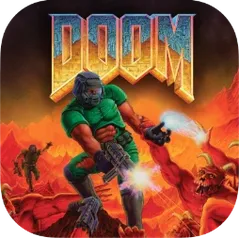
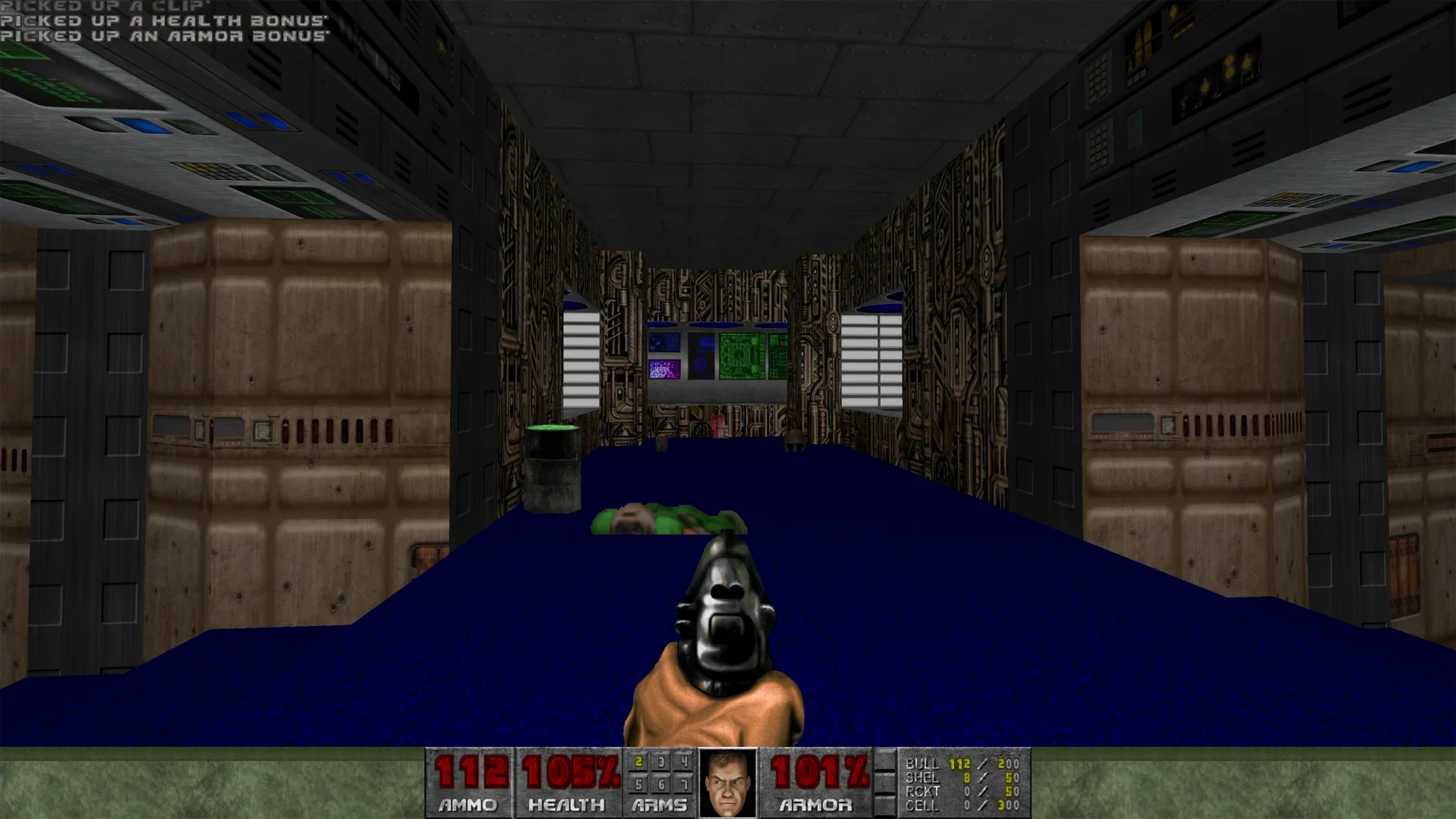
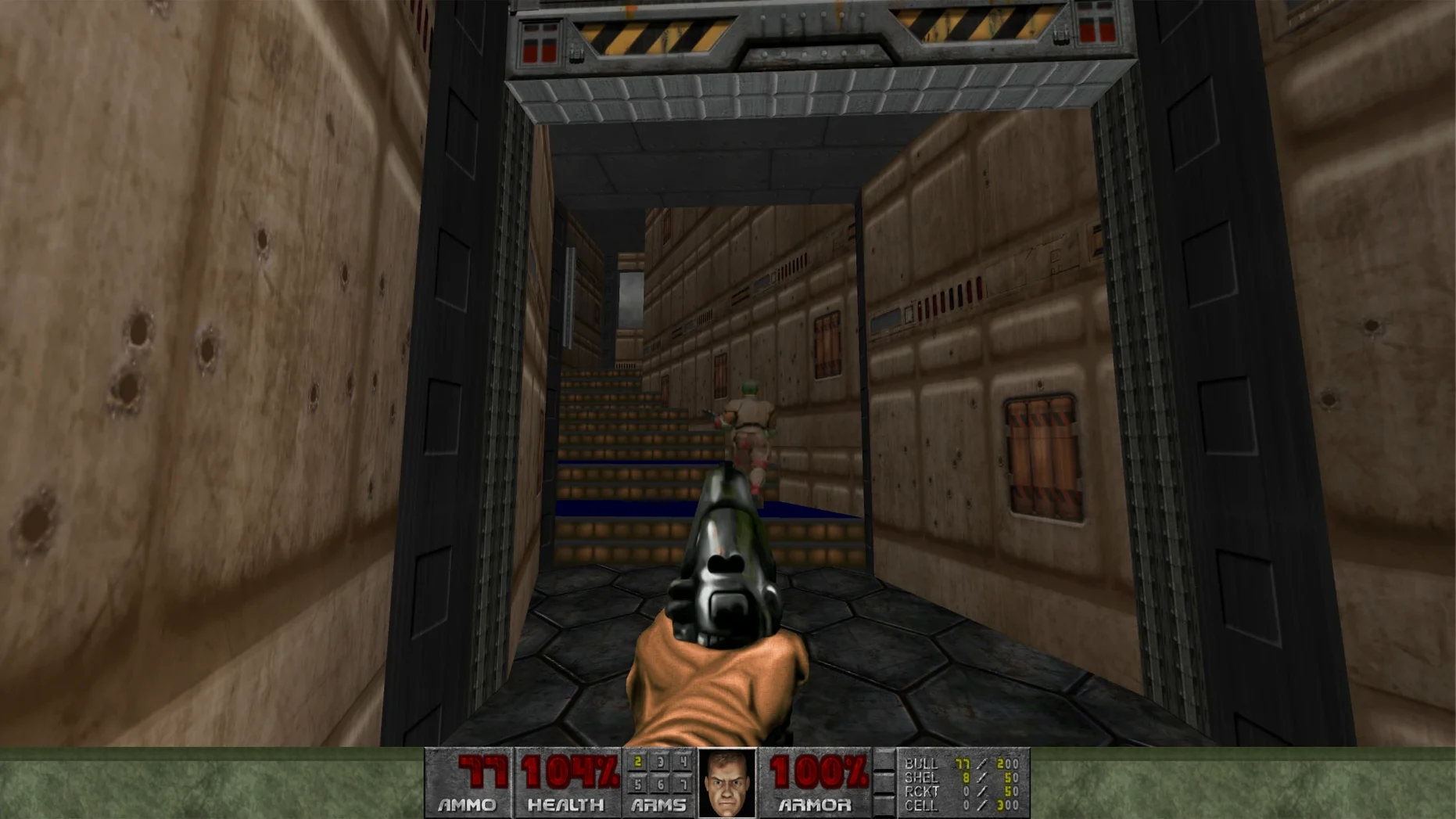
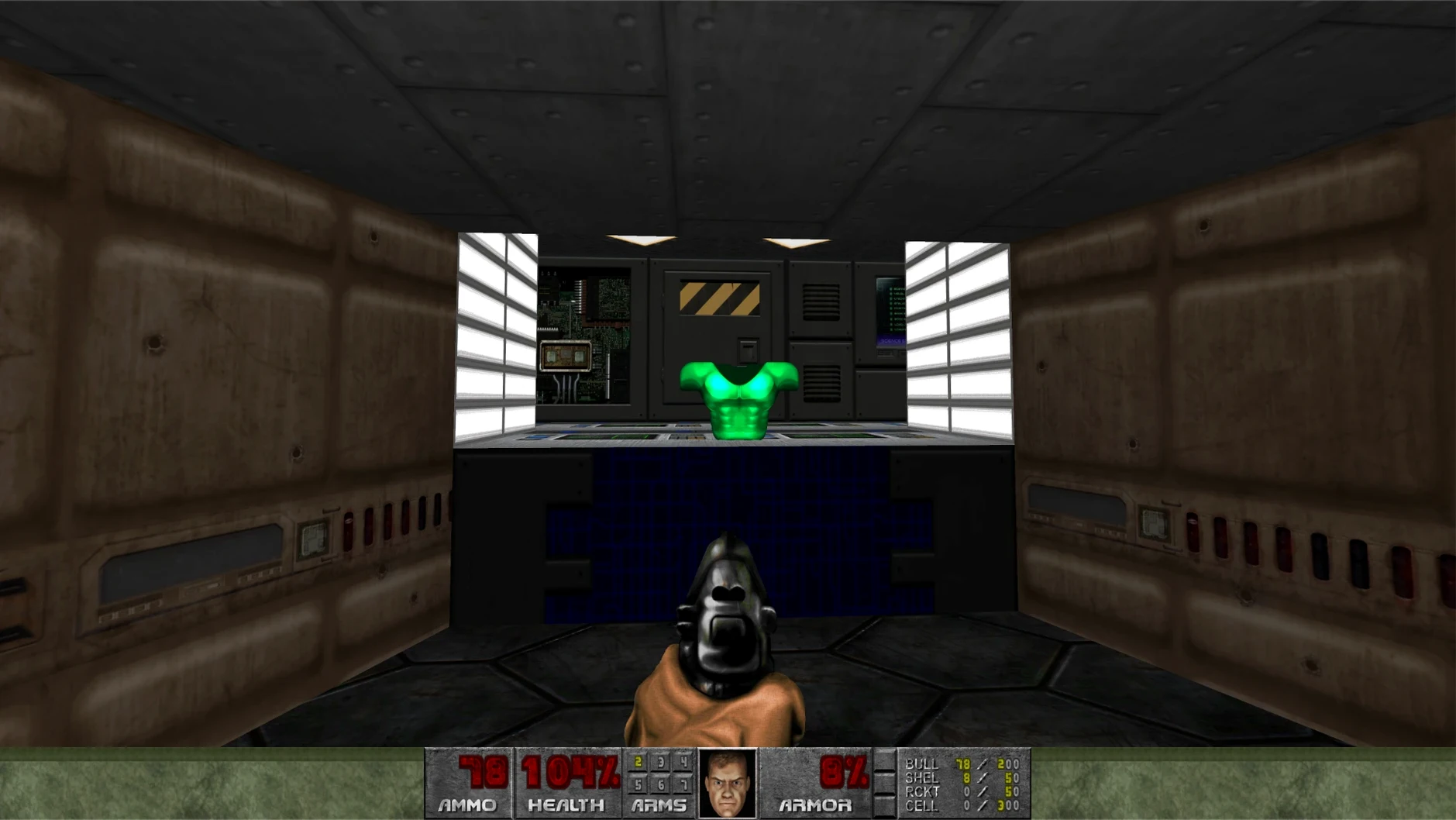
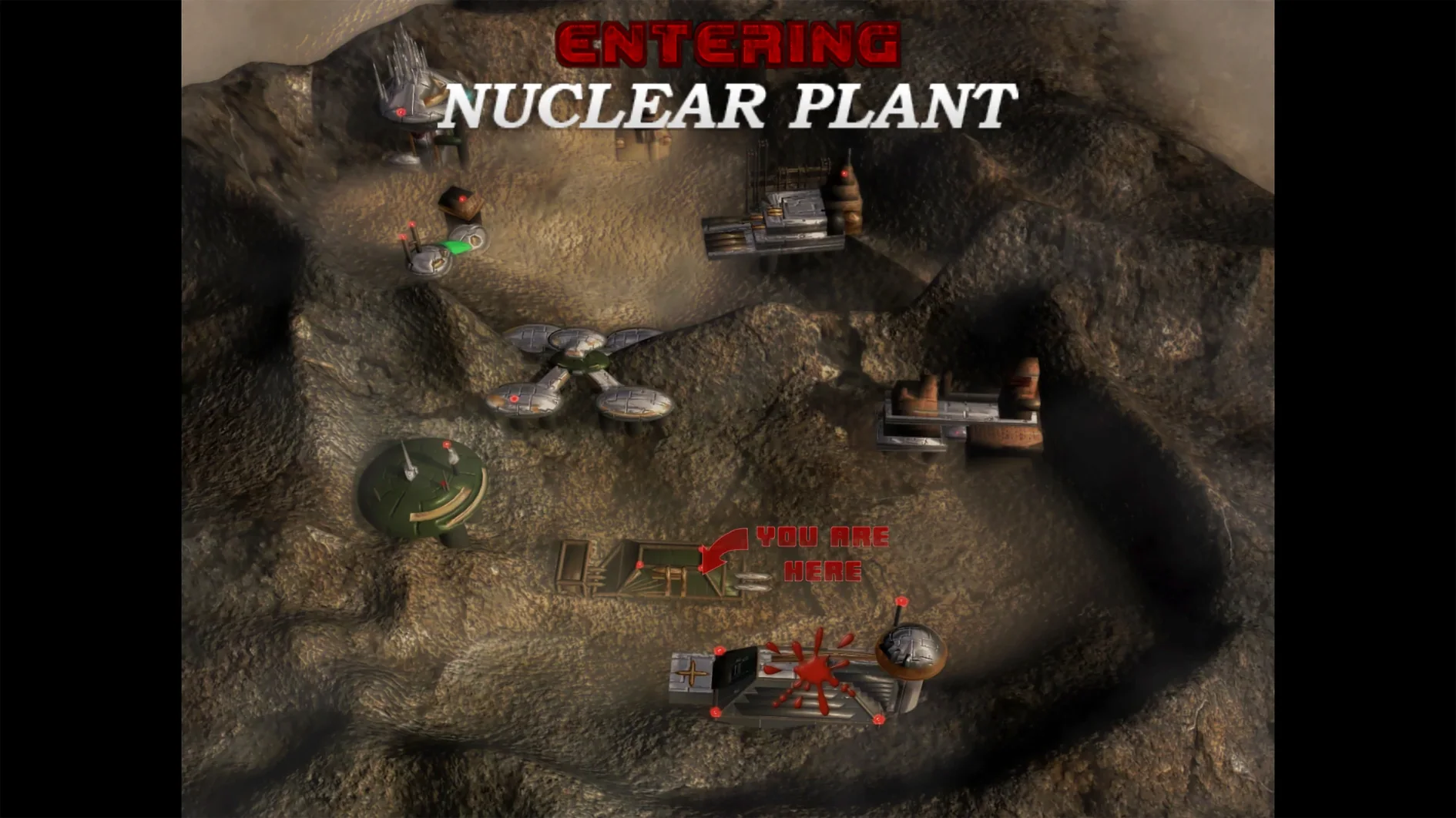
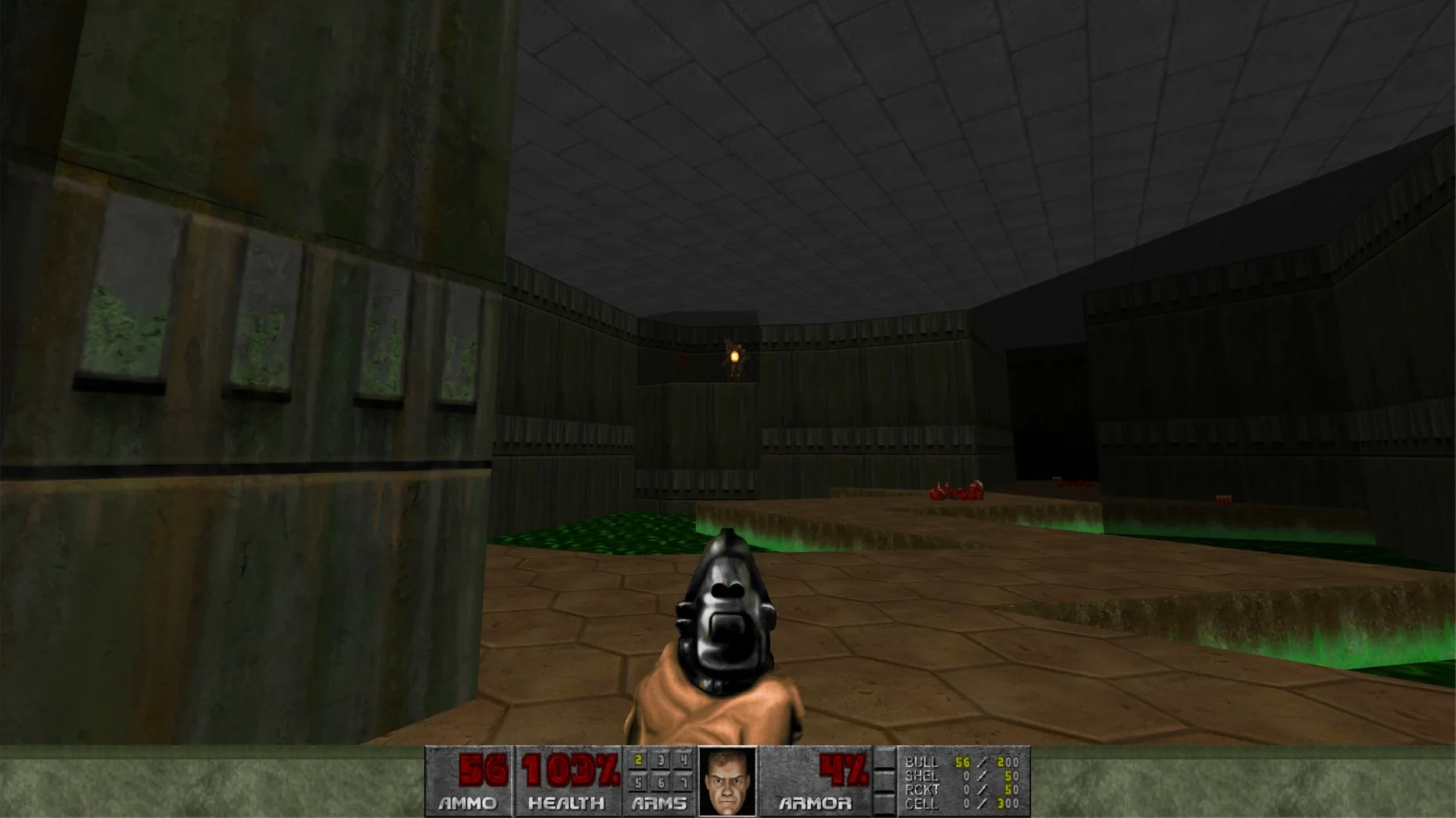
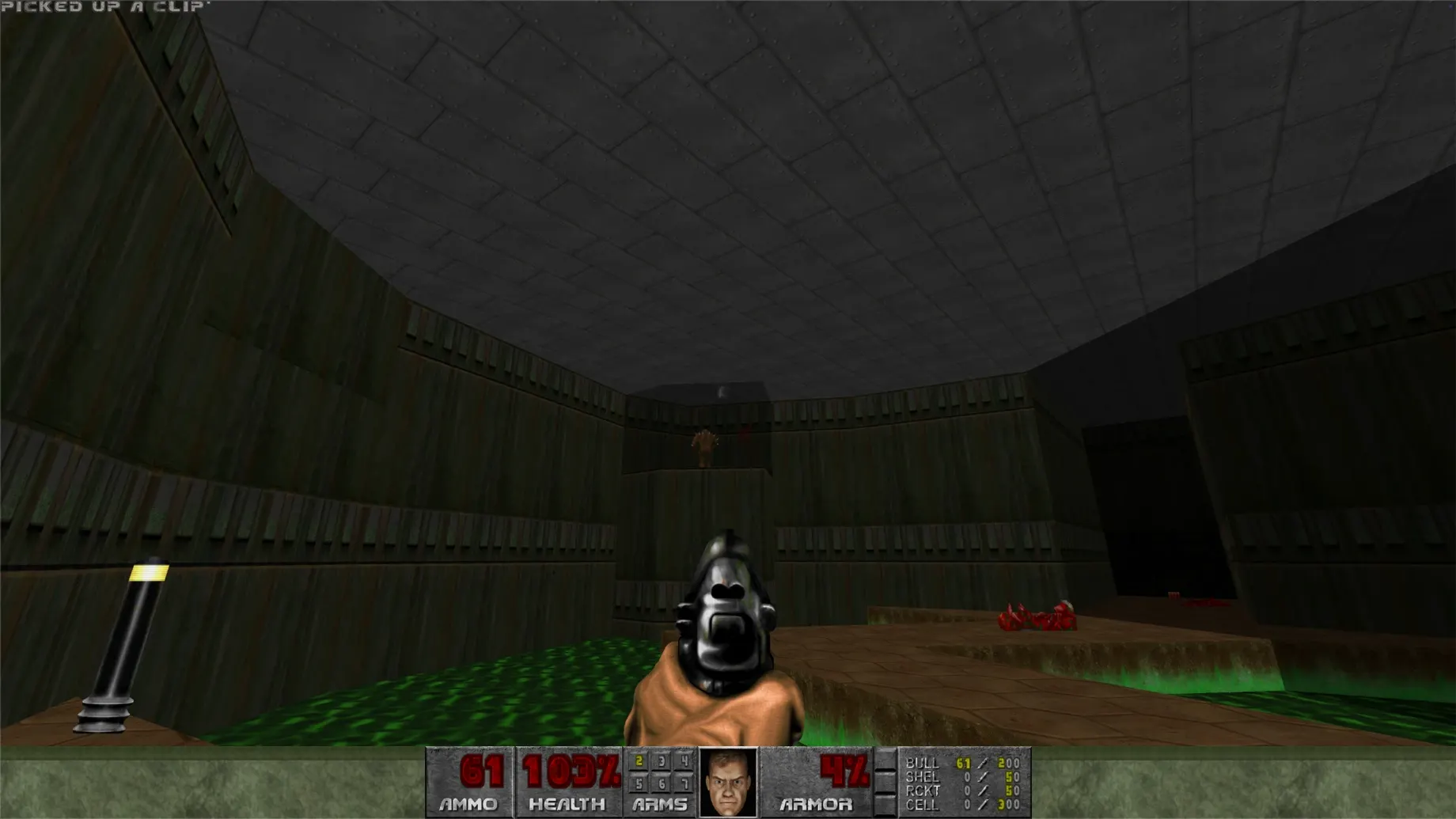
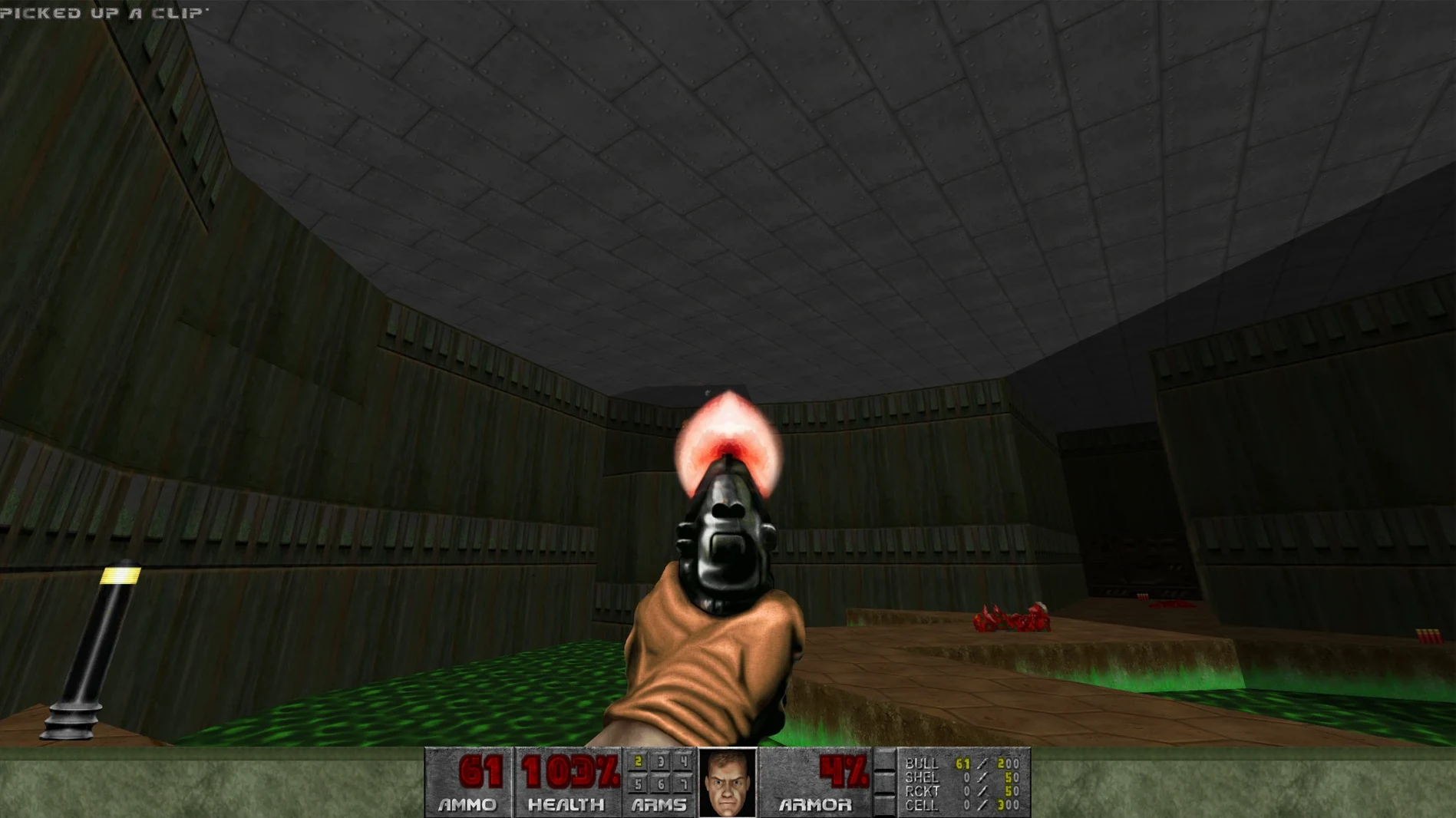
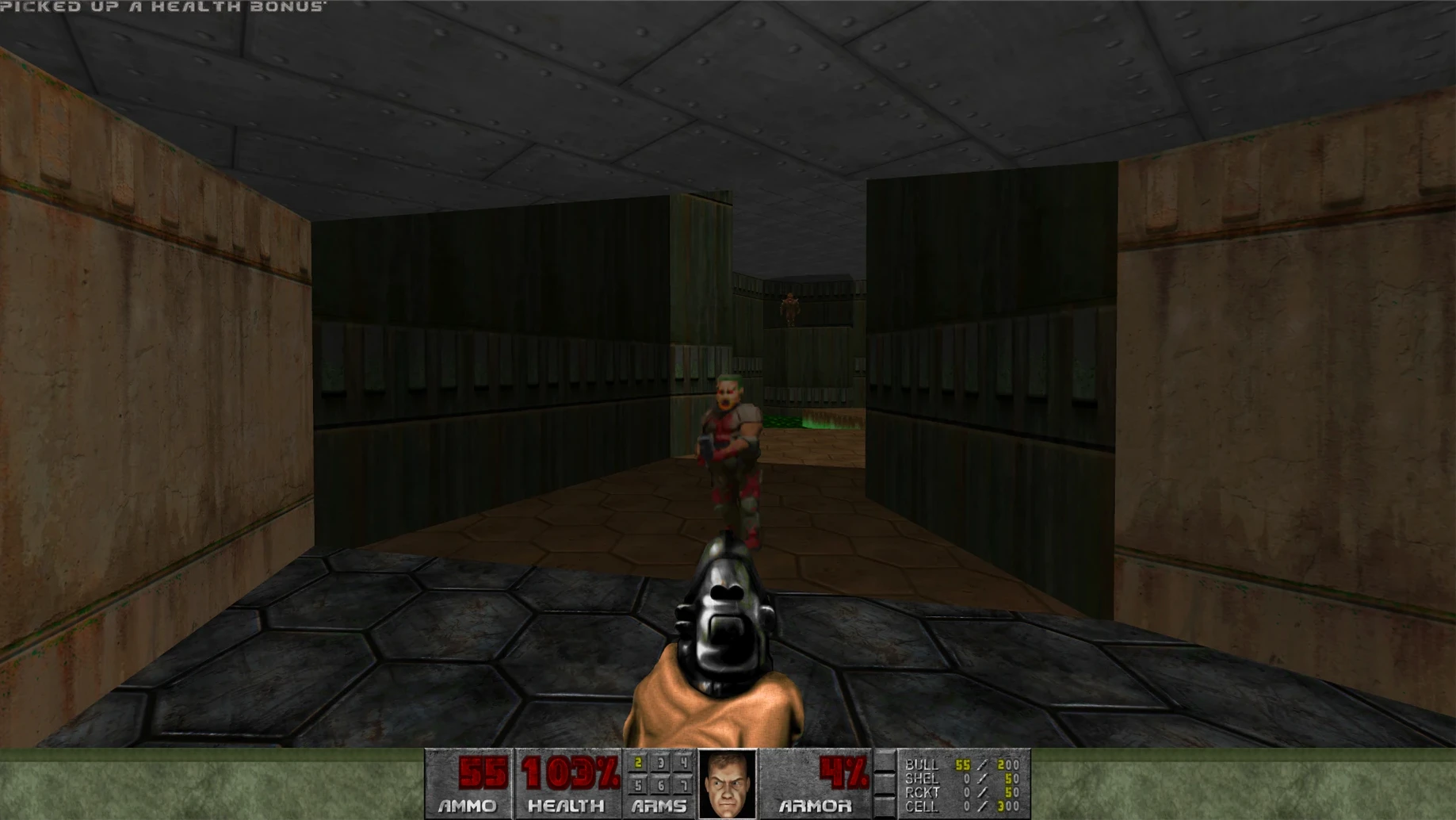
Twelve interface languages ship in the build, from Russian and Japanese to Latin American Spanish. The package contains exactly two full campaigns: the original DOOM and DOOM II, bundled as a single launcher that runs natively on Apple Silicon. No separate executables, no launcher to pick—the menu simply lists both episodes side by side.
Two full campaigns, every secret level, and the entire bestiary
- The campaigns. Knee-Deep in the Dead through Thy Flesh Consumed, plus the Hell on Earth arc from the sequel. The combined product includes every secret level, every par time, and the full bestiary from both titles.
- The arsenal. Pistol, shotgun, chaingun, rocket launcher, plasma rifle, BFG 9000, and the chainsaw. The super shotgun from DOOM II joins the lineup when you switch to that campaign.
- The soundtrack. Bobby Prince's MIDI-inspired score plays throughout, keyed to the action the same way it was in 1993.
- The mod slot. Inside the app bundle, a dedicated Mods folder waits at
DOOM.app/Contents/Resources/KS Games/DOOM/Mods. Drop a WAD or PK3 in there and the game loads it on the next launch. Beware one quirk: mod names starting with digits load before alphabetically named ones. - The save system. Progress writes to the Saves folder nested inside the same app bundle structure. If you're migrating from another machine, that's the folder to grab.
That's the box. No storefront overlay, no online authentication, no launcher wrapping the launcher. Just the two games, their soundtracks, and a folder that stays open for whatever the community builds next.
GZDoom brings hardware rendering, dynamic lights, and deep mod support
On the Mac, older shooters tend to arrive through source ports, and DOOM is no exception. GZDoom is the heavyweight—it brings hardware-accelerated rendering, dynamic lights, freelook, and a scripting layer that supports some of the most ambitious mods ever written. Chocolate Doom sits at the opposite end: pixel-perfect to the original DOS executable, down to the 35 fps tick rate and the software renderer's column-based drawing. What this build offers is something simpler and narrower. It runs on Apple Silicon without a compatibility layer, asks for no setup, and gives you both campaigns from one icon. You lose the visual enhancements and the mod flexibility of GZDoom, and you lose Chocolate Doom's obsessive accuracy. What you gain is a launcher you double-click and play, no INI files touched.
A standalone folder-friendly release for offline nights
People who keep a folder of standalone games on their Mac—titles that don't phone home, don't update themselves, and don't appear in a library with a friends list attached—will recognise the shape of this release instantly. It suits nights when you want twenty minutes of strafing through E1M3 without configuring a source port first. LAN party hosts get an easy answer: copy one app bundle to each machine and the multiplayer tab just works. Players from regions where Russian, Korean, or Simplified Chinese localisation matters will notice the menu translations immediately, because many community ports leave that work to external patches.
Quarantine flag blocks launch until you run the included Fix file
The most common one is launching the game and seeing a security error because the quarantine flag from the downloaded disk image was never cleared. The disk image includes a Fix file that handles this in one click, but plenty of people skip reading the folder and end up searching for DOOM for Mac cracked to find a build where this step has already been handled. Another early stumble: dragging mods directly into the app bundle without checking the load order. If your gameplay mod loads before your map set, the game will start on a vanilla level and nothing will look different. Renaming the map WAD so it begins with digits—01_Sunlust.wad, for example—forces it to the front of the queue. The third misstep is forgetting that the Saves folder lives inside the app bundle, not in Documents or Application Support. When people delete the app to reinstall, they delete their progress with it. Copy that folder out first.
- macOS (exact version not specified by the developer)
- Apple Silicon architecture
Questions from the booth
The combined product contains the original DOOM and DOOM II, both accessible from a single launcher menu.
Place WAD or PK3 files inside DOOM.app/Contents/Resources/KS Games/DOOM/Mods. Note that mod names starting with digits load before others.
The interface is available in Russian, English, German, Spanish, Italian, Traditional Chinese, Simplified Chinese, Korean, Portuguese, French, and Japanese.