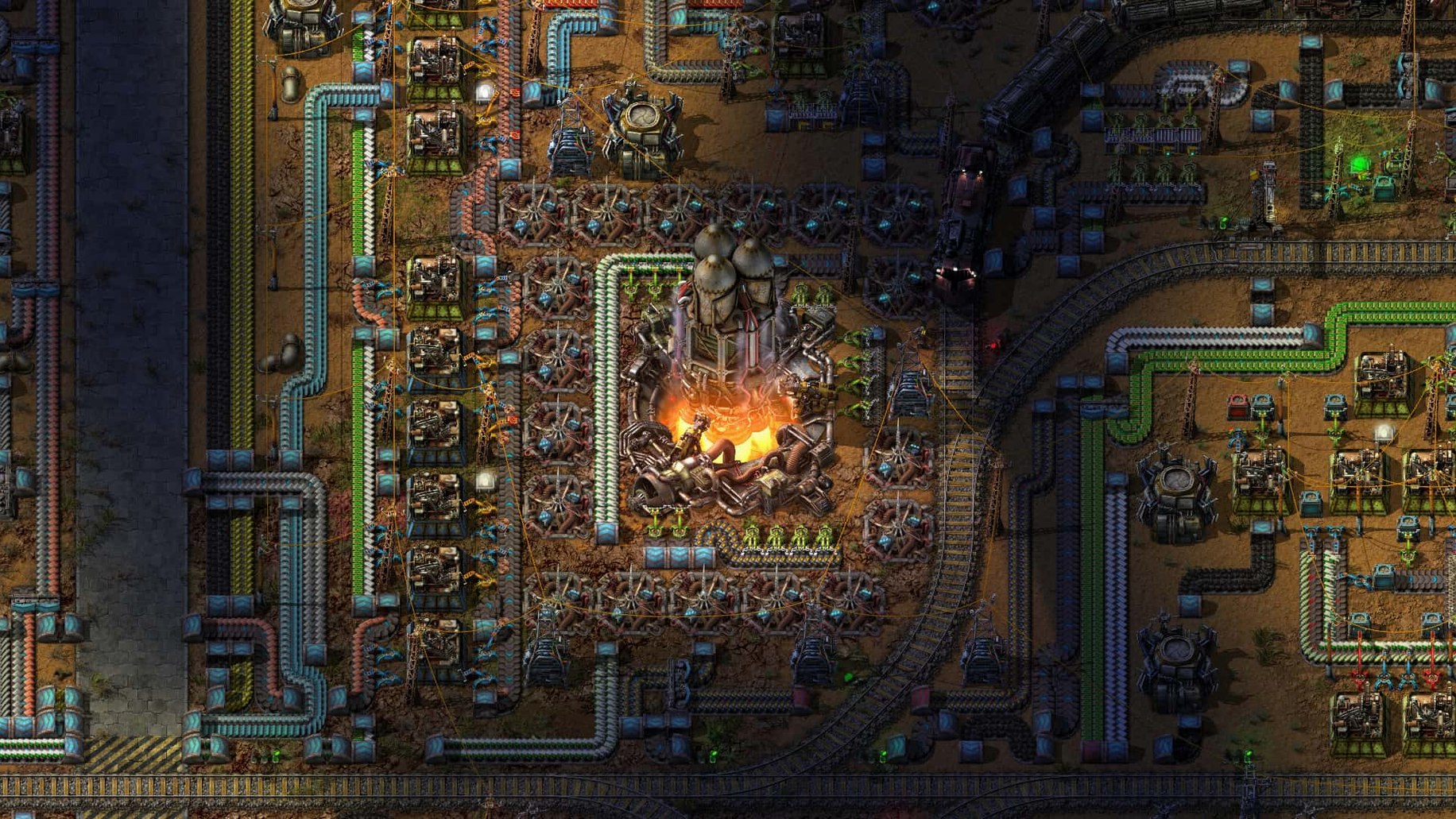
One assembler, fed by six inserters, spitting gears onto a belt that snakes past a stone furnace—this is where the first hour ends and the obsession begins.
Mining — You start with a pickaxe and a patch of coal. You hold the mouse button over the ore, watch the bar fill, and know this cannot last. The first burner drill is a promise that it won't.
Crafting by hand — Copper wire becomes electronic circuits. Iron plates become gears. You open your inventory and queue up twenty things at once, listening to the soft click-whir of the crafting timer while you walk.
Placing the first transport belt — A line of moving arrows appears on the ground. Ore slides along it without you. You stand still for a moment, watching resources move by themselves, and the nature of the game shifts.
Researching — You feed science packs into a lab and wait, staring at a tech tree that unfolds like a promise. Logistics, automation, military—each one a new toy that will demand three more factories to build.
Expanding into spaghetti — Belts cross over belts. Inserters grab from both sides. You have no idea what you were thinking three hours ago, but the factory hums and spits out the right number of green circuits, so you leave it alone.
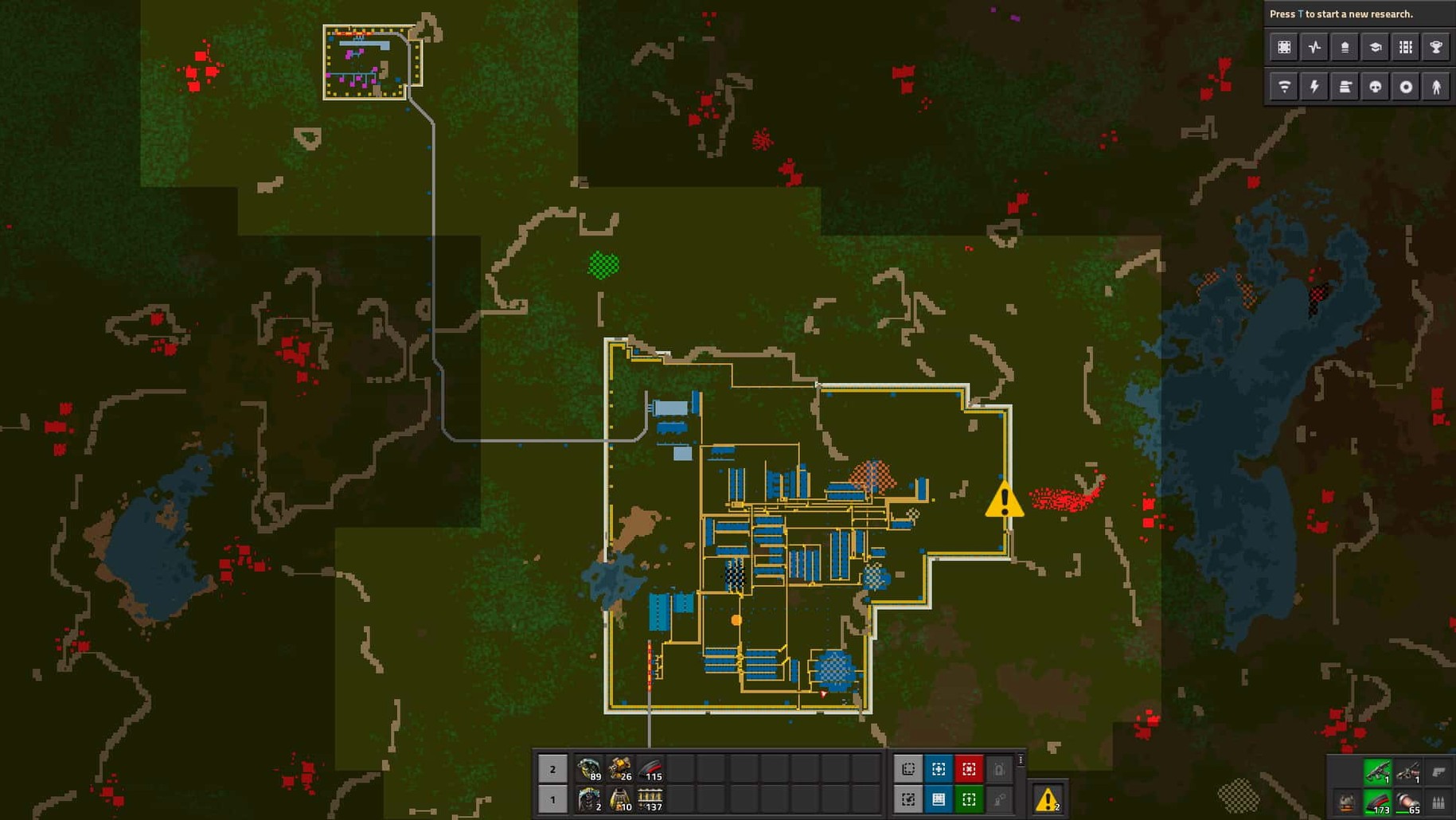
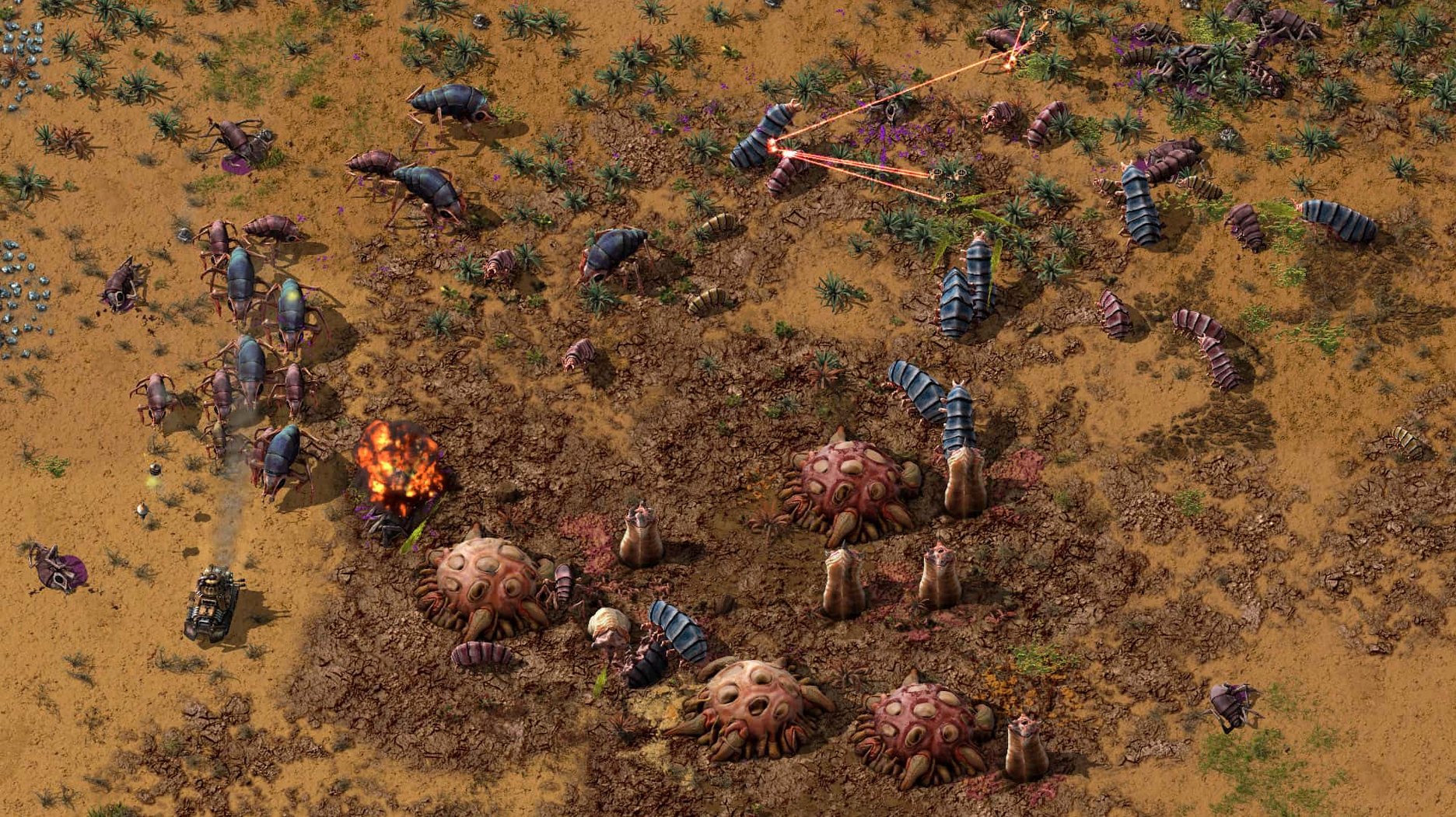
Fighting biters — The pollution cloud reaches a nest, and the map blinks red. You grab a submachine gun and some turrets, and the factory pauses while you deal with the cost of progress.
How the Mac factory-builder field splits
Put Factorio next to Shapez 2 and the difference is pressure. Shapez 2 strips away enemies, pollution, and resource scarcity, leaving a clean abstract puzzle about cutting and painting shapes. It is meditative in a way Factorio never is. Factorio keeps a low growl of danger under the logistics: biters at the edge of the map, a coal patch running thin, a turret line you forgot to resupply. Shapez 2 asks whether your belt layout is elegant. Factorio asks whether it survives the night.
Beside Dyson Sphere Program, Factorio feels flat and fast. Dyson Sphere Program trades the 2D plane for star systems and orbital swarms, and that verticality is genuinely lovely—but the Mac version asks for more from the GPU, and the scale can feel like a second job. Factorio runs on modest hardware and lets the complexity come from your own decisions, not from rendering a solar sail cloud. A player who wants spectacle will drift toward Dyson Sphere Program. A player who wants a factory that behaves exactly as they designed it, tick by tick, tends to stay with Factorio.
There is also Mindustry, which borrows the belt-and-turret loop and adds tower-defense waves. It is a fine thing on a laptop, but the map sizes and mod ecosystem are smaller. If you have ever typed Factorio Mac torrent into a search bar and ended up reading forum threads about inserter timing, you belong to the group that finds Mindustry a pleasant snack and Factorio a full meal.
Finder-folder labelers find their flow state in sprawling assembly lines
Mac users with engineering-shaped minds take to it fastest. The kind of person who labels their Finder folders, who has a note with keyboard shortcuts for Everything, who once spent an evening writing an Automator workflow to rename screenshots—they find Factorio's logic comfortable. The game rewards the same patience as a well-kept spreadsheet, minus the spreadsheet.
Co-op players get a different gift. Factorio's multiplayer on Mac feels like a shared workbench. One player runs the rails, another hunts for oil, a third designs the circuit network, and the map becomes an argument settled by belts instead of words. The latency holds up well on a local network, and a friend on an older Intel Mac can still keep pace with someone on an M-series machine.
Mod creators and tinkerers form the third group. Because the game is DRM-free and supports mods without fuss, the ~/Library/Application Support/factorio/mods folder becomes a sandbox you actually enjoy opening. Lua scripts for new recipes, tweaked inserter behaviour, a mod that adds rain—people build these because the game invites it.
Run a belt from the nearest coal patch before you even think about steam
Pick a coal patch early. New players often build their first steam setup beside the nearest iron, then wonder why the lights go out. Coal is the spine of the first ten hours. Run a belt from it before you think about science packs.
Turn off the biters for the first world. This is not cheating; it is learning to walk indoors. The factory's own complexity is enough of an enemy while you learn how inserters face and why splitters hate you.
Keep the map open while you build. Press M and leave it up on a second monitor if you have one. Watching the pollution cloud spread teaches you when the biters will come long before the alarm.
Give the game one long evening. A two-hour session teaches more than six short ones, because the mistakes from hour one are what you fix in hour two. That loop is the game.
Shared coal-and-iron belt deadlocks when a furnace fills with the wrong material
The first common one is a deadlock at the furnaces. You feed coal and iron on one belt, and somehow the line stops. Count the lanes: if coal and iron share a belt, and a furnace fills with iron, the coal backs up behind it and everything freezes. Fix it with separate belts, or a splitter filter. The same rule applies to every shared lane you build later.
Second snag: inserters not picking from a full belt. The belt looks full, the inserter waves its arm, nothing moves. The item on the belt is usually the wrong one, sitting in the wrong lane. Hover over the belt to read the contents. If a stray copper plate is blocking an iron lane, pick it up by hand and move on.
Third: a crash when creating a loader with stack size override. This was fixed in 2.0.77, along with a few related crashes involving entities killed without a source. If you run an older copy and hit one of these, updating solves it. The same build fixed cargo pod clipping and inserter deadlocks, so a fresh install clears several old ghosts at once.
Fourth: mods not loading after you drop them in the folder. The game reads ~/Library/Application Support/factorio/mods at launch, not while running. Quit fully, restart, and check the in-game mod list. Sometimes a mod is written for the other architecture of the game, but the current build handles both ARM and Intel without complaint, so the fix is usually just a restart.
Fifth: you typed factorio download mac or Factorio macOS torrent and found a build that needs a little setup to run smoothly. A clean install from the disk image sorts most of it: open the .dmg, drag Factorio to Applications, and launch from there. Running it from the mounted disk image sometimes causes odd permission problems on macOS; running from the Applications folder does not.
- macOS (Apple Silicon and Intel 64‑bit, native)
Questions from the booth
Yes, the game includes full multiplayer support so you can build a sprawling factory with friends or strangers in the same endless 2D world.