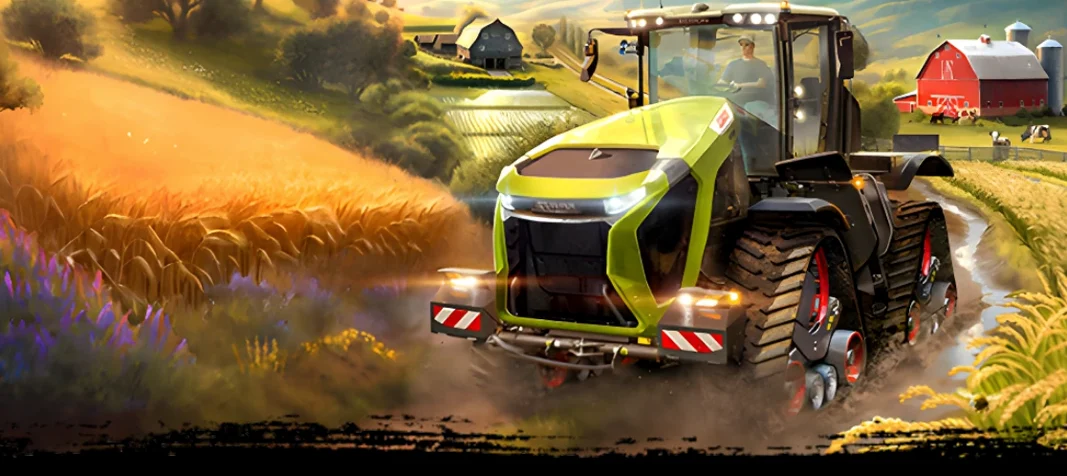
Sometimes you need a game that doesn't demand perfect timing or lightning reflexes — just a quiet place to build something. Farmside slips into that space. It's a farming simulation where the real goal isn't profit but the slow satisfaction of shaping a neglected plot into a working homestead, one harvest at a time.
Getting your farm started on Mac
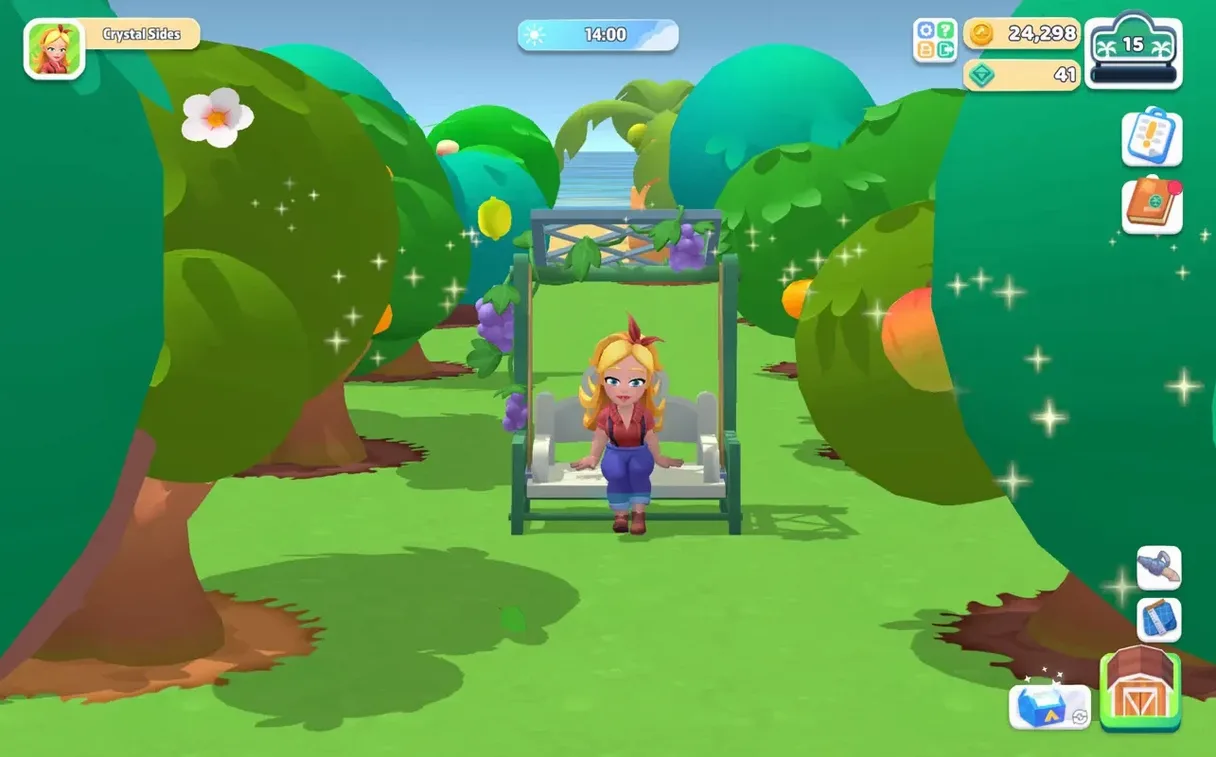
- Set your look. Before the first seed hits the soil, you can change your character's appearance and clothing. It's a small thing, but the kind of detail that makes the farm feel like yours from the outset.
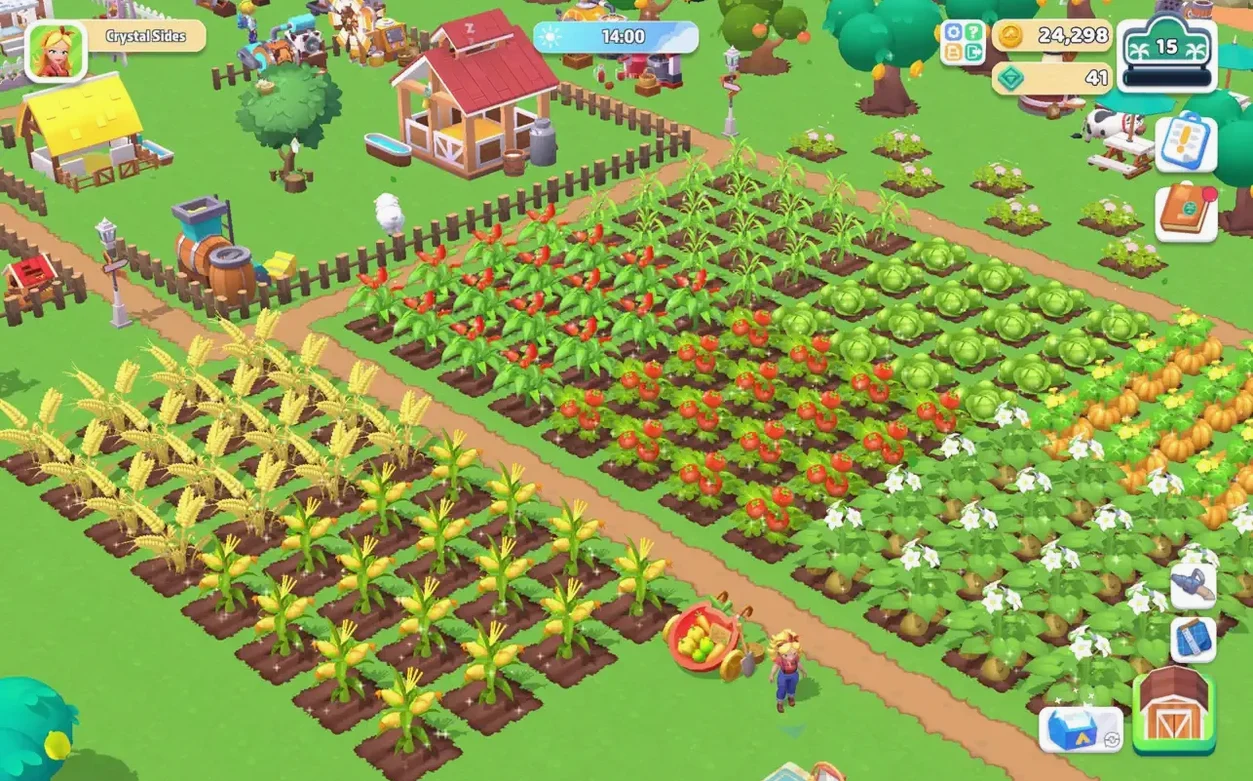
- Clear and plant. The early rhythm is simple: clear debris, till the soil, plant crops. The game runs smoothly on an M1 MacBook Air under macOS Sequoia, with no noticeable fan noise or stutter during long planting sessions.
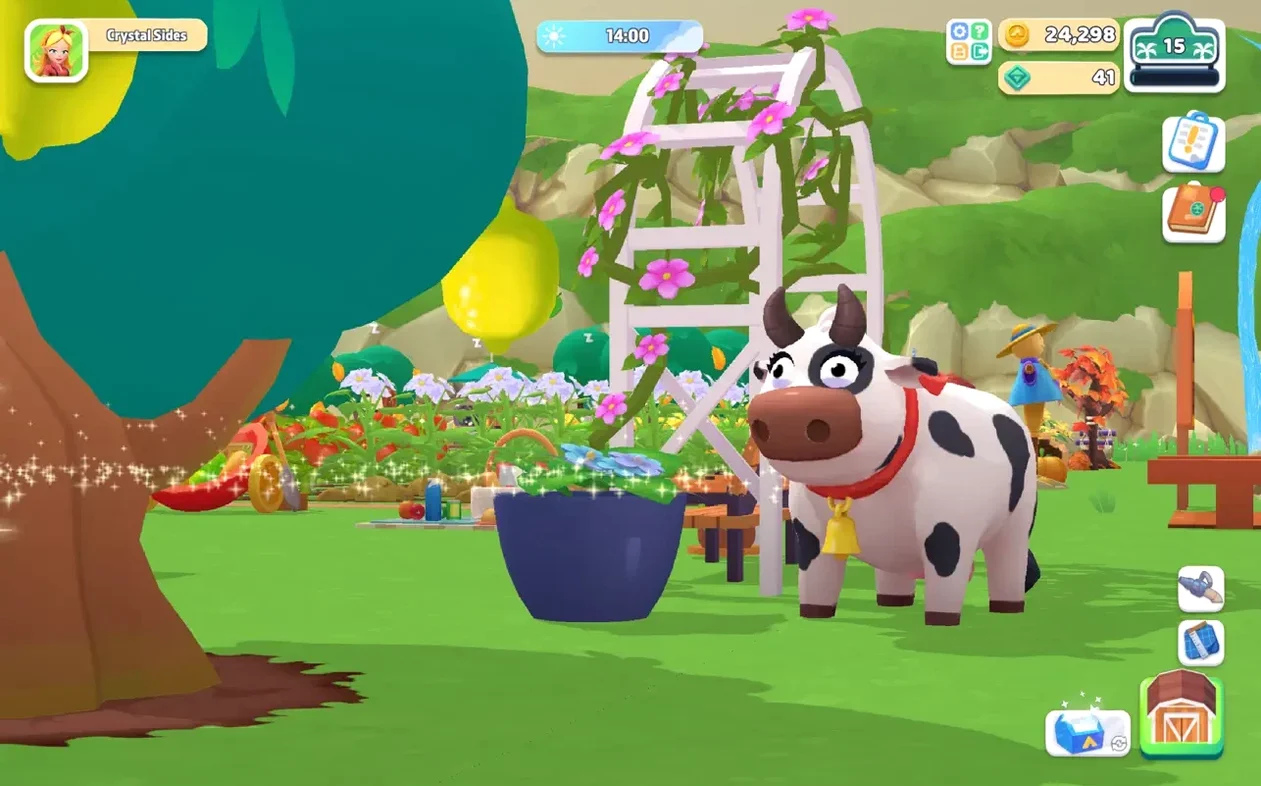
- Bring in the animals. Chickens come first, then cows and others. They need feeding and care, and they give the farm a lived-in sense of sound and movement.
- Fulfil orders. Local residents ask for specific produce. Completing these requests is how you earn currency and unlock hundreds of decorative items — paths to lay, stickers to recolour your barn and house, and small flourishes that reward steady play.
- Shape the layout. With paths unlocked, the farm gains structure. Where you place the coop, the fields, the decorations — these decisions turn a functional grid into a place with personality.
The game supports both Apple Silicon and 64-bit Intel Macs, and the interface is localized into thirteen languages including English, French, Japanese, and Arabic. Performance on integrated graphics is consistent, with no frame drops during weather changes or busy animal pens.
When you first arrive, the camera swings over a tired beach farm with weeds in every direction and a single tool in hand. The instinct is to start planting everywhere, but a little early restraint pays off. I like to set aside the first twenty minutes just for layout: clear a rectangular patch near the house, line it with the cheapest fence you can afford, and keep your first three chickens inside. Without fencing, they wander into crops and block your taps when you're trying to water. It's a small friction that adds up over a morning of chores.
The real rhythm emerges in the first hour. Wake up, water, feed the hens, harvest what's ripe, then run over to Dunn's shop for seeds — carrots and wheat are reliable early sellers for the first few orders. By day three or four you've got enough coin to place a lamp or two, and that's when the farm stops feeling temporary. Automatic lamps click on at dusk without any input, so you can keep working into the night without squinting at dark soil. I always put one by the coop and another at the patch edge closest to the house.
Turn off auto-equip so your tools stop swapping against your will
There isn't a dense options menu here, but two tweaks shaped my play more than I expected. First, turn off the auto-equip behaviour for tools — the game defaults to swapping items based on what you're near, and it leads to accidentally scything crops you meant to water. Second, if you're on a trackpad, lower the camera sensitivity a notch. The default pan speed fights you during precise placement of fences and paths, and you'll feel the difference immediately when lining up a row of apple trees.
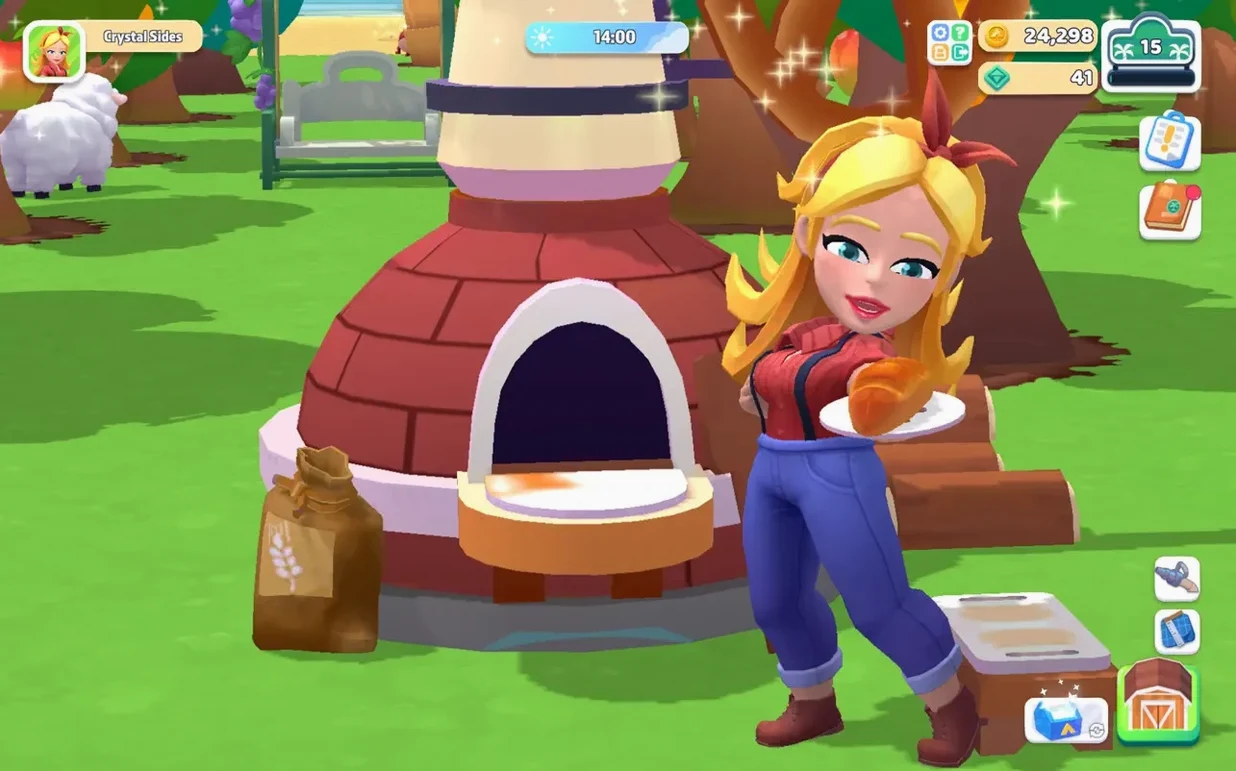
Once the orchard starts producing and the kitchen opens up, the loop widens. Cooked dishes sell for more than raw ingredients, so it's worth planting with recipes in mind — a few wheat plots and a fruit tree give you pie fillings that clear high-value orders quickly. The island itself expands inland as you progress, and the beach farm you started on becomes just one corner of a much larger space. By then, the stickers you've earned from levelling up let you recolor the barn and house, and the farm finally looks like a place someone lives, not just works.
Version 2.8.6 brings a seasonal event with a decorative reward tied to it, plus two new quests and a raised level cap for farmers who've already worked through the existing content.
- macOS 11.0 or later
- Apple Silicon or 64-bit Intel processor
Questions from the booth
Yes, it runs natively on both Apple Silicon and 64-bit Intel Macs, and it performs smoothly on an M1 MacBook Air.
You can change your character's appearance and clothing, and recolor your barn, house, and other objects with stickers earned through gameplay.