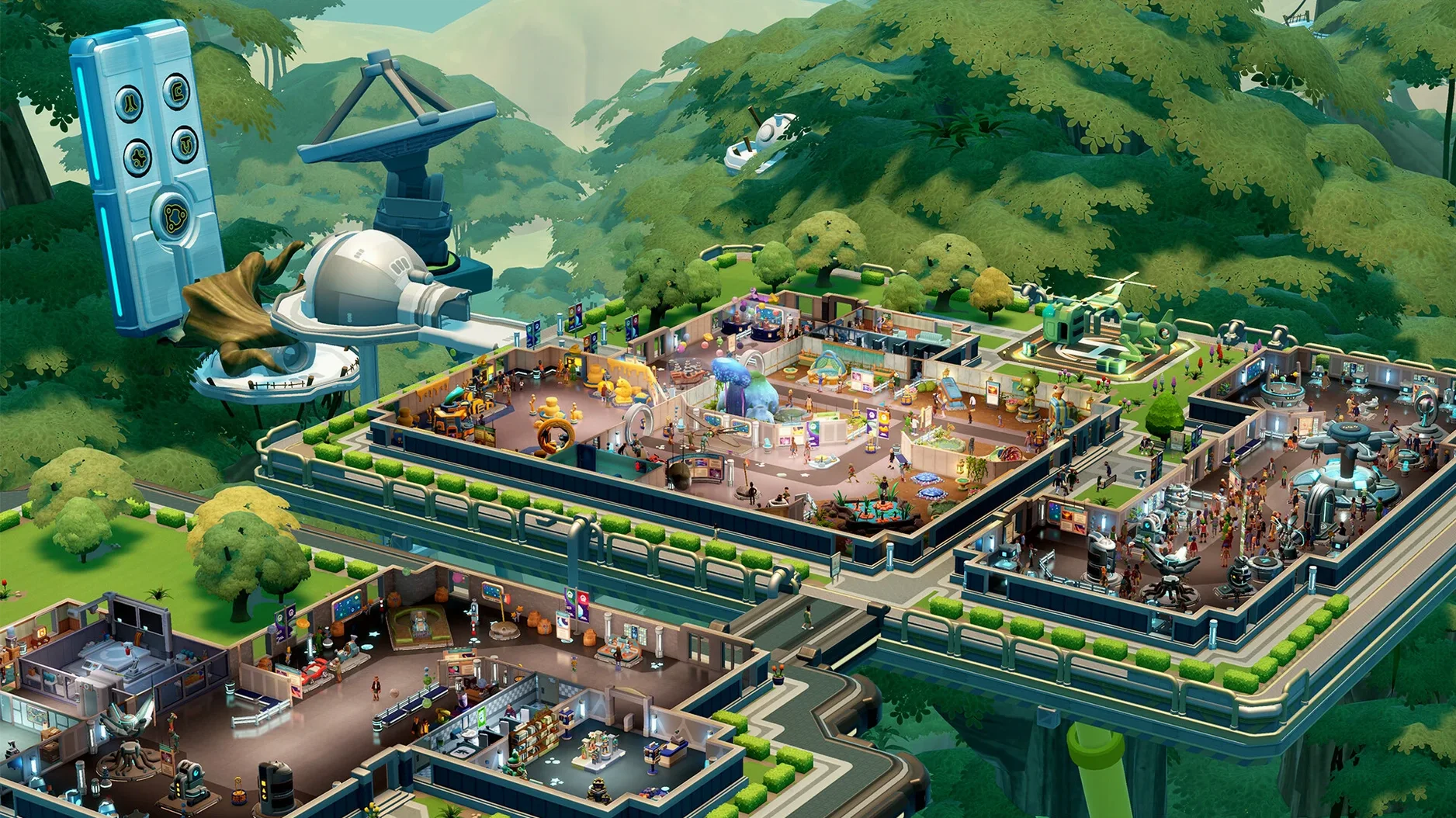
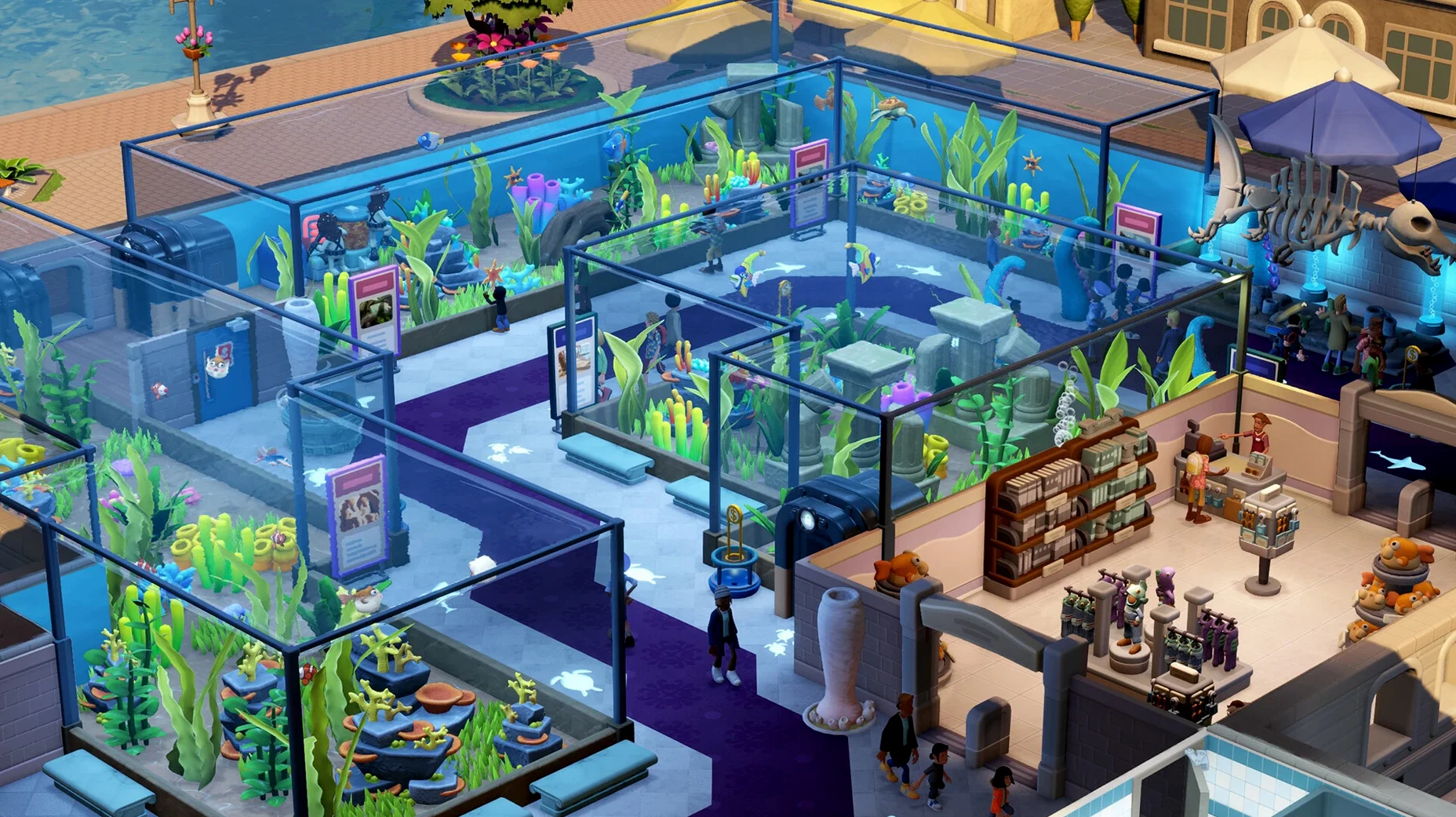
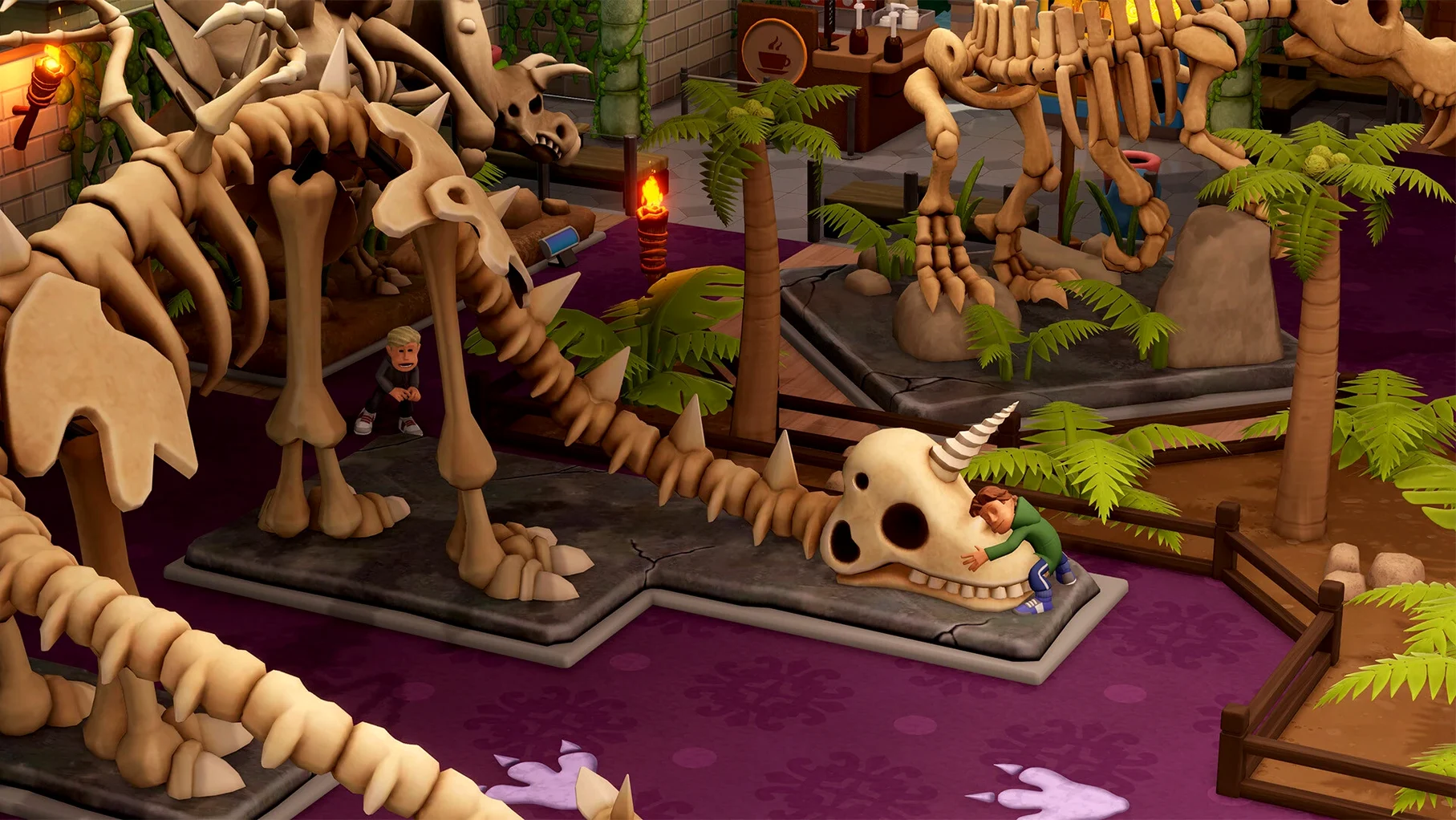

The museum doors swing open on both Apple Silicon and Intel 64-bit Macs, so Two Point Museum asks little of your hardware beyond a taste for the odd. Performance is steady on M-series machines, and older Intel models handle the halls comfortably as long as you are not expecting a locked sixty frames in a gallery stuffed with five hundred glowing crystals and a rampaging toddler.
Old bones and fresh exhibits
Each of the five locations rewrites the job description. A prehistoric museum leans on fossil reconstruction, where a bad skeleton assembly raises more questions than ticket sales, while the aquarium trades dust for water and the supernatural history wing houses artefacts that may genuinely dislike you. The science and space museums round out the county tour, each bringing distinct visitor quirks and layout puzzles shaped by the theme.
Sending experts into the unknown
Exhibits do not arrive by courier. You dispatch teams across five expedition maps into more than a hundred points of interest, dealing with narrative events that can yield a rare relic, a curse, or a souvenir no guest wants photographed. Those finds feed into three temporary exhibits, each wrapped around its own challenge structure and timed to keep the floor plan feeling restless.
Keeping the lights on and the thieves out
Beyond the curating comes the warding. Security matters the moment a prized artefact attracts the wrong kind of attention, and more than 350 decorative items let you dress every wing until it looks like somewhere a person would happily lose an afternoon—or a thief would think twice about trying.
Flip a wall’s face with Option, jump to a camera with a double-click
A few shortcuts hide in plain sight. Holding Option while placing a partition wall flips its facing direction without cycling through a menu, and double-clicking any exhibit camera snaps the view straight to that room's highlight, which beats scrolling across a sprawling aquarium when a guest is queuing for the loo and staff morale is cratering. The game also remembers the last tab you had open in the build menu between sessions, so if you spend three evenings fine-tuning prehistoric lighting rigs, the fourth begins right where you left off.
Exhibit labels accept short text entries, and typing an emoji into the name field displays it on the plaque — a tiny touch that makes naming a fossilised sea scorpion 🦐 feel oddly personal. Meanwhile, the heatmap toggle (mapped to H) cycles through cleanliness, thirst, entertainment and temperature overlays faster than opening the full info panel, which is the kind of thing you learn after a bin overflows and a one-star review blames the smell on "ancient curses" rather than poor janitor coverage.
How it breathes on macOS
On an M4 Mac mini, the Simmons Water Museum hums along without the fan stirring, even with three hundred guests, a half-built space wing and the gift shop restocking every forty seconds. Frame pacing holds steady through the busiest tour routes, and the only hitch I caught was a split-second inventory stutter when loading an expedition returns screen filled with duplicate crystals — the sort of edge case that settles before you can name it. Intel machines from the last few years handle the same load at playable rates, though you will hear the fans lean in when every interactive display is blinking at once.
Memory use sits around two and a half gigabytes on a mid-sized sandbox save, which leaves comfortable room for a browser and a playlist without macOS starting to compress. The app launches cold to the main menu in under eight seconds on Apple Silicon, and waking from sleep restores the window without redrawing the whole park, so a quick afternoon check on your supernatural wing does not become a ritual of loading screens.
Expedition alerts pause during Do Not Disturb and screen recording
Two Point Museum plays well with the operating system's quieter habits. It respects the system-wide Do Not Disturb focus mode, so no expedition notification barges through while you are screen recording. Mission Control handles fullscreen and windowed modes without the cursor locking up, and the game writes autosaves to ~/Library/Application Support/Two Point Museum, which means Time Machine picks them up automatically — useful when a visiting saboteur undoes an hour of careful aquarium plumbing.
Dragging a save folder between two Macs works too, since the format does not rely on cloud sync or proprietary containers. The app also plays audio through any AirPlay speaker set as the system output, so the PA announcer's gentle reminders about gift shop mugs can fill a room while you sketch exhibit layouts on a second display. It is not a game that demands isolation; it settles into a Mac desktop like a long-running project that stays open in its own space, waiting for the next expedition team to radio in with something wonderfully improbable.
- Apple Silicon or Intel 64-bit Mac