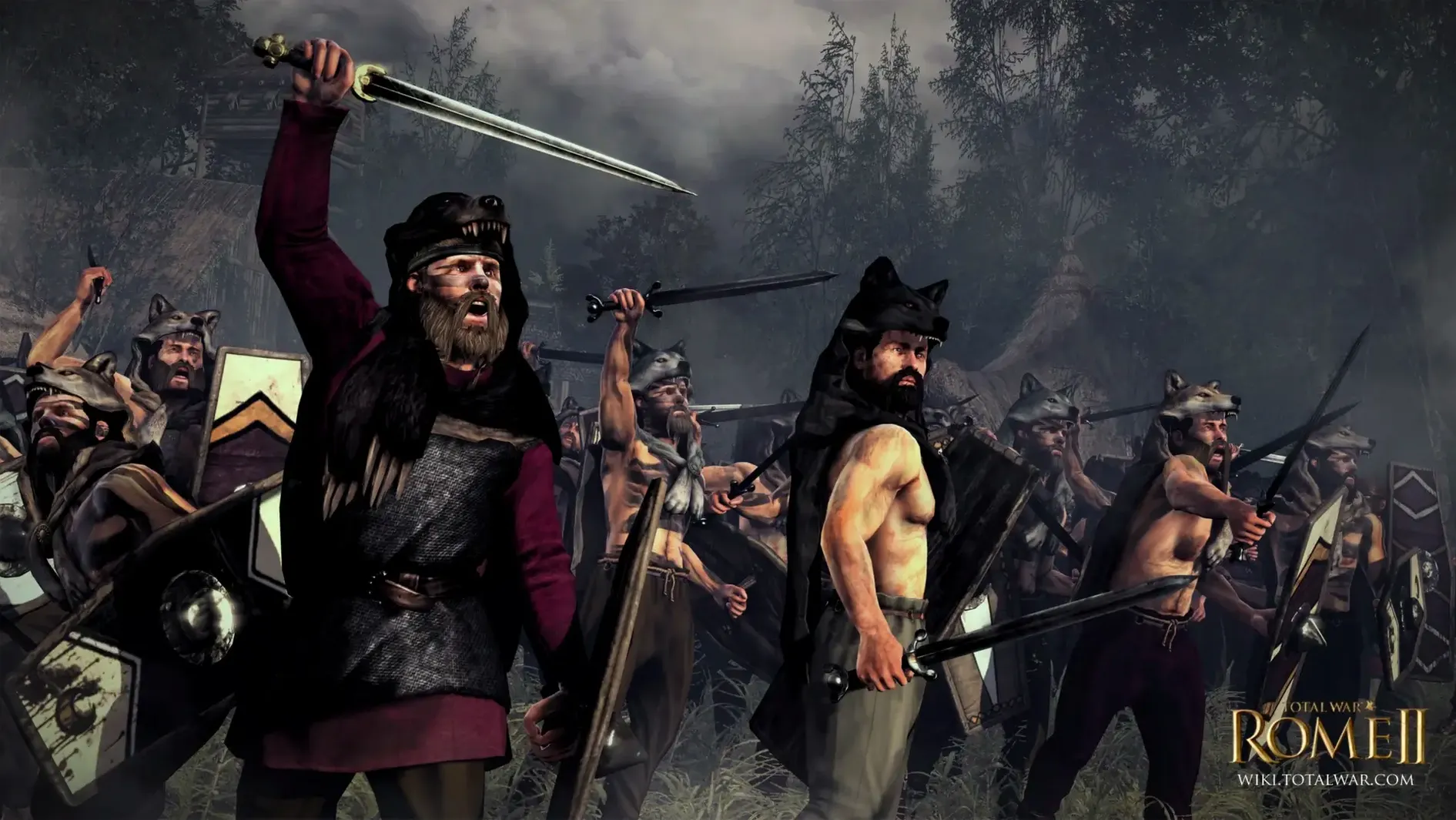
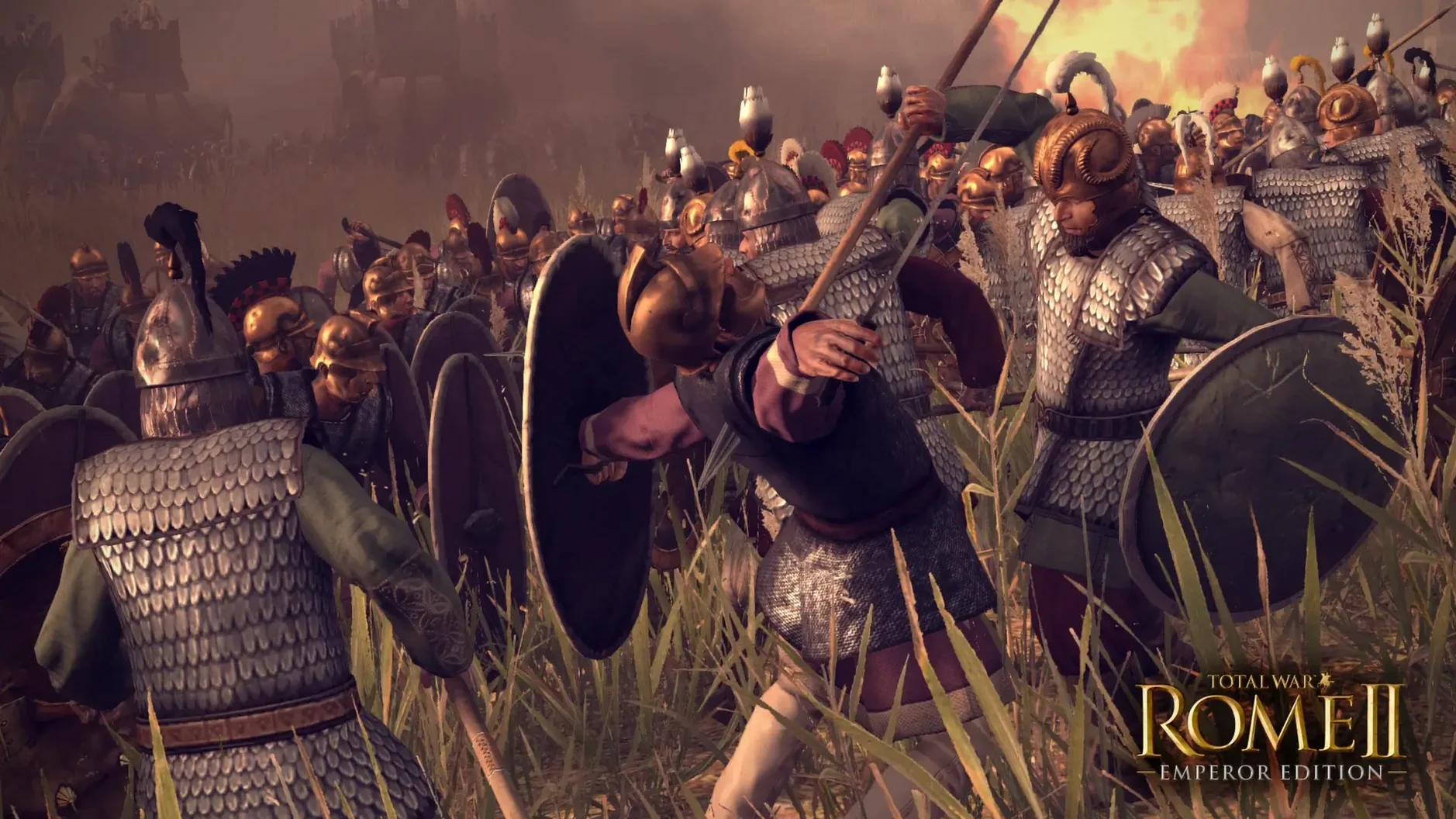
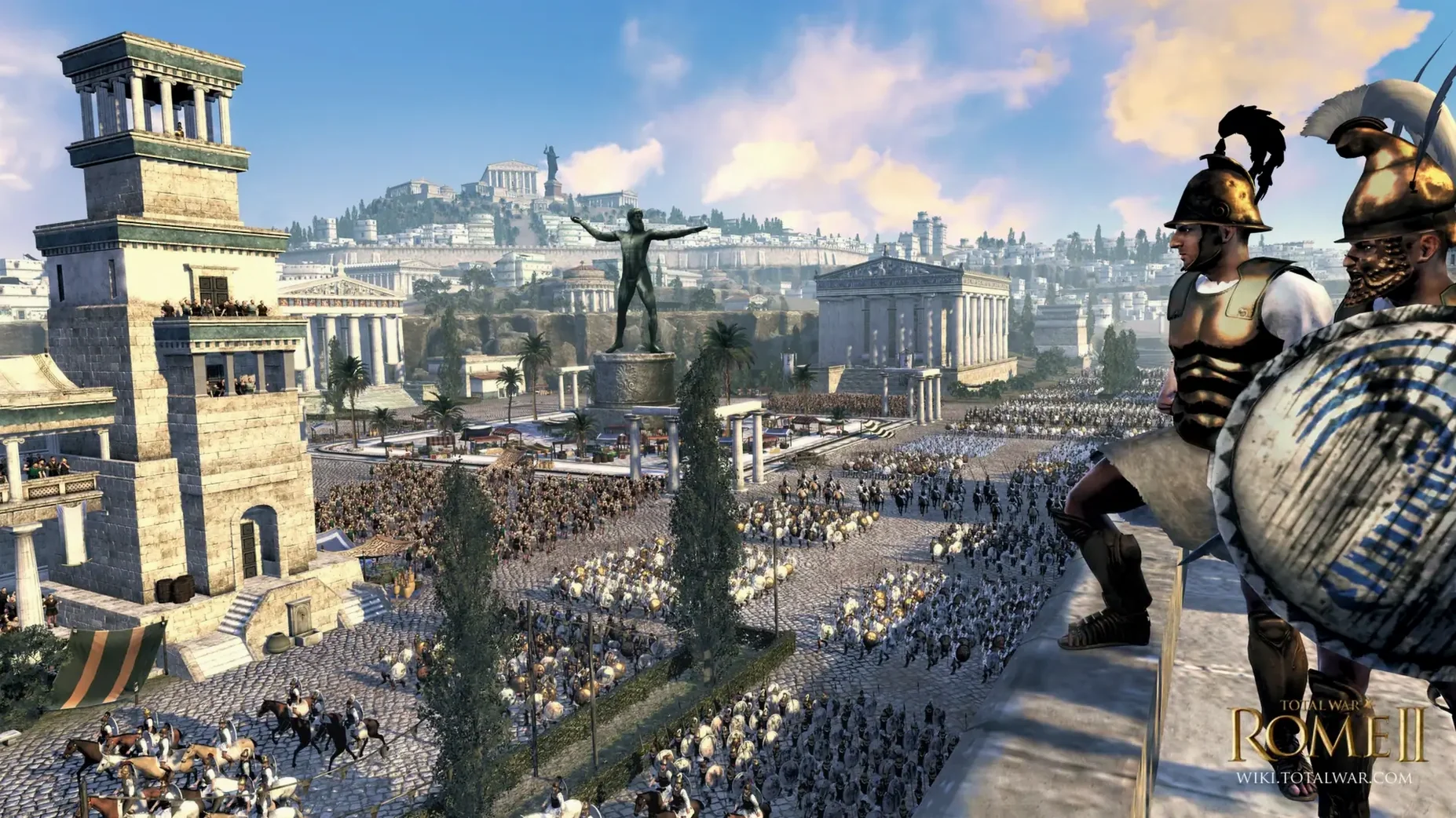
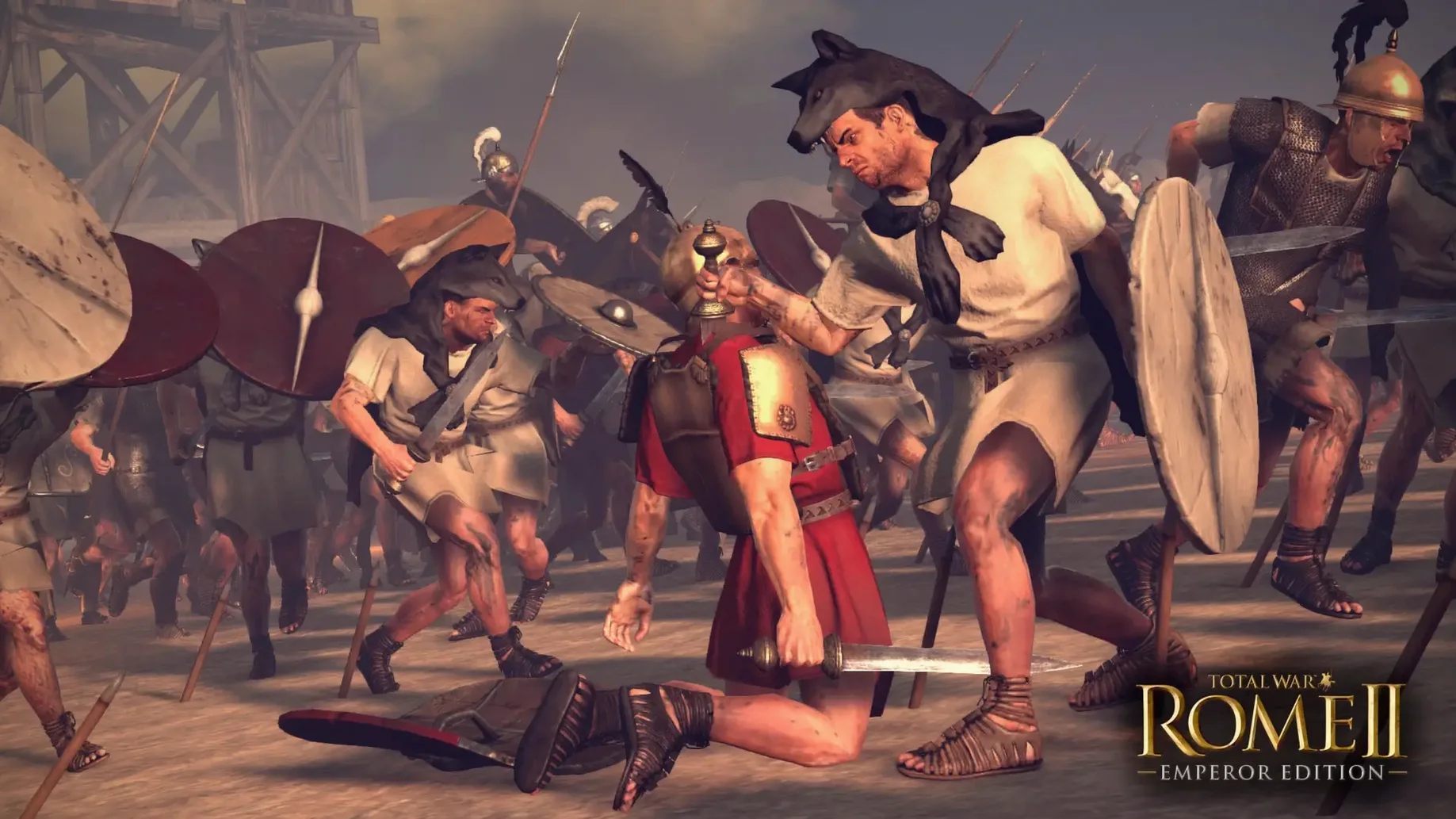
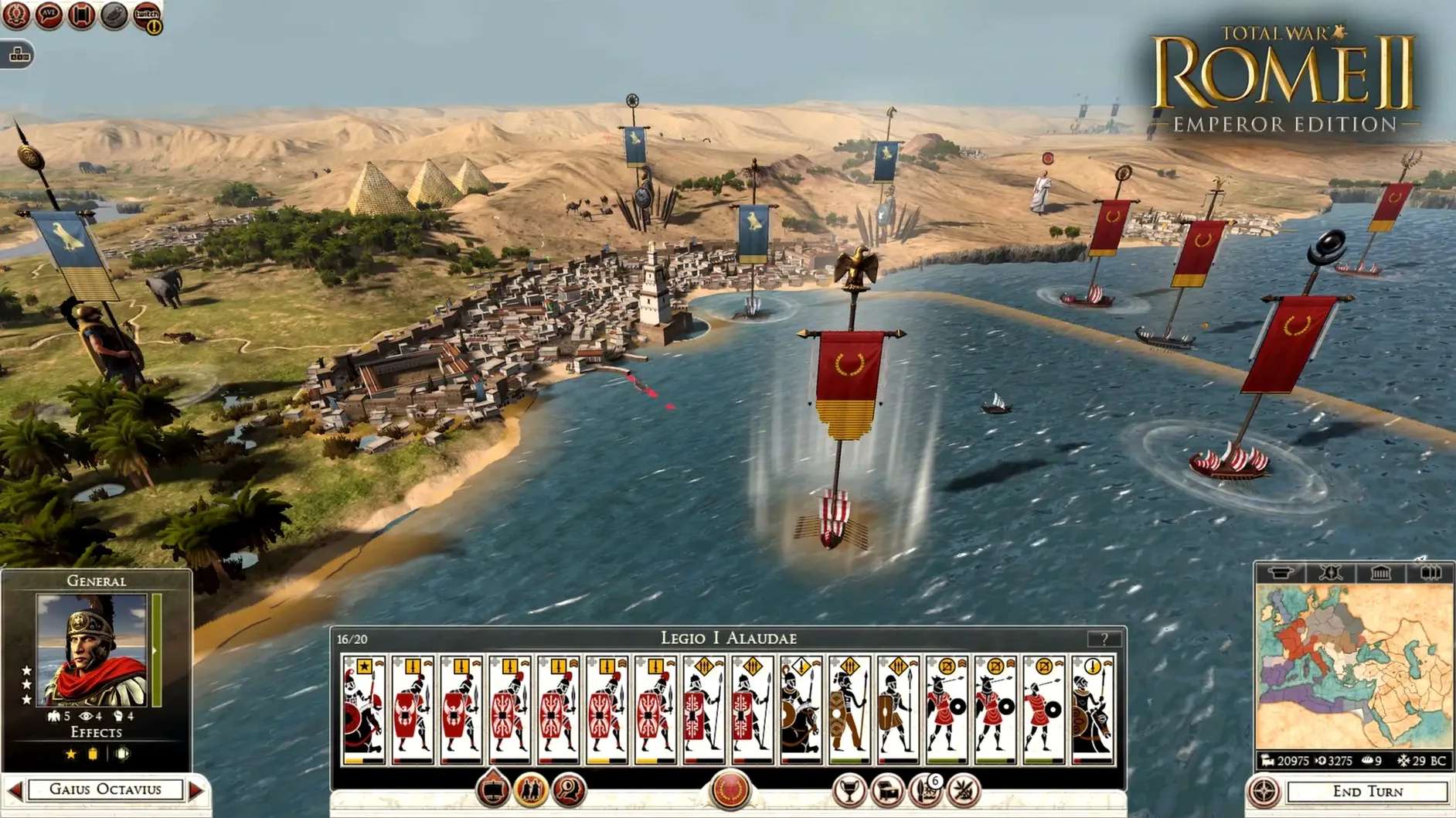
Keeping a ten-year-old strategy epic alive on modern hardware is rarely a simple matter, but the Mac release of Total War: ROME II exists precisely for that problem. The Emperor Edition runs natively on Apple Silicon, so an M1 chip handles the turn-based campaign map and the real-time battles without leaning on Rosetta. On a MacBook Air with 8 GB of RAM, the game settles into a comfortable rhythm: the senate screen scrolls smoothly, and a field engagement with two full stacks holds up well enough to keep the tactical layer readable.
Feral Interactive identifies the release as Apple Silicon native, and the system requirements reflect a modest floor: macOS 15, an M1 7-core GPU, and 50 GB of free space. The campaign itself is what the series does best — you lead one of the strongest armies of the ancient world, build a state into an empire, and manage the betrayals of allies who smile while positioning a dagger behind your back. The Imperator Augustus expansion is included, which extends the power struggle well past the initial rise of Rome.
Controls translate cleanly to the Mac. Camera movement stays on the edge of the screen or the WASD keys, unit groups respond to the number row, and the tactical pause gives you room to read a battlefield the way you would frame a shot: wide first, then in close where the line is breaking.
The build is version 2.4.1 fix, matching the latest Windows release in content. It is a game from 2013 that still knows how to make a long evening disappear.
Hold Space to reveal unit cards and movement arrows at a glance
Some of the most useful shortcuts in Total War: ROME II - Emperor Edition don't announce themselves. Holding Space during a battle reveals unit cards and movement arrows at a glance — release it and the overlay vanishes, which keeps the screen clear while you reposition cavalry on the flank. The K key toggles the tactical camera into a close, ground-level view that doesn't affect orders but gives you a soldier's-eye read on whether your principes are actually engaging or just shuffling. On the campaign map, Tab cycles through idle agents and armies, sparing you from scrolling across provinces hunting for a diplomat who finished his mission three turns ago.
The politics screen still takes a moment to load on an M1 Air, but pinning faction leaders to the top bar — right-click their portrait and select the pin — turns a multi-click routine into a single glance. Diplomacy offers the same pin function, useful when you're balancing non-aggression pacts with three Greek states simultaneously. And if you prefer the campaign map to feel less cluttered, the Minimal UI toggle under camera settings strips away the border ornaments without hiding the end-turn button.
Wider-screen battles and smoother diplomacy than Medieval II on Mac
Compared with Total War: MEDIEVAL II — also available on Mac — ROME II feels built for a wider screen. Medieval II runs well on Apple Silicon but shows its age in unit pathfinding and the stiffness of its diplomacy panel. ROME II's province system replaces the old single-settlement sprawl, so economic choices carry more weight, and the political family tree is a genuine mechanic rather than flavour text. What Medieval II keeps is mod flexibility; ROME II's Mac build is more locked down, which matters if you're used to overhauling unit textures.
Set beside Civilization VI, the difference is scale. Civ VI abstracts combat into a hex-based chess match; ROME II zooms right into the clash, where terrain elevation and fatigue decide a battle before the general's speech finishes. Civ VI rewards long-building synergy, while ROME II asks you to hold a fragile coalition together long enough to win one decisive field engagement. People who want the tactical pause and real-time manoeuvre tend to keep both installed.
Switching from Russian in the NemirtingasSteamEmu file prevents crashes
The most frequent trouble is a crash when the interface language is set to Russian via NemirtingasSteamEmu.json. Switching back to English in the same file — inside the app's Config/nsteame_settings folder — reliably stops it. The crash seems tied to certain event pop-ups, and the English voice track avoids the conflict entirely. French and German voice-over files don't trigger the same instability, but the tested workaround remains the English setting if stability matters more during a long Imperator Augustus session.
A second snag is disk space. The installed size sits near 50 GB, and macOS Sequoia's system data can grow unexpectedly after a major update. If the game refuses to launch or hangs on the Feral logo, clearing a few gigabytes above the minimum makes a tangible difference. On an M1 MacBook Air, lowering shadow detail and turning off Unlimited Video Memory in the advanced graphics tab resolves stuttering during large siege battles — the 7-core GPU handles medium settings comfortably, but the default preset sometimes overestimates the headroom. No activation hurdles exist in version 2.4.1 fix, so the troubleshooting path is refreshingly short.
Version 2.4.1 fix brings the Mac release in line with the latest Windows build. The Imperator Augustus campaign is now part of the package, along with the full Emperor Edition content and updates.
- macOS 15.0 or later
- Apple Silicon (M1 or newer)
- Apple M1 7-core GPU
- 8 GB RAM
- 50 GB free disk space
Questions from the booth
Yes, Feral Interactive states that the Mac release is Apple Silicon native and uses ARM architecture.
If crashes occur during play, change the in-game language back to English by editing the NemirtingasSteamEmu.json file in the Config/nsteame_settings folder.