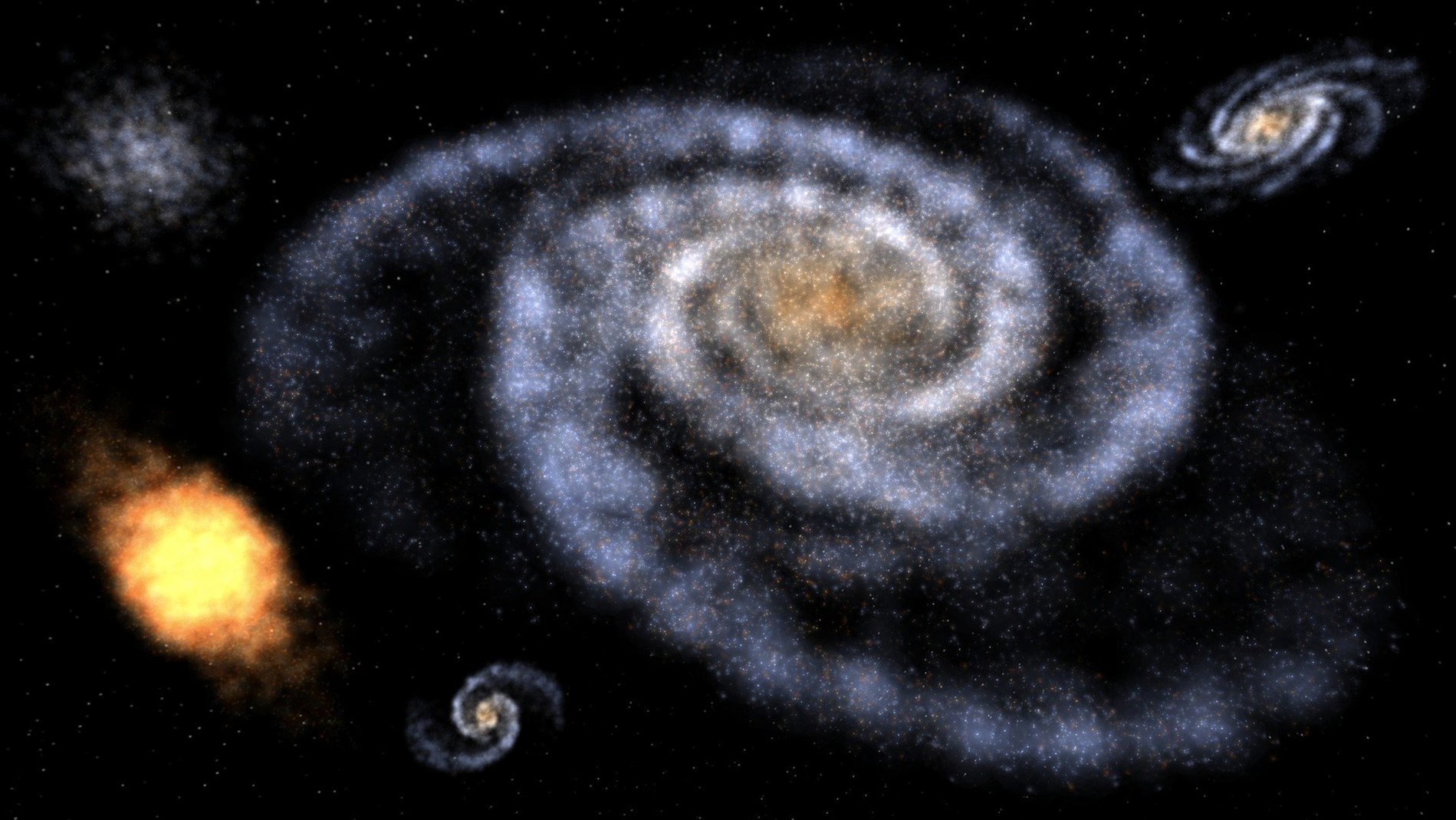
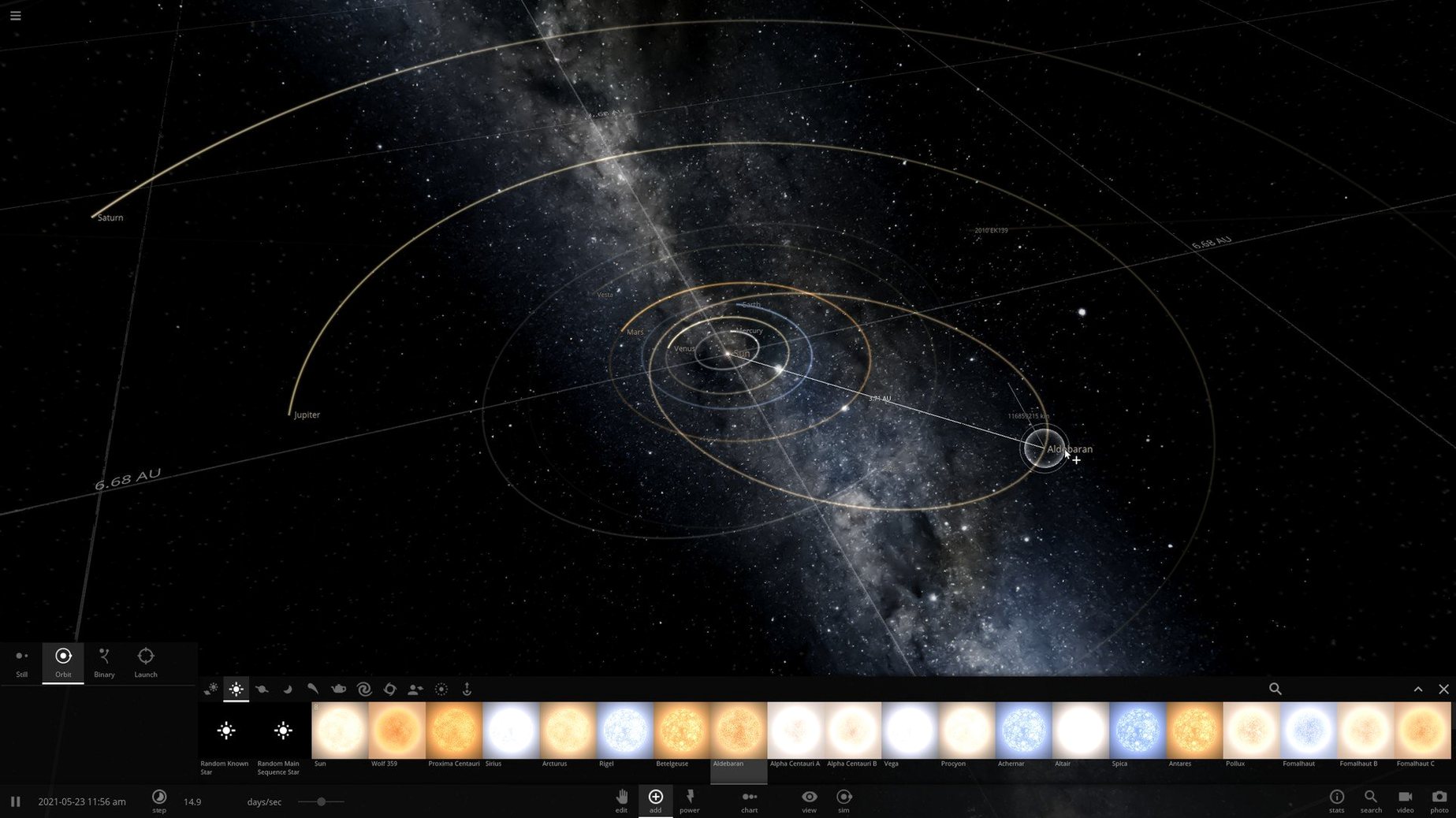
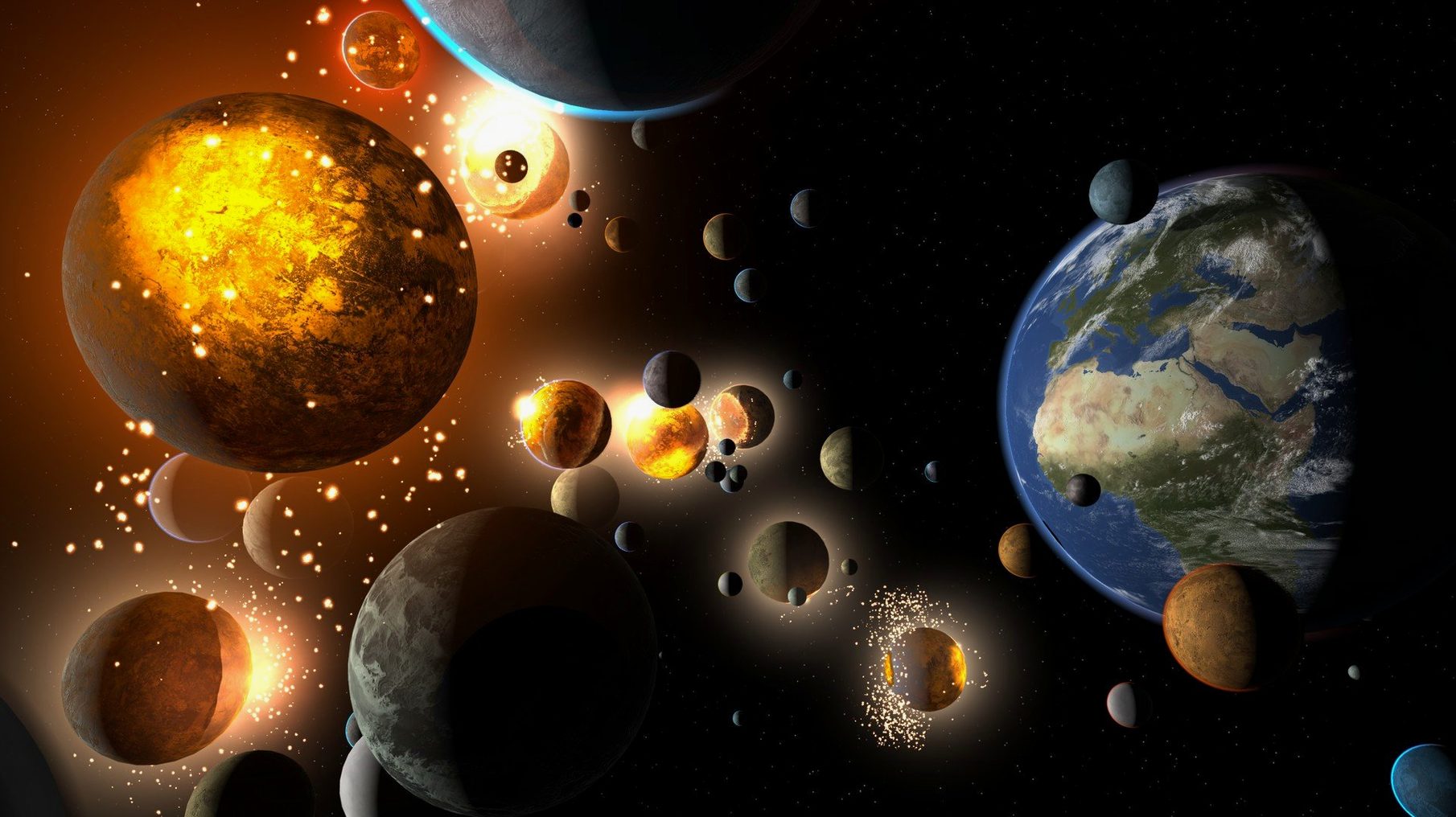
You place a star, then another. Gravity pulls them into a slow, elliptical dance. You nudge a rocky world too close and watch its atmosphere strip away into the void. An hour passes before you look up. This is the quiet rhythm of Universe Sandbox, a simulator that treats the cosmos as a set of physical materials to poke, prod, and occasionally destroy.
Players who thrive on open-ended experimentation
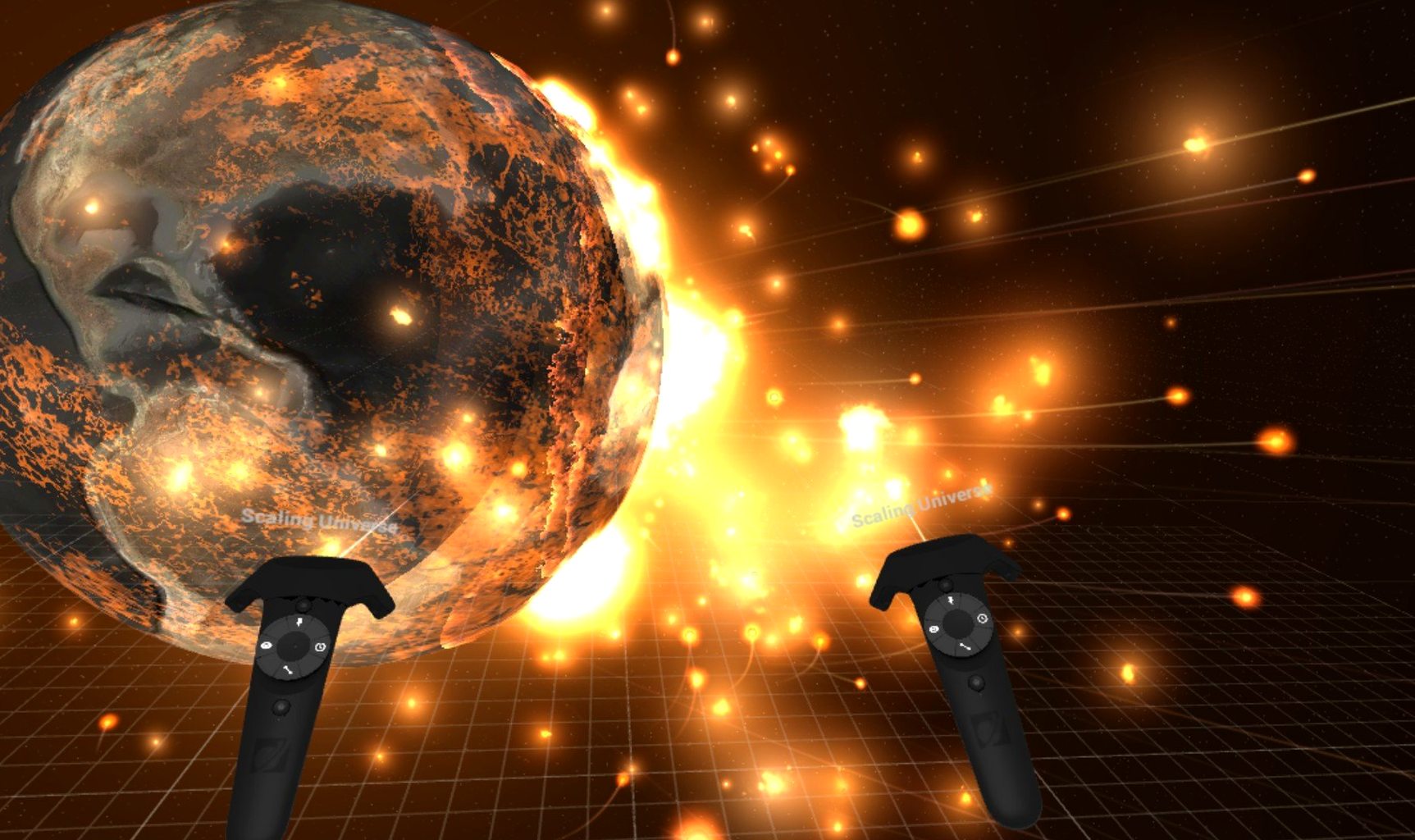
The game offers no objectives, no story, and no failure state. Its tools—real-time gravity, climate modelling, collision physics, and matter interactions—exist for their own sake. If you lose yourself in games where systems interact and surprising outcomes emerge from simple rules, this will feel like a playground. The inclusion of VR support deepens that sense of scale, letting you stand inside a nebula or orbit a gas giant at arm’s length. The latest update adds evaporating black holes, more realistic crater formation, and a newly discovered exosatellite to tinker with. It rewards a patient, hands-on curiosity.
No story, no goals, just your own cosmic experiments
If you need narrative drive, character arcs, or a clear sense of progression, Universe Sandbox offers none of those things. It is a simulation engine with a clean interface, not a guided experience. The pleasure comes from setting your own parameters and seeing what unfolds—sometimes over long, silent stretches. Players who prefer tight mechanics or directed challenge may find the open structure aimless. But for those who remember childhood afternoons spent asking 'what if' about the night sky, it delivers a rare, contemplative space to find out.
Living inside the simulation
On an Apple Silicon Mac, the simulation settles into a steady, predictable rhythm. A modest star system with a handful of planets and moons barely nudges the CPU. Even as you scatter asteroid belts or trigger a cascade of collisions, the frame pacing rarely stutters in the desktop version. Memory usage climbs with object count — expect a few hundred megabytes for a simple scene, creeping upward when you spawn hundreds of bodies and let gravity grind away for an hour. The fan on a Mac mini may stay silent for the first thirty minutes, then spin up gently once climate models and collisional fragments start piling up. It never feels urgent, more like a quiet reminder that the machine is actually doing something under the hood.
VR is thirstier. Running Universe Sandbox through a headset on macOS pushes the GPU harder, and you will notice the difference in sustained sessions. The desktop view remains the smoother, cooler way to run complex experiments, while VR earns its place for those moments when you simply want to float above Saturn's rings and feel small.
Bumps along the orbital path
A fresh install can throw a few curveballs. The most common snag is launching the app and getting a blank screen or a crash before the main menu appears — usually a Metal graphics hiccup on machines that default to software rendering. Switching your Mac's display settings away from a scaled resolution often clears it. Another frequent headache involves saved simulations that refuse to load after an update; the 36.3.3 release changed how craters and collision fragments are stored, which means older saves sometimes break. Keeping a duplicate of your ~/Documents/Universe Sandbox/Simulations folder before updating is a habit that pays off.
Some users hunting for a Universe Sandbox torrent Mac will stumble across older Intel builds that no longer run on current hardware. Those versions predate the Apple Silicon requirement and will bounce straight out of the dock on an M-series Mac. The only build that works now is the native ARM release, and it expects macOS 11.0 or later — no Rosetta fallback, no legacy compatibility layer.
First orbits: what to do after installing
Resist the urge to smash Earth into Jupiter on day one. Spend your first session inside the guided tutorials, even if they feel a little hand-holdy — they teach the camera controls and the object spawning tools that the interface otherwise quietly hides. Next, load the pre-built Solar System simulation and simply watch it run for ten minutes at 1× speed. You will start to notice small instabilities in asteroid orbits, tiny wobbles that later become the seeds of your own experiments.
When you are ready to build something from scratch, start small. Two stars and a single planet teach you more about orbital resonance than a crowded galaxy ever will. Turn on the habitable zone overlay and nudge the planet inward until the oceans boil. The simulation rewards restraint far more than it rewards spectacle — at least for the first few evenings.
- Apple Silicon or Intel 64-bit Mac
Questions from the booth
The current version requires Apple Silicon (M1 or newer) and macOS 11.0 or later; Intel Macs are no longer supported.