
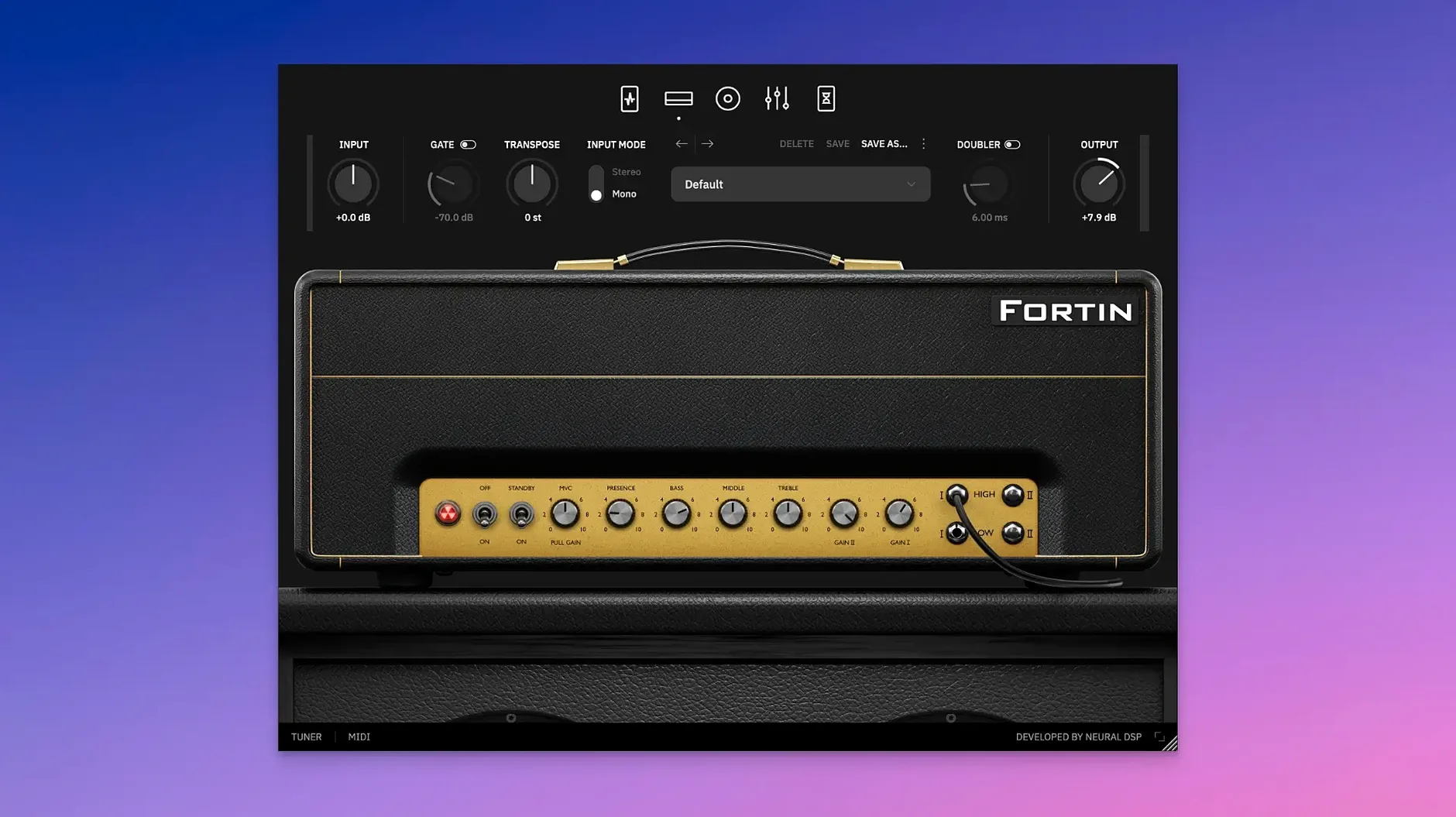
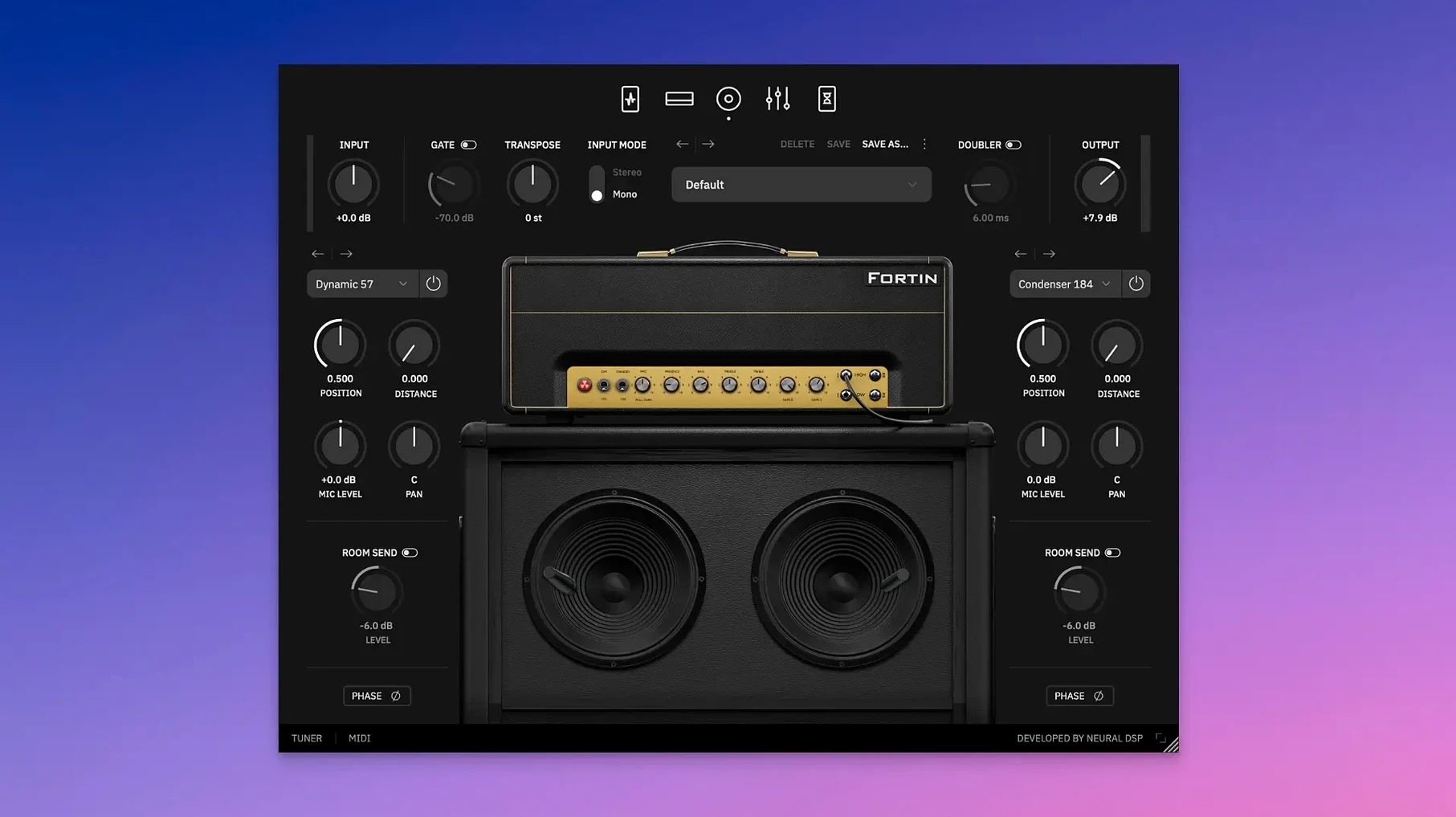
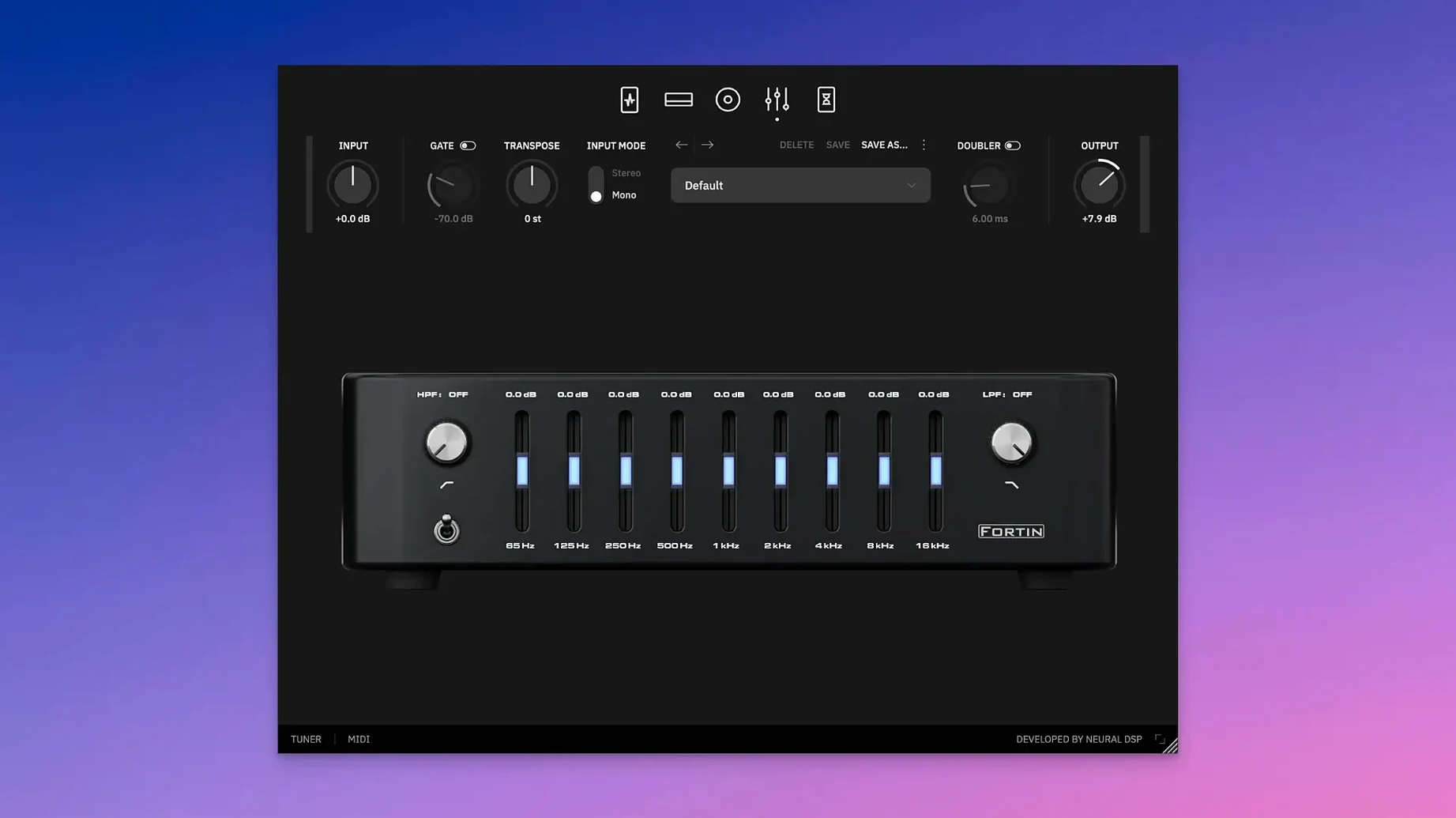
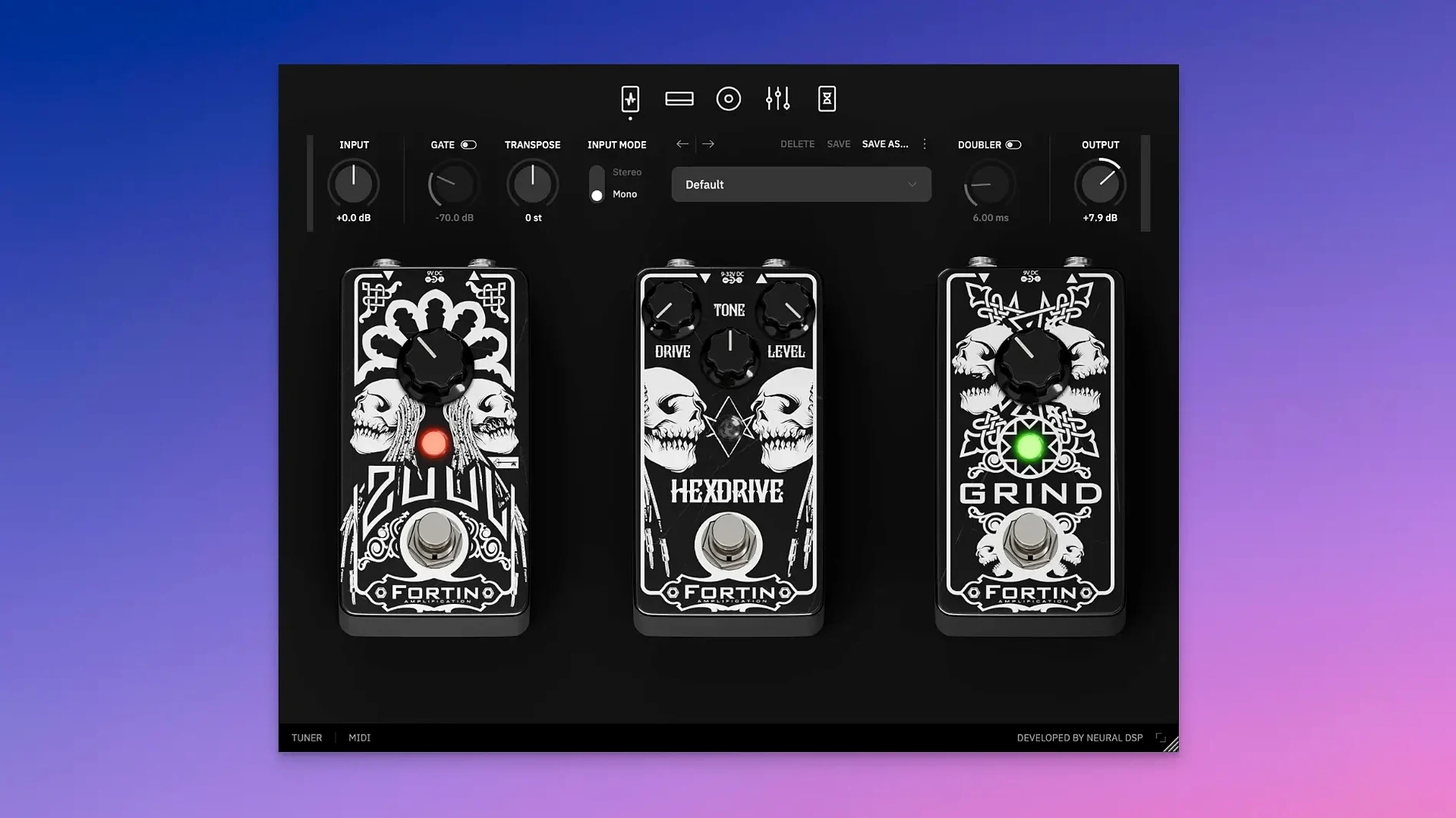
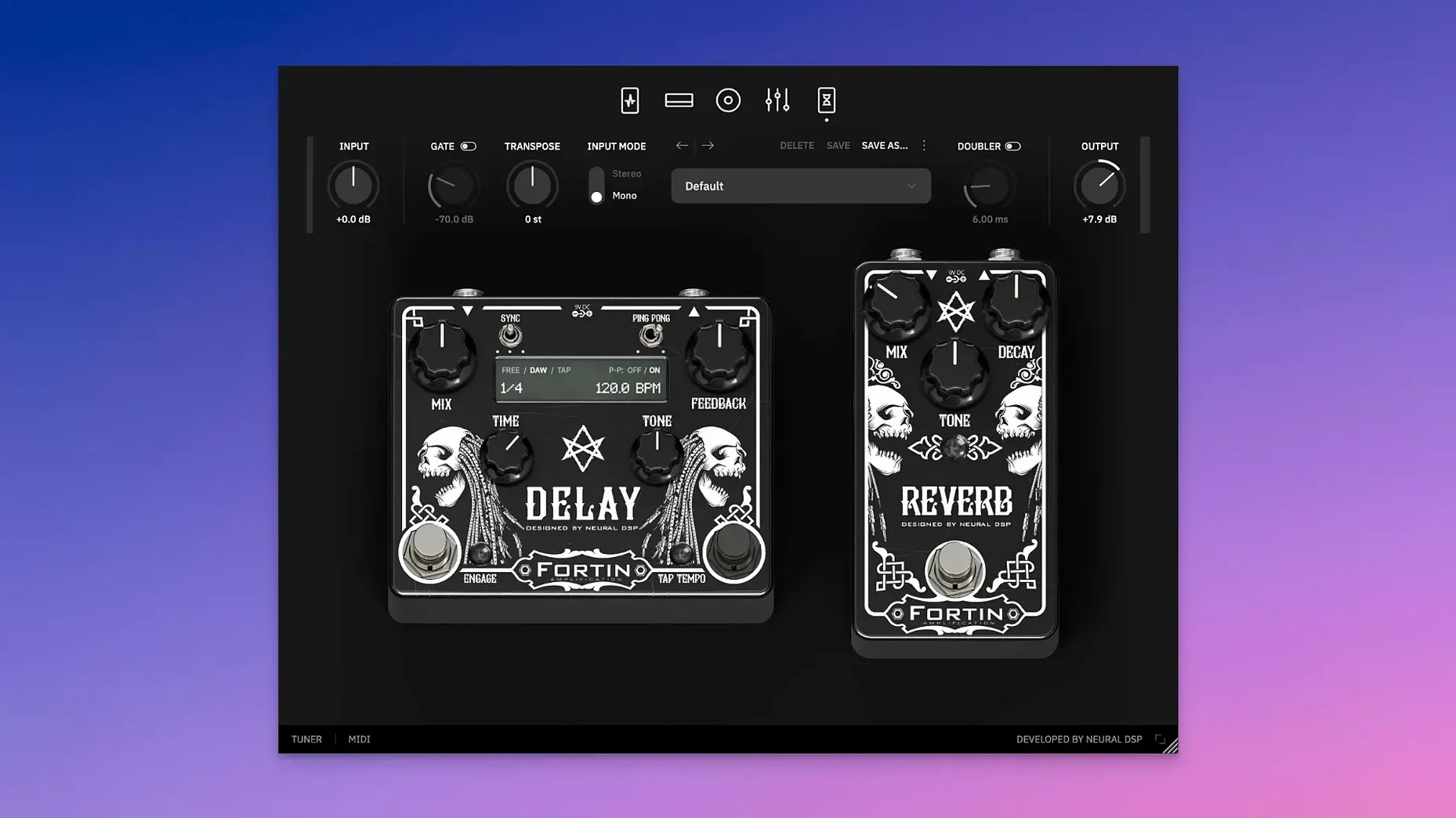
The Transpose knob is the first thing that catches your eye in the X update, and for good reason — it shifts your entire signal by a clean ±12 semitones without touching your tuning pegs. What you're really here for, though, is the sound of the Fortin Nameless Suite X, a plugin distilled from Mike Fortin's pursuit of a high-gain amplifier that stays articulate when the arrangement gets dense. It runs in 64-bit VST2, VST3, AU, and AAX formats, plus a standalone app, and is fully compatible with native Apple Silicon on macOS 10.13 and later. The architecture means low latency tracking in Logic or Pro Tools feels immediate, and presets transfer directly to Quad Cortex and Quad Cortex mini hardware. Alongside Transpose, the X revision introduces a Doubler that widens the stereo field without washing out the centre, keeping palm mutes tight and note definition intact even under layers of gain.
Apple Silicon Native, No Rosetta Needed
The plugin loads into any DAW that hosts 64-bit Audio Units, VST3, or AAX — Logic Pro, Ableton Live, Reaper, and Pro Tools all recognize it without fuss. Apple Silicon support means no Rosetta overhead on M-series machines, so you can leave your buffer at 32 or 64 samples and track with the amp sim active, rather than printing a DI and monitoring through something lighter. The standalone app is useful for practice sessions when you don't want to launch a full project; just plug in your interface, fire up Fortin Nameless Suite X, and the signal path stays the same as it would inside a session.
When you own a Quad Cortex or Quad Cortex mini, presets travel between desktop and floor unit via a USB connection. You can dial in a tone at the desk with the full plugin interface, transfer it to the Cortex, and take that exact sound to rehearsal. The plugin also coexists with other Neural DSP suites without conflict — having Gojira X or Plini X installed alongside Nameless doesn't create any library collisions, and switching between them in a session is as simple as swapping the insert slot. For routing outside a DAW, the standalone build talks to any Core Audio device macOS recognizes, including aggregate devices, so combining an interface with a desktop mixer or a second set of outputs for re-amping is straightforward.
A tracking session with the Doubler and Transpose
Load the plugin on a mono guitar track in Logic. The input meter jumps as soon as you arm the channel — the gate, which defaults to a fast clamp, is already working. Start with the amp section: gain at noon, a slight mid scoop, presence pushed enough to let pick attack through. The immediate impression is a low-end that hits hard but doesn't bloom into mud, the kind of tightness that keeps double-kick patterns legible underneath chugged palm mutes.
The Transpose control sits at the top of the interface. Drop it three semitones and the guitar, still in standard tuning, now rings out in A. The algorithm adds no perceptible warble or digital smear — sustained notes decay naturally, and the harmonic overtones stay intact. This is where you can test a riff originally written on a seven-string without retuning, or match a vocalist who needs the song a half-step lower after lyrics are already tracked.
Now engage the Doubler. Set it to a subtle stereo spread — not full left-right, but enough to push the rhythm guitars wide while the bass and kick occupy the centre. The Doubler doesn't rely on simple delay; it introduces a slight variation in timing and pitch that mimics two separate takes without phasing when summed to mono. Record a four-bar riff and listen back: the stereo image expands, but individual note attacks still cut through, and the centre channel doesn't collapse. For a second pass, automate the Doubler off during a breakdown where a single, narrow guitar hits harder, then bring it back for the chorus. The contrast in width builds dynamics without touching the fader.
X Version Installs as a Separate Plugin
Does the X update replace the original Fortin Nameless Suite, or do they run as separate plugins? The X version installs as a distinct plugin. If you have projects that reference the original, those sessions still load the older instance. New projects should use the X variant to access Transpose and Doubler. Both can coexist on the same system without issues.
Will it run natively on an M1 or M2 Mac, or is Rosetta required? The plugin ships with universal binaries. On Apple Silicon machines, the DAW loads the arm64 code directly. There is no Rosetta translation step, which keeps CPU usage lower and latency predictable even at small buffer sizes.
How does the Transpose feature compare to a polyphonic pitch shifter pedal in front of the amp? Transpose works before the amplifier stage in the signal chain, so the gain structure and EQ respond to the shifted pitch exactly as they would to a naturally tuned guitar. The tracking is fast enough for chugged riffs and single-note lines. Full chords stay coherent down to roughly a fifth below standard tuning, though extreme shifts on complex voicings can introduce a slight softening in attack — typical of any real-time pitch processing.
Is the standalone app capable of loading impulse responses beyond the built-in cabinet section? The cabinet module includes a selection of Fortin-matched IRs and allows loading third-party impulse response files. In standalone mode, you can browse your IR library and audition different cabinets without a DAW session open, which is handy for building a tone library outside of mixing hours.
Version 1.0.1 introduces the Transpose and Doubler features, bringing real-time pitch shifting and stereo widening to the Nameless Suite engine.
- macOS 10.13 or later
- Apple Silicon and Intel native
- AU, VST2, VST3, AAX host or standalone use
Questions from the booth
It ships as a 64-bit AU, VST2, VST3, and AAX plugin, plus a standalone application.