You drop a dusty piano loop into your DAW, something with a harmony you want to double with a soft synth pad. Instead of reaching for the keyboard and hunting for the notes, you load the sample into noteGRABBER. A few seconds later, the MIDI spills out onto a new track, following the original phrasing closely enough that you can layer a vibraphone right over top without a single wrong interval.
What the analysis window shows you
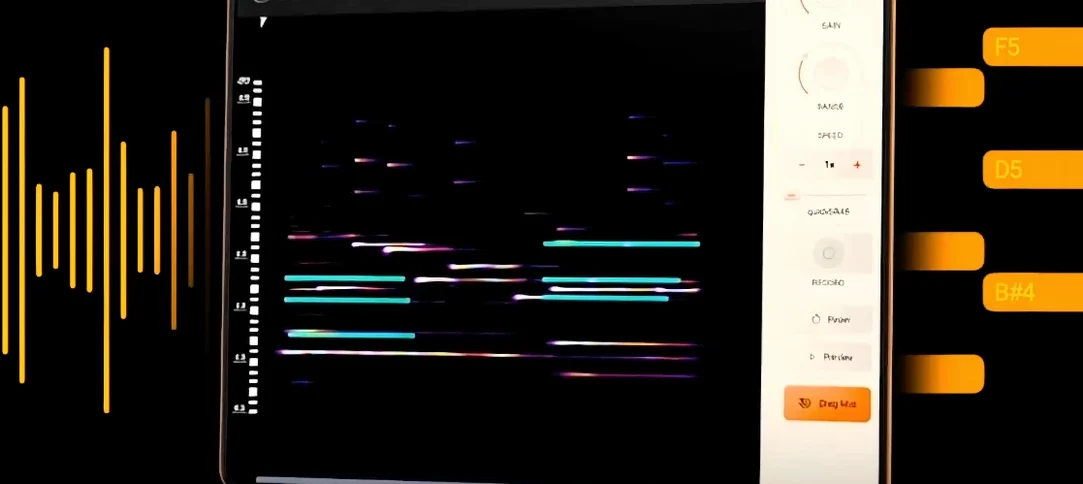
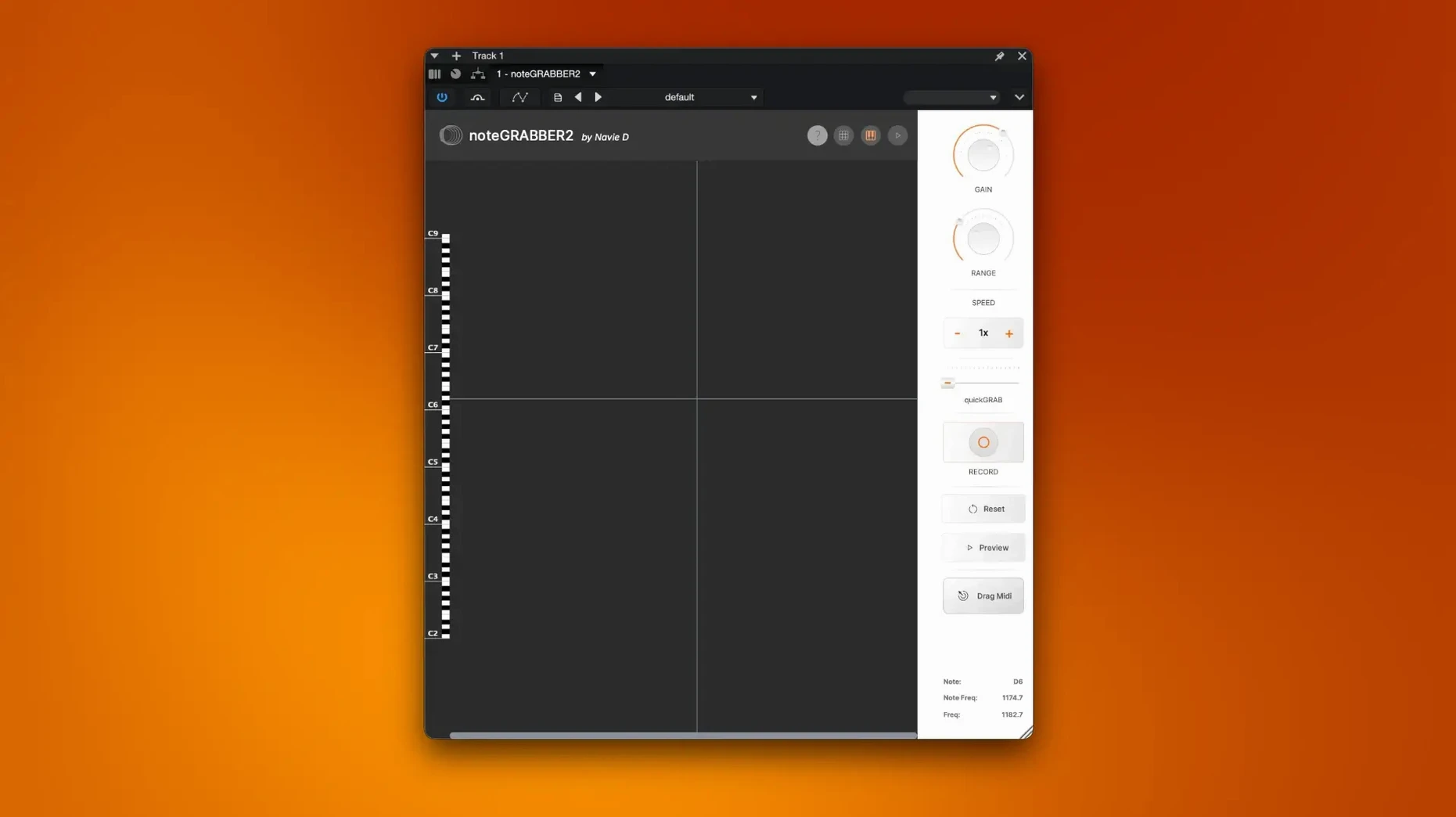
The interface is built around a waveform display that reacts the moment you feed it audio. A sensitivity slider lets you tighten or loosen the detection so ghost notes don't turn into stray MIDI blips, and a threshold control helps separate intentional hits from room noise. When the phrase is short and percussive — say, a thumb piano run — the conversion feels almost instant. Longer, sustained tones take a little more listening, but the resulting MIDI keeps the velocity curve intact, so the dynamics of the original sample carry through to whatever instrument you layer next.
Rewriting a melody in place
Because noteGRABBER outputs MIDI directly onto a DAW track, you can grab a melodic fragment from a vinyl rip, convert it, then drag notes around to reshape the phrase. That makes it less a forensic tool and more a compositional shortcut: you sample a phrase not to preserve it, but to react to it. The plugin was built by independent developer Navie D specifically to make that loop-to-idea pipeline faster, and on a macOS 10.12 or newer machine running Intel or Apple Silicon, it slots into a session without fuss.
DAW compatibility hinges on AU or VST3 support
One of the first things you want to know is whether the plugin works inside your particular DAW, and the short answer is that if your host handles standard AU or VST3 instruments, noteGRABBER should appear after a restart. People also ask how clean the incoming audio needs to be. A dry, close-miked phrase gives the analysis the easiest time, but a loop lifted from a finished mix — with reverb tail and a bassline humming underneath — can still yield usable MIDI if you adjust the threshold and sensitivity together. The key is listening to what gets through: a little bleed from a hi-hat isn’t a problem when the target is a melodic line an octave above it.
Another recurring question is whether the plugin needs an internet connection. It doesn’t. Once the package is installed, the detection runs entirely on your Mac, which matters when a session is already pushing the CPU and you don’t want a background service phoning home. And while noteGRABBER doesn’t function as a standalone application, dropping it onto an audio track as an insert feels close to having a dedicated analysis window open inside the project.
First settings to dial in
The default sensitivity lands somewhere in the middle, which works for a piano or a clean guitar, but I always nudge it lower when the source is a busy drum break or a vocal chop where breath noise could register as extra notes. The threshold control sits right beside it, and raising it even a few points can silence the low-level junk that makes a converted MIDI part look like a porcupine in the piano roll.
Velocity interpretation is the other slider worth attention early on. At its neutral position, noteGRABBER maps the amplitude of each detected note to MIDI velocity in a fairly linear way. Pulling it back slightly softens the attack of louder transients, which helps when the target synth patch has its own velocity-to-filter mapping and you want to avoid brittle peaks. If the goal is to trigger a drum rack, pushing velocity response a little higher preserves the snap of the original hits.
Version 2 tightened note-off timing to cut hanging notes
Version 2.0.0 brought a rewritten detection engine that tightened the timing of note-off messages, so sustained chords decay with fewer hanging notes than earlier builds. The same update refined how the plugin handles Apple Silicon natively, and on an M-series Mac the analysis runs noticeably cooler during long sessions — fewer fan spikes when you convert a four-bar phrase while the arrangement is still playing. The interface scaling was also adjusted to stay legible on higher-density displays without manual zoom workarounds, a small change that makes a difference when the waveform view is docked in a crowded screen layout.
A missing-plugin error often points to a mode mismatch on Intel Macs
The most common hiccup is a DAW reporting the plugin as missing after installation. On an Intel Mac that usually means the host is launching in a mode that doesn’t match the installed format — some DAWs still default to VST2 paths when only the VST3 version is present, or vice versa. A quick rescan pointing to the correct component folder almost always resolves it. On Apple Silicon, running the host in native mode rather than under Rosetta gives the AU version the clearest path to loading without a wrapper.
Another snag shows up when a converted part contains a flurry of micro-notes near the end of a phrase. That typically happens because a reverb tail or a delay repeat fools the detector into thinking the original instrument is still articulating. The fix isn’t in the plugin settings so much as in preparing the source: trimming the audio region so it ends just after the last intentional note, before the wash of ambience takes over, cleans up the MIDI output more effectively than lowering the sensitivity to the point where real notes start to disappear.
Occasionally, someone trying to grab a bassline from a lo-fi sample will find the pitch tracking wobbles on the lowest octave. Shifting the audio up by an octave before analysis, then transposing the resulting MIDI back down, often stabilizes the detection because the algorithm has an easier time with the tighter waveform cycles of the higher register.
- macOS 10.12 or newer
- Apple Silicon or Intel 64-bit processor
- Audio Units or VST3 host
Questions from the booth
Yes, version 2.0.0 supports both Apple Silicon and Intel 64-bit Macs running macOS 10.12 or later.
It retains the velocity curve during conversion, so the dynamics of the sampled phrase carry through to the MIDI output.