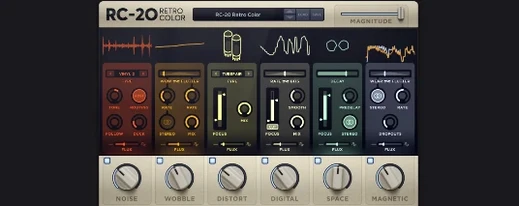
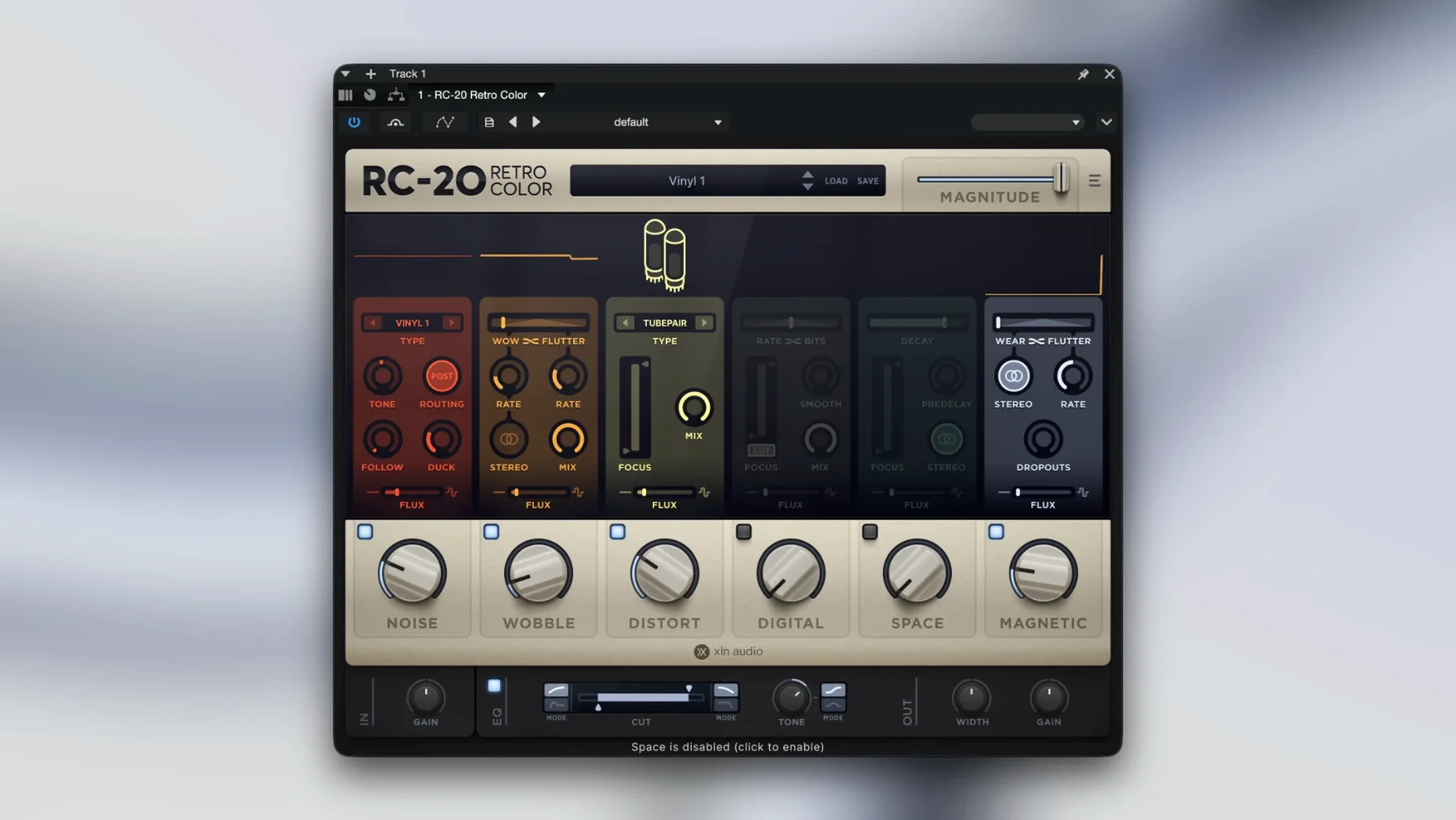
There are exactly six ways RC-20 Retro Color can make a sound feel older than it really is. Noise, wobble, magnetic tape, tube-style distortion, a bit-crusher, and a simple reverb — each module gets its own slider, and each slider changes the weight of time pressing down on a mix. It is not a faithful model of any one machine. It is a set of textures you can layer until a clean piano feels like a warped library LP or a drum loop sounds like it was bounced through three VHS decks in a humid basement.
Where synths learn to wobble and drums get their dust back
- Synth lines and keys that need dust and drift before they sit right in a lo-fi beat.
- Drum buses — a little magnetic drop-out on the hats, some tube grit on the kick.
- Sound design where the room tone matters more than the note itself.
- Quick colour when you browse the wide-ranging presets and land on something that just works.
One stunning color box, not a surgical toolkit
- Requires a 64-bit host on macOS 10.13 or later — no 32-bit bridge, no legacy systems.
- It does one broad thing beautifully; do not expect surgical EQ or transparent dynamics.
- The wet/dry mix is your best friend — small moves keep the texture from swallowing the source.
Your input signal is already clipping before you hear a note
A handful of things tend to trip up new users, and a few of them are not obvious from the interface. The most common is gain staging before the signal even reaches the plug-in — if your input is running hot, the distortion module can turn brittle fast, and the noise floor will climb with it. Back the level off a few decibels, then add grit inside RC-20 instead. The result is warmer and far more controllable.
Another recurring headache is the Flux engine misbehaving when a track is duplicated across a session. Each instance randomises independently unless you lock the Flux seed manually, so a doubled guitar part can drift out of sync in ways that sound less like vintage charm and more like a broken patch cable. Right-click the Flux amount dial, set a fixed seed on both tracks, and the wobble stays musical.
On Apple Silicon Macs running older AU hosts, some users report the plug-in not appearing after a clean install. The fix is straightforward: open the host in Rosetta once, scan the plug-in, then switch back to native. After that first scan, it works natively without complaint. Also worth knowing — RC-20 saves its state with the session, so bouncing a track in place without printing the effect will lose the Flux movement. Commit the sound when you are happy with it.
Who thrives with it
Bedroom producers working in lo-fi hip-hop or ambient electronics tend to reach for it instinctively — it gives a flat sampled loop the warmth and unpredictability of something pulled from a crate. The magnetic and wobble modules do the heavy lifting there, often with nothing else on the chain.
Mixing engineers get the most out of it when they treat it as a parallel texture rather than a channel insert. Sending a clean vocal or snare to an aux with RC-20 set almost entirely wet, then blending it back in small amounts, creates a sense of depth that EQ alone cannot fake. Post-production sound designers lean on the digital module — the bit-crusher and sample-rate reduction are crude in the best way, perfect for degraded robot voices or dying technology sounds.
It is less at home in a mastering context. The noise floor it introduces, even at subtle settings, accumulates across a full mix in ways that are hard to undo. Keep it on individual tracks and busses, not the stereo output.
Six modules waiting, but one well-tuned voice sounds better
The biggest mistake is treating all six modules as if they need to be on. RC-20 rewards restraint — a single module, dialled in carefully, often does more than three fighting each other. Start with the noise and magnetic sections turned off entirely, find the right distortion character, then reintroduce texture one layer at a time.
Another common misstep is ignoring the Magnitude control. Each module has its own intensity slider, but Magnitude scales everything globally. Beginners sometimes set individual modules high, then wonder why the output sounds like a broken tape machine left in a damp garage. Pull Magnitude back before adjusting individual modules, and you will hear what each one actually contributes.
Preset-hopping without reading the module balance is its own trap. The factory presets are genuinely useful, but many of them are designed to show off extreme combinations. A patch called "Buried Memories" is not meant to sit under a lead vocal untouched — duck the wet mix, disable the reverb, or shelve the noise, and suddenly it fits. The presets are starting points, not destinations.
- macOS 10.13 or later
- Intel or Apple Silicon Mac
- 64-bit host application
Questions from the booth
Yes, version 1.5.1 supports both Intel and Apple Silicon Macs through a 64-bit-only build for macOS 10.13 and later.