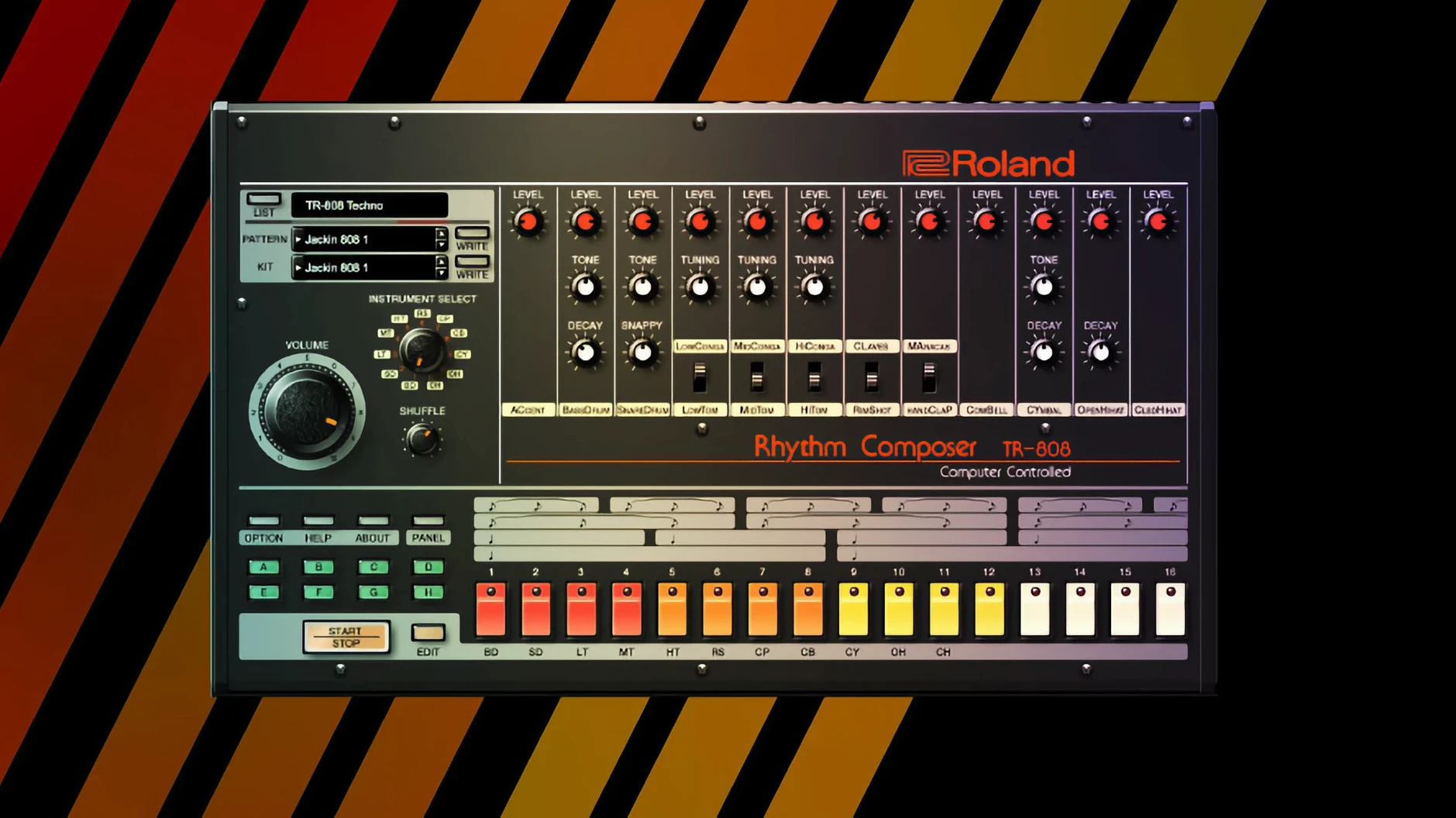
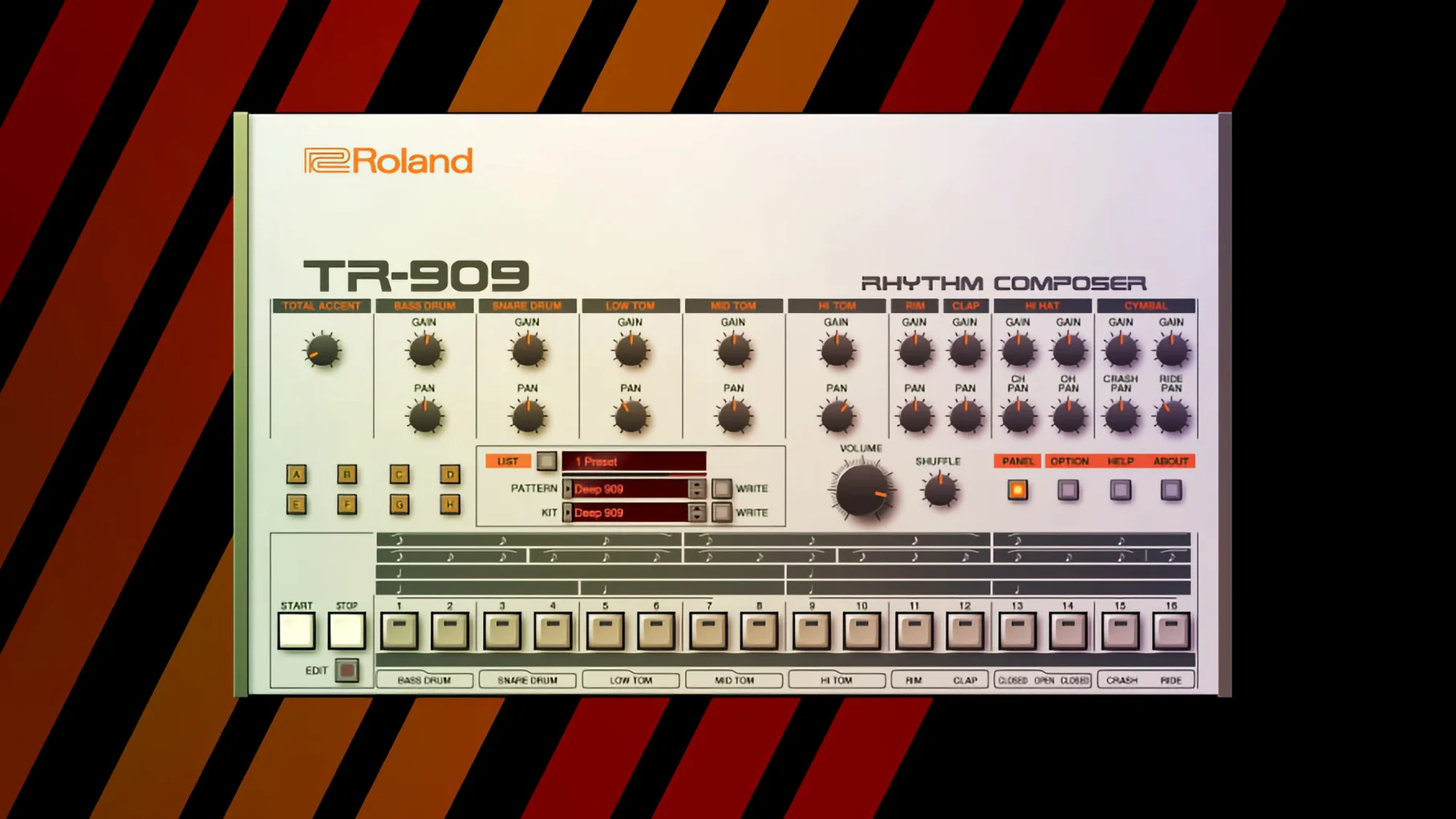
Composers who need a pad that drifts through a scene, or a bassline that locks a chase sequence into rhythm, will find these instruments built for exactly that kind of moment.
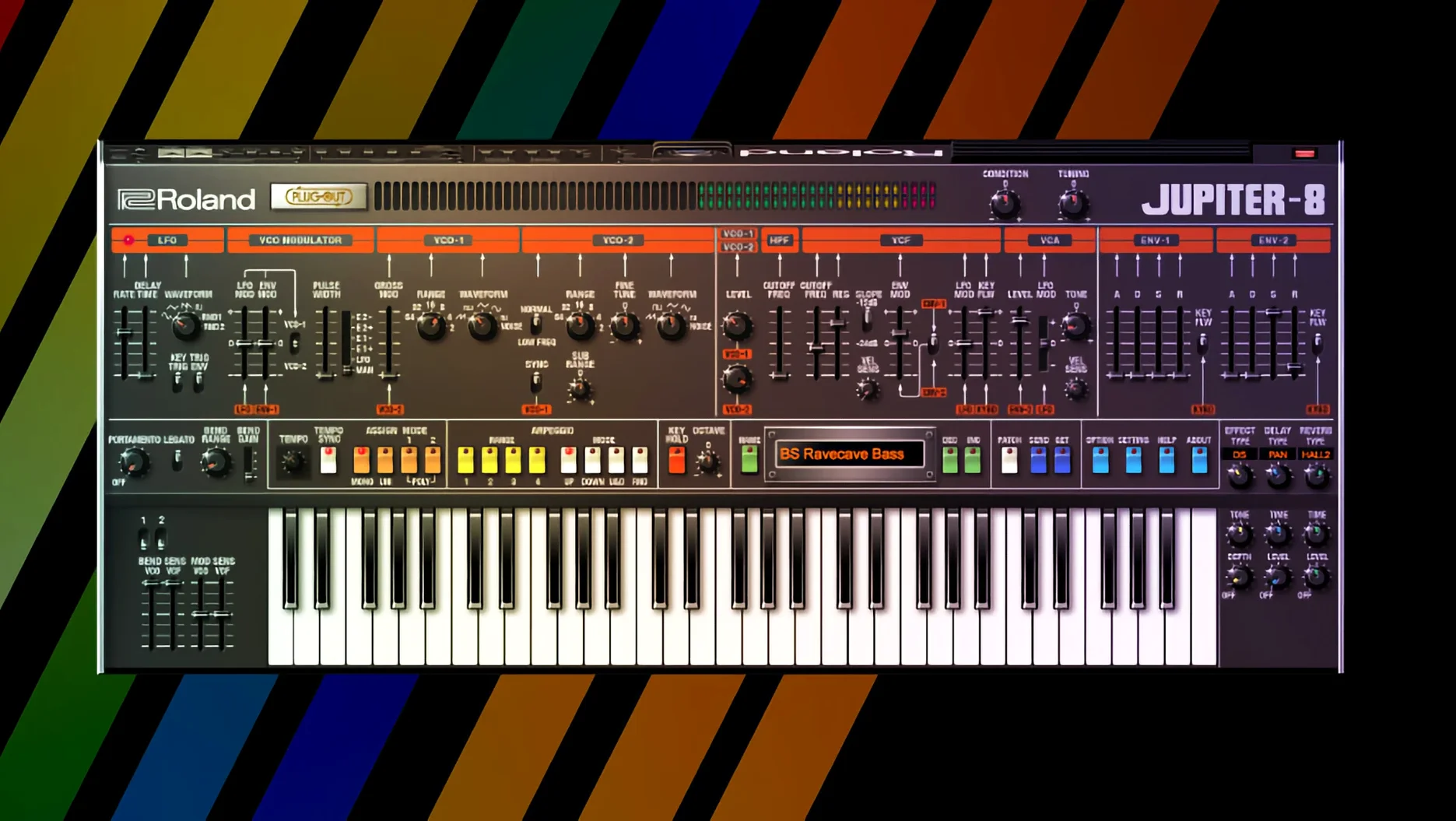
JUPITER-8 arpeggiator — a clock-synced staircase of notes that can turn a simple chord hold into the spine of a cue. The range switch and mode selector let it climb across octaves or cycle in patterns that feel less like a loop and more like a conversation with the rest of the mix.
JUNO-106 chorus — two buttons, three modes, and an immediate widening of the stereo field. Engaging it on a saw pad pushes the sound outward without losing its centre, the kind of treatment that makes a single synth line feel scored for a larger room.
JUPITER-4 ensemble effect — a stereo spread modelled on the original bucket-brigade circuit. It introduces a slight pitch warble that breathes life into static chords, useful for underscoring a quiet interior shot where the air needs to feel unsettled.
JUNO-106 filter with resonance pushed past noon — an acidic squelch that works for rhythmic stabs or a lead that cuts through a dense arrangement. Pulling the cutoff down while raising the resonance on an arpeggiated bass part creates a hollow, percussive pulse that carves out its own space without fighting the low end of a score.
Late-night scoring session with the D-50
A composer I know scores short horror films in a garage studio in East Van, usually between midnight and four in the morning. Her template loads a single instance of the D-50 on a MIDI track, no effects chain yet, just the factory default patch. She plays a minor second interval low on the keyboard, holds it, and lets the built-in reverb tail die out against the silence of the room. That one gesture tells her whether the scene wants glassy digital breath or something grittier from the JUNO-60.
Last week she sent me a cue where the D-50's Digital Native Dance patch — that bell-like attack with the chorused tail — sat behind bowed metal percussion and a distant piano. She'd pulled the cutoff back to around forty percent, nudged the release time up, and automated the reverb send so it bloomed only on the last chord. The result felt less like a synth part and more like light moving across a wall. That's the kind of restraint these instruments reward: small moves, big emotional shifts.
Cramped plug-in windows on high-res screens and the v2 instruments that solve it
One frustration I hear often: the plug-in windows open at a fixed size that feels cramped on a 5K display. Roland addressed this with the v2 instruments — JUPITER-4, JUPITER-8, and JUNO-106 now have high-resolution interfaces that scale properly — but the older Legendary entries still render at their original dimensions. The workaround is straightforward: most DAWs let you zoom individual plug-in windows, and on a Mac, hovering over the plug-in and using the pinch gesture often does the trick.
Another common snag involves MIDI CC mapping. The Legendary instruments respond to standard MIDI controllers out of the box, but the mapping isn't always obvious. The JUNO-106 chorus, for instance, toggles on CC 93 by default — a number nobody guesses. Spending ten minutes with the MIDI learn function in your DAW, assigning a physical knob to the filter cutoff and a button to the chorus on/off, transforms the experience. Once mapped, you stop reaching for the mouse and start playing the interface like an instrument.
CPU spikes can also catch people off guard, especially when stacking multiple Legendary instances with the ensemble effect engaged. The JUPITER-4's ensemble circuit, in particular, models a bucket-brigade delay line that's more processor-hungry than a standard chorus. The fix: bounce the part to audio once the performance feels right, or disable the ensemble on doubled tracks where it's not the featured texture. A single instance with the effect active does more for a mix than three instances fighting for headroom.
Faster DAW launches after the under-the-hood v2 refresh
Version 2025.06.29 brought under-the-hood improvements that matter more in practice than they sound on a changelog. The v2 instruments — JUPITER-4, JUPITER-8, and JUNO-106 — now launch faster inside a DAW, shaving off the brief hesitation that used to interrupt a flow state when swapping patches mid-session. The interface redraw is cleaner on Apple Silicon machines, and the knobs feel more responsive to click-and-drag motions, which matters when you're dialling in a filter sweep by hand rather than automating it.
On the stability side, the latest build handles sample rate switching more gracefully. Earlier versions sometimes dropped audio or crashed the plug-in if you opened a 48 kHz session while the interface was set to 44.1 kHz. That's resolved now. For anyone working across multiple projects with different session settings — film composers bouncing between a 48 kHz video project and a 44.1 kHz music track — the fix means fewer restarts and less friction.
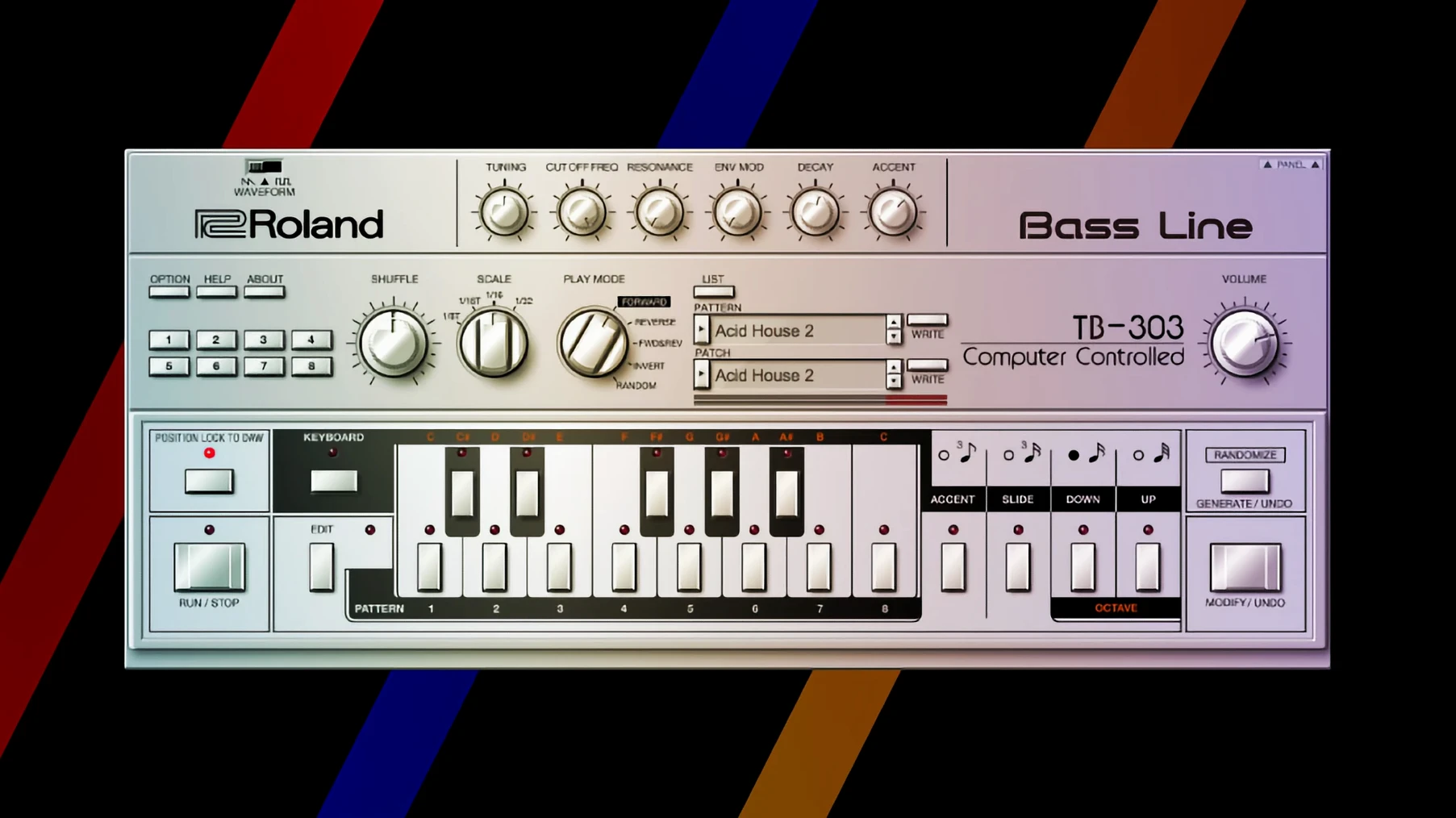
The Analog Circuit Behavior modelling itself hasn't changed its core character, but the tuning across the collection feels tighter. The TR-808 and TR-909 instruments, in particular, now respond to velocity in a way that tracks more consistently when sequenced from a modern pad controller. A soft tap on a kick drum produces a rounder, quieter thump rather than the full-impact hit at a reduced volume, which is closer to how the original hardware behaved when driven by a dynamic trigger source.
Scoring a slow-motion wave sequence with a 48 kHz drone cue
Here's how a typical evening unfolds with these tools. I open a Logic project for a short film cue — a two-minute drone piece for a slow-motion sequence of waves hitting a breakwater. The session is at 48 kHz, running on an M1 MacBook Air.
Step one: I load an instance of the JUNO-106. The plug-in appears, and I pull up an init patch — a single saw wave, filter fully open, no modulation. I play a low C with my left hand and hold it. The raw oscillator tone tells me what I'm working with before I start sculpting.
Step two: I engage the chorus on mode two. Immediately, the sound widens and gains a slight metallic shimmer. I back the VCA level down by a few decibels to compensate for the perceived loudness bump. I set the filter cutoff to about 300 Hz and bring the resonance to just before self-oscillation — that point where the filter starts to sing but doesn't overpower the fundamental.
Step three: I open a second track and load the JUPITER-4. This one gets a slow-attack pad: I pull the attack slider on the VCA envelope to around two seconds, set the release to match, and engage the ensemble effect. The pitch wobble is subtle but present. I play a chord in the upper register — F minor seventh with an added ninth — and the notes bloom into each other with a movement that feels organic rather than modulated.
Step four: I add the TR-808 on a third track. Not for a beat — for texture. I load a rimshot and a clave, drop them into a step pattern that triggers irregularly, and run the output through a long reverb. The metallic taps land like water droplets on stone, punctuating the drone without establishing a tempo.
Step five: I bounce the JUNO-106 drone to audio, reverse the file, and drag it back into the session at half volume. The reversed chorus tail creates a swelling effect that pulls the ear forward into the next phrase. The whole process, from blank session to first bounce, takes about forty minutes.
Notebook-first preset browsing before touching a single knob
Give yourself an hour on day one to do nothing but scroll through the factory patches with a notebook open. The Legendary Series ships with hundreds of presets across the instruments, and while it's tempting to jump straight into sound design, knowing what's already there saves time later. Mark five or six patches that resonate — a pad you'd use for transitions, a bass that sits well in a busy arrangement, a lead that cuts without EQ — and save them to a user folder inside your DAW's patch library.
Set up a template project early. A single session with one instance each of the JUNO-106, JUPITER-8, D-50, and TR-909, routed to separate busses, gives you a sandbox for quick sketching. When an idea arrives, you're not waiting for plug-ins to load or hunting through menus. The template can sit in your recent projects list, ready to open in under ten seconds.
Map your controller before you write a single note. The instruments come alive under physical control. Assign cutoff to a fader, resonance to a knob, and the chorus toggle to a button. Once the muscle memory develops, you'll reach for the hardware without looking at the screen, and the software starts to feel less like a plug-in and more like an instrument with its own tactile logic.
- macOS 11 or later
- Apple Silicon or Intel processor