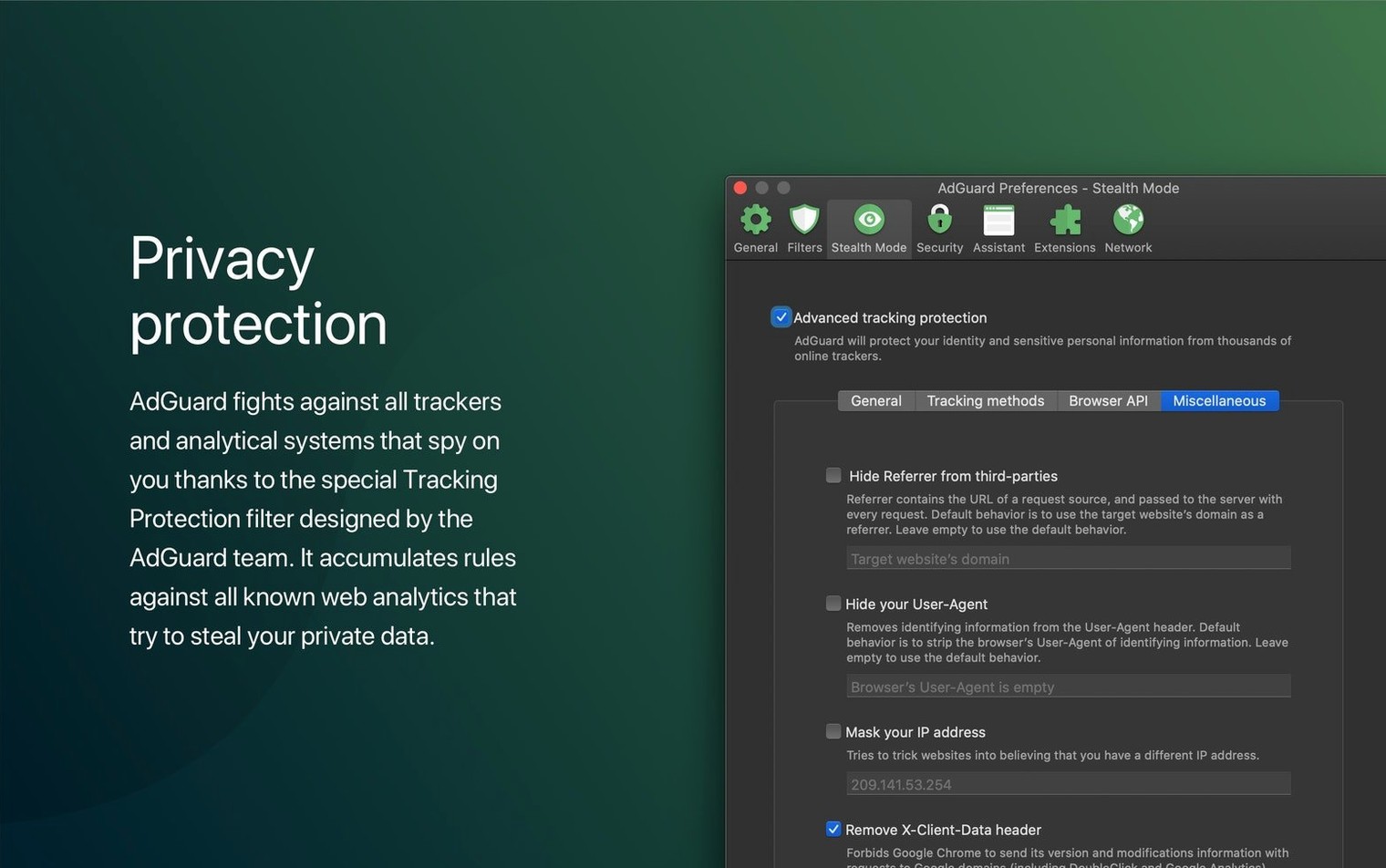
…tracking parameters that cling to every URL. The HTTPS filtering toggle is where you begin. Enable it, install the root certificate when prompted, and AdGuard starts inspecting encrypted traffic locally—stripping ads before they reach your screen. Not just in Safari. In Reeder, in Slack, in that Electron wrapper you use for notes.
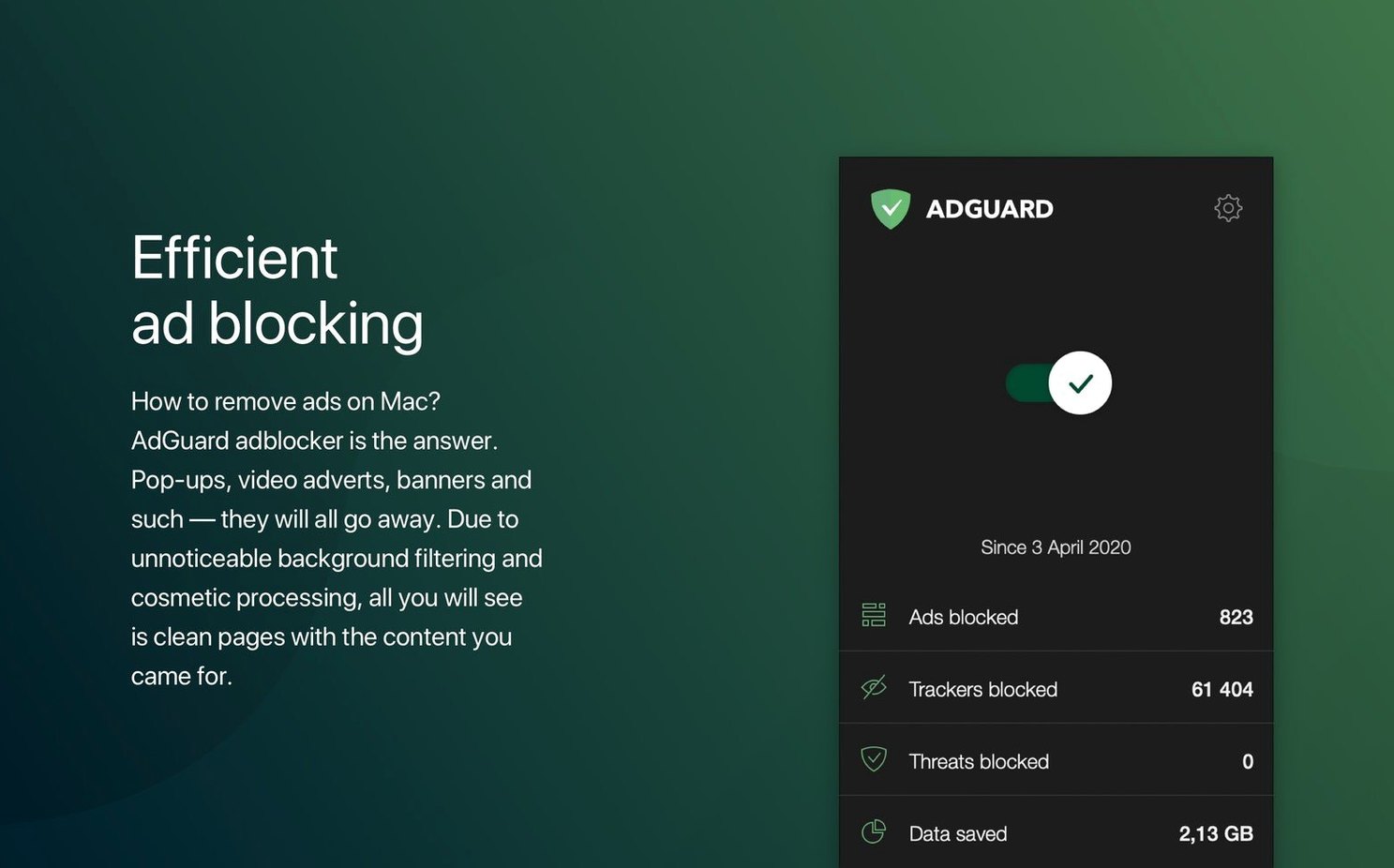
The assistant panel lives in your menu bar. Click it during a research deep-dive and watch the counter tick upward: blocked requests stacking against a page that would otherwise be half trackers. You can pause filtering per-site with a single toggle, useful when a payment gateway breaks under too many rules.
Ads vanish from Slack, Spotify, and every desktop app you use
- Blocking ads inside desktop apps, not only browsers
- Stripping analytics and tracking parameters across your whole connection
- Spotting malicious sites before they load, via the built-in security scanner
HTTPS filtering demands a local certificate you install once
- HTTPS filtering requires installing a local certificate—extra trust step
- Some regional banking apps may need a quick whitelist adjustment
- AdGuard Mini is a separate, Safari-only app from the same developer
Your DNS privacy tab sits one click away, offering encrypted upstream resolvers. Switch it on and your ISP sees far less. The whole setup settles into silence after the first hour—fewer pop-ups, cleaner reading, and a menu bar counter that quietly confirms the filter is doing its job.
Where Safari-only blockers stop, AdGuard keeps cleaning
People who live outside the browser get the most dramatic shift. If your workday splits across Slack, Spotify, Reeder, and a handful of Electron apps, you are inhaling ads and trackers that a Safari-only blocker never touches. AdGuard catches them at the network layer, so the sponsored posts that sneak into a desktop Twitter client or the banner wedged inside a free FTP utility simply never render.
Writers and researchers notice the cleanliness first. Pages load with fewer layout jumps. The reading view in apps like Matter or NetNewsWire feels genuinely quiet, stripped of empty ad-shaped divs that other blockers leave behind. Anyone who handles sensitive client logins across multiple browsers also gains from the phishing filter—it scans domain reputation before you type a password, independent of which browser you launched that morning.
Mac users on metered or slow connections see a quieter benefit: the bytes saved. AdGuard's counter isn't cosmetic. Over a month of heavy browsing and app use, blocked requests add up to hundreds of megabytes that never crossed your Wi-Fi. On a tethered connection in a café or a train, that matters.
Skipping the certificate install leaves encrypted ads untouched
The most common mistake is installing the app and assuming it works everywhere without the HTTPS certificate. The interface prompts you during setup, but plenty of people click past it. Without that local certificate, encrypted connections pass through unexamined—ads inside Gmail, YouTube, and most modern sites sail right through. The fix is quick: open Preferences, find the Network tab, and enable HTTPS filtering. The assistant panel will walk you through the certificate trust step in Keychain Access.
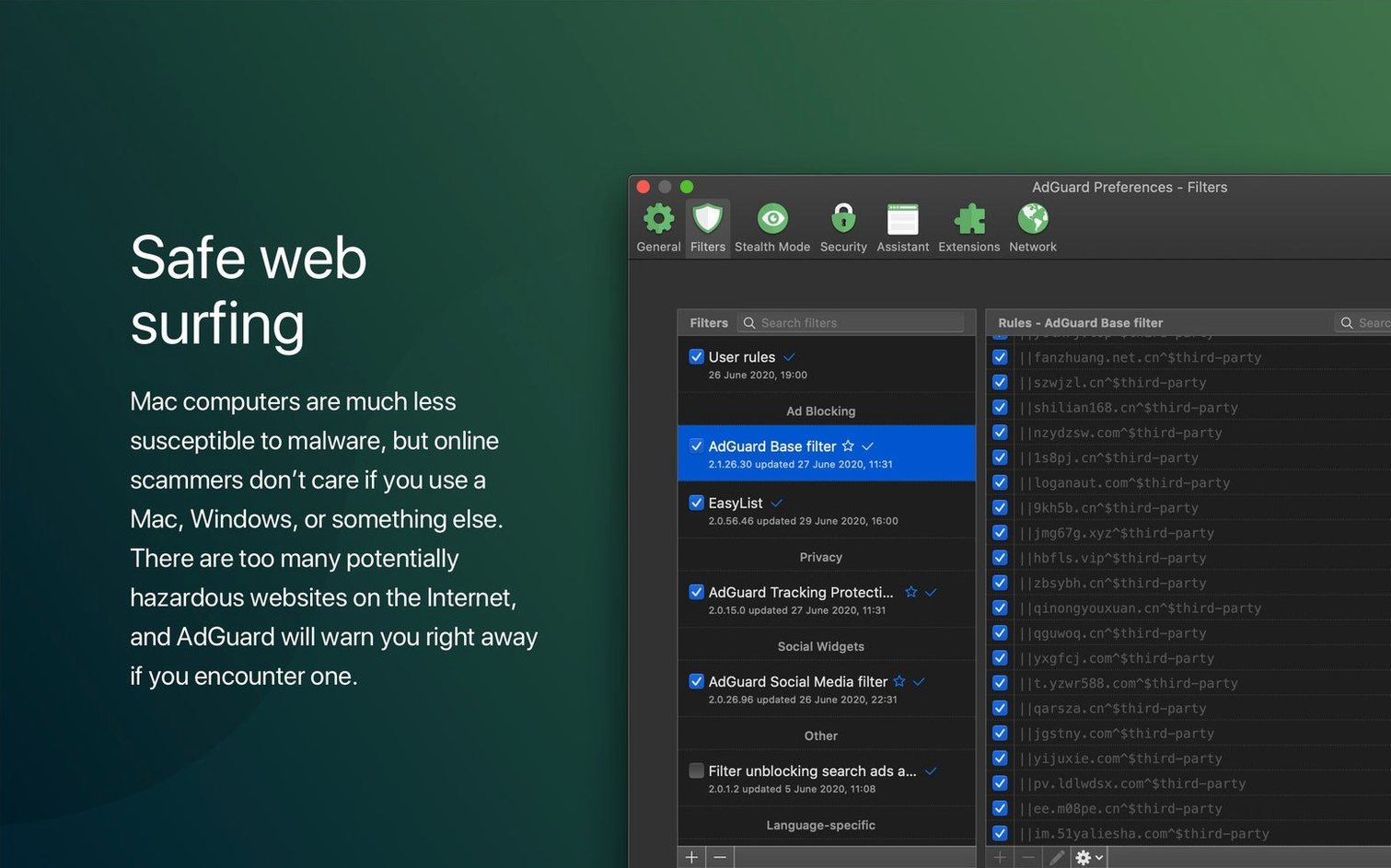
Another early stumble: treating AdGuard like a browser extension. People open Safari, see an ad, and reach for a separate content blocker. But AdGuard's filters work lower in the stack. If a page still shows ads, the issue is usually a filter list that hasn't been updated, not the app failing. A manual check for filter updates from the main window often clears it. Some users also import enormous third-party blocklists without understanding that each one adds CPU overhead; starting with the built-in set is wiser.
Beginners sometimes toggle the firewall-like DNS filtering on and off without realising it disrupts captive portals—hotel Wi-Fi login screens, airport sign-in pages. When a network demands browser authentication and refuses to load, pausing protection from the menu bar assistant for two minutes is the simplest recovery.
A stubborn site won't load—toggle protection, don't uninstall
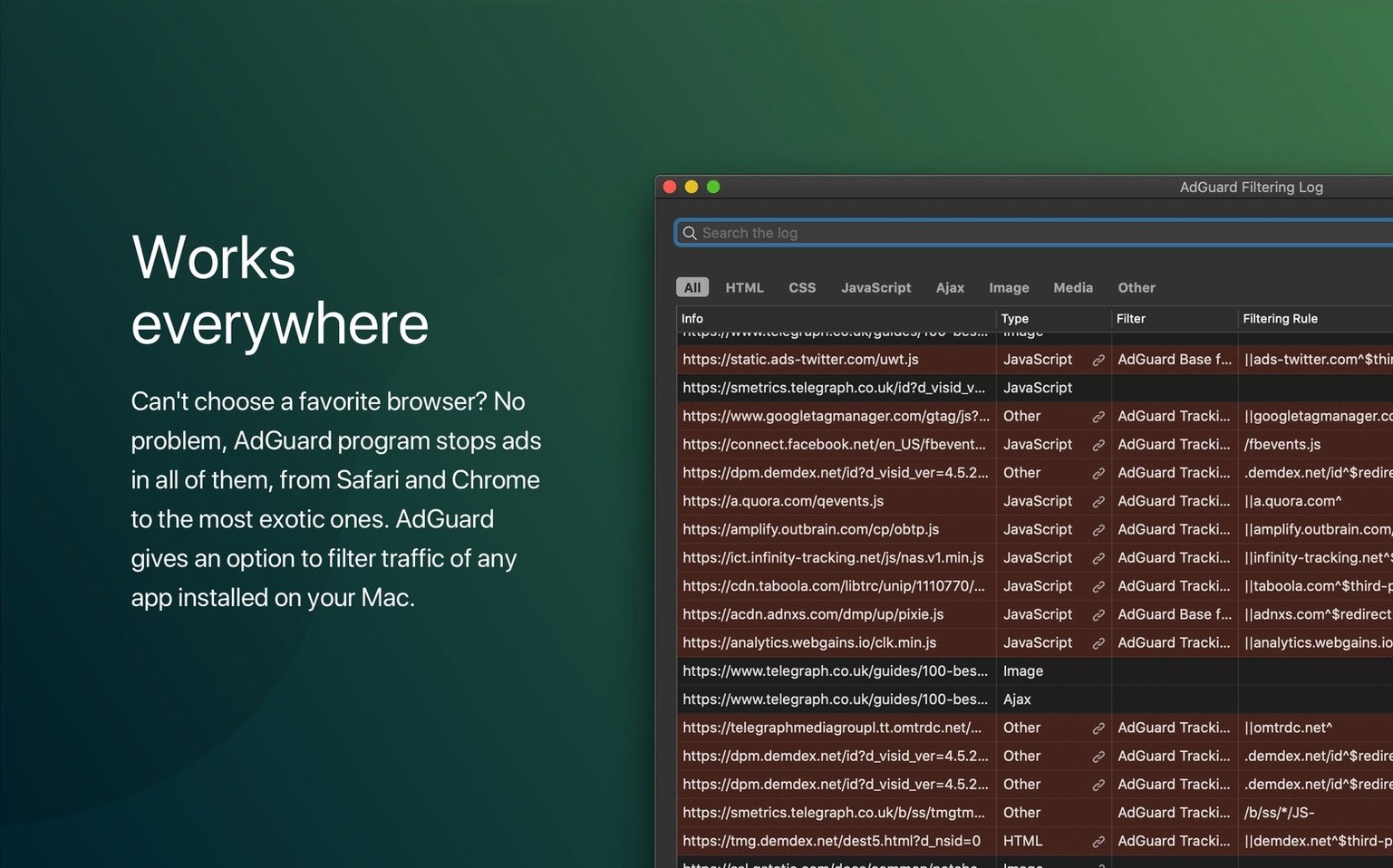
The most frequent real-world friction is a banking or government site that refuses to load. The security scanner sometimes flags legitimate but poorly configured servers. The fix is not to uninstall—just open the assistant panel, click the protection toggle for that specific domain, and reload. AdGuard remembers the exception. For apps that break more stubbornly, the filtering log (under the Statistics tab) shows exactly which rule triggered the block. You can add a custom exception rule from that same screen with two clicks.
Some users hunting for an adguard premium torrent or adguard mac torrent often find a cracked version that ships with outdated filter definitions or, its own bundled trackers. The clean build updates its filters silently in the background; a stale adguard crack mac install leaves you exposed to phishing domains that were identified last week. If HTTPS filtering suddenly stops working after a macOS update, it's almost always because the system cleared the local certificate trust. Re-running the certificate installation from the Network preferences restores it.
On Apple Silicon Macs, a handful of users notice the menu bar counter lagging slightly under heavy load. This is usually Rosetta overhead if you accidentally grabbed an Intel-only build, but the universal binary avoids it entirely.
Playing well with other tools
AdGuard sits alongside a VPN without fuss. The app's DNS filtering tab lets you point encrypted queries to the same resolver your VPN uses, or to an independent one like Quad9. If your VPN enforces its own DNS, you turn off AdGuard's DNS module and let it handle content filtering only—the two layers don't fight, they just handle different parts of the pipe. People who run Little Snitch or Radio Silence will find AdGuard complementary: those apps control which processes phone home; AdGuard scrubs the traffic that gets through.
On macOS Ventura and later, the system's built-in privacy reports in Safari show trackers being blocked. With AdGuard running, that number drops—Safari sees fewer trackers because they were already stopped upstream. The two aren't redundant; AdGuard catches what Safari's Intelligent Tracking Prevention misses inside non-browser apps. If you also use a Safari content blocker like Wipr, you can run them together, but you'll occasionally see double-counted blocked items. Most people settle on AdGuard for system-wide coverage and disable per-browser extensions to reduce overhead.
For shortcuts and automation, the app exposes a basic URL scheme. You can toggle protection from a shell script or a Shortcut tied to a keyboard combo—useful when you dock your MacBook at a work network that needs unfiltered access for internal tools, then re-enable it when you leave.
The developers have noted that release details for version 2.20.2.2629 are available on the official AdGuard site, pointing to their latest round of fixes and improvements.
- macOS 10.15 or later
- Apple Silicon or Intel 64-bit processor
Questions from the booth
Yes, it works at the system level on macOS, blocking ads and trackers in all browsers and desktop apps, not just Safari.
AdGuard for Mac filters traffic across your entire system and all apps, while AdGuard Mini is a separate, lighter app focused solely on Safari content blocking.