The QuickTime Creation Date & Time handler just got a little more precise. That one-hour daylight saving offset that could nudge a movie's birthdate out of alignment in Photos and Final Cut Pro is now corrected, so content creation dates stick where they belong.
What does the sync between IPTC and EXIF look like now?
When you set an embedded date in version 7.50, the IPTC Date Created field and the EXIF time zone offset move together. It is a quiet fix that stops metadata mismatches from creeping into a batch of tagged stills.
Which RAW formats can it touch?
Alongside JPEG EXIF, the app reaches into CR2, CRW, NEF, and CIFF files to adjust date and time data. It covers the digital negatives you are most likely to have sitting on a drive from a Canon or Nikon body.
What did not change with this release?
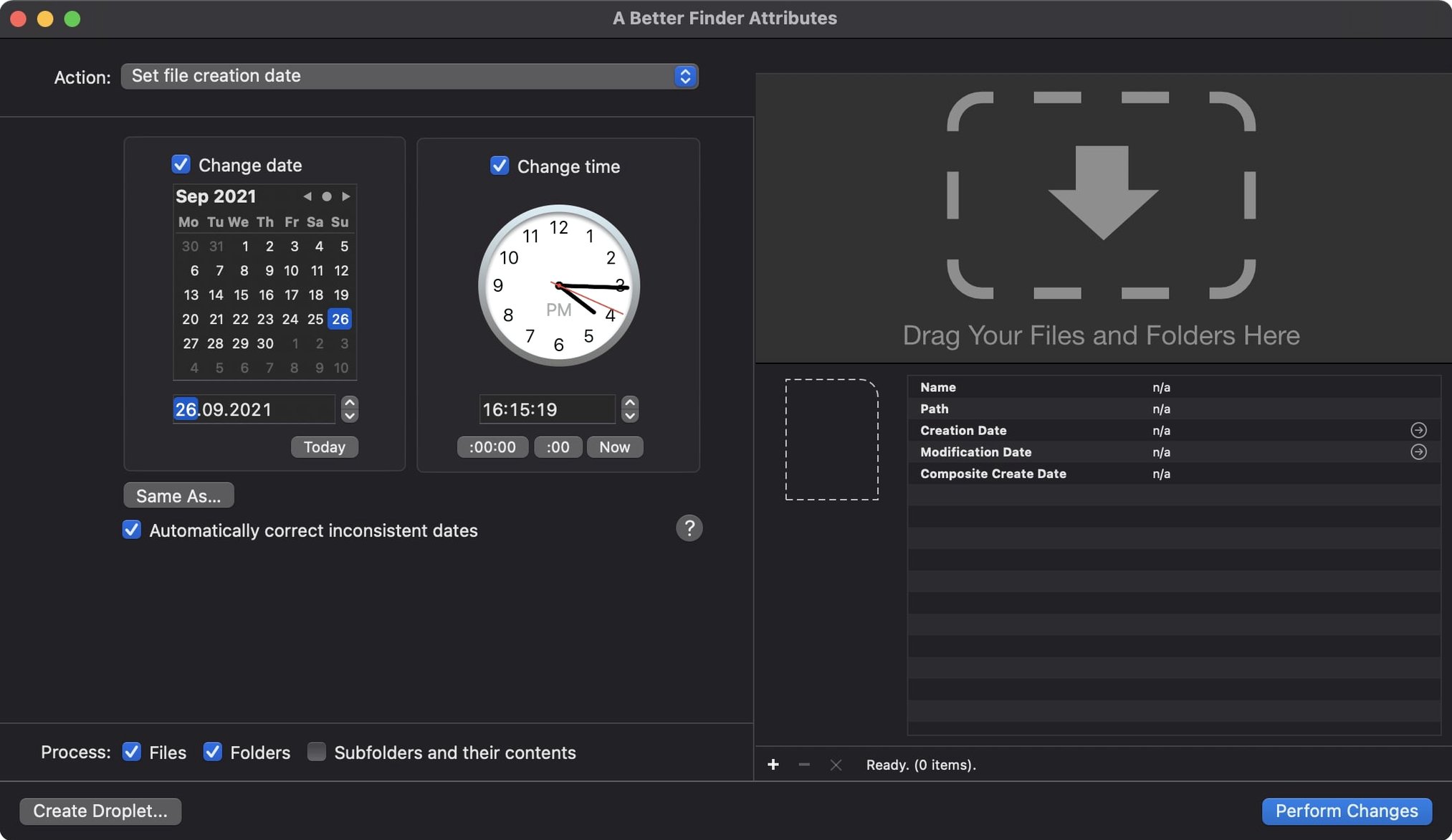
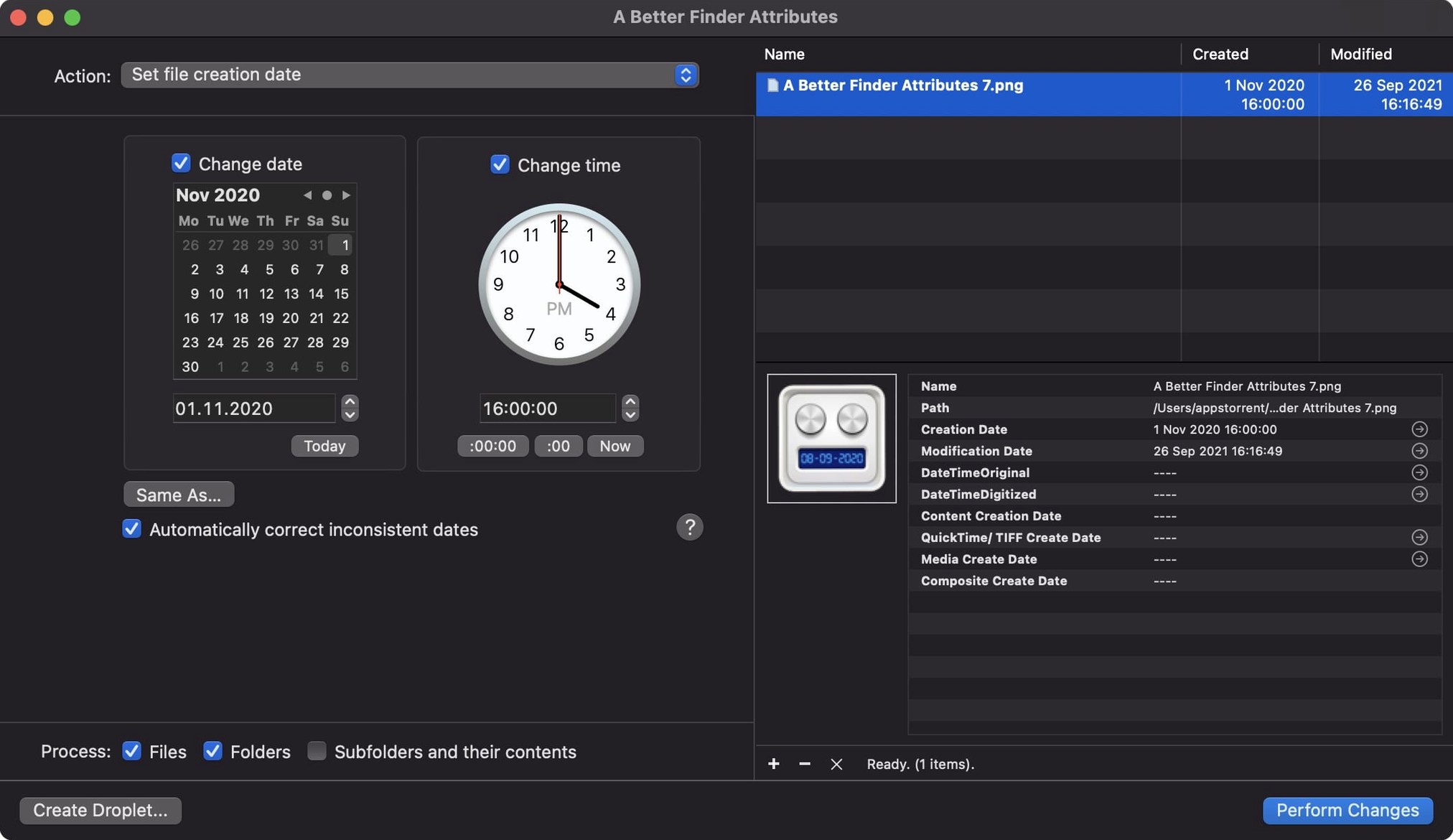
The core ritual remains the same. You drag files into the queue, pick a date action—shift, set, or extract—and let the app rewrite the timestamps across batches. It still runs natively on Intel and Apple Silicon Macs, and the interface stays in English, German, or French.
Kill the confirmation dialog before it slows you down
Open the preferences window before you touch a single file. The first thing I turn off is the confirmation dialog that appears after every action — it is useful when you are learning the tool, but it becomes friction the moment you trust what the preview pane shows you. While you are there, set the default date format to match how your camera writes timestamps. I keep mine on YYYY-MM-DD HH:MM:SS because it sorts cleanly in Finder and plays well with photo management apps that read EXIF.
The batch queue behaves more predictably when you tell the app whether to process files in place or copy them to a new location first. I recommend copying for the first few runs, especially if you are working with RAW files that have sidecar XMP data. A small mistake in a date offset can ripple across an entire shoot, and having untouched originals means you can start over without reaching for a backup drive.
For photographers, the EXIF tool pane deserves a close look. The checkbox that synchronizes the file modification date with the EXIF shooting date is easy to miss, but it solves one of the most common post-import annoyances: a folder full of images that Finder insists were created three days after you pressed the shutter. Enable it once and every JPEG, CR2, and NEF you process will line up in chronological order across your file system and your library.
A thousand RAW files in under a minute on Apple Silicon
On an Apple Silicon Mac, a better finder attributes chews through a thousand RAW files in under a minute. The progress bar stays fluid, the app does not beachball, and the rest of the system remains responsive enough to keep a browser and Lightroom open alongside it. Memory pressure barely registers — Activity Monitor shows a small footprint that stays flat regardless of batch size.
Intel Macs from the last few years handle it almost as well, though you will notice the fans spin up during a large EXIF rewrite session. The difference is most visible when processing movie files with the new QuickTime date handler. The DST correction in version 7.50 adds a fraction of a second per file, which is imperceptible on Apple Silicon and a small but measurable delay on older Intel hardware.
Stability over a full day of metadata work holds up. I have thrown corrupted EXIF headers at it, files with missing date fields, and mixed batches of stills and video clips from three different cameras. The app logs the failures quietly in the results pane and keeps processing the rest of the queue. No crashes across several thousand files, and no half-written metadata that left a file in an unreadable state.
A documentary editor's Monday morning
Consider someone cutting a feature documentary who has just ingested a drive full of archival footage. The clips came from five different sources — some are ProRes exports with no embedded dates, others are H.264 files from a digitization house that stamped them with the transfer date instead of the original shoot date. A few are iPhone videos that drifted across time zones during a research trip.
They open a better finder attributes mac and drag the entire folder tree into the queue. The first pass extracts whatever QuickTime creation dates exist and writes them into a spreadsheet-friendly log. The second pass shifts a batch of digitized clips back by eight years so they align with the production timeline. The third pass takes a dozen iPhone files and offsets their timestamps by the exact number of hours between the filming location and the edit suite. By lunch, every clip in the project sorts correctly in Final Cut Pro's browser, and the assistant editor has not written a single line of terminal commands or shell script.
Sync wedding photos from two camera bodies with one offset
Photographers who juggle multiple bodies on a shoot notice the benefit immediately. When a Canon and a Nikon are both firing during a wedding, their internal clocks drift by minutes or hours. A batch date shift with a calculated offset brings every frame into a single coherent timeline, and the EXIF sync means Lightroom and Capture One see the corrected dates without a separate metadata import step.
Archivists and librarians working with digitized collections find it indispensable for a different reason. Scanned documents and photographs often carry the scanner's timestamp rather than the original creation date. Being able to set the file creation date, the modification date, and the embedded EXIF date in a single action turns a tedious multi-tool workflow into a drag-and-drop operation. The fact that it handles batches of mixed file types — TIFFs from a flatbed scanner alongside JPEGs from a DSLR copy stand — means fewer passes through the queue.
Video editors and post-production assistants get the most from the QuickTime improvements in version 7.50. The DST fix alone saves hours of manual correction on projects that span daylight saving transitions, and the ability to write content creation dates that Final Cut Pro actually respects reduces the number of clips that end up sorted under "Unknown Date" in the browser. For anyone who has ever rebuilt a timeline by hand because the metadata was wrong, that one fix justifies the download.
Casual users who only need to rename a handful of files or fix a single folder of vacation photos will find the interface approachable but perhaps more than they need. The power here is in the batch logic and the EXIF depth — it is a tool that rewards repetition and scale. If you find yourself reaching for it more than twice a month, you are exactly the kind of user it was built for.
Version 7.53 has landed. The developer's release notes live over at their site, so I'll point you there for the granular detail — this one's a maintenance refresh keeping things steady on recent macOS builds.
- macOS 14.6 or later
- Apple Silicon or Intel 64‑bit
Questions from the booth
It requires macOS 14.6 or later and runs on both Intel 64-bit and Apple Silicon Macs.
Yes. The current release writes the Apple QuickTime creation date so apps like Photos and Final Cut Pro can read movie content creation dates, and it fixes a one-hour DST error in that process.
The app ships in English, German, and French.