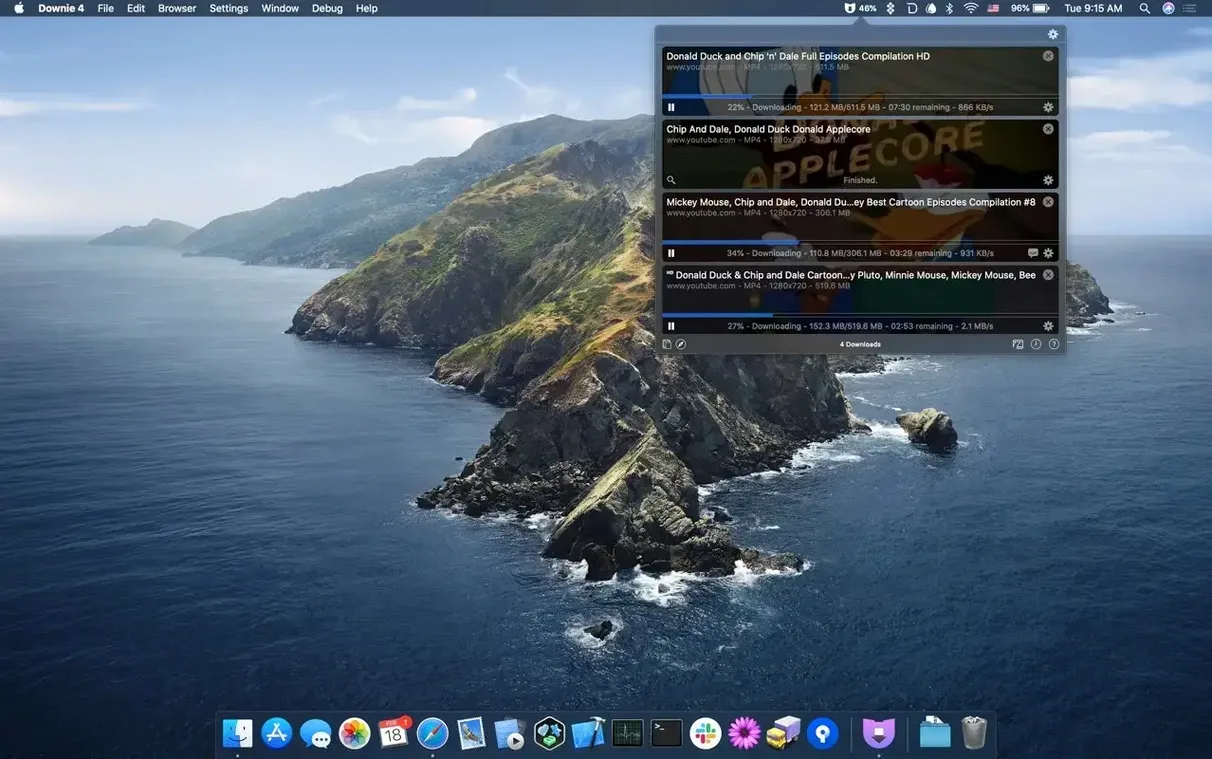
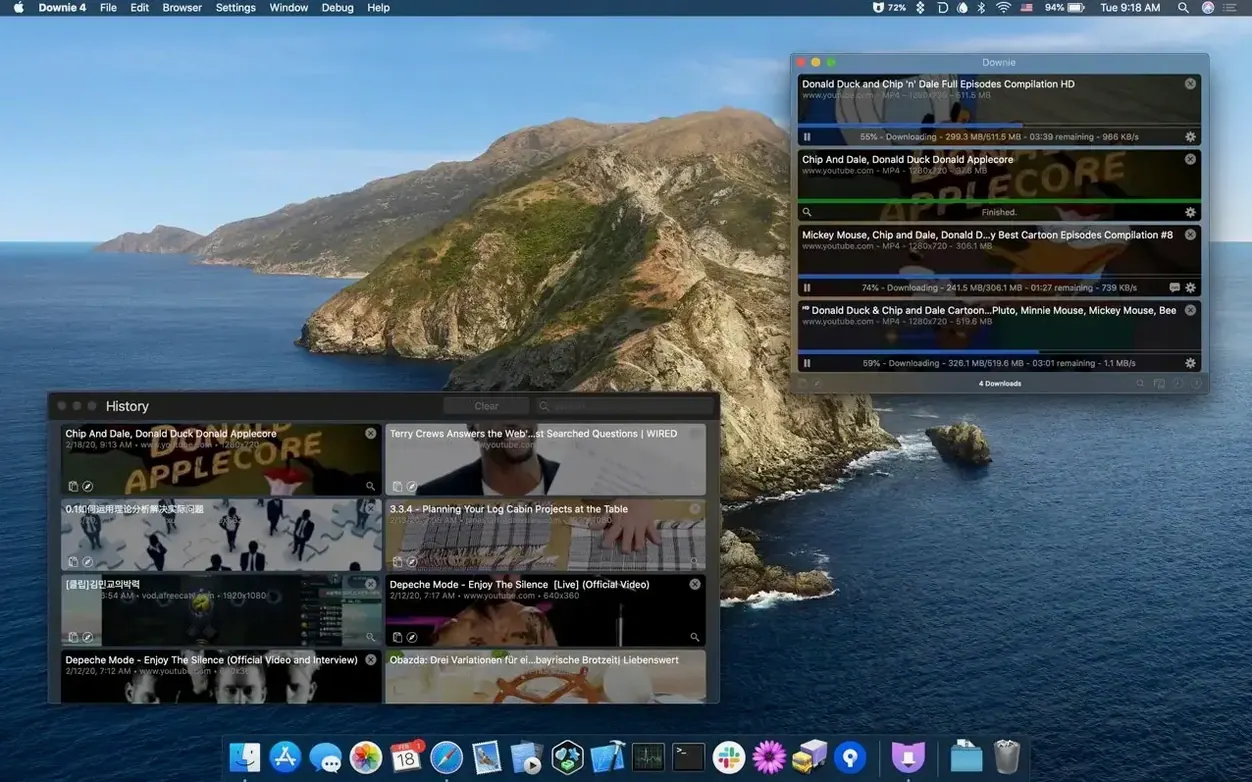
Downie 4.13.1 runs on any Mac with macOS 11 or later, on both Apple Silicon and Intel. It’s built for a single purpose: saving online videos without the ceremony.
How a download moves through Downie
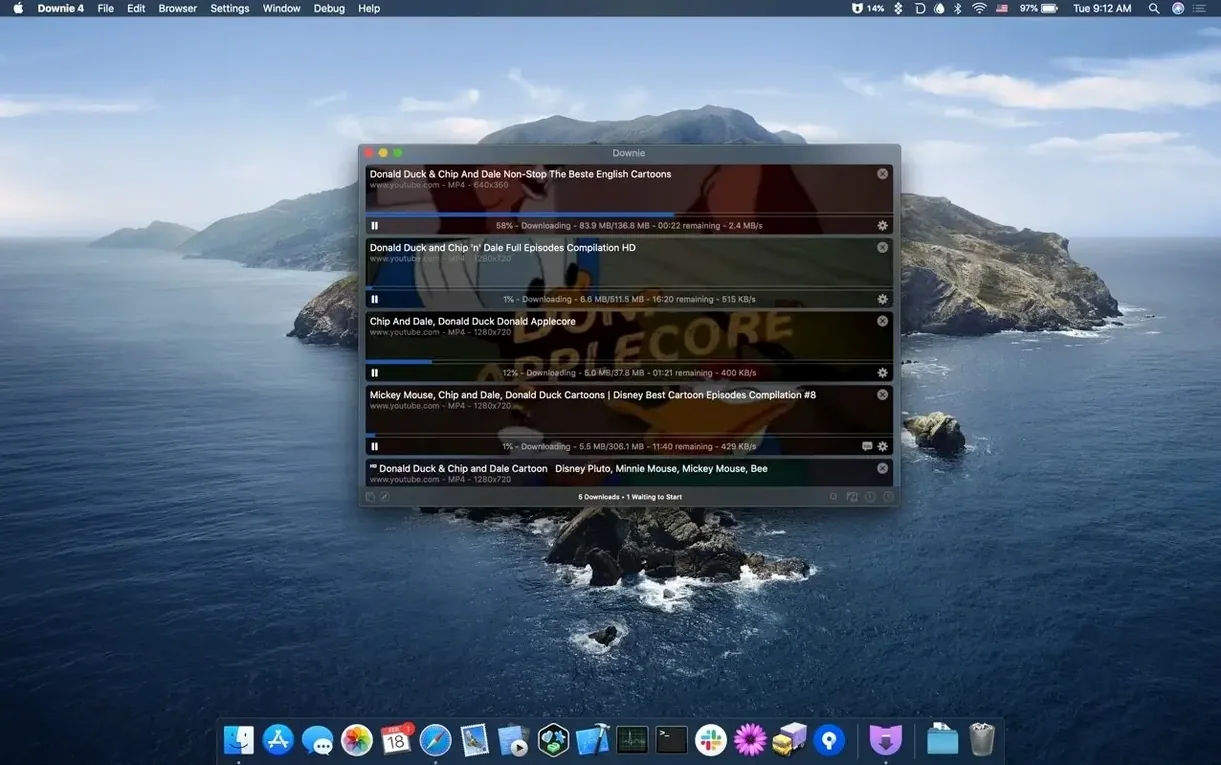
- Send a link. Paste a URL, drag a link from your browser, or use the extension to catch videos as you browse. Downie recognizes over 1,200 sites, from YouTube and Vimeo to smaller, niche platforms.
- Refine what you’re grabbing. Before the download starts, you can pick a format. Downie can convert straight to MP4, and on YouTube it pulls 4K when available. If you’ve got a batch list, import a CSV or XML file with custom titles and let it work through the queue.
- Hand off to Permute. When the download finishes, Downie can pass the file to Permute for format conversion or to stitch separate video parts into a single watchable file. It’s an optional step that turns a simple downloader into a small post-production chain.
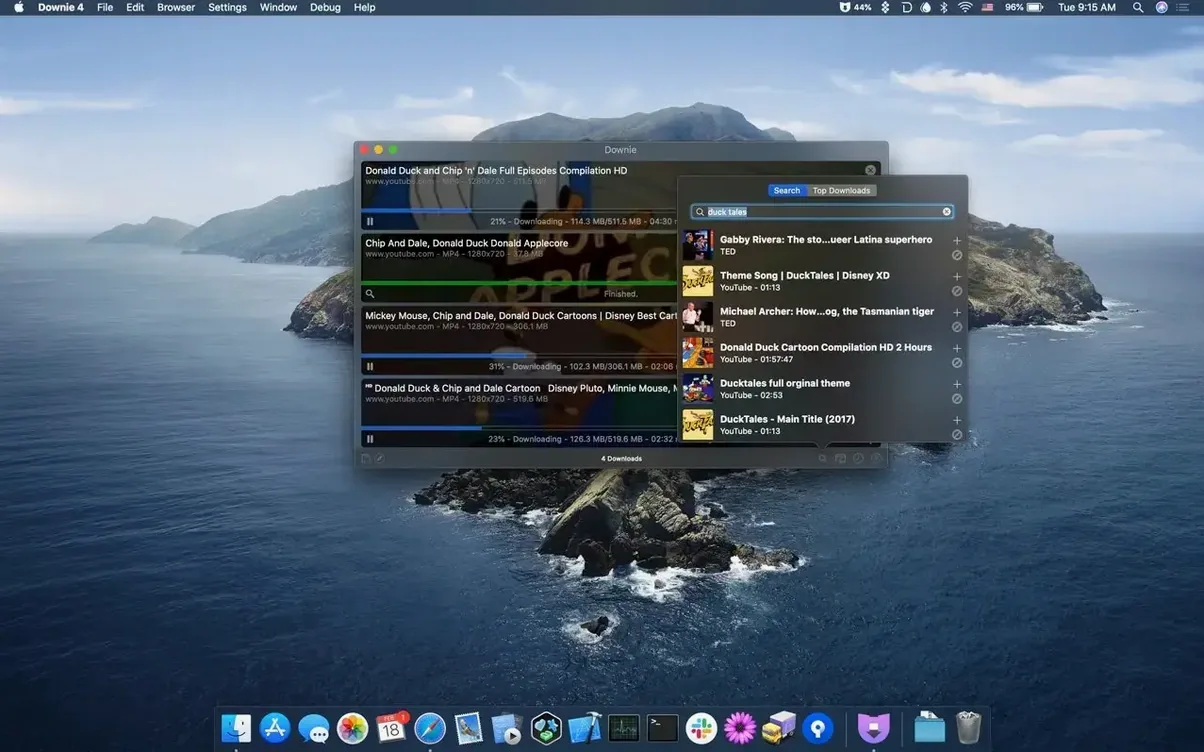
You can also search for video content right inside the app, which is useful when you remember a title but not the URL. The interface stays quiet and out of the way, doing exactly what you asked and nothing more.
An afternoon with a documentary editor
Imagine a documentary editor piecing together a cut about coastal erosion. She's found four interviews on Vimeo, a 1960s newsreel archived on a university site, and a handful of climate protest clips scattered across Twitter and Instagram. The director wants rough selects by Friday, and half the source material is buried behind erratic Wi‑Fi at the editing suite. She drags each link into Downie's main window, skips the ones already available in 1080p, and sets the YouTube interview to download in 4K for future-proofing. While the files stack up, she imports a short CSV of archival footage URLs with custom clip names pulled from her research notes. By the time she's made coffee, everything sits in a single folder, renamed and ready to scrub through. The audio from one Instagram clip arrives as an MP4 she didn't ask for, so she right‑clicks and extracts just the AAC track, drops it into her timeline, and keeps moving. No browser tabs left open, no screen recording hacks, no conversion hangover.
Where Downie fits among the tools you already use
Downie doesn't try to replace your media player, your editor, or your file organizer. It works best as the quiet intake valve at the start of a project. The Permute integration means you can pull a video in its native format, then automatically transcode it to something your editing software actually likes — H.265 for Final Cut, say, or a straightforward MP4 for DaVinci Resolve. If you're a musician lifting reference audio from a live performance on YouTube, Downie can strip the audio on arrival and drop an M4A into your Logic project folder before you've even opened the DAW.
On the macOS side, the app respects the conventions you already rely on. It shows progress in the Dock tile, supports Notification Center alerts when a queue finishes, and plays nicely with Focus modes — so a big overnight batch doesn't ping you awake. The browser extension for Safari and Chromium-based browsers catches video links with a single click, and because it works at the URL level rather than screen recording, you keep the original quality the uploader intended. For anyone who uses Automator or Shortcuts, the app's URL‑scheme support means you can build a one‑click workflow that grabs a video, converts it, and files it in a project folder — all without opening the main window.
Who gets the most out of it
Downie makes the most sense for people who treat online video as raw material rather than something they'll only watch once. Teachers assembling lesson resources from scattered platforms, researchers archiving talks that might disappear, musicians pulling reference tracks, and video editors building mood boards all run into the same wall: streaming sites aren't built for offline work. Downie removes that friction without adding its own. It's equally at home on a film student's MacBook Air and a post-production Intel Mac Pro that's still running macOS 12. The app is lean enough that it doesn't compete for resources during a render, and the Apple Silicon build keeps the energy draw low on battery.
It's also quietly useful for anyone living with unreliable internet. If you travel often or work from a cabin with spotty satellite, queuing up a week's worth of reference material while you're on solid ground changes how you spend your offline hours. Downie's CSV import makes that kind of batch planning trivial — write a list on the train, execute it when you reach the hotel Wi‑Fi.
Questions that come up before installing
Does it handle more than just YouTube? Yes — over 1,200 sites are supported, which covers the obvious names like Vimeo, Facebook, and Instagram, but also reaches into academic hosting platforms, regional broadcasters, and smaller video hubs. If the site embeds a recognizable video stream, there's a strong chance Downie can parse it.
What about 4K and high‑bitrate files? On YouTube, 4K downloads are available when the uploader provided them. Downie doesn't recompress the stream; it saves what the server delivers. The same applies to 60fps content and higher bitrate encodes — you get the source quality, not a transcoded approximation.
Can it extract just the audio? Yes, and it's a single toggle. The audio extraction produces a clean file without first downloading the video and then converting it in a separate step. For podcasts, lectures, or music, that saves time and disk space.
Does it work with Permute automatically? If Permute is installed on the same Mac, Downie can hand off finished downloads for conversion or merging. The handoff is optional and configurable per download — you might convert a batch of MP4s for an iPad but leave the master files untouched.
Is browser integration required? No. The extension is helpful for catching videos as you browse, but you can just as easily paste a URL or drag a link from the address bar. The extension simply removes a step.
For anyone searching for a straightforward way to get online video onto their Mac — whether they first encountered it as downie for mac, a downie 4 mention in a forum, or through word of mouth — the experience stays the same. Paste, choose your format, and work with the file as if it had always been local.
- macOS 11 or later
- Apple Silicon or Intel
Questions from the booth
Yes. When a video is available in 4K on YouTube, Downie gives you that option in the format picker before the download starts.
It supports more than 1,200 websites, including Vimeo, Facebook, and Instagram. The browser extension helps catch videos as you browse.
Downie can convert videos to MP4 on its own, and it integrates with Permute for a wider range of format conversions and for joining separate video segments into one file.