
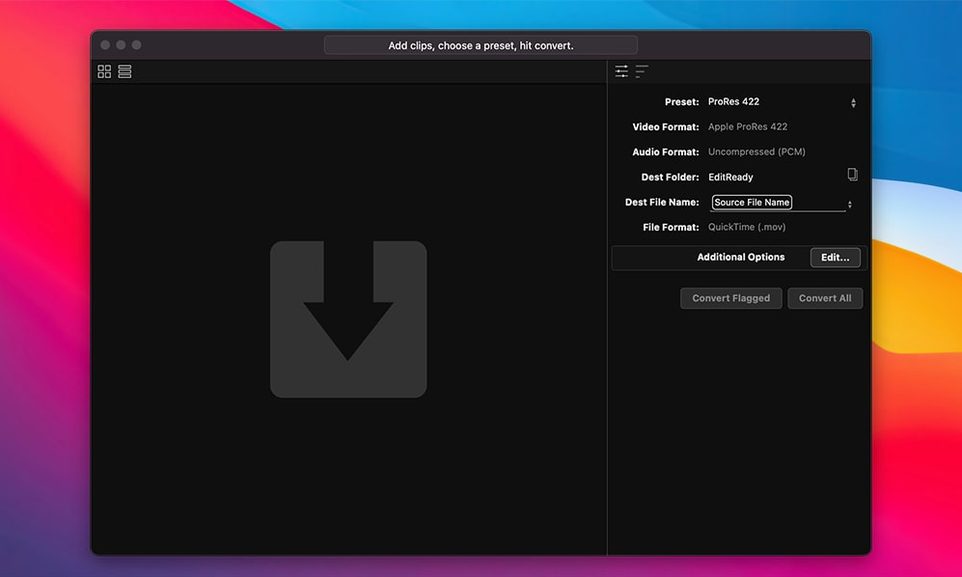
Think of the last time QuickTime Player couldn’t open a camera original — maybe an MXF from a Sony shoot, or a raw clip your NLE didn’t recognize. EditReady sits in that gap. It’s the tool you reach for when a file isn’t editorial-ready yet, and you need it in ProRes before the assistant editor even asks.
From camera card to timeline in a few deliberate clicks
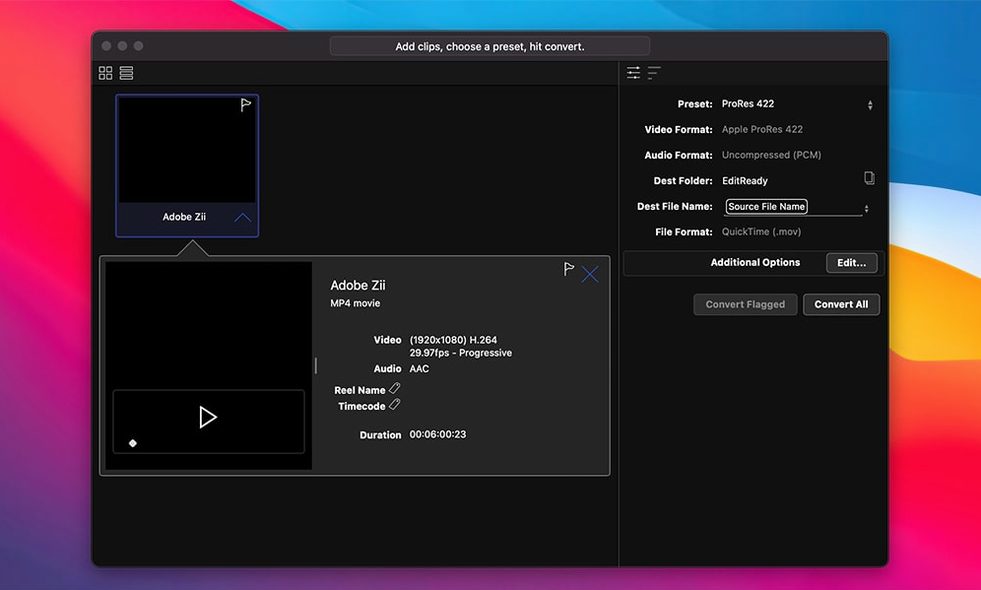
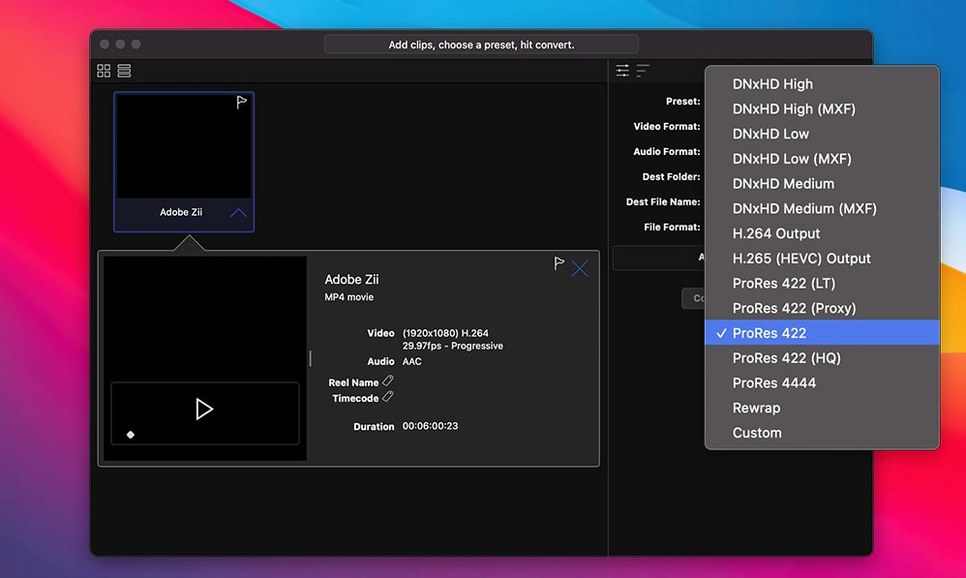
A common afternoon: a director hands you a drive of Blackmagic RAW from a borrowed Ursa. Your project is cut in DNxHD. You open EditReady, drag the folder in, and the browser lights up with thumbnails and spanned-clip detection. You pick DNxHD as the output, glance at the metadata panel to confirm the camera ISO and lens serial are all still there, then hit convert. The app leans on the Mac’s hardware encoders for H.264 when you need a quick review file, but today it’s churning through the RAW frames to a mezzanine codec you can actually cut with. No intermediate XML, no watch folder — just a straightforward path from card to timeline.
A colour-aware pass before the grade
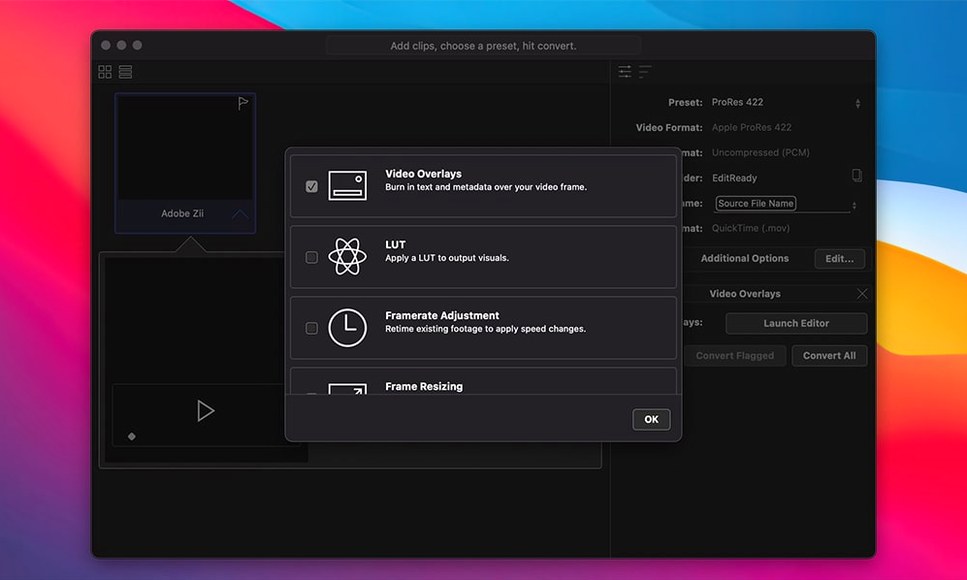
Sometimes the footage needs a gentle look applied before it reaches the editor. A 709 monitoring LUT dropped onto a log clip inside EditReady bakes the transform into the transcode, so the offline edit has contrast the director can read a room with. The original metadata — timecode, reel name, camera settings — travels through untouched, which means the conform back to camera originals later won’t fall apart over a missing tape name. That combination of metadata fidelity and light colour correction makes it a quiet but essential first link in the post chain.
A DIT’s quick-turnaround on a cold set
Picture a December night shoot outside Vancouver. The camera department wraps a scene on a Sony BURANO, handing the DIT a card full of X-OCN footage. The editor is in a hotel room across town, waiting for dailies. The DIT mounts the card, drags the entire clip bin into EditReady, sets the output to ProRes 422 HQ, and applies the show’s custom monitoring LUT. While the first reel transcodes, she opens the metadata inspector in a second window, confirms the timecode track matches the sound recorder’s log, and adds the slate number to the reel field. Twenty minutes later the dailies are syncing in the editor’s bin, and the raw originals are safely offloaded to two shuttle drives — all without opening a full NLE.
When the app doesn’t see your spanned clips
A frequent snag: you drag in an AVCHD or M2T folder, but EditReady shows the individual .mts segments instead of the combined clip. The fix is usually simple — make sure you’re dragging the root folder from the card, not the stream subfolder. The app needs the full directory structure to detect spanning. If the card was copied to a drive with a renamed folder, try pointing EditReady directly at the original card structure instead. For GoPro sources, the same rule applies: drag the numbered folder that contains both the video and the metadata sidecar, not just the MP4s.
Codec mismatches and the Intel-only quirk
EditReady runs natively on Apple silicon, but the current build ships as an Intel binary, so Rosetta 2 keeps things moving on M-series Macs. The practical upshot: on first launch, macOS may spend a few seconds translating the app. If you ever see a blank preview window or dropped frames during playback, toggle the playback quality setting down a notch — the transcode itself will still be frame-accurate. Another occasional hiccup is a clip that refuses to decode until you reset the app’s Preferences file. Hold Option while launching EditReady to trigger a fresh preferences state, which often clears stubborn codec-parsing errors without touching your output presets.
- macOS 10.15 or later
- Intel processor
Questions from the booth
It converts MXF, M2T, MTS, Blackmagic RAW, and QuickTime files into editorial codecs like ProRes, DNxHD/HR, or H.264.
Yes, you can bake a LUT into the transcoded file for colour correction or a monitoring look, while the original camera metadata is preserved.
EditReady runs on both Intel and Apple silicon processors, using hardware acceleration for H.264 encoding when available.