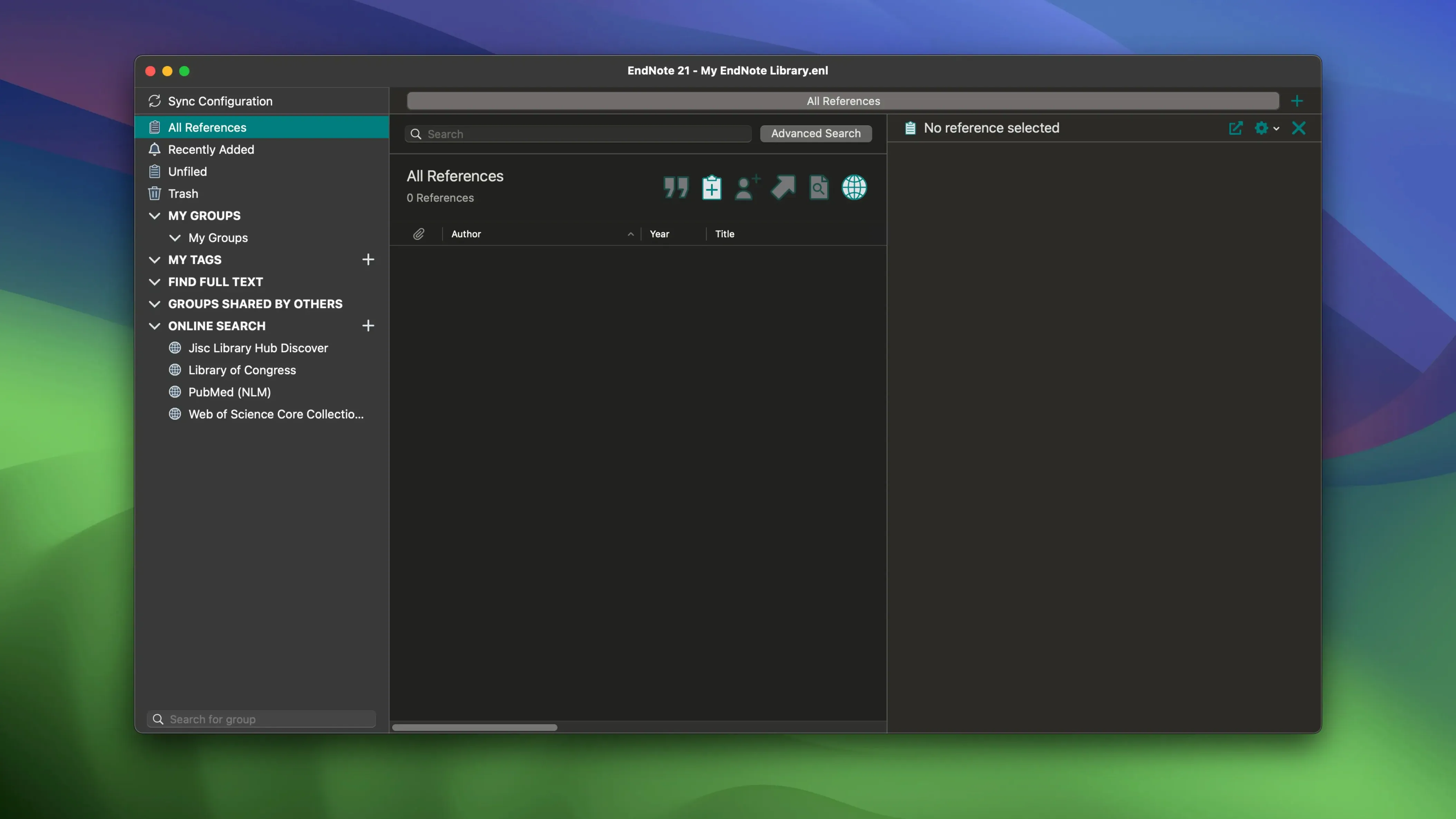
EndNote 2025.3 asks for macOS 10.14 or later and runs natively on both Intel and Apple Silicon machines, so it settles onto a current Mac without a translation layer. That architectural quietness matters when you are six hours into a citation edit and the fan has not spun up once.
How does the tag system really hold up across a long project?
Tags in EndNote are colour-coded and fully custom, which means you can build a visual logic that matches your chapter structure or thematic threads. After a few months of research, scanning a sidebar of soft greens and blues for a half-remembered paper becomes a muscle memory, not a search query.
What happens when the Word plug-in crashes mid-draft?
Version 2025.3 specifically resolves a crash that occurred in Microsoft Word when Select Matching References appeared, a bug that had been interrupting the flow between manuscript and library at the worst possible moments. The fix keeps the Cite While You Write connection from fraying when you are deep in revisions.
Can you pull a corrupted library back from the cloud?
EndNote includes a library restoration path that reaches into the cloud, so a local database failure does not mean losing months of annotated references. The desktop software stays in step with EndNote Web, which doubles as a safety net and a way to move between machines without carrying a library file on a USB stick.
Does it reach beyond journal articles?
The reference gathering tools search across bibliographic data, books, journals and articles, which widens the net past the usual PubMed-and-PDF workflow. For a dissertation that leans on primary texts, grey literature or a scattered archive of book chapters, that breadth keeps the library from becoming a narrow silo.
Deeper style control meets Zotero’s open web capture
Zotero and Mendeley both live in the same neighbourhood, but they feel like different apartments. Zotero leans on browser capture and a generous open structure; EndNote counters with deeper control over output styles and a Cite While You Write connection that has been refined over more years than most rivals have existed. Mendeley's PDF reader is friendlier for casual highlighting, yet its citation formatting can feel thin once a journal demands a very specific footnote layout. For a filmmaker's occasional grant proposal, Zotero is plenty. For a dissertation with four hundred sources and a style guide that runs to sixty pages, EndNote's granularity starts to justify itself.
Papers and Bookends both appeal to Mac-first users who want something lighter. Bookends is fast and scriptable, but it asks you to build your own workflows. Papers looks cleaner on first launch, though its library tools are shallower when you need to split a reference into multiple editions or attach a correction to a retracted article. EndNote sits between the two: heavier than Bookends, more exacting than Papers, and unapologetic about it.
Thousands of entries still return instant, tag-filtered searches
With a library running into the thousands of entries, EndNote's interface stays responsive on an Apple Silicon Mac. Searches across titles, authors and tags return before the thought finishes, and the colour-coded tag sidebar does not redraw like a tired stage set. The application is not a lightweight; it loads a full reference engine at startup, and the first sync after a long absence can take a minute. But once the cloud handshake settles, the daily rhythm is quiet.
Memory use is modest for what the software carries. Keeping PDFs, notes and annotations in sync across devices adds some background chatter, but nothing that interrupts a video render or a long screenwriting session. On older Intel hardware, the first indexing pass over a fresh library can feel deliberate. After that, EndNote settles into the background and stays there.
A localization expansion and a Word crash repair
The 2025.3 release is a maintenance pass more than a reinvention. The Simplified Chinese localization opens the interface to a wider set of researchers, and the bug fixes target the seams where EndNote meets other software. The Word crash around Select Matching References was the kind of failure that only appeared under specific conditions, but when it did, it broke the writing flow at exactly the wrong moment. That fix alone changes how the tool feels during heavy revision days.
The cloud restoration features continue to matter more with each version. Being able to pull a library back from EndNote Web, or roll back a single reference to a previous state, turns a moment of panic into a thirty-second detour. In practice, that means a corrupted local database no longer reads as a catastrophe. It reads as an inconvenience with a clear path back.
- macOS 10.14 or later
- Apple Silicon or Intel 64-bit processor
Questions from the booth
Yes, it integrates with both Microsoft Word and Google Docs, so you can format citations and build bibliographies inside either writing environment.
It is designed for long-form academic work — scientific papers, dissertations, and any manuscript where managing hundreds of references by hand would become unmanageable.
It is a focused bug-fix release, resolving the Word crash tied to Select Matching References alongside other minor fixes — no new features, just a steadier working day.