
Version 3.0.2 arrives quietly with fixes for known issues, but the real story is what it lets you shape. The text selection menu is now fully customizable, and you can assign custom AI actions, sort and hide titles, and give bookshelf categories their own icons. AI chat history stays on your machine.
Navigate a long text with precision
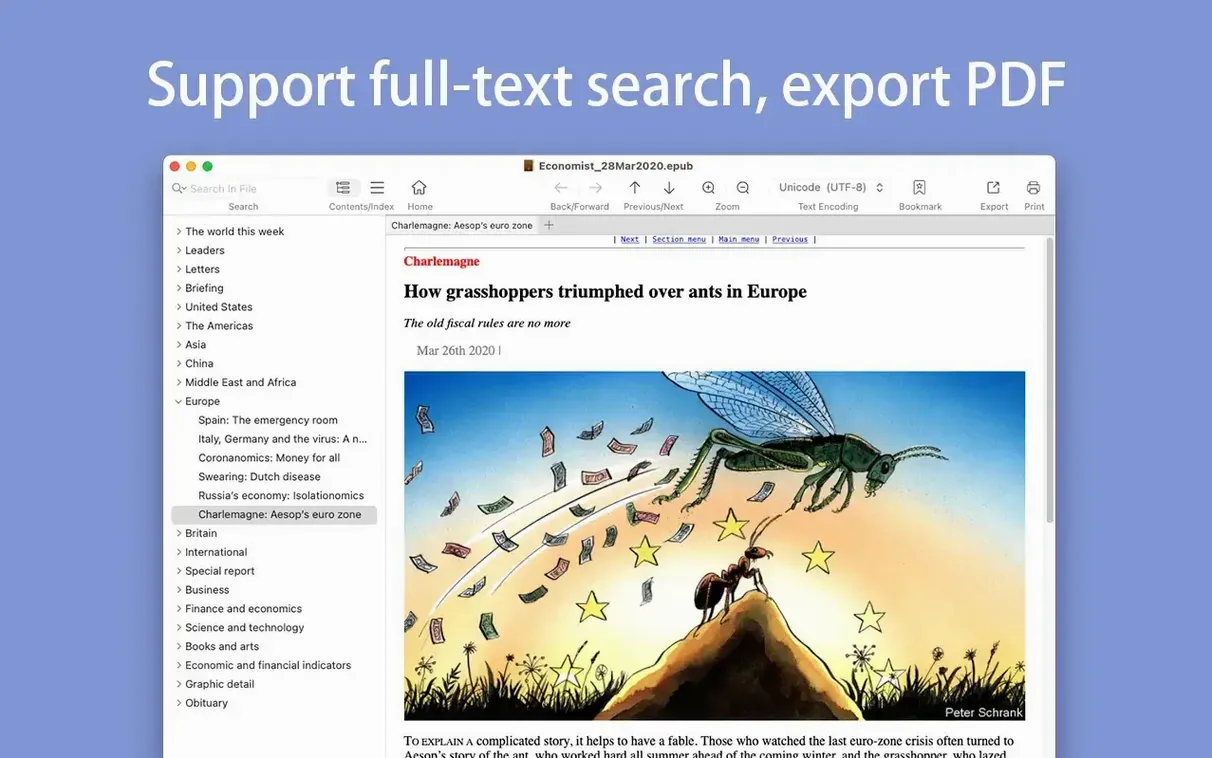
Use J and K to scroll while reading, or hold Command with the arrow keys to jump between pages. Single-page search and full-text search work across an entire EPUB or MOBI file, and the app remembers your last position while tracking a forward-and-back reading history.
Pull assets and data out of a file
Extract images from EPUB and MOBI files when you need a cover or interior artwork. Convert MOBI to PDF for printing, which the app supports directly. A basic file-information panel gives you format details at a glance.
Build a library that reflects how you read
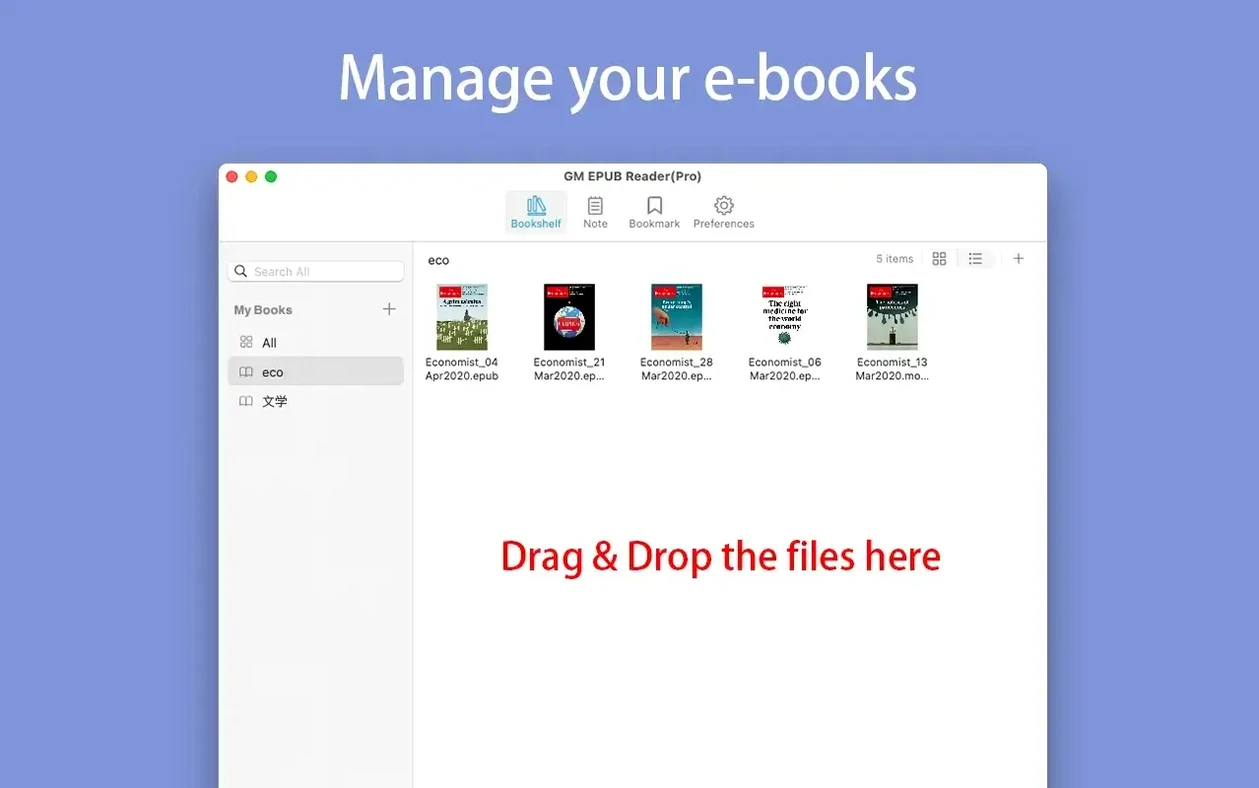
Add books by dragging them onto the window. Sort and hide entries, assign custom icons to categories, and let the reading history map the path you took through a text. It is a small set of tools that grows more useful the longer you use it.
A researcher's evening with non-fiction files
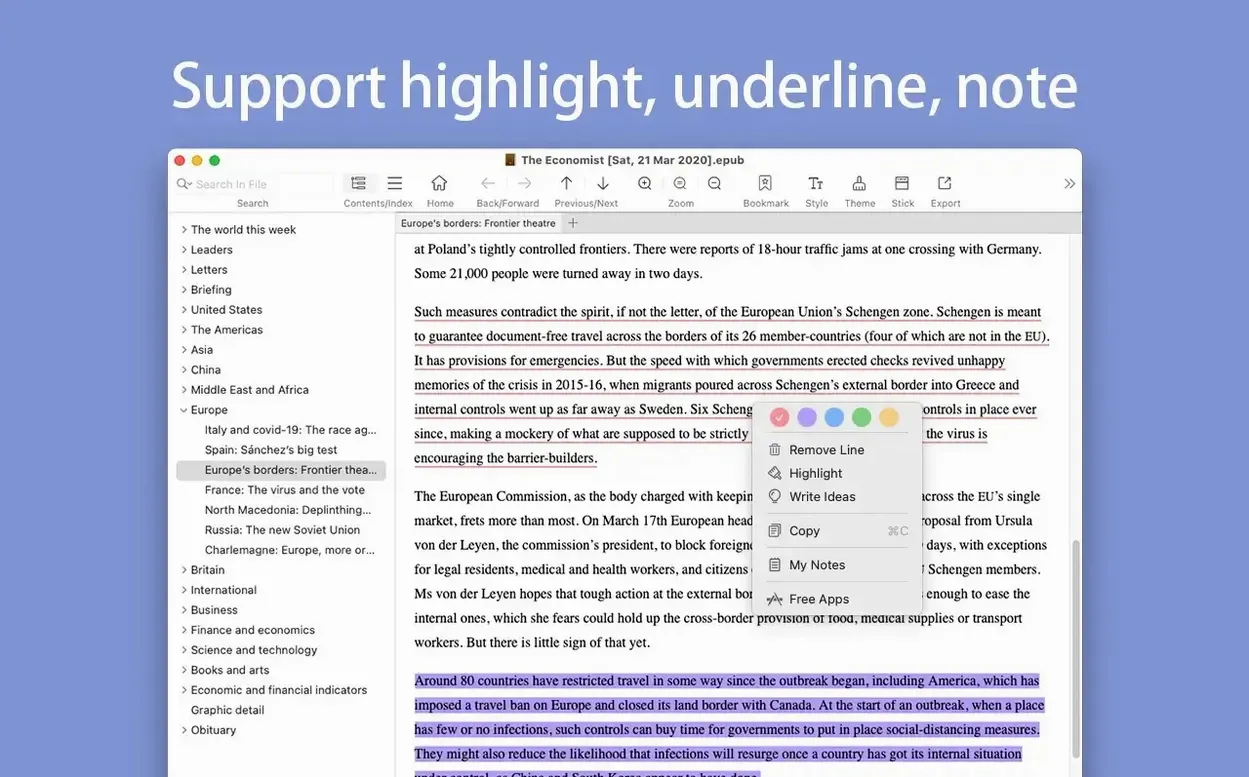
Imagine a graduate student working through a stack of EPUB manuals and MOBI reference texts late at night. She drags half a dozen files onto the bookshelf, gives each category a distinct icon so she can separate primary sources from commentary at a glance, then hides the titles she has already mined for quotes. A full-text search across a dense manual returns every mention of a specific term within seconds, and she highlights the results that matter. Later, she extracts a diagram from a MOBI file and converts the whole book to PDF for a clean printout to mark up by hand. The reading history lets her retrace which sections she visited and in what order, so her notes match the path she actually took through the material.
Shortcuts that hide in plain sight
Beyond the keyboard navigation, a few small touches make daily use smoother. Command-plus and Command-minus adjust the page zoom without pulling you into a menu. The forward-and-back reading history works like a browser, so you can jump from a footnote back to the main text with a single click in the sidebar. If you organize a large bookshelf, know that dragging a file onto a category icon adds it directly to that group rather than to the general stack. The customizable text selection menu also remembers your preferred AI actions, so the command you reach for most stays at your fingertips.
Open MOBI and EPUB side by side with no converter
People often ask whether the app handles both EPUB and MOBI without a separate converter. It does: you can open either format and read immediately, and the built-in conversion tools cover EPUB-to-PDF, MOBI-to-EPUB, and MOBI-to-PDF. Another common question is whether an EPUB Reader Plus crack Mac search turns up a version that runs on older hardware. The build here supports Intel and Apple Silicon Macs back to macOS 10.14, so machines that cannot move to a recent OS still get a working reader. The bookshelf and reading position are saved locally on your drive, and AI chat history stays with you rather than on a remote server.
Version 3.0.2 fixes known issues while opening up the interface. The text selection menu is fully customizable now, and you can sort, hide, and set custom AI actions for your books. Custom icons are supported for bookshelf categories, and AI chat history is saved locally on your Mac.
- macOS 10.14 or later
- Apple Silicon or Intel 64-bit Mac
Questions from the booth
Yes, it can convert MOBI files to PDF, and it supports printing pages directly from the app.