
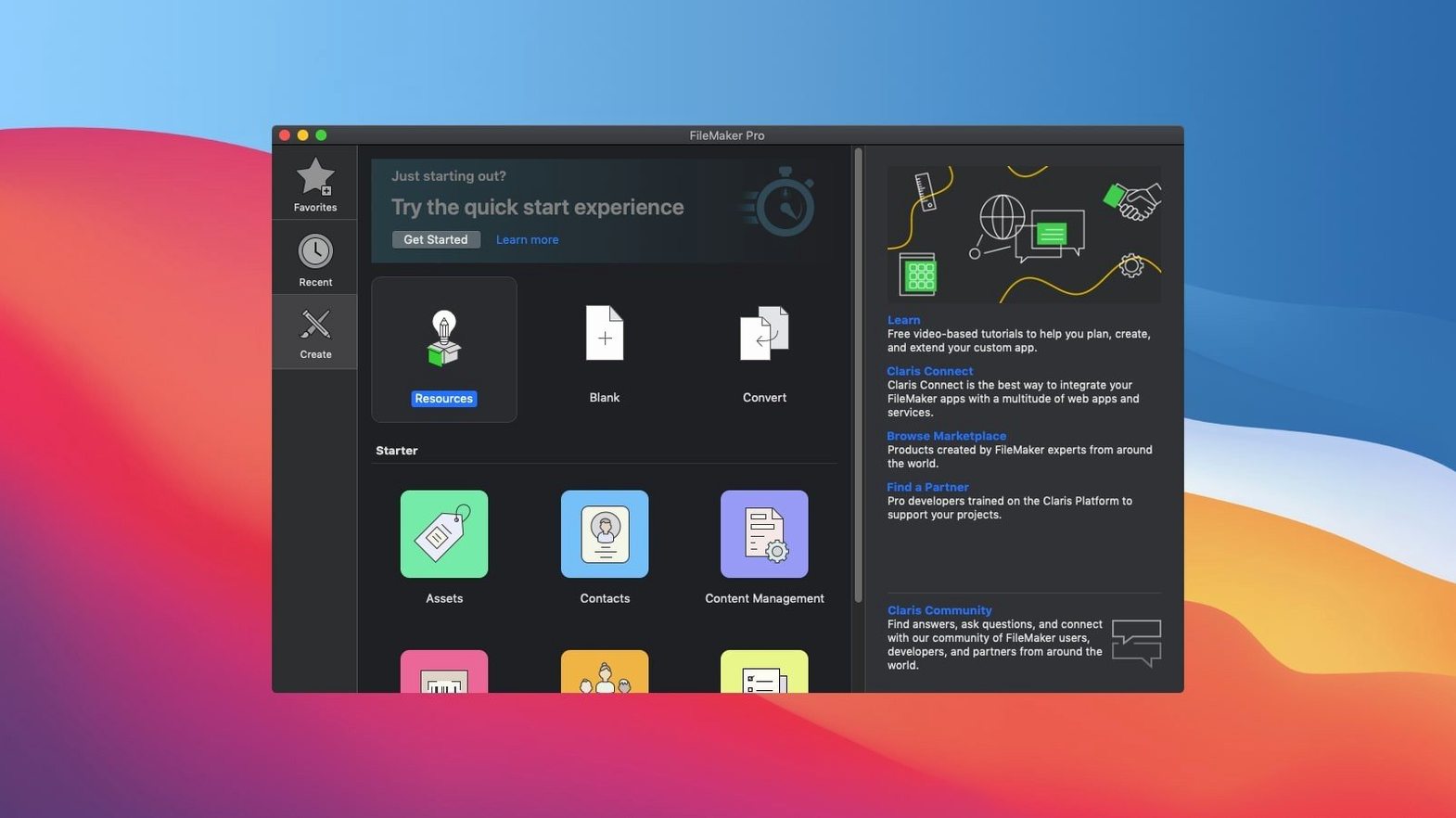
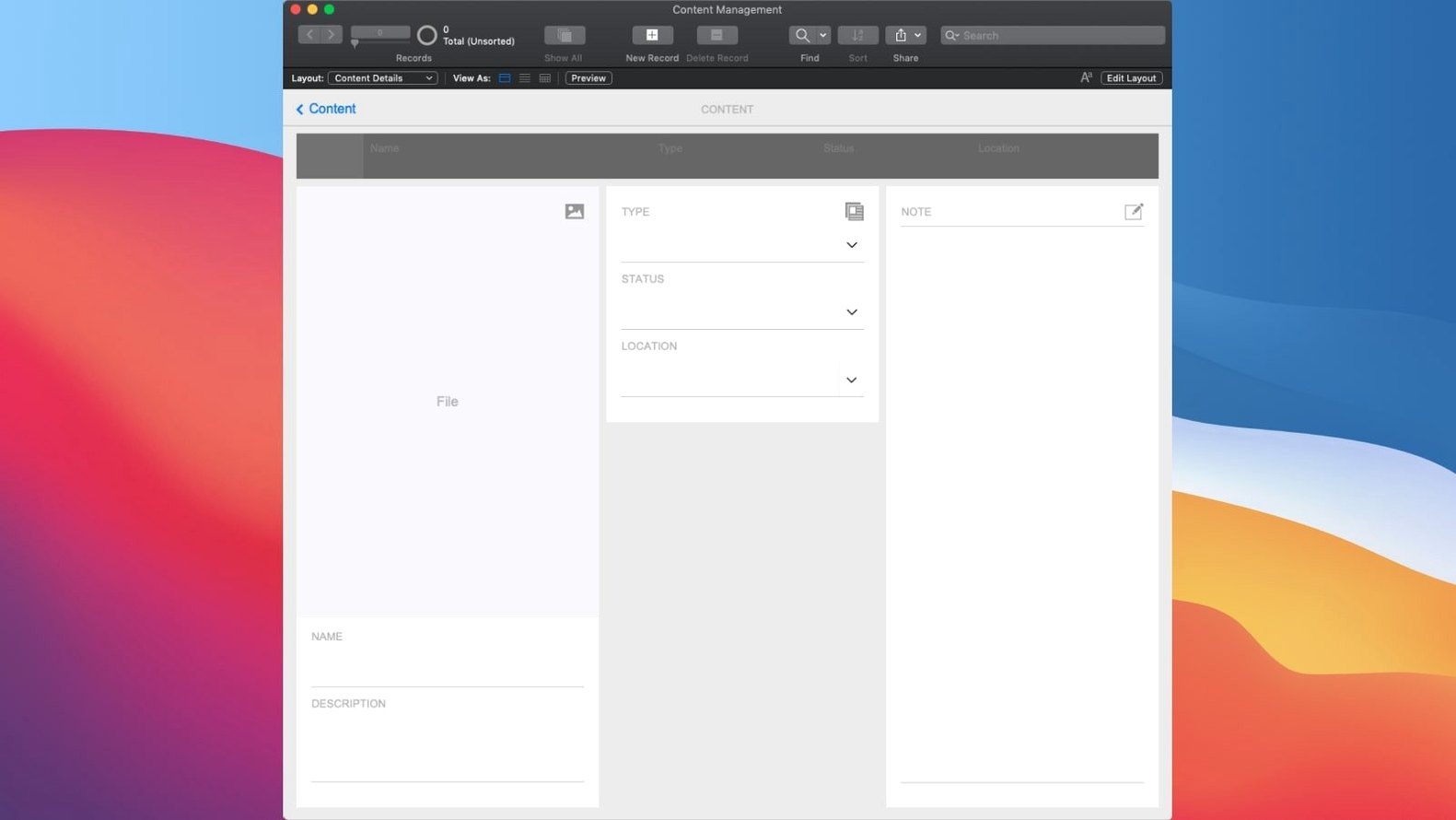
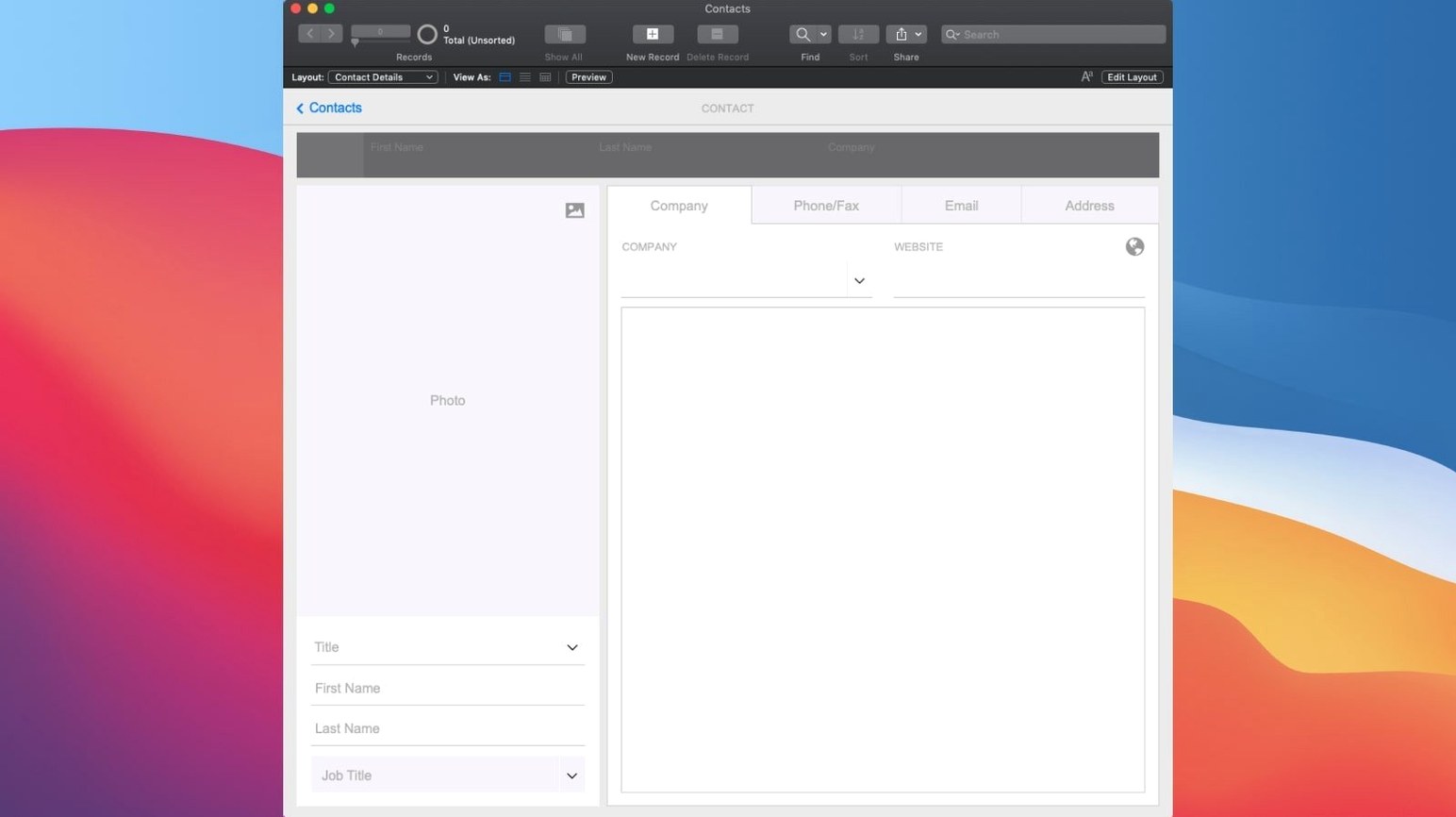
A spreadsheet only gets you so far. When you start stacking workarounds with colour-coded cells and a dozen hidden tabs, you are really sketching a database app you cannot quite build. FileMaker Pro closes that gap. It is a low-code platform where you design your own tools instead of forcing your process into someone else's software. You drag fields onto a layout, connect them to a data table, and add logic as you need it — no compiler, no command line, just a direct line from problem to solution.
What kind of software you actually make with it
These are not throwaway prototypes. A FileMaker app can handle inventory for a repair shop, manage patient intake at a small clinic, or track production assets across a distributed film crew. It runs on Mac, Windows, iOS, and the web, with real-time sharing so a change made on a warehouse tablet lands on the office desktop before the next coffee pour. Built-in starter templates give you a running start, but the real draw is the drag-and-drop design surface where you shape the interface to match the task, not the other way around.
The moment it clicks
The current version adds something telling: AI account configuration, semantic search, and embedding tools that let you work with unstructured data in a structured app. That might mean a script that finds related records by meaning rather than exact keywords, or a log that traces every AI call for debugging. It is still low-code — you are not wiring up a machine-learning pipeline — but the platform now reaches into territory that used to require a separate stack. If you have ever wished your database understood what you meant instead of just what you typed, that shift is already here.
Scrolling through ten thousand records stays immediate
Open a moderately complex solution — a few dozen tables, some scripted workflows, a handful of layouts with portal relationships — and FileMaker Pro 21.0.1 stays responsive. Scrolling through a found set of ten thousand records feels immediate, not laboured. The app launches cold in under four seconds on an Apple Silicon Mac and sits quietly in the background, rarely pushing memory beyond 400 MB unless you ask it to chew through a large semantic find or a batch embedding operation. Those AI features do carry a cost: calling Perform Semantic Find on a sprawling text field introduces a noticeable pause, maybe a second and a half, while the model works. It is not a drag on everyday navigation, but you learn to reach for it deliberately rather than threading it into every script trigger.
Stability lands somewhere between dependable and occasionally surprising. Weeks of layout editing, relationship graph tweaking, and script debugging can pass without a crash. Then a complex Insert Embedding in Found Set call on a found set with a mismatched field type will freeze the window for a beat and vanish. The auto-recovery is good — you rarely lose more than the last unsaved layout change — but the lesson is clear: the AI scripting step benefits from a Set Error Capture [On] wrapper and a habit of saving before you run anything experimental. For routine data entry, reporting, and relationship navigation, the platform is as solid as it has been in years.
Building an asset tracker from a blank file in minutes
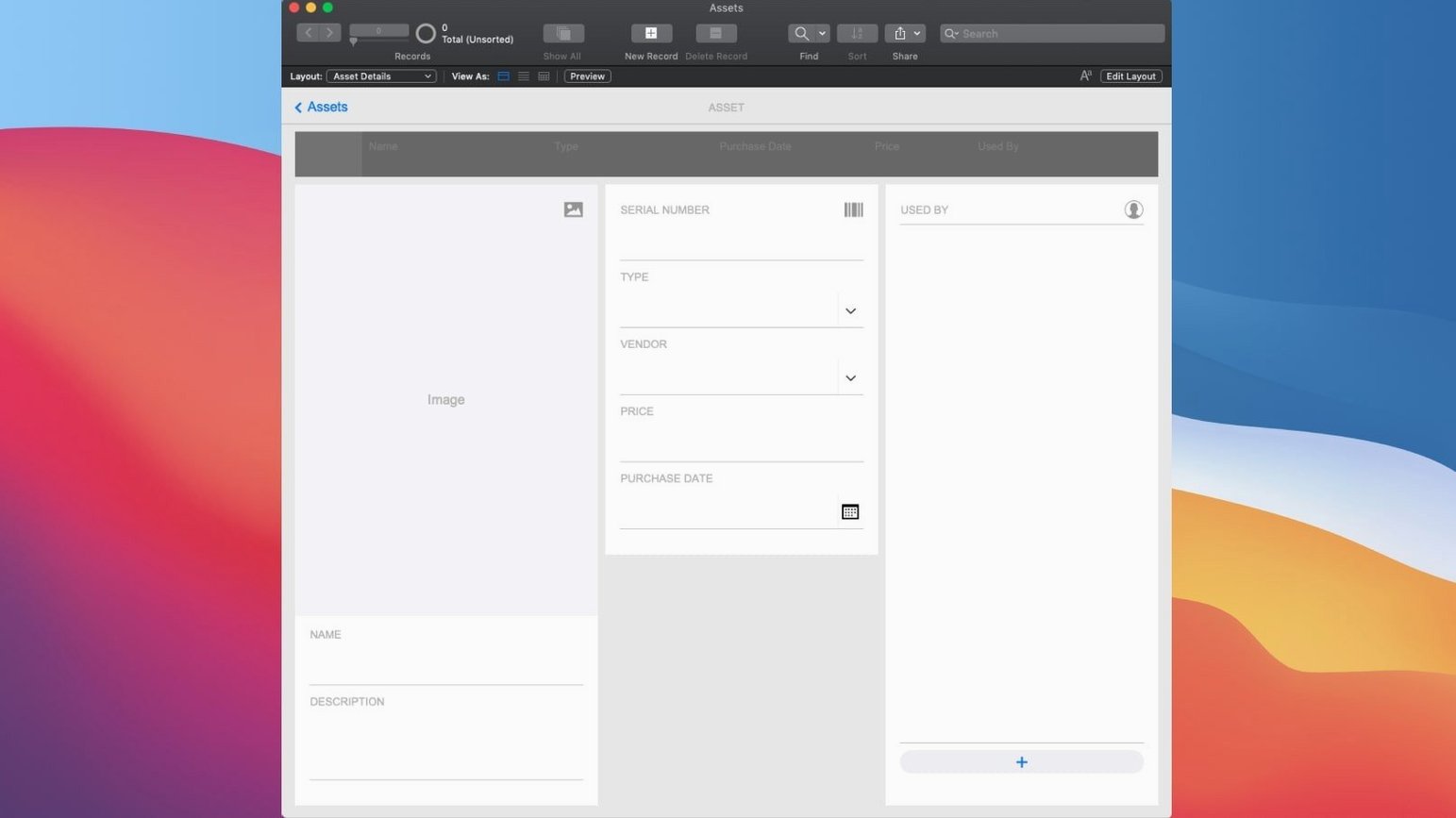
Picture a Tuesday morning. You have been asked to build a lightweight asset tracker for a small post-production house. You open FileMaker Pro, create a new file, and name it AssetTracker. The first table appears automatically; you rename it Assets and add fields: Title, Category, Date_Ingested, Thumbnail as a container, and Notes as a text block.
Switch to Layout mode. You drag the fields into a rough form layout, widen the Notes field, and drop a container field where the thumbnail will sit. Nothing lines up perfectly yet, but the skeleton is there. Over in the relationship graph, you add a second table — Projects — and link it to Assets by a ProjectID foreign key. Back on the layout, you place a portal showing related assets inside the Projects form. The whole structure took twelve minutes.
Now the AI tools come in. You write a short script, Find Similar Assets, that grabs the embedding of the current record's Notes field and runs Perform Semantic Find against the full asset library. You test it on a note describing "foreground out-of-focus foliage, natural light." The found set returns a dozen shots you had tagged with different keywords — "bokeh," "exterior," "golden hour" — none of which matched literally. That is the moment the feature earns its place.
A production coordinator who thinks in tables but skips SQL
Small teams with bespoke workflows and no dedicated developer are the natural home for FileMaker Pro. A production coordinator who already thinks in tables and relationships but cannot write SQL will take to it quickly. An office manager who has been quietly maintaining a labyrinthine Excel workbook for five years will find the leap shorter than expected, because the logic maps directly: sheets become tables, VLOOKUP chains become relationships, and macros become scripts you can read out loud.
Developers who do write code get something different out of it — a rapid prototyping layer that handles the interface, user authentication, and basic CRUD operations without a line of JavaScript. They can build the data model and layout in an afternoon, then extend the edges with custom functions, external SQL sources, or the new AI scripting calls. The platform is not trying to replace a full-stack environment; it is absorbing the first eighty percent of the work so the last twenty percent is worth doing.
It is less comfortable for users who need strict multi-user locking granularity or who expect a web app to behave exactly like a native one. FileMaker's web sharing, via FileMaker Server or Cloud, is capable but makes compromises in layout fidelity and script compatibility. If your main audience is public-facing web users, you will hit those limits. For internal teams on Mac, Windows, and iOS, the experience is far more cohesive.
Enable advanced tools to unlock the relationship graph
Open FileMaker Pro's Preferences and make three changes right away. First, under the General tab, enable Use advanced tools — without it, the relationship graph, custom menus, and script debugger stay hidden, and you are working with one hand tied. Second, in the Layout tab, switch the default layout theme from the pale grey "Enlightened" to something with higher contrast if you spend long hours in Layout mode; "Minimalist Blue" is easier on the eyes during fine alignment work.
Third, and most consequential for the new AI features: visit the Configure AI Account dialog under the File menu before you write a single script that calls an embedding or semantic find. The platform needs an active account connection — OpenAI or another supported provider — and the call logging toggle lives in the same panel. Turn logging on during development. The log file will grow quickly, but when a semantic find returns baffling results, the raw request and response data is the fastest path to understanding why. You can switch logging off once the scripts are stable.
Version 21.0.1 brings AI into the low-code workflow. You can now configure an AI account, insert embeddings and run them across a found set, perform semantic finds that search by meaning, and toggle AI call logging for testing and refinement.
- macOS 10.14 or later
- Intel or Apple Silicon
Questions from the booth
Yes, apps can be shared on the web and on mobile devices through FileMaker Cloud or a local server, so users interact through a browser or the free FileMaker Go app without needing a full Pro license.
It does — the current version runs natively on both Intel and Apple Silicon hardware, requiring macOS 10.14 or later.