
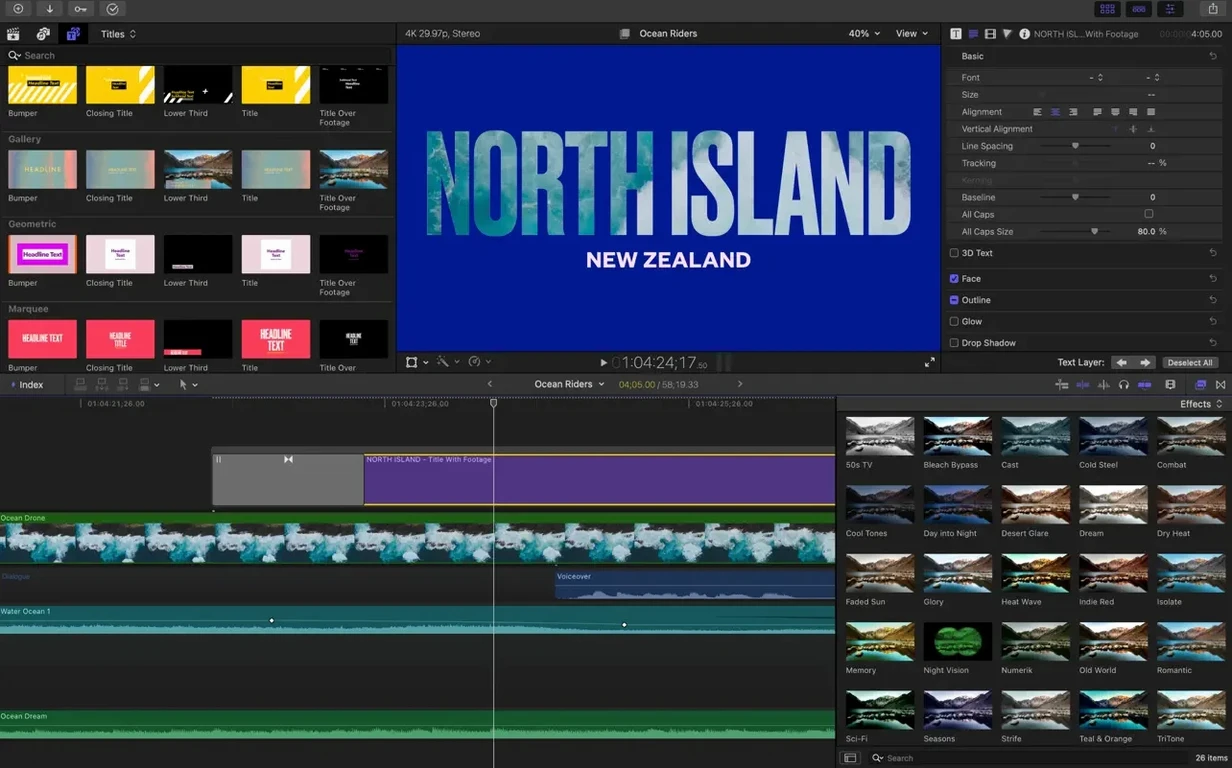
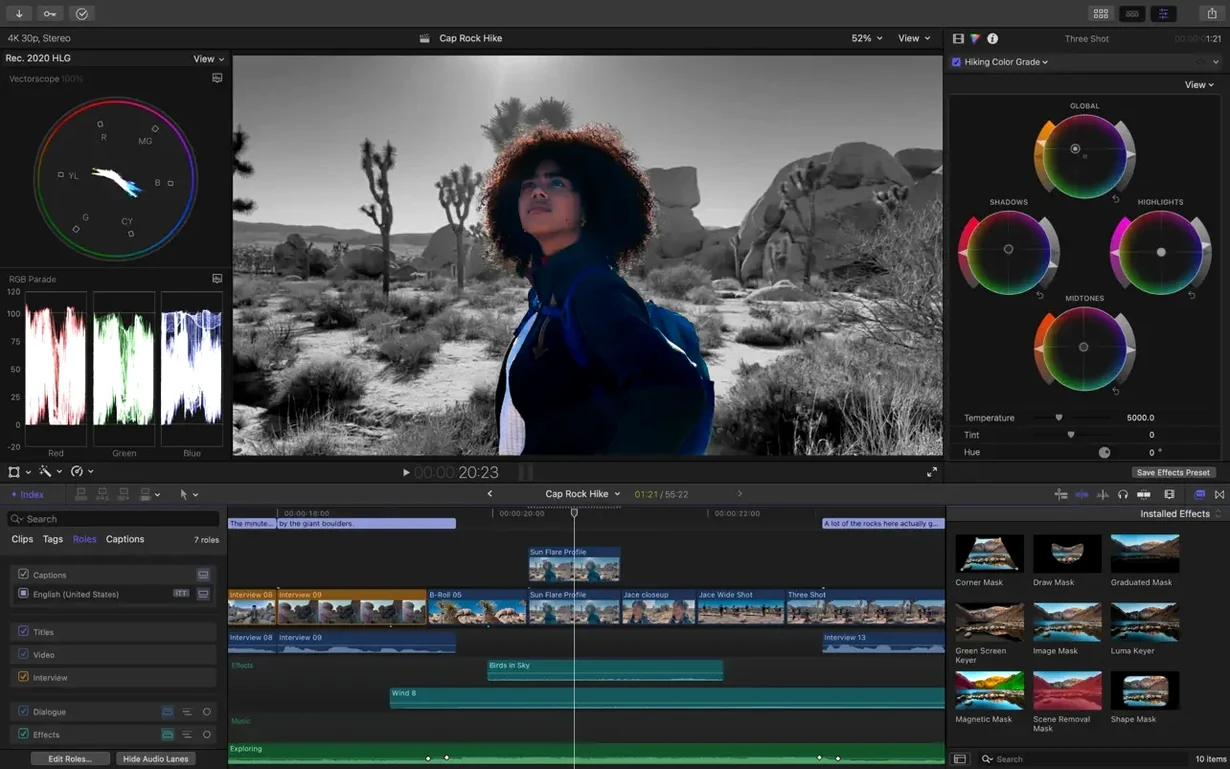
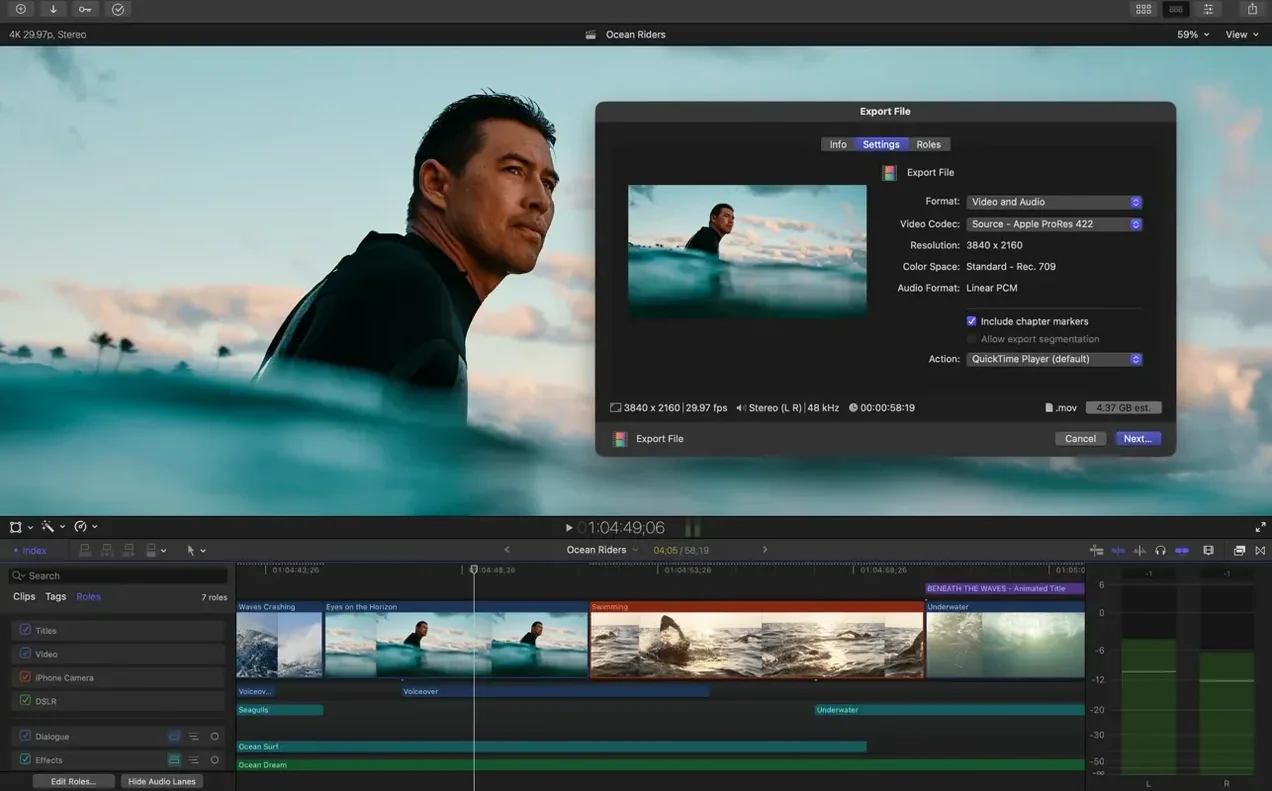
Indie editors, documentary makers, and post houses cutting for broadcast all orbit around the same tool for different reasons. Some stay for the Magnetic Timeline they learned years ago; others came back recently because the colour tools finally felt like a finishing room instead of an afterthought. Final Cut Pro 12.3 lands in the middle of that conversation — less a reinvention than a tightening of things people were already doing with workarounds.
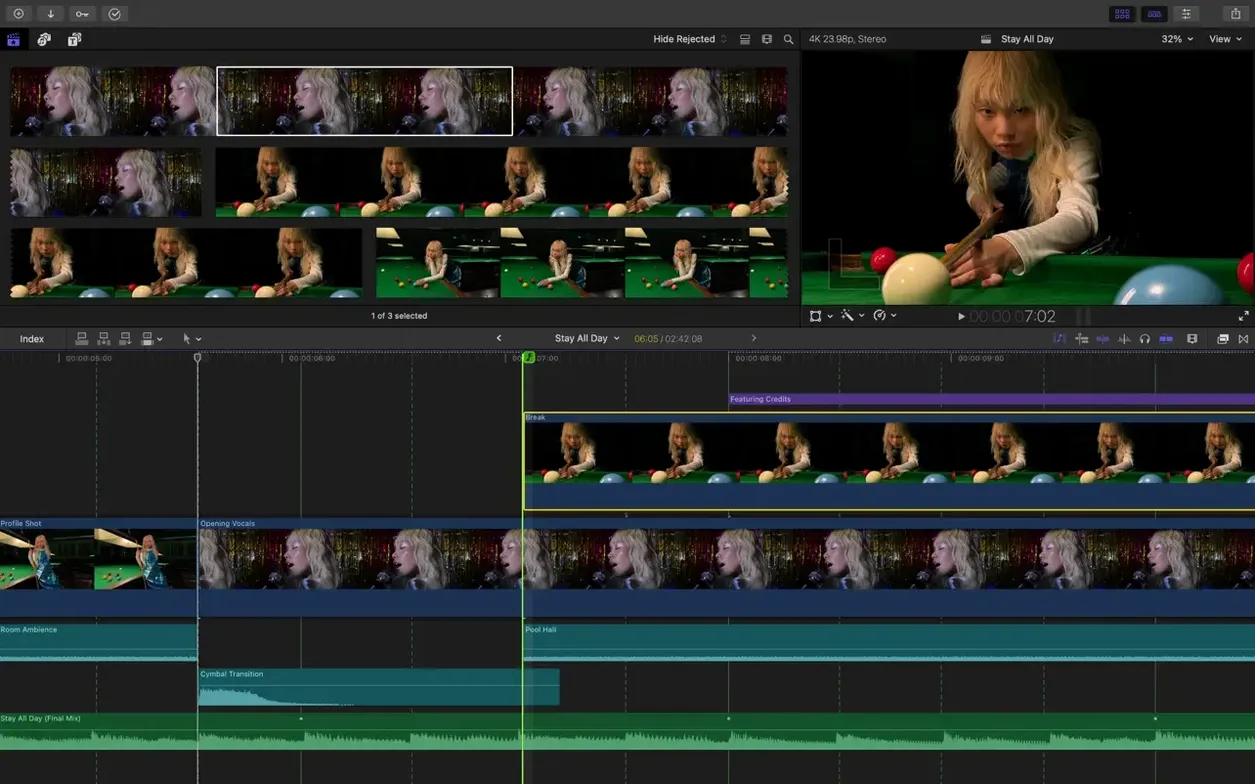
- Generate Captions builds subtitles on the timeline with adjustable type, weight, and placement — useful for social cuts and accessibility passes without leaving the app.
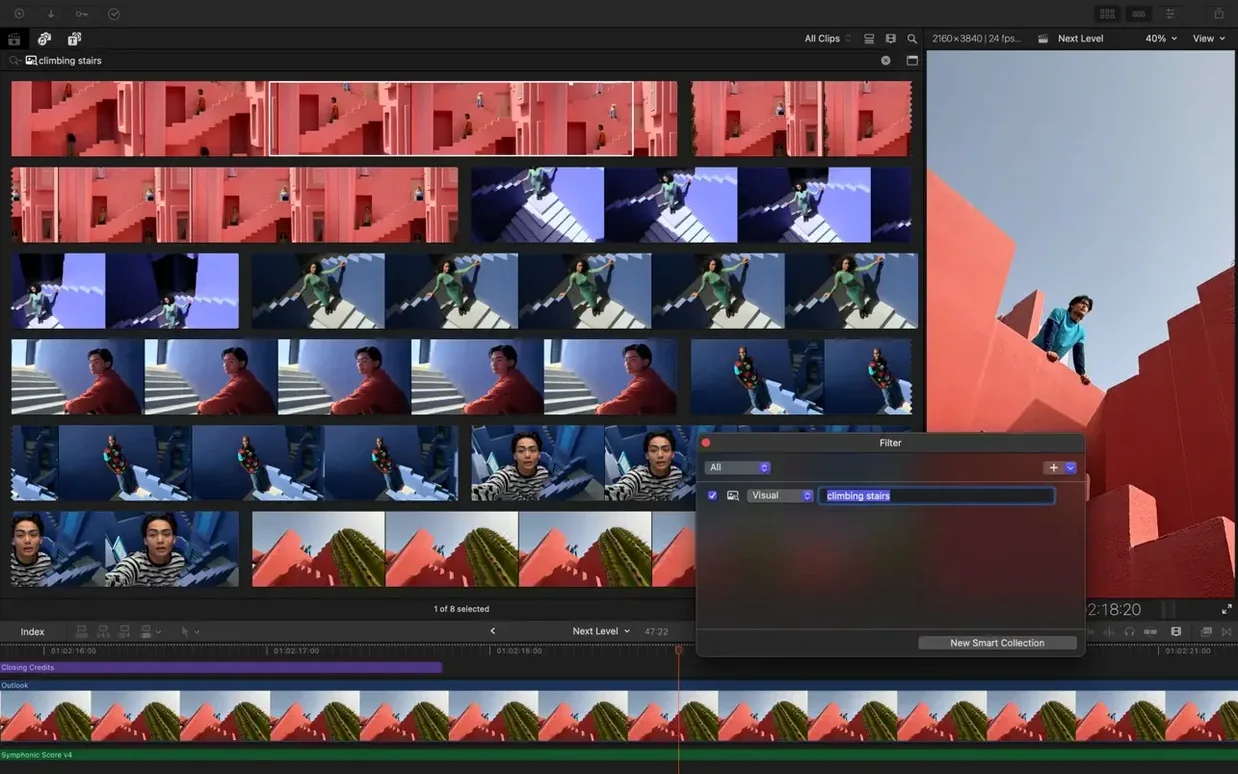
- Auto Mask isolates a recognized subject so you can grade a face or brighten a product against a static background without drawing a single shape.
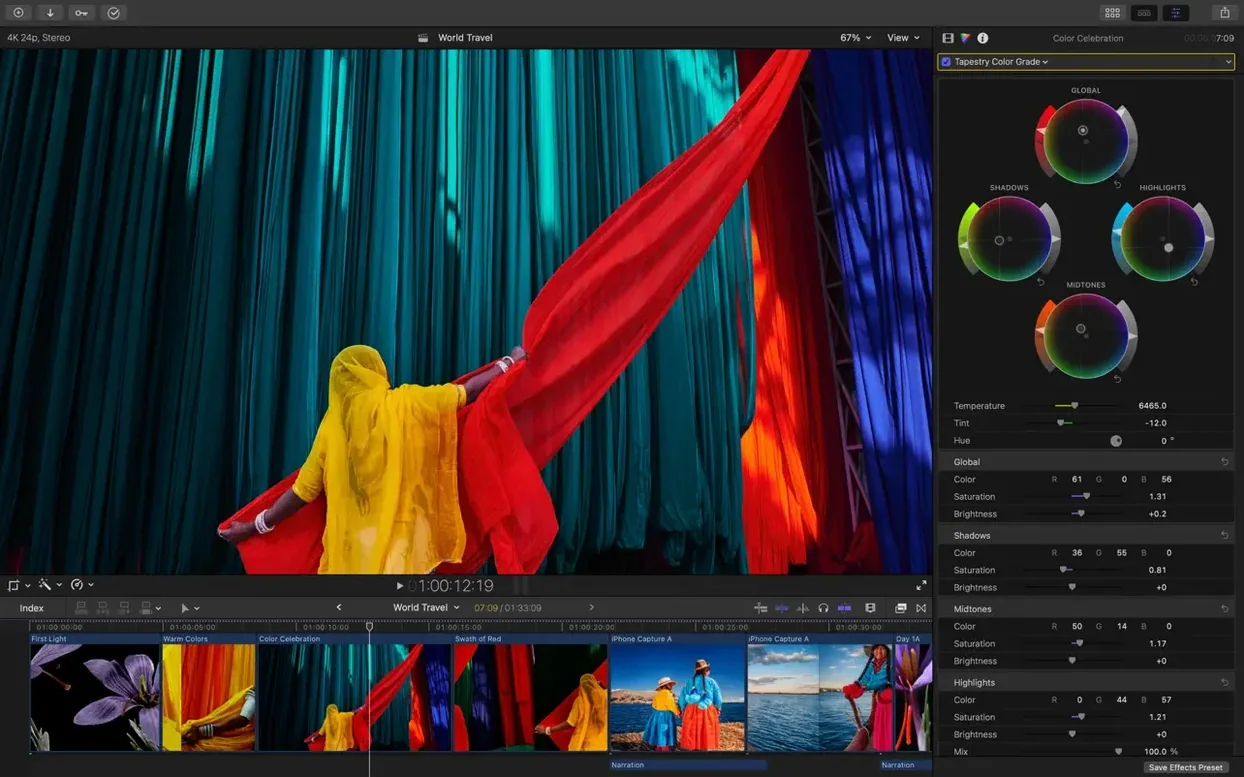
- Match Color pulls a look from one clip and applies it across mixed-camera footage, saving the drift between a C-log shot and the B-cam that ran a little warm.
- Edit Detection reads a flattened export and recovers the original cuts as separate clips, which helps when the project file is long gone but the master isn't.
These sit alongside tools that haven't changed — the Object Tracker still pins titles to a moving car door with a single drag, libraries still handle proxy creation for 4K material on a laptop, and audio roles still let you hand off a dialogue stem without exporting a dozen timelines. The requirements pulled forward with the release: macOS 15.6 and a Metal-capable Mac, with several features leaning on Apple silicon for real-time playback.
Cutting a festival trailer in borrowed time
A programmer for a mid-sized documentary festival needs a sixty-second trailer by Thursday. She has a drive full of screeners — ProRes, some H.264 interview rushes, a few RED clips the filmmakers sent last-minute — and a MacBook Pro that has to handle the assembly in hotel rooms between screenings. The library lives on an external SSD. She creates proxy copies of the 6K material before bed, wakes up to a project that scrubs without a stutter, and starts pulling selects into a timeline. The Magnetic Timeline means she stops thinking about track management and starts thinking about rhythm: a held reaction shot, a cut on the music sting, a slow push into archival footage that needs to read emotionally in under four seconds.
Half the source material was shot on different cameras under different lighting — some of it years apart — so she drops Match Color onto a sequence of interview clips, sampling from the one that looked right, and the rest fall into line without a round-trip to another application. She pins a festival logo to a moving subject with the Object Tracker, sets it to follow a speaker's shoulder through a crowd scene, and moves on. The captions come last: Generate Captions builds a subtitle track for the voiceover, and she adjusts the font to match the festival's wordmark before exporting a master file and a vertical version for Instagram. Smart Conform handles the reframing while she checks emails. By Wednesday night the trailer is uploaded, and the project file is small enough to archive on the same drive that carried the rushes.
4K ProRes plays back lag-free while you grade
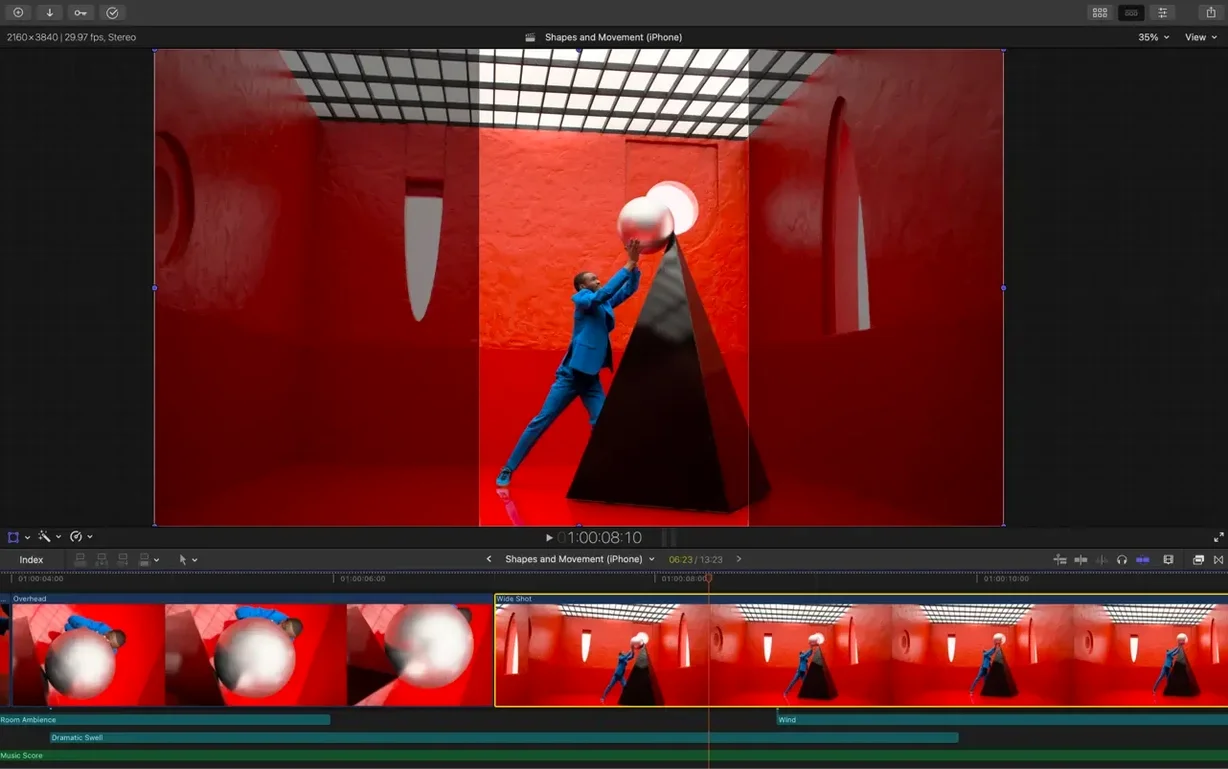
On an Apple silicon Mac, the timeline plays back 4K ProRes 422 without rendering, and adding a colour correction or a LUT doesn't introduce the kind of playback lag that makes you second-guess a grade. Background rendering ticks along quietly — the fans rarely spin up even during an export — and the app stays responsive while it writes a 10-minute H.265 file in the background. On Intel machines with Metal-capable graphics, the experience is steady but less transparent: you notice the render bar appearing more often, and Auto Mask analysis takes long enough that you learn to start it before a coffee break. Memory pressure sits around 6 GB for a modest timeline with a few effects; stacks of compound clips and heavy noise reduction push that higher, but the app hasn't been seen to beachball under normal editorial loads in 12.3.
One stability note worth making: Edit Detection on long flattened files can take several minutes, and the progress dialogue doesn't always estimate accurately. The result is solid — the recovered cuts land on the right frames — but the process feels like something you schedule rather than trigger mid-session. Proxy creation, by contrast, is fast and predictable, especially when the source media is already on fast storage. The app writes proxies to the library by default, but you can point them to an external location if the library lives on slower media.
XML handoff to Resolve keeps the timeline intact
Final Cut Pro doesn't try to be a compositor or a full audio post suite, and that restraint is what makes its XML handoff worth using. Export an XML to DaVinci Resolve for a finishing pass and the timeline comes across with compound clips flattened but basic transforms and retiming intact. Send an audio role-based export to Logic Pro or hand off a dialogue-only stem to a sound designer working in Pro Tools, and the round-trip is clean enough that you're not rebuilding sync. Motion and Compressor sit alongside as the obvious companions: build a custom title template or a generator in Motion, save it, and it appears in the FCP browser without a restart. Compressor picks up export bundles directly and handles batch jobs while you keep working in the timeline.
macOS integration is quiet but useful. The library file is a package, so Quick Look browses it without launching the app, and Spotlight indexes clip names and keywords. Drag a clip from a Finder window into the browser and it lands with its folder structure intact. Share-sheet destinations — YouTube, Vimeo — are still there, but they're less interesting than the ability to save an export preset that writes a ProRes master to one folder and an H.264 review copy to another in a single pass. For editors who work with music libraries, the media browser reads the Music app and GarageBand files directly, which means a temp score can land on the timeline before you've finished rough-cutting the first act.
Re-lighting an interview without leaving the timeline
A workflow worth knowing starts with an interview shot in a flat, available-light room — no hair light, background a little dull, the subject's face even but unshaped. The editor wants to pull the subject forward and cool the background without masking by hand.
- Drop the clip into the timeline and open the inspector. Apply Auto Mask and wait a few seconds while it identifies the subject.
- With the mask active, add a colour correction: lift the midtones on the face, add a hint of warmth, and push contrast gently. The background remains untouched.
- Invert the mask with a single checkbox. Apply a second correction to the background — drop exposure half a stop, shift temperature toward blue, soften saturation. The subject now stands forward without a power window or a tracked shape.
- Add a title card with the subject's name. Use the Object Tracker to pin it to their head movement so it drifts naturally with body language instead of locking to a fixed screen position.
- Apply Match Color to the B-camera angle that was shot on a different body, sampling from the now-graded master shot. The two angles cut together without the viewer noticing the camera change.
- Add Generate Captions for the answer, adjust the typeface to the project style, and export a subtitled ProRes master. The whole process — mask, grade, track, match, caption — happens inside one application, and the timeline plays back in real time throughout.
Version 12.4 CS arrives with the standard round of fixes and performance improvements Apple details in its release notes.
- macOS 15.6 or later
- Apple Silicon or Intel 64-bit Mac
Questions from the booth
It requires macOS 15.6, 8 GB of RAM, 5.8 GB of available disk space, and a Metal-capable graphics card on Intel Macs; some features also need an Apple silicon Mac and an internet connection.
The interface is available in English, German, Spanish, Simplified Chinese, French, and Japanese.
Edit Detection analyzes a rendered video file and splits it into its original separate clips, making it possible to re-edit material when the original project is unavailable.