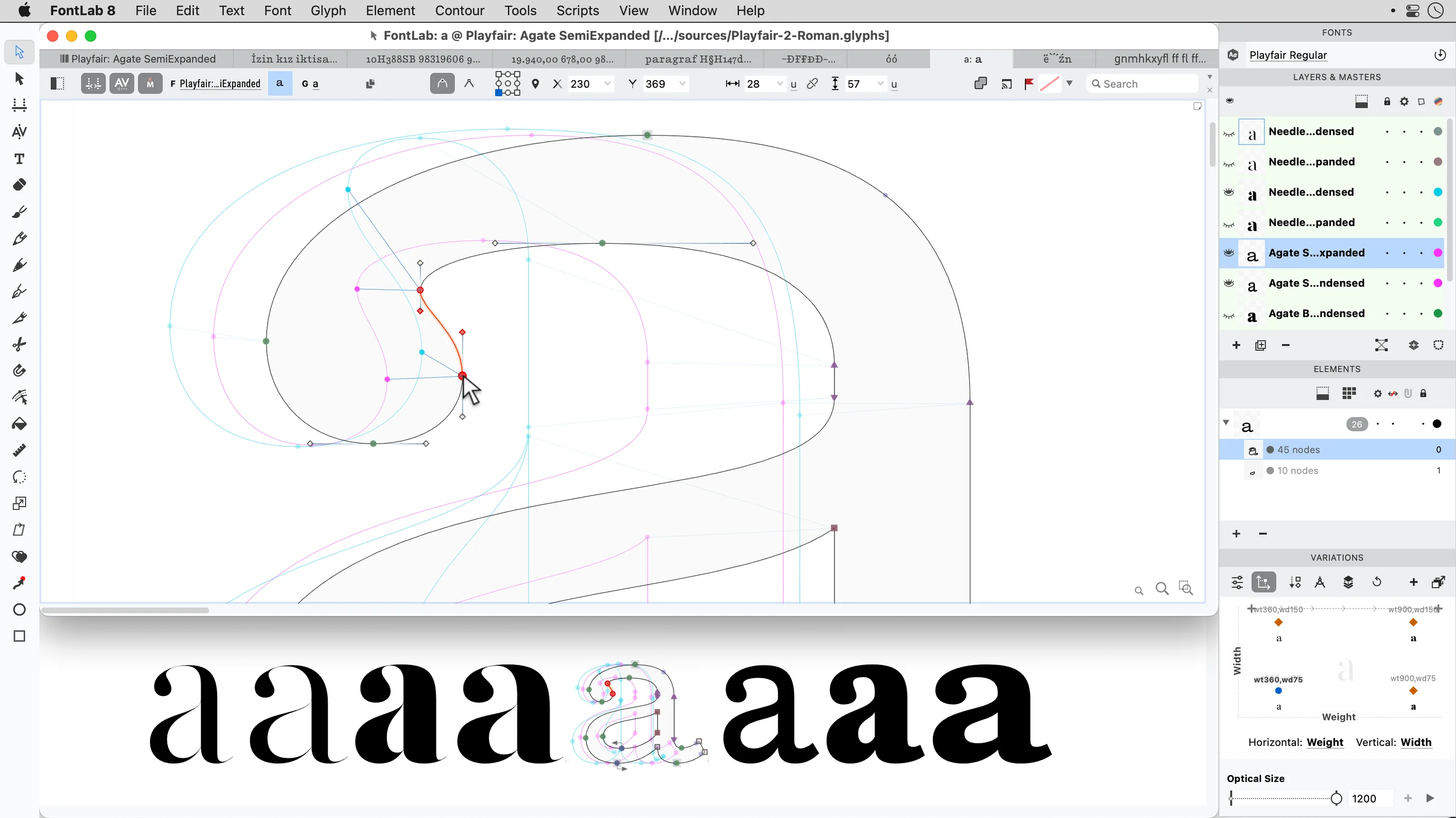
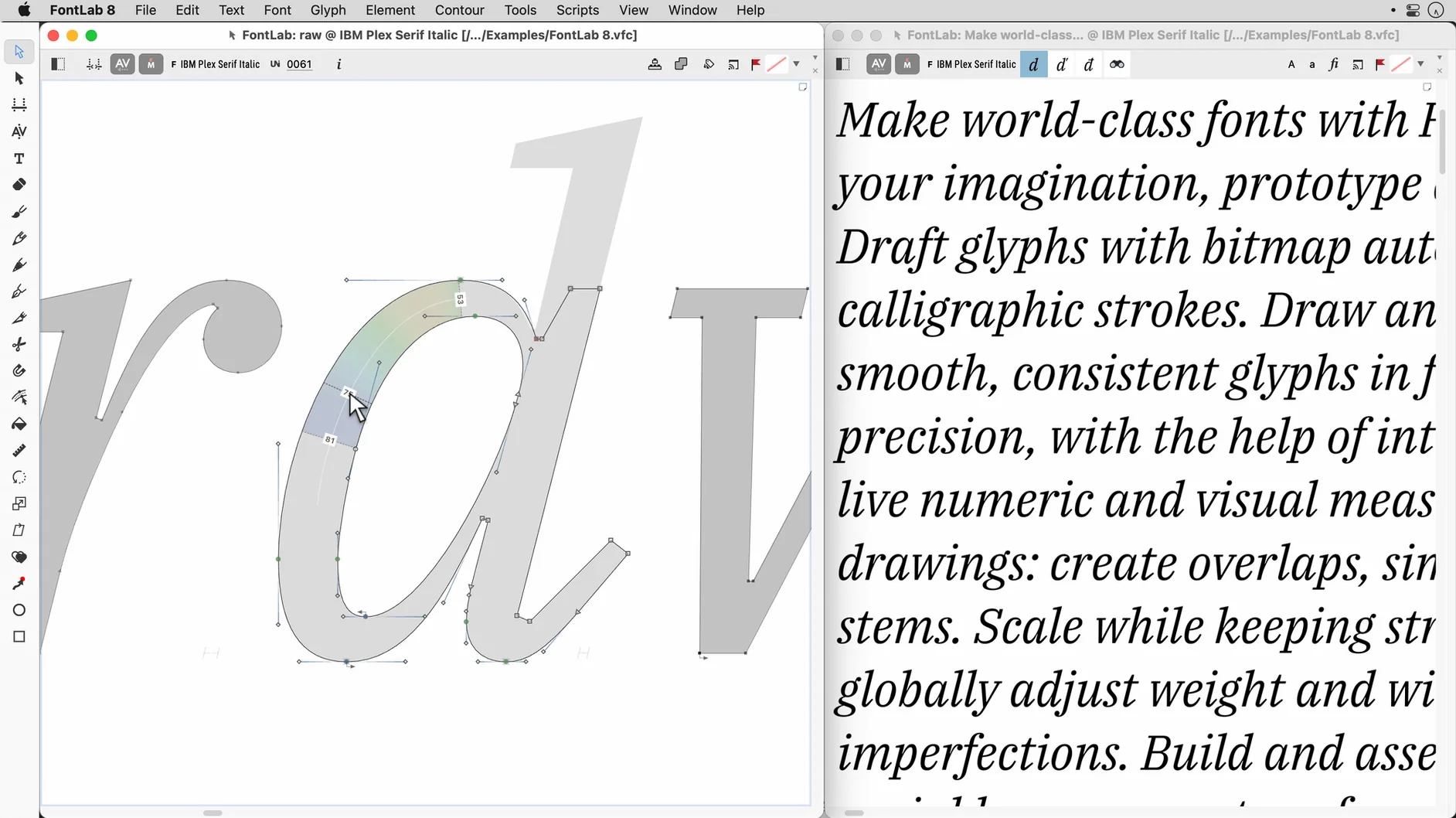
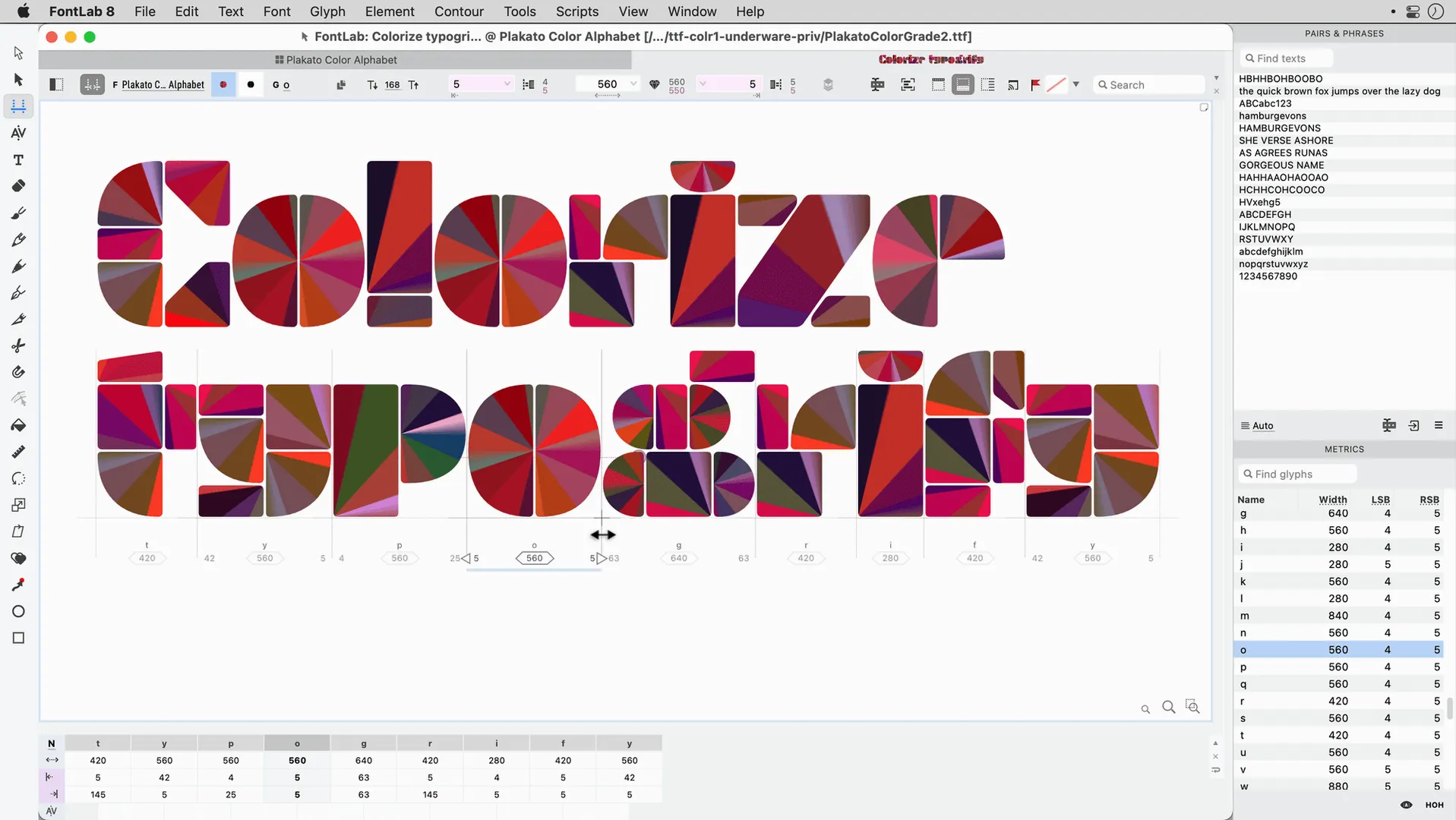
A type designer opens a weight she has been refining across three months, zooms into the shoulder of a lowercase 'n', and nudges a single node by two units while watching the spacing ripple live across a dozen other glyphs.
Editable code pages and encodings — define exactly which characters belong in a font, mapping glyphs to Unicode ranges with custom overrides for legacy systems or niche orthographies.
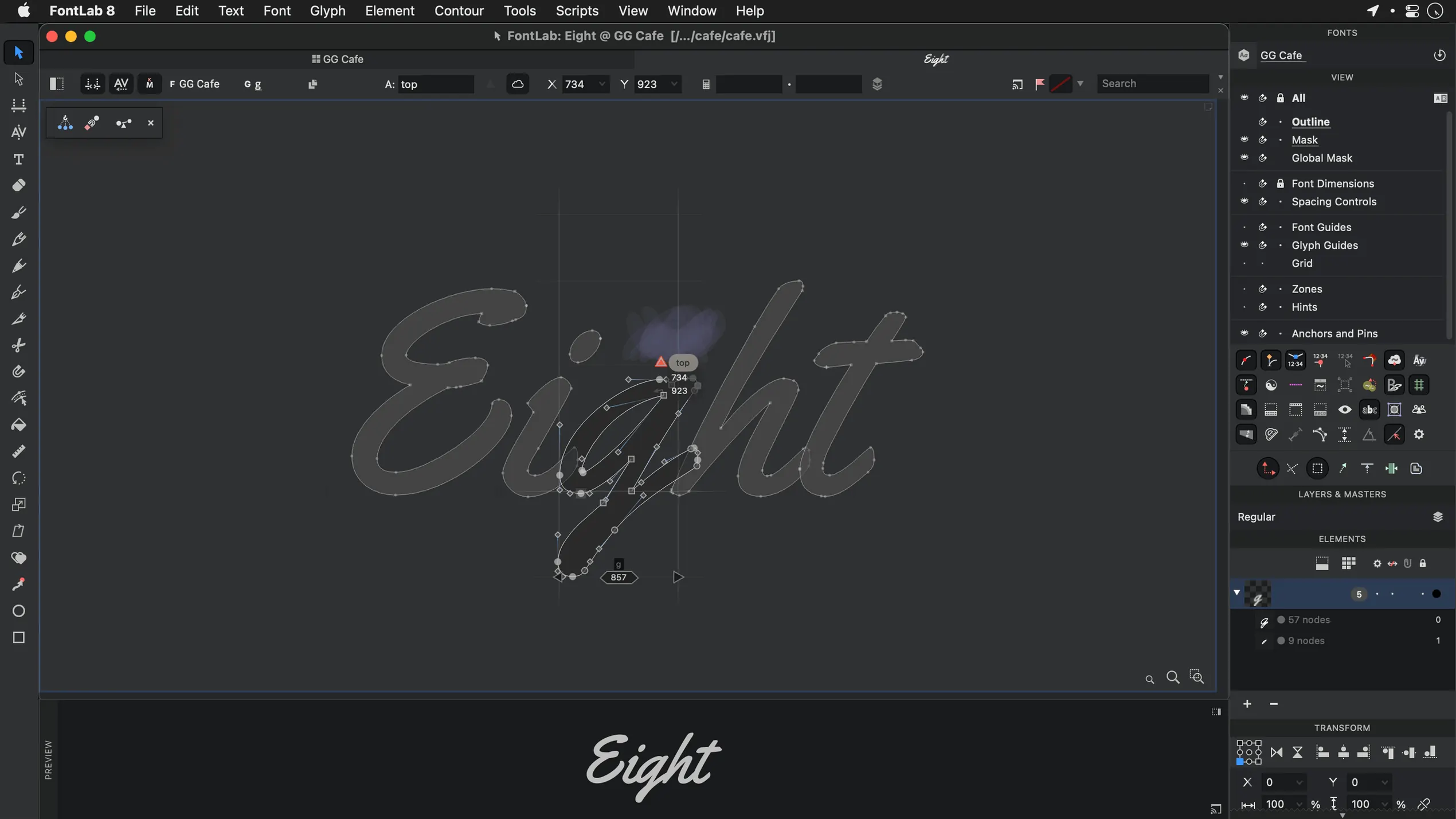
Drag-and-drop glyph placement — build accented characters and composite forms by dropping a base glyph and a diacritic directly into the editing window, with anchors snapping into position.
AI, EPS, TIFF, and BMP import — bring lettering sketches or scans onto a background layer as tracing templates, keeping the vector outline clean and independent.
200+ undo and redo levels — step back through hours of drawing without losing work, letting you explore alternate stem weights or serif treatments and return to a known state.
ASCII/Unix Type 1 support — open and finish fonts from older workflows alongside OpenType and TrueType sources, all within a single file format.
When pasted vectors turn invisible in the glyph window
A few recurring frustrations surface in the first weeks with FontLab, and most trace back to habits carried over from simpler drawing tools. The big one is invisible glyphs: you paste a vector from Illustrator, switch to the Font Window, and nothing appears where you expect it. Almost always the pasted artwork has landed on the wrong layer or outside the glyph cell bounds. Check the Layers panel first, then use Fit to Bounds from the Contour menu to pull stray paths into place. If the paste still fails, the source file likely contains open contours that FontLab refuses to import silently — close them in the source app and try again.
Metrics that jump back after editing are another classic. You set a sidebearing on a lowercase 'o', move to the next glyph, and return to find the value reverted. This usually means metrics are being recalculated from a linked master or from an auto-spacing recipe. Open Font Info → Masters → Metrics and confirm whether Auto metrics is on; if it is, either turn it off for manual control or accept that FontLab will keep proposing values until you lock the ones you want.
Slow redraws with complex fonts on older Intel machines often come down to the on-screen preview trying to render hinting and anti-aliasing for hundreds of glyphs at once. Switch the preview mode to Draft while editing outlines, and keep the final rendering for periodic checks.
Trading factory defaults for a drawing-tool feel
FontLab ships with defaults that make sense for font production pipelines, not for independent designers working alone. The following adjustments make the workspace feel more like a drawing tool and less like a factory floor.
Set the Undo depth to its full 200 levels under Preferences → General — the default is lower, and you will want the headroom once you start batch-transforming glyph sets. Next, disable Snap to grid unless you are deliberately building pixel fonts; the grid is far coarser than most outlines need, and it creates tiny inconsistencies in curves that are tedious to remove later. If you work with Arabic or Hebrew scripts, switch the default RTL direction in the Metrics panel so spacing edits move the way your eye expects. And in the Glyph Window toolbar, promote Contour → Reverse Contour to a visible button — finding reversed paths by eye is slow, but fixing them from a single click saves an afternoon.
Keeping FontLab Studio 5 alive alongside the current app
Does FontLab 8 replace FontLab Studio 5, or can they live side by side? They can coexist, and many designers keep Studio 5 around for older projects. FontLab 8 opens Studio 5 files directly, though some legacy feature tags may need attention after conversion. The two apps do not share preference files, so your workspace setup remains separate.
Will a font built in FontLab 8 open correctly in other font editors? As long as you export to OpenType or TrueType, the output follows the published specifications. FontLab writes standard tables, and any editor that reads the format will see the same outlines, metrics and naming fields. The only caveat is that FontLab-specific source features, like certain action sets, do not travel with a binary font file — they stay in the FontLab project format.
How steep is the learning curve for someone coming from a vector illustration background? The core drawing tools behave like any Bézier editor: points, handles, curvature, alignment. The unfamiliar part is the font-specific logic — sidebearings, anchors, classes, OpenType features. Expect a weekend of orientation before the interface fades into the background, and longer before you think in units per em rather than pixels.
Does the download run on an older Mac? The build works on macOS 10.14 and newer, including Intel machines from that era. Older hardware will render previews more slowly, but the editor itself stays responsive for typical text and display font work. The torrent release floating around as FontLab 8 free download or a FontLab 8 crack often carries the same file as the direct download, and the disk image from this page is the complete 8.4.3.8984 build without modification.
Option-double-click opens a second glyph view
A handful of shortcuts and behaviours are easy to miss because they are not advertised anywhere obvious. Double-clicking a glyph in the Font Window opens it in the Glyph Window, but Option-double-click opens the same glyph in a second view alongside the first — useful for comparing a base letter against its composite. In the Metrics panel, Shift-arrow moves the sidebearing by ten units instead of one, and holding Command while dragging a vertical metric line moves both sides of a glyph simultaneously.
The Search field in the Font Window accepts regular expressions, so a pattern like ^a.*acute$ filters every accented variant of 'a' instantly. During batch transformations, Preview in the transform dialog draws a ghosted result over the current glyph before you commit — a quick sanity check that saves undoing a careless scale or slant. And if the vector tools feel cramped, F10 collapses all side panels for a full-canvas drawing session, with the same key bringing them back.
FontLab 8.4 gathers five hundred refinements over the original 8 release, and more than nine hundred improvements measured from FontLab 7. The update touches drawing behaviour, spacing tools, and encoding workflows across the board.
- macOS 10.15 through macOS 26 Tahoe
- Intel processor
Questions from the booth
It supports OpenType, TrueType, and ASCII/Unix Type 1 fonts, covering both modern and older workflows.
Yes, you can import AI, EPS, TIFF, and BMP files and place them as background references for tracing.
FontLab 8 provides more than 200 levels of undo and redo, allowing you to step back through extensive drawing sessions.