
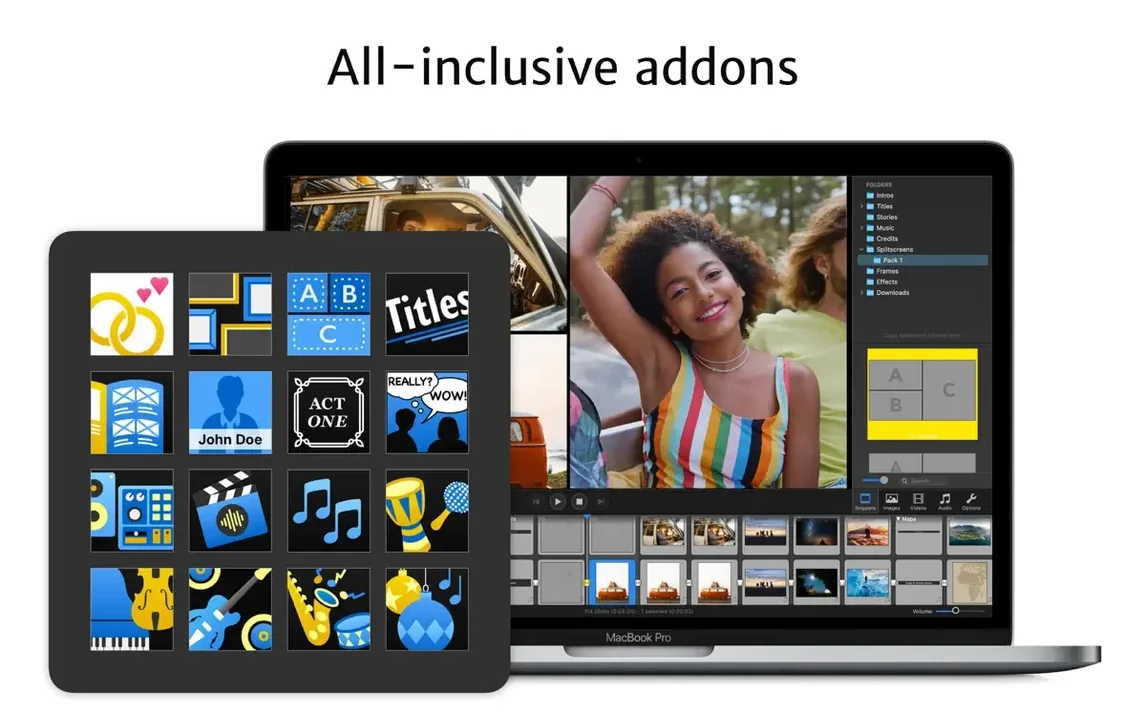
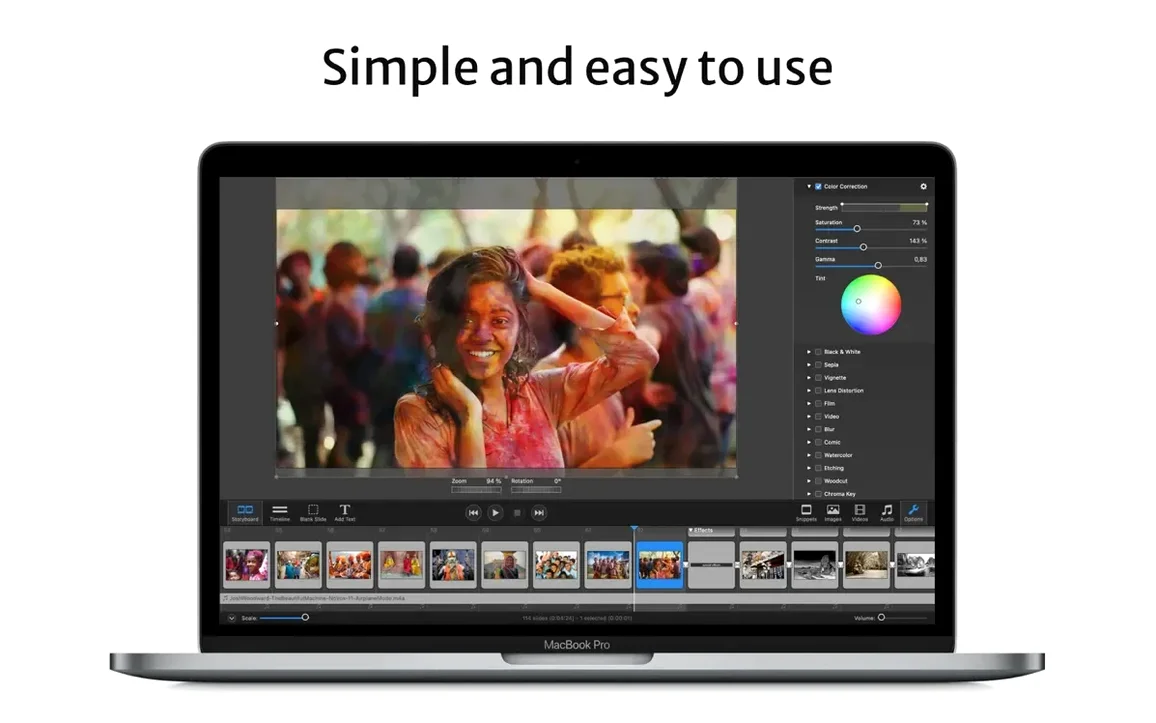
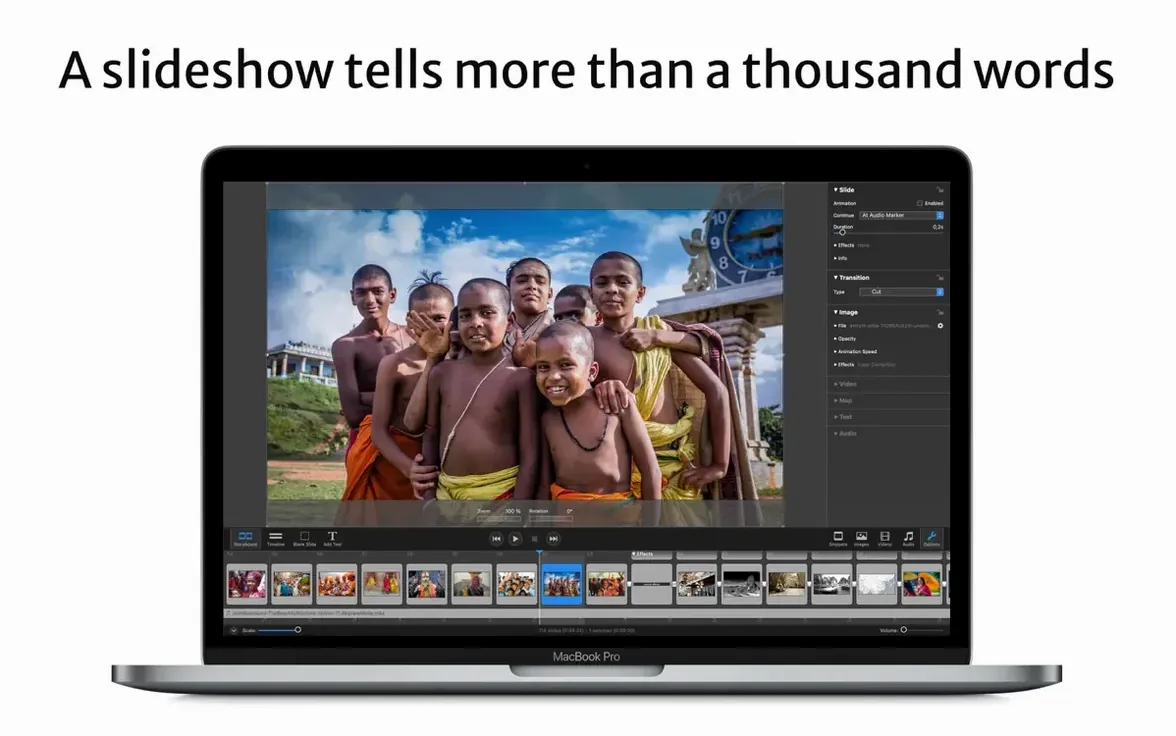
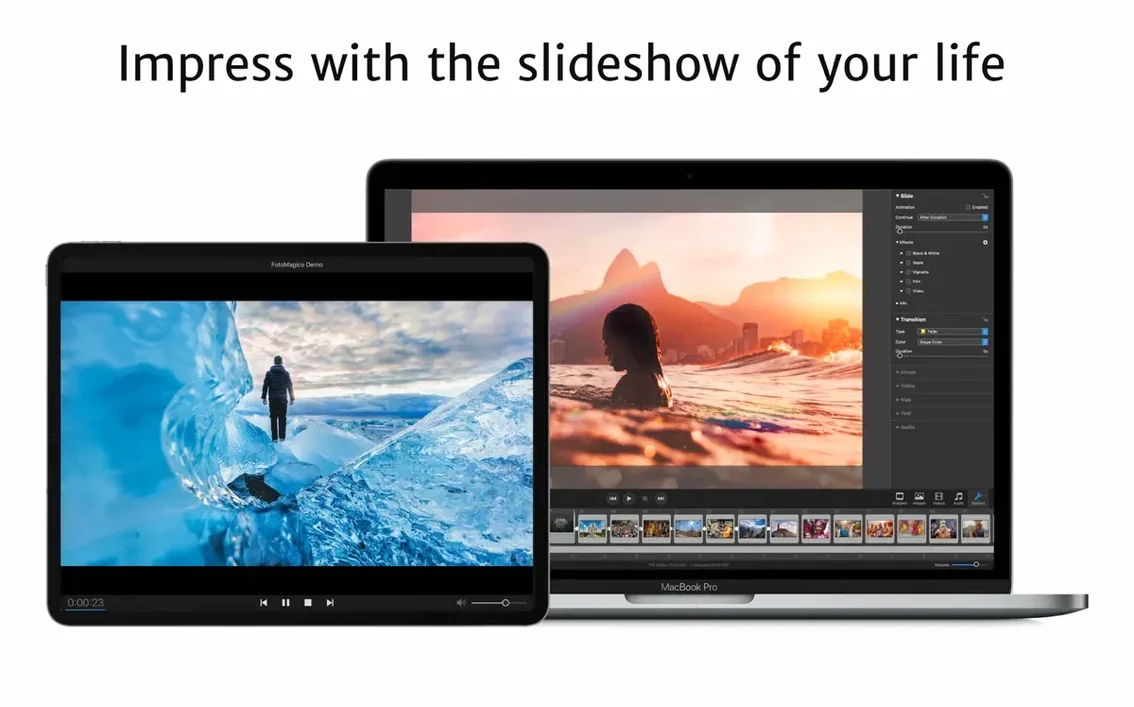
FotoMagico 6.10 asks for an Apple Silicon or 64-bit Intel Mac running macOS 14 Sonoma or newer. That is where it feels most at home — using the best resolution the hardware can push, without waiting for a render.
Lay out the storyboard
I drop my selects onto the light table and start pulling them into the timeline. The real-time engine plays every dissolve and push transition back at full resolution the moment I tap the spacebar, so I catch pacing issues long before I would in a traditional NLE.
Shape the look
A few of the archival stills feel too clean for the piece, so I layer a subtle watermark across the batch. Snippets now match the stage aspect ratio more reliably, even with the unusual 4:3 frame I am using — a small fix that saves a lot of manual rescaling.
Hand off a locked copy
When the edit is tight, I export a standalone player file. I set it to expire after three screenings and seven days, then send it off. The viewer sees the slideshow exactly as I cut it, and the file simply stops working when its time is up.
Native macOS 27 support arrived, but older OS versions got left behind
Version 6.10.0 arrived with one headline everyone in the Golden Gate beta cycle already knew — native support for macOS 27. That was the door-opener, but it also meant the door closed behind it: Catalina, Big Sur, Monterey and Ventura are no longer recognized. If you are still holding onto an older machine for a legacy project, fotomagico 6 is the cut-off line you cannot cross without upgrading the OS first. In daily use, the practical effect is a cleaner launch — fewer framework warnings, no silent fallbacks — and a UI that responds with the kind of immediacy you only notice when it was missing before.
The crash-on-quit bug is the sort of thing nobody writes about and everyone grumbles over. Fixed now. The app closes cleanly, which matters when you are shuttling between FotoMagico and Final Cut a dozen times in an afternoon.
The Snippets adjustment sounds minor on paper but plays out repeatedly in the edit. Drop a Snippet into a stage with odd dimensions — say a vertical 9:16 story for Instagram — and the aspect ratio snaps into place instead of drifting. The Map Assistant also picked up localised controls, so the text labels for address search and pin placement finally match the system language for French and German users. Small polish, but it removes a tiny friction point that pulled you out of the flow.
Turn off the default click track before your first slideshow
FotoMagico ships with sensible defaults, but a few early tweaks keep the timeline cleaner later. First stop is the Playback preference pane. Disable "Play audio on slide change" unless you genuinely want a click track — most storytellers do not. Next, set the default transition duration to something shorter than the factory 2.0 seconds. I land around 1.2 seconds for dissolves; anything longer risks losing the rhythm before you have even started.
Under Export, switch the default format from H.264 to HEVC if your delivery chain supports it. The file size difference on a three-minute piece with high-bitrate music and 4K stills is not subtle. Also worth checking: the "Include FotoMagico Player" checkbox in the Standalone export dialog. It is off by default, and a first-time exporter often discovers that only when the client asks why the file will not open on their machine.
One more: in the Canvas settings, enable the grid overlay at 12 columns. It will not appear in the final output, but it makes text placement and image alignment decisions faster than dragging guides manually every time.
Hold Shift while dragging a slide edge to snap duration to musical bars
The real-time engine means you can scrub the timeline with the left and right arrow keys while the slideshow plays — no stopping, no render bar. Hold Shift while dragging a slide edge and the duration snaps to musical bars if you have an audio track underneath. It is a detail that turns a manual timing slog into something almost musical.
The watermark tool is not buried in an export dialog; it lives in the Slide inspector under "Overlay." You can apply it to a single slide, a selection, or the entire show in one click. And because it is a live overlay rather than a baked-in render, you can toggle it off during editing without affecting anything else.
For anyone using fotomagico for mac alongside Final Cut, the plugin sends slideshows as a connected clip rather than a flattened file. Change a slide in FotoMagico, save, and the timeline in Final Cut updates. No re-export, no re-import. It is the kind of round-trip that saves twenty minutes every time a client requests "just one more photo swap."
A shortcut I wish I had found earlier: Option-drag a transition handle to copy its timing and style to adjacent slides. Useful when you have spent five minutes dialling in a custom push-and-fade combination and need to repeat it across a sequence of twelve stills.
A sixty-slide 4K project stays around 20% GPU usage on an M1 Max
The Metal-backed playback keeps the GPU busy but not thrashing. On an M1 Max with a 6K external display attached, a sixty-slide project with 4K source images and a lossless audio track hovers around 18–22% GPU usage during playback. Scrubbing spikes briefly to 35% and settles. RAM pressure stays green even with the project file sitting on iCloud Drive — sync happens in the background without stuttering the timeline.
Export times are where the Apple Silicon optimisation shows its hand. A four-minute 4K HEVC export with multiple Ken Burns moves, text overlays and crossfades completes in roughly the length of the show itself. The fans never spun up once across a week of daily editing, which for a laptop on a café table matters more than benchmark numbers.
Stability in 6.10.0 has been uneventful in the best sense. No beachballs during autosave, no corrupted project files when switching between Mac and iPad via iCloud Drive. The one crash I could reproduce in previous builds — quitting while a slideshow was still playing — is gone. The app simply fades out and releases memory cleanly. That kind of quiet reliability is what makes a tool disappear and lets you think about the story instead of the software.
FotoMagico 6.11.0 arrives with a handful of refinements pulled from the latest round of developer notes. The update tightens a few loose edges and keeps the slideshow engine running smoothly on recent macOS releases.
- macOS 14 or later
- Apple Silicon or Intel 64-bit Mac
Questions from the booth
Yes, the player can be set to expire after a number of viewings or a specific number of days.
Version 6.10 dropped support for macOS 10.15 Catalina through macOS 13 Ventura; it requires macOS 14 Sonoma or newer.
Projects stored on iCloud Drive sync between the Mac and iPad versions of FotoMagico.