
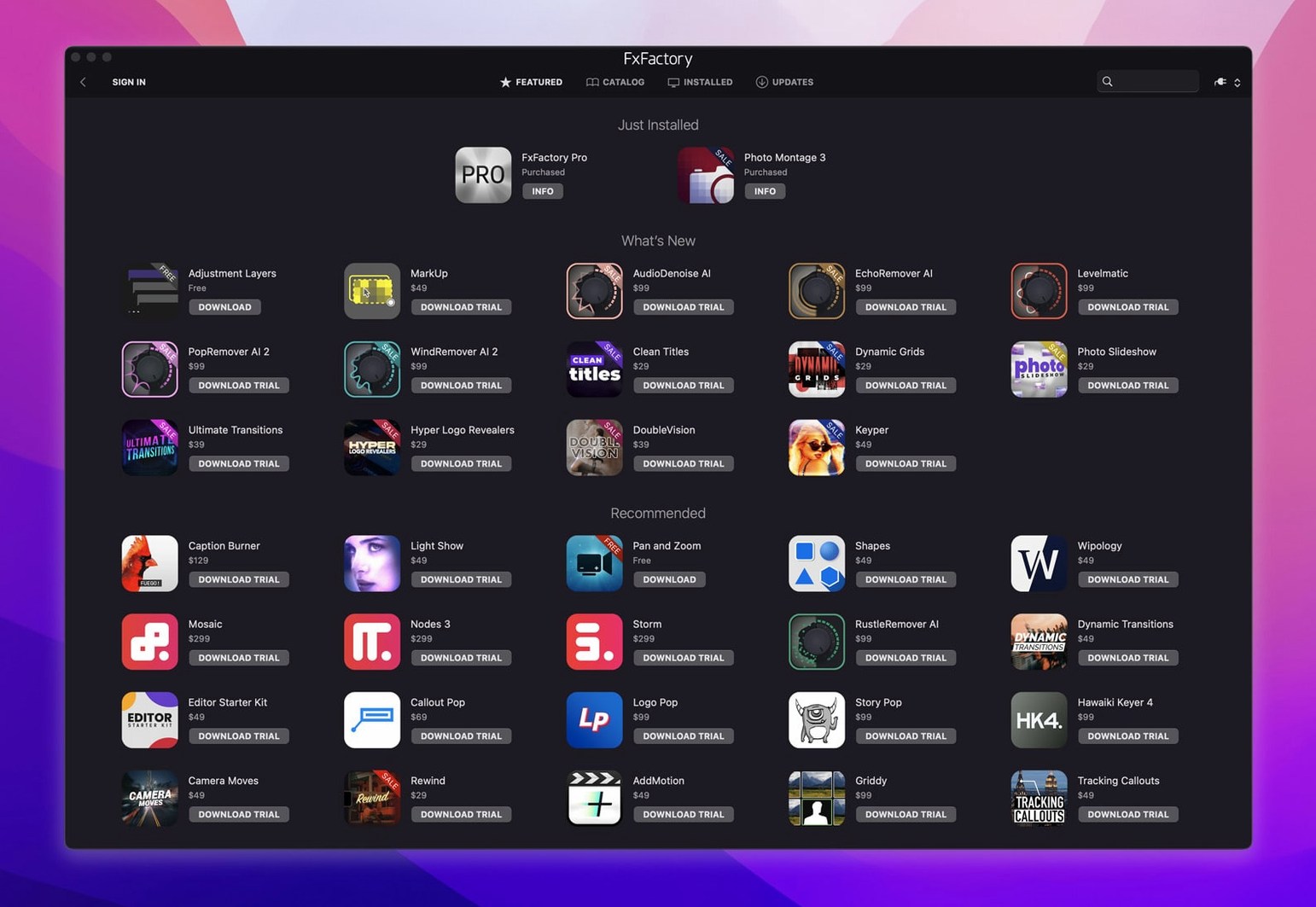
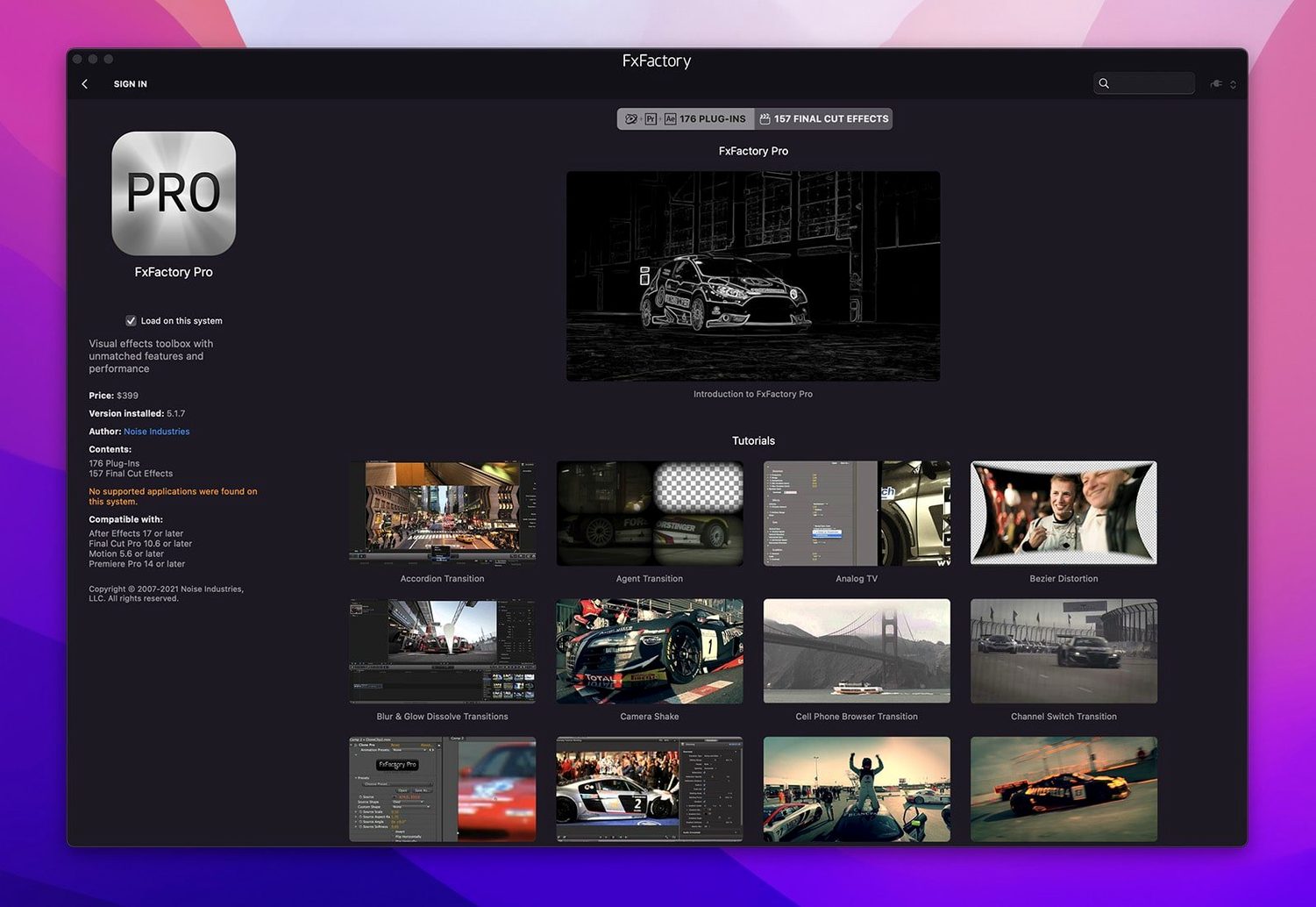
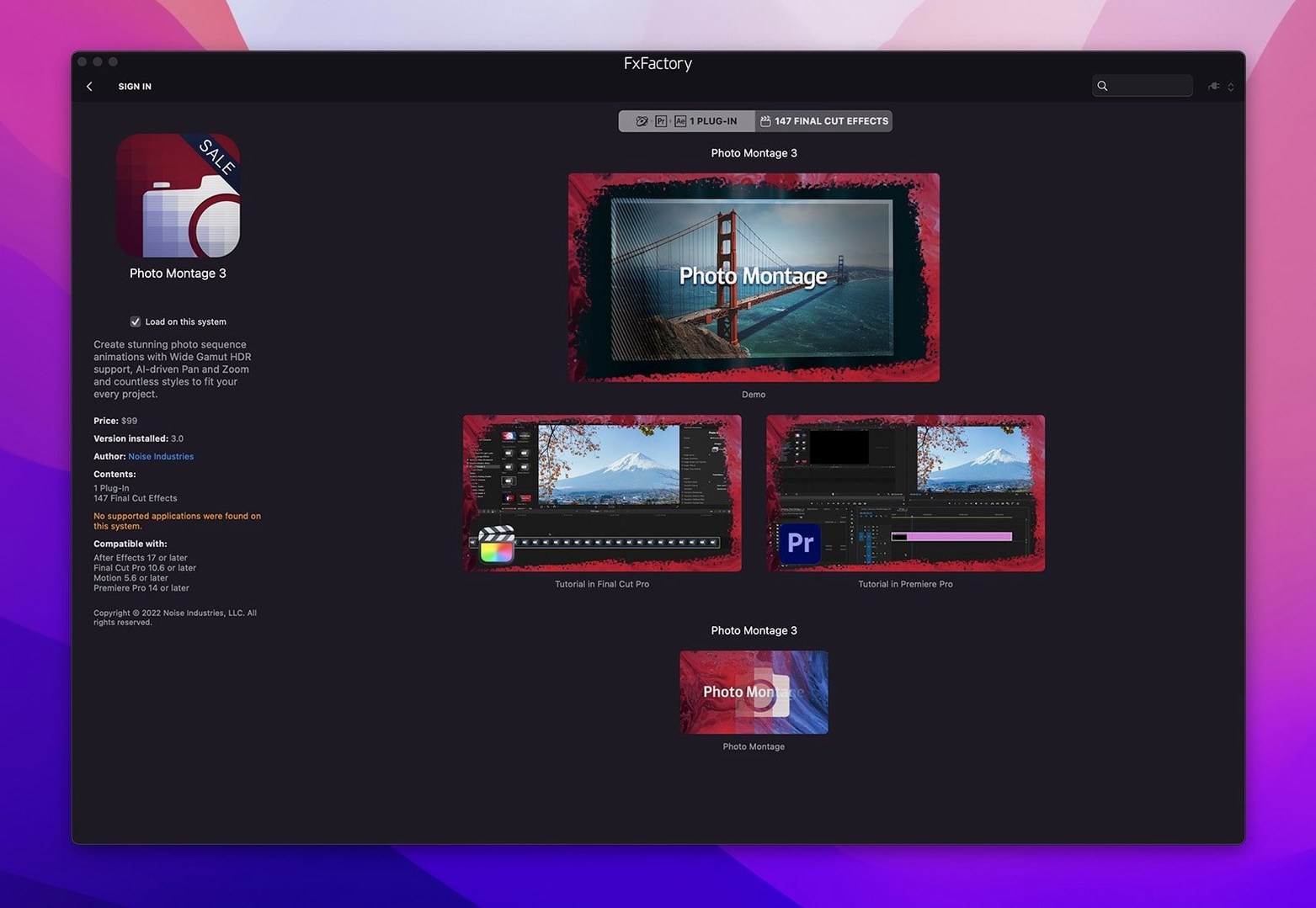
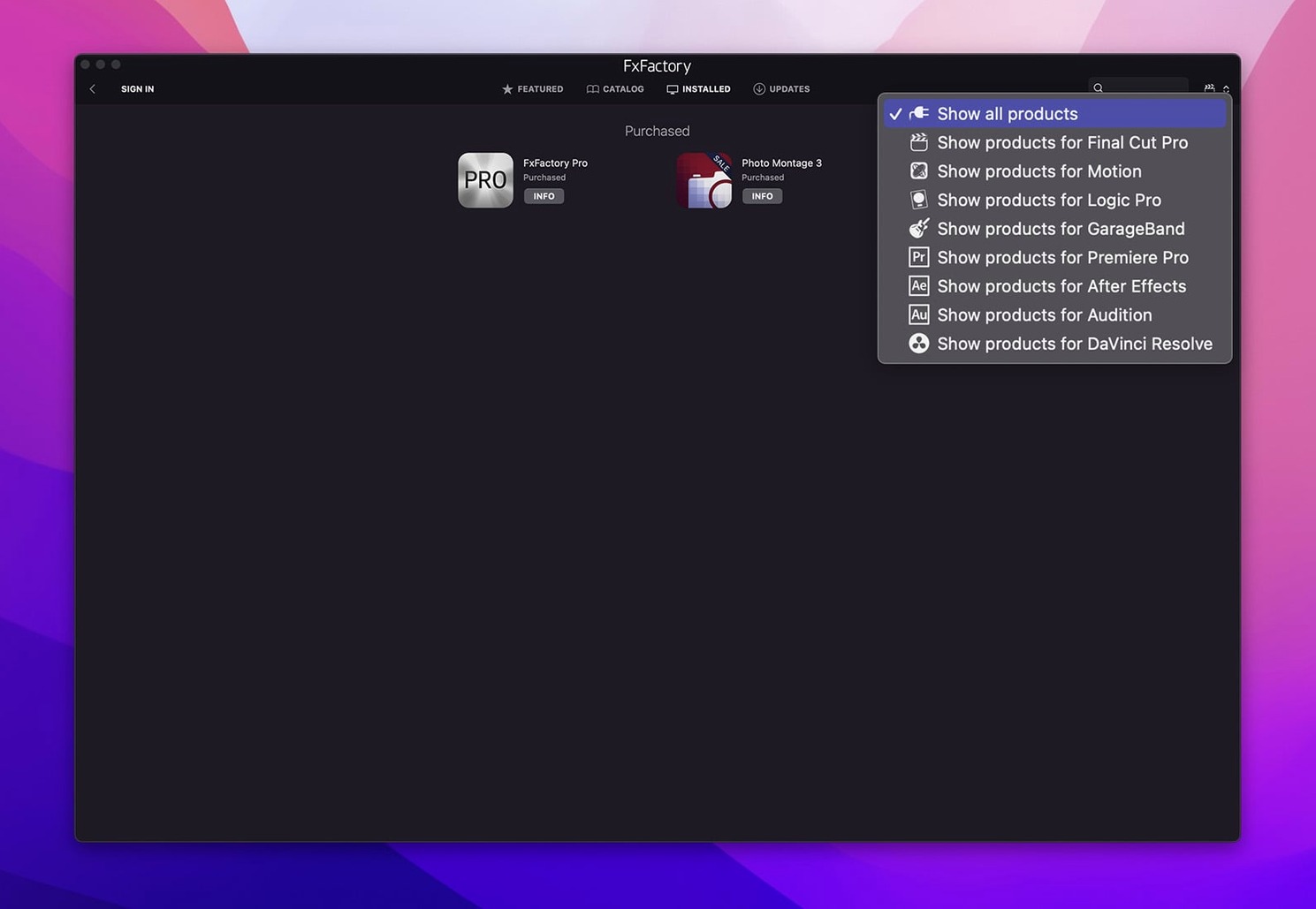
The current build, 9.0.5-8654, lands without asking you to lower SIP protections, which keeps the security architecture of macOS 12.6 intact while the FxFactory engine handles installation across Apple Silicon and Intel Macs. That change alone shifts the routine of maintaining a plugin library from a system-level compromise into a straightforward application task.
Hosts, formats, and the FxPlug pipeline
Once installed, FxFactory Pro threads its effects into Final Cut Pro, Motion, After Effects, Premiere Pro, and DaVinci Resolve through FxPlug. The Pro Pack filters move through 16-bit and 32-bit float colour, which matters when you are keying, grading, or building motion graphics that will be pushed hard in the grade. The manager itself sits outside the hosts, letting you browse, audition, and assign plugins to a project before you ever drop them onto a timeline. Preview behaviour is immediate—scrub through the effect in the browser, see it on reference stills, then render it in context. No coding is required to build the effect chain, though the node logic underneath shows its motion-graphics roots the moment you layer more than three filters.
The sound of the thing
The audio tools in the package are not an afterthought. Several generators and filters react to specific frequency bands, so a glow or a displacement map can pulse with a kick drum or ride a vocal sibilance without keyframes. In Resolve and Premiere, where audio-driven animation is less built-in, this fills a gap that usually requires round-tripping to a compositor. After Effects users will recognise the workflow, but having it available directly in the FxFactory browser means the same audio-reactive setup can move between host applications without rebuilding.
Notifications that no longer beg for attention
The move to version 9 brought a quieter, less intrusive presence on the system. Earlier releases nudged you toward the FxFactory interface every time a new free product appeared or a commercial trial expired; the current build keeps its notifications to a minimum and lets the plugin manager fade into the background until you deliberately open it. That shift means fewer interruptions when you are deep in a Premiere timeline or tweaking keyframes in Motion.
Performance under Apple Silicon is now native across the entire plugin library. On an M-series machine, effects that previously routed through Rosetta—some of the older glow and blur filters especially—render at full speed without the translator layer. The practical upshot is that stacking a half-dozen Pro Pack filters on a 4K timeline no longer sends the render bar into a slow crawl. The installer also handles both architectures in a single pass, so you are not hunting for an ARM-specific build or wondering whether a plugin will run translated. For anyone who has been using fxfactory pro across multiple Macs, the unified binary approach removes one more variable from the troubleshooting checklist.
Utility effects versus the pull of retro trends
Place FxFactory Pro next to Red Giant Universe, and the philosophical difference shows up fast. Universe leans on its own unified dashboard too, but its effects skew toward stylised, often trend-driven looks—VHS degradation, retro transitions, glitch presets. FxFactory Pro covers that territory through third-party plugins available in its marketplace, yet the core Pro Pack filters feel more surgical: colour correction tools, keying helpers, and generators built for compositing rather than a single-click style. The node-based layering inside the FxFactory browser also gives you more granular control than Universe's preset-first approach, though Universe pulls ahead in sheer quantity of ready-to-apply transitions.
Against MotionVFX's mTitle and mFlare lines, the comparison tightens further. MotionVFX plugins are polished, template-driven, and aimed squarely at Final Cut Pro editors who want cinematic titles or lens flares with minimal fuss. FxFactory Pro shares the FxPlug pipeline but opens the door to After Effects and Resolve users in the same install. The Pro Pack's 32-bit float processing also means that heavy grading underneath a MotionVFX-style flare holds together with less banding, provided you are working in a host that honours the colour depth. The trade-off is that MotionVFX often ships more immediately gorgeous presets; FxFactory Pro gives you the scaffolding to build the look from scratch, which suits compositors who would rather dial in their own falloff curves.
Boris FX Continuum sits somewhere between the two. It is broader—particle systems, 3D text, image restoration tools—and priced accordingly. FxFactory Pro does not try to match Continuum's particle engine or its Mocha integration, but the audio-reactive generators and the lightweight plugin manager make it feel faster on its feet. Where Continuum demands a serious commitment of drive space and learning time, FxFactory Pro installs lean and lets you ignore the parts you do not need. Editors who spend most of their day cutting rather than compositing often find that the smaller footprint and host-agnostic browser fit a real-world post schedule better than a monolithic suite.
A colourist's Tuesday afternoon
Consider a colourist finishing a short documentary in DaVinci Resolve. The footage is a mix of archival 8 mm scans and clean digital interviews, and the director wants the archival material to feel tactile without slipping into pastiche. The colourist reaches for FxFactory Pro's grain and texture generators, layering a fine film plate over the scanned footage and keying it subtly so the grain responds to the luminance of the original image. In the same node tree, an audio-reactive flicker filter is tied to the interview track's room tone—barely visible, but enough to make the still frames breathe. Because the Pro Pack operates at 32-bit float inside Resolve's colour pipeline, the grain does not posterise when pushed under a contrast curve. The setup takes twenty minutes, and the colourist saves the node chain as a preset for the rest of the archival reel. No round-trip to After Effects, no exported mattes. The afternoon stays inside one application, and the render cache holds steady.
Small things that hide in the interface
The FxFactory browser has a few conveniences that are easy to walk past on a first install. Dragging a plugin thumbnail directly onto a Final Cut Pro clip in the timeline applies it without opening the effects browser—a small gesture that saves a surprising number of clicks on a long edit day. Right-clicking any installed effect reveals a "Show in Finder" command, so you can locate the underlying plugin bundle when you need to move it between machines or archive a specific version.
The preview pane supports custom reference stills. Drop a frame from your own project into the preview area, and every effect audition uses your actual footage instead of the stock images. That alone changes how you evaluate a glow or a colour shift, because the stock stills are graded to flatter the effect. The audio-reactive generators also let you route a live microphone input during preview, which means you can hum a bassline or tap the desk to watch a displacement map respond before committing it to a track.
Another detail: the plugin manager remembers which host applications you use and surfaces compatible effects first in the browser. If you have not launched Motion in months, the Motion-only plugins drop to the bottom of the list. It is the kind of quiet sorting that takes a week or two to notice, then becomes indispensable.
Let the app scan your hosts before you edit
After the installer finishes and you have run through the activation steps included in the package, open the FxFactory application before you launch any host. Let it scan your installed hosts and mark which ones are active. That initial scan builds the compatibility filter I just mentioned, and skipping it means the browser shows everything in a flat list until the next launch.
Resist the impulse to install every free product from the in-app catalogue at once. Pick three or four that match the kind of work you actually do—glow tools and colour correctors if you edit interviews, generators and transitions if you cut trailers—and work with those for a few sessions. The Pro Pack filters alone cover enough ground that adding too many third-party plugins early on muddies the browser and makes it harder to learn which tools live where.
Set a custom preview still on day one. Grab a frame from your most recent project, something with skin tones and a range of shadows, and drop it into the preview pane. Every effect you audition after that will give you an honest read on how it handles real footage. This is especially useful for keying and grain effects, where the stock stills tend to be too clean to reveal edge artefacts.
If you work across Final Cut Pro and After Effects on the same project, test an audio-reactive effect in both hosts early. The timing behaviour can differ slightly depending on how each host handles audio playback during preview, and knowing that quirk before a deadline saves a panicked recalibration. Once you have a feel for the latency, the generators are consistent enough that you can build the effect in one host and trust it will render correctly in the other.
Finally, the build labelled "without SIP disabling" means exactly that: do not disable System Integrity Protection. The installation instructions included with the package handle everything through standard macOS permissions, and turning off SIP is not necessary and would weaken the security model that keeps the rest of your system isolated from plugin code. The current version of fx factory crack discussions online often miss this point, suggesting workarounds that are both unnecessary and risky. Stick to the documented install path and the plugin manager will run without touching protected system directories.
The 9.0.5-8654 build installs through the FxFactory engine without requiring System Integrity Protection to be disabled, keeping macOS 12.6 security intact on both Apple Silicon and Intel machines.
- macOS 12.6 or newer
- Apple Silicon or Intel 64-bit processor
- English interface
Questions from the booth
It connects to Final Cut Pro, Motion, Adobe After Effects, Premiere Pro, and DaVinci Resolve through the FxPlug framework after installation.
Yes, the Pro Pack plugins handle 16-bit and 32-bit float processing for motion graphics and colour work.