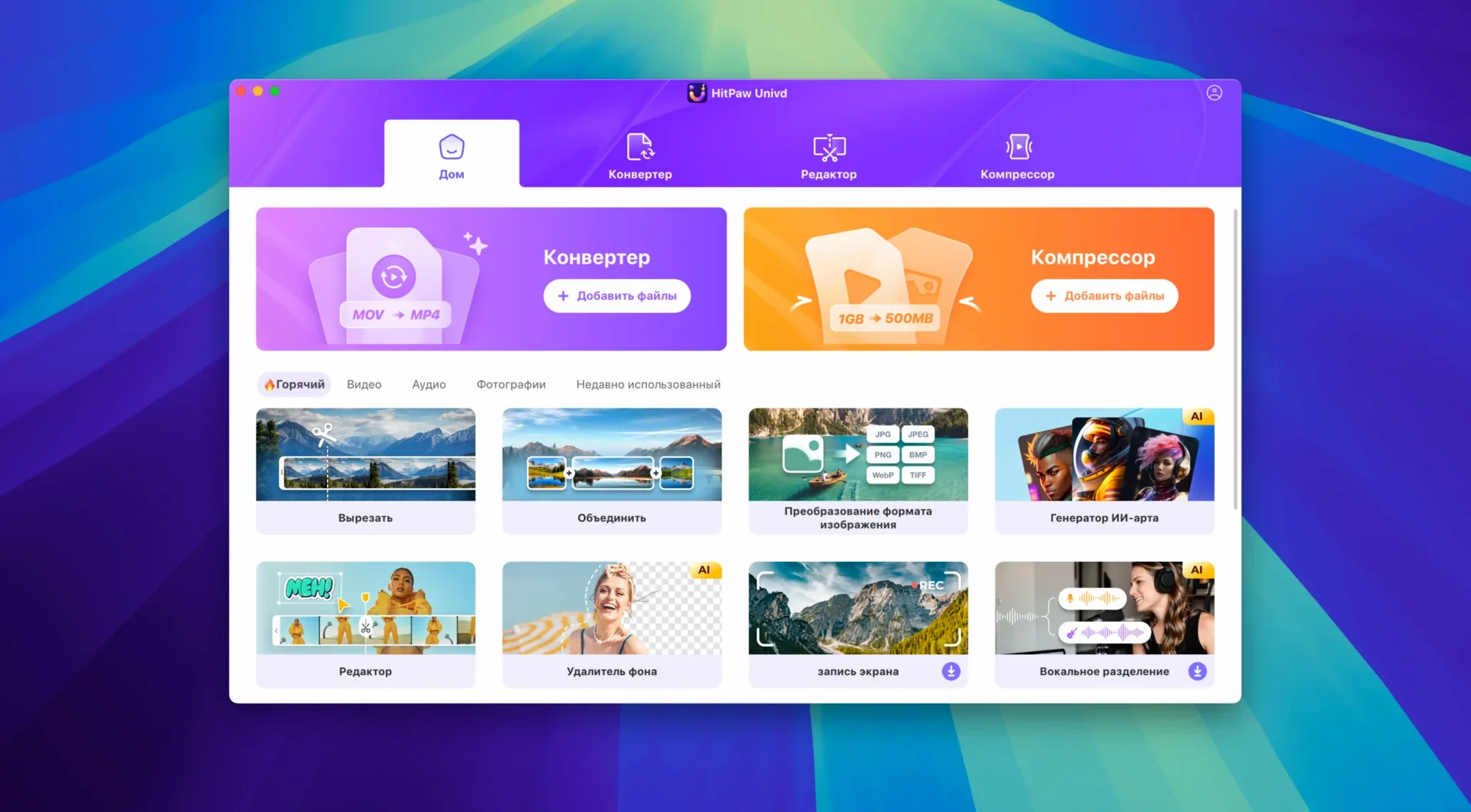
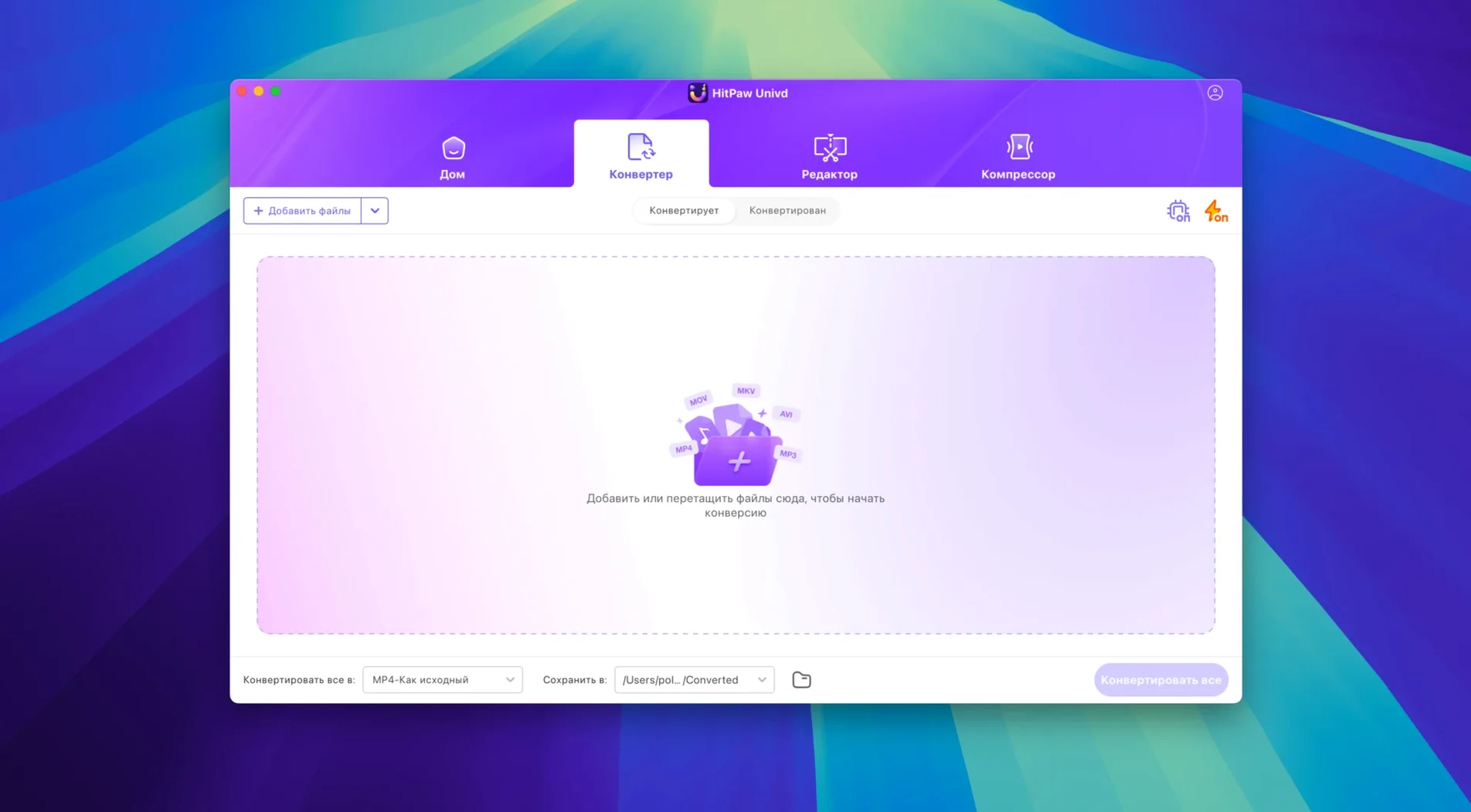
Over 10,000 sites are reachable from the new single-window UI that shipped in version 4.7.0, which is where this particular evening starts. A short film I shot last fall has been sitting on a dusty YouTube unlisted link, and the original MP4 somehow corrupted beyond Final Cut’s patience. I open HitPaw Univd, paste the URL, and pull down a clean MOV of the entire timeline, complete with the scratch audio mix I thought I’d lost.
Once the file is local, the interface shifts quietly from downloader to converter. I drop the MOV into the queue, pick MP4 with the H.265 encoder, and let it chew through the footage. A small AI module flags the dropped frames in one long handheld take and interpolates the gaps without turning the motion into a watercolour hallucination. It is not a restoration suite — it is a fast fix when a reshoot is out of the question.
The tool reads VOB rips from old DVD dailies just as calmly as it handles an AVI pulled from an archive drive. On an Intel Mac running Ventura, the batch runs stay cool and finish before the kettle boils. By the time I have a fresh MP4 on the desktop, the corrupted master feels like a problem someone else had.
What tends to come up before people install it
One question that surfaces often is whether the app phones home every time it touches a YouTube link. It does not. Once the download module grabs the stream, the processing happens entirely on your own machine — the network activity drops back to idle. Another recurring thread is about audio quality. People who rip playlists from Spotify or TIDAL worry they will end up with a flat 128 kbps re-encode that kills the low end. The lossless music converter path actually pulls the source stream and repackages it without a destructive transcode step, so the file you drag into your DAW matches what the service delivered. The bitrate and sample rate stay identical.
A less obvious concern is gatekeeper friction on newer versions of macOS. The disk image ships unsigned, so macOS will refuse to open it on first double-click. The workaround is straightforward — right-click the app and choose Open, or run a quick sudo spctl --master-disable in Terminal if you prefer the nuclear option — but it catches people who have not installed software outside the walled garden in a while. Once the app is in the Applications folder and has been launched once, the prompt vanishes for good.
Where HandBrake stops and Univd picks up the download
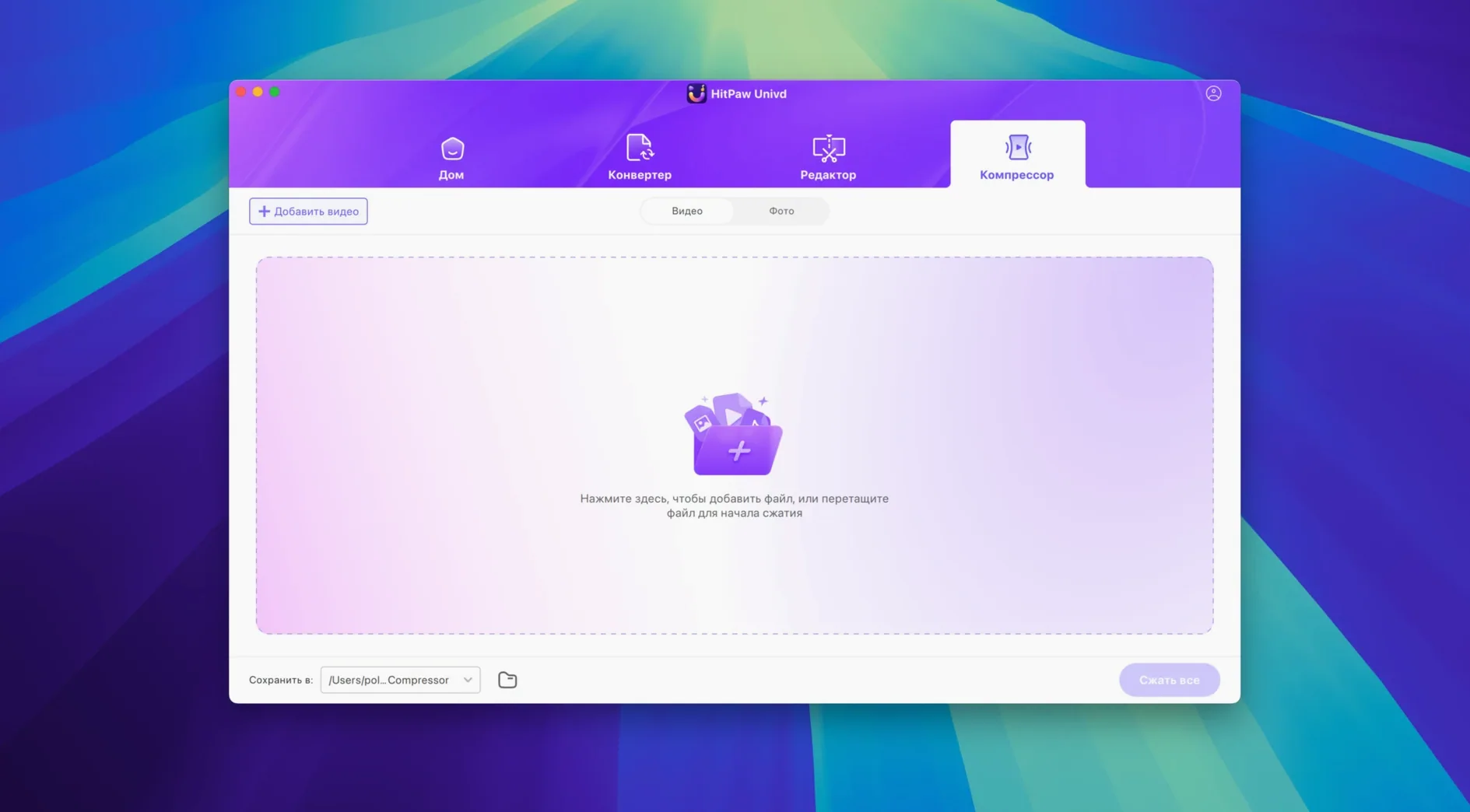
Set it beside HandBrake and the difference is visible fast. HandBrake is a surgical transcoding tool that gives you every knob from B-frames to psychovisual rate distortion. It does not download from streaming sites, it cannot touch a Spotify playlist, and it asks you to understand what CRF means before you get a good result. HitPaw Univd wraps a similar codec library in a workflow that starts with acquisition — the downloader replaces a whole separate utility — and ends with a trimmed, compressed file you can hand off without reading encoder release notes.
Compare it with Permute, which is the Mac-native darling for drag-and-drop conversion. Permute is faster to open and lighter on RAM, and it handles PDF-to-image conversions that Univd does not touch. But it stops at the file you already have. Univd reaches out to Bilibili, Facebook, Instagram and thousands of smaller video hosts, pulls the file, then converts it in one unbroken gesture. For someone building a reference library from scattered sources, that changes how the afternoon flows.
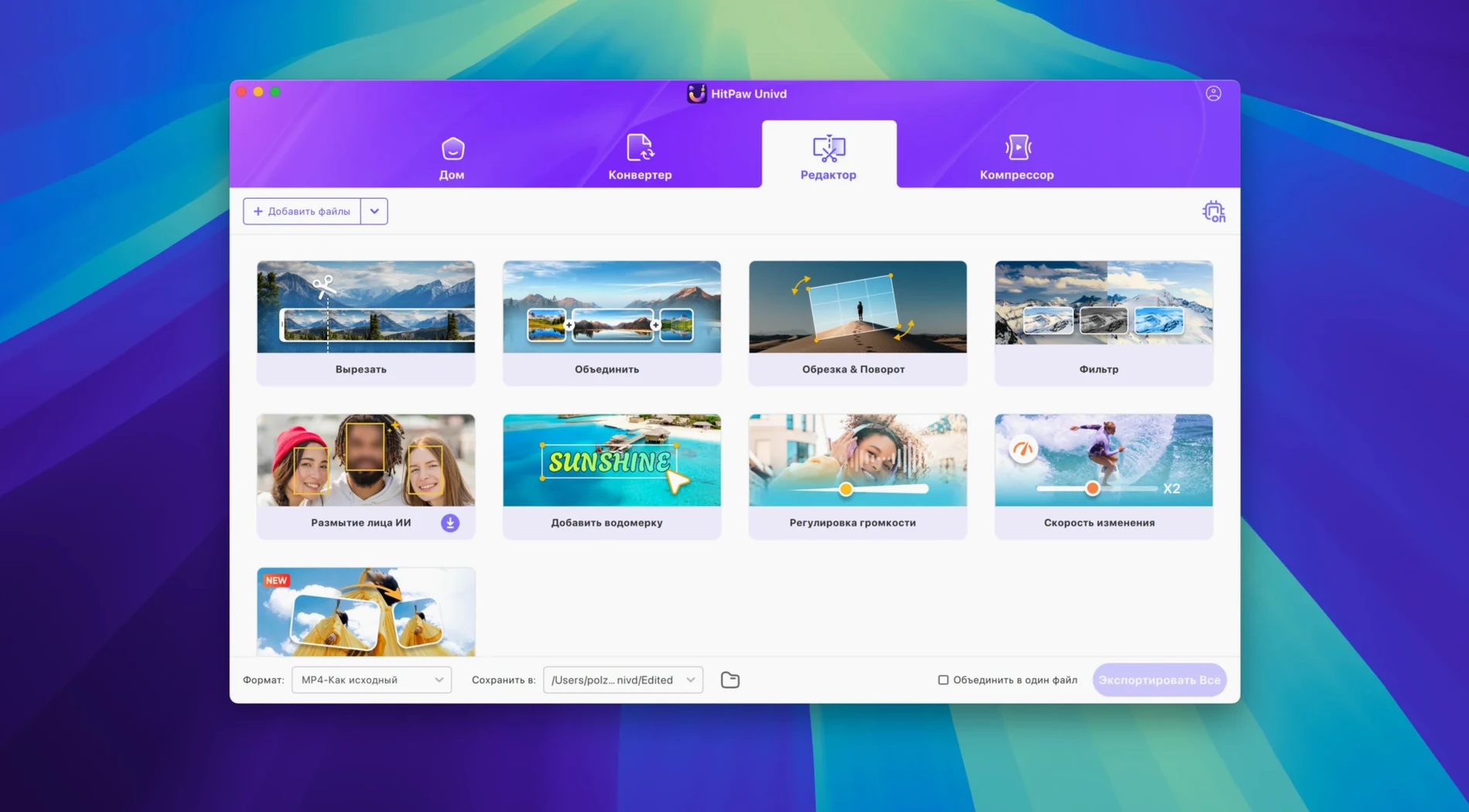
Then there is 4K Video Downloader, which shares the download-and-convert ambition. Its parser for niche streaming sites is sometimes snappier, and it handles playlist recursion with slightly less babysitting. But it lacks the built-in editor and the AI frame interpolation that Univd brings to the table. If all you need is a pile of MP4s from YouTube channels, either tool works. If you need to stabilise a shot or splice two clips before export, Univd keeps you inside one window.
Turning a coat-pocket voice memo into broadcast-ready audio
Clara runs a small post-production setup in Glasgow, cutting interview podcasts that arrive as a mess of Zoom recordings, remote guest video grabs, and the occasional voice memo recorded in a coat pocket. A recent guest sent his side of the conversation as a VOB ripped from a camcorder DVD. Clara has no optical drive connected — just the folder of VOB chunks sitting in Dropbox. She drags the first chunk into Univd, picks Apple Lossless as the audio target, and ticks the checkbox to merge sequential files. Twenty minutes later she has a single clean M4A with the room tone intact. While the conversion runs, she pastes three YouTube links from the research channel the host mentioned. By the time her tea has steeped, the reference clips are local MP4s with the audio stripped to AAC, ready to drop into the timeline as cutaways. She never opened a browser extension or a separate encoder. That is the shape of the tool — it rewards the kind of work where a file arrives in the wrong format and needs to leave in the right one before the client emails asking for a rough cut.
Why that network error almost always means a login wall
One common stumble is a download that fails with a generic network error on a site the parser should support. Nine times out of ten the issue is that the target video requires a login — Univd cannot authenticate inside a private Facebook group or a members-only Vimeo link. The fix is to open the page in a browser, sign in, copy the URL again, and let the app retry. If the site uses aggressive rate limiting, spacing out requests by a few minutes usually settles things.
Another friction point is the AI interpolation module. On long clips — anything over twenty minutes — the processing can stall or produce a file that plays back with audio drift. The workaround is to split the video into shorter segments inside the built-in editor before applying the interpolation pass. A four-minute clip processes reliably; a forty-minute single take can push the memory budget on an older Intel machine and cause a hang that requires a force quit.
Some users hunting for a copy of the software stumble onto terms like hitpaw vikpea torrent or hitpaw torrent and find themselves with a disk image that predates the 4.7.0 redesign. Those older builds lack the unified single-window layout, so it helps to check that the build you have matches the current dark interface with the collapsible left-hand queue. The telltale sign of an older version is a blank grey panel where the streaming site list should appear. Getting the current build — the one with the dark interface and the collapsible left-hand queue — clears that up immediately. Similarly, a hitpaw univd torrent search sometimes surfaces a version where the audio converter module is missing its codec signatures, which produces silent output files even when the progress bar finishes. Verifying that the build number matches 4.7.0 inside the About panel saves a lot of head-scratching.
Version 4.7.0 introduces a redesigned single-window interface and a rethought product structure that keeps conversion, downloading, and AI repair within arm’s reach instead of hidden in separate modules.
- macOS 10.15 or later
- Intel 64-bit processor