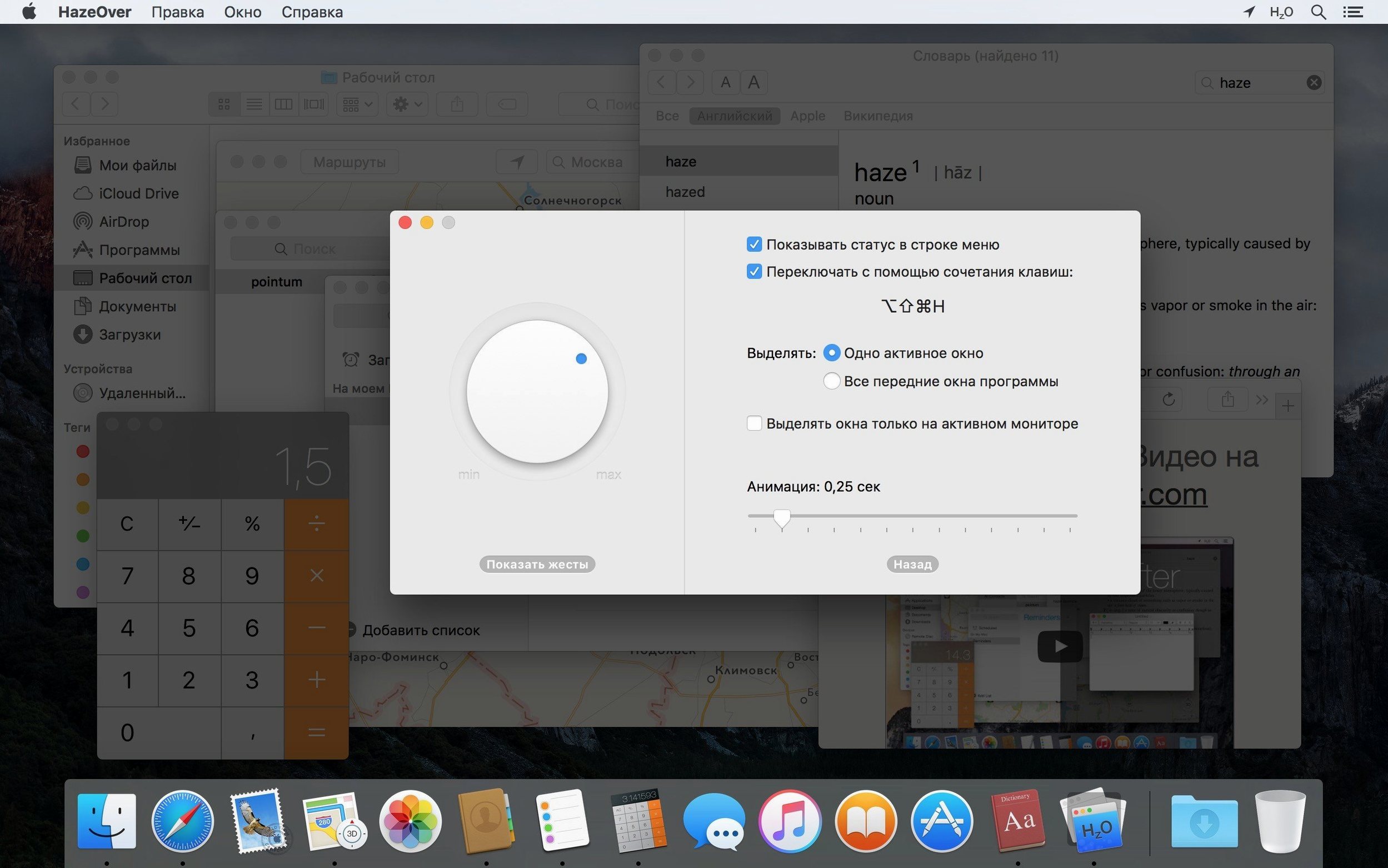
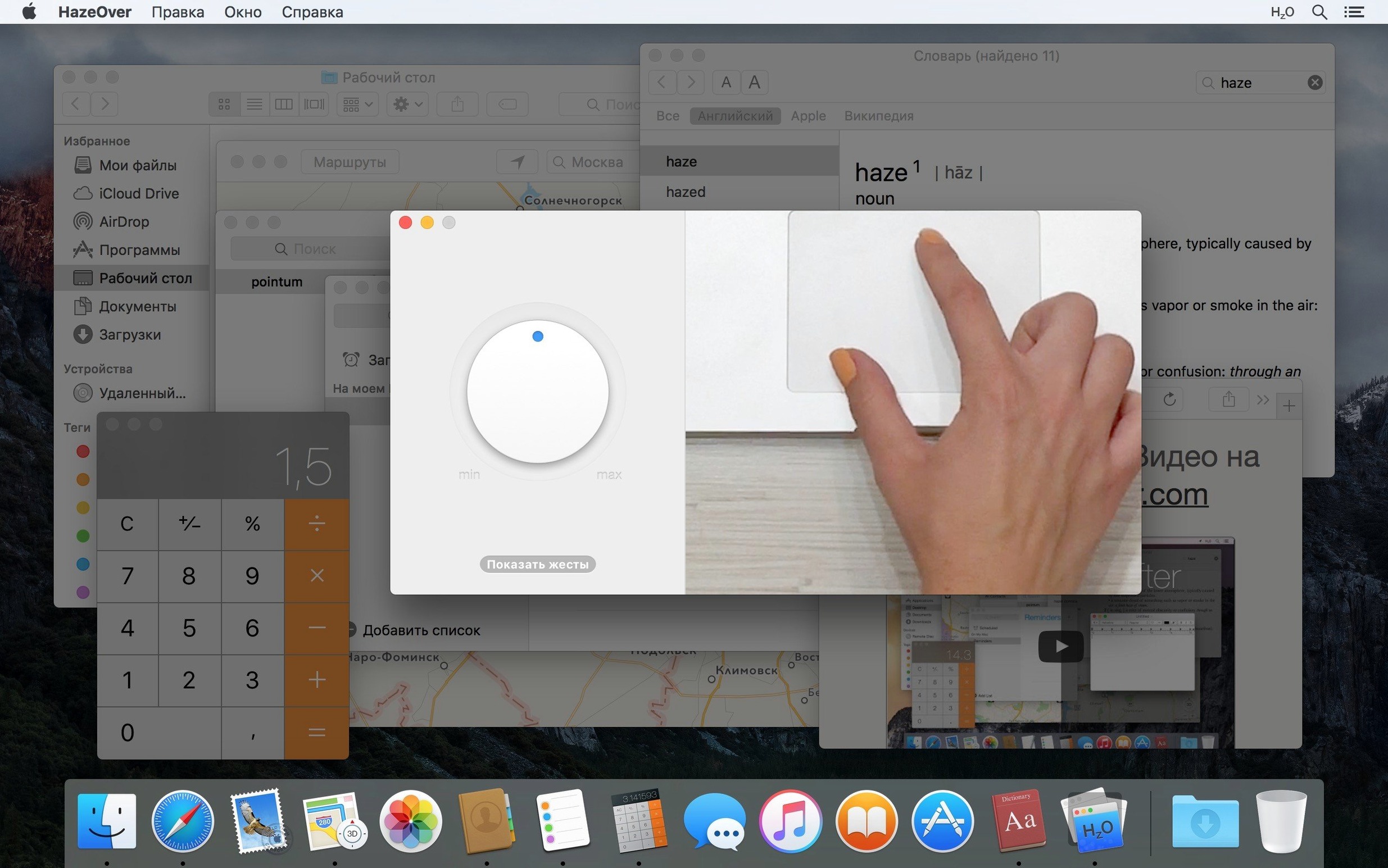
Version 1.9.8 lands with a small but telling change: you can now adjust the dimming strength directly from Spotlight, without opening the app. It also brings the app forward for macOS 27 Golden Gate and tightens keyboard navigation, which matters when the whole point is staying out of your way.
What does HazeOver actually do?
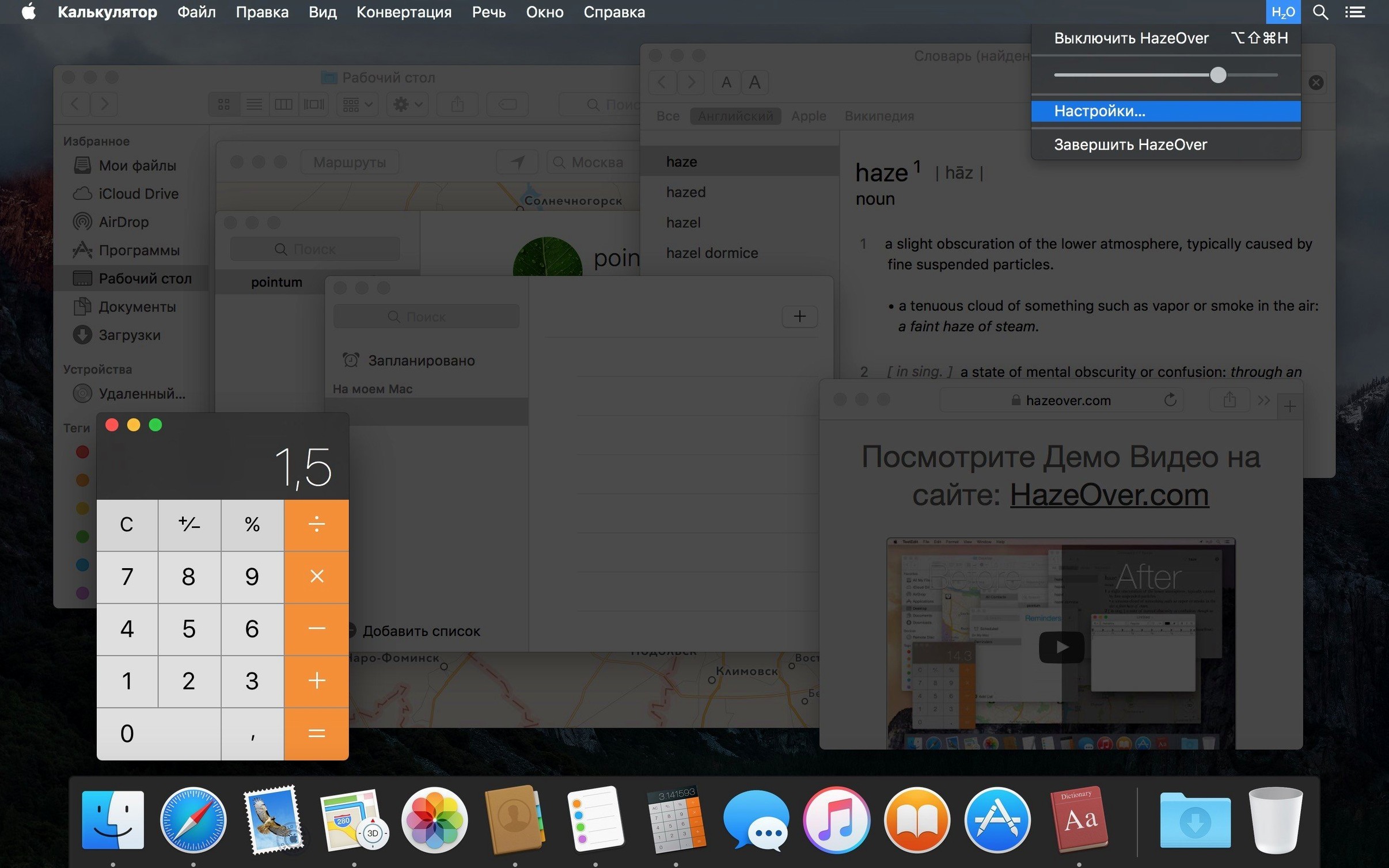
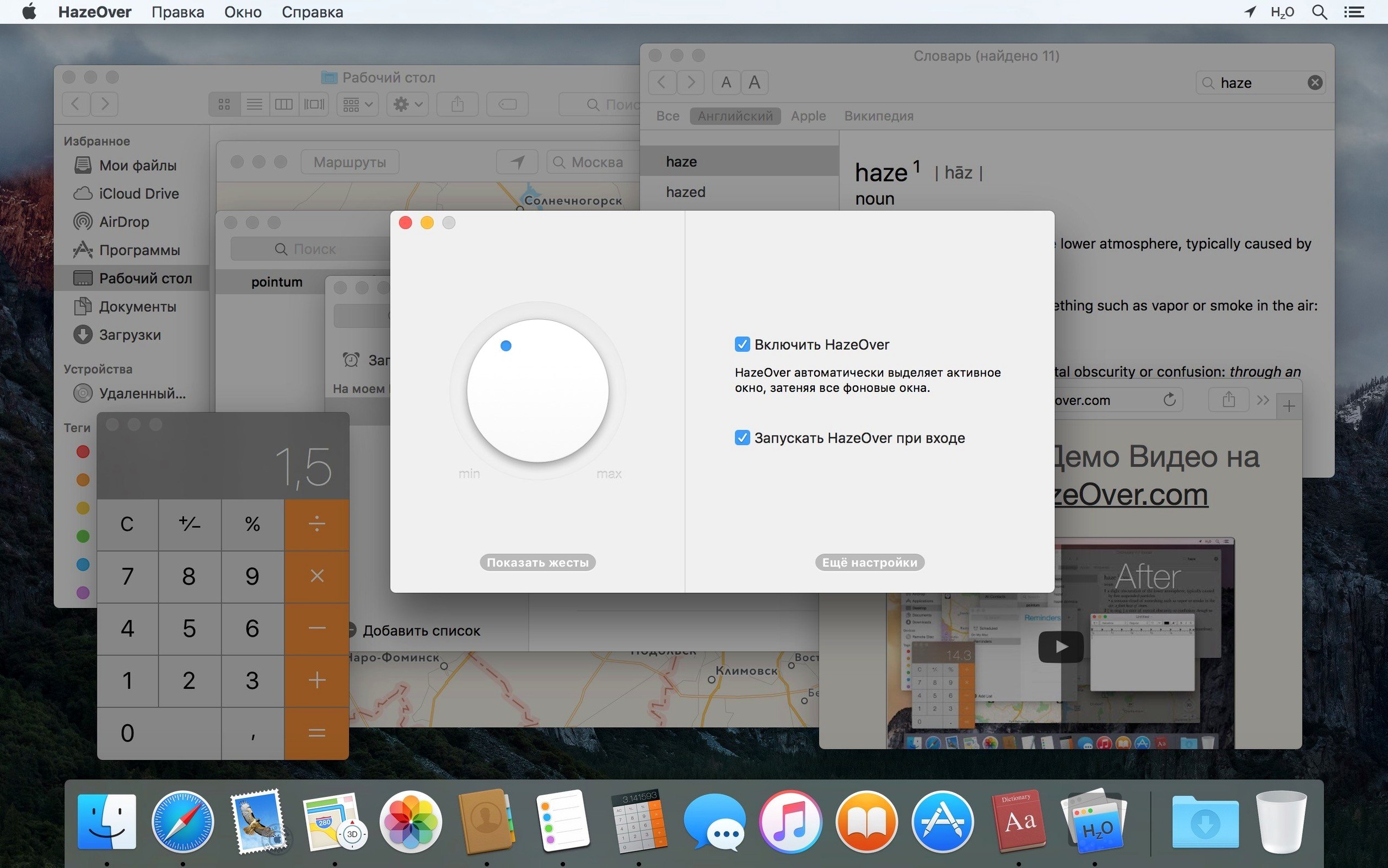
Every time you switch windows, HazeOver pulls a soft shadow across everything except the one you are working in. The background dims, the foreground lifts. It is a single-purpose tool that nudges your attention back to the task each time it wanders.
Losing the active window in a sea of clutter
Anyone who keeps too many windows open and loses the active one in the clutter. Writers, editors, developers working across several panes, or people who simply find a bright desktop tiring. It also helps on multi-monitor setups, where the active window can be highlighted on each display independently.
Separate dimming for Light and Dark Mode, plus a quick lift
You can set separate dimming amounts for Light and Dark Mode, so the contrast feels right as the day shifts. Holding the fn key temporarily lifts the dimming when you need to drag something between apps. And because it speaks Shortcuts and AppleScript, you can fold it into larger automation routines without touching the menu bar icon.
The menu bar icon no longer jumps on macOS 27
Version 1.9.8 tightens a few things that used to nag. The menu bar icon no longer jumps erratically when you scroll near it on macOS 27, a small fix that removes a flicker of irritation from the periphery. A Dock icon bug that left multiple windows highlighted at once has been squashed too, so the dimming stays predictable when you click between apps. The Spotlight integration is the standout addition: you can call up a setting by name and adjust it without leaving the keyboard, which suits people who already live in the search field for launching and calculating. Screen reader support has been smoothed out as well, bringing the highlight behaviour into clearer focus for VoiceOver users.
A colourist's afternoon
Picture a colourist in a small post house, moving between DaVinci Resolve on one display and a bin of reference stills and scopes spread across two others. The scopes need to be visible but not dominant, and the stills gallery keeps stealing focus when she clicks through shots. With HazeOver set to a gentle dim on the secondary monitors, the timeline window on the centre screen stays the brightest thing in the room. She has assigned a quick key to toggle the dimming off for a moment when she needs to compare two frames side by side across screens, then bring the shadow back with a single keystroke. The fn key override holds the layer open while she drags a LUT from Finder onto a node, and the moment she lets go, the background falls away again. It becomes a rhythm: work, compare, lift, release.
A flatline CPU trace even on older Intel machines
HazeOver barely registers in Activity Monitor. On an Apple Silicon machine it idles at a few megabytes of memory and a flatline CPU trace, and even on older Intel hardware the overhead is indistinguishable from background system processes. The dimming effect draws without a hitch during fast window switching, Mission Control swipes, or Spaces transitions. I have not seen it cause a single frame drop in a full-screen video review or a build running in Xcode. Stability is solid on macOS Ventura and above; the 1.9.8 update addresses the last few edge cases that could make the highlight state feel indecisive. It is the kind of quiet utility you forget is running until you turn it off and suddenly every window shouts for attention at the same volume.
HazeOver 1.9.9 arrives with the developer's latest round of fixes and refinements. No marquee feature this time — just the quiet improvements that keep the distraction-dimming utility feeling invisible until the moment you need it.
- macOS 10.15 (Catalina) or later
- Apple Silicon or Intel 64-bit Mac
Questions from the booth
Yes. Version 1.9.8 supports both ARM and x86 64-bit Macs running macOS 13 Ventura or later.