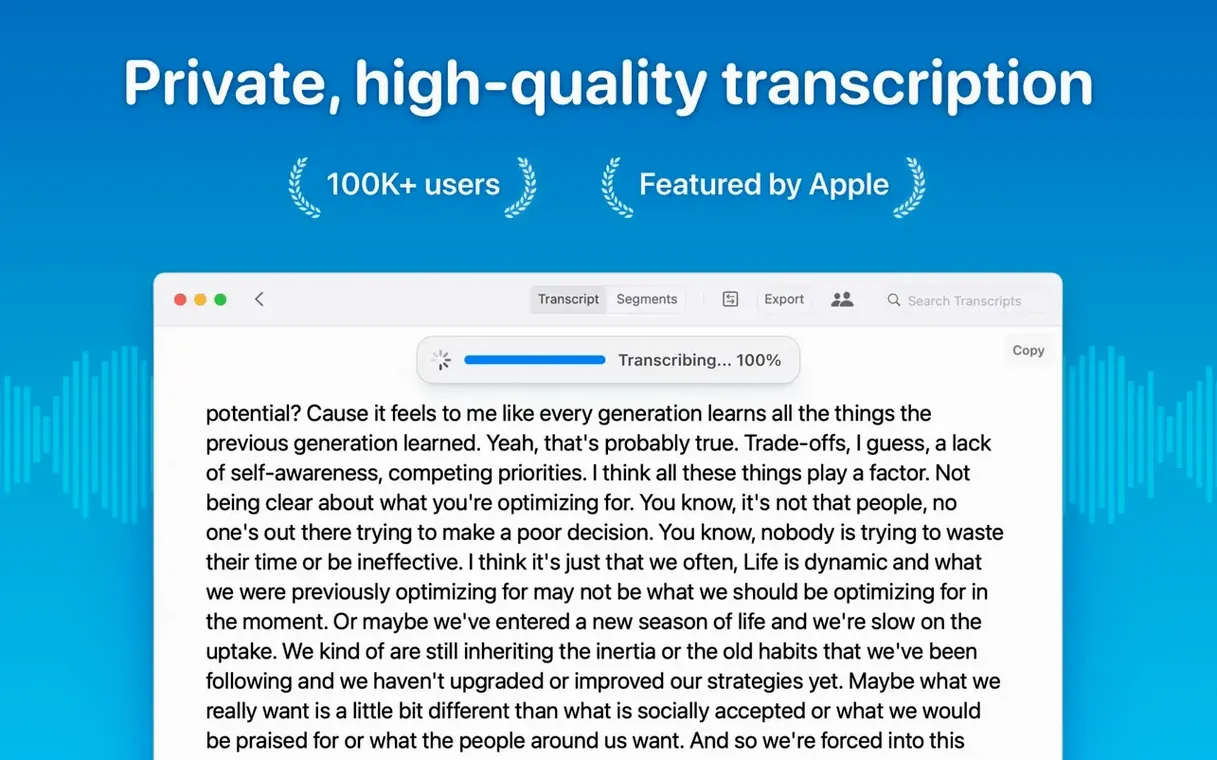
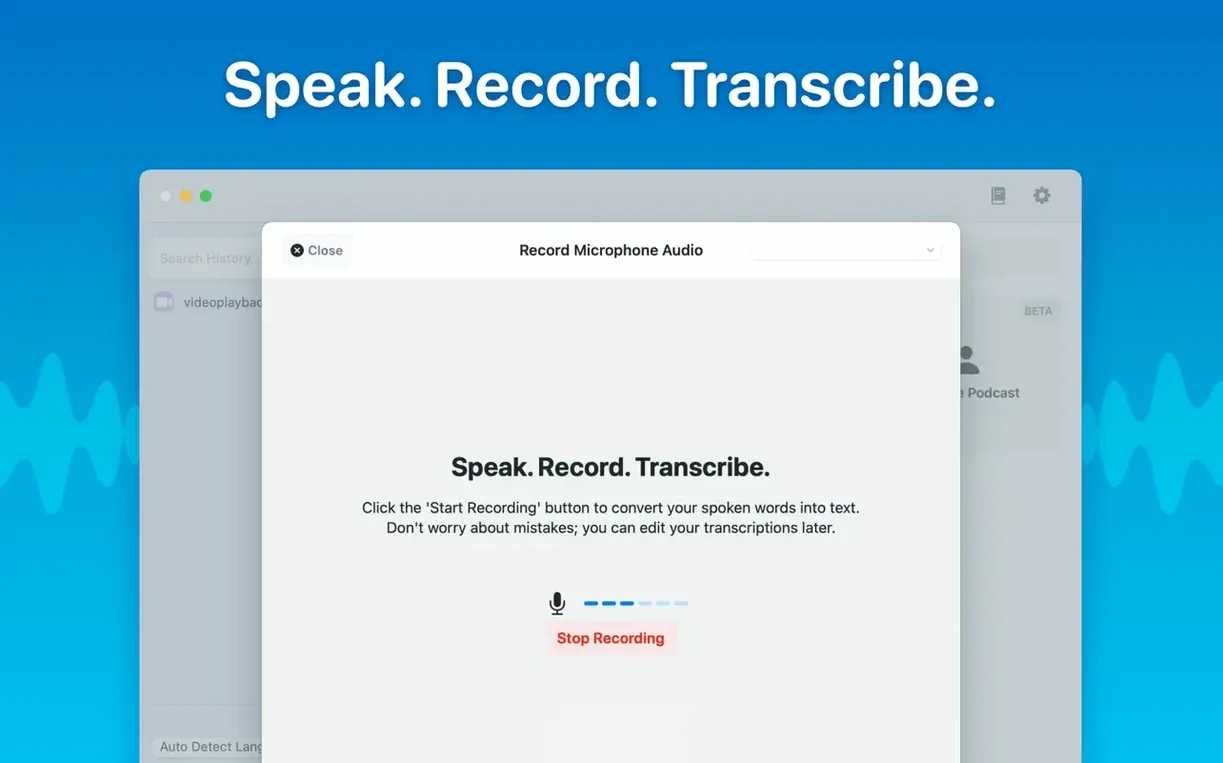
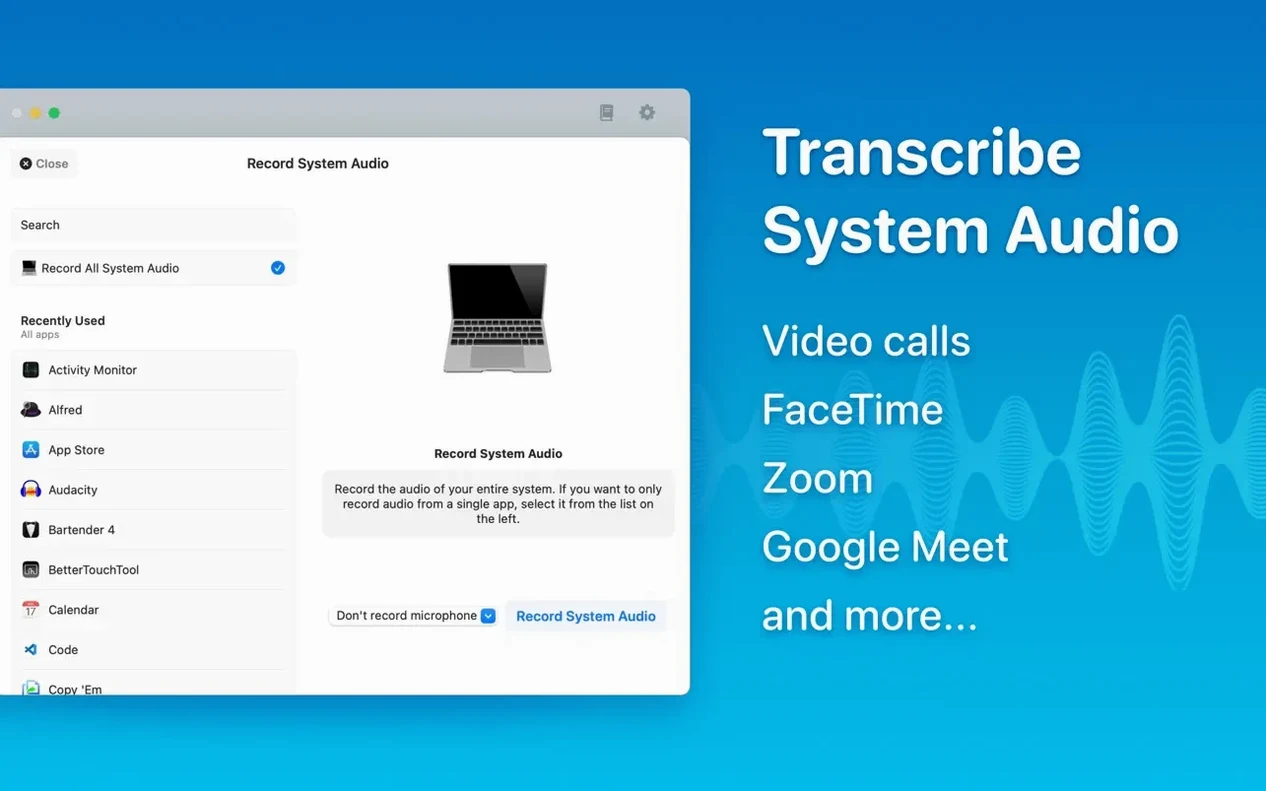
If you have ever run OpenAI's Whisper from the command line, you already know the trade-off: superb transcription accuracy in exchange for a terminal window and a handful of flags you have to look up each time. MacWhisper wraps that same engine in a Mac-native app that remembers your settings, keeps your audio local, and gets out of the way. It is built for anyone who interviews people, records meetings, or cuts podcast episodes and wants a transcript without uploading files to a server.
From raw audio to a finished transcript
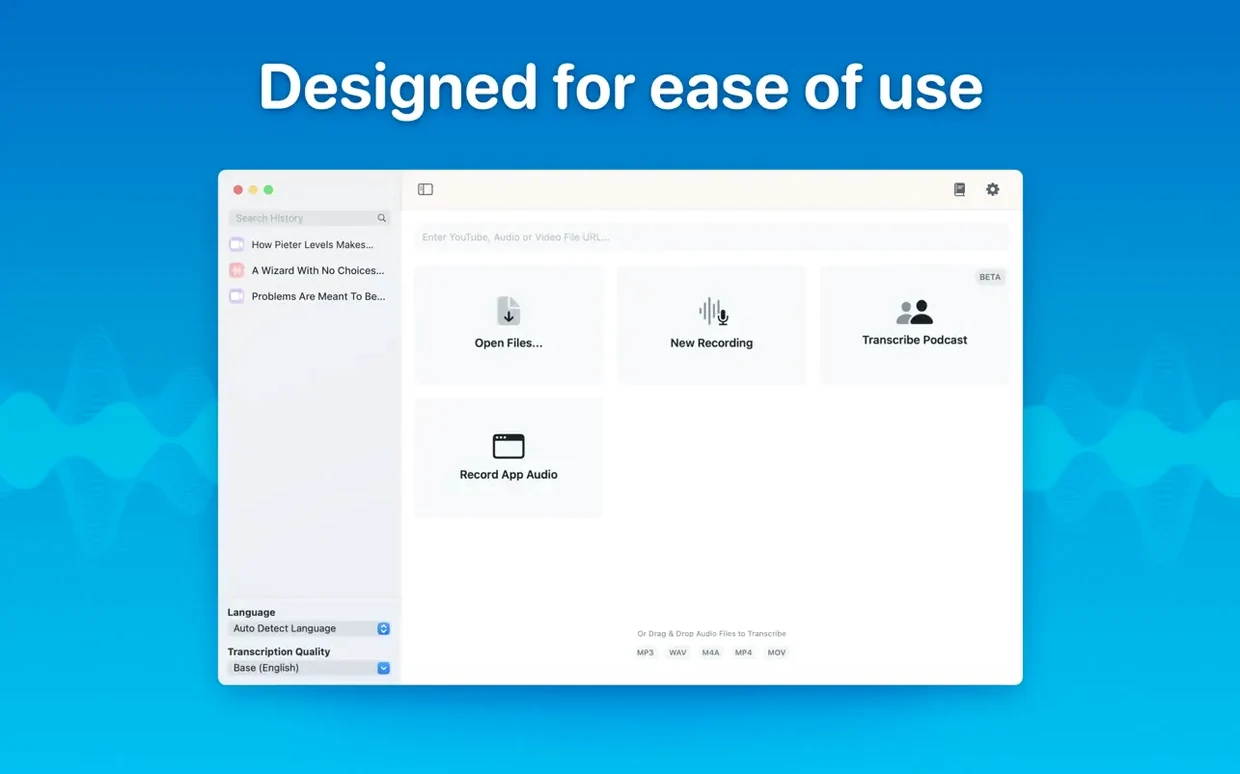
- Drop in your file. MacWhisper accepts mp3, wav, m4a, mp4, mov, ogg, and opus files. Drag one onto the window and it appears in the sidebar, ready to go.
- Choose a language and a model. The app supports automatic detection or a manual pick from 100 languages. On the model side, you select from Tiny through Large-V3 depending on the accuracy-speed balance you need. The transcription runs entirely on your Mac; no audio ever leaves the machine.
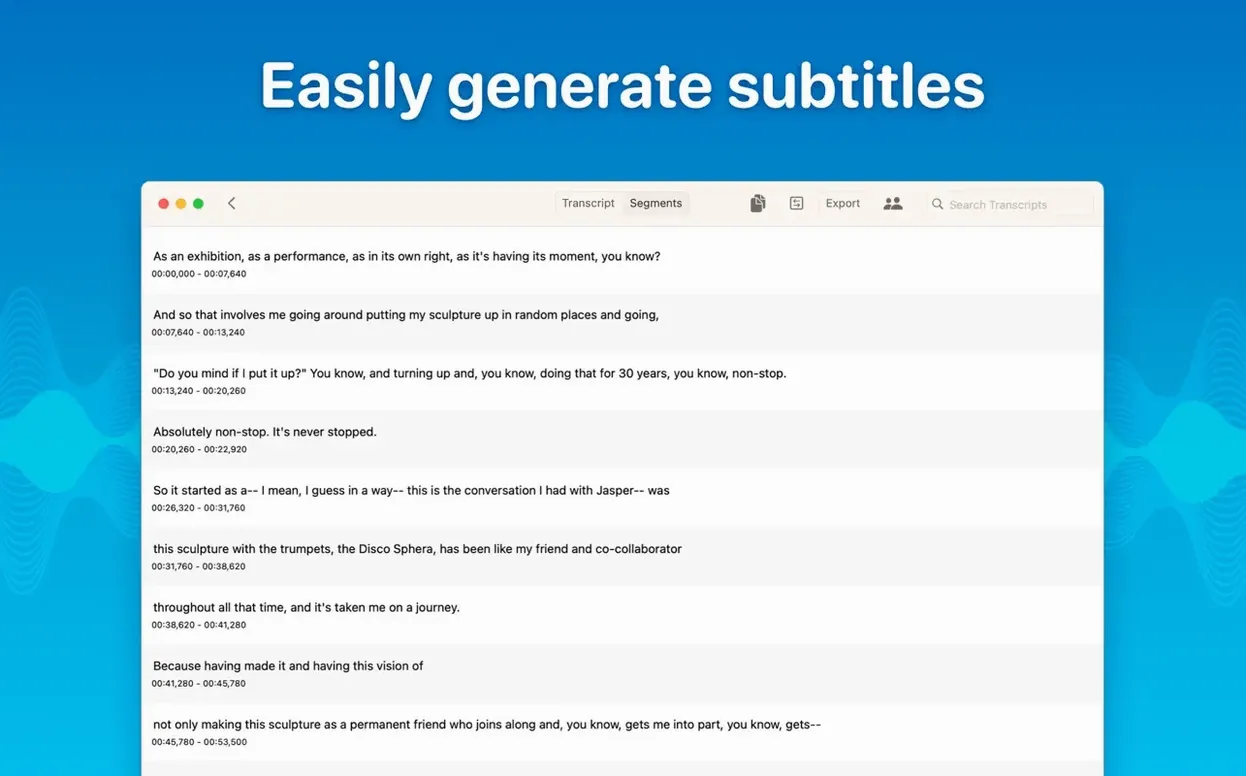
- Edit the transcript. Once the Whisper model finishes, the text appears in segments you can click into and revise. Delete a sentence, correct a name, tighten a paragraph — the edits stick with the file.
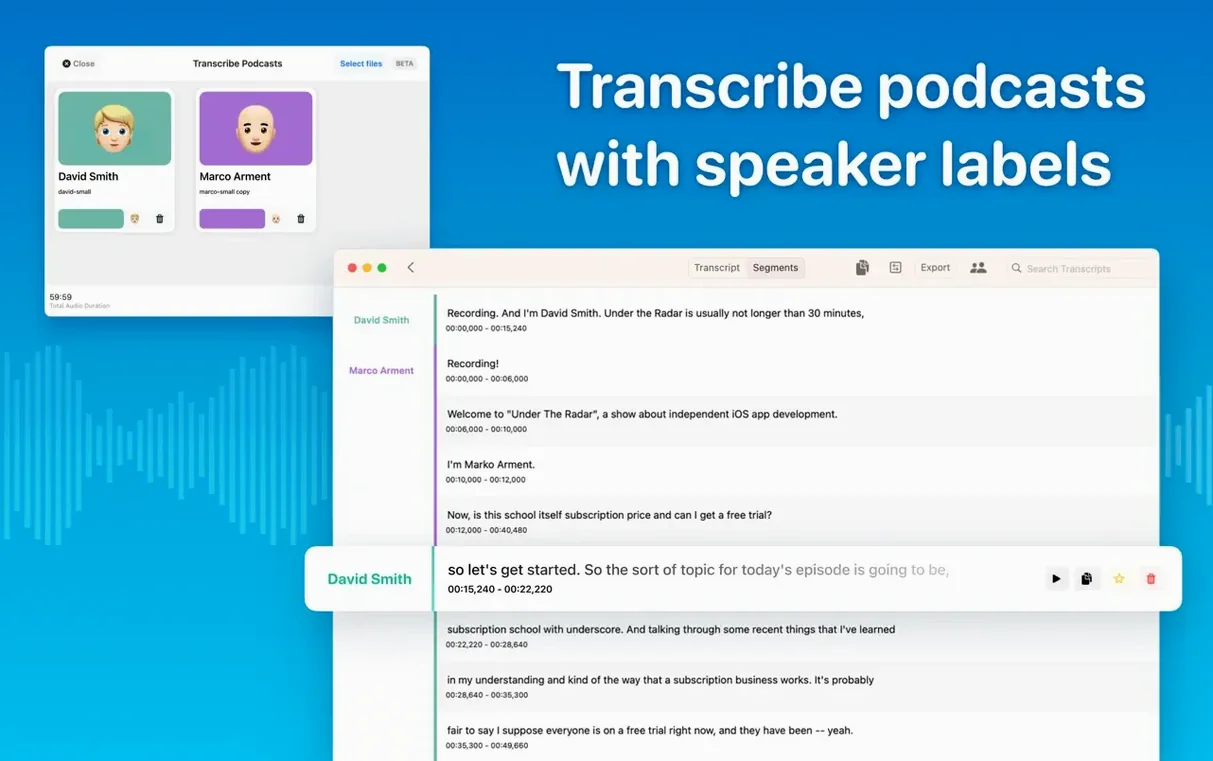
- Assign speakers. For podcasts and multi-voice recordings, the speaker separation feature labels who said what. Version 15 refines this with a new diarization model that catches turn-taking more cleanly.
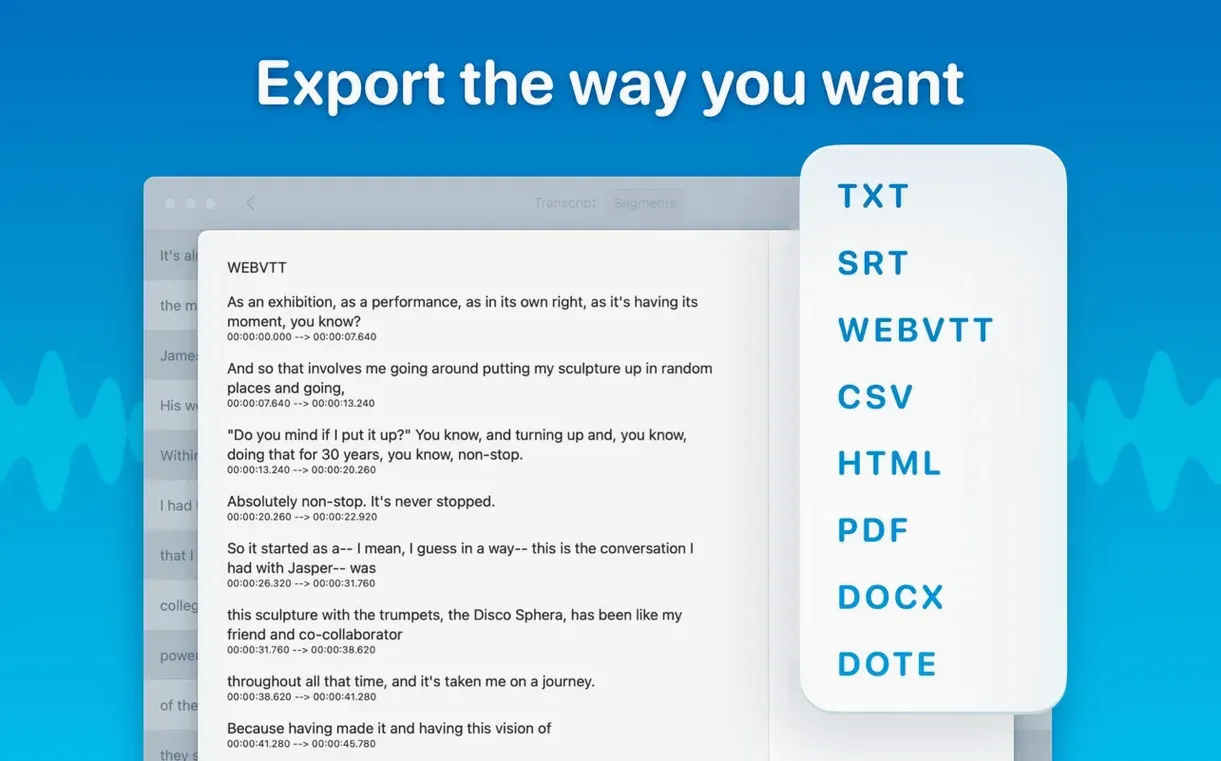
- Export. Send the finished transcript to Word, PDF, or HTML. If you are organising a growing library, folders and subfolders keep projects sorted.
There is also a reading mode for reviewing long transcripts without distraction, and real-time meeting transcripts arrived in version 15 — handy when you want live captions during a call. The whole thing runs on Intel and Apple Silicon Macs with macOS 14 or later, and the installer recently got smarter about checking your Mac's model before downloading models it cannot use.
Transcribing a two-hour interview, from raw recording to subtitled cut
I keep this workflow tight because turnaround on interview edits is usually measured in hours, not days. Start by recording the conversation in whatever app you prefer — I use the built-in Voice Memos on an iPhone, which syncs an m4a to the Mac via iCloud. Open MacWhisper, drag the file in, and let it settle in the sidebar under a folder named after the project. Before hitting transcribe, I switch the language to French if the interview was bilingual; automatic detection handles the sections where the subject slips into English without missing a beat. Model choice depends on how clean the recording is. For a studio mic in a quiet room, Medium runs fast and delivers maybe three small errors across an hour. For a café recording with clatter in the background, I reach for Large-V3 and accept that it will take longer.
Once the text appears, I do not read it top to bottom immediately. I skim the segment timestamps looking for long pauses — those are usually moments where someone coughed, shuffled papers, or asked to rephrase a question. Clicking a segment jumps playback to exactly that spot, so I verify the audio, tighten the text, and move on. When the edit is clean, I export an SRT for the video editor and a Word document for the producer who needs pull quotes. The whole thing stays local: no upload progress bar, no privacy waiver to sign, no waiting on a server queue.
How MacWhisper sits among similar Mac transcription tools
Put it next to Otter.ai and the difference is philosophical before it is technical. Otter lives in the browser, syncs to a cloud account, and builds its business on collaboration features — shared notebooks, live editing by multiple people, calendar integration. The transcription quality is solid on English, but you trade away offline work and you hand over your audio to a server. MacWhisper asks for none of that; the audio stays on your SSD and the model runs in silence. If you are a journalist working under an embargo or a therapist transcribing session notes, that distinction matters.
Compared to Descript, the feature set splits at a different seam. Descript is an all-in-one editing suite that treats text like a video timeline; you cut a paragraph and it cuts the corresponding footage. MacWhisper does not edit video. It transcribes, organises, and exports. That narrower focus means a lighter app, a simpler interface, and no project-file bloat. For someone who already edits in DaVinci Resolve or Premiere and just wants accurate text, MacWhisper slides into an existing workflow without demanding you learn a new editing paradigm.
Then there is Buzz, the open-source desktop app that also runs Whisper locally. Buzz is capable and free, but it carries the rough edges of an open-source tool: model management requires a few extra steps, the interface assumes you know what a Whisper model size means, and updates depend on a community release cycle. MacWhisper wraps the same core technology in a polished Mac interface that handles model downloads, checks hardware compatibility before fetching a model your Mac cannot run, and organises transcripts into folders — small things that add up when transcription is a daily task, not a weekend experiment. Some users searching for a MacWhisper cracked version are really looking for a local-first tool they can use without an account, and the official build already works that way; others hunting for a MacWhisper torrent or MacWhisper Pro torrent may simply need the free tier to test whether Large-V3 runs acceptably on their machine before committing to heavier models. Searches for MacWhisper Pro crack or MacWhisper crack tend to come from podcasters who have heard about the speaker separation but have not yet seen that version 15 handles diarization on-device with the same privacy model as the rest of the app.
A single ninety-minute lecture echoed through a humming projector fan
Three o'clock on a Thursday. A professor sends over a ninety-minute guest lecture — a single wav file, recorded on a handheld recorder at the back of a lecture hall. The room has echo, a projector fan hums throughout, and the guest speaker has a soft Danish accent. I drop the file into MacWhisper, set it to English, and pick Large-V3. The app estimates about twenty minutes of processing on an M1 MacBook Air. While it runs, I make coffee and sort through email; the transcription appears incrementally, segments filling in as the model chews through the audio.
At three twenty-five, the full text is on screen. I switch to reading mode — a clean, scrollable view without the segment borders — and read from top to bottom, fixing the occasional technical term the model tripped on. "Epistemic" came through as "a systemic" twice; I correct it and the edit saves automatically. By four o'clock I have exported a PDF for the professor, an SRT for the university's video portal, and a plain text summary that the department assistant will paste into the course notes. The recording file sits in a folder alongside three other lectures from the same series, each with its own transcript, all searchable from the sidebar. Nothing went to a cloud service, and the only trace of the afternoon's work is a few gigabytes of local models I will reuse next week.
The download-page details that settle the Intel-versus-Silicon debate
Does the free version transcribe long files, or is there a hard time limit?
There is no artificial cap on recording length. A two-hour podcast episode and a ten-minute voice memo both run through the same pipeline. The limiting factor is your Mac's hardware — larger models take more memory and time — not a stopwatch inside the app.
Can it handle two people talking over each other?
Speaker separation works best when voices overlap briefly, like a quick interjection or a laugh that bleeds into the next sentence. If two people speak continuously at the same volume for several seconds, every transcription system struggles, and MacWhisper is no exception. The new diarization model in version 15 handles turn-taking more cleanly than earlier releases, but it is not magic — a chaotic panel discussion will still need manual cleanup.
What happens if my Mac drops offline mid-transcription?
Nothing. The models live on your drive once downloaded, and the transcription engine runs locally. You can work on a plane, in a cabin with no signal, or with Wi-Fi turned off entirely. The only time MacWhisper needs a connection is the first time you fetch a model, after which the file stays cached.
Large models crawl on Intel, but Small and Medium keep older Macs useful
Intel Macs running macOS 14 or later are supported. Large models run slower on Intel hardware — sometimes considerably slower — but they still run. If you transcribe weekly on an older machine, the Medium or Small models will feel far more practical, and the quality difference is often negligible on clean recordings.
- macOS 14 or later
- Apple Silicon or Intel 64-bit