
MAMP PRO is the commercial front end for the local MAMP server stack, designed for anyone who needs fine-grained control over multiple web projects without touching a remote server until the work is ready.
Local server — Apache and Nginx running on your own Mac, paired with MySQL and a choice of PHP versions, so every site can mirror a different production environment.
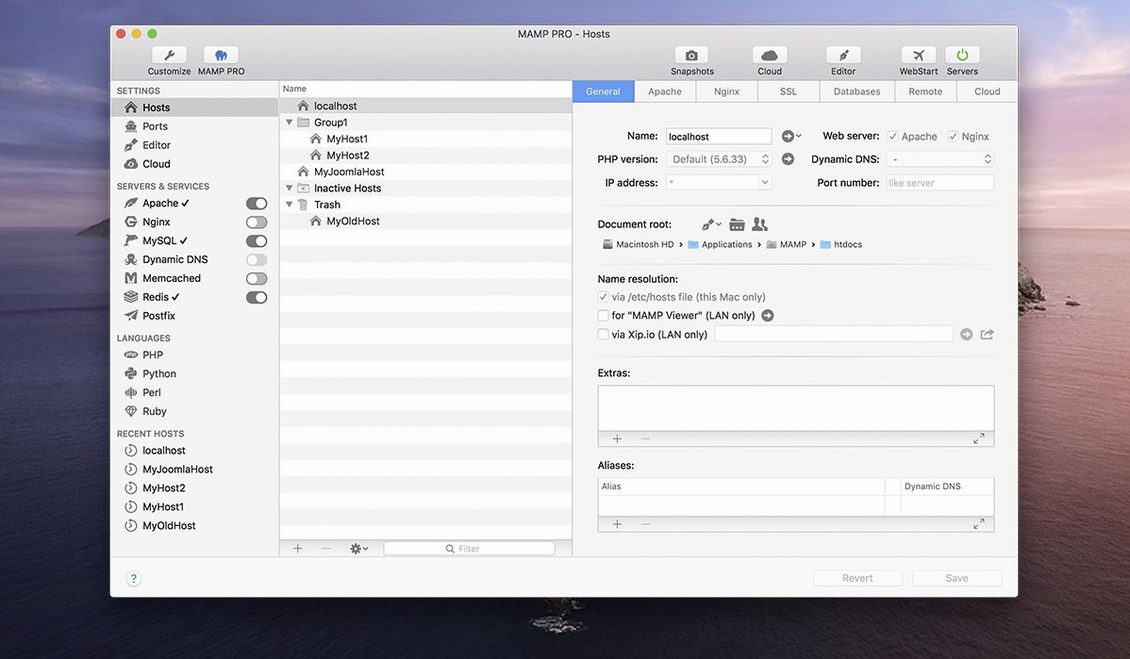
Host management — each project gets its own domain, document root and server configuration. You can spin up a WordPress site with one click, then assign it a custom PHP version and port without disturbing the others.
Publishing and importing — once a site behaves the way you want, MAMP PRO pushes it to a live server directly. It also pulls WordPress hosts back from a remote server when you need a local copy to troubleshoot or redesign.
Toolbar and workflow — the redesigned toolbar puts server controls, host switching and phpMyAdmin access in one strip. For a filmmaker who scores shorts and runs a local catalogue, that means switching between a staging site and a phpMyAdmin window without hunting through menus.
Fading into the menu bar so you forget it's running
A local server stack lives or dies by whether you forget it's running. MAMP PRO 6.9.0 settles into the background cleanly on both Intel and Apple Silicon Macs — once the services are up, the menu bar icon is the only visible sign it's there. Apache idles at a few dozen megabytes of RAM; MySQL grabs more, as it always does, but the combined footprint rarely pushes past what a few browser tabs would claim. On an M1 MacBook Air with 16 GB of RAM, running three WordPress hosts with Redis enabled and Nginx handling requests, the system stays responsive enough to edit in DaVinci Resolve between page refreshes without a hint of swap pressure.
Stability has been a talking point with earlier releases, particularly around host-specific server configuration edits. The 6.9.0 update specifically addresses a crash in that area, and in practice the host editing pane no longer vanishes the moment you switch from Apache to Nginx for a single project. I've left the stack running overnight with a few hosts active and returned to everything still serving pages — something I couldn't always say about the previous point release. CPU spikes during phpMyAdmin imports are brief and expected; nothing lingers or fans up without cause.
Sitting quietly beside your code editor and database browser
MAMP PRO doesn't try to be the centre of your system, which is exactly why it works. It sits alongside BBEdit or Nova for code, Sequel Ace for database browsing when you want more than phpMyAdmin, and Transmit for the occasional manual file push. The macOS Keychain integration means database passwords don't live in plain-text config files, a small touch that saves embarrassment when a project folder gets shared.
Spotlight and Quick Look work on the document roots because they're just folders in your user directory. You can right-click a wp-config.php and open it without navigating through the app itself. If you use the macOS built-in screen sharing to peek at how a site renders on another Mac on the network, the local host aliases resolve cleanly — no editing hosts files by hand. That's the quiet advantage of the way MAMP PRO writes its virtual hosts: they feel native to the OS rather than bolted on.
For anyone who's gone looking for a mamp pro torrent or a mamp 6.9 workaround, the appeal is obvious — this is a tool that does a lot without demanding you architect your whole machine around it. The paid version simply removes the friction of manual configuration, and the cracked scene around mamp pro mac crack searches suggests how many developers rely on it as part of their daily kit.
Port 80 or 3306 already claimed by Docker or Skype
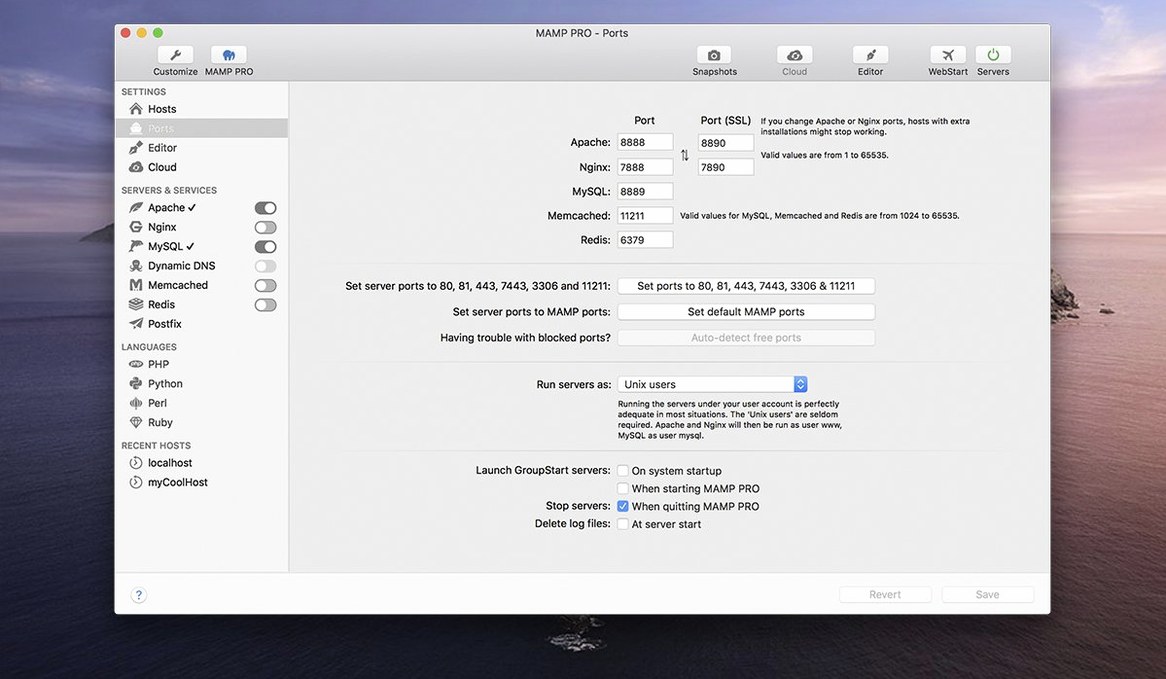
The most common frustration is port conflicts, and it's rarely MAMP PRO's fault. If you've got Docker, Skype, or another local server tool installed, port 80 or 3306 may already be claimed. The fix is straightforward: open the Ports tab in MAMP PRO and shift Apache to 8080 or MySQL to 3307, then update your project URLs accordingly. The app warns you on launch if ports clash, but the warning is easy to dismiss in a hurry — read it before clicking past.
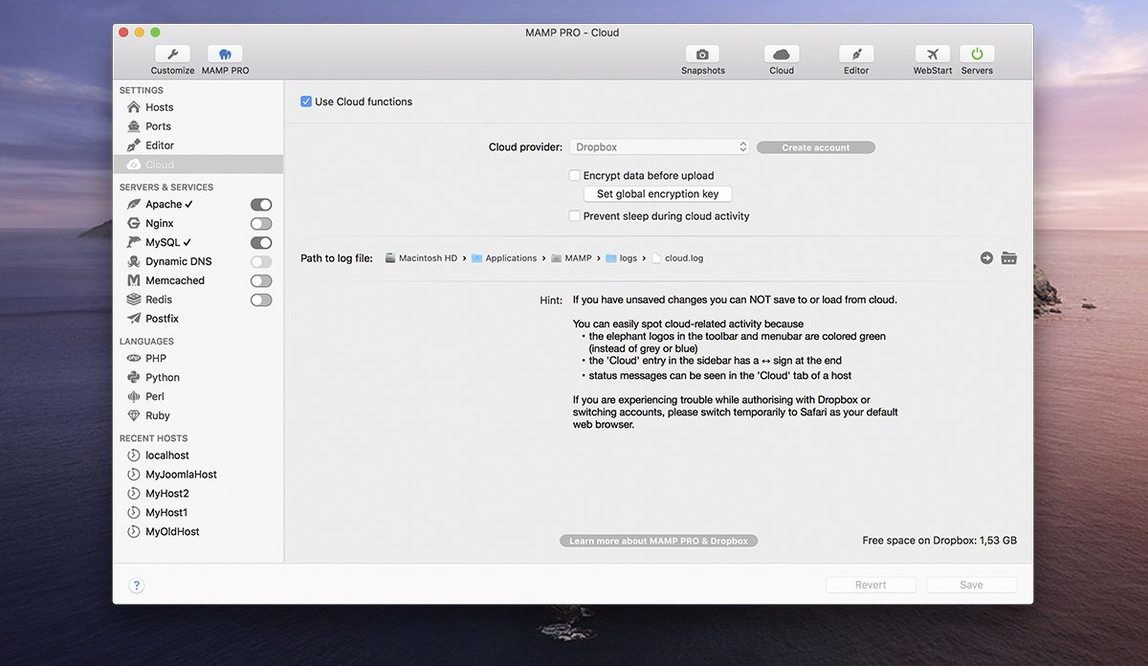
Another recurring hiccup involves MAMP Cloud and network access. The 6.9 release notes mention several fixes in this area, and the feature is now more reliable when moving a WordPress host from one machine to another, but it still wants a stable connection and enough patience for database dumps to transfer. If a cloud push stalls, the safest route is to export the database manually through phpMyAdmin and import it on the other end — old-fashioned, but it never fails.
DNS resolution for custom local domains sometimes lags after waking a Mac from sleep. The symptom is a browser that can't find myproject.local even though the server is running. Restarting the DNS service from the MAMP PRO toolbar or running dscacheutil -flushcache in Terminal sorts it within seconds. A few users hunting for a mamp pro 7 crack mac have found that checking for updated builds and applying the latest patches keeps everything running measurably steadier.
What trips up beginners
The biggest beginner mistake is treating the host directory as a dumping ground. Each project gets its own root folder, and dropping files outside that structure — or moving the folder in Finder while the server is running — breaks the virtual host mapping instantly. The app expects those paths to stay where they were defined. If you need to relocate a project, use the host settings panel to change the document root; never just drag it elsewhere.
Another classic misstep is forgetting to switch PHP versions after creating a host. The host create dialog lets you pick a version, but if you skip that step and later change it in the host settings, cached .htaccess rules or old opcache files can leave the site serving under the previous PHP version. A quick stop-start of the server clears the cache and gets things aligned.
Beginners also tend to ignore the MySQL socket setting. When Sequel Ace or the command-line client can't connect, it's usually because they're looking at the default socket while MAMP PRO uses its own. The socket path is displayed in the MySQL tab — copy it, paste it into your database tool, and the connection works first time. Small thing, but it saves twenty minutes of bewildered troubleshooting.
Finally, there's the temptation to publish a site to a live server without checking file permissions first. MAMP PRO's built-in publishing handles the transfer, but it won't adjust ownership or access rights on the remote end. A quick check of the server's wp-content/uploads permissions after the first push prevents the silent image upload failures that can go unnoticed for weeks.
The current build runs as a 64-bit Intel binary on macOS 10.12 and later, with an interface in English.
Version 6.9.0 fixes a crash that occurred when editing host-specific server configurations and resolves several network-related issues with the MAMP Cloud feature. The installation process for PHP versions has been improved, and opening phpMyAdmin 5 via its alias now works reliably.
- macOS 10.12 or later
- 64-bit Intel processor
Questions from the booth
Yes. After creating and testing a WordPress site locally, you can publish it directly to a remote server from within MAMP PRO, and you can also import existing WordPress sites back onto your Mac for local development.