
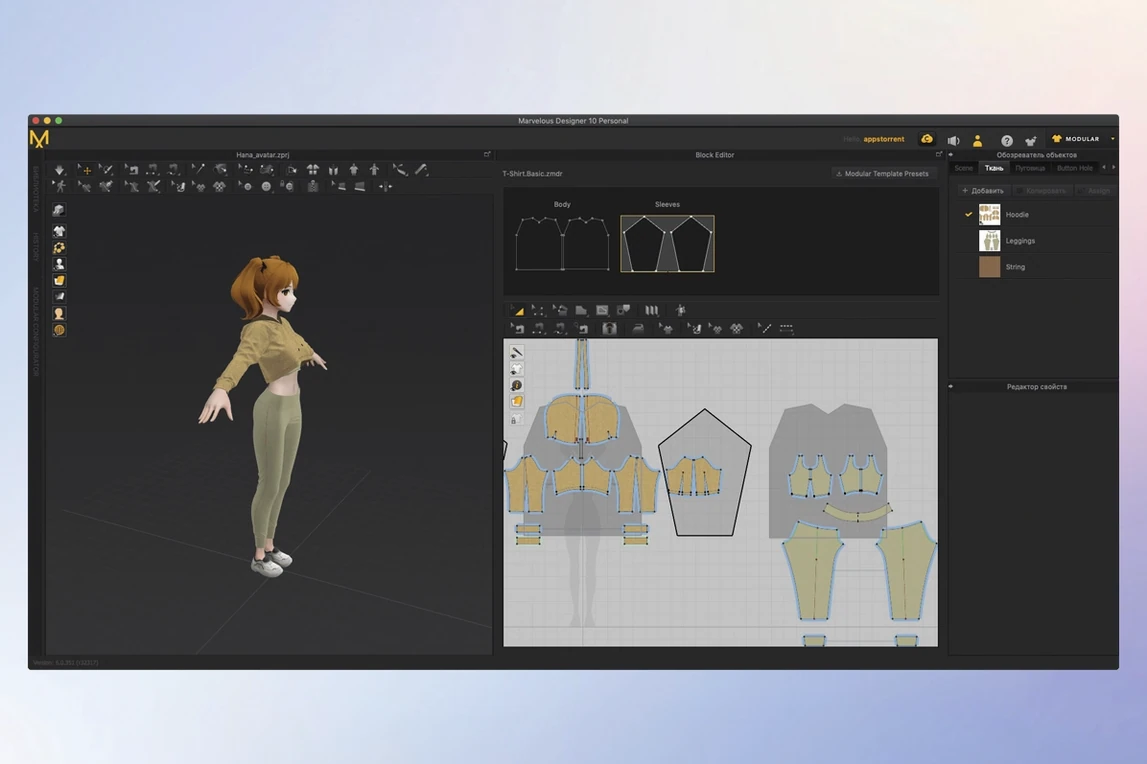
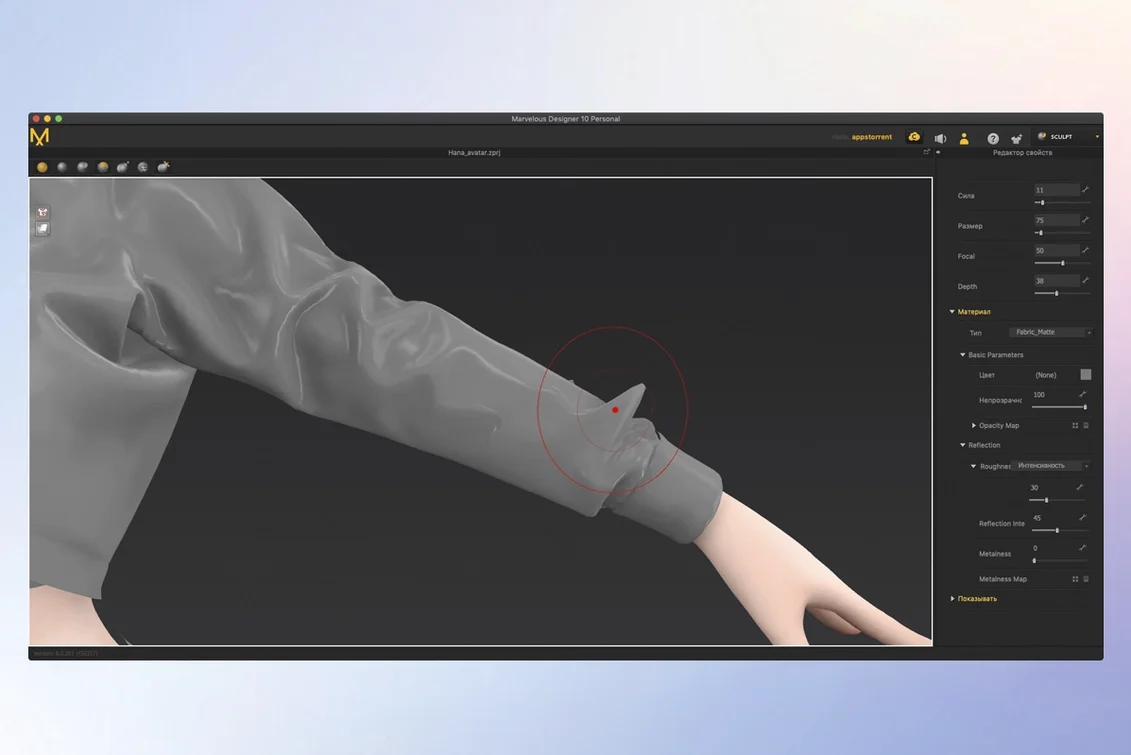
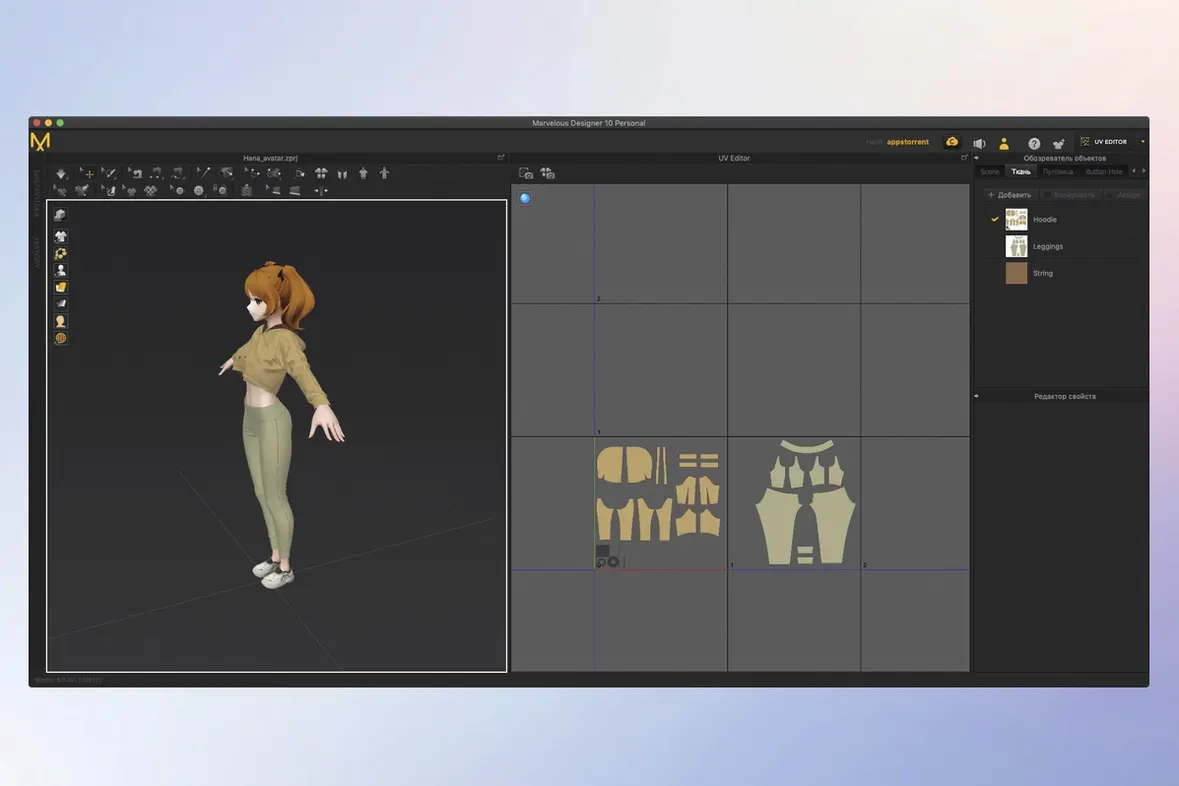
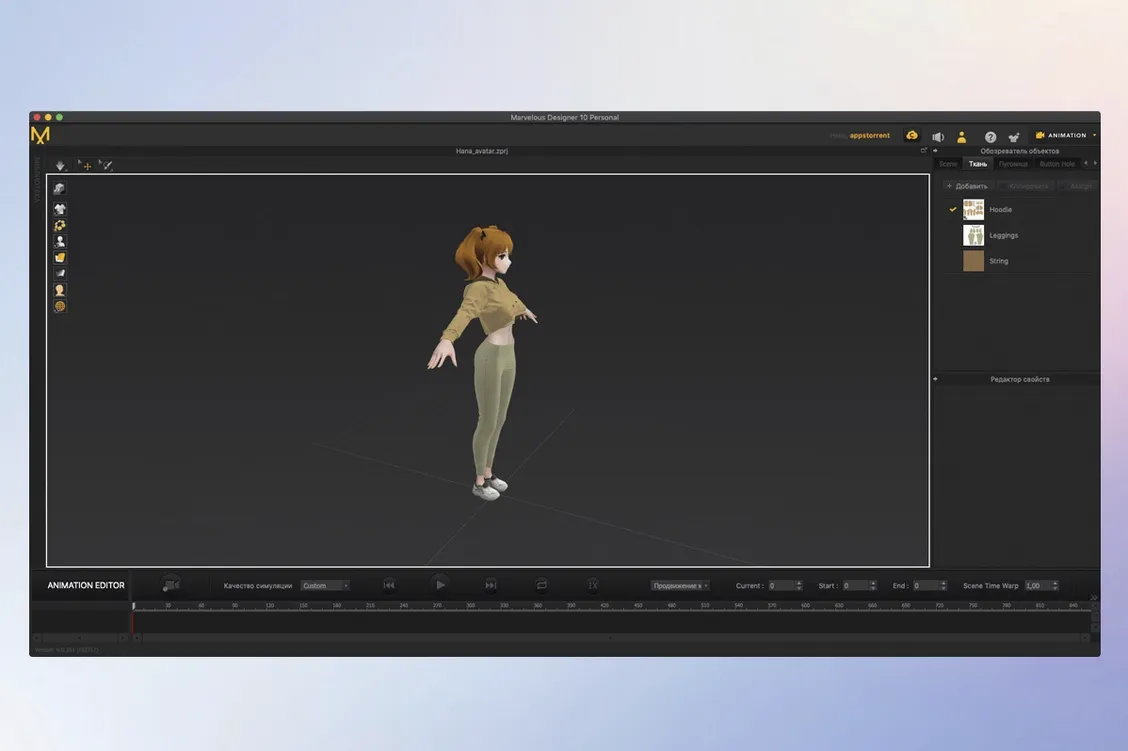
Marvelous Designer is a dedicated 3D clothing design and simulation tool that lets you create, simulate, and animate garments in one place. If you've just opened it for the first time, the sewing tool is the natural starting point — it gives you direct control over sewing direction and range, so a flat pattern begins to take shape as actual clothing. From there, try loading a simple avatar and draping a basic shirt. The simulation engine handles fabric textures and physical properties, which means folds, buttons, and accessories respond the way they would in real cloth.
First projects worth attempting
Once a simple garment feels comfortable, move toward something with more structure — a dress with visible folds or a uniform with layered pieces. The software scales from straightforward shirts to complex outfits, and the built-in online learning materials walk beginners through each stage. You can also bring work in from Maya, 3ds Max, Modo, or ZBrush, and the format reference lists USD and Alembic import and export, so a test garment can travel between tools without losing its shape.
Where the simulation shines
The most rewarding early experiments involve watching fabric settle. Adjust the physical properties of a material and see how a sleeve wrinkles or a collar sits against the avatar. Because simulation, creation, and animation share the same workspace, you can build a garment, drape it, and then animate a short movement without leaving the application.
You can follow online courses and tutorial series, and they help, but the software's deepest value reveals itself over weeks of daily use. A 3D character artist who needs a specific jacket for a game asset will approach Marvelous Designer differently than a fashion student prototyping a collection, and the tool accommodates both without feeling like it was built for only one of them. The fashion student lives inside the fabric properties panel, dialling in silk charmeuse or heavy denim, watching how a bias-cut panel hangs versus one cut on the grain. The game artist might care less about fibre-level accuracy and more about a clean, low-poly mesh that deforms well when the character crouches. Both workflows sit comfortably in the same interface, and the moment you realize you can save a shirt as a reusable wardrobe item and drag it onto a different avatar next week, the software stops feeling like a one-off experiment and starts feeling like a permanent part of the pipeline.
VFX artists and indie animators working with moving characters get something else entirely: the ability to record realistic clothing motion during simulation. Set a character walking, let the simulation run, and a pair of wide-leg trousers will ripple and settle in ways that would take hours to hand-key. That recorded motion data can then travel out via Alembic or USD into a layout or lighting scene, carrying every wrinkle and fold.
Fabric simulation pauses just long enough to feel physical, not instant
On a recent Mac, simulation feels responsive rather than instant — there is always a brief pause while the solver calculates collisions and fabric tension, but the pause is short enough that you stay in a rhythm. On an Apple Silicon machine, the application launches without translation overhead, and complex multi-garment scenes with an animated avatar remain navigable. Memory use climbs predictably with garment complexity; a single shirt on a static avatar is light, while a layered outfit with accessories, trims and a high-poly collision body will push the system harder. Fans don't ramp up during simple pattern editing, but they will during a long simulation bake, which is expected and manageable. Stability in practice is good, though with any simulation-heavy software, autosave becomes a reflex after the first unexpected quit — the kind that stings only because you forgot to save for forty minutes.
Some users search for marvelous designer mac specifically because earlier versions had a reputation for being Windows-first, and that history still echoes in forums. The current build on macOS feels native, not ported, and the interface conventions match what you expect from a Mac application. Others look for marvelous designer cracked or marvelous designer torrent routes to explore the full feature set before committing, which is understandable for software at this level — the learning curve is real, and people want to know if the tool fits before they rearrange their workflow around it. A marvelous designer mac crack search often comes from exactly that place: a costume designer or indie dev on a tight budget who needs to see if the simulation quality justifies the time investment.
Mistakes that new users make
The most common early stumble is treating pattern pieces like they behave in a 2D vector app. A new user will draw a front bodice, arrange it neatly on the 2D canvas, and then wonder why the simulation explodes when they press sew. The fix is almost always arrangement points and sewing order — if two pattern edges are sewn in the wrong direction or with conflicting normals, the fabric pulls itself inside out or flies off the avatar entirely. Slow down, check the sewing direction arrows, and simulate piece by piece rather than all at once.
Another trap is over-tightening the particle distance. Beginners often crank it down to a tiny value hoping for photorealism, then watch their scene crawl to a halt. A moderate particle distance with good fabric presets yields faster iterations, and you can always refine for a final pass. Along the same lines, ignoring the freeze tool leads to frustration — freezing parts of a garment that already fit well lets you adjust a troublesome sleeve or collar without disturbing everything you've already solved. Without it, one tug on a shoulder seam can ripple through the whole garment, undoing twenty minutes of careful draping.
- macOS 12 or later
- Runs on both Intel and Apple Silicon Macs
Questions from the booth
Yes, it can create virtual 3D clothing from simple shirts to dresses with folds and uniforms, and it includes online learning materials for beginners.
It can import and export data with Maya, 3ds Max, Softimage, Modo, and ZBrush, with USD and Alembic listed in its format reference.