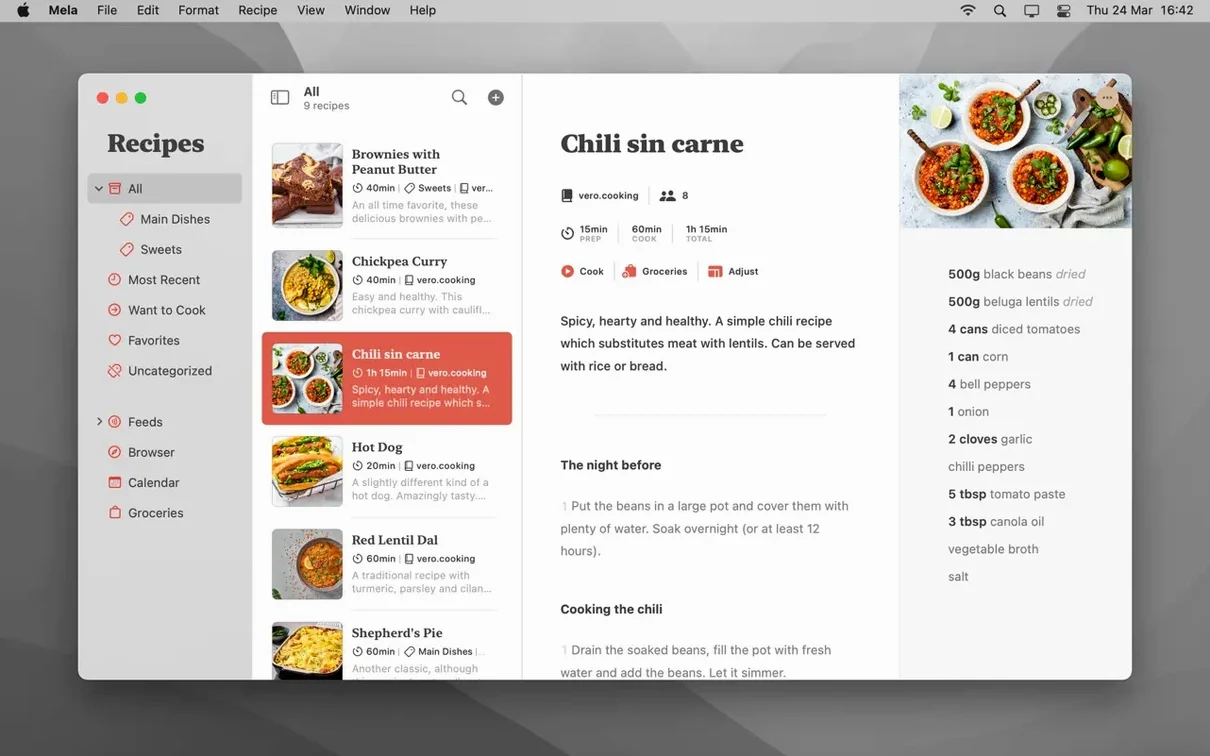
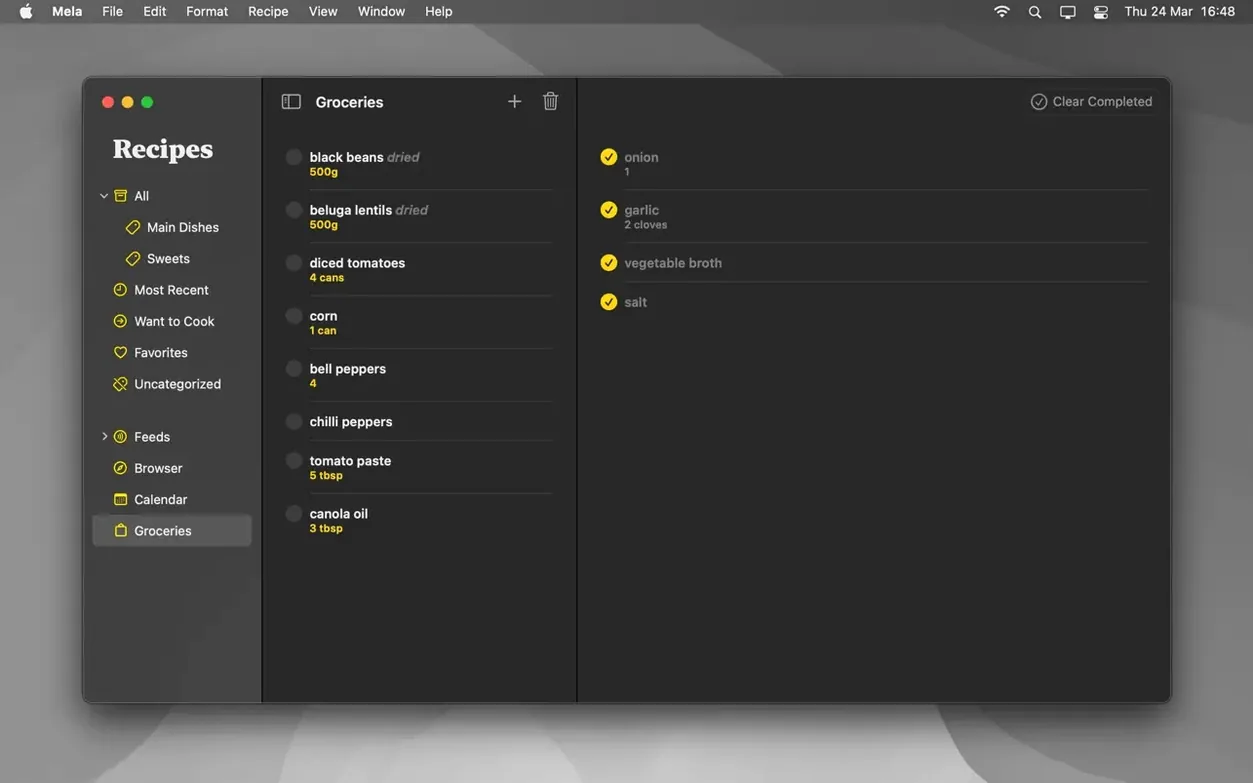
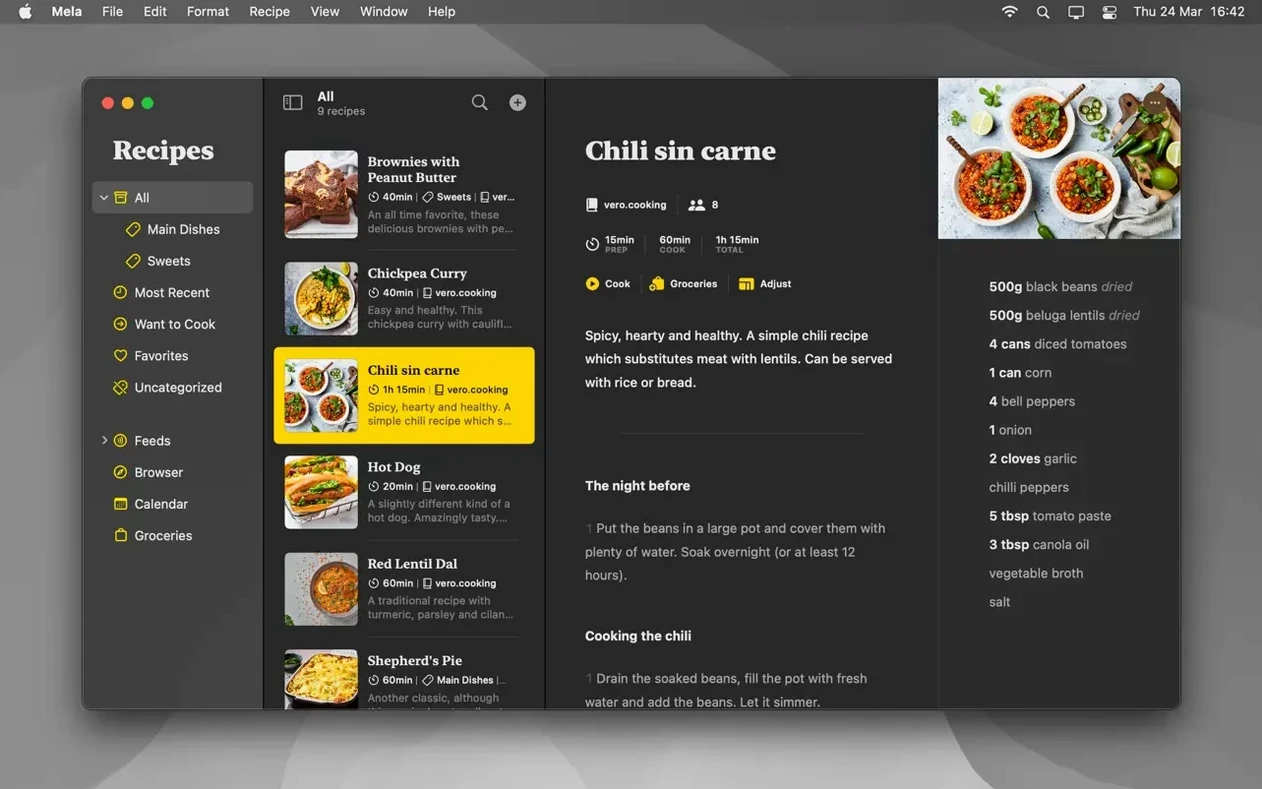
Over two hundred recipes, and I can pull up the one I need before the water reaches a rolling boil. Mela keeps things close—every ingredient list, every hastily typed note from a friend's kitchen, stored locally on your Mac and synced through your private iCloud account. No account sign-ups, no recipe graveyards on someone else's server.
Big Sur or newer keeps your recipe sync running
Before you build a library of sourdough formulas and late-night pasta fixes, here's what the app asks of your machine:
- macOS 11 Big Sur or newer—shared recipe libraries require macOS 12 Monterey or later.
- Intel or Apple Silicon Mac—runs natively on both architectures.
- Interface languages: English, German, Italian, French.
Once it's running on your Mac
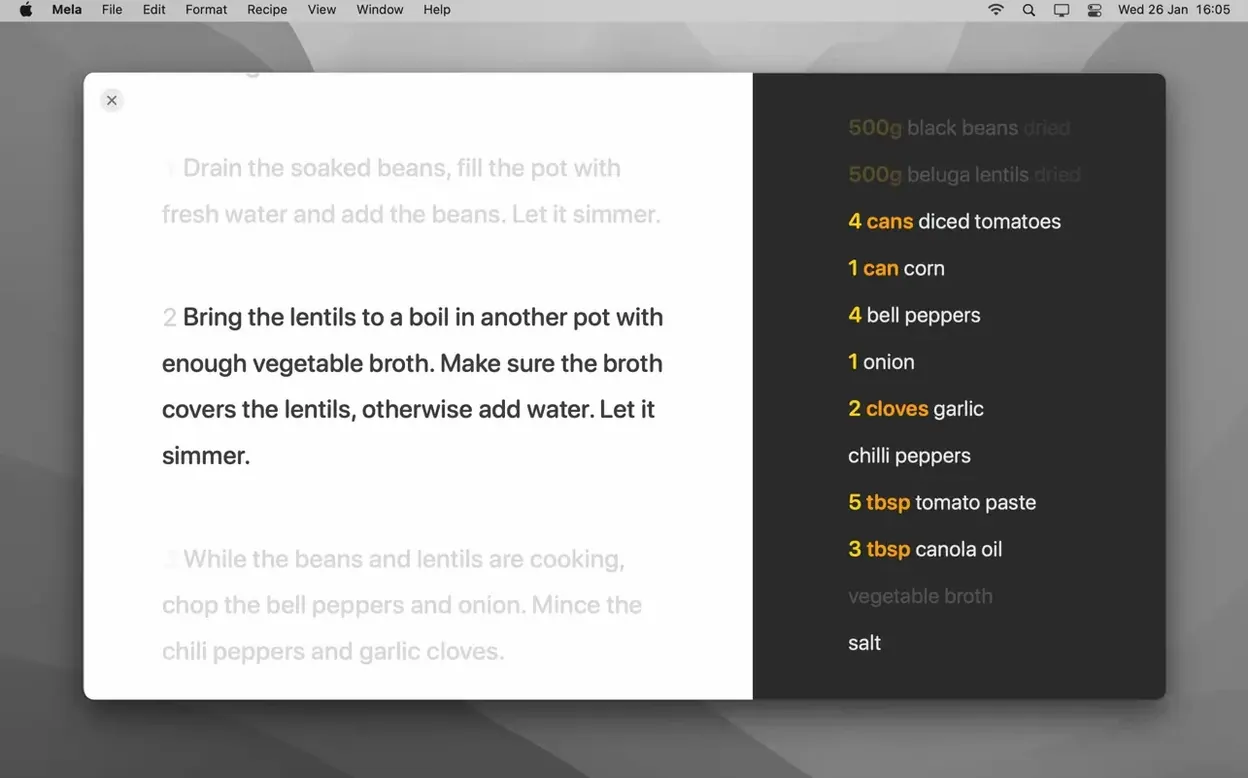
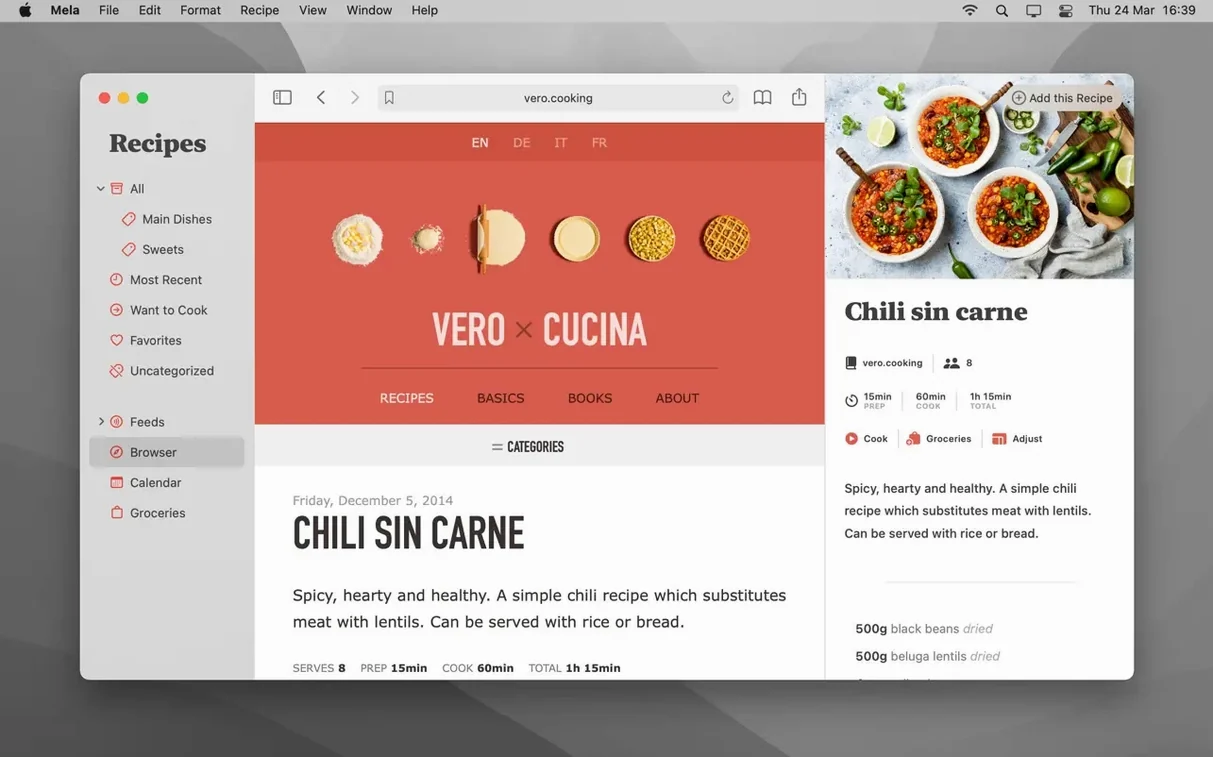
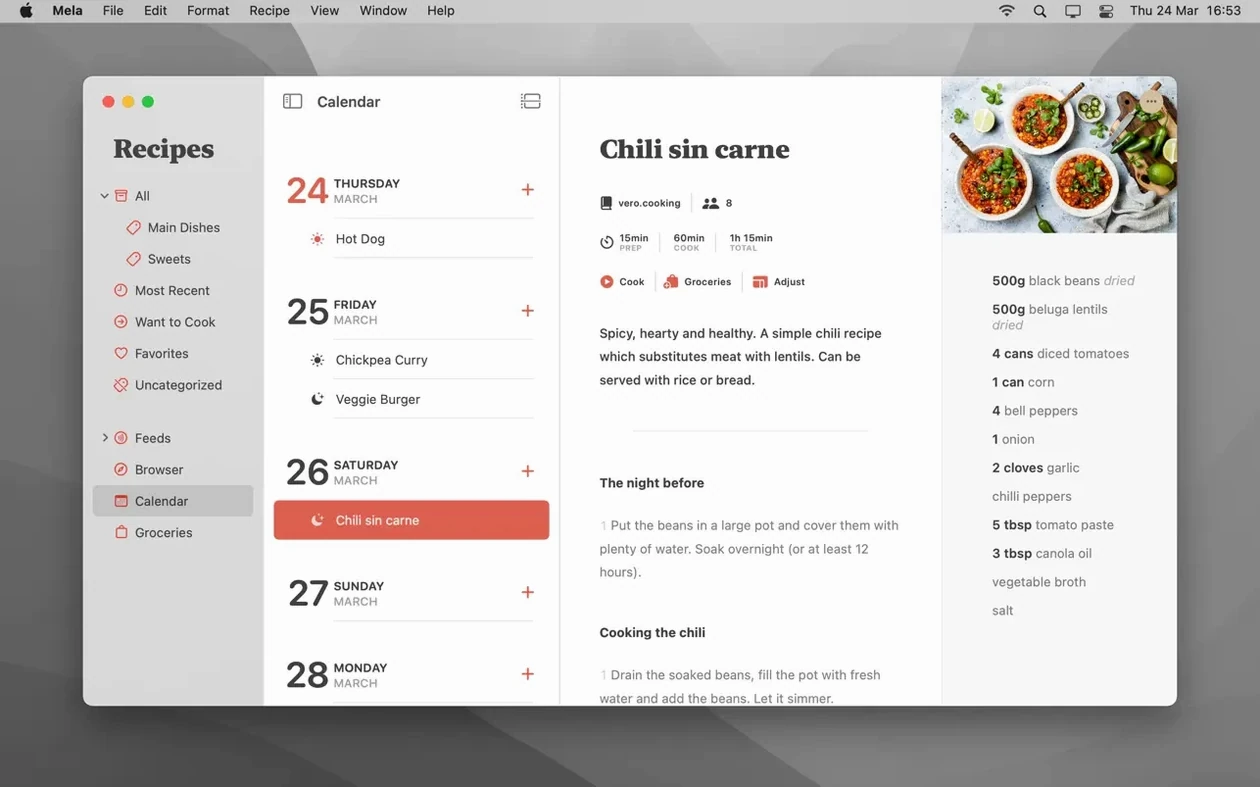
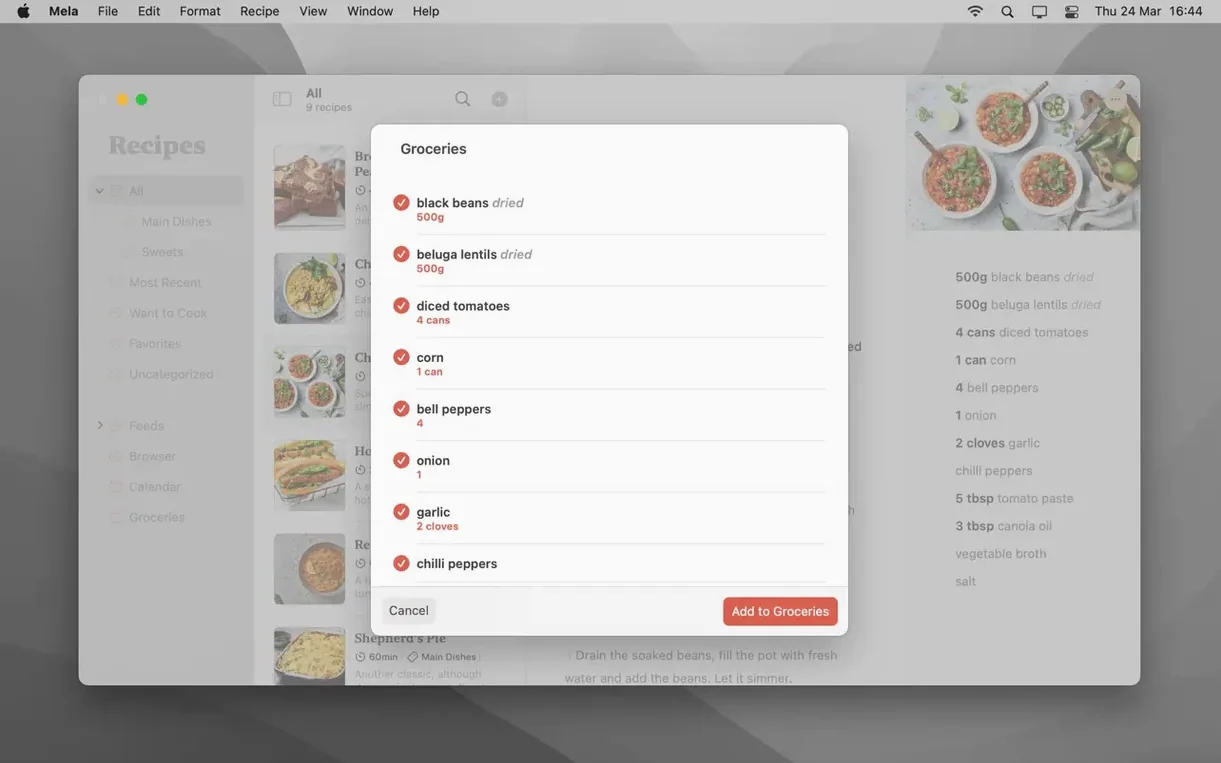
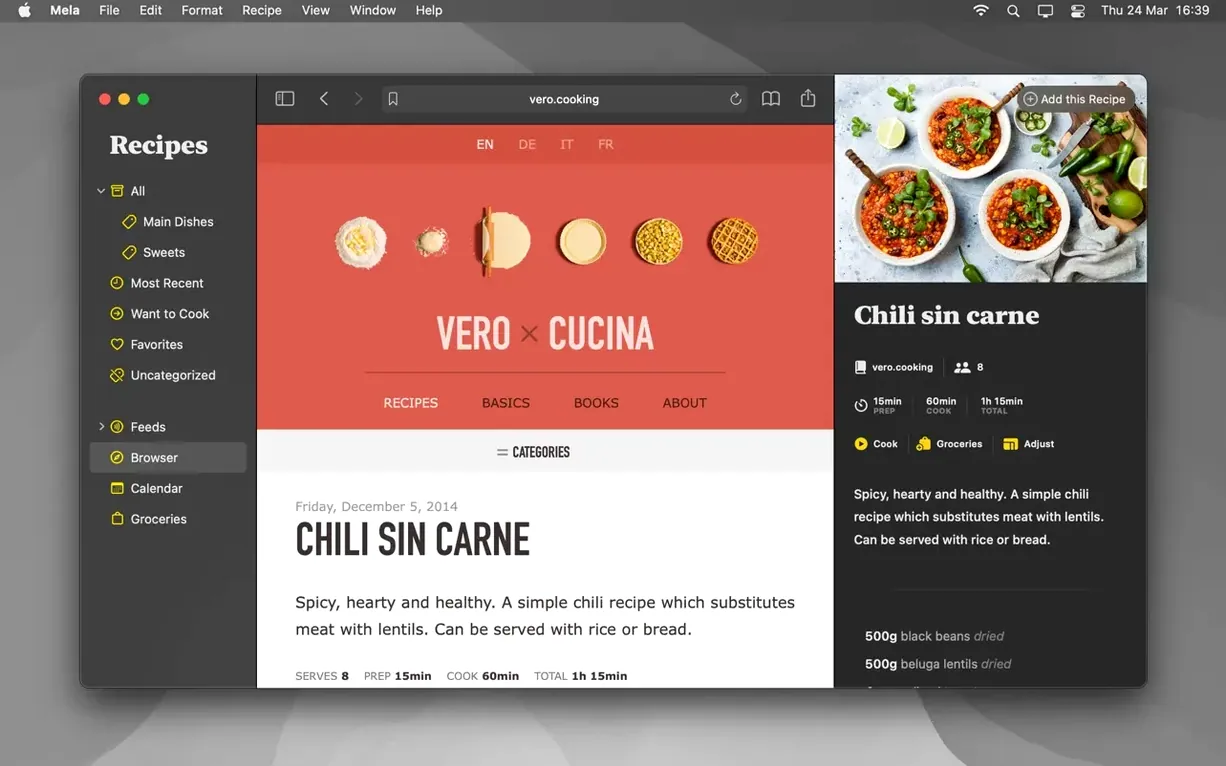
Mela treats a recipe as more than a wall of text. Categories let you group dishes however your cooking brain works—by season, by protein, by the likelihood of a toddler mutiny. An in-app browser with a live preview sits ready for when you stumble across something worth saving, and the sharing extension pulls recipes in from outside the app without copy-paste acrobatics. When it's time to cook, the cooking mode holds multiple recipes at once, so a main and two sides share the screen. The calendar hooks into Apple's own Calendar.app for meal planning, dragging recipes onto weeknights without a separate planner to maintain. Favourites surface the staples, and when you want paper in hand, the print layout reads clean and cookbook-sensible. Everything stays in your iCloud, syncs between your devices, and doesn't ask for a login.
Small touches that earn their keep
Some of Mela's best moves happen without much ceremony. The recipe scanner, for instance, uses on-device text recognition to pull ingredients and method from a printed cookbook page—hold a page up to the camera, and the app transcribes it into a structured recipe instead of a flat block of image text. It's not flawless with heavily styled layouts or cursive fonts, but for standard cookbook typography it saves twenty minutes of thumb-typing. Another quiet helper: the Want to Cook marker. It's a single tap, no extra lists to manage, and it builds a running queue of dishes you've been meaning to get to—useful when you're standing in a grocery aisle trying to remember what that one Nigel Slater recipe needed.
Subscribing to recipe blogs is similarly understated. Paste a blog's URL into Mela's feed reader and new posts appear in the recipe viewer, stripped of pop-ups and life stories. The viewer parses the recipe from the page and presents it in the same clean format as everything else in your library. You can read the author's preamble if you want, but the app separates it from the actionable steps, which is a mercy on a Tuesday night when you just need the oven temperature.
How it moves through a workday
Mela launches cold in under two seconds on an Apple Silicon Mac—barely enough time to lift your finger off the trackpad. The in-app browser renders pages at full desktop speed, and switching between the browser, your library, and the calendar feels weightless. Scrolling through a library of two-hundred-plus recipes remains smooth, with no stutter when thumbnail previews regenerate. iCloud sync is the quiet kind: add a recipe on a Mac, glance at an iPhone a moment later, and it's already there, no refresh button to prod. The app idles at around 90 MB of RAM with a modest library open, creeping up only when the browser loads image-heavy pages. It doesn't spin up the fans, doesn't beachball, doesn't make itself known in Activity Monitor unless you go looking for it.
Shared libraries, available on macOS 12 and later, let you collaborate on a recipe collection with another iCloud user—practical for a household where two people add to the same pool of weeknight standbys. Edits appear on the other person's device within seconds, and the app handles conflicts by keeping both versions rather than silently discarding one. It's a small detail, but losing a tweaked ingredient quantity to a sync conflict is the kind of thing that sours trust in an app quickly, and Mela sidesteps it cleanly.
Drag a recipe into Wednesday and it lands in Fantastical too
Mela's link to Calendar.app means your meal plan surfaces in any calendar client that reads Apple's calendar data—Fantastical, BusyCal, a widget on your lock screen. Drag a recipe to a Wednesday slot in Mela, and it appears in your main calendar view as an event with the recipe name. Tap it to jump back into the recipe. The sharing extension integrates with Safari and most apps that offer a share sheet, so a recipe link from Messages or a newsletter lands in Mela without leaving the app you're in. Export-wise, printing produces a clean single-page layout, and saving as PDF feeds directly into the macOS system print dialogue—from there it's a quick drag into Notes, a project folder, or a message thread with a friend who wants your focaccia method.
The timer set in cooking mode is independent of the system Clock app, so setting a 12-minute rest and a 25-minute bake simultaneously doesn't interfere with your morning alarm or a separate pasta timer on the stove. Cooking mode's large-text view holds steady without dimming the display, which means no frantic screen-tapping with floury fingers to keep the steps visible while you work through a recipe. It's the kind of considered overlap with macOS conventions—Calendar, iCloud, the share sheet, system print services—that makes the app feel native rather than bolted on.
- macOS 11 or later
- Apple Silicon or Intel 64-bit processor
Questions from the booth
Yes. Mela uses Calendar.app for meal planning, so you can assign recipes to specific dates and view your cooking week alongside your other calendars.