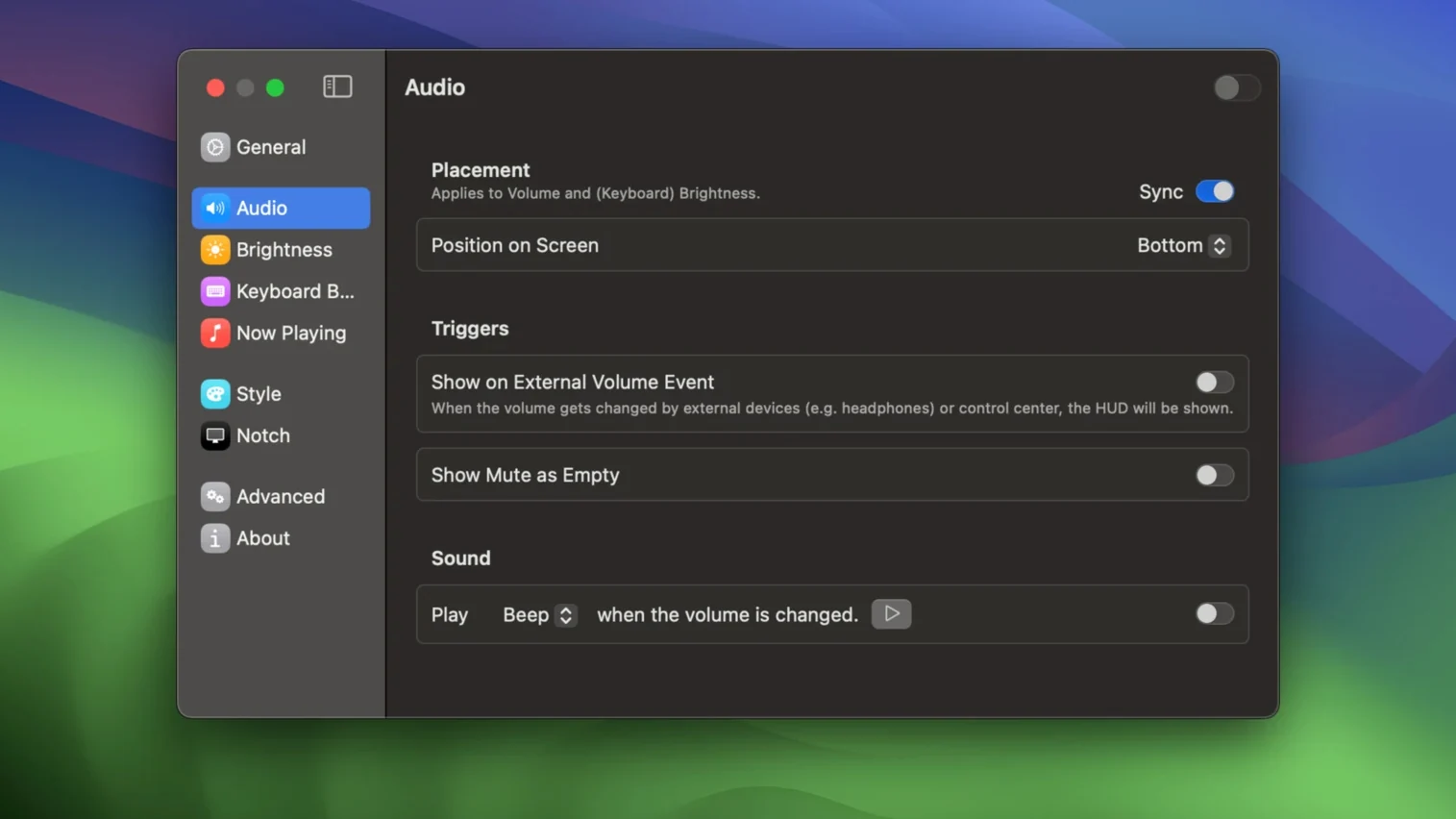
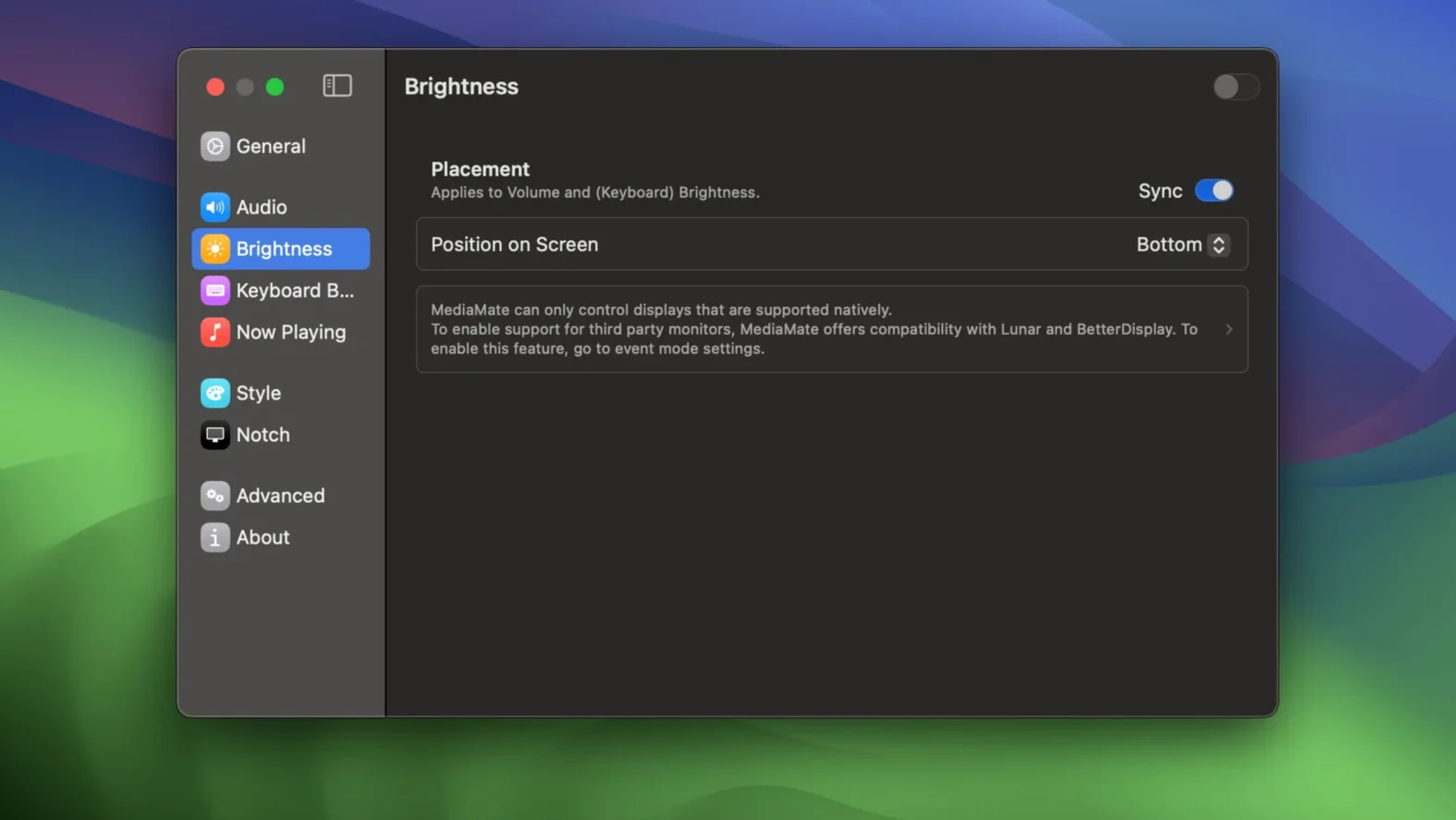
If you have ever nudged the brightness key on a MacBook and watched a giant translucent square swallow the centre of your screen, you already know the friction this app removes. MediaMate shrinks that intrusion into a slim indicator that lives near the edge of the display, closer to what you would see on an external monitor’s on-screen display. The same restraint applies to the volume HUD, which becomes a narrow pill that shows the current level without blocking the video frame you were trying to judge.
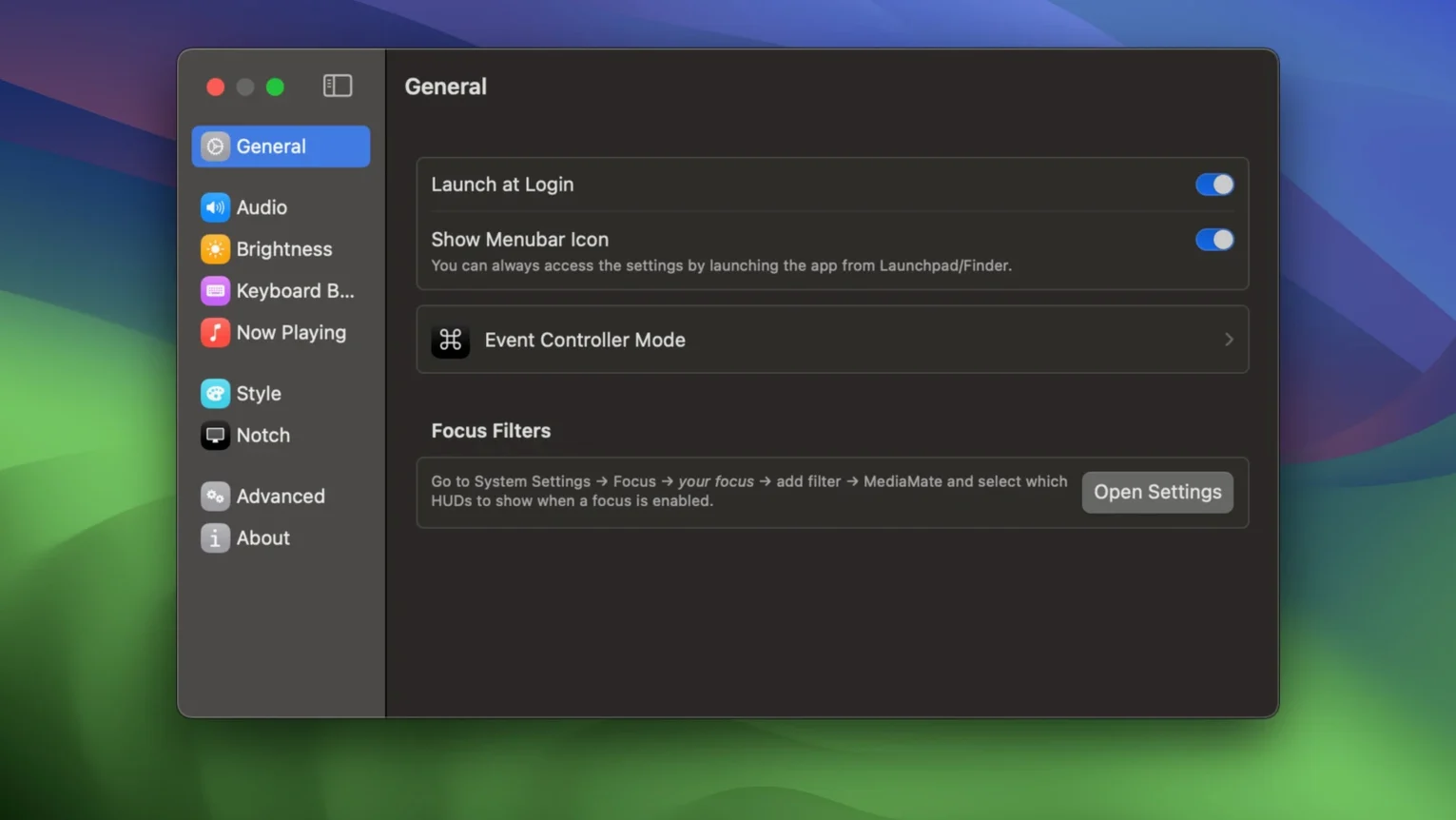
Once the replacement HUDs feel natural, the next stop is the now playing module. It surfaces track details and artwork in a muted overlay that fades in and out with the same quiet rhythm as the volume indicator. From there, dig into the keyboard backlight controls, a small touch that spares you from hunting for function keys in the dark. The settings panel ties everything together under a single window, where you can tune the position, duration and look of each overlay.
Every adjustment stays close to the macOS aesthetic, as if the system had shipped with a lighter touch all along. The app runs on Apple Silicon and Intel Macs and asks for Ventura or later, so most machines from the last few years are covered.
A small production studio I visited last month runs three edit suites, each with a different Mac and a different set of muscle memory for the keyboard. The colourist keeps brightness and volume overlays pinned to the bottom-right corner of her reference display, tucked just inside the bezel so they never overlap the scopes she watches during a grade. The sound designer on the same team positions his volume pill dead centre at the top edge, where it mirrors the meter bridge layout he has used on hardware consoles for years. What struck me was how quickly each person had shaped MediaMate to feel invisible. Nobody mentioned the app during the session; the overlays simply appeared when needed and dissolved without ceremony, never pulling attention away from a frame or a waveform.
Common early missteps
People tend to install the app and immediately slide the HUD duration to its shortest setting, mistaking speed for subtlety. A duration that is too brief makes the level indicator flicker in and out before the eye registers the change, which ends up drawing more attention than the default macOS overlay ever did. Let the animation breathe. A fade that lingers just long enough to confirm the adjustment, around a second and a half, tends to feel the most transparent in practice.
Another habit is forgetting that the keyboard backlight module needs explicit permission before it can read and control the backlight level. Users launch the app, tick the checkbox in settings, and then assume it is broken when no overlay appears after a keypress. macOS withholds access until the app receives a manual approval the first time; the prompt is easy to miss because it does not always surface in front of other windows. Check behind your settings panel if nothing happens on the first try.
Touch Bar owners sometimes overlook the separate mode toggle. The default overlay works beautifully on Macs without a Touch Bar, but on those that have one the system already draws its own controls at the base of the keyboard. MediaMate needs to be told to step aside or run in a dual‑display arrangement, otherwise the two HUDs fight for the same key presses and you get a quick double flash that looks like a graphics glitch.
Replaces the system HUDs with zero manual setup
Will it conflict with the macOS overlay, or do I have to disable something first? The app replaces the system HUDs entirely for volume and brightness. There is no terminal command to run and no plist to edit. When MediaMate is active, the stock overlays simply do not appear; quit the app and they return as if it was never there. For the now playing module, the behaviour is additive rather than a replacement. It sits alongside whatever media app you use and does not interfere with the system’s own now playing widget in Control Centre.
Does the now playing overlay work with every music service? It taps into the same media metadata pipeline that supplies the Control Centre widget and the lock screen player on a Mac. Apple Music, Spotify, Doppler, and most apps that hand off track information properly all show up. Web-based players are hit or miss. A browser tab playing Bandcamp will usually push the artist and title, but some streaming sites wrap their audio in a way that keeps the metadata hidden, and the overlay will simply stay dark until you switch to a supported source.
Is the keyboard backlight control worth enabling if I use a desktop Mac with a wired keyboard? On a Mac mini or Studio connected to a Magic Keyboard with backlight, yes, the module gives you the same pill-style feedback when you adjust the key brightness as you get for the display. On a third-party mechanical board without macOS‑compatible backlight hardware, the setting does nothing. People searching for a mediamate mac app sometimes assume the backlight feature works universally, but it is strictly tied to Apple’s own backlight API.
- macOS 13 Ventura or later
- Apple Silicon or 64‑bit Intel Mac
Questions from the booth
Yes. It replaces the standard macOS volume and brightness HUDs with compact, less obtrusive overlays that you can position and style to your liking.
It can. MediaMate includes controls that let you adjust the keyboard backlight brightness directly, without using the function row keys.