
Office lands on any Mac running macOS 13 Ventura or newer, on both Intel and Apple Silicon machines. The 64-bit package arrives as build 25011212 and settles in with Word, Excel, PowerPoint, Outlook, OneNote, and OneDrive ready from the start. Microsoft ships updates roughly once a month, so the suite stays in step with macOS without much friction.
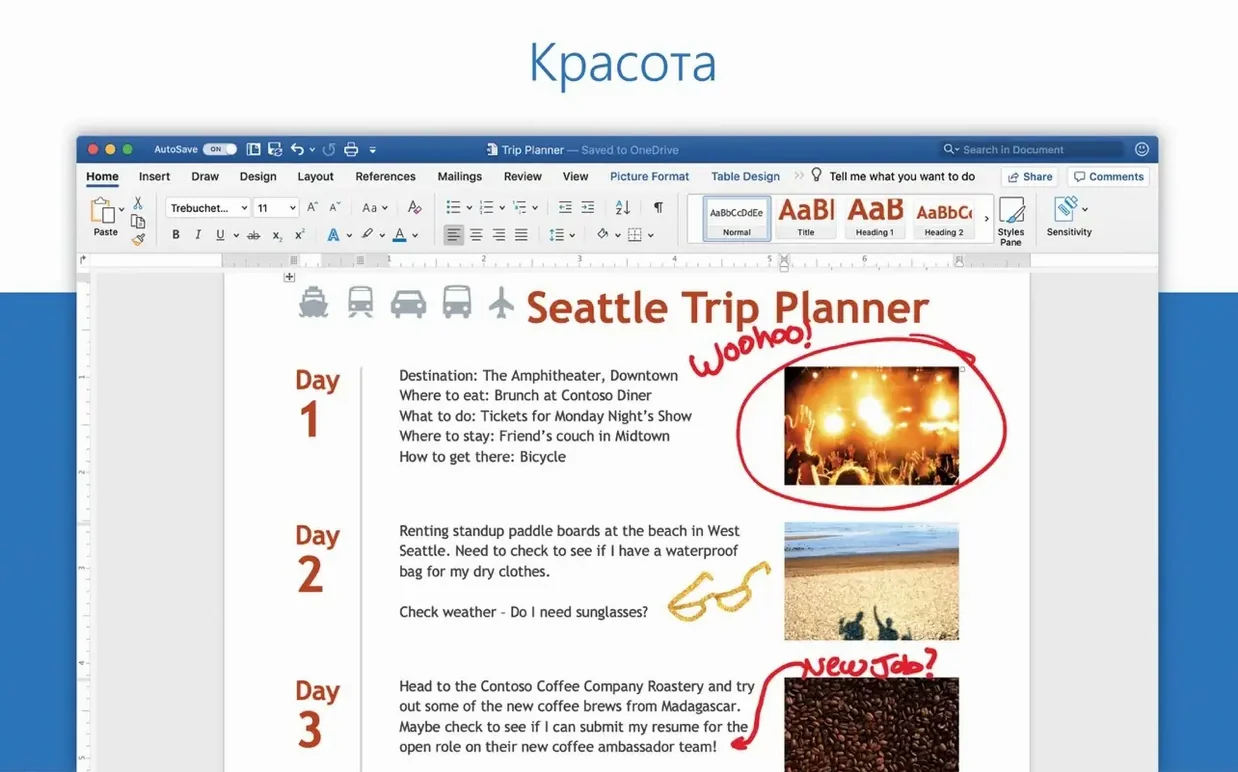
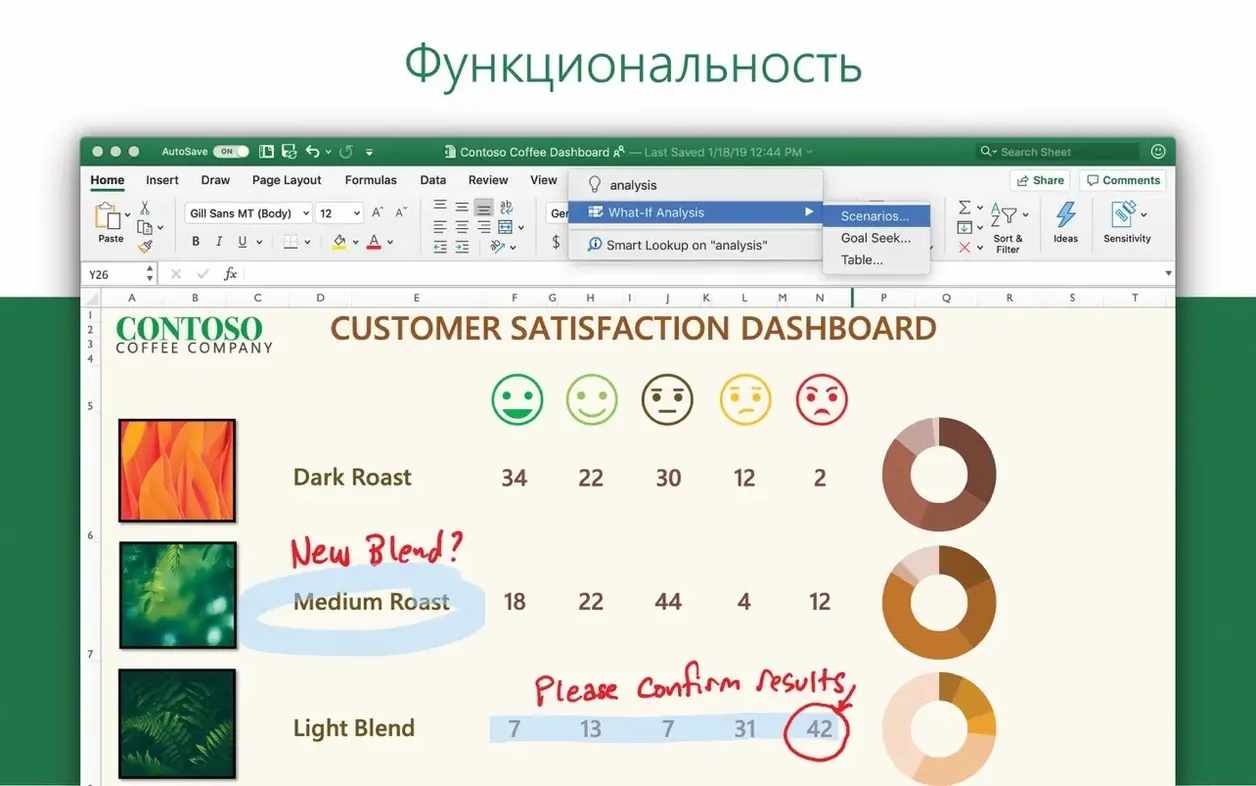
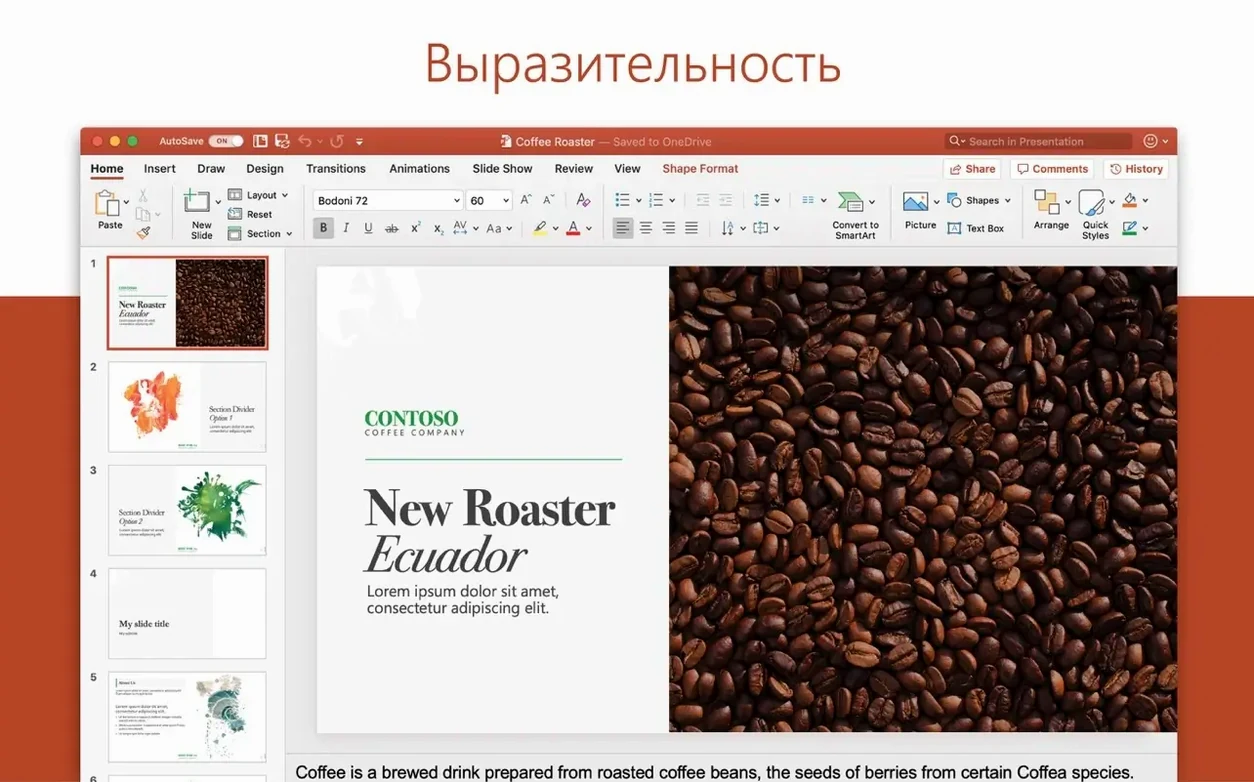
Once everything is in place, open Word and type a short paragraph, then switch to the Focus view — it strips the toolbars away and leaves you with just the text, which feels closer to writing in a quiet room than in a productivity app. In Excel, drop a small table of numbers and try the Ideas pane; it scans for patterns and suggests charts before you ask, a quiet way to learn what the data is actually saying. PowerPoint rewards a quick experiment with the motion camera effects: place two objects on a slide, assign a Morph transition, and watch the camera drift between them like a tiny dolly shot in an edit timeline.
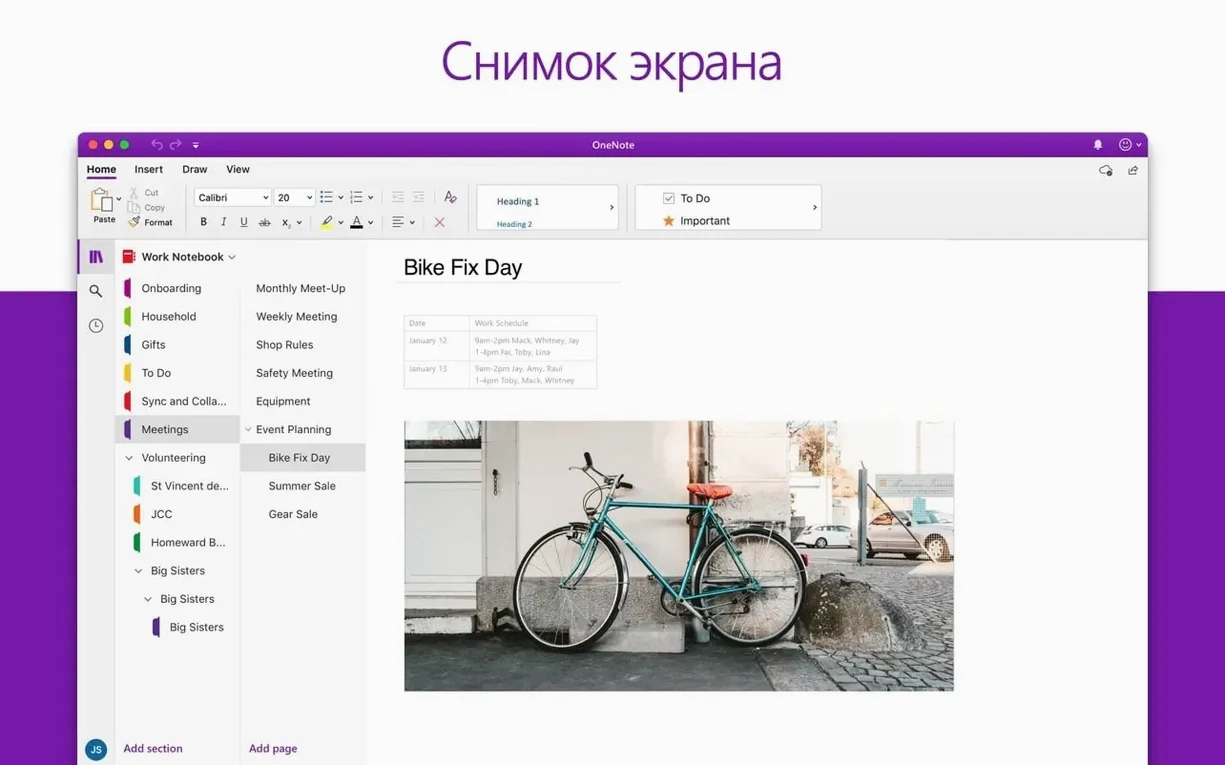
Outlook connects to most account types without ceremony, and OneDrive ties the suite together for real-time collaboration — open the same document with someone else and see their cursor move through the paragraphs. OneNote sits to the side as the notebook that never asks you to save anything. The suite speaks a long list of languages, including Russian, Japanese, Korean, Czech, and French, so switching the interface to a preferred language is straightforward from the system settings.
Triple-click to select a whole paragraph in Word
Most people install the suite and head straight for the ribbon, but a handful of quiet shortcuts make the days smoother once you know they exist. In Word, triple-click anywhere inside a paragraph to select the whole thing in one motion — no dragging, no overshooting into the next line. Excel's quick-analysis tool appears as a tiny icon in the bottom-right corner of any selected range; click it and formatting, charts, and totals surface without a trip to the ribbon. PowerPoint has a similar economy: hold Option while dragging a shape and you drag a copy instead of the original, a small gesture that eliminates several trips to the clipboard.
Outlook rewards a right-click on any message in the inbox with a "Create event" option that pulls the subject line into a calendar entry and keeps the email body as notes. OneNote users often miss that pressing Tab inside a bulleted list nests the bullet, turning a flat list into a collapsible outline — collapse the parent line and the details vanish until you need them again. And across every app in the suite, Command + ` cycles between open document windows, which feels faster than reaching for the mouse when you are switching between a spreadsheet and the report it feeds.
OneDrive integrates with Finder more deeply than the initial setup suggests. Right-click any local folder and choose "Always keep on this device" to pin files offline, or let macOS free up space automatically while the cloud copies sit ready in the sidebar. The status icons in Finder — a cloud, a checkmark, a sync spinner — give you a read on what is local and what is waiting, without opening the OneDrive app itself.
Word and Excel work offline after a one-time activation
People searching for an office 365 mac torrent often wonder whether the suite phones home constantly or demands an online connection to function. The short answer: once activated, Word, Excel, and PowerPoint work offline without complaint. Outlook needs connectivity to fetch mail, naturally, and OneDrive sync pauses until you reconnect, but document editing does not stop. You can draft a report on a train with no signal and save it locally, and the file uploads the next time Wi-Fi returns.
Another frequent question from those looking at a torrent Office 2021 release or weighing an Office 2024 torrent download is whether the suite will clash with an existing Office installation. Older versions tend to coexist poorly, and the cleanest route is to remove the previous one before installing. The installer handles the heavy lifting, but leftover preference files from an older build can confuse the licensing module, so a full removal with a tool like the built-in "Remove Office" script saves troubleshooting later. Some users hunting for an Office 2019 Mac download ask about backwards compatibility with older document formats: the suite opens .doc, .xls, and .ppt files from two decades ago and saves them just as reliably.
The Microsoft AutoUpdate utility, included in the package, handles version bumps quietly in the background. You control the update cadence from its preferences — monthly, weekly, or manual. If you prefer to set it and forget it, the default monthly check keeps the build number current without interrupting work.
Heading styles build a clickable outline in the navigation pane
Writers who draft long-form text in Word find the most mileage in Focus view and the navigation pane, which builds a clickable outline from heading styles as you type. Assigning Heading 1 and Heading 2 to section titles turns a sprawling manuscript into something you can jump through with a single click in the sidebar. The read-aloud feature, tucked under the Review tab, reads your prose back in a steady voice — hearing a sentence spoken often catches awkward phrasing that the eye glides over.
Analysts and small business owners gravitate toward Excel's Ideas pane and the newer dynamic array formulas. A single UNIQUE() formula can pull distinct values from a long client list without a pivot table, and FILTER() returns matching rows that update live as the source data changes. These functions reduce the number of helper columns needed and make a spreadsheet easier to read six months later.
Designers and art directors tend to live in PowerPoint, not because they love slides, but because the Morph transition and the 3D model support let them prototype motion ideas faster than opening a video editor. Drop a 3D object onto a slide, duplicate the slide, rotate the object forty degrees, apply Morph, and you have a smooth spin that exports as a video file. It is not an animation suite, but for quick mockups it keeps the momentum going.
Academics and project managers lean on OneNote's section groups and cross-page linking. Right-click any paragraph and choose "Copy link to paragraph" — paste that link into a task list in another notebook, and clicking it jumps directly to the source note. Over a semester or a long project, this network of internal links becomes a personal wiki that grows without much upkeep.
Activation fails when traces of an old install remain
The most frequent headache is activation refusing to complete, usually because traces of a previous Office install are still on the system. Removing the suite through the standard method and reinstalling almost always clears it. The VL Serializer expects a clean slate, and even a stray plist file from an older version can trip it up. After removal, restart the Mac before running the installer again — it feels like superstition, but it often makes the difference.
Outlook occasionally stalls on the first launch while building a profile for a large mailbox. Let it sit; interrupting the process mid-sync can corrupt the local database. Once the initial sync finishes, the app settles into a lighter footprint. If search stops returning results, the simplest fix is to rebuild the Spotlight index for the Outlook profile folder, which takes a few minutes and restores full search across archived messages.
Excel's Ideas pane sometimes shows no suggestions when the data range is unclear. Select the entire table including headers before clicking Ideas, and avoid blank rows or columns inside the range. Blank rows break Excel's understanding of what belongs together, and Ideas is conservative about guessing. A quick check of the selected area fixes most silent failures.
OneDrive sync conflicts appear as duplicate files with the Mac's name appended to the filename. These happen when two people edit the same file offline and both versions upload later. Opening the duplicate lets you copy the missing changes into the main file manually — there is no automatic merge for these cases, but the data is never lost, just separated into two documents.
Turn raw numbers into a formatted table with Command + T
Start in Excel with the raw numbers — sales figures, expense receipts, or survey results in a clean table with a header row. Select the range and press Command + T to format it as a table, which enables column filters and makes the range self-naming for formulas. Add a calculated column with a formula like =SUMIF() to group revenue by product category, and let the table auto-expand as new rows come in. Run the Ideas pane on the table to surface a recommended chart, then insert the chart on a new sheet. Format the chart with a muted palette and export it as a PDF for the report.
Open Word and write the narrative around the chart. Place the PDF inline with the text and add captions using the References tab — right-click the image and choose "Insert caption" to number it automatically. Use the navigation pane to keep the report structure visible while scrolling: executive summary, methodology, findings, recommendations. When the draft is ready, share the document via OneDrive and invite a colleague to add comments. Their annotations appear in the right margin, and you can reply to each thread without altering the main text.
For the presentation, open PowerPoint and use the "Reuse slides" tool under the Insert menu to pull the chart and key paragraphs directly from the Word file, keeping the formatting consistent. Apply a Morph transition between the overview slide and the detail slide that zooms into the chart — the motion draws the audience's eye to the numbers without extra emphasis. Finally, open Outlook and schedule a review meeting from the calendar, attaching the draft report and the slide deck in a single invitation. The whole loop — data to document to deck to calendar — stays inside the suite, and each file updates through OneDrive so the version attached to the meeting invitation is always the latest one.
- macOS 13 or later
- Apple Silicon or Intel processor
- 64-bit only
Questions from the booth
The package contains Word, Excel, PowerPoint, Outlook, OneNote, and OneDrive for Mac.