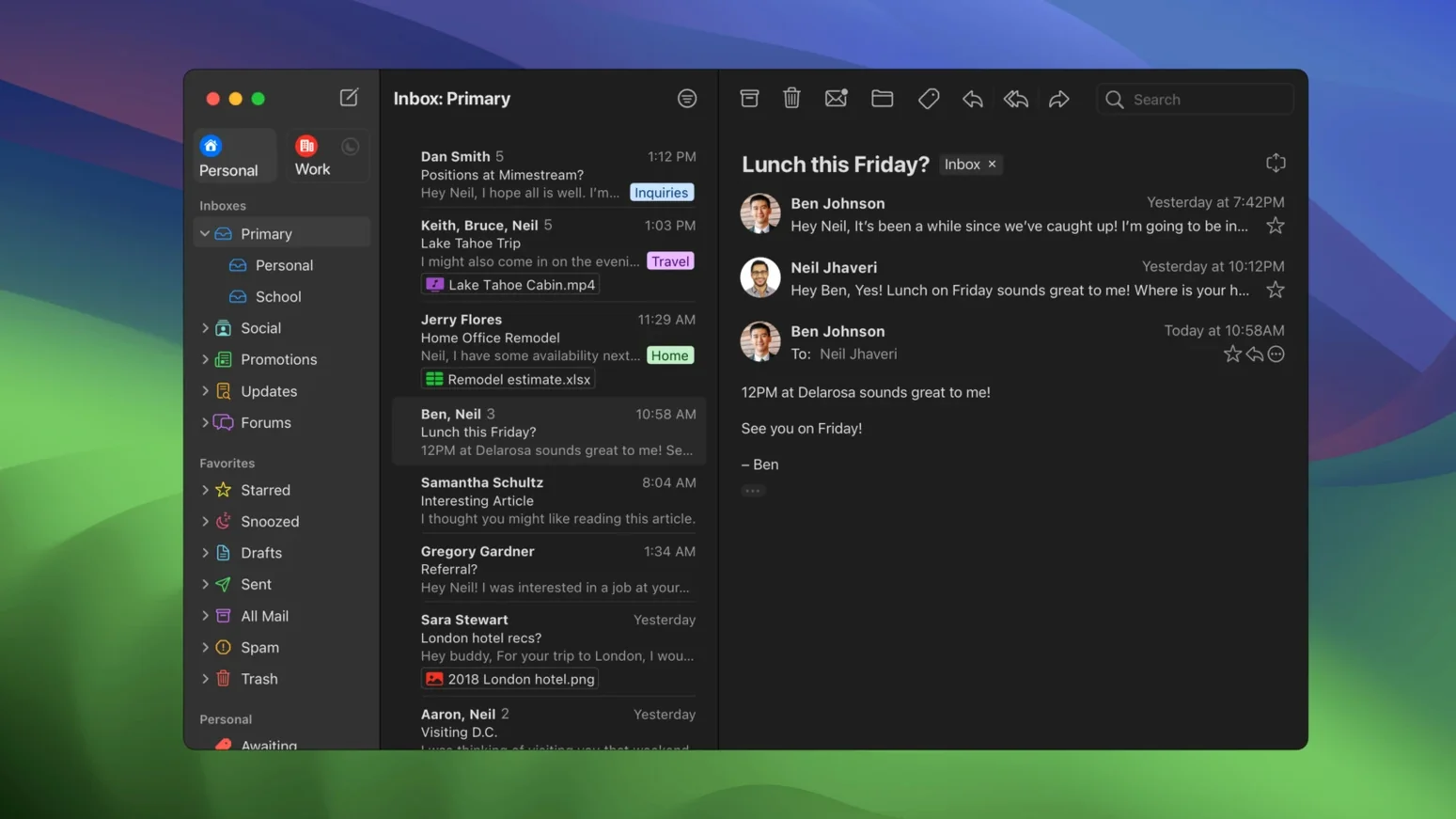
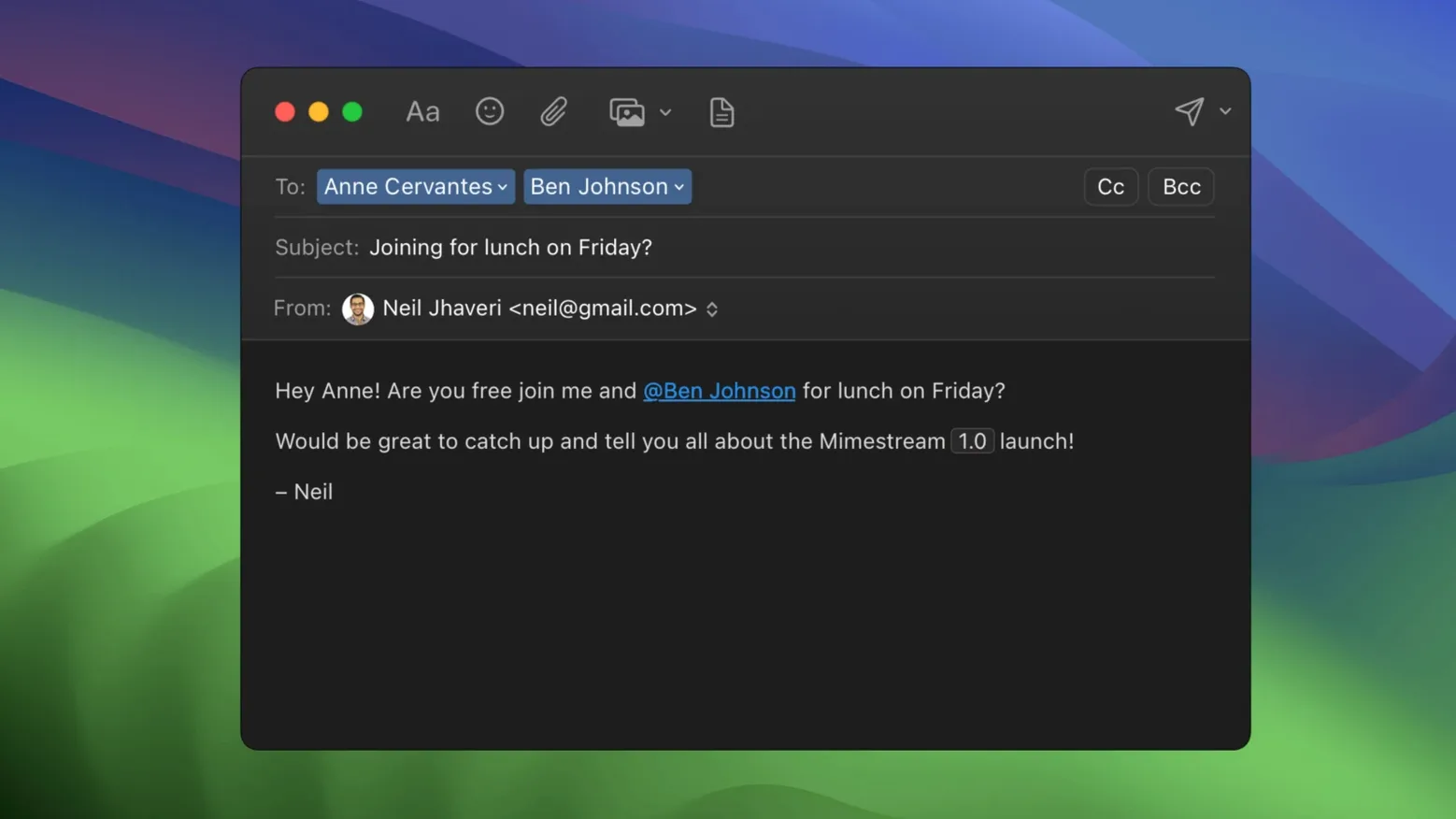
Mimestream is for the Mac user whose email life runs entirely through Google accounts and who has never quite clicked with a browser tab full of Gmail. It sits alongside the other native apps on your machine—Calendar, Notes, Things—and treats email as something that should feel local, not streamed. You open it, it knows your Gmail aliases and signatures already, and the keyboard shortcuts you have memorized from either Gmail or Apple Mail work without a second thought.
A search engine for your own correspondence
Gmail’s search operators are a language unto themselves, and Mimestream speaks it natively. The same queries you would type into the web client—from:subject:has:attachment constructions—return results here with the speed of a local index. That index stays small: the app caches recent messages using minimal disk space, which means you are not trading a hundred gigabytes of storage for the convenience. Offline search works against that cache too, so a patchy connection does not lock you out of finding the thread you need.
Quiet inbox, lighter footprint
An email client that only talks to Google servers can afford to be opinionated about privacy. Mimestream blocks tracking pixels from more than fifty known tracking services, stripping away the silent read receipts that marketers rely on. When you do go fully offline, the app gives you complete access to your downloaded mail—no stubs, no placeholders. It is a focused tool that does not try to support every protocol, and because of that constraint, it integrates with the rest of your Mac workflow without asking you to manage yet another syncing service or account type.
What a week of daily use actually feels like
After the first few days, you stop noticing the app at all—which is about the highest compliment a mail client can earn. Mimestream launches in a single bounce on Apple Silicon, draws its window fully formed, and settles into a steady memory footprint that rarely climbs above a few hundred megabytes even with several accounts signed in. On an Intel Mac it takes a beat longer to warm up, but once the main window is on screen, scrolling through long threads and jumping between labels stays fluid. The Gmail API means there is no IMAP sync churn happening in the background; the app fetches only what changed, and it does so in bursts brief enough that you will not see a spinner unless your connection genuinely drops.
System notifications arrive with the same cadence as the Gmail mobile app, and on macOS 26 they use Private Push by default—the notification passes through Apple’s relay without Google ever seeing which device pinged it. In practice this is invisible: a new-message banner appears, you click it, the message opens. No extra configuration, no trade-off in speed. The app respects Do Not Disturb and Focus modes exactly as you would expect from a native Mac citizen, and the unread badge on the dock icon stays accurate even after you archive a handful of messages from your phone while the Mac was asleep.
Energy use is modest. On a MacBook Air, a full morning of intermittent reading, replying and searching eats around four to five percent of battery—comparable to Apple Mail under similar load, and noticeably lighter than keeping two Gmail tabs open in Chrome. The local cache stays compact because the app defaults to caching recent conversations and fetches older ones on demand. If you know you are heading into a long offline stretch, you can broaden the download window in preferences, but the sensible default keeps the app lean without you having to think about it.
Where things can trip you up
The first friction point is almost always the same: someone tries to add a non-Google account. Mimestream simply will not do it—no iCloud, no Outlook, no generic IMAP. The setup screen asks for a Google login, and that is the only door. If you have migrated a domain to Google Workspace, your accounts work perfectly. If you split your email between Gmail and anything else, you will need a second client for the rest, and that limitation surprises people who skimmed the feature list.
Another snag crops up with Gmail’s category tabs. Mimestream respects them—Promotions, Social, Updates all appear as separate sections—but if you have trained yourself to ignore those tabs in the browser, you may find the unified inbox view a little louder than you remember. The fix is quick: switch to the focused inbox profile or collapse the categories you do not want to scan. The same goes for the “All Mail” view, which is available as an optional profile in version 1.10. Some users turn it on and then wonder why archived threads appear twice; it is just Gmail’s label logic made visible, and toggling the profile off restores the cleaner split between inbox and archive.
Occasionally a search query that works in the Gmail web interface returns slightly different results in the app—usually because the local cache has not yet pulled in very old messages that match. Forcing a quick sync from the mailbox menu resolves it. And if notifications ever go silent after a macOS update, checking that the app still has notification permission in System Settings almost always brings them back. The app’s own troubleshooting is minimal, but the failure modes are few and predictable.
Playing well with others
Mimestream leans into macOS integration wherever it counts. Drag a message to Reminders and it creates a task with a deep link back to the original email. Drag it to Calendar and a new event appears with the subject pre-filled. Share sheet support means you can send a message to Notes, Bear, or Things without exporting or forwarding anything to yourself. These hand-offs feel frictionless because the app uses the same data detectors and drag promises that any Cocoa app would; nothing needs a plugin or a workaround.
Spotlight indexes the cached messages, so a system-wide search turns up email results alongside files and contacts. Quick Look works on attachments straight from the message list—tap the spacebar on a PDF or image and it pops open without launching a separate viewer. The app also registers itself as a handler for mailto: links, meaning if you click an email address on a webpage, Mimestream can open a compose window directly. This is a small touch, but it closes the loop for people who want Gmail to feel like a system service rather than a website they visit.
For those who came looking for a mimestream download mac route because the browser version of Gmail feels sluggish or disconnected from the rest of their workspace, the app slots into a Mac-centric workflow cleanly. It does not try to replace your task manager, your calendar, or your notes—it just hands data to them gracefully. If you later find yourself searching for a mimestream free option, it is worth knowing that the app runs in a fully functional mode without barriers; no features sit behind a gate that interrupts your workflow. The tool stays out of your way, and that is exactly where a mail client belongs.
Version 1.10 introduced Private Push notifications, an optional All profile, addresses for unknown senders, and configurable notification actions. On macOS 26 and later, Private Push notifications are enabled by default. The current stable release is 1.10.8.
- macOS 12 Monterey or later
- Runs on both Intel and Apple Silicon Macs
- A Google account is required
Questions from the booth
No, it only supports Google accounts and is built specifically for Gmail’s feature set.
Yes, Mimestream supports full offline access and offline search against your locally cached messages.